A:AnswerHi Remote - You can utilize an additional compatible remote, such as this one found at Best Buy: https://www.bestbuy.com/site/insignia-replacement-remote-for-samsung-tvs-black/6448217.p?skuId=6448217 ^Gina
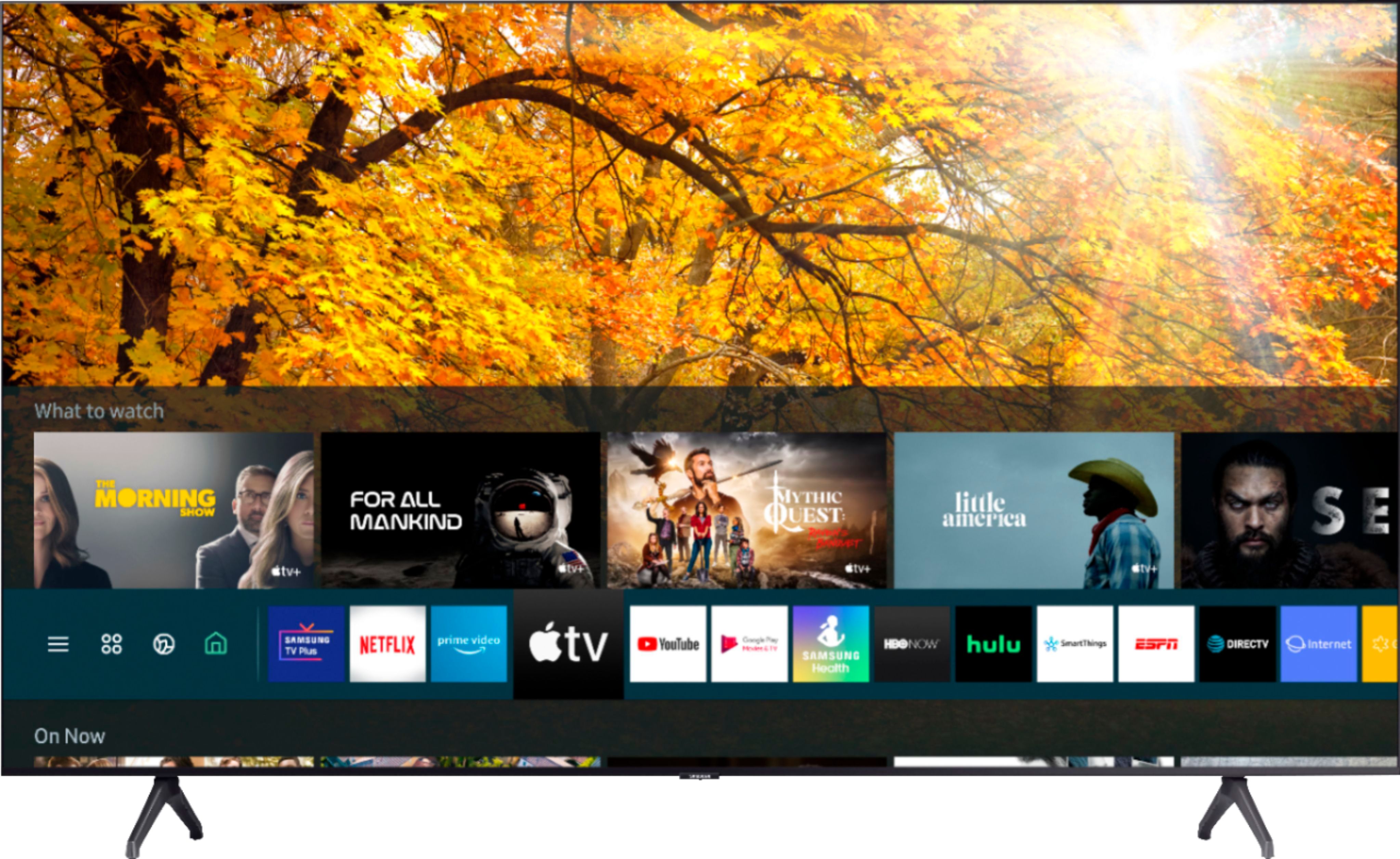
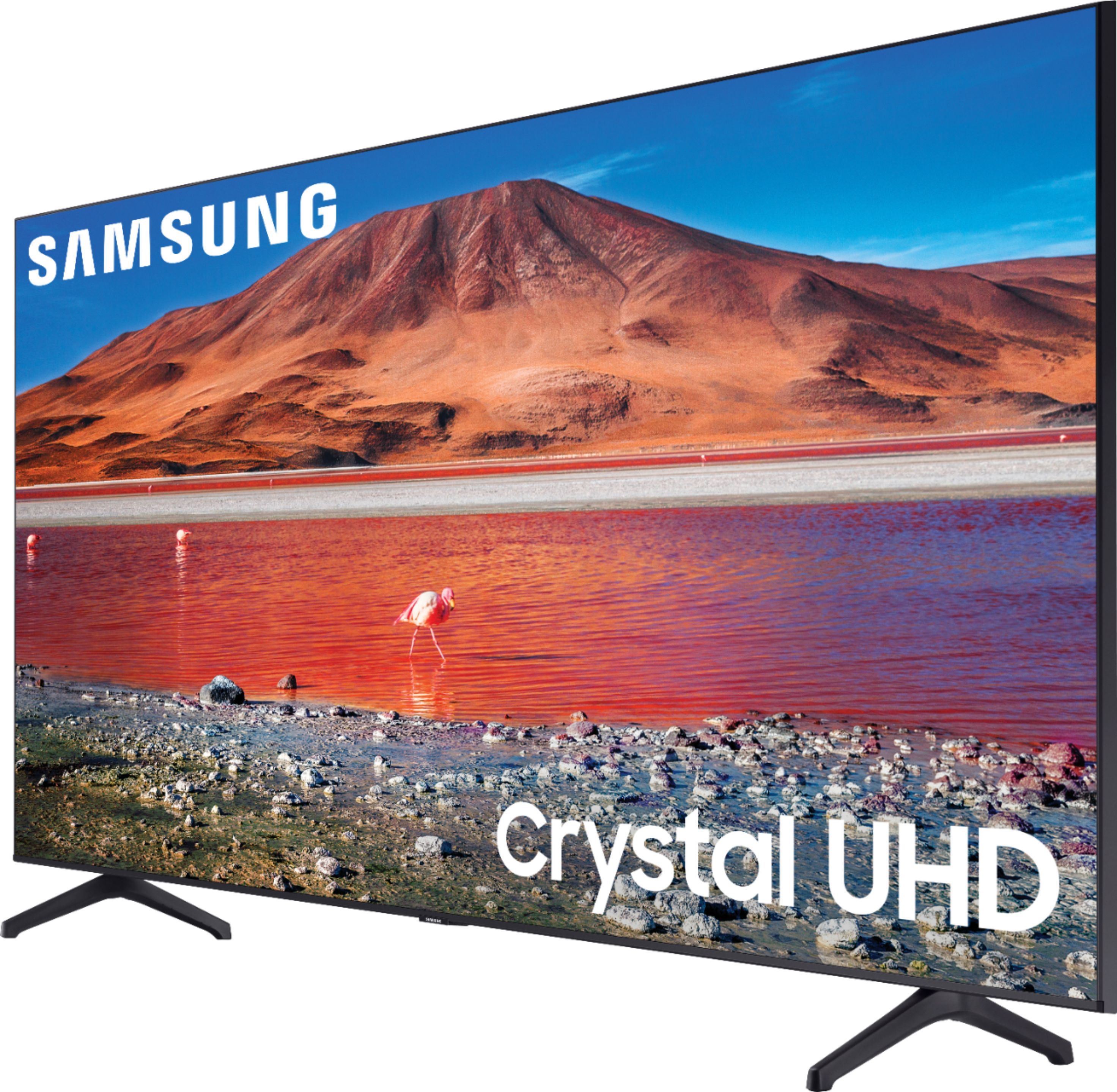
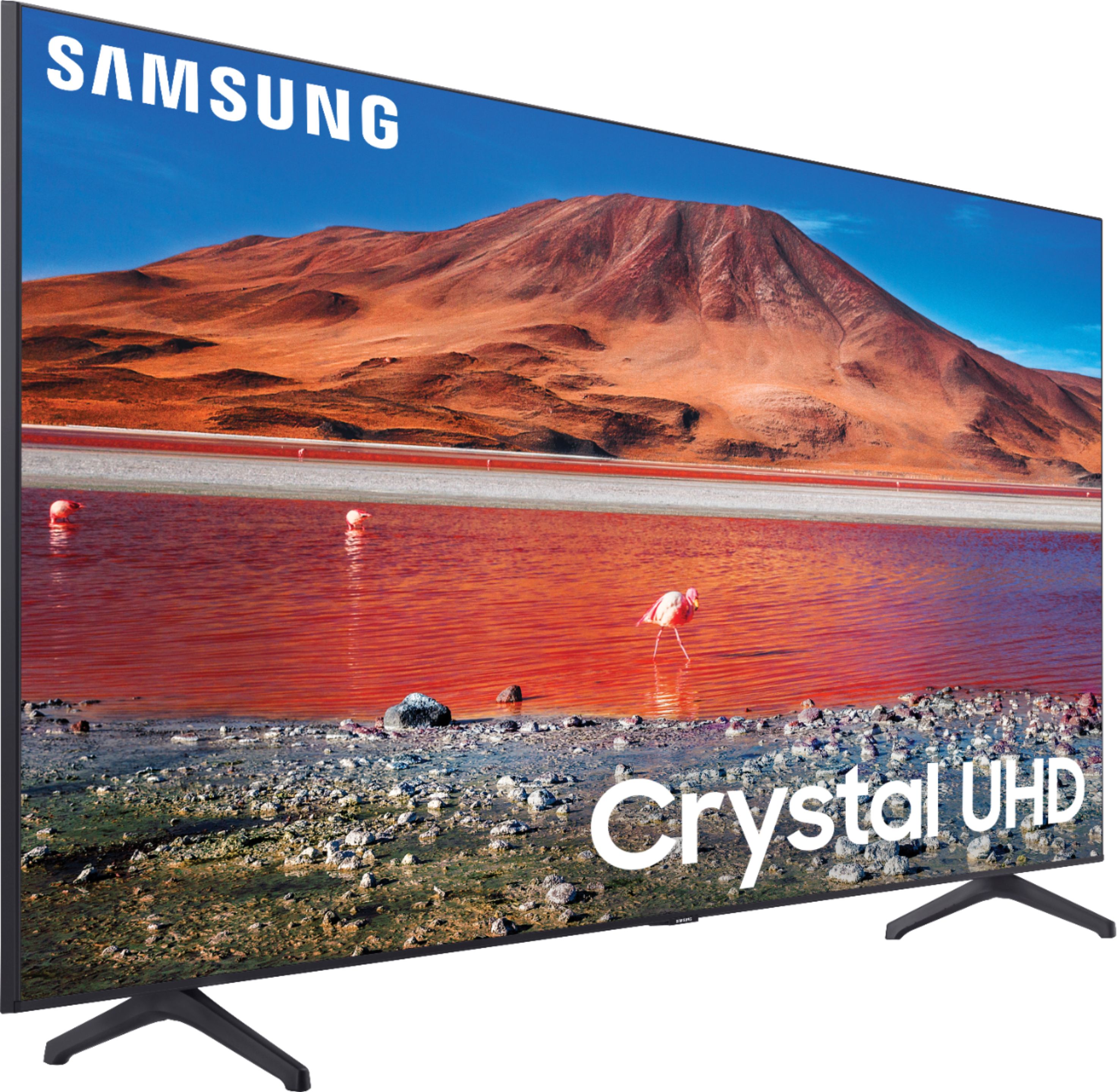
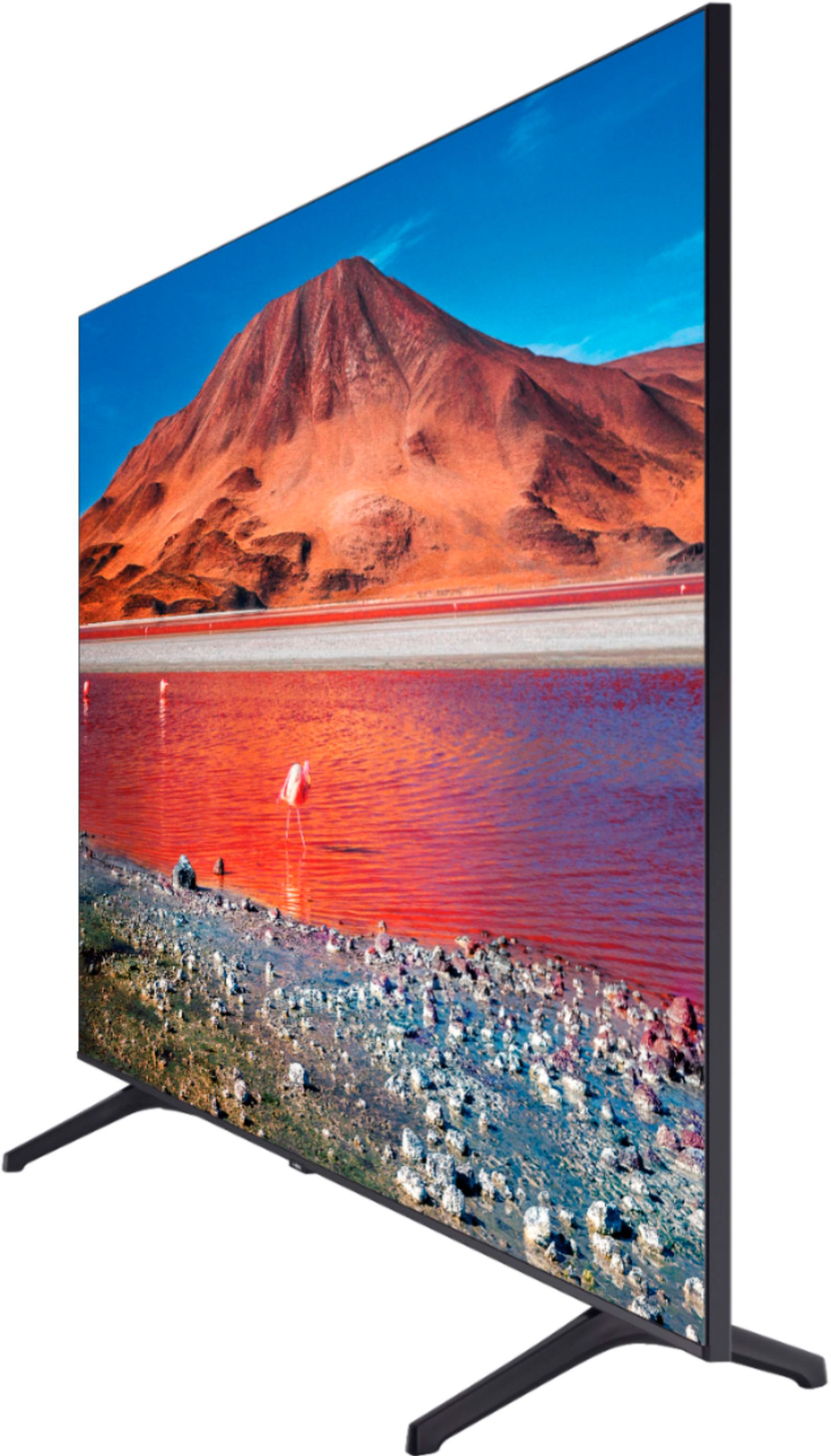
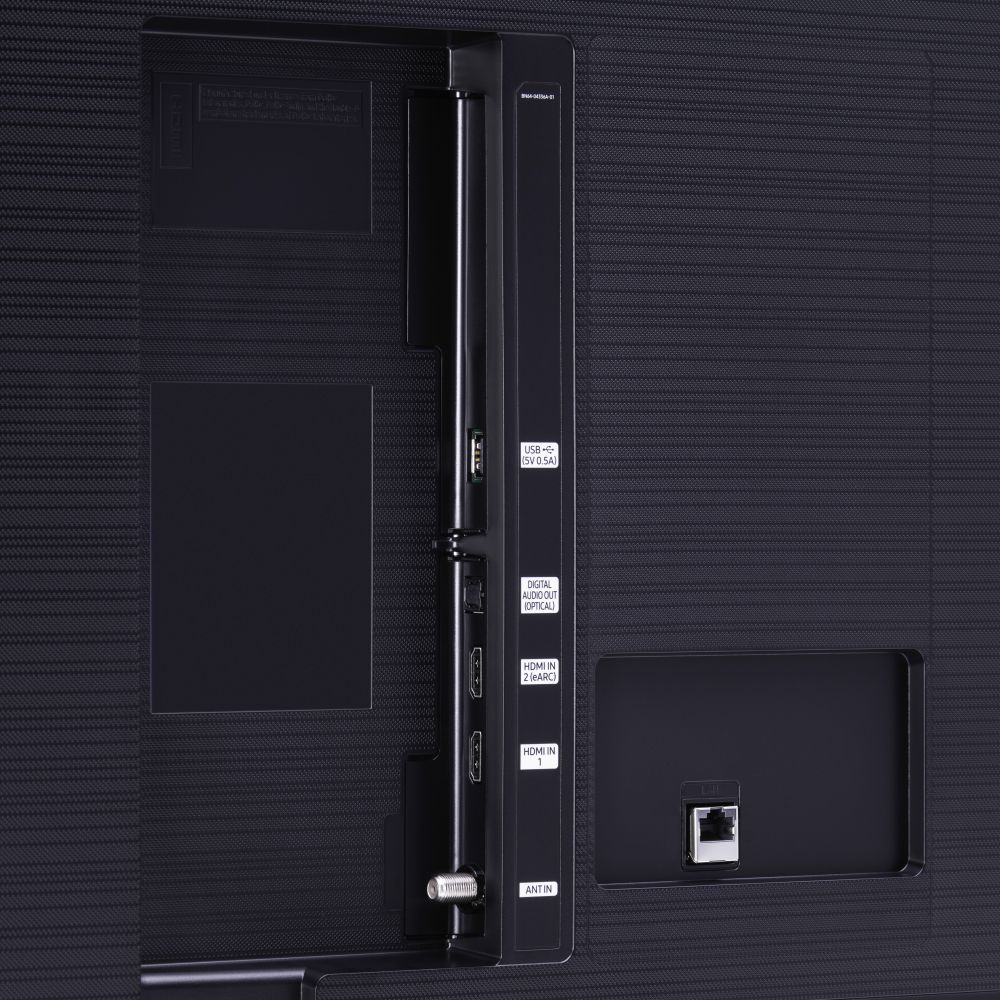
A:AnswerHi there - The TU7000 introduces our Crystal Display for brilliant colors and exceptionally crisp, vivid images. Its Crystal 4K Processor further brings impressive clarity to all your content while upscaling everything you watch to stunning 4K definition, no matter the source. When stepping up to the TU8000, you will have all the benefits of Crystal UHD, while gaining Ambient Mode and built-in Voice Assistants (Amazon Alexa, Bixby, Google Assistant) with a voice button on your One Remote. The TU8000 also offers one Composite (AV) input and an additional HDMI and USB port. The 86" TU9000 additionally features Motion Rate 240, Real Game Enhancer+, 2 USB ports, and 4 HDMI ports. ^Gina
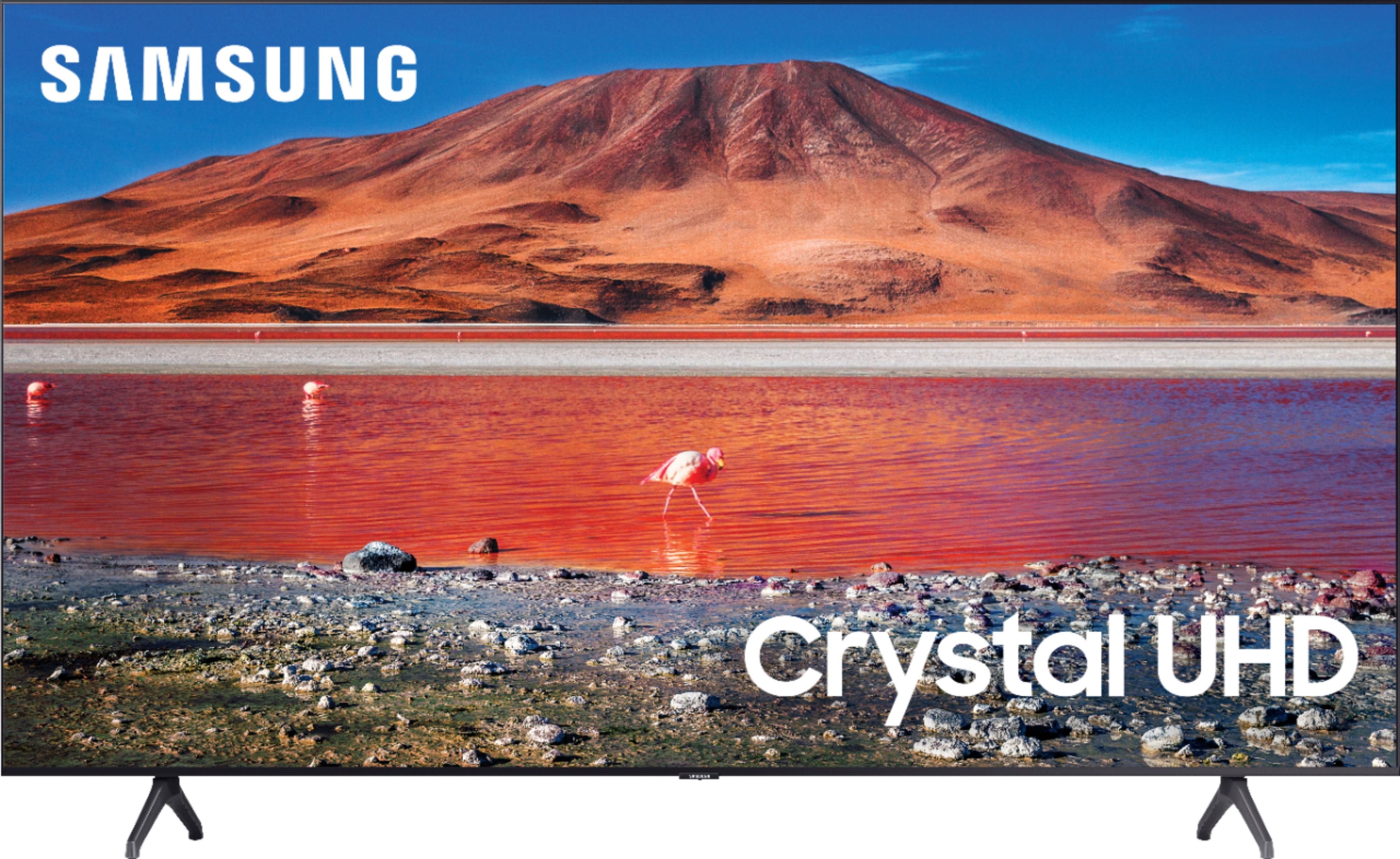
A:AnswerHi Nappi - The TU7000 is a Bluetooth enabled Smart TV, which will allow you to seamlessly connect any Bluetooth device, such as Bluetooth speakers. ^Gina

A:AnswerHi there! The TU7000 features 2 channel, 20 Watt sound. While a soundbar is not always necessary, we do recommend adding one to provide you with a more immersive audio experience. Check out some great Samsung Soundbar options at Best Buy: https://www.bestbuy.com/site/searchpage.jsp?st=samsung+soundbars&_dyncharset=UTF-8&_dynSessConf=&id=pcat17071&type=page&sc=Global&cp=1&nrp=&sp=&qp=&list=n&af=true&iht=y&usc=All+Categories&ks=960&keys=keys ^Gina
A:AnswerHi there! Here is how to factory reset your TU7000: Open Settings, and then select General.
Select Reset, enter your PIN (0000 is the default), and then select Reset.
To complete the reset, select OK. Your TV will restart automatically.
If these steps don't match your TV, navigate to Settings, select Support, and then select Self Diagnosis. Reset will be located in that menu. Should you have further questions, please contact us at 1-800-SAMSUNG. ^Gina

A:AnswerHi there.
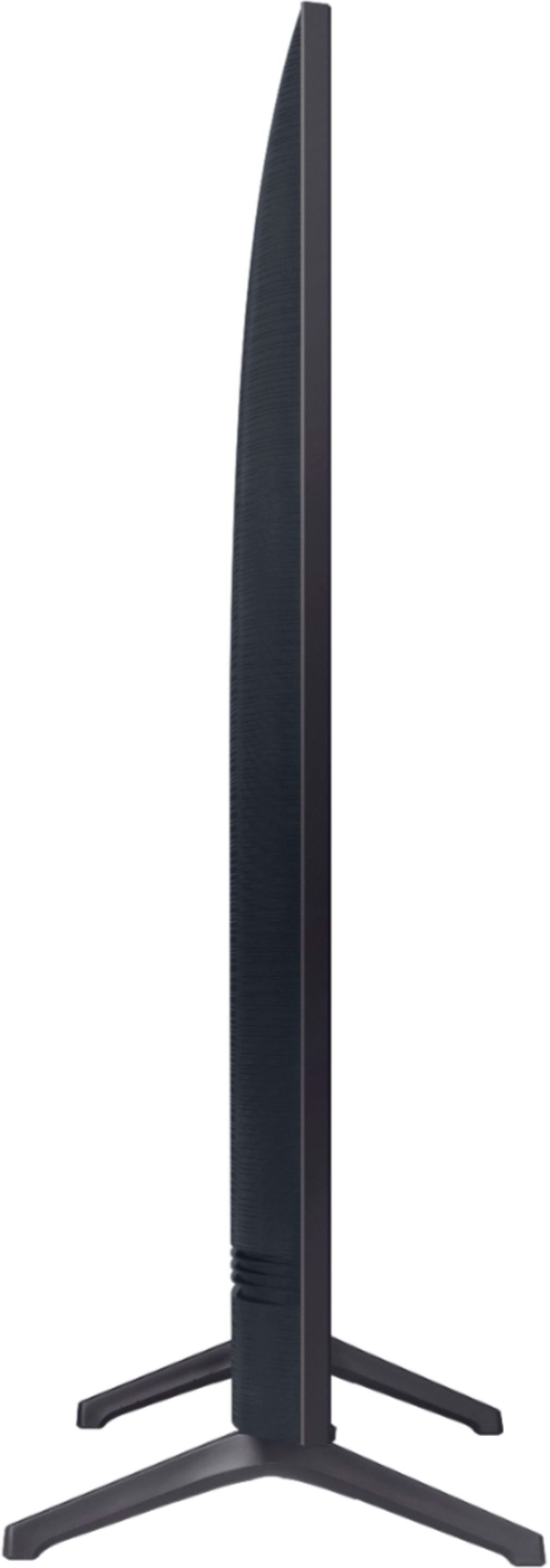
I’m not sure of the exact weight, but I was astonished at how light this was. Definitely one person can lift it and assemble the stand. Except if you’re hanging on the wall. Then I’d use two people.
Hope that helps!
:)
A:AnswerHi redleg! You can use both TV and Bluetooth device audio simultaneously on the TU7000. When this function is active, you can set the volume of the Bluetooth headphones higher than the volume of the TV speaker. First, make sure your Bluetooth headphones are paired. Press HOME on your TU7000 remote. Then go to Settings > General > Accessibility > Multi-output Audio. Find the device you'd like to pair. ^Gina