A:AnswerNot 100% on this, but it does come with a year warranty, from there Best Buy offers you to purchase an extended warranty protection. I personally declined it. I can’t speak for Sams club but I would think it would be similar; having to purchase extra warranty protection.
A:AnswerHi bag - so we can better assist you in connecting your Nintendo Wii console to your TU7000, please contact Samsung TV Support at 1-800-SAMSUNG, available 8AM - 12AM EST, 7 days a week. We look forward to hearing from you. ^Gina
A:AnswerHi Webcam! So that we can better assist you in connecting your TU7000 to your webcam, please contact Samsung Customer Support at 1-800-SAMSUNG (ask for TVs), available 8AM -12AM EST, 7 days a week. We look forward to hearing from you. ^Gina
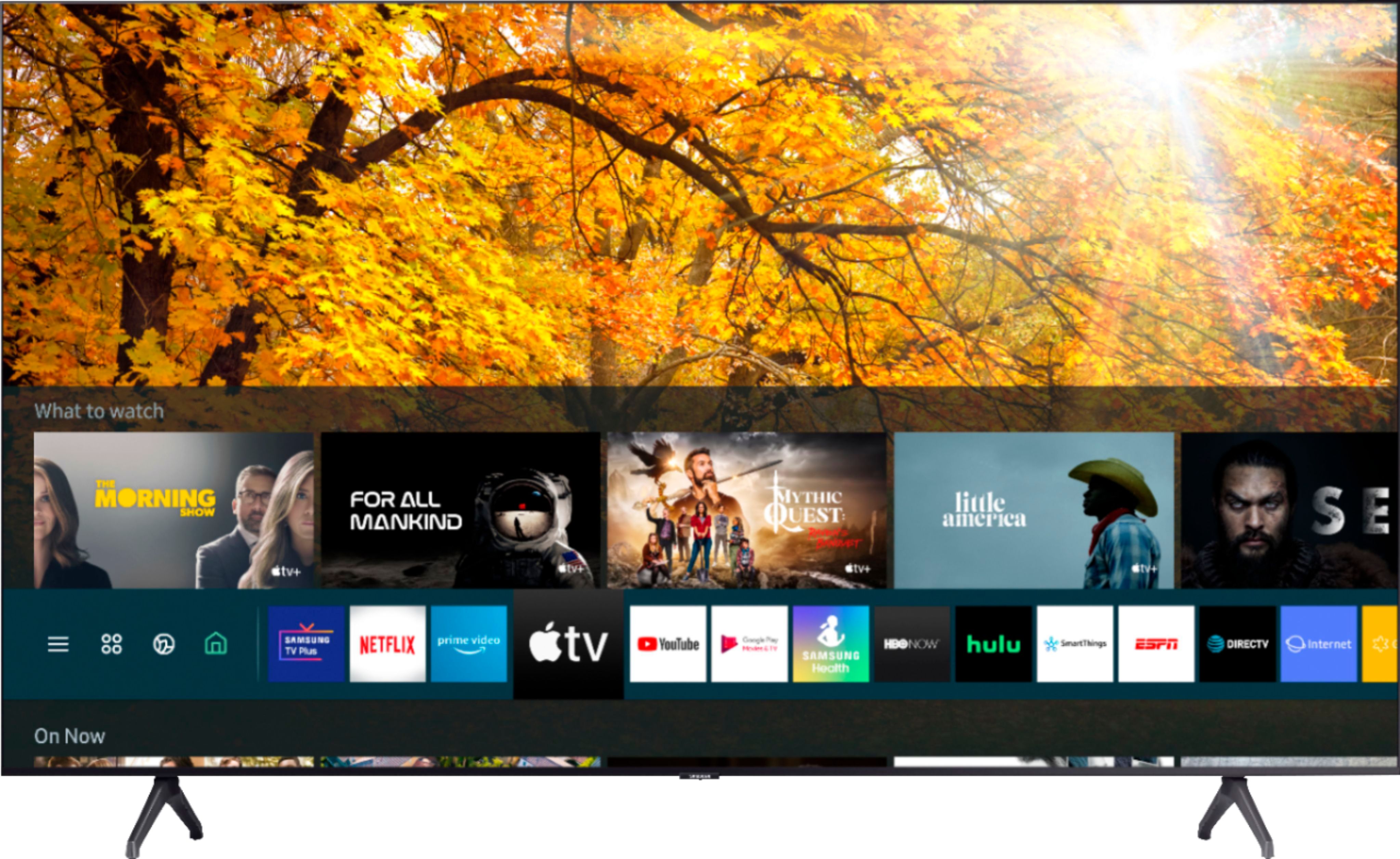
A:AnswerHi Kim! You can download the HBO Max app directly from your TV's built-in App Store. While the Peacock app is not available in the App Store, you can stream this app from a tablet or mobile device by screen mirroring. You can screen mirror using Smart View or the SmartThings app on Android devices, or using AirPlay on iOS devices. ^Gina
A:AnswerHi Frustrated! You can use both TV and Bluetooth device audio simultaneously on the TU7000. When this function is active, you can set the volume of the Bluetooth headphones higher than the volume of the TV speaker. First, make sure your Bluetooth headphones are paired. Press HOME on your TU7000 remote. Then go to Settings > General > Accessibility > Multi-output Audio. Find the device you'd like to pair. ^Gina
A:AnswerHi Rich! The MLB.TV app is available to download directly from your TV's built-in App Store. Once you download the app, you will be able to sign in and stream. ^Gina
A:AnswerHi Seahorse! You can use both TV and Bluetooth device audio simultaneously on the TU7000. When this function is active, you can set the volume of the Bluetooth headphones higher than the volume of the TV speaker. First, make sure your Bluetooth headphones are paired. Press HOME on your TU7000 remote. Then go to Settings > General > Accessibility > Multi-output Audio. Find the device you'd like to pair. ^Gina
A:AnswerHi Danny! The Crystal Processor featured in the TU7000 will automatically upscale any resolution of the show or movie you are watching into 4K UHD resolution. This is not a feature that can be enabled or disabled. ^Gina
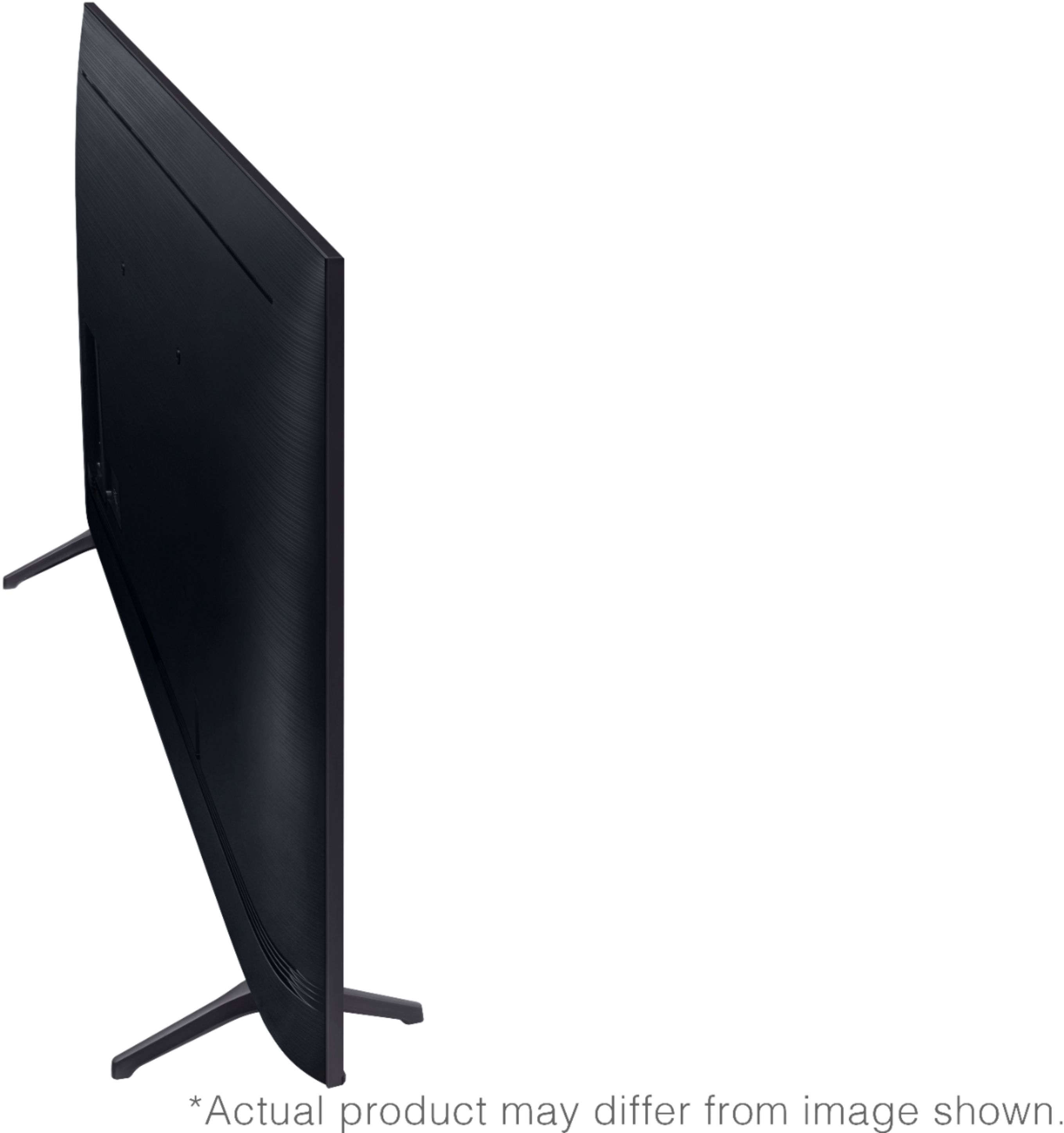
A:AnswerHi Mounting! You can utilize any universal wall mount with a VESA Standard of 200mm x 200mm to mount the 55TU7000. Check out some great wall mount options at Best Buy: https://www.bestbuy.com/site/searchpage.jsp?st=wall+mounts&_dyncharset=UTF-8&_dynSessConf=&id=pcat17071&type=page&sc=Global&cp=1&nrp=&sp=&qp=&list=n&af=true&iht=y&usc=All+Categories&ks=960&keys=keys ^Gina
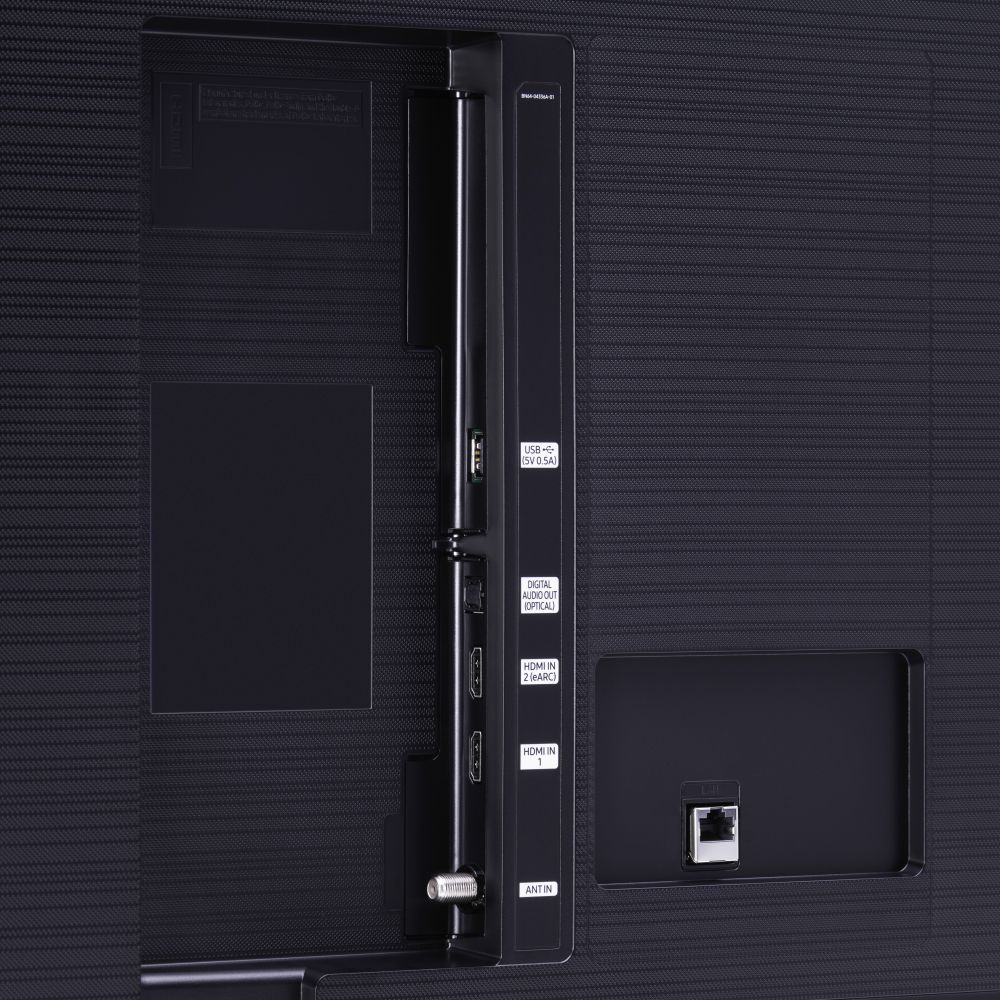
A:AnswerIt's a smart TV and it was already out there if I wanted it. I had it connected to my Xbox the antenna stations downloaded and all the smart TV stations like Disney and youtube in half an hour or less.
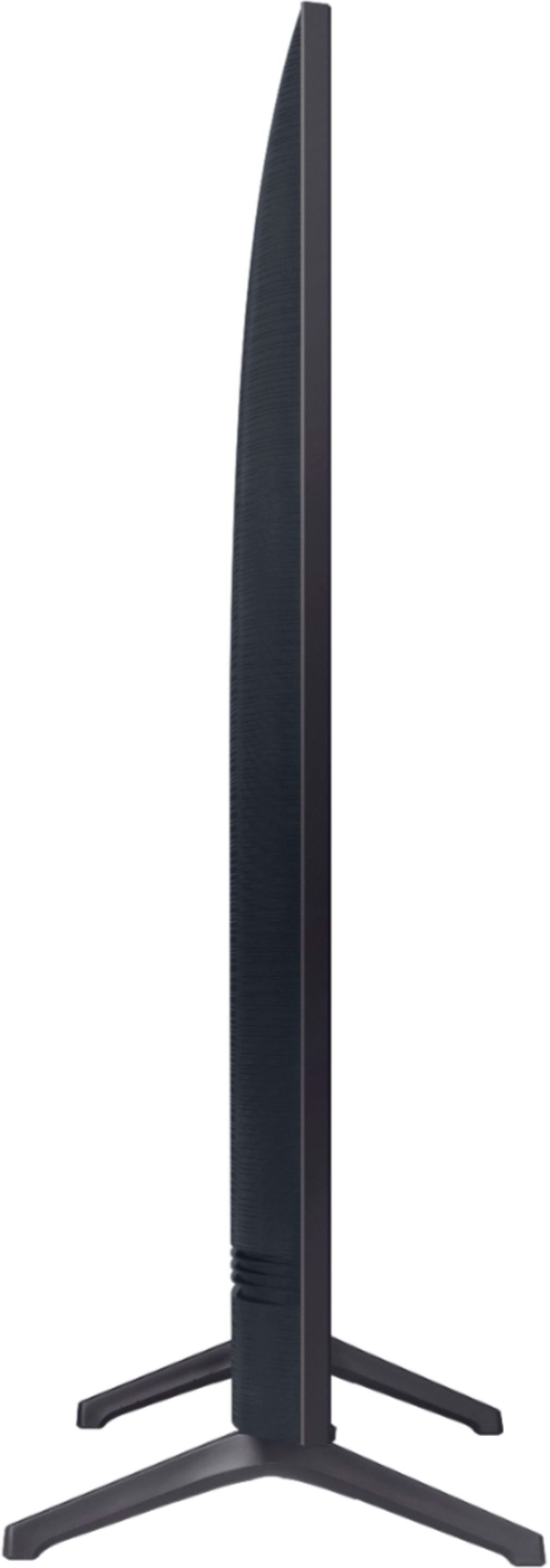
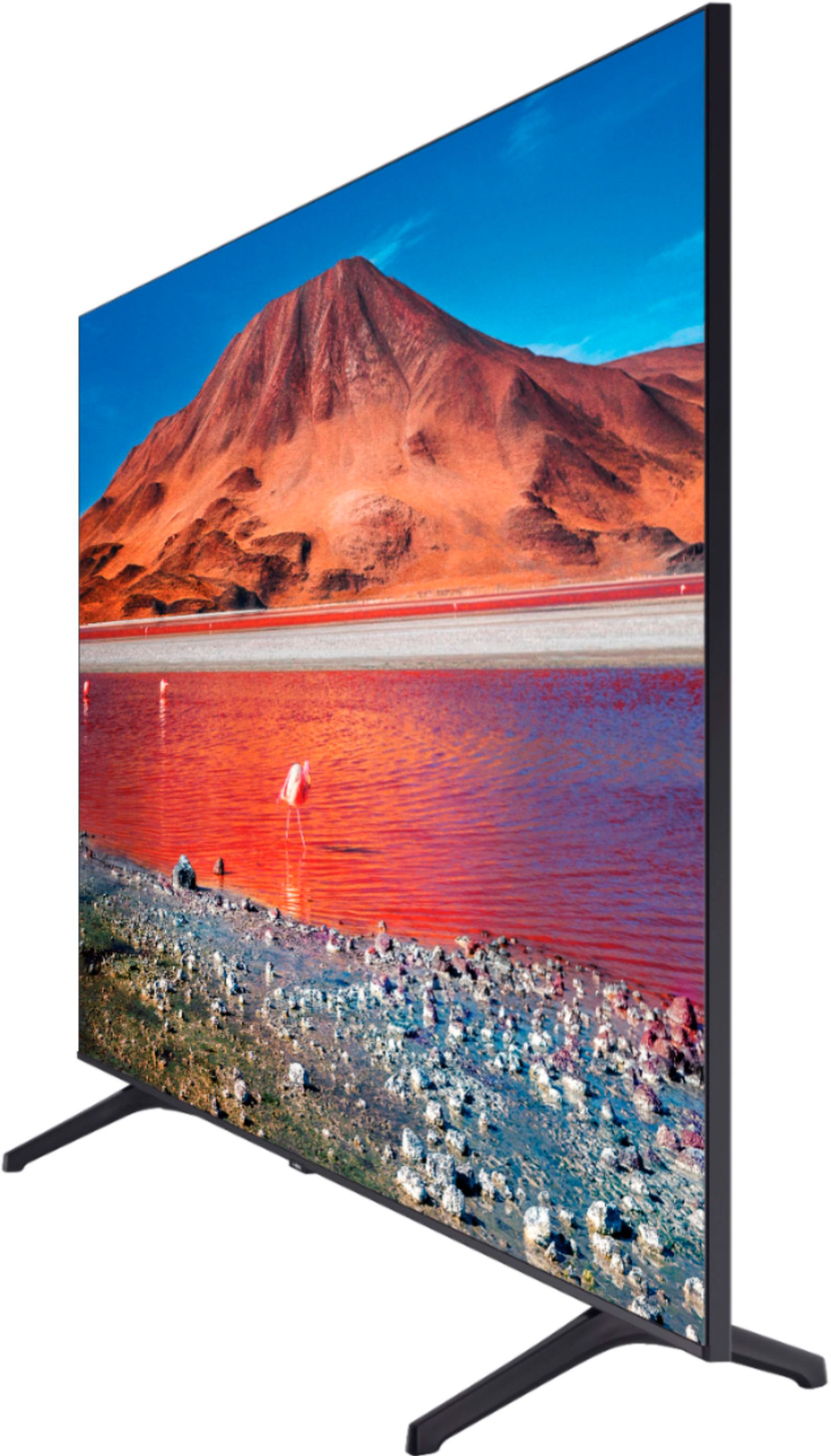
A:AnswerNo, they are not adjustable. Mine is currently mounted so unsure of the exact spacing, but they go in slots on the tv frame about a 1/4 of the way in from both edges.