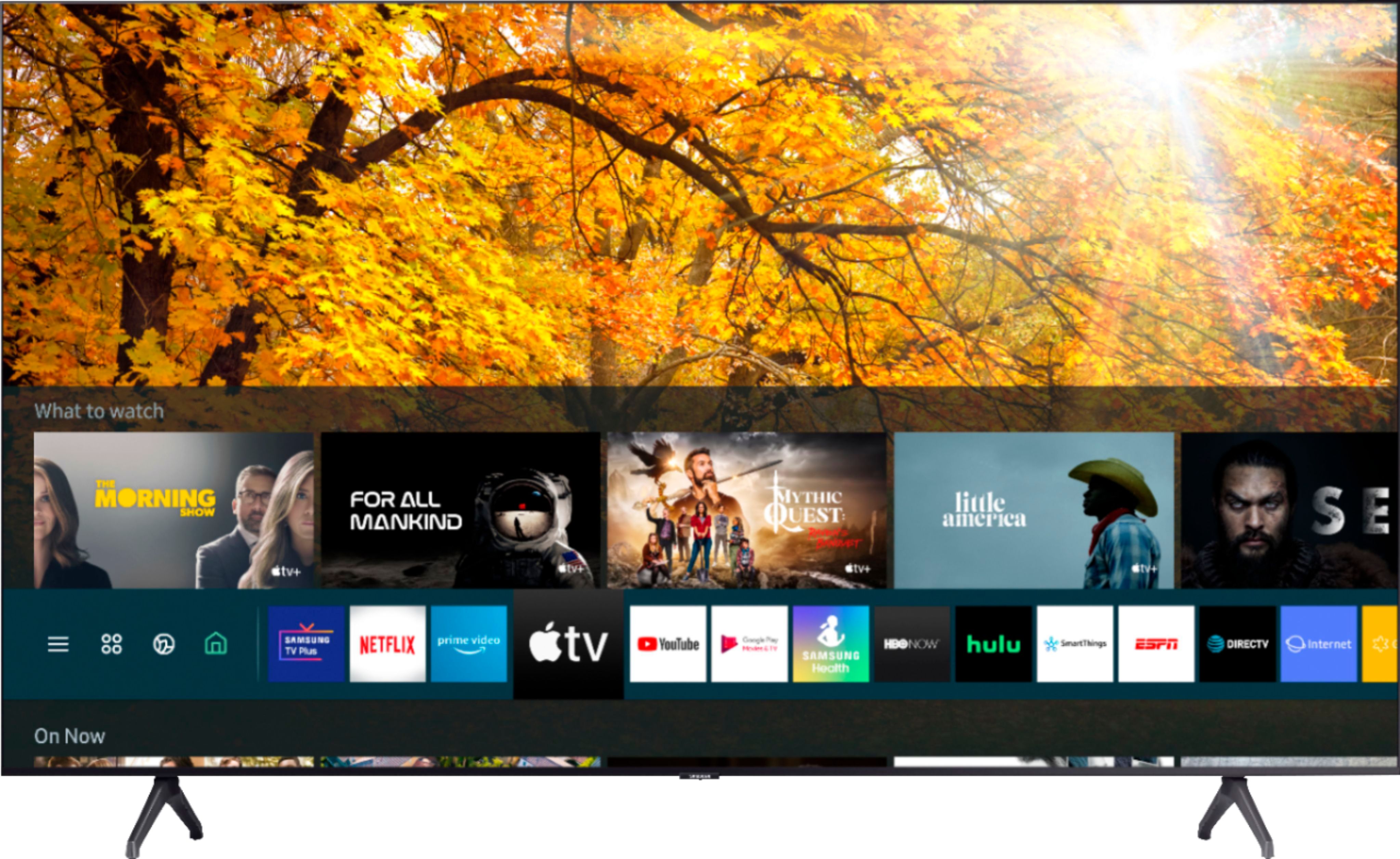
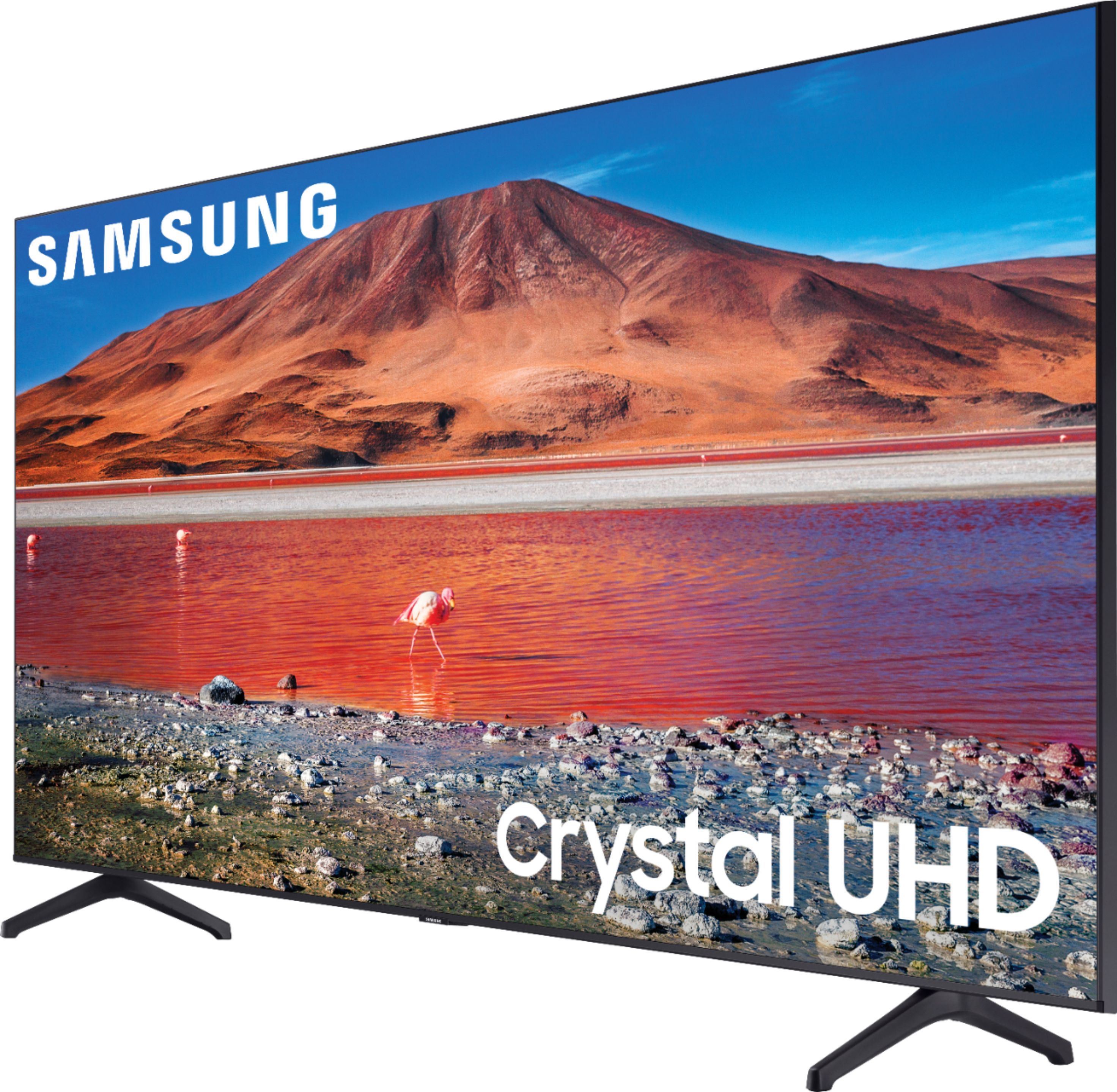
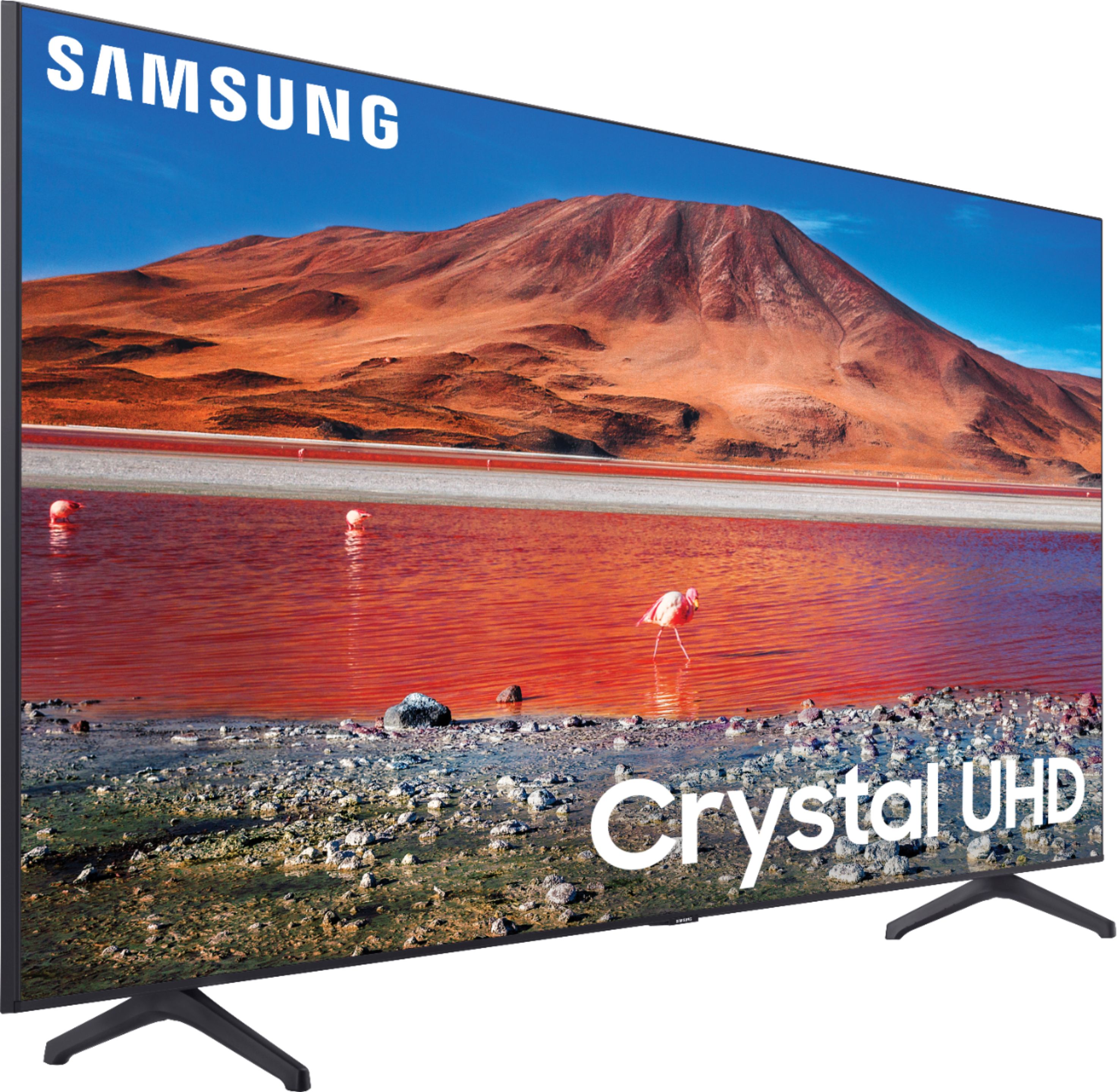
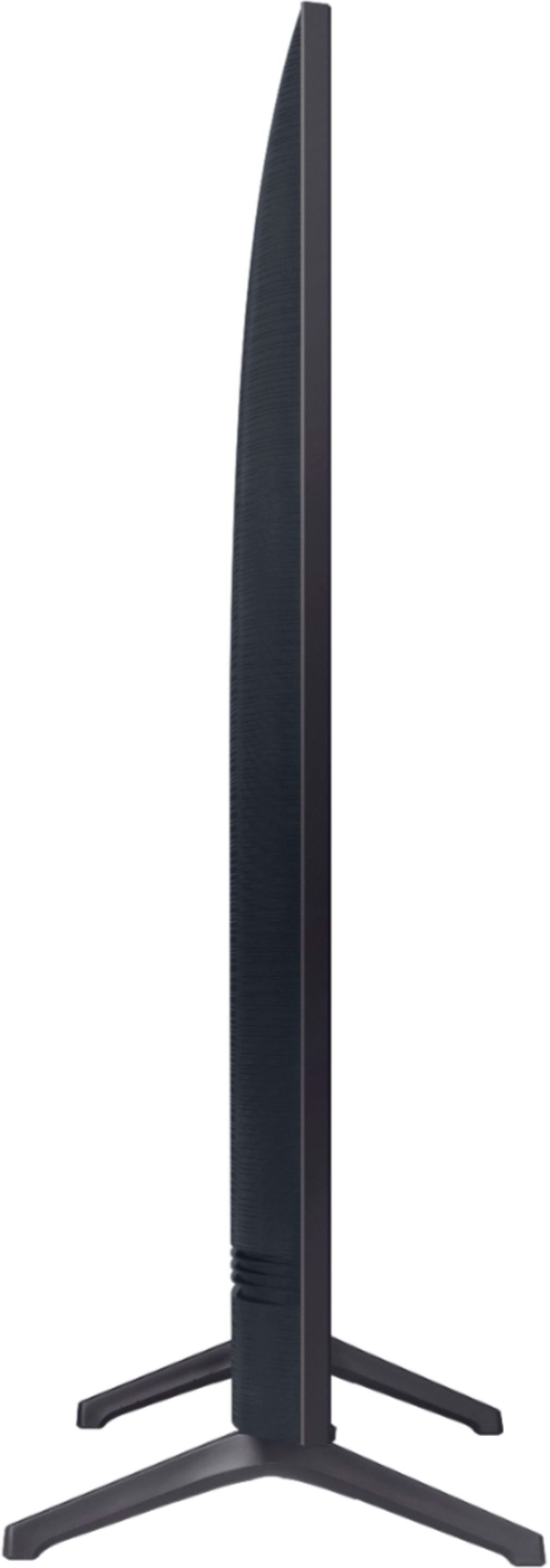
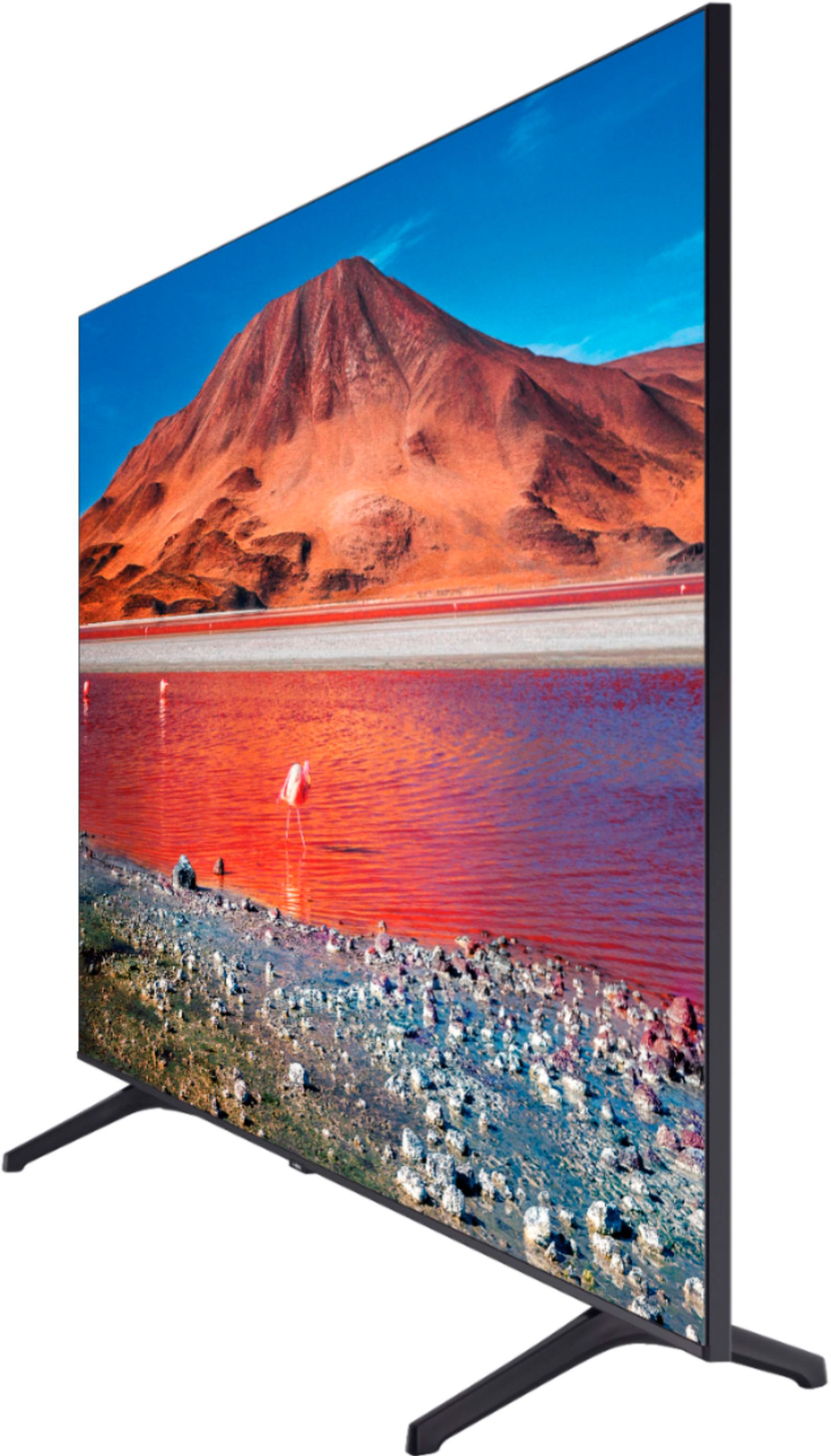
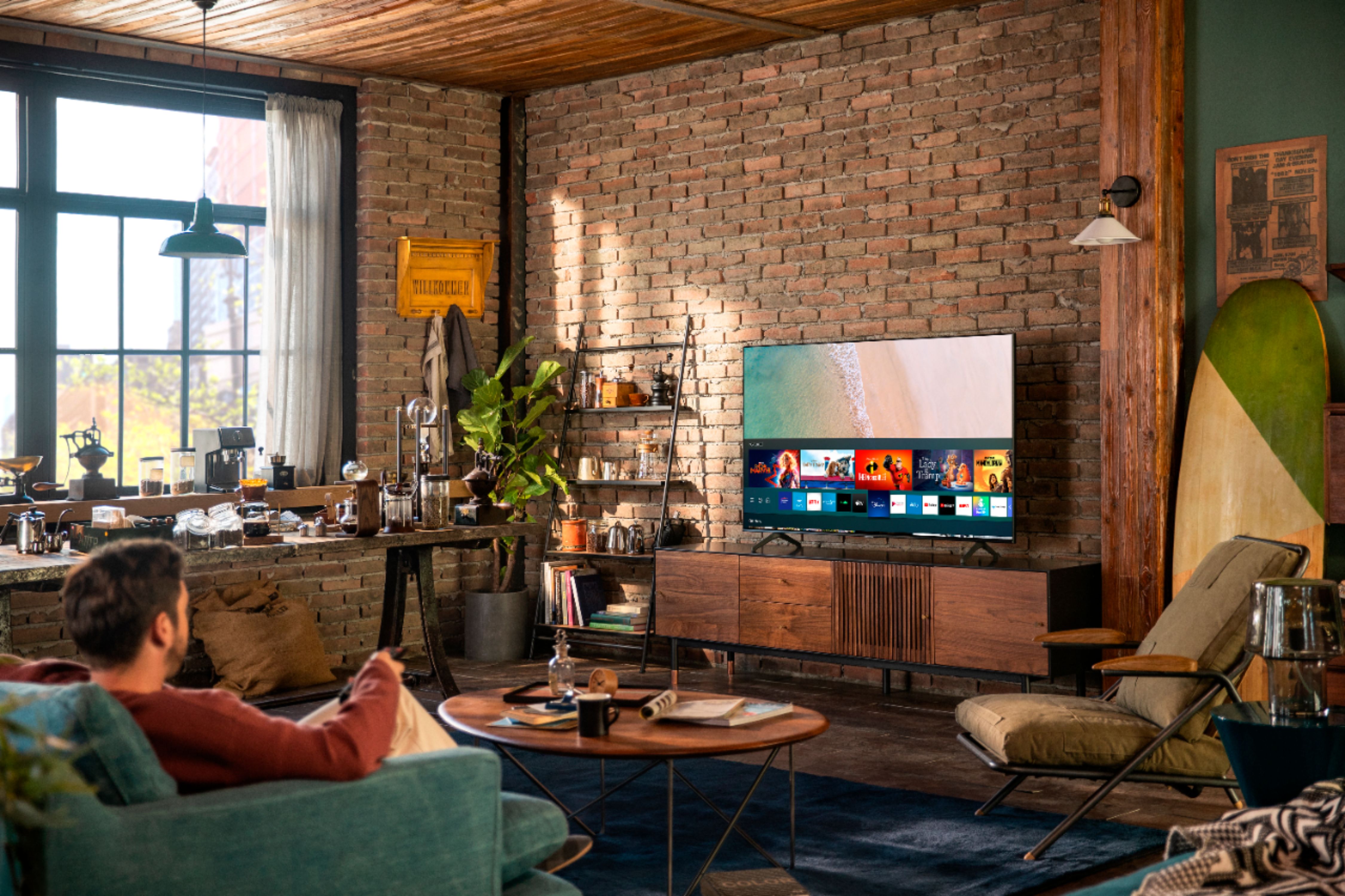
A:AnswerHi debbiey - The best and most immersive viewing experience is when 40 degrees of your field of view is taken up by the screen. You would probably be comfortable sitting at a distance between 1.2 - 2.5 times the diagonal width of the screen. ^Val
A:AnswerClarifying my earlier answer: I didn't realize your TV was a 7 series. Mine is an 8 series, and my answer was based on that. The remotes are different, but the answer appears to be the same. There is no sleep button on the remote, but you can go to Settings to turn the TV off automatically after a certain time. On the 8 series, the shortest time is 4 hours.
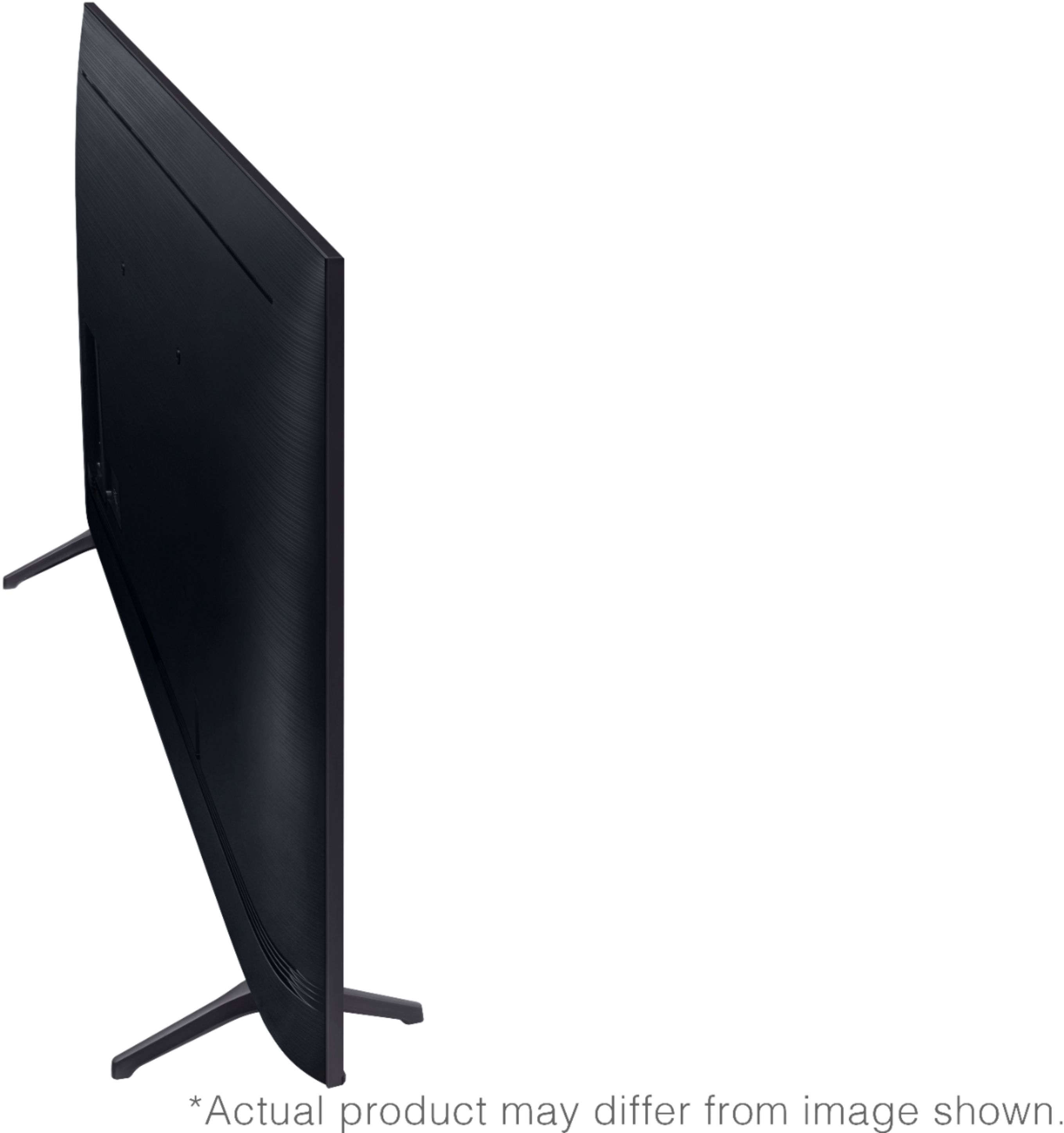
A:AnswerHi mazel, the full dimensions of the 55TU7000 are: (INCHES W x H x D):
― TV without stand: 48.4 x 27.8 x 2.4
― TV with stand: 48.4 x 30.6 x 9.8
^Val
A:AnswerHi Jose, the Motion Rate of this model is 120. The Motion Rate is a metric that combines the panel's native refresh rate, image processing, and backlighting technology. ^Val
A:AnswerHi George, the full dimensions of the 55" TU7000 TV are: (INCHES W x H x D):
― TV without stand: 48.4 x 27.8 x 2.4
― TV with stand: 48.4 x 30.6 x 9.8
^Val
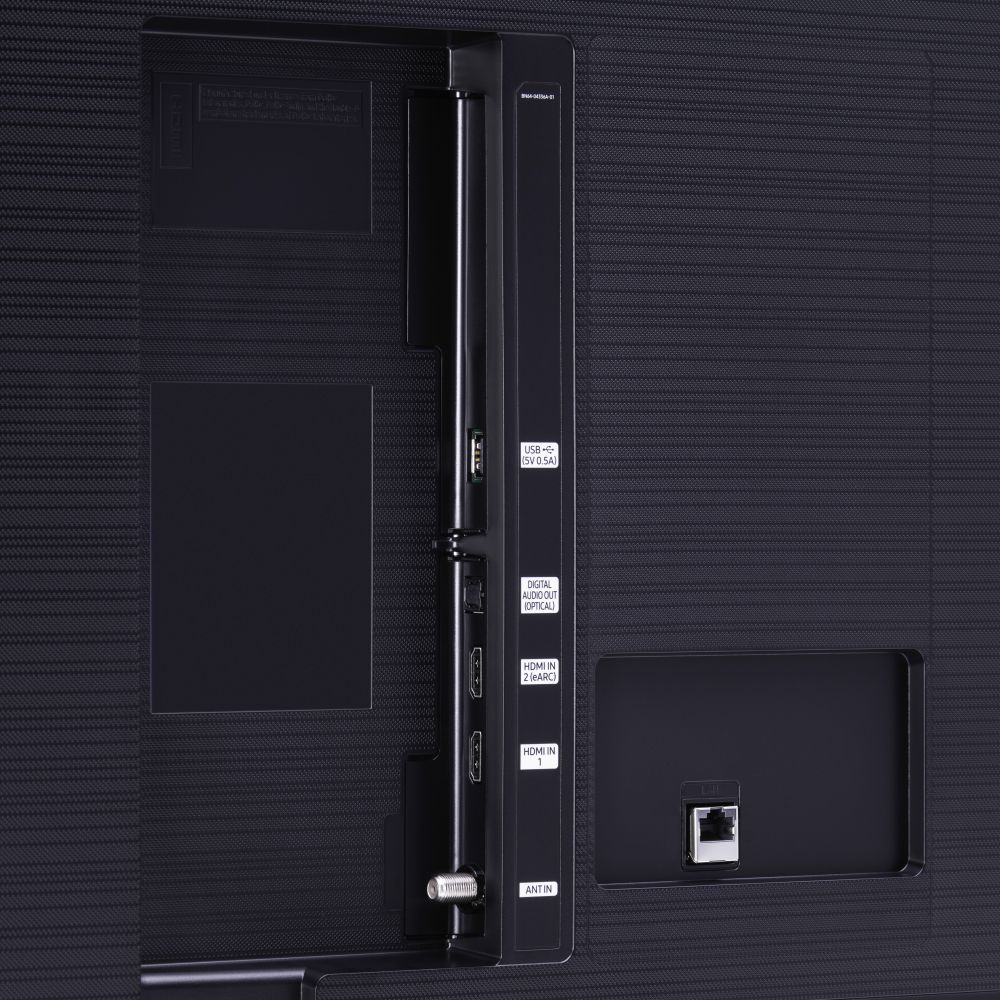
A:AnswerHi legend, the TU7000 is a 2020 model, and all sizes in this series have 1 UBS port. 2 USB ports are available when you step up to the TU8000 series. ^Val
A:AnswerHi Donna, the manual is available directly on your TV at: Settings > Support > Open e-Manual. You can also download it online at: https://www.samsung.com/us/support/owners/product/crystal-uhd-tvs-tu7000-2020 ^Val
A:AnswerHi Mamachief, please know that Samsung TVs are VESA Compliant and work with any wall mount or stand that is also VESA Compliant and designed for the TV's size. For your 55” TV, you will need a VESA bolt pattern 400 mm x 400 mm. Screws and adapters are not included with your TV. ^Val
A:AnswerHello JJ,
Yes, the 55TU7000 does support Apple AirPlay2. If you need to adjust some of your AirPlay 2 settings, you can do it directly on your TV. Just navigate to Settings, select General, and then select Apple AirPlay Settings.
You will find the following options:
AirPlay: Selecting this option will turn the AirPlay feature on and off.
Require Code: You have the option to require a passcode the first time you connect your iPhone, every time you connect your Apple device, or to create your own passcode. From this menu you can also select Reset Paired Devices which will clear all Apple devices from the TV's memory.
Subtitles and Captioning: In this menu, you can turn captions and subtitles on or off. You also have several options to adjust the look of the captions such as font, size, and color.
About AirPlay: Here you can find the AirPlay version that is currently running, and see legal information about the software.
^Cristian
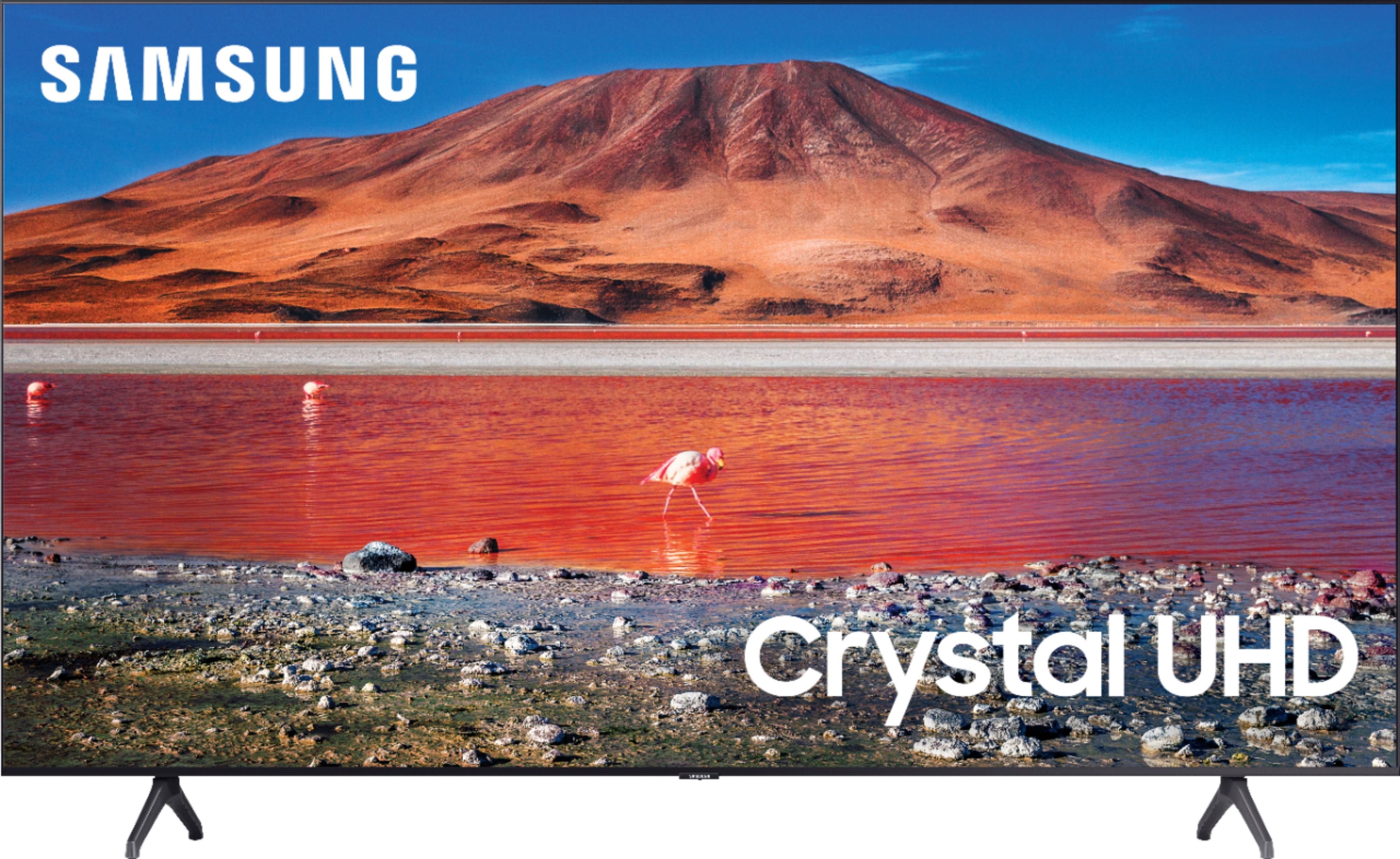
A:AnswerHi Larry! We recommend utilizing an RCA to HDMI converter, as this will allow you to connect your DVD player to the TU7000. Find it here: https://www.bestbuy.com/site/insignia-rca-to-hdmi-converter-black/6134312.p?skuId=6134312 ^Gina