A:AnswerCgil, The 55TU7000 features a 120 motion rate with a 60hz native refresh rate. If you are looking for a TV with improved motion handling check out 55" model Q70T or above for a 240 motion rate and improved experience. ^Celina
A:AnswerHi Oscar! When wall mounting the 55TU7000, you will need 4 M8 screws, 1.25mm pitch and 20-22mm in length. Most wall mounts should include the screws you need; if not, you can find these screws at any local hardware store. ^Gina
A:AnswerHi, The 7 series supports Bluetooth devices up to Bluetooth version 4.2. So it will support virtually any wireless Bluetooth headsets. Cheers! ^Scott
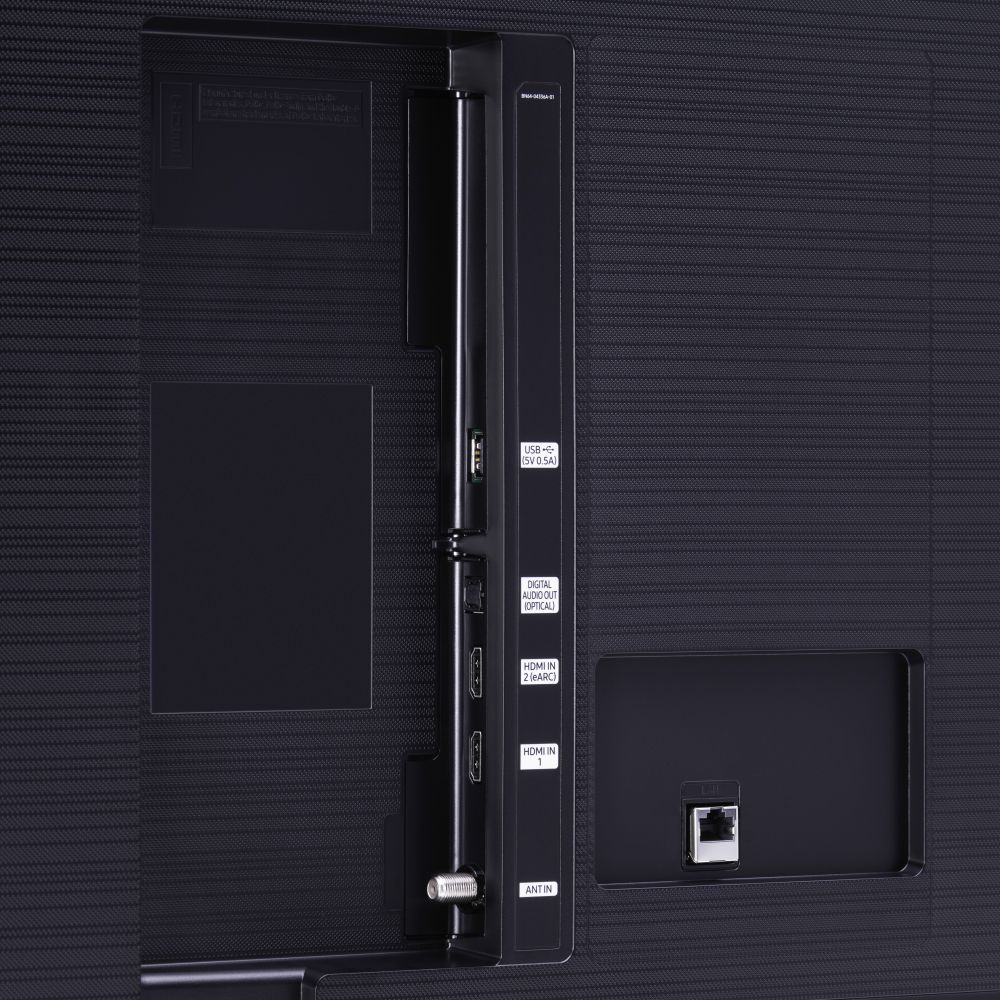
A:AnswerHi Thrifty! The TU7000 features 2 HDMI connections allowing you to connect any external device with an HDMI output. You can also take advantage of remote access which allows you to wirelessly connect to your PC, using the TV as a monitor without cables. Check out the following support article from Samsung with instructions on how to use remote access: https://www.samsung.com/us/support/answer/ANS00082462/
^Tim
A:AnswerHi Mac! Yes, the TU7000 features the ability to work with Alexa through additional voice assistant enabled speakers like the Echo Dot. For built in voice control through the TV remote, check out the 55TU8000 at the following link from Best Buy: https://www.bestbuy.com/site/samsung-55-class-8-series-led-4k-uhd-smart-tizen-tv/6401746.p?skuId=6401746
^Tim
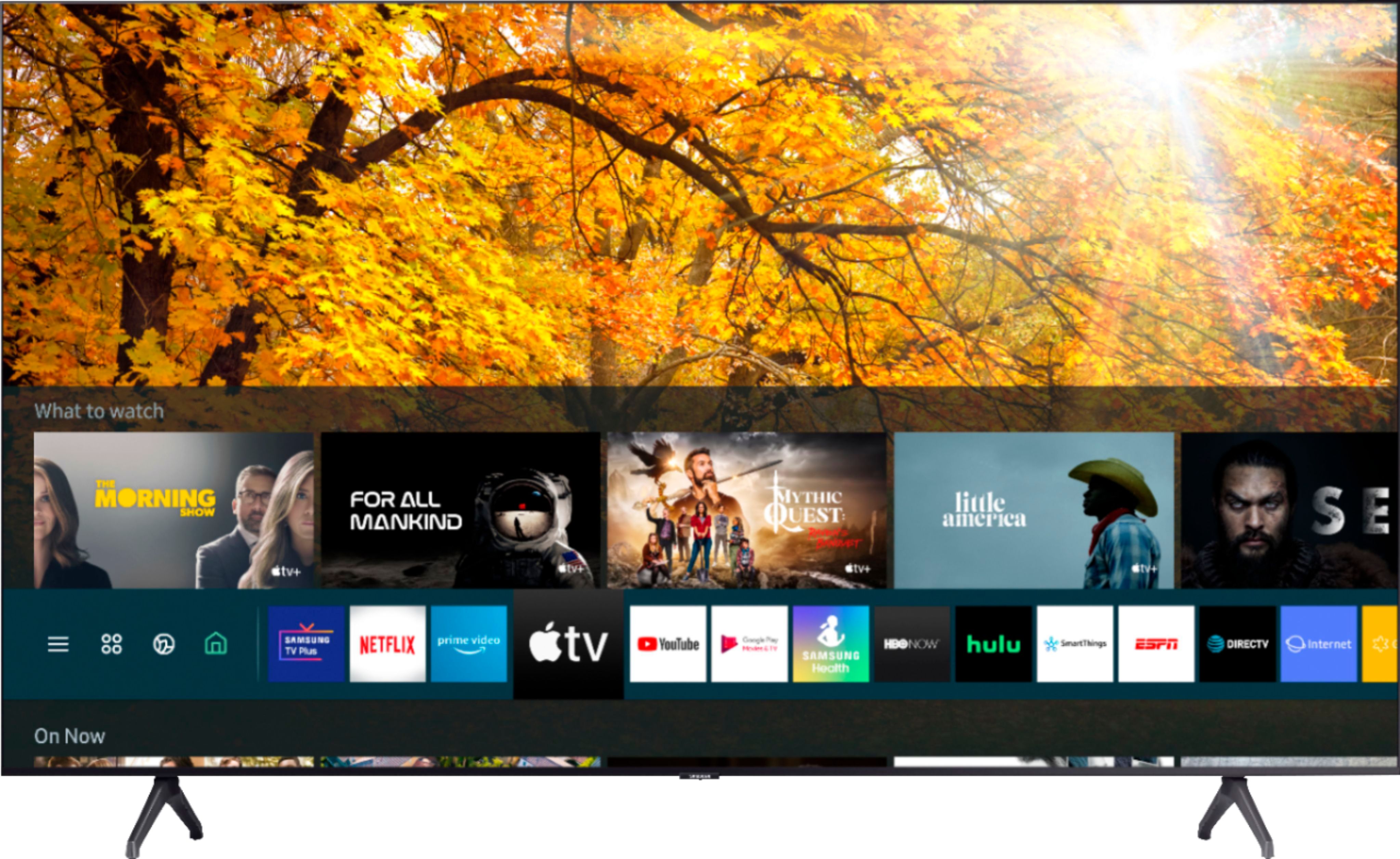
A:AnswerHi Mel! Samsung TVs utilize a Smart Platform Powered by Tizen; while Samsung TVs are not Roku TVs, you can download the Roku TV app from your TV's built-in App Store. ^Gina
A:AnswerHi there, Sure does, check this out Using your TV remote, navigate to Settings > General > System Manager > Time > Sleep Timer, and then select the amount of time you would like the TV to stay on before powering itself off. You can set the sleep timer up to 180 minutes, after which the TV will turn off. -Scott
A:AnswerHi! When stepping up to the TU8000, you will have the added benefits of Ambient Mode and built-in Voice Assistants (Amazon Alexa, Bixby, Google Assistant) with a Voice button on your OneRemote. The TU8000 also offers one Composive (AV) input, and an additional HDMI and USB port. ^Tim
A:AnswerHi Bob! This is the Voice Guide feature that can be enabled or disabled through the Accessibility menu. From the Home screen, use the TV remote to navigate to and select Settings >
Select General, and then select Accessibility > Select Voice Guide Settings, and then select Voice Guide to toggle the feature on or off. ^Tim