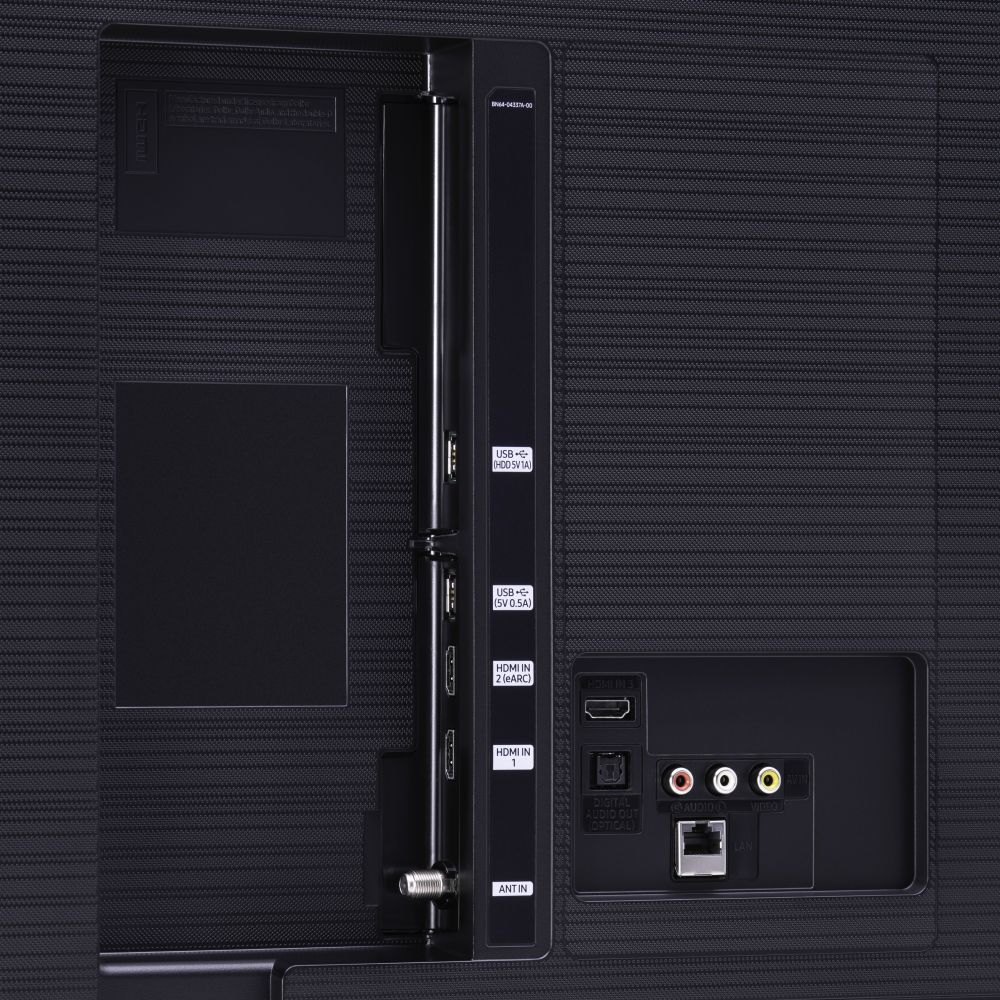
A:AnswerHi, you can definitely play PS5 on the TU8000. Auto Low Latency Mode (ALLM/Auto Game Mode) is available on all 3 HDMI ports for this series. The “HDMI In 2” port additionally supports eARC.
However, if you are looking to game at 4K@120fps (FRL), take a look at the Samsung QLED Q70T Series and up. These series in 55" and larger offer 4K@120fps on HDMI 4, as well as have Variable Refresh Rate (VRR) and FreeSync. If we can further help, please call us at 1-800-SAMSUNG. ^Gina
A:AnswerHello Fran,
No, the 55TU8000 does not have Anti-glare technology. Please check out the 55Q80T for Anti- glare technology. https://www.bestbuy.com/site/samsung-55-class-q80t-series-led-4k-uhd-smart-tizen-tv/6402394.p?skuId=6402394
^Cristian
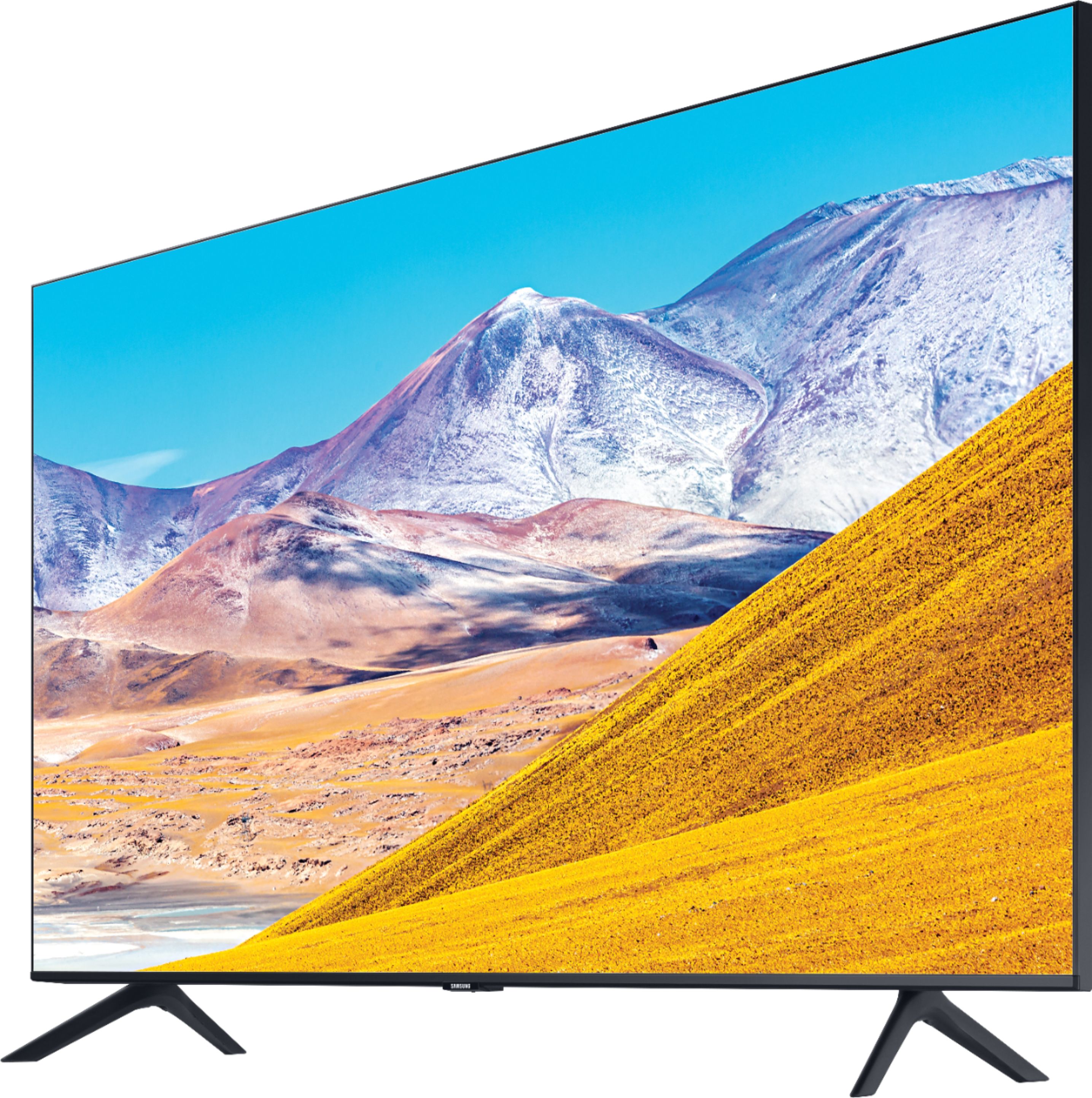
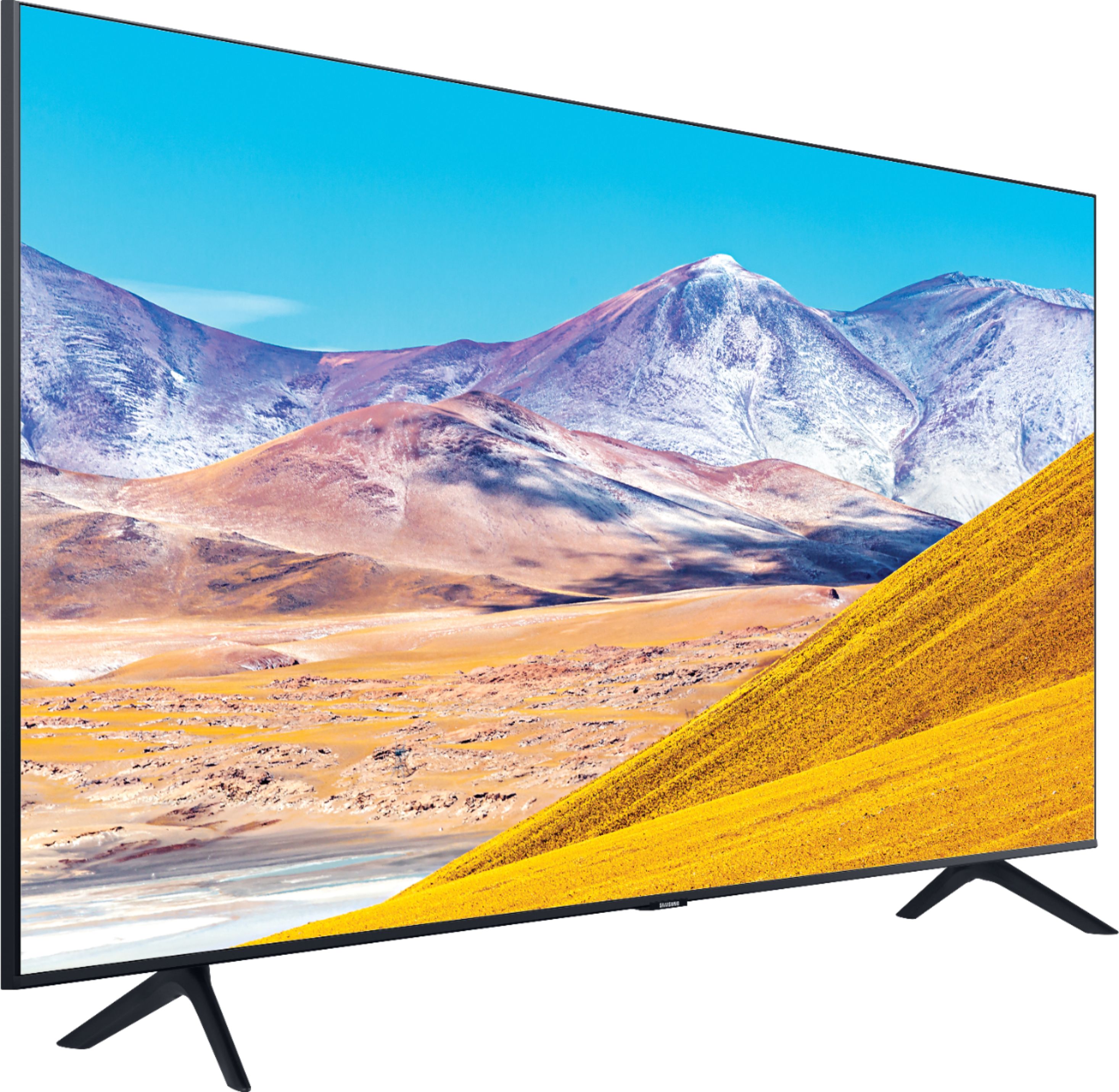
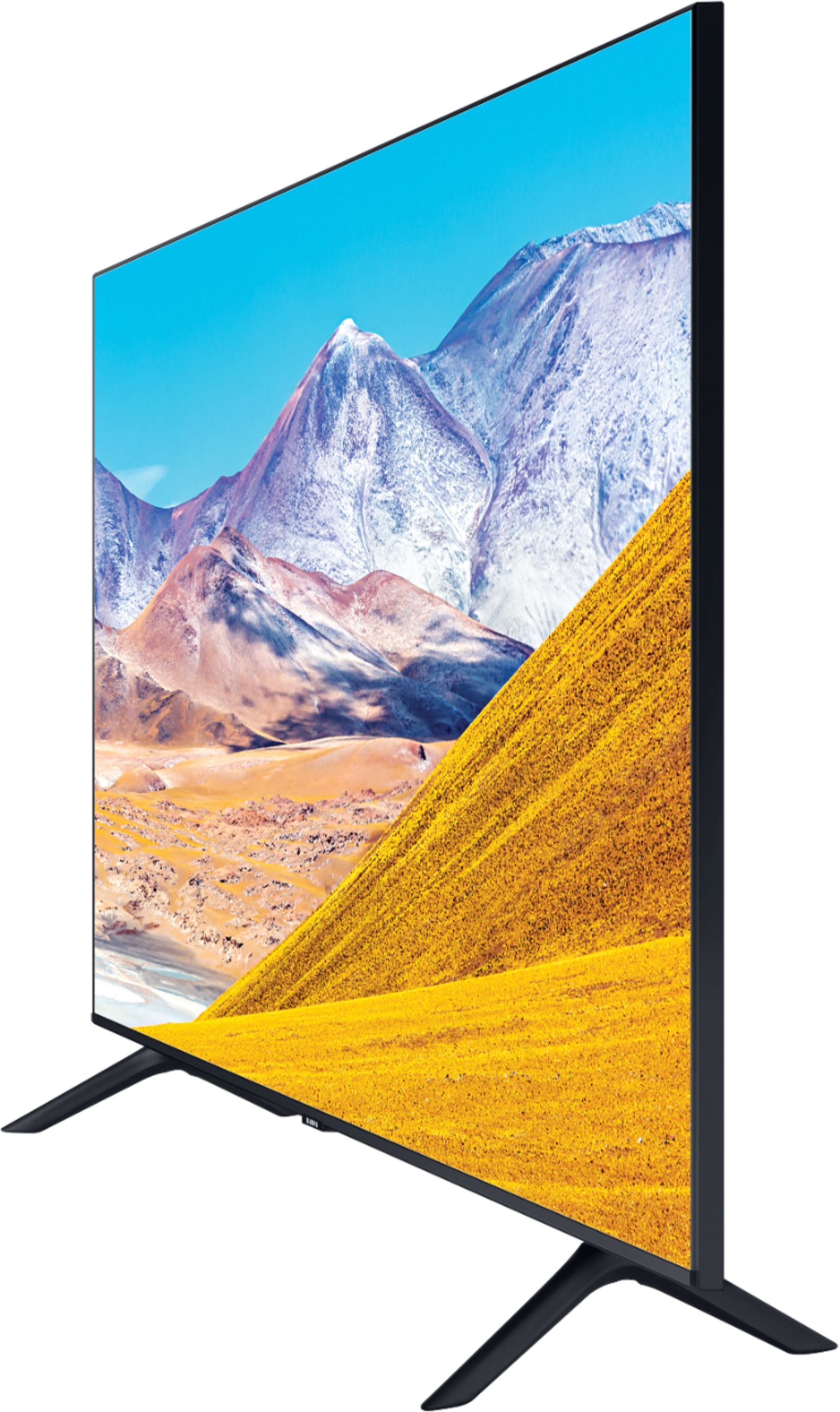
A:AnswerHi Nancy, bad news, the Samsung - 55" Class 8 Series LED 4K UHD Smart Tizen TV has legs, not a center stand and thus cannot swivel. The worse news is even our center stand TV's can't swivel. It is not an option many manufacturers use anymore. If you would like another option, Best Buy sells a swivel mount you can put on after the fact. Check it out: https://www.bestbuy.com/site/sanus-premium-swivel-tv-base-for-most-32-60-tvs-black/5463304.p?skuId=5463304&ref=212&loc=1&ref=212&loc=1&gclid=CjwKCAiAnIT9BRAmEiwANaoE1YgOKH4NHyMpuiJmDpMvpY6YWwla9RjkLrbd4_yvepQCLfeOMjmhyRoCulcQAvD_BwE&gclsrc=aw.ds. ^Scott
A:AnswerHi, There are many different models, though generally speaking the Q series will have better color and processing. You will also gain many features when stepping through each model of UHD and QLED Samsung TVs. Please visit one of our locations to find out the specific differences between our TU7000 to the Q950T! -Scott
A:AnswerHi there, While the TV sounds great we always recommend an external soundbar as the TV's (and therefore the speakers) are very thin and pointed away from the viewer. -Scott
A:AnswerHello Janice, Alexa is not built in on the TU8000, but it does work with Alexa with limited functionality. For built-in Alexa with full functionality, you will need to go up to the Q60T. Here is the link to the Q60T at Best Buy: https://www.bestbuy.com/site/samsung-55-class-q60t-series-led-4k-uhd-smart-tizen-tv/6401755.p?skuId=6401755 ^Celina
A:AnswerI’ve used older Samsung remotes on 2 different smart TVs and they worked just fine. So with that being said there shouldn’t be a problem with using a regular Samsung branded remote on this tv buy a Samsung remote on amazon they should be under $15
A:AnswerHello! I’m sorry to see that you were having some difficulties with the TV shutting off and on by itself. It sounds like it has been resolved, but if you would like someone to better troubleshoot towards a solution, please reach out to Samsung TV Support at:
― Phone: 1-800-SAMSUNG / Available 8 AM - 9 PM EST, Mon - Fri
― LiveChat or Email: https://www.samsung.com/us/support/#contact_us_for_support
We look forward to hearing from you. ^Celina
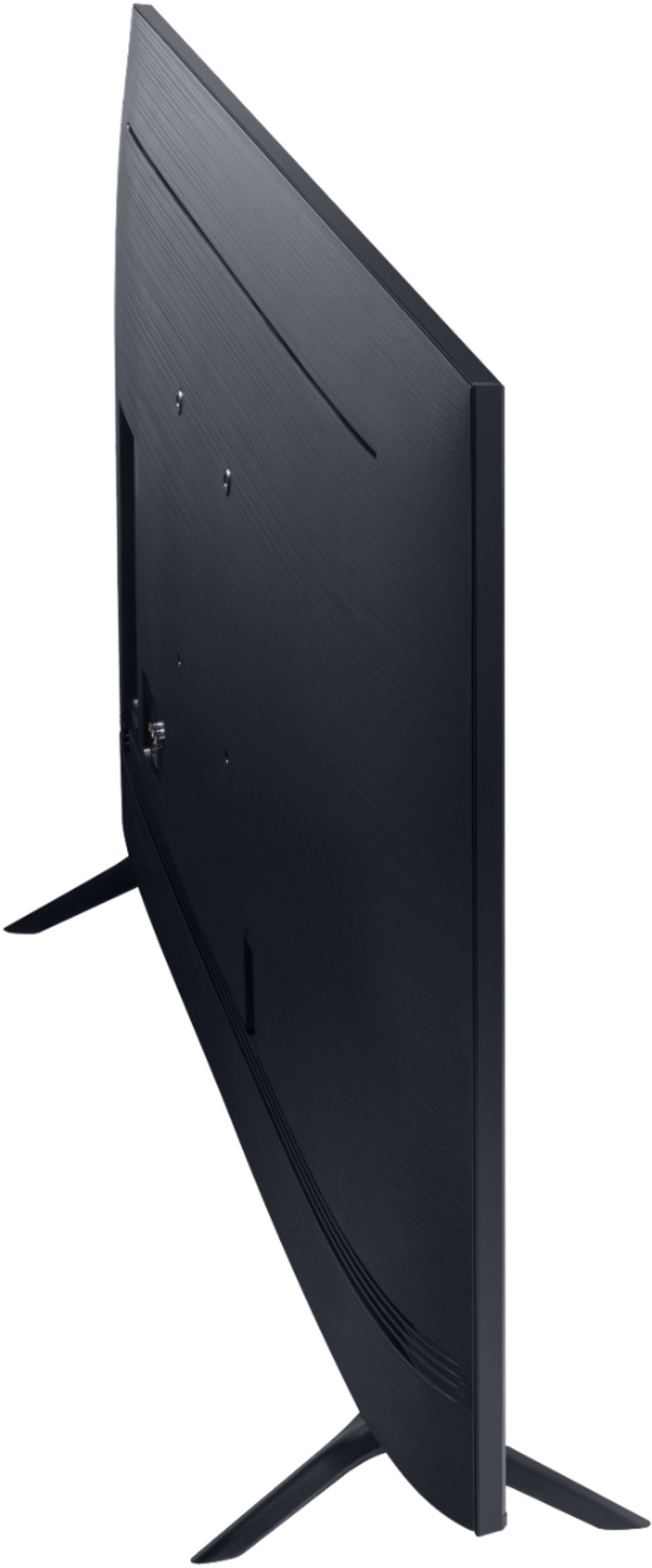
A:AnswerHi Sriram! The TU8000 does not include a wall mount. The TV is compatible with a 200mm x 200mm VESA mounting pattern. Check out the following link for a list of wall mounts compatible with 55" TVs from Best Buy: https://www.bestbuy.com/site/tv-stands-mounts-furniture/tv-mounts/abcat0106004.c?id=abcat0106004&qp=tvmountsize_facet%3DTV%20Size%20Compatibility~55%20-%2064%22
^Tim
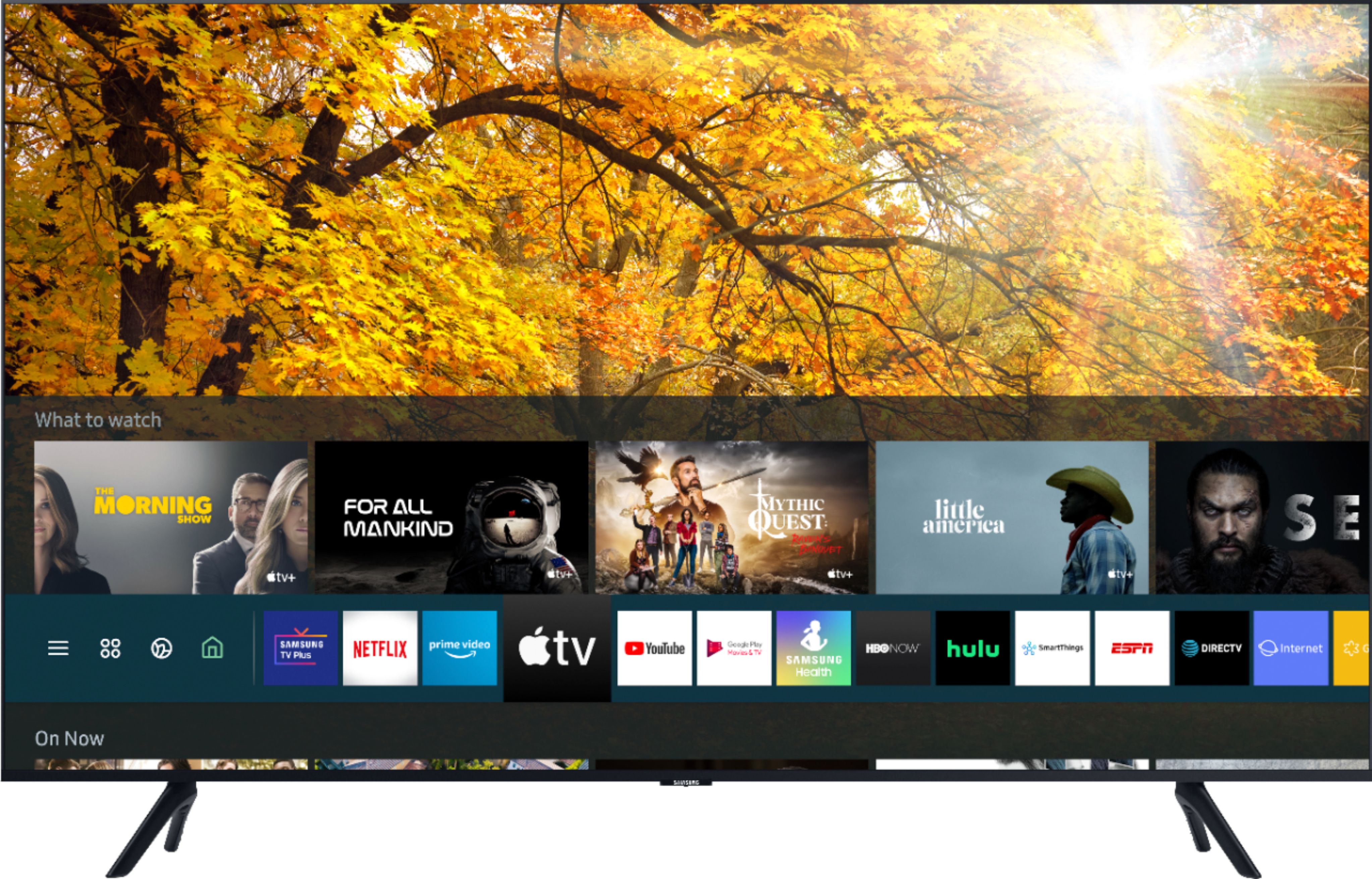
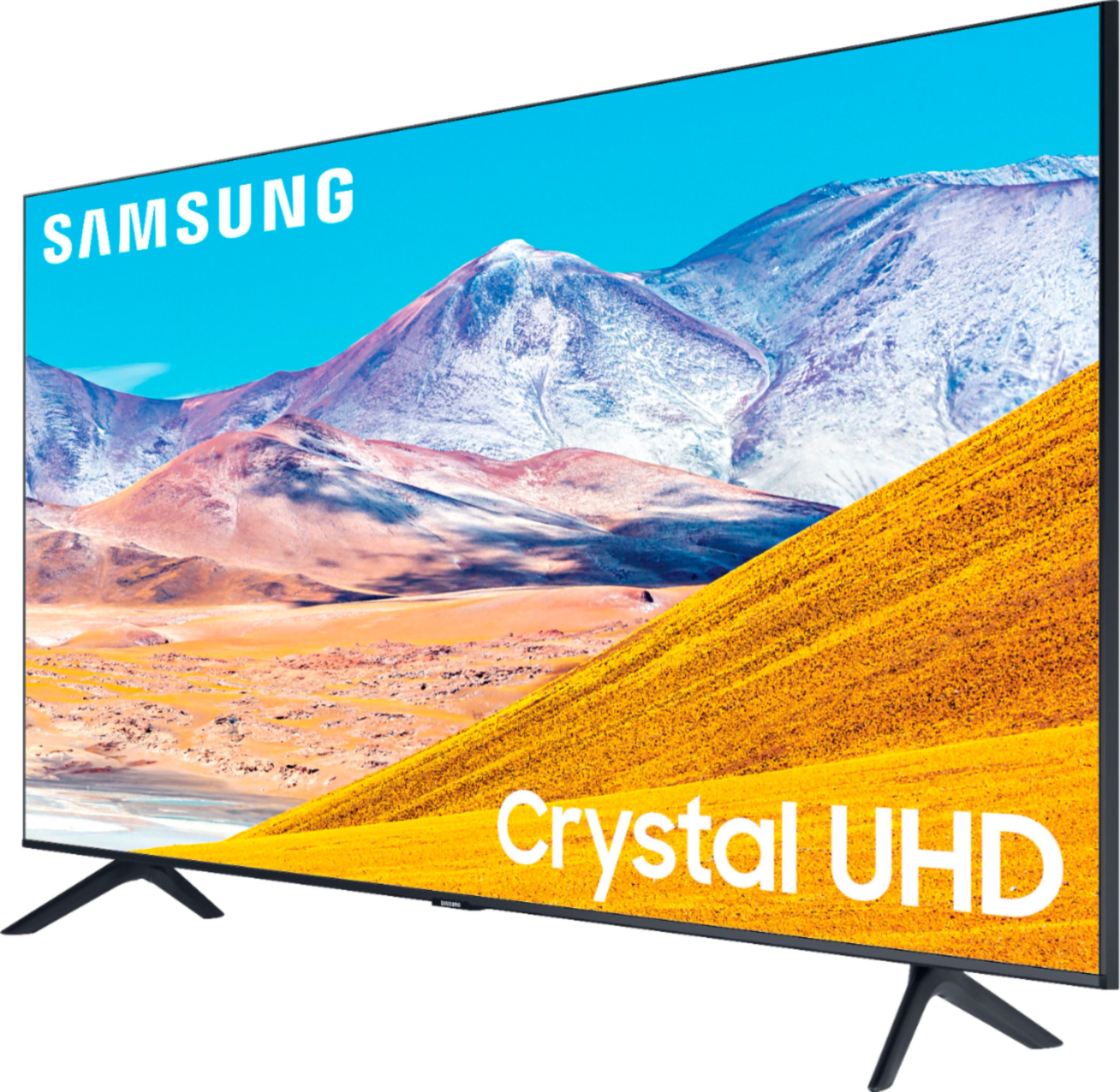
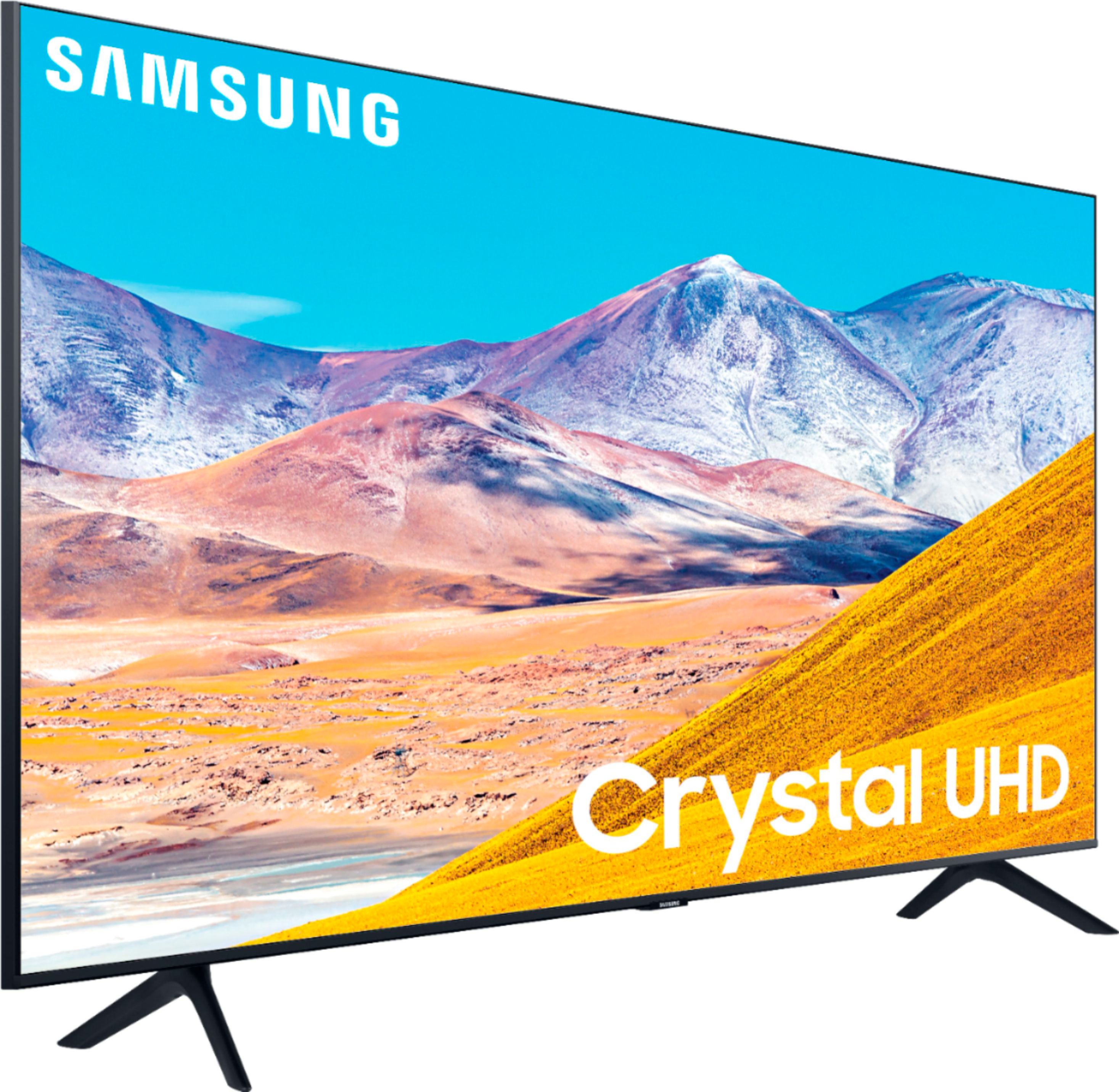
A:AnswerHi! Crystal UHD models, TU7000 and TU8000, from Samsung feature the Crystal Display which gives you crystal-clear colors that are fine-tuned to deliver a naturally crisp and vivid picture, and the Crystal UHD Processor, which brings stunning clarity to everything you already watch and powerfully upscales 4K to ensure that you always get life-like 4K resolution no matter the source. The TU8000 adds the benefits of Ambient Mode and built-in Voice Assistants (Amazon Alexa, Bixby, Google Assistant) with a Voice button on your OneRemote. ^Tim
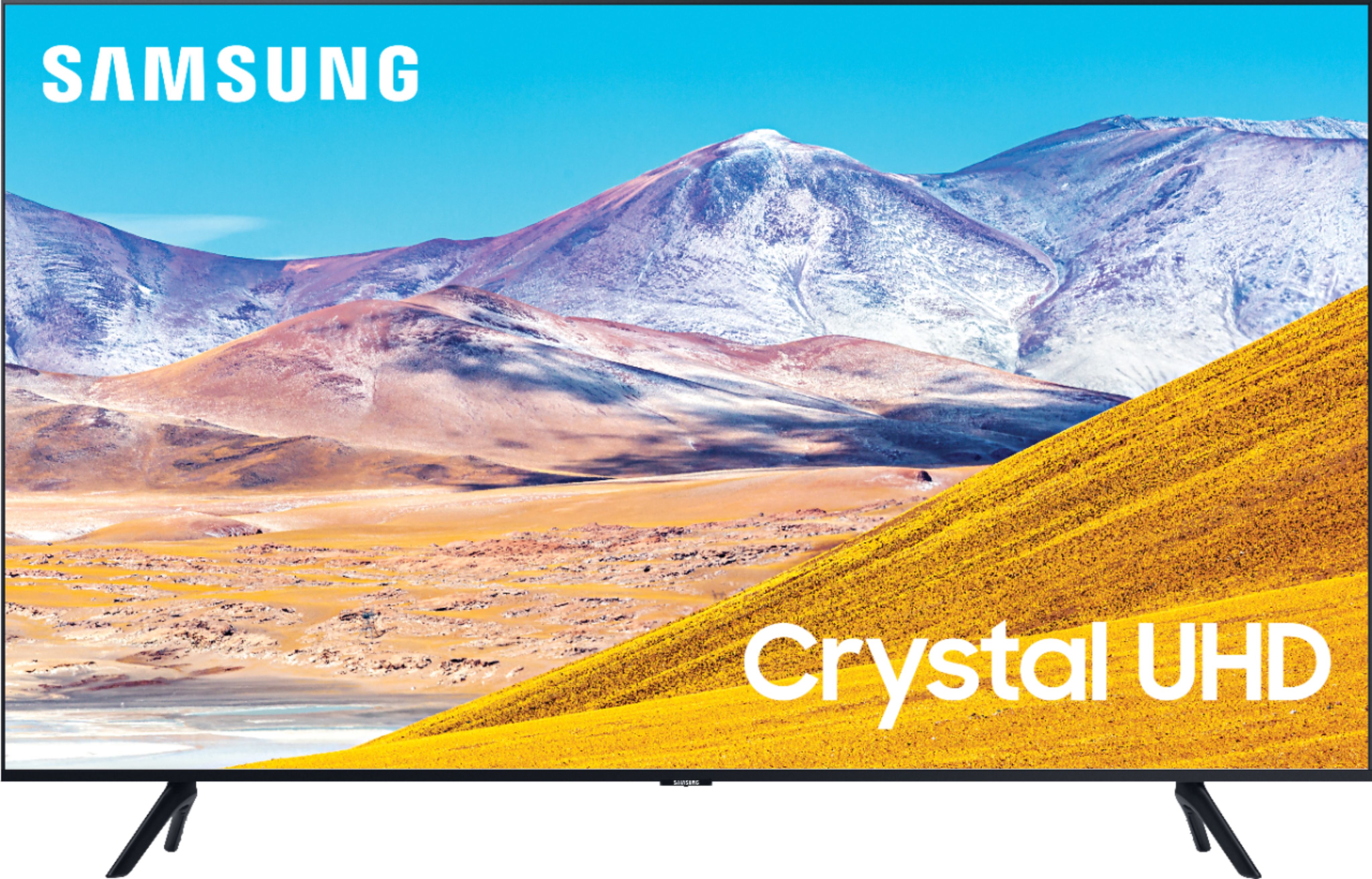
A:AnswerHi! The TU8000 features three HDMI inputs for connecting external devices supporting HDMI. If your computer supports HDMI, connect the computer to the TV with the cable, then adjust the resolution of the computer to match that of the TV. The aspect ratio should not need to be changed unless the content you are connecting does not support the now standard 16:9 aspect ratio. If your PC is running Windows 7 OS or newer, you can also utilize remote access to connect to the PC with a wireless connection. Learn more about remote access at the following link from Samsung: https://www.samsung.com/us/support/answer/ANS00082462/
^Tim
A:AnswerHello DavidH, the TU8000 is a 4K TV. As suggested, check your HDMI cable you make need a 4K cable. Check out the 4K cables at Best Buy: https://www.bestbuy.com/site/searchpage.jsp?st=hdmi+4k&_dyncharset=UTF-8&_dynSessConf=&id=pcat17071&type=page&sc=Global&cp=1&nrp=&sp=&qp=&list=n&af=true&iht=y&usc=All+Categories&ks=960&keys=keys ^Celina
A:AnswerHi createtildeath! Here are the dimensions for the 55TU8000 with the stand: 48.4" x 30.8" x 9.9" (WxHxD). The stand on the TV uses two feet towards the edge of the TV. The feet are 40.6" apart, and 9.9" deep. ^Tim

A:AnswerHi MiMi! If you would like to utilize a Fire TV Stick or Roku device, you can; however, Samsung TVs do have a built-in App Store, where you can choose and download from hundreds of apps without requiring a Fire TV Stick or Roku. ^Gina