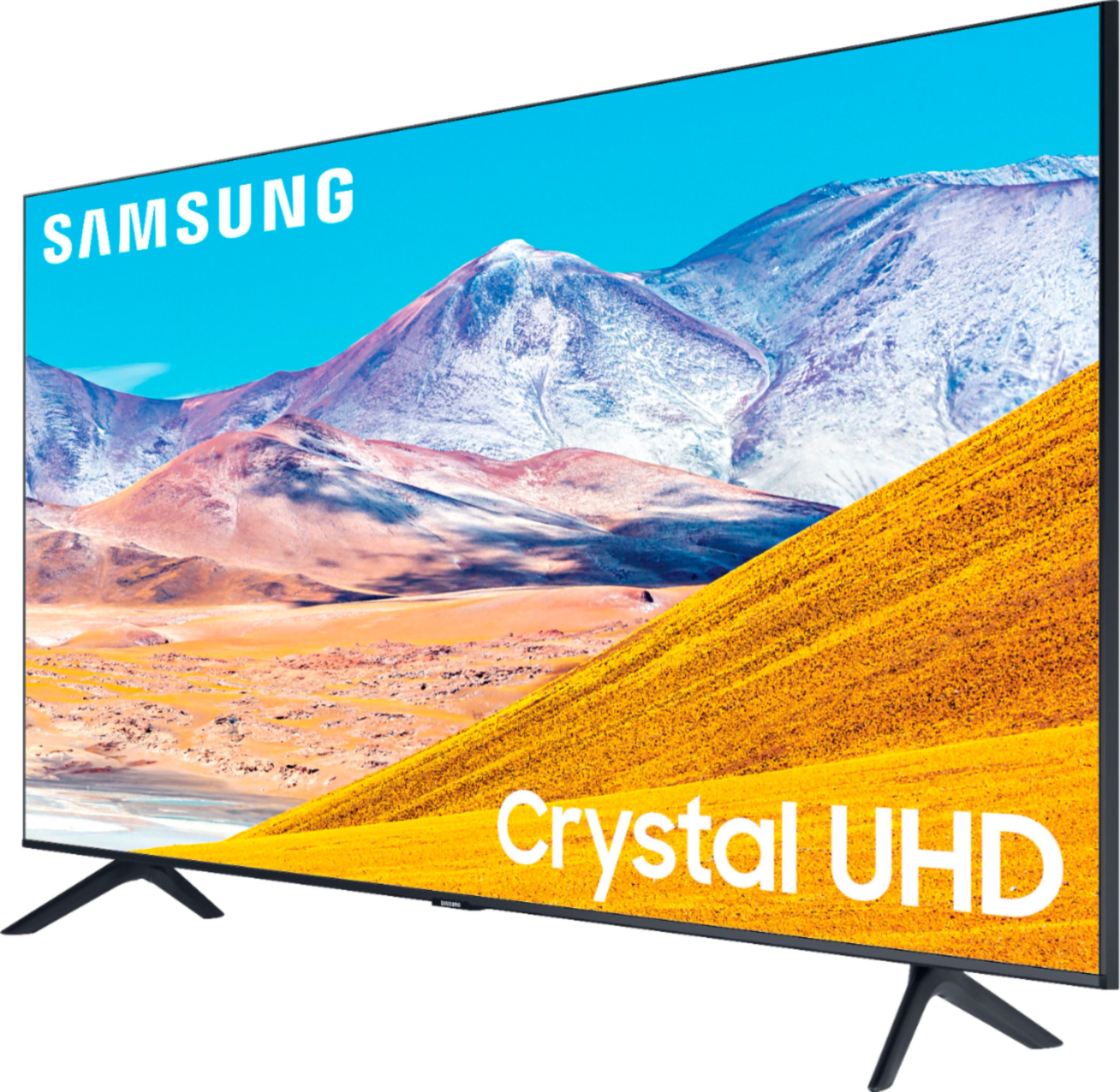
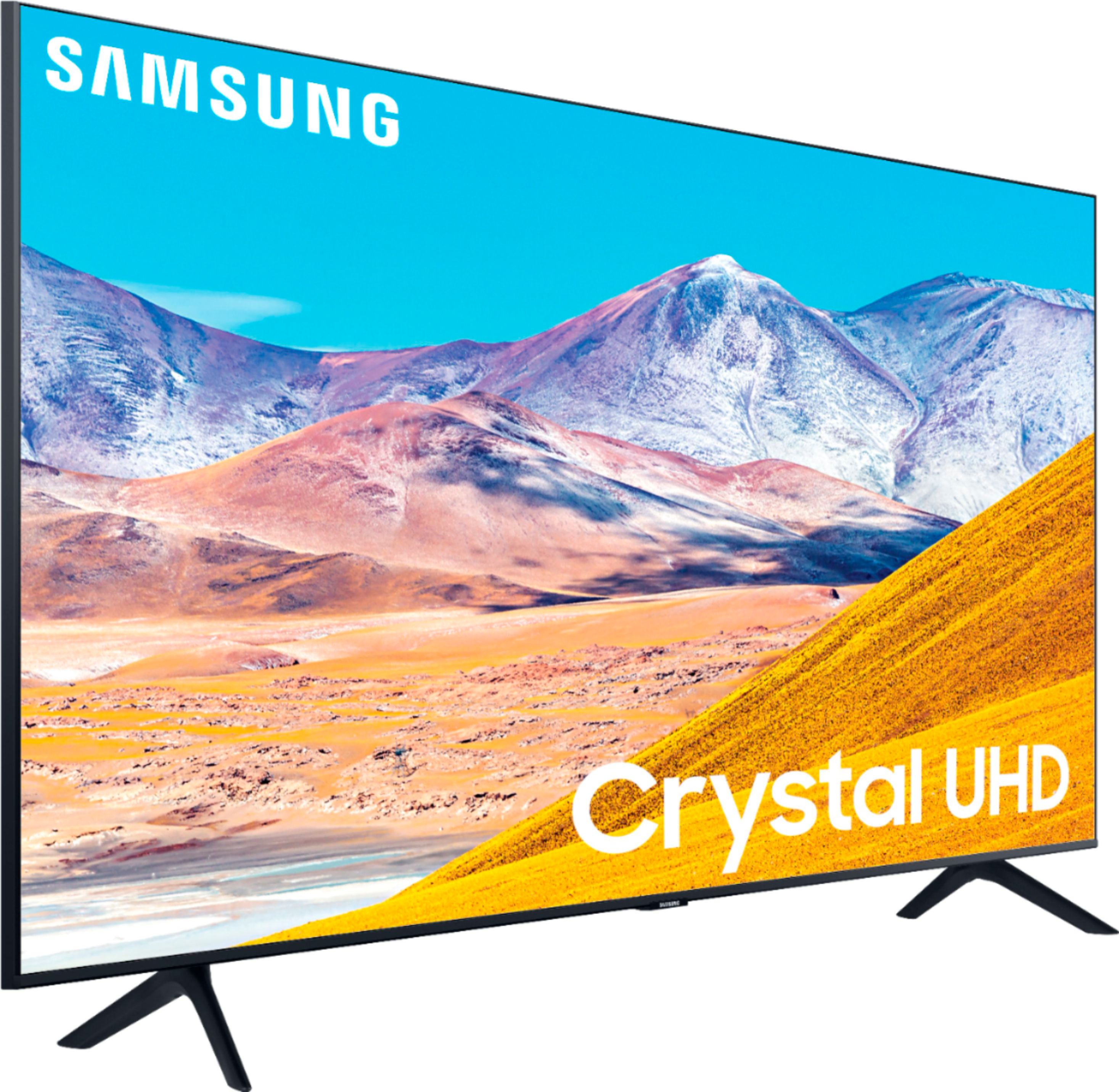
A:AnswerHi OldGreg! The TU8000 features Remote Access allowing you to connect to your computer using a wireless connection. Check out the following support article from Samsung showing the two ways to utilize Remote Access to wirelessly connect to your computer. https://www.samsung.com/us/support/answer/ANS00082462/
^Tim
A:AnswerHi jc! Samsung supports many resolutions from 1080p to 4K; the TV resolution will mainly depend on the video card your laptop utilizes. For the full list of supported resolutions, please refer to the User E-Manual. ^Gina
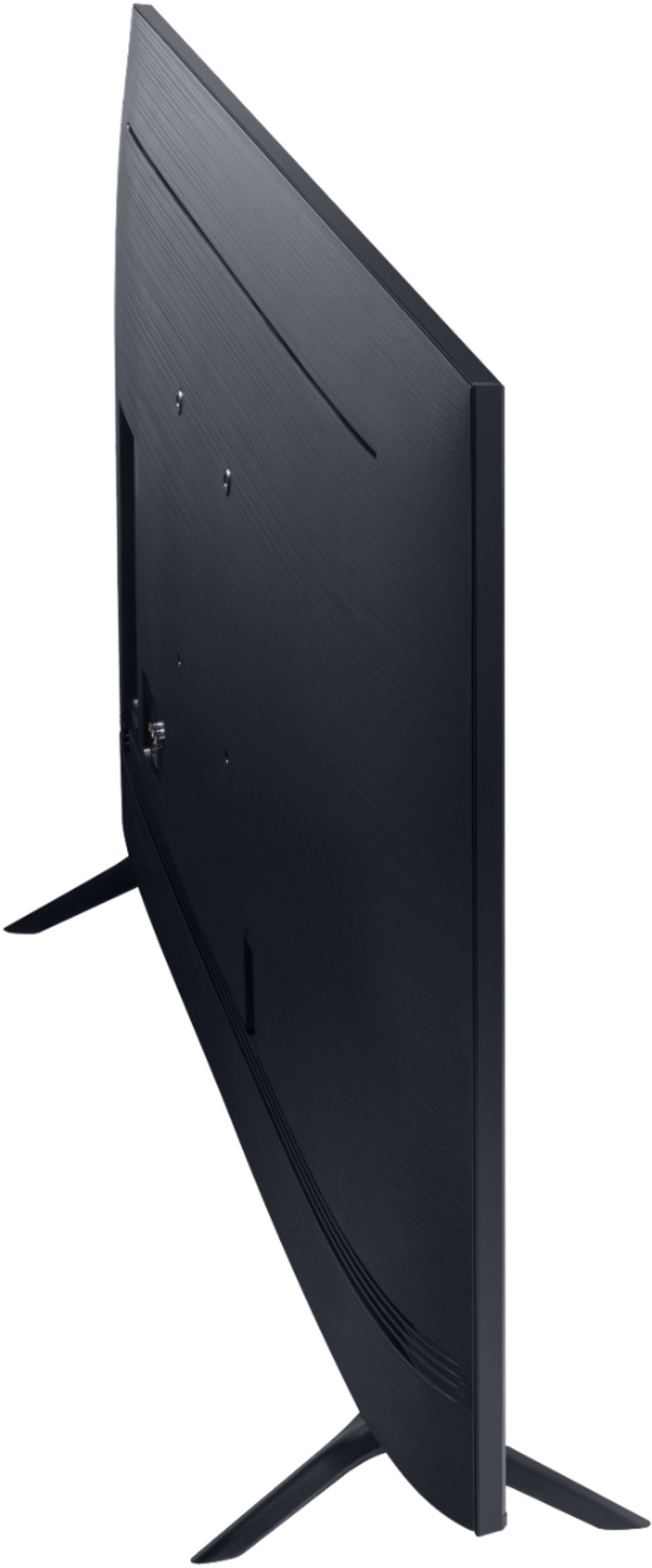
A:AnswerHi there, The Samsung - 55" Class - 8 Series - 4K UHD TV - Smart - LED - with HDR uses you will need 4 M8 screws, 39-41mm length, and 1.25mm pitch. -Scott
A:AnswerI think this would be a nice option. However. there’s no DVR built into thIs TV or the next one up, or any TV that I’m aware of. Unfortunately DVR doesn’t won’t work via Bluetooth either. I would research this question with your DVR/TV service provider. DVRs are usually built in a cable, Satellite or TiVo type tv box via a tethered setup.
A:AnswerHello Major, for the best sound experience a soundbar is always necessary. Please check out Samsung Soundbars at Best Buy. https://www.bestbuy.com/site/samsung-audio/samsung-sound-bars/pcmcat1496260127778.c?id=pcmcat1496260127778
^Cristian
A:AnswerHi there! Wide screen and full screen modes will depend on how the content you are watching is originally formatted, or the streaming or cable service you are watching. ^Gina
A:AnswerHi eosy2n! The TU8000 includes a one year manufacturers warranty. For additional coverage and extended support you have the option of adding Geek Squad protection to the TV. Contact your local Best Buy or visit the following link to learn more about Geek Squad coverage. https://www.bestbuy.com/site/tv-home-theater-protection-plans/tv-protection/pcmcat1594152111966.c?id=pcmcat1594152111966 ^Tim
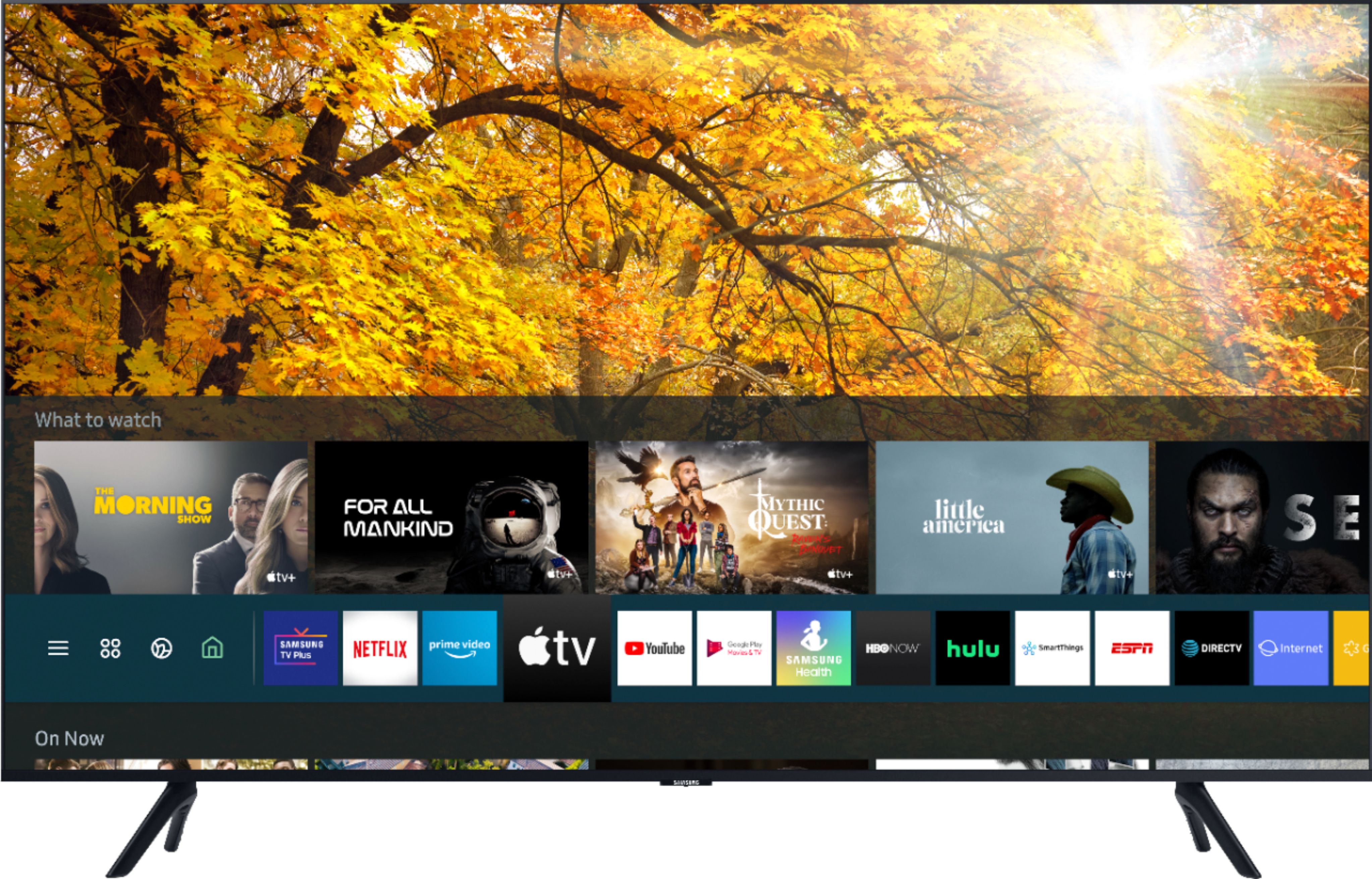
A:AnswerHi FB! Samsung Smart TVs have a built-in App Store, where you can choose and download from hundreds of apps like Netflix, Hulu, HBO Max, YouTube TV, Disney+, and many more. ^Gina
A:Answerclem, the TU8000 utilizes 20 Watt 2 Channel speakers; while a soundbar is not always necessary, we do recommend a soundbar to provide you with a more immersive experience. Check out some Samsung soundbars at Best Buy: https://www.bestbuy.com/site/searchpage.jsp?st=samsung+soundbars&_dyncharset=UTF-8&_dynSessConf=&id=pcat17071&type=page&sc=Global&cp=1&nrp=&sp=&qp=&list=n&af=true&iht=y&usc=All+Categories&ks=960&keys=keys ^Gina
A:AnswerHi there! If you notice blurring or juddering on the screen, use the Picture Clarity Settings function to
resolve the issue. Home > Settings > Picture > Expert Settings > Picture Clarity Settings. If this does not help you achieve the picture quality you desire, we recommend checking out our RU9000 or Q70T, as these models do have a 120Hz refresh rate and will provide you with smoother motion. ^Gina
A:AnswerHello DB! You will not need a Chromecast, TU8000 is compatible with YouTube TV. This application can be found using the search feature through the built in app store. ^Celina
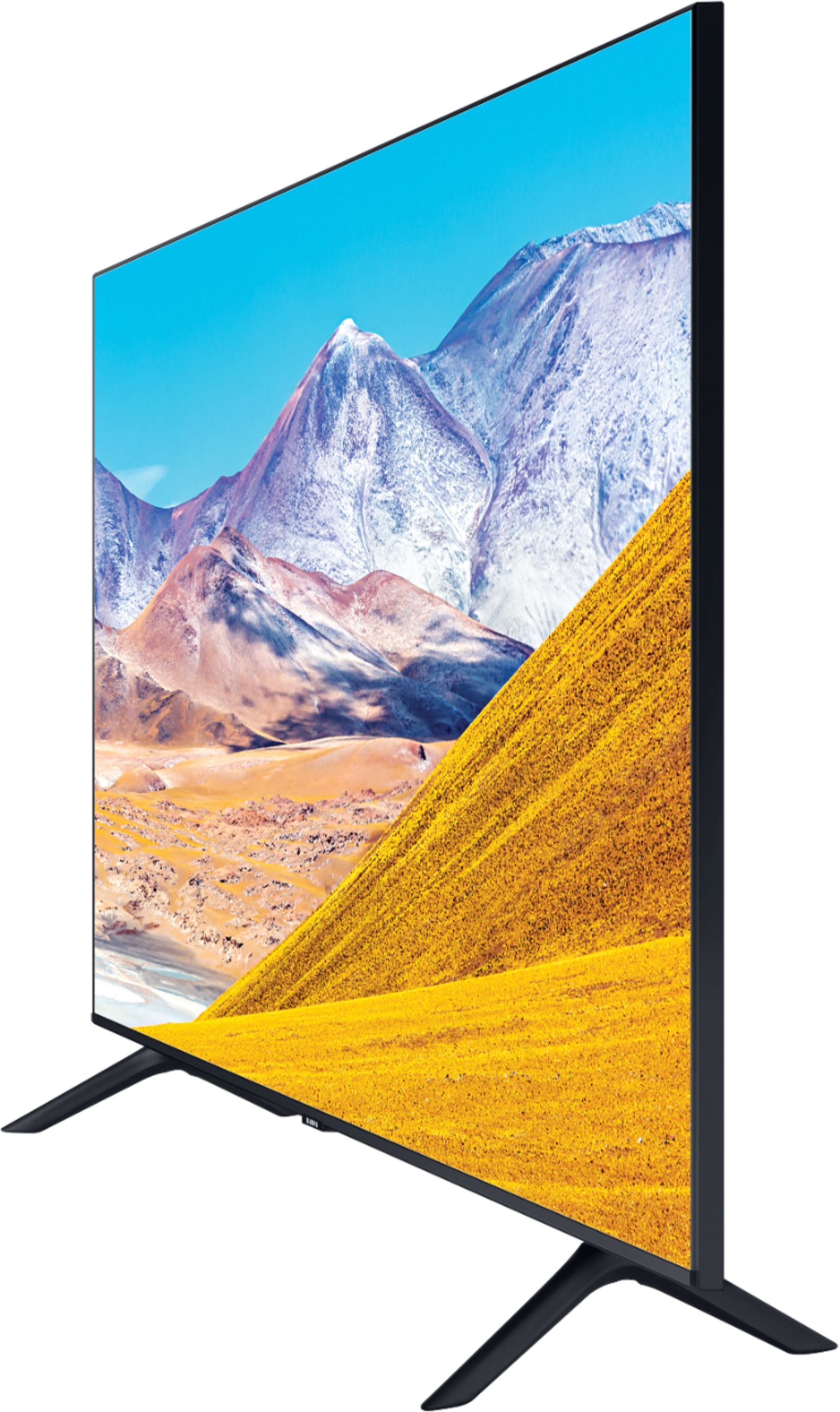
A:AnswerHi Mousae! Yes, the TU8000 features a control button on the bottom of the TV allowing you to access basic functions of the TV such as power, volume, and source. ^Tim