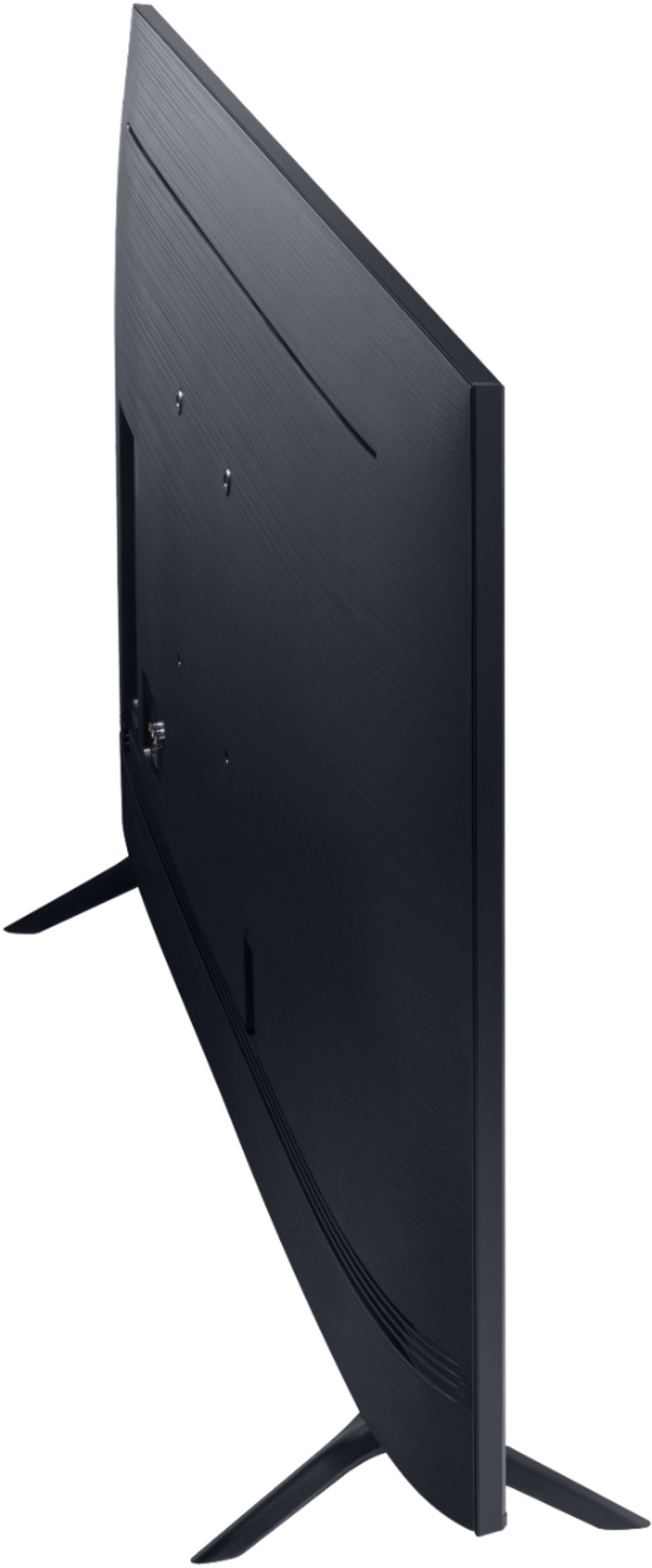
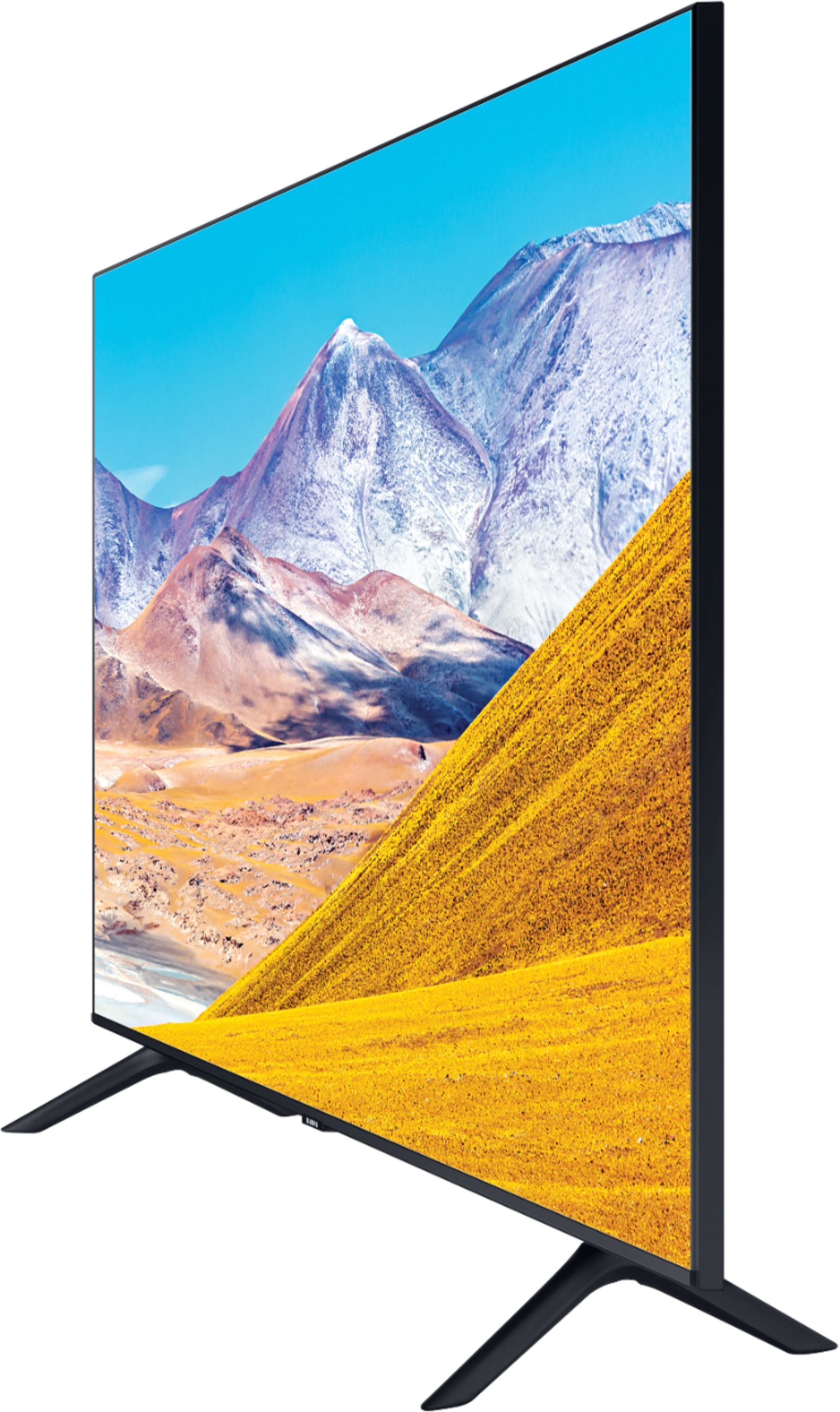
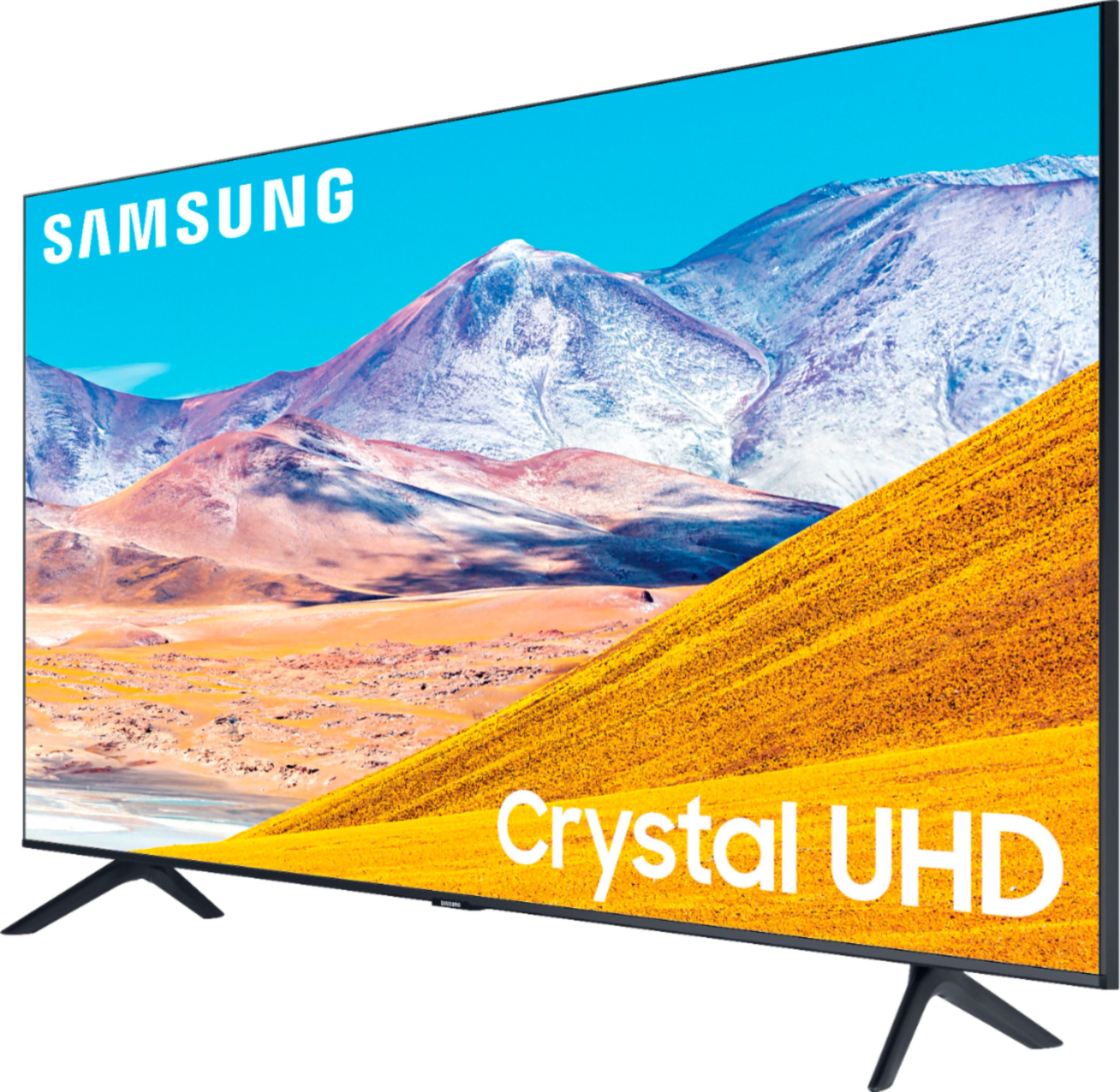
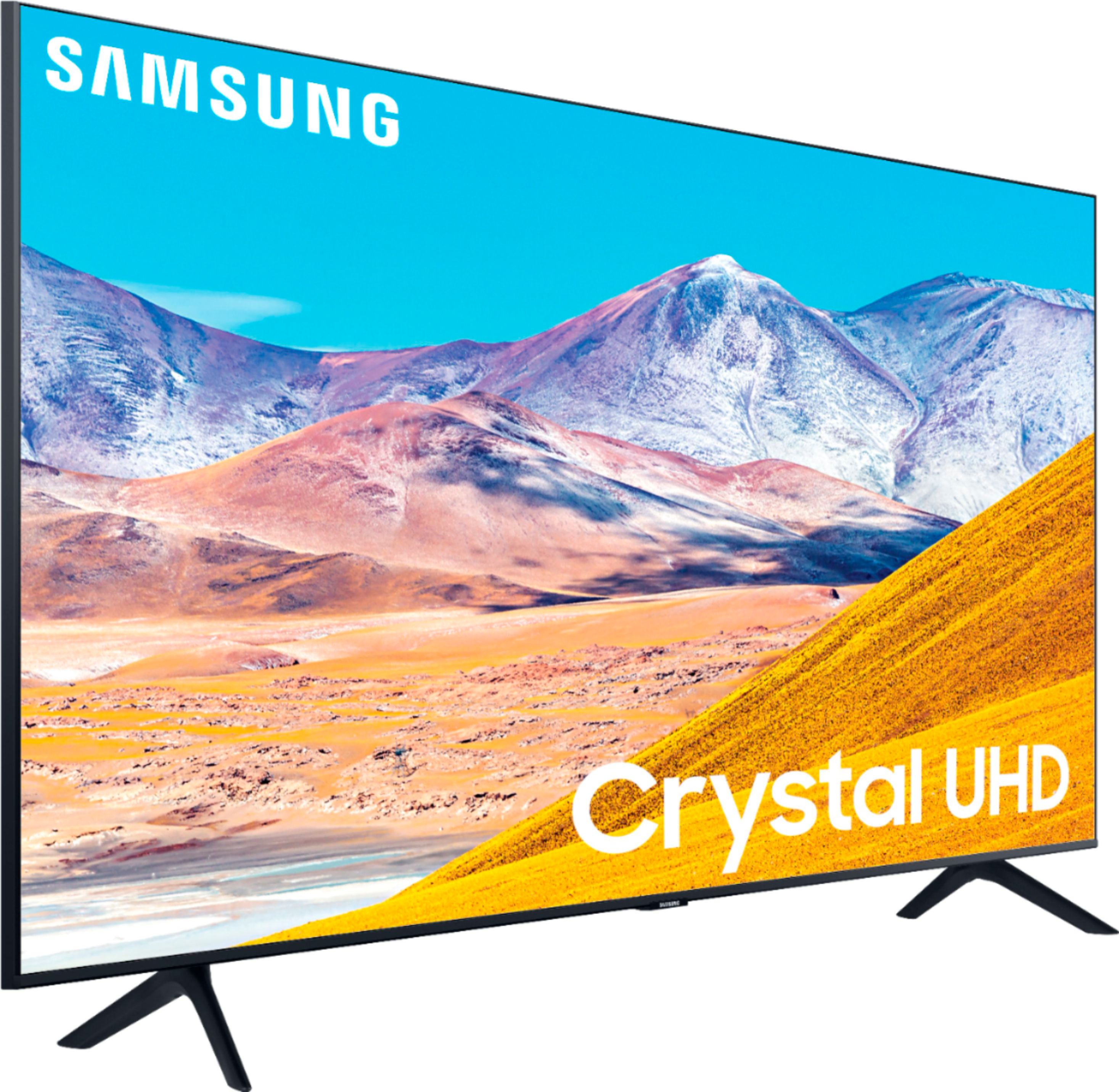
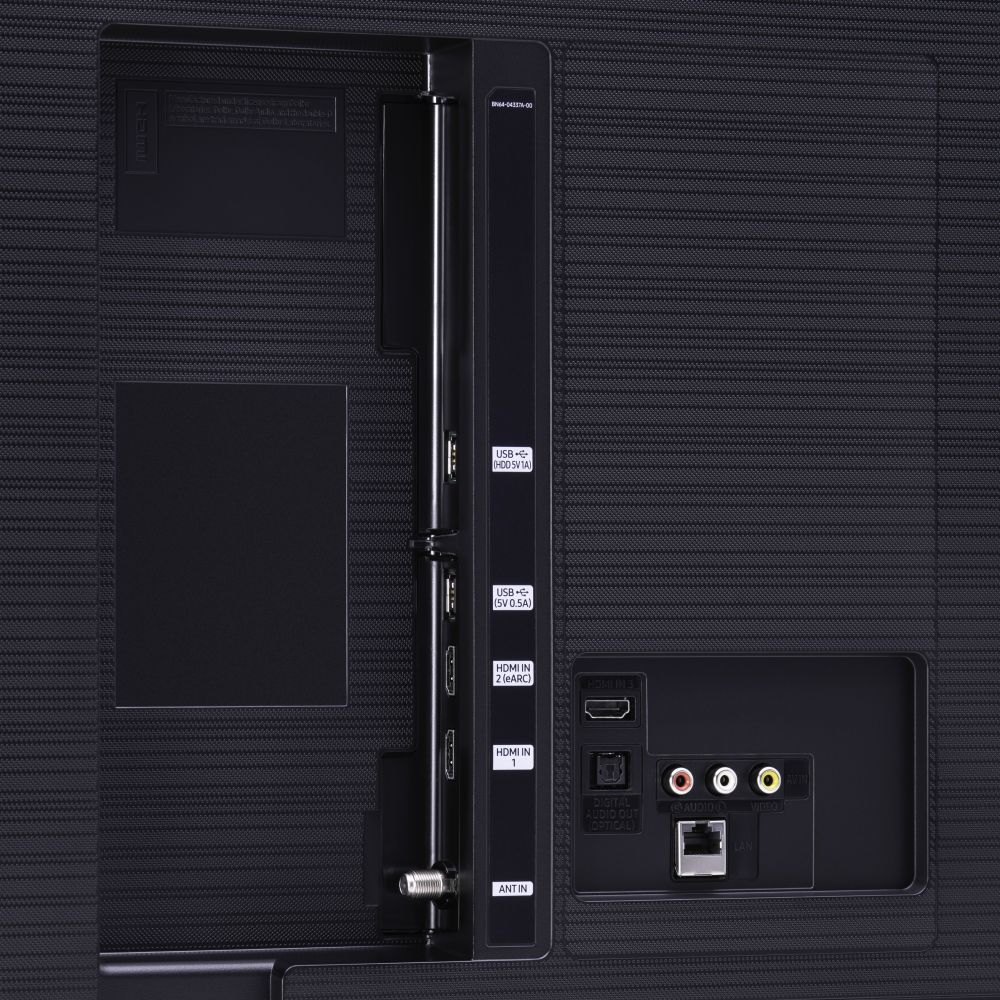
A:AnswerHi Audio! There is not a headphone jack on the TU8000; however, you can connect a speaker via HDMI or Optical cable. If the speaker is Bluetooth enabled, you can also connect it to your TV via Bluetooth. ^Gina
A:AnswerMemo, the TU8000 provides you with 20 Watt 2 Channel sound. While it is sometimes not necessary, we do recommend utilizing a soundbar to give you a more immersive experience. Check out some Samsung soundbars at Best Buy: https://www.bestbuy.com/site/searchpage.jsp?st=samsung+soundbars&_dyncharset=UTF-8&_dynSessConf=&id=pcat17071&type=page&sc=Global&cp=1&nrp=&sp=&qp=&list=n&af=true&iht=y&usc=All+Categories&ks=960&keys=keys ^Gina
A:AnswerHi Manny! For further assistance on replacing your remote, please reach out to Samsung TV Support at:
― Phone: 1-800-SAMSUNG / Available 8 AM - 9 PM EST, Mon - Fri
― LiveChat or Email: https://www.samsung.com/us/support/#contact_us_for_support
We look forward to hearing from you. ^Gina
A:AnswerHi BG! The TU8000 has built-in Voice Assistants (Amazon Alexa, Bixby, Google Assistant) along with a Voice button on your OneRemote. You do not need a standalone Voice Assistant device as they are already built into this TV. ^Gina
A:AnswerHi Tamsam! The TU8000 does indeed have AirPlay; however, Chromecast is not a built-in feature our TV's offer. You can utilize a standalone Chromecast device via HDMI port, or you can take advantage of Samsung's Smart TV platform with hundreds of apps to choose from and download on your TU8000. ^Gina
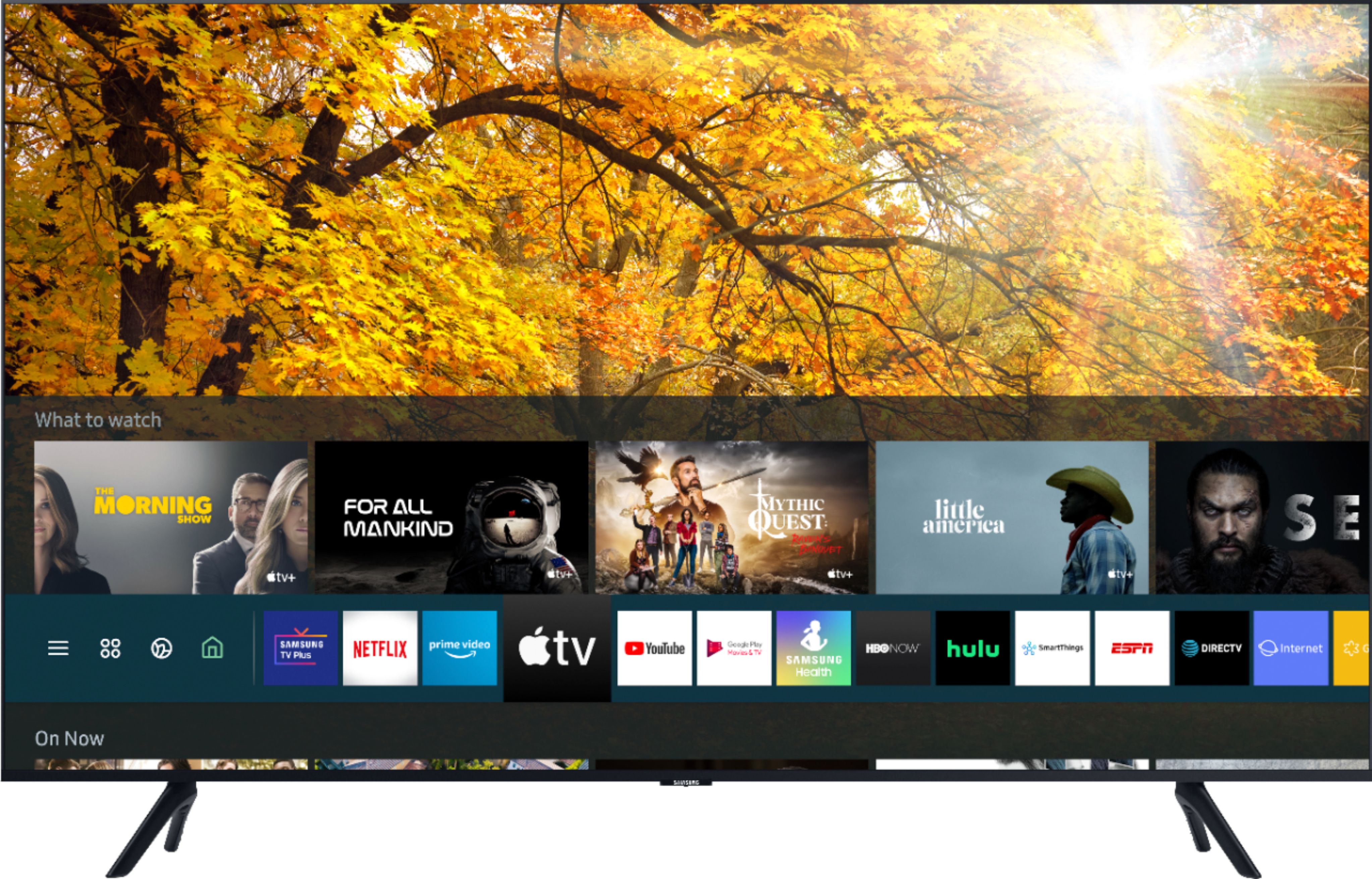
A:AnswerHi there, you may utilize your standalone Apple TV device via HDMI port on the back of your TV. You can also take advantage of the TU8000's AppleTV+ app that will come preinstalled upon setup! ^Gina
A:AnswerNBP, here are the full dimensions of the 55TU8000: DIMENSIONS (INCHES W x H x D):
• TV WITHOUT STAND: 48.4 x 27.8 x 2.4
• TV WITH STAND: 48.4 x 30.8 x 9.9 ^Gina