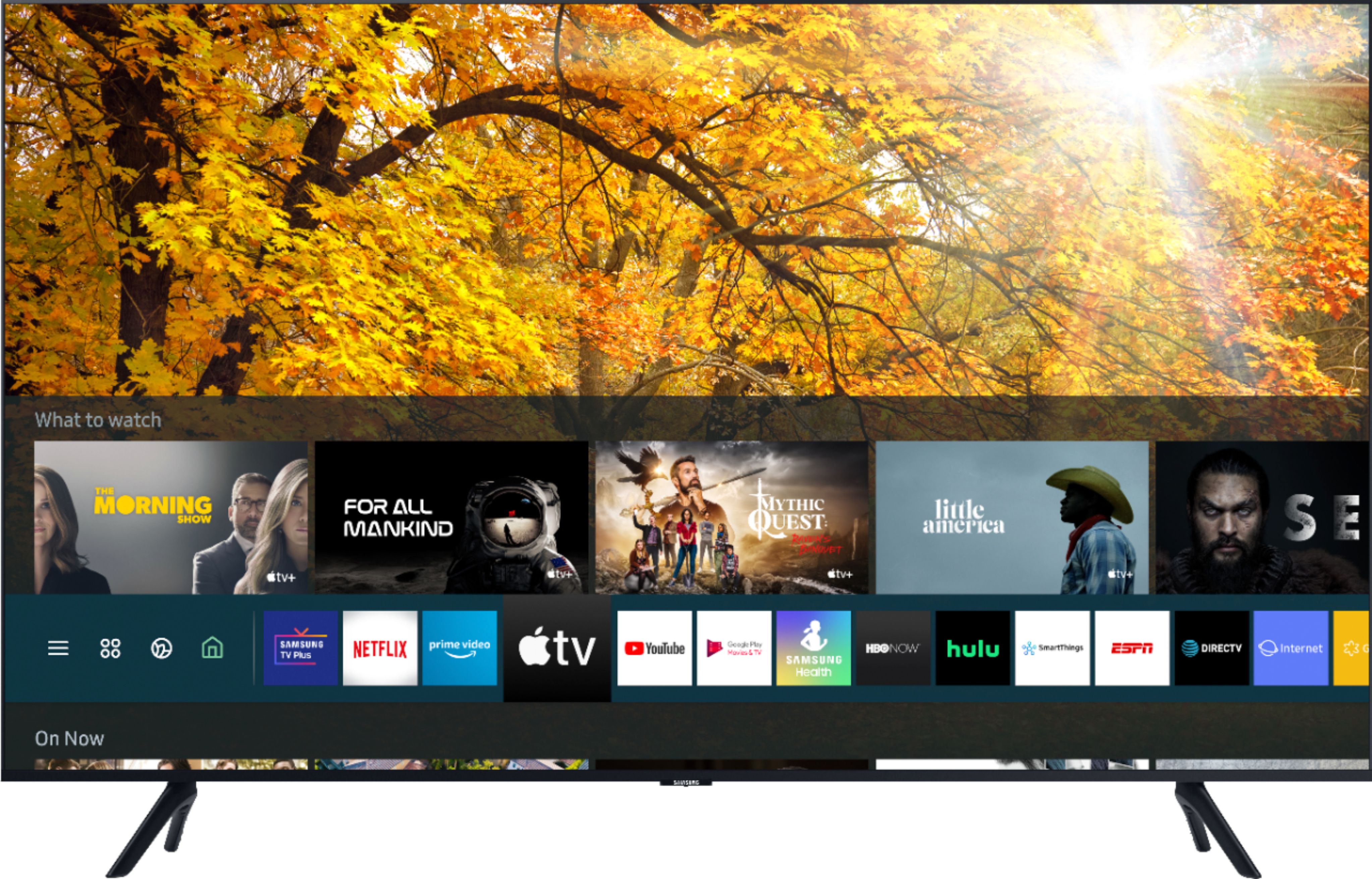
A:AnswerHi Melissa830, to use the voice assistant function, the TV must be connected to the internet. Go to Settings > General > Voice > Voice Assistant to select which Voice Assistant you would like to help control your TV (Bixby, Amazon Alexa, or Google Assistant). To run your selected Voice Assistant, press and hold the MICROPHONE button on your remote, say a command, and then release the button to run Voice Assistant. ^Val
A:AnswerI put the remote face down, put my thumbnail in the indention near the bottom, and then press forward. At the same time I use my other hand to grasp both sides and pull forward. The cover slides along the tracks where the cover meets the front. It gets easier each time, and even easier if you accidentally drop the remote on a hard floor as I did.
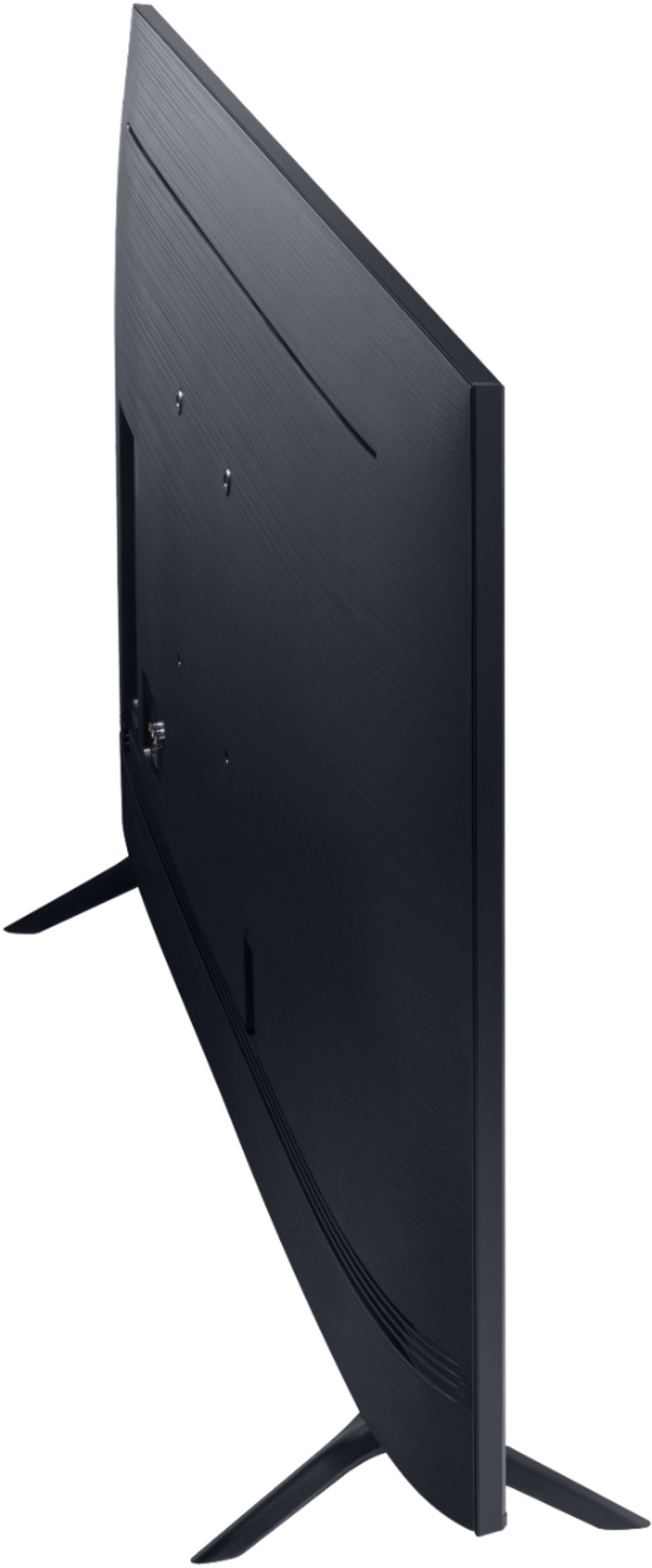
A:AnswerHi there! The power cable will be about 5 feet long, and the outlet is located towards the right side of the TU8000 (when looking at the back). Ensure the outlet is installed close enough for the power cable to reach. ^Gina
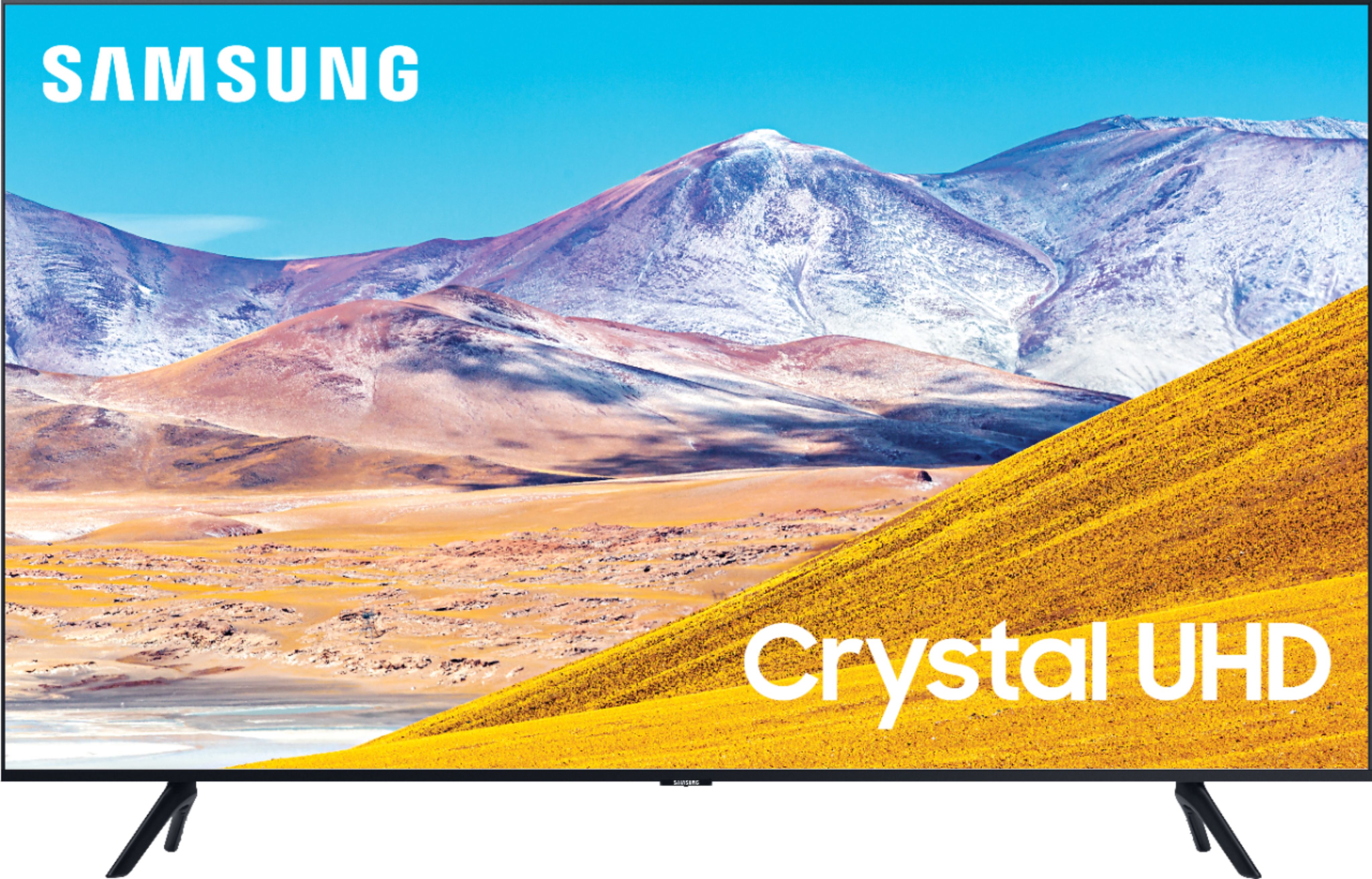
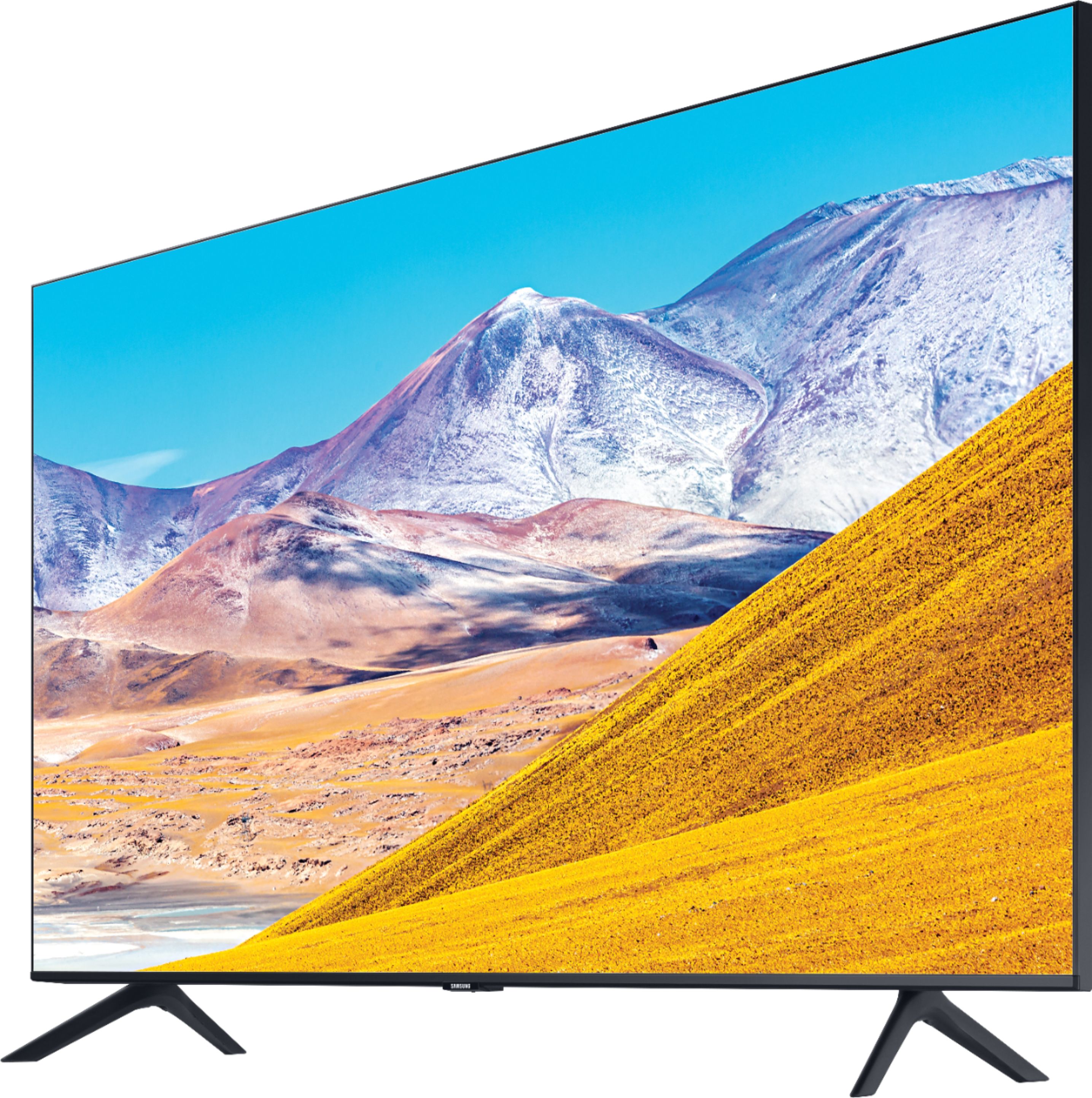
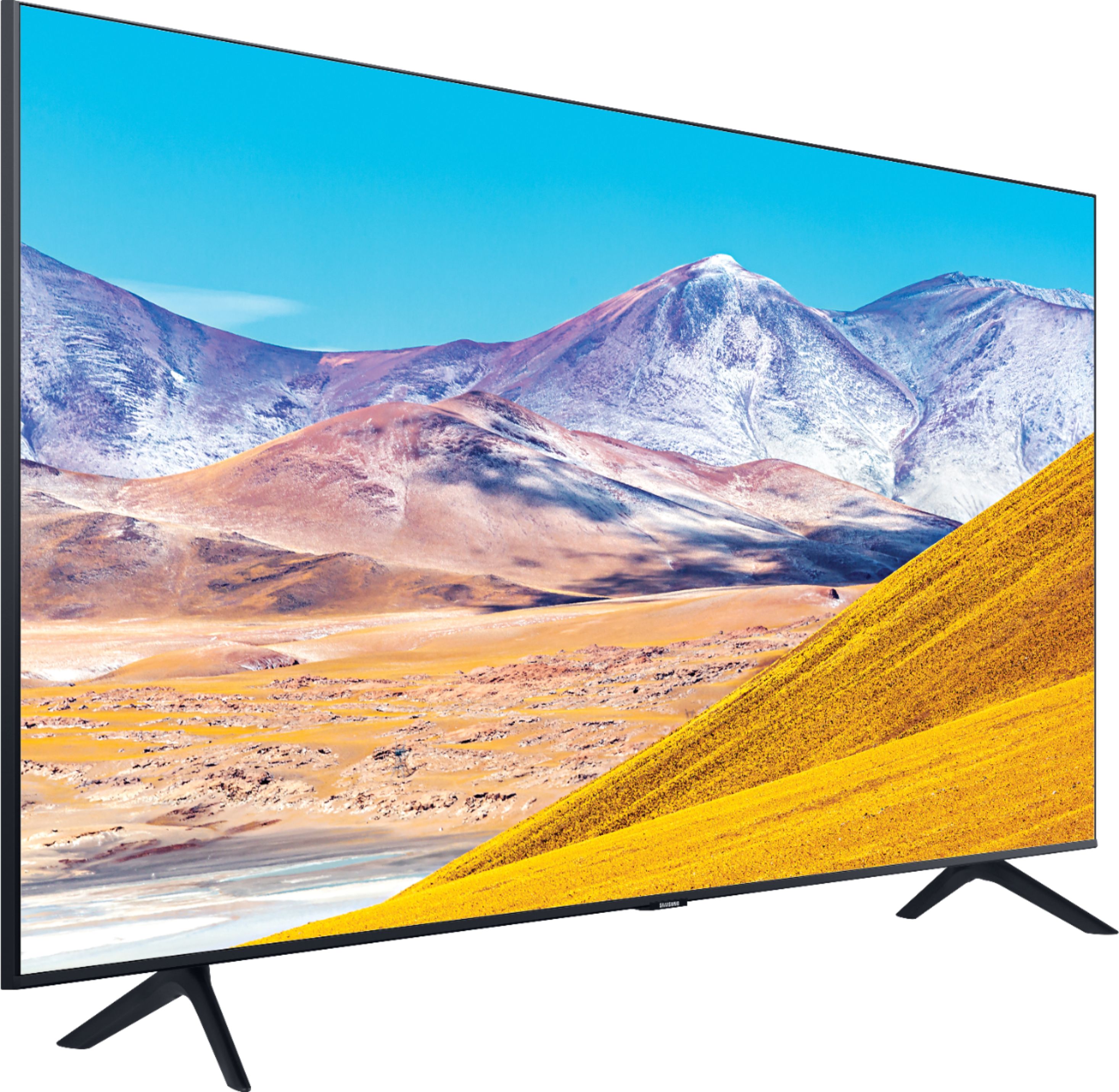
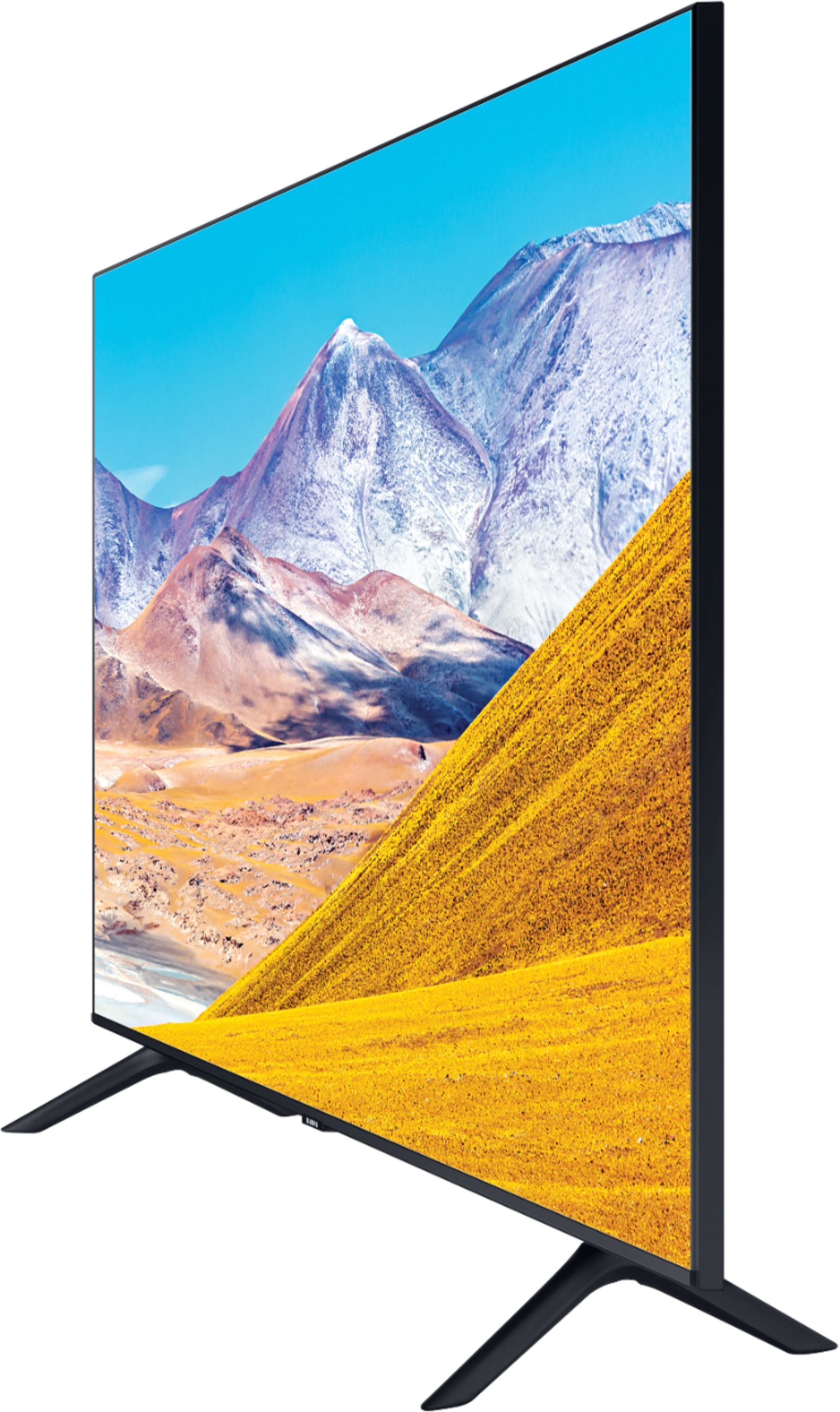
A:AnswerI bought the 55" Samsung Series 8 and my TV stand was just under 40" wide and the TV with legs did not fit. I probably needed about 1-2 more inches for the legs to fit. If you have a 40" TV stand, you will be cutting it very close and it may not fit securely. I ended up having to buy a universal stand that holds the TV from the center of it to use the TV on my current stand.
The legs that come with this TV are not reversible.
A:AnswerOnly Samsung’s 8K QLED TVs will support ATSC 3.0 NextGen TV. The included series are the Q800T (65-, 75-, and 82-inch sizes), the Q900TS (65-, 75-, and 85-inch sizes), and the Q950TS (85-inch size), for a total of seven options.
A:AnswerThe remote for this TV can be programmed to operate other devices connected to the TV's inputs and outputs. You have to set each one up with an on-screen menu. I don't have a TiVo, but I use the TV remote for some functions on my cable box and Roku. More complicated functions such as scheduling recordings, TV program guides, and fast-forwarding/rewinding took time for me to figure out. Some of them require going through several steps and menus. So I find easier to use my cable box remote for those functions. As for Netflix and HULU, apps for those and others are built into the TV. The Apps menu will take you to them, or for Netflix you can use a dedicated button on the remote.
A:AnswerIt seems to me there would be a direct connection. I don't have a Bluetooth keyboard, but my Bluetooth earbuds and speakers connect directly. Maybe this link will help. https://www.samsung.com/us/support/answer/ANS00085243/
A:AnswerI found this answer on an AT&T.com link: After you register and connect your Samsung Smart TV to the internet, you can add AT&T TV. ... Enter AT&T TV in the Search box. Choose AT&T TV, then Install. Select the app to open it.Jul 9, 2020 https://www.att.com/support/article/att-tv/KM1265539/
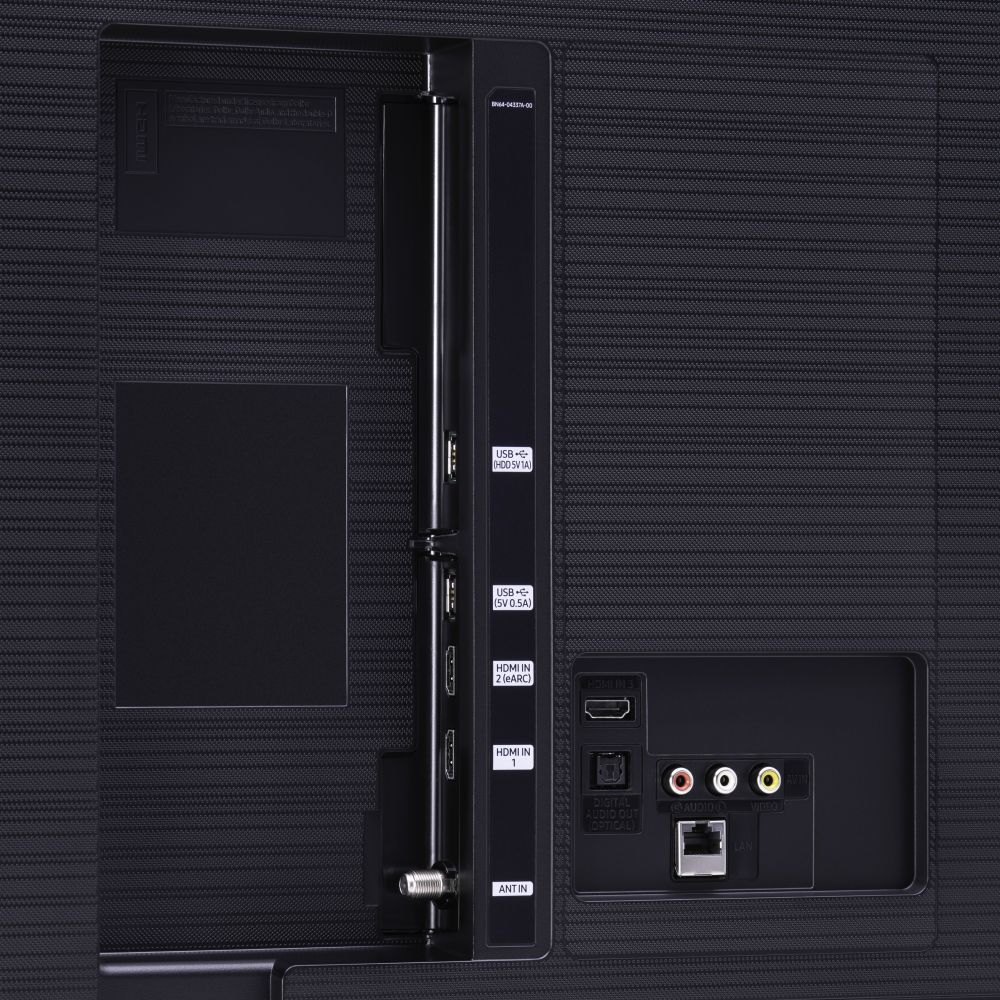
A:AnswerI'm not sure I understand what you mean by multi audio output. But there are outputs for HDMI, optical cables, and RCA-style connectors, all of which can be connected to soundbars, external speakers or other devices. I can listen to my external speakers and the TV speakers at the same time, either through optical connections or Bluetooth. I also can listen through Bluetooth earbuds while sound plays through the TV speakers. I hope this answers your question.