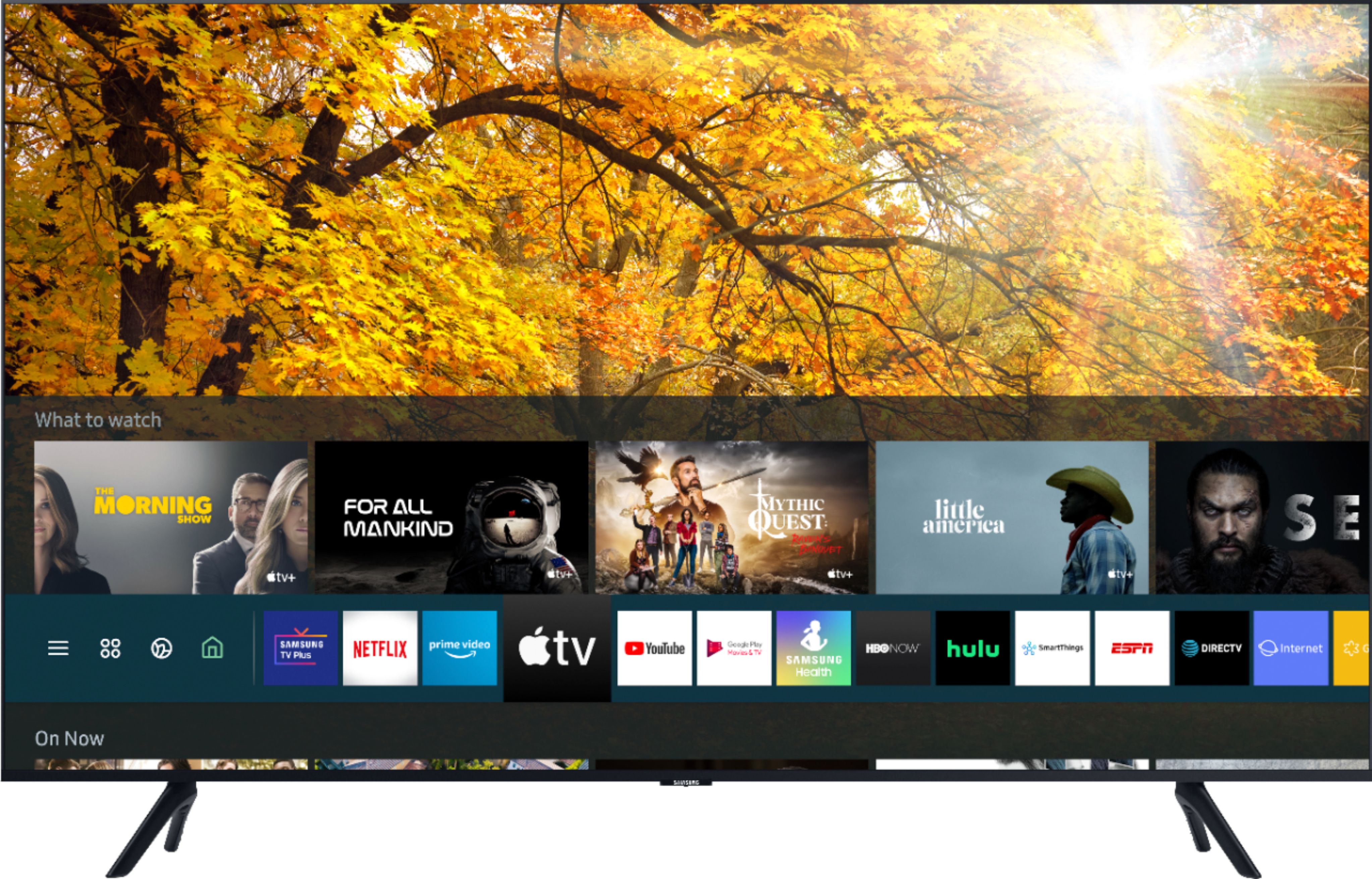
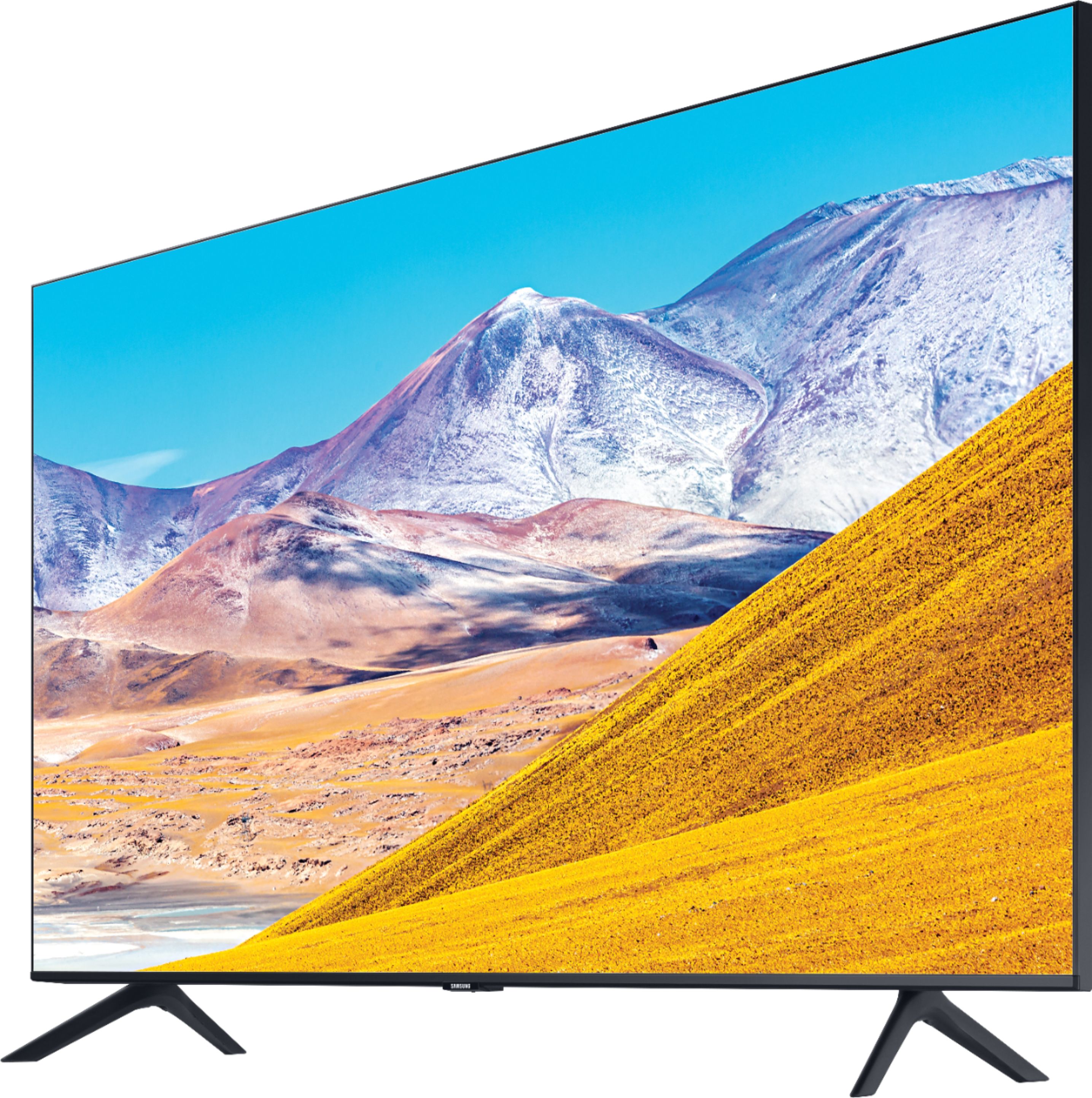
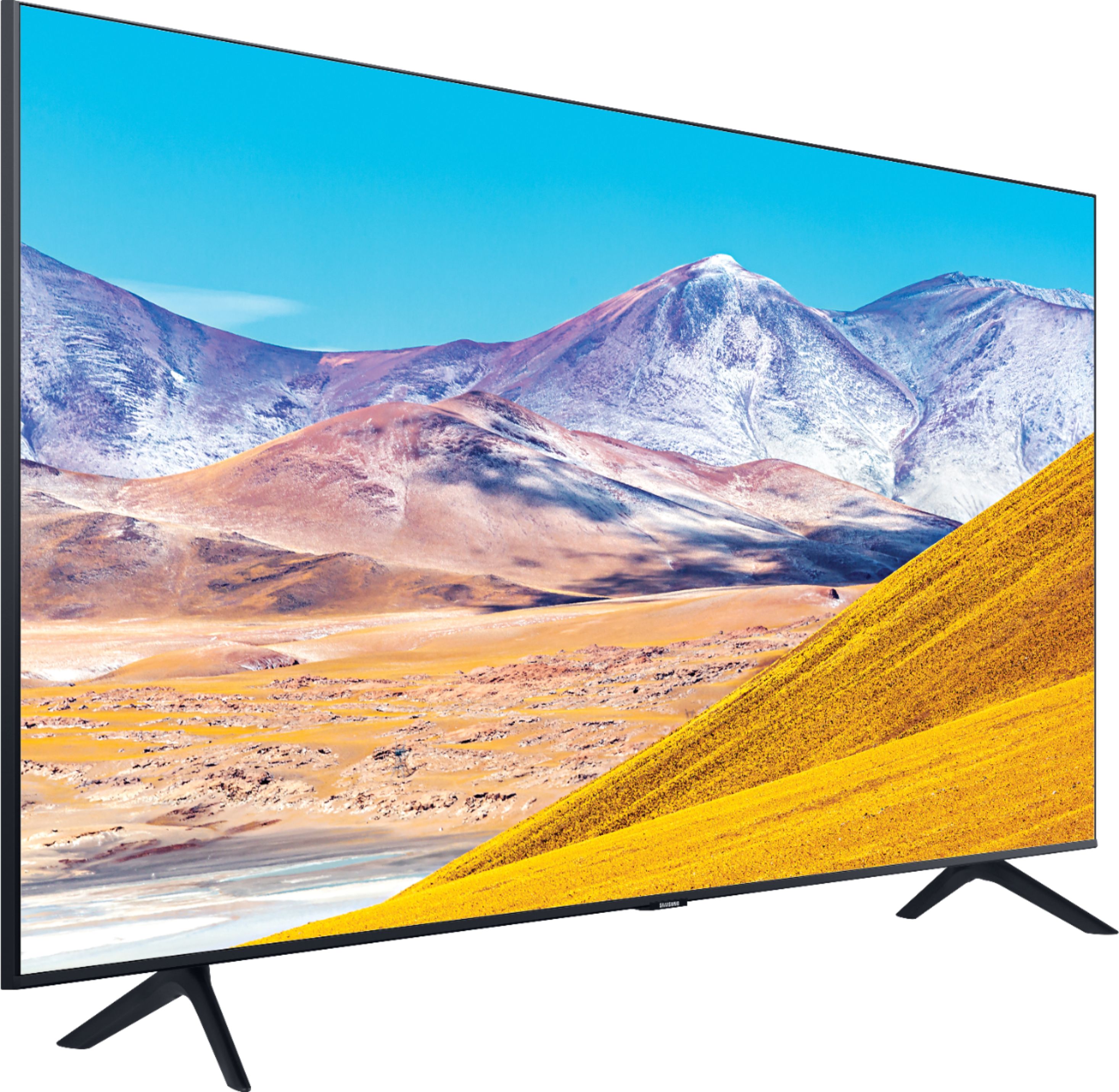
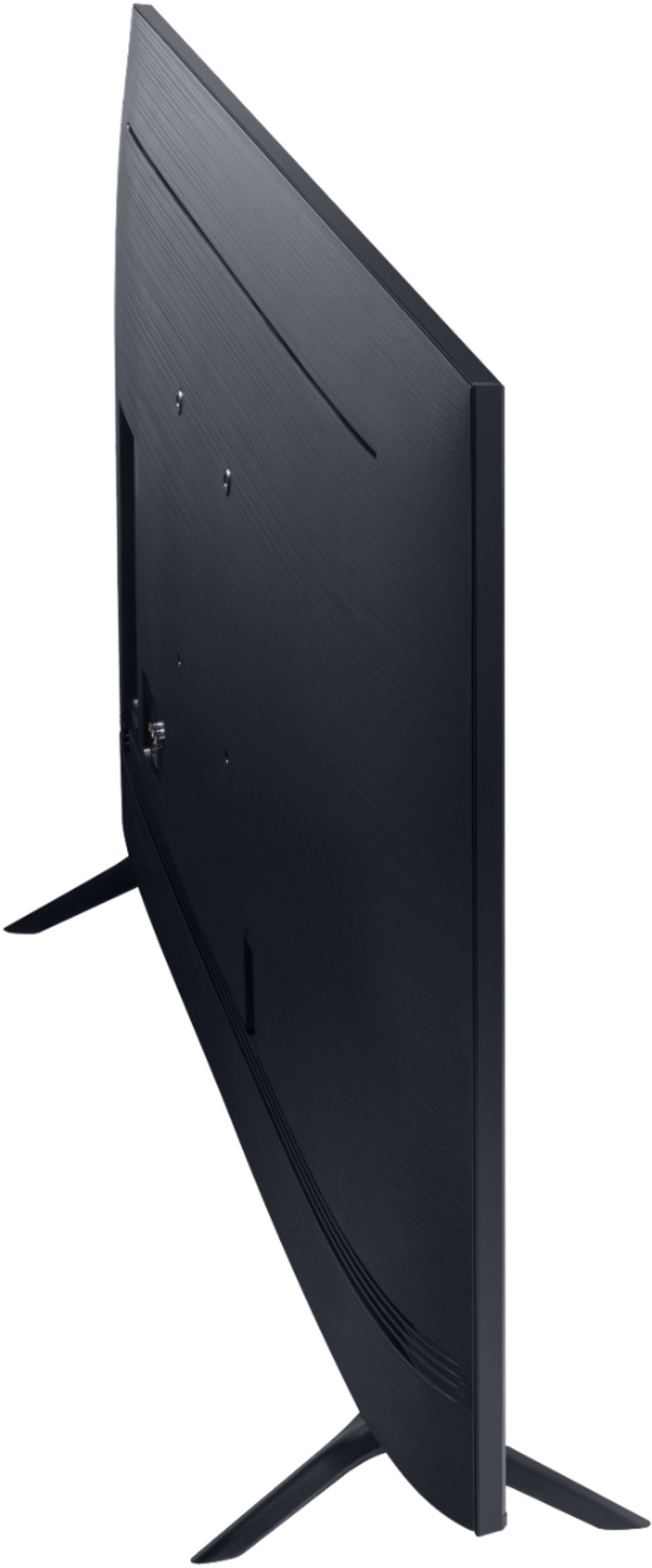
A:AnswerI put the remote face down, put my thumbnail in the indention near the bottom, and then press forward. At the same time I use my other hand to grasp both sides and pull forward. The cover slides along the tracks where the cover meets the front. It gets easier each time, and even easier if you accidentally drop the remote on a hard floor as I did.
A:AnswerHi Sammi! Check out the TV screen cleaning solutions at the following link from Best Buy: https://www.bestbuy.com/site/searchpage.jsp?_dyncharset=UTF-8&id=pcat17071&iht=y&keys=keys&ks=960&list=n&qp=category_facet%3DTV%20Screen%20Protectors%20%26%20Cleaners~abcat0107036&sc=Global&st=screen%20cleaner&type=page&usc=All%20Categories ^Tim
A:AnswerHelo LuLusMom, To access Airplay: Go to the Settings Menu > select
General > select Apple AirPlay Settings is ON > From Your iPhone Notification Panel, select Screen Mirroring and tap on your TV name. Enter any code that might be shown onscreen> Your TV will now display your iOS device’s screen. You will now be able to watch mobile content or casting audio to your TV. ^Celina
A:AnswerTwo cabinet-top stands are included, but wall brackets are not. I used this wall mount: https://www.bestbuy.com/site/rocketfish-tilting-tv-wall-mount-for-most-32-75-tvs-black/9881868.p?skuId=9881868
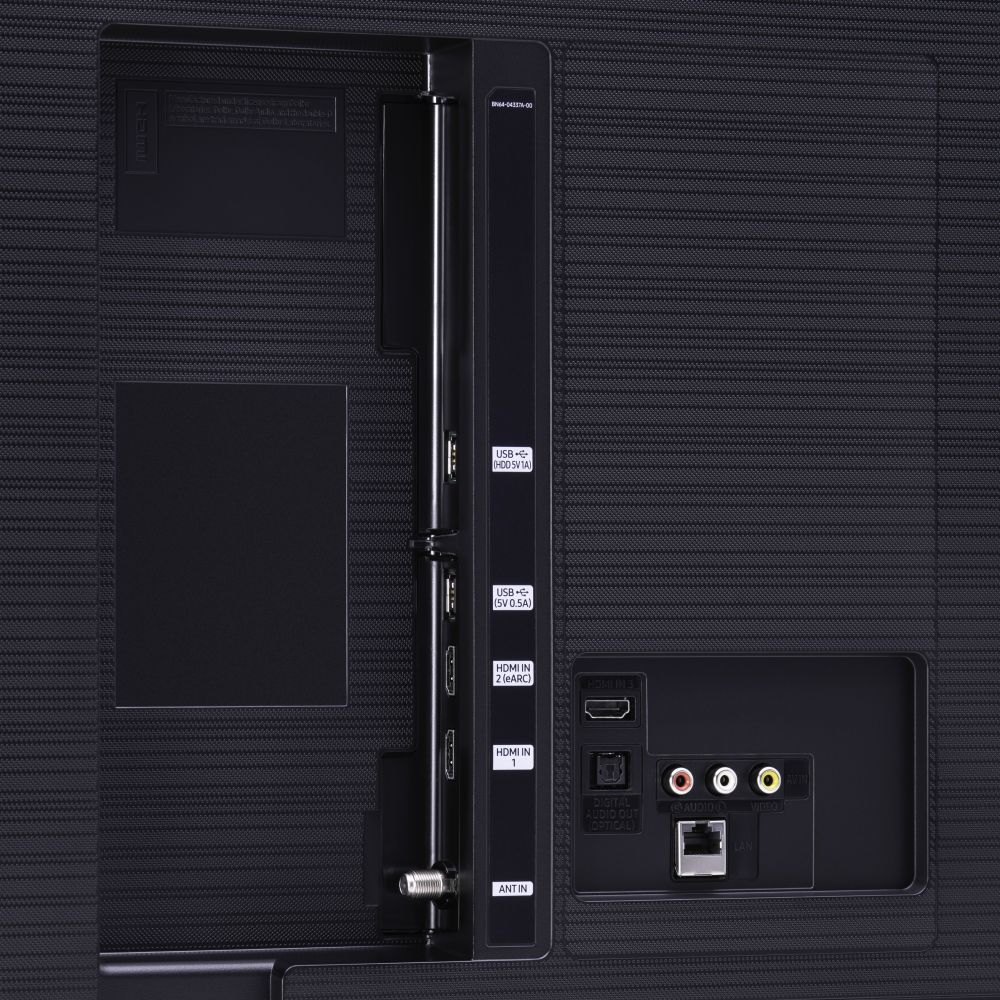
A:AnswerThe TV has an eArc HDMI output, which from what I understand is the best way to connect to a soundbar. I've read that it gives you better sound quality and lets you control the soundbar from the TV. There also is an optical sound output. I use that for my external speakers because they don't have HDMI inputs. And there's Bluetooth, if your soundbar has Bluetooth capability.
A:AnswerYes, it does have a browser, which connects by wifi. I had to buy a wifi extender so my router's signal could reach the TV. You also might want to connect a keyboard to the TV, so you don't have to click on the screen to enter one character at a time.
A:AnswerThe Smart Remote doesn't have all the dedicated buttons for devices and functions like earlier remotes did. So you might have to go to the Home Screen menu and search for USB setup. The voice-activated function (Alexa, Google Assistant, or Bixby) might also take you there. I haven't tried USBs on my TV yet, but I would think it could do whatever you want. You might want to try Samsung customer support to make sure, before you buy.
A:AnswerHere's the one I bought. It's good up to 130 pounds, and it tilts to adjust for room brightness, etc. It has clear instructions for wall- and TV-mounting, and it has worked well. https://www.bestbuy.com/site/rocketfish-tilting-tv-wall-mount-for-most-32-75-tvs-black/9881868.p?skuId=9881868
A:AnswerI can change the fast-forward speed on my remote by clicking the right side of that center button. Four clicks is fastest, about 30 minutes in 15 seconds.
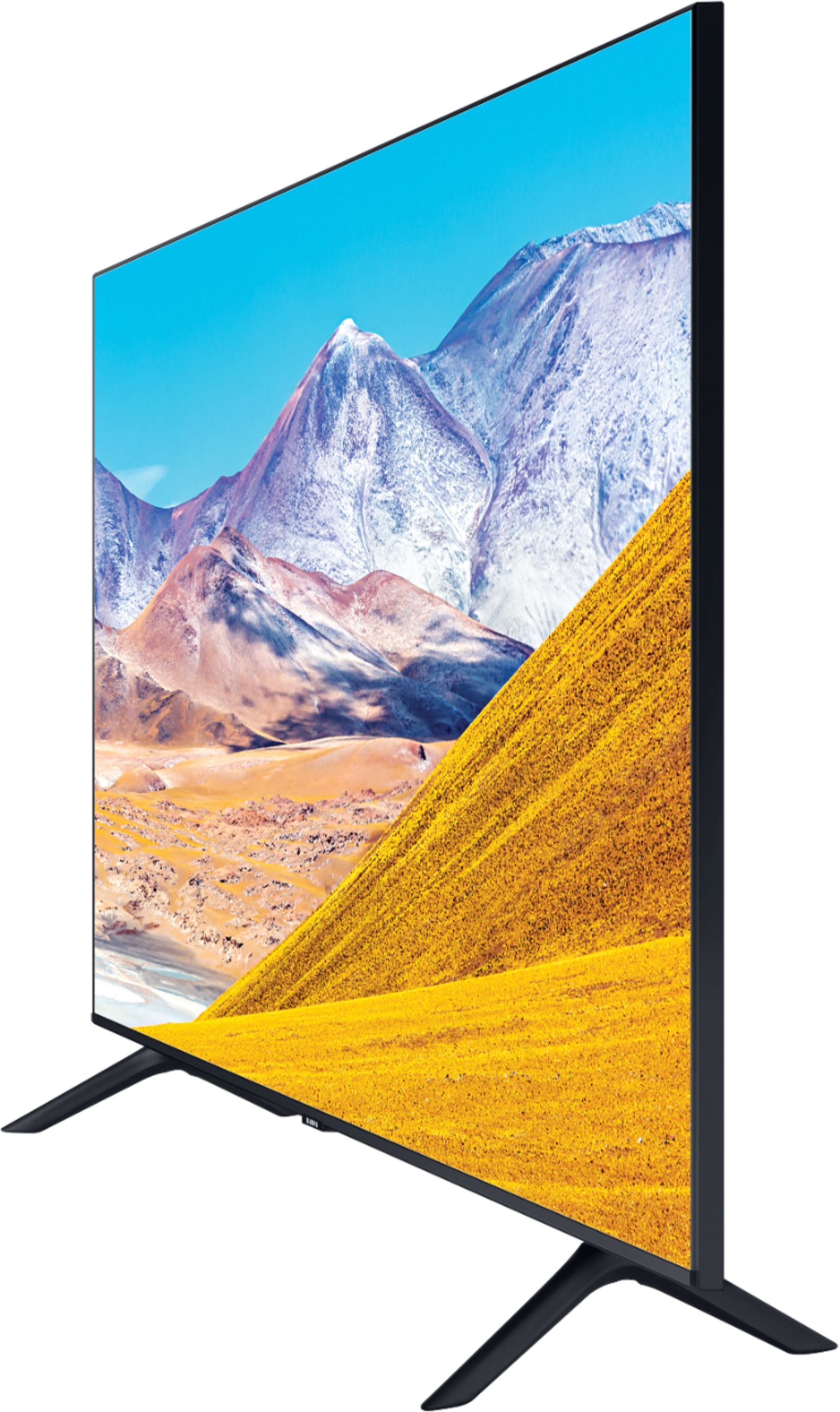
A:AnswerHeight With Stand 30.8 inches
Height Without Stand 27.8 inches
Width 48.4 inches
Depth With Stand 9.9 inches
Depth Without Stand 2.4 inches
Weight With Stand 31.3 pounds
Weight Without Stand 30.6 pounds
Stand Width 37.5 inches
Stand Depth 9.9 inches
Adjustable Stand No
A:AnswerQ: Question Hi, is the tv compatible with 220-240 V?
Asked 10 months ago by Ranjeet.
A:Answer Hey, Ranjeet, these are US Samsung models that only support 120V. ^Gina
Answered 10 months ago by Samsung
A:AnswerOne of the HDMI ports faces toward the back, rather than the side like the other two ports. A connection to it can be awkward, but I am able to use it with my wall mount. Plugging in the cable before you attach the TV to the mount might help. You can see all three HDMI ports in the attached photo. The back-facing port is in the middle, to the left of the component outputs and above the optical input.