A:AnswerHi John,
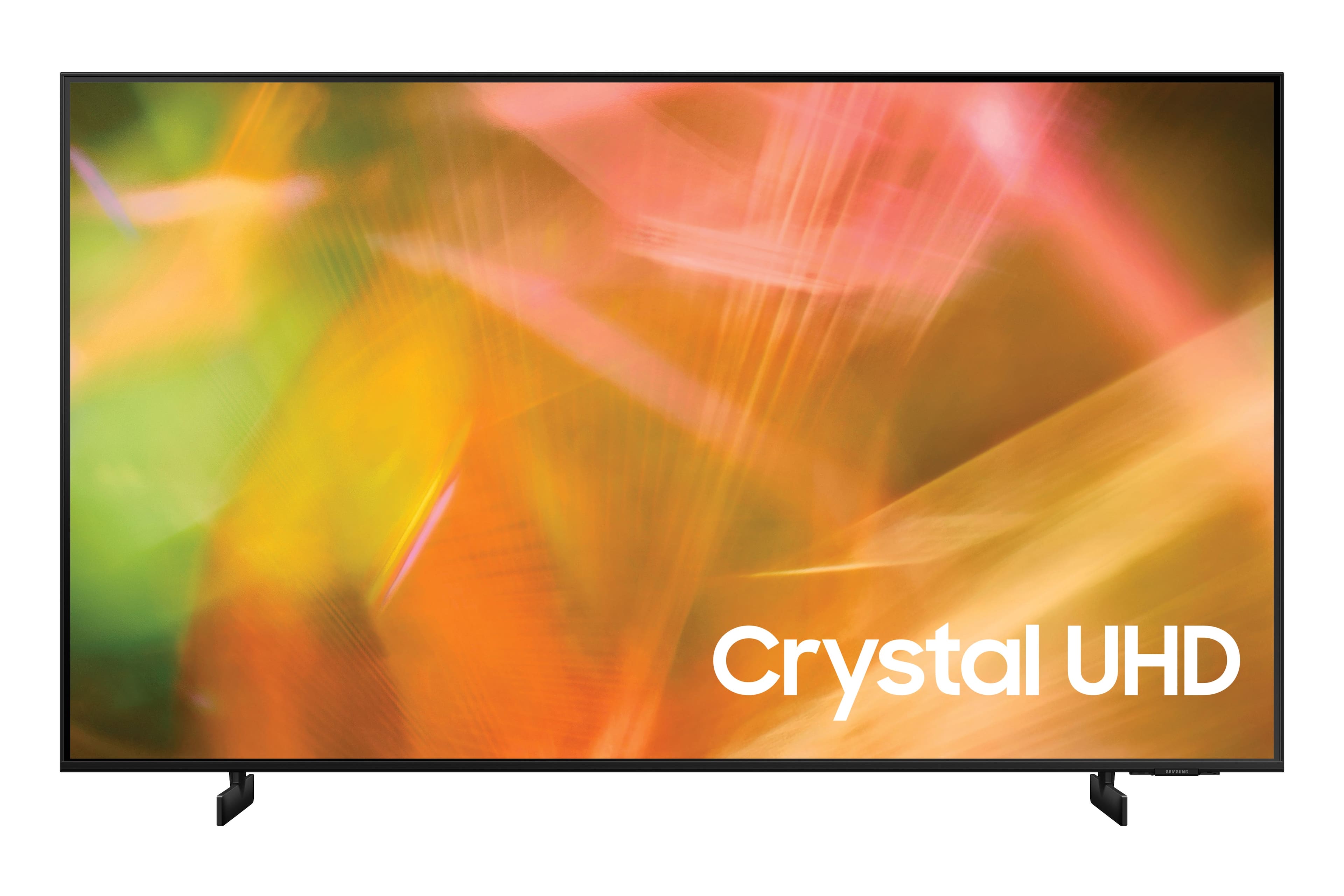
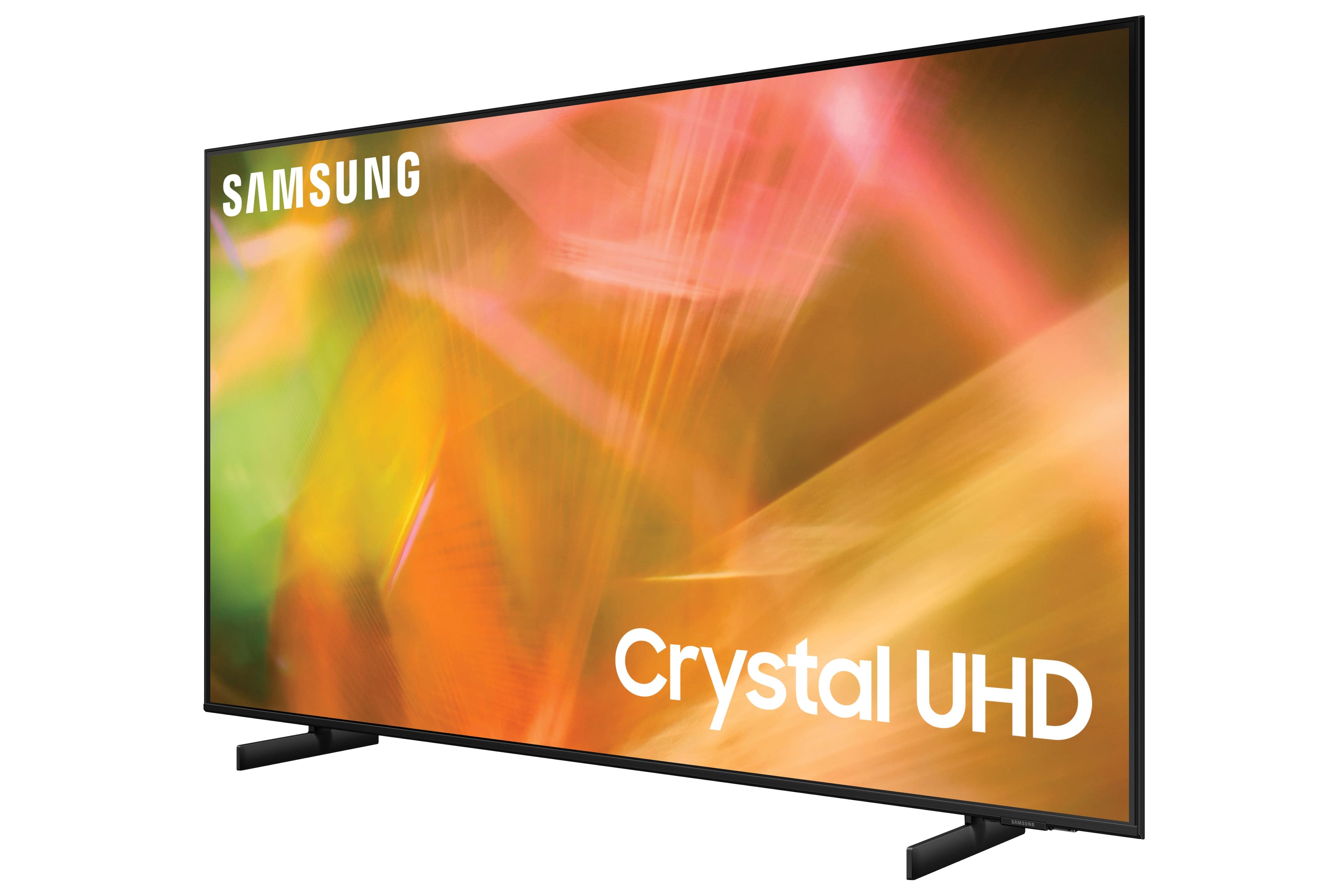
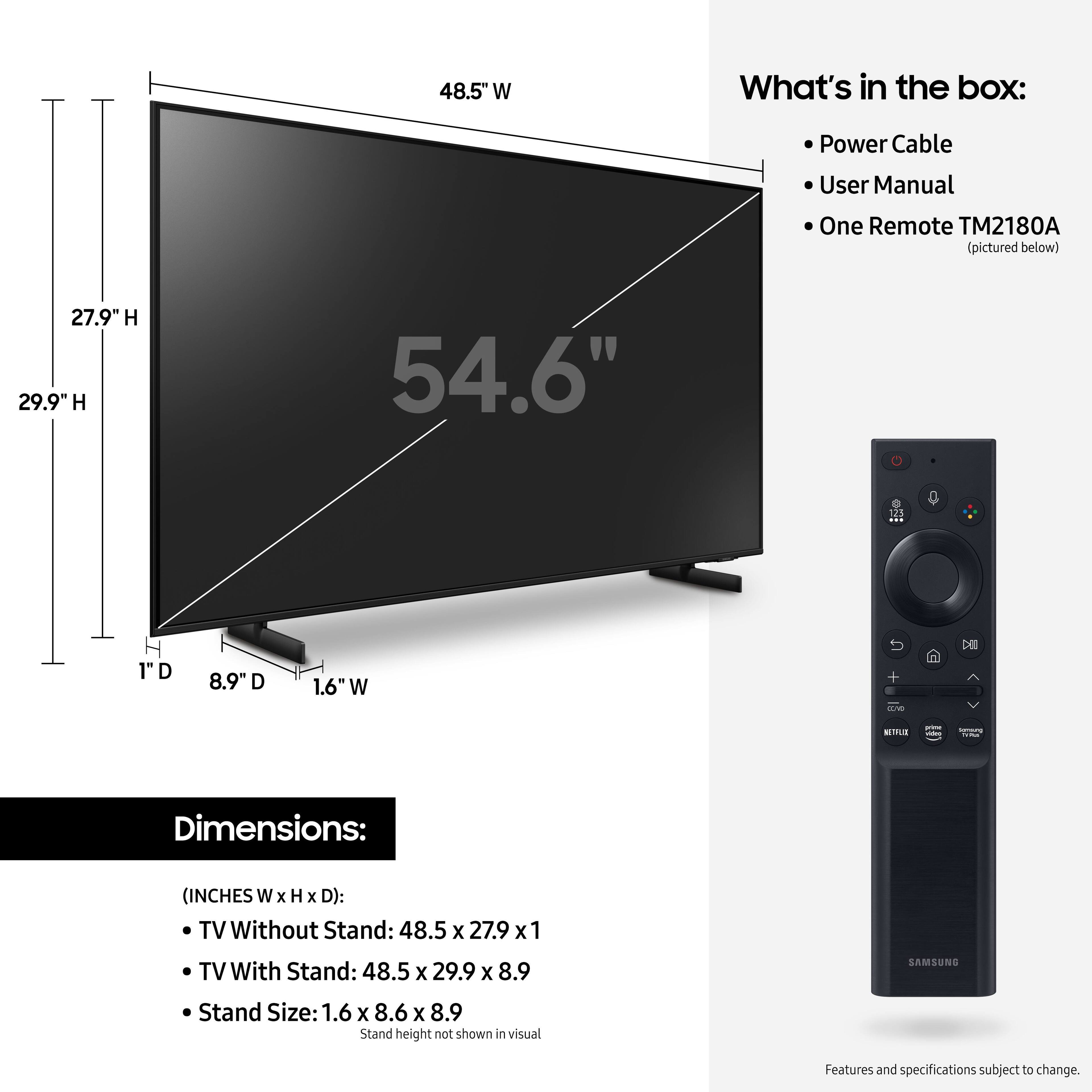
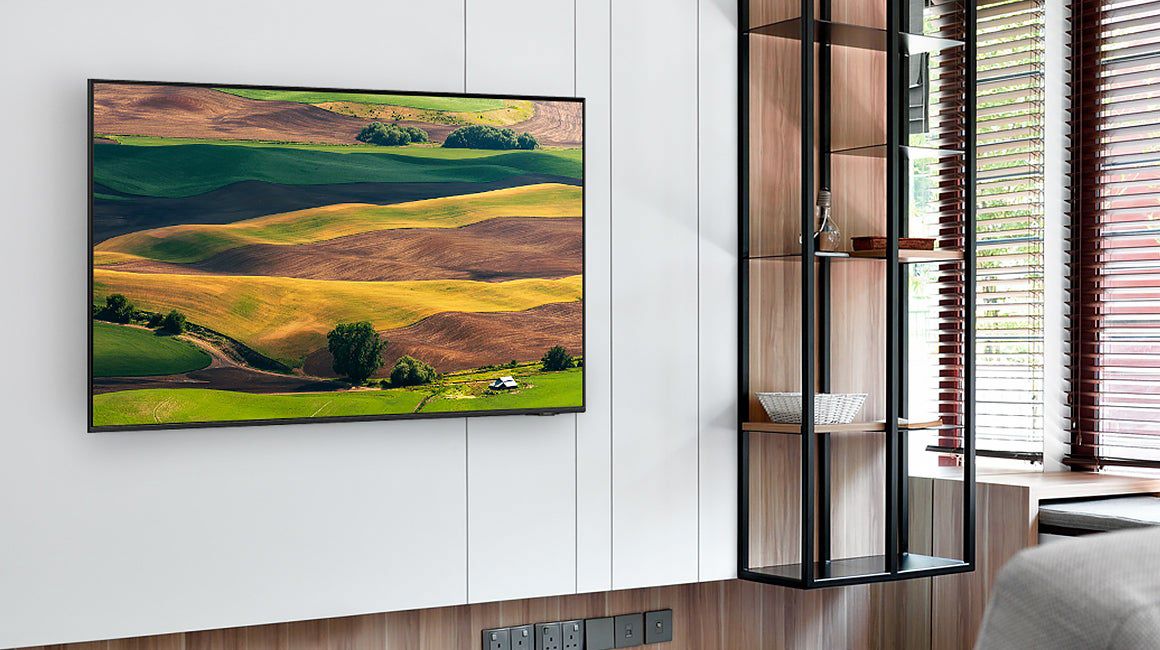
Yes, you can wall-mount the 55" AU8000 with any wall mount that has a VESA Standard of 200mm x 200mm.
Check out some compatible wall mounts at Best Buy: https://www.bestbuy.com/site/searchpage.jsp?id=pcat17071&qp=maxtvsizerange_facet%3DMaximum%20TV%20Size~55%20to%2055%5Emaxtvsizerange_facet%3DMaximum%20TV%20Size~50%22%20-%2059%22&st=wall+mount
^Brie
A:AnswerHi there - You can connect a cable box via HDMI, or you can take advantage of the DirecTV Stream app, which is available to download directly from the AU8000 TV's App Store. Please know that the TV stand was solidly designed and extensively tested for stability. ^Gina
A:AnswerPress the home button on the remote, arrow left to settings, and it takes you to the e-manual where you can see how to adjust the picture quality. You can also Google your question and it should tell you how. Also, I believe the top right button with the 3 colors might help with this.
A:AnswerHi Pepper - So that we can best assist with this, please reach out to Samsung Support at: 1-800-SAMSUNG, 8AM - 12AM EST, 7 days a week, or Chat with us on Samsung.com: https://www.samsung.com/us/support/contact/ ^Gina
A:AnswerHit the home button on remote, then arrow left to settings and it should take you to the e-manual. In the upper right corner of manual it tells you what each function does I believe. It’s a little intimidating and Takes a little time but keep hitting the center round button and arrow over till you see what you need.
A:AnswerHi Mickey - So that we can better troubleshoot towards a solution, please reach out to Samsung Support at: 1-800-SAMSUNG, 8AM - 12AM EST, 7 days a week, or Chat with us on Samsung.com: https://www.samsung.com/us/support/contact/ ^Gina
A:AnswerHi Babs! Yes, the AU8000 features Samsung's TV Plus giving you access to a wide variety of free content when connected to an internet network.
^Tim