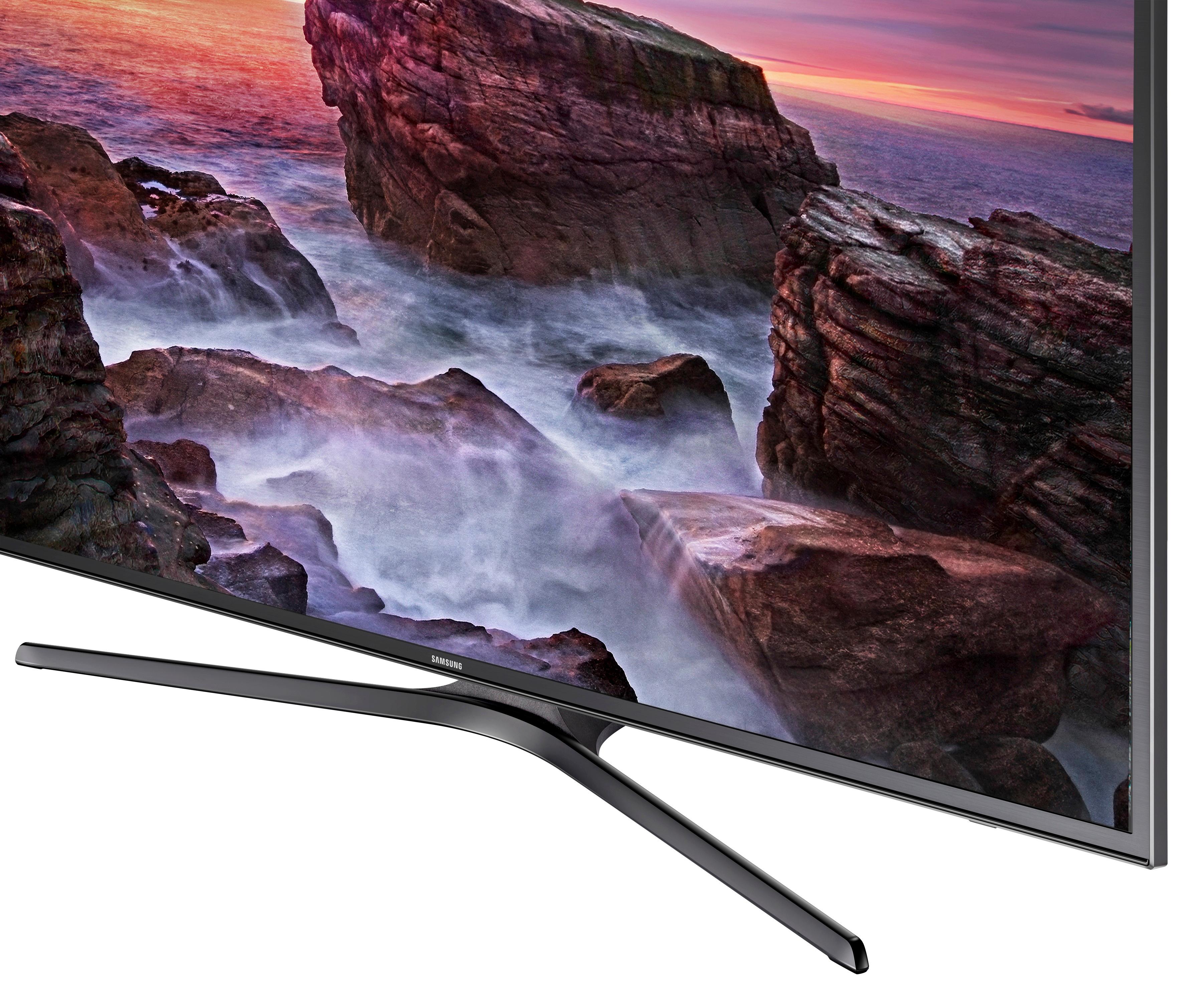
A:Answer Hello Sanz :) When I first plugged in the Tv, I thought the picture quality could use some work too!
Best simple recommendation I can make is the following steps for general use:
-Click Settings
-Click & Adjust Picture mode ( we liked Nature the best )
-Click Advanced settings
-Scroll down to color tone ( we found warm 1 to be best overall )
-Play around with contract ratio (off, low, high) to your liking
In addition:
-Make sure your contrast is relatively high ( scrollbar ),
-Your sharpness is not lower than 50, but not higher than 70
If you are using a console, or tv box ( instead of the tv itself for Netflix or such ):
-Make sure Game Mode is enabled( Console ONLY )
-Try adjusting the Red-Green Balance, this varies by manufactured panel, but I found mine to need a slightly stronger green output verses red, which helped better change the tint and (felt) clarity.
-Make sure you've selected the option in settings(same place as gamemode) for that specific HDMI port to be UHD color compatible.
And personally:
-Don't enable HDR+, I feel like it makes pictures too wonkey.
Hope this helps, and let me know if there's anything specific you have issues with :)