A:AnswerHi Sammy - While the sound will not be affected, please ensure you maintain a distance of at least
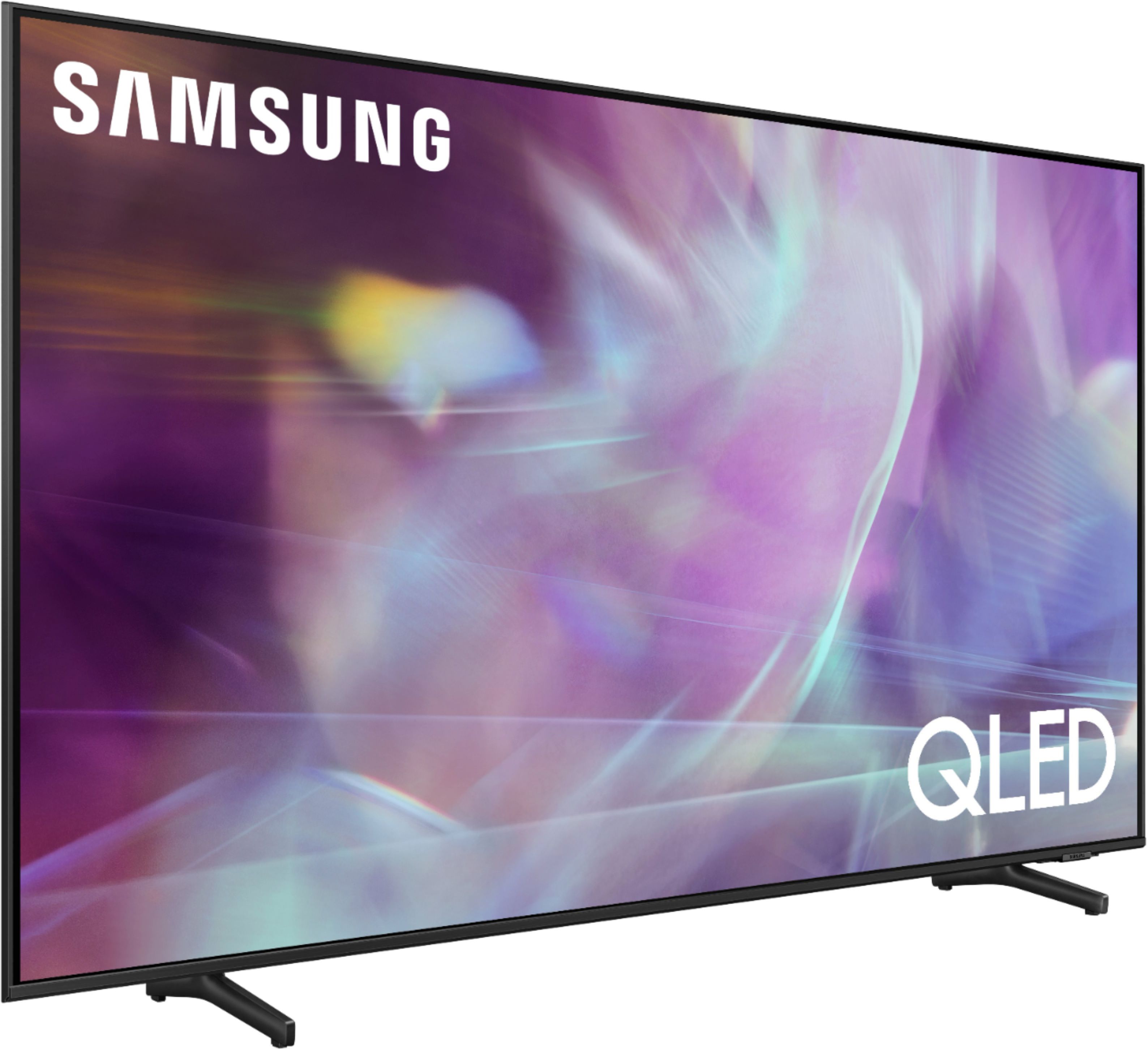
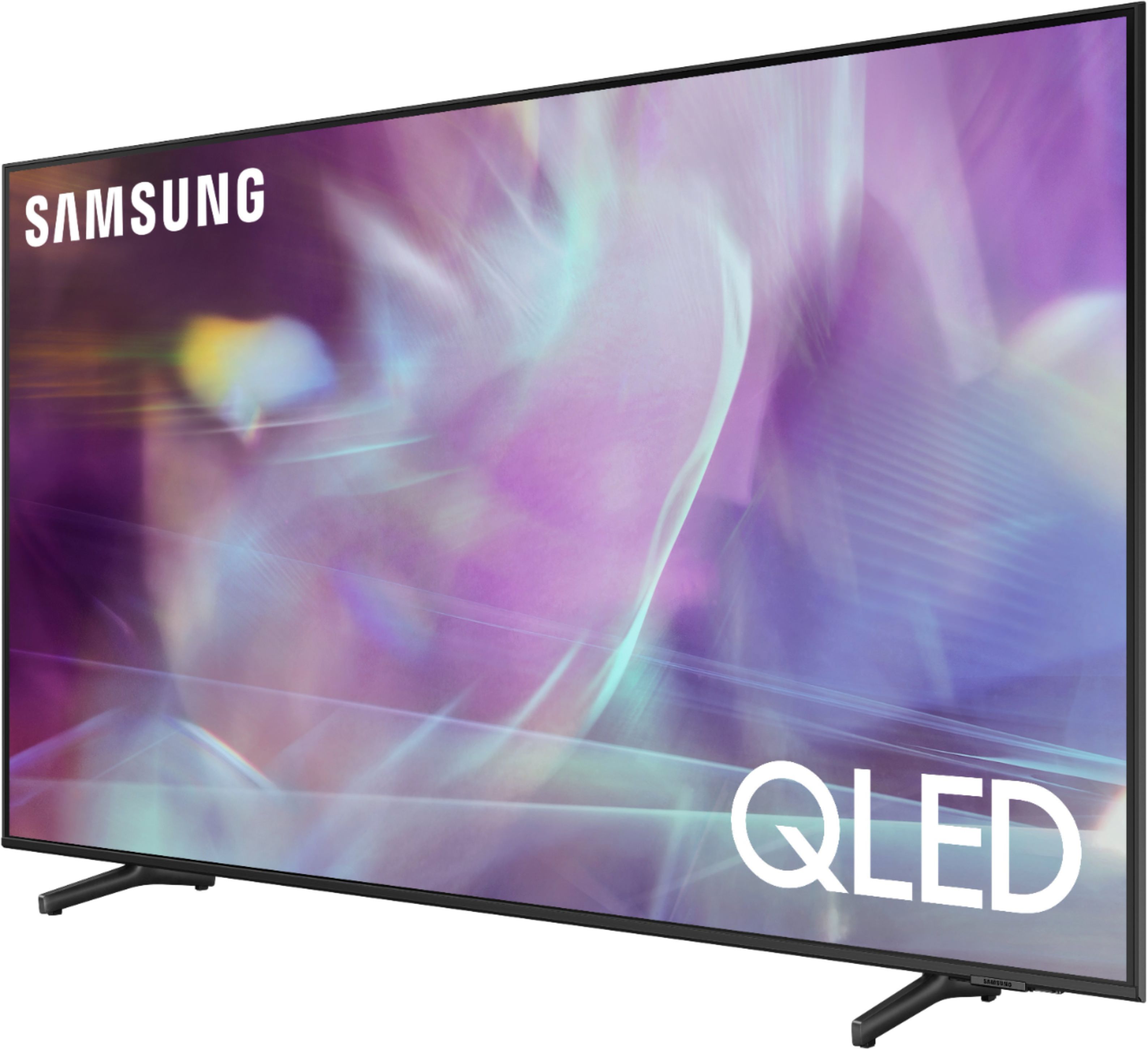
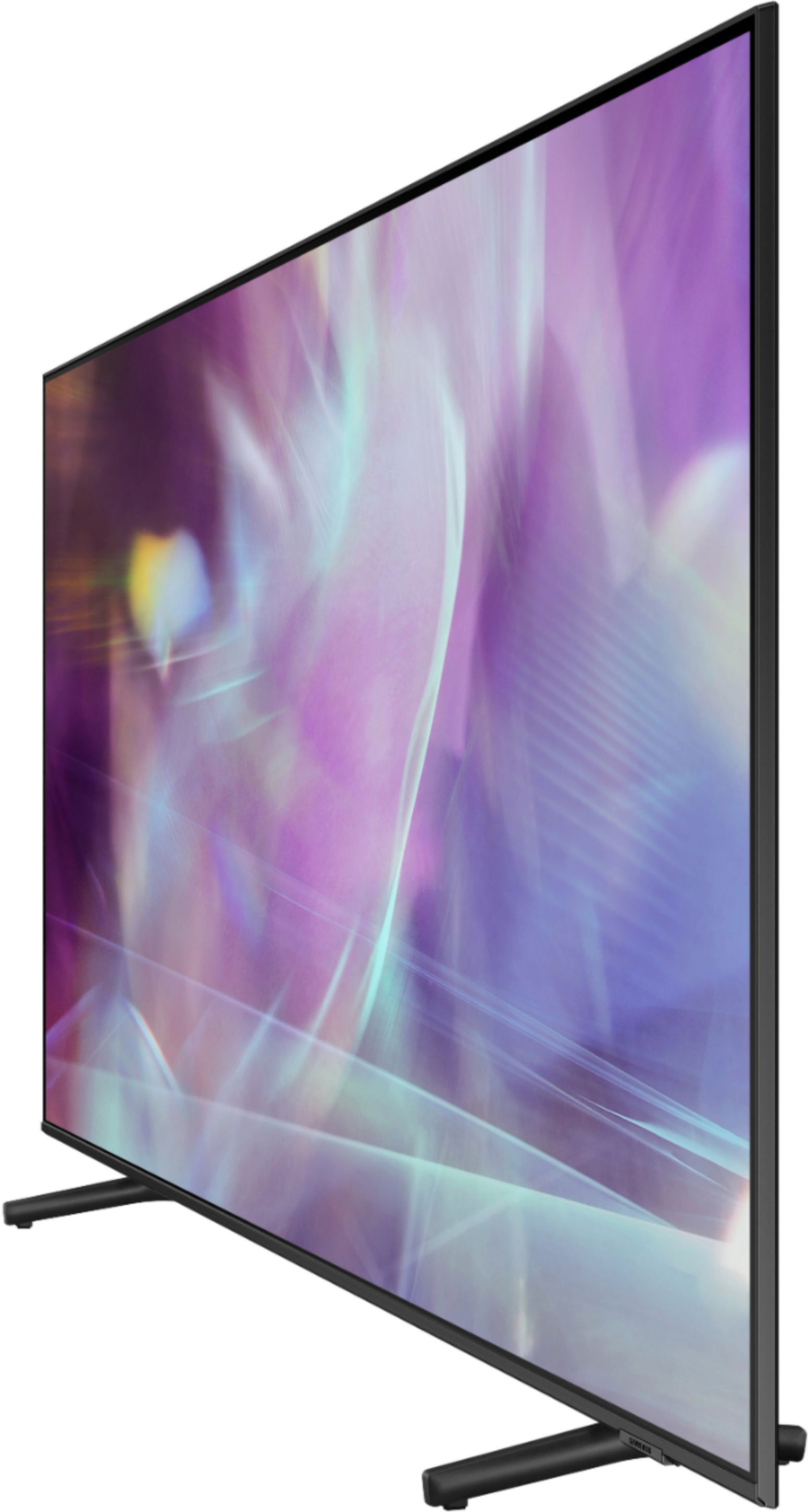
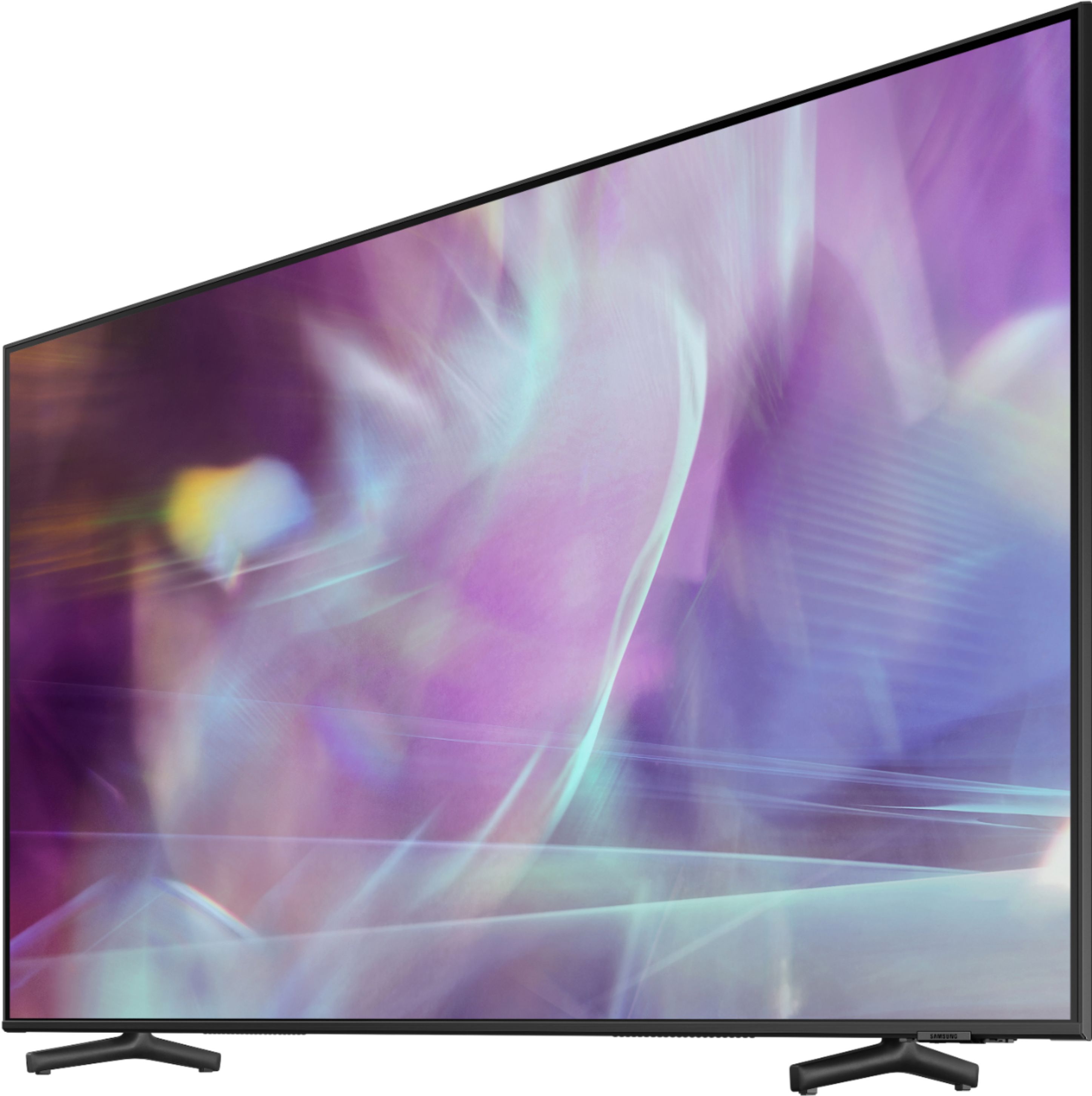
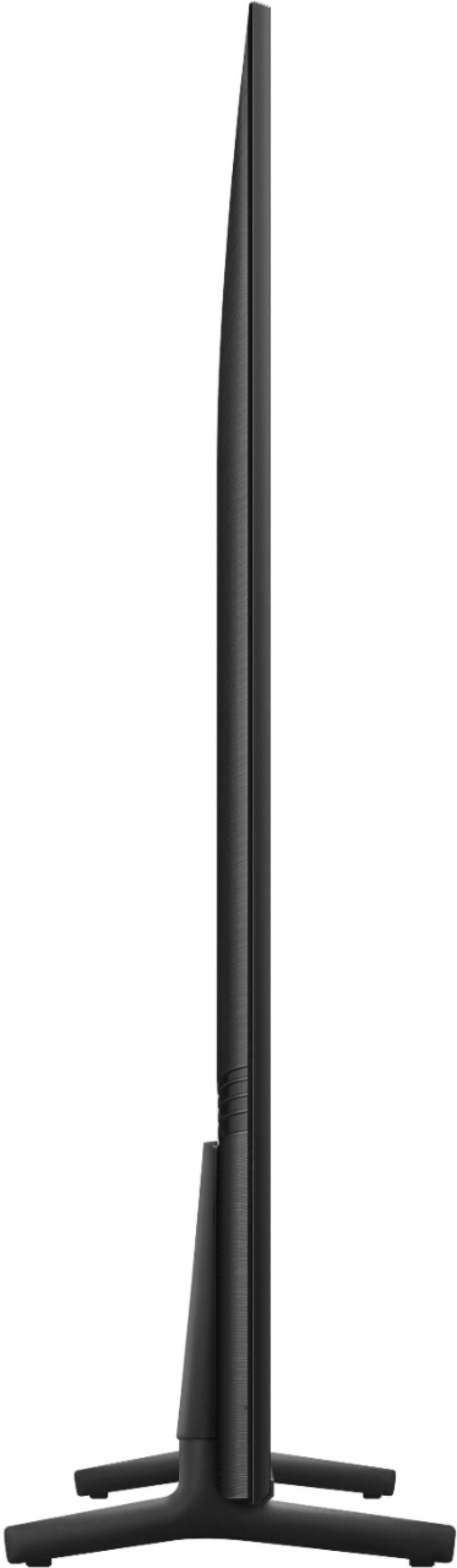
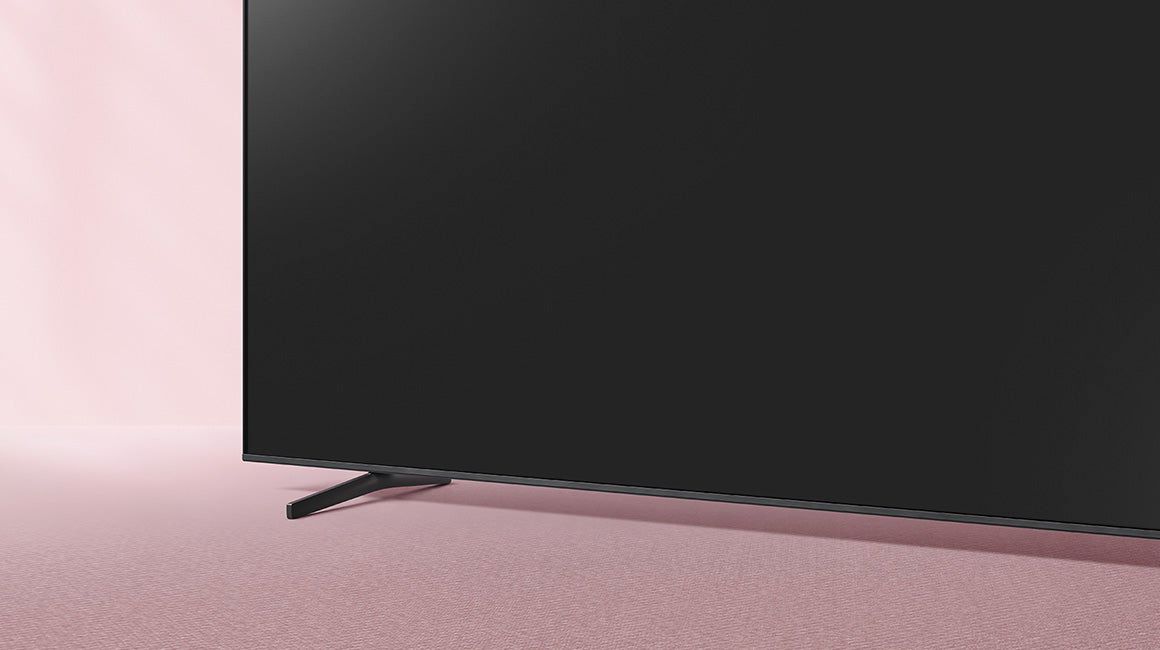
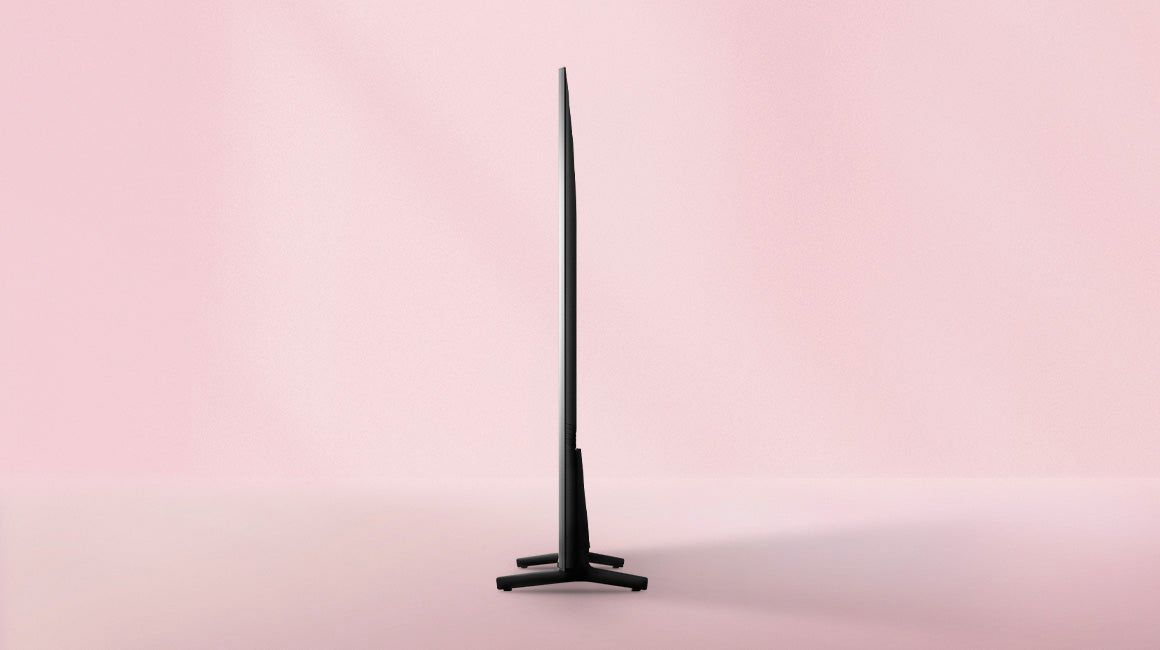
4 inches between the TV and other objects (walls, cabinet sides, etc.) to ensure proper ventilation. The 55" Q60A stand is height adjustable for a total TV height of 29.4" (1.5" of clearance) or 30.4" (2.5" of clearance). ^Gina
A:Answerrandy - The Q60A features a USB port; for a list of supported USB formats, please see pages 137-142 of the eManual: https://downloadcenter.samsung.com/content/UM/202106/20210624133023578/OSNATSCA-6.0.0_EM_OSCAR_USA_ENG_210608.0.pdf ^Gina
A:AnswerHi mrbutch - A standalone voice assistant device (such as an Echo Show) is not required to take advantage of the Q60A TV's built-in voice assistants. ^Gina
A:AnswerKoolKev88 - I apologize for any misinformation you may have been given. If you are looking for a TV capable of 4K@120fps (FRL), please consider a step up to Q70A Series, which supports “FRL on HDMI In 4”. ^Gina
A:AnswerHi, not sure how problem was resolved but removed alexa a few times and then re-installed and it's now working okay. Thanks for advice and quick responses everyone.
A:AnswerDrJones - So that we can best assist you with a replacement remote, please reach out to Samsung Support at: 1-800-SAMSUNG (ask for TVs), available 8AM - 12AM EST, 7 days a week, or Chat with us on Samsung.com: https://www.samsung.com/us/support/contact/ ^Gina
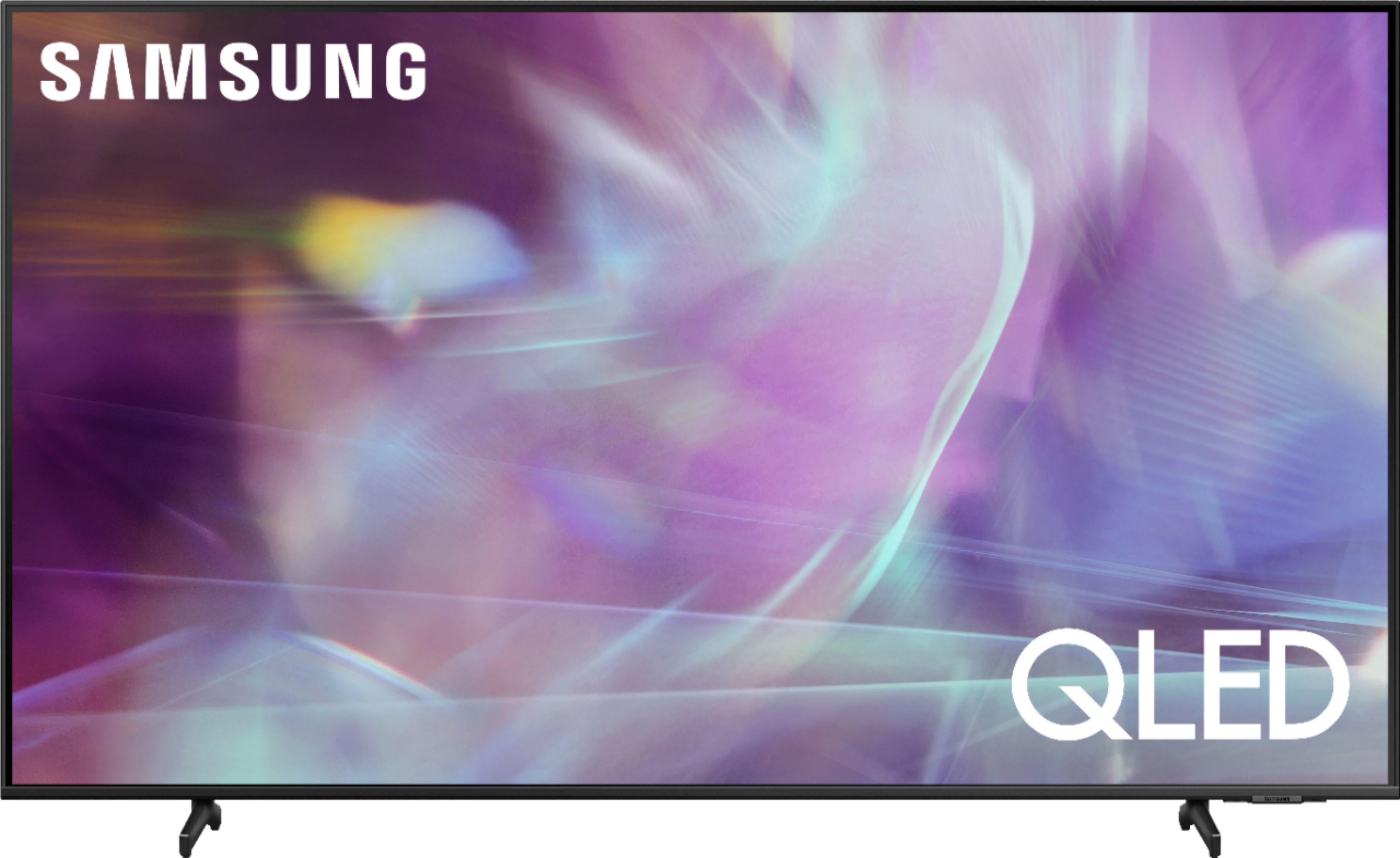
A:AnswerHi - You can connect a soundbar to the Q60A TV via HDMI or Optical cable, or wirelessly via Bluetooth or Wi-Fi. The connection utilized will depend on the soundbar you are connecting. ^Gina