A:AnswerHi there! The Q80A allows you to turn the TV screen off but keep audio with the Picture Off function. To enable this, go to: Home > Settings > General > Accessibility > Picture Off. ^Gina
A:AnswerHi there! So we can better understand what type of subscription you are referring to and provide you with assistance, please reach out to Samsung Support at: 1-800-SAMSUNG (ask for TVs), available 8AM - 12AM EST, 7 days a week, Chat with us on Samsung.com, or Email: https://www.samsung.com/us/support/#contact_us_for_support ^Gina
A:AnswerMike - The image quality on your screen depends on the source and the connection. HDMI cables are recommended for optimal HD viewing; and when possible, 4K content will provide the best picture quality. The TV will upscale as best as possible any content sent to it. The closer the signal is to 4K, the better it will look coming out. ^Gina
A:AnswerHi jay - The 2021 Q60A TV includes features like Dual LED backlighting, our Quantum Processor 4K Lite, Motion Xcelerator with Auto Game Mode (ALLM), and 20 Watt 2 Channel sound with Object Tracking Sound Lite. When stepping up to the Q80A, you will gain Quantum HDR 12X and Direct Full Array Backlighting, giving you an extensive range of contrast with deep blacks and pure whites, as well as Freesync Premium Pro for an enhanced gaming experience. The Q80A also features Object Tracking Sound which utilizes 4 speakers, providing a complete experience by placing sound exactly where objects appear on-screen and optimizes sound based on the scene. ^Gina
A:AnswerHi Savman! If you press any key on the remote, and the LED indicator at the top of your remote stays on for about 3 seconds rather than blinking, please try the following steps to reset your remote:
1) Long press the RETURN key and ENTER key together for about 10 seconds if your remote was once paired already with the TV, you do not need to re-pair it again. However, if it was not paired with the TV, pairing must be done after the reset.
2) The RETURN key is on the left side of your remote and looks like a curved, backwards pointing arrow.
3) The ENTER key is the button in the center of your directional ring.
Please also check the remaining battery of your remote by going to: Settings > General > Power and Energy Saving > Available Remote Battery. ^Gina
A:AnswerHi Ron - The Q80A does not include a headphone jack; however, we do recommend utilizing Bluetooth headphones as the Q80A is Bluetooth enabled, and will allow you to seamlessly pair wireless Bluetooth headphones. ^Gina
A:AnswerHi Nat - So that we can better troubleshoot towards a solution, please reach out to Samsung Support at: 1-800-SAMSUNG (ask for TVs), available 8AM -12AM EST M-F (9AM – 6PM EST Sat), text HELP to 62913, LiveChat on Samsung.com, or Email: https://www.samsung.com/us/support/#contact_us_for_support ^Gina
A:AnswerHi Lola - We recommend utilizing a low-profile or fixed mount with the Q80A as it will be closer to your wall for a smaller gap. The 55" Q80A can utilize any wall mount with a VESA Pattern of 200mm x 200mm. Check out some compatible low-profile and fixed mounts at Best Buy: https://www.bestbuy.com/site/searchpage.jsp?_dyncharset=UTF-8&id=pcat17071&iht=y&keys=keys&ks=960&list=n&qp=mountstyle_facet%3DMount%20Style~Fixed%5Etvmountsize_facet%3DTV%20Size%20Compatibility~55%22%20-%2064%22&sc=Global&st=wall%20mount&type=page&usc=All%20Categories ^Gina
A:AnswerHi booger - The 2020 55" Q60T TV can utilize a universal center stand that supports a VESA Pattern of 200mm x 200mm. The Q80A TV is a 2021 Samsung QLED model; when stepping up from the 2020 Q60T to the 2021 Q80A, you will gain features like our new Solar Cell Remote, Quantum Processor 4K, Motion Xcelerator Turbo+, PC on TV, Multi View, Wide Viewing Angle technology, Ambient Mode+, Active Voice Amplifier, and 60 Watt 2.2.2 Channel sound with Object Tracking Sound (OTS) which utilizes 4 strategically placed speakers to place sounds exactly where they appear on-screen and optimizes sound based on each scene. Hope this helps! ^Gina
A:AnswerHi Bets - Yes, the Q80A TV features 4K AI Upscaling and will upscale as best as possible any content sent to it. The closer your content is to 4K, the better the image will look on the screen. ^Gina

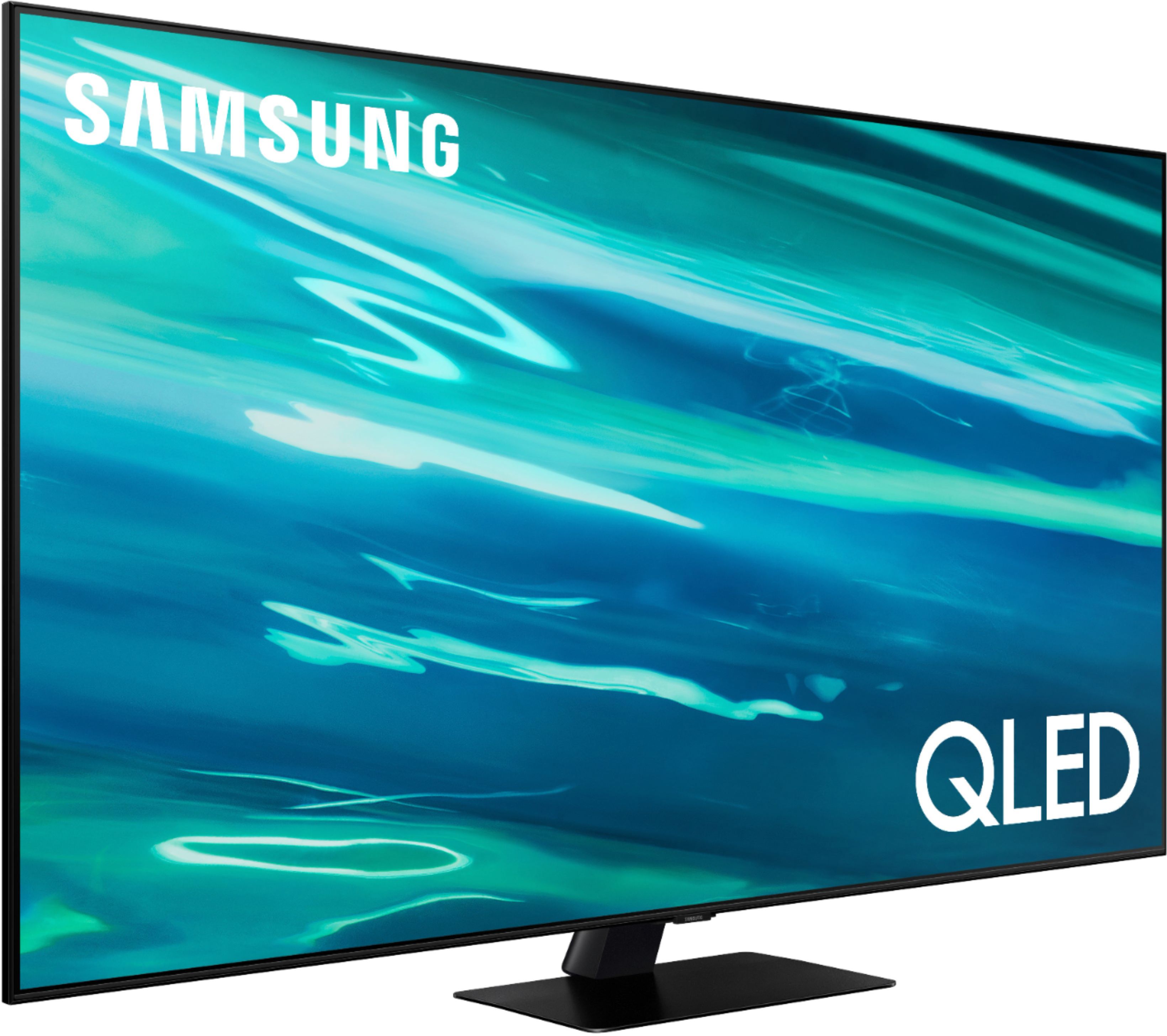
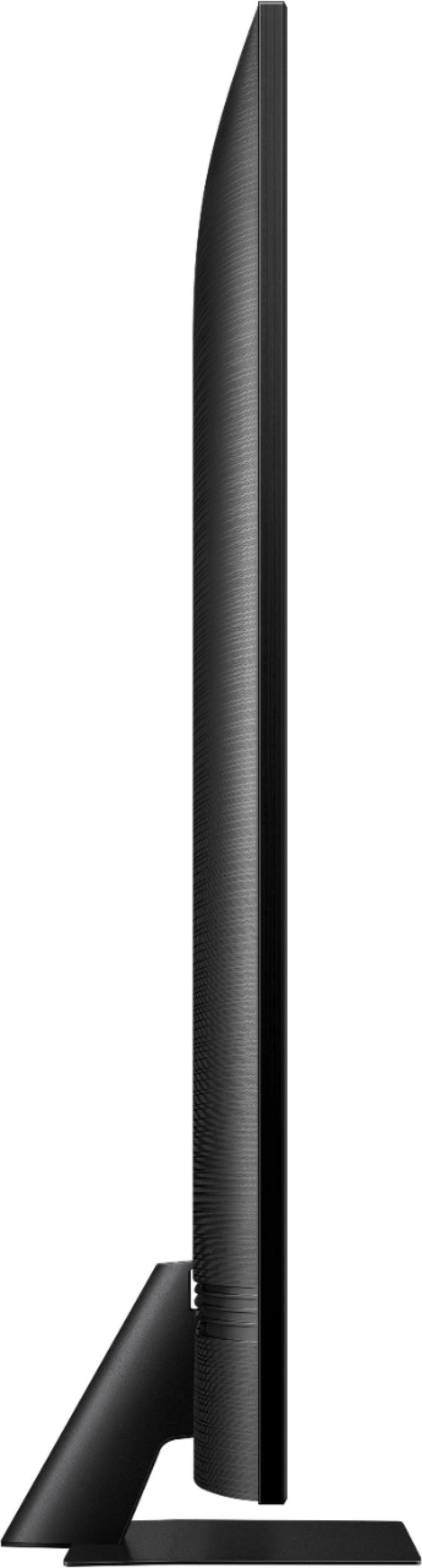
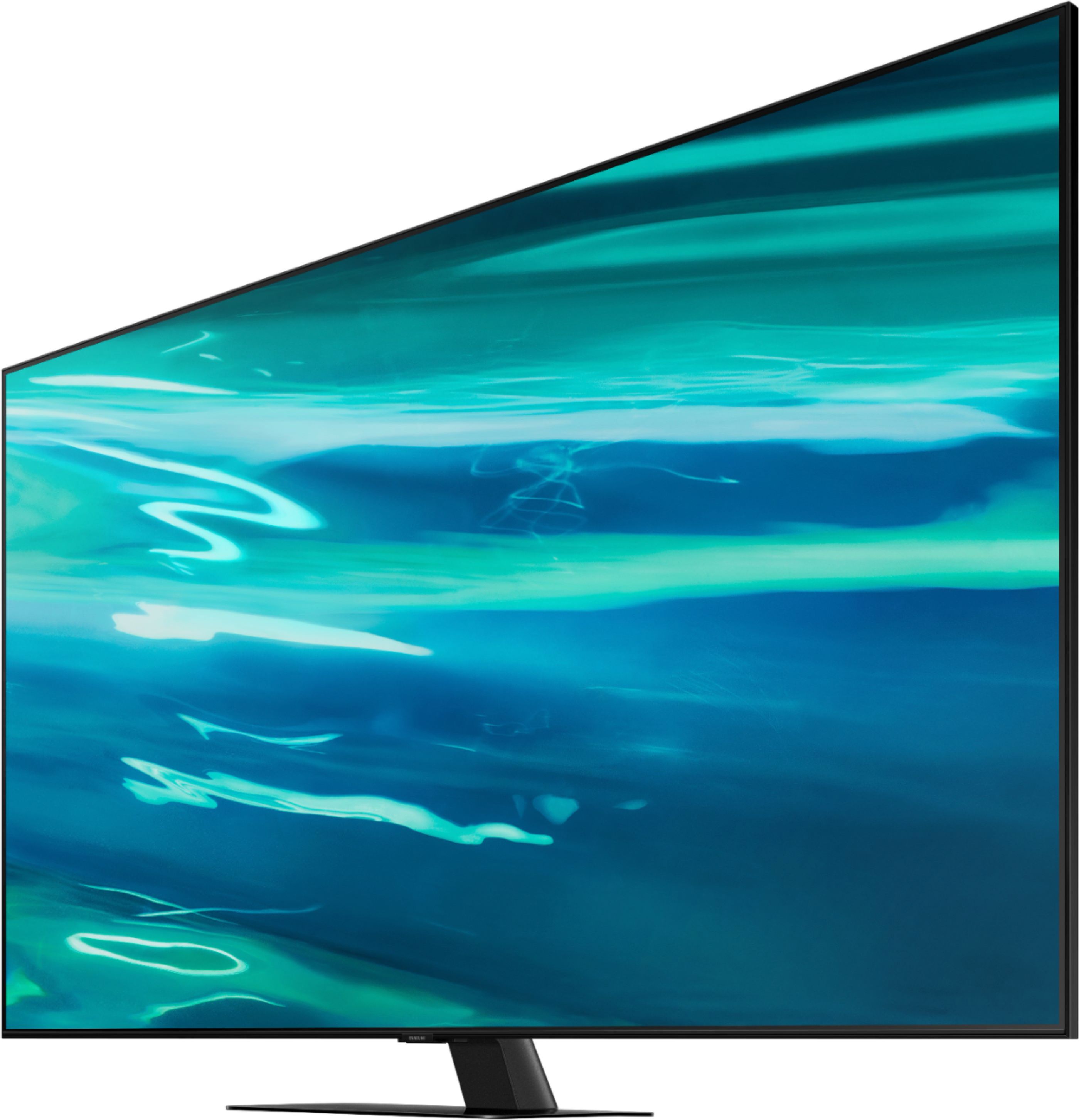
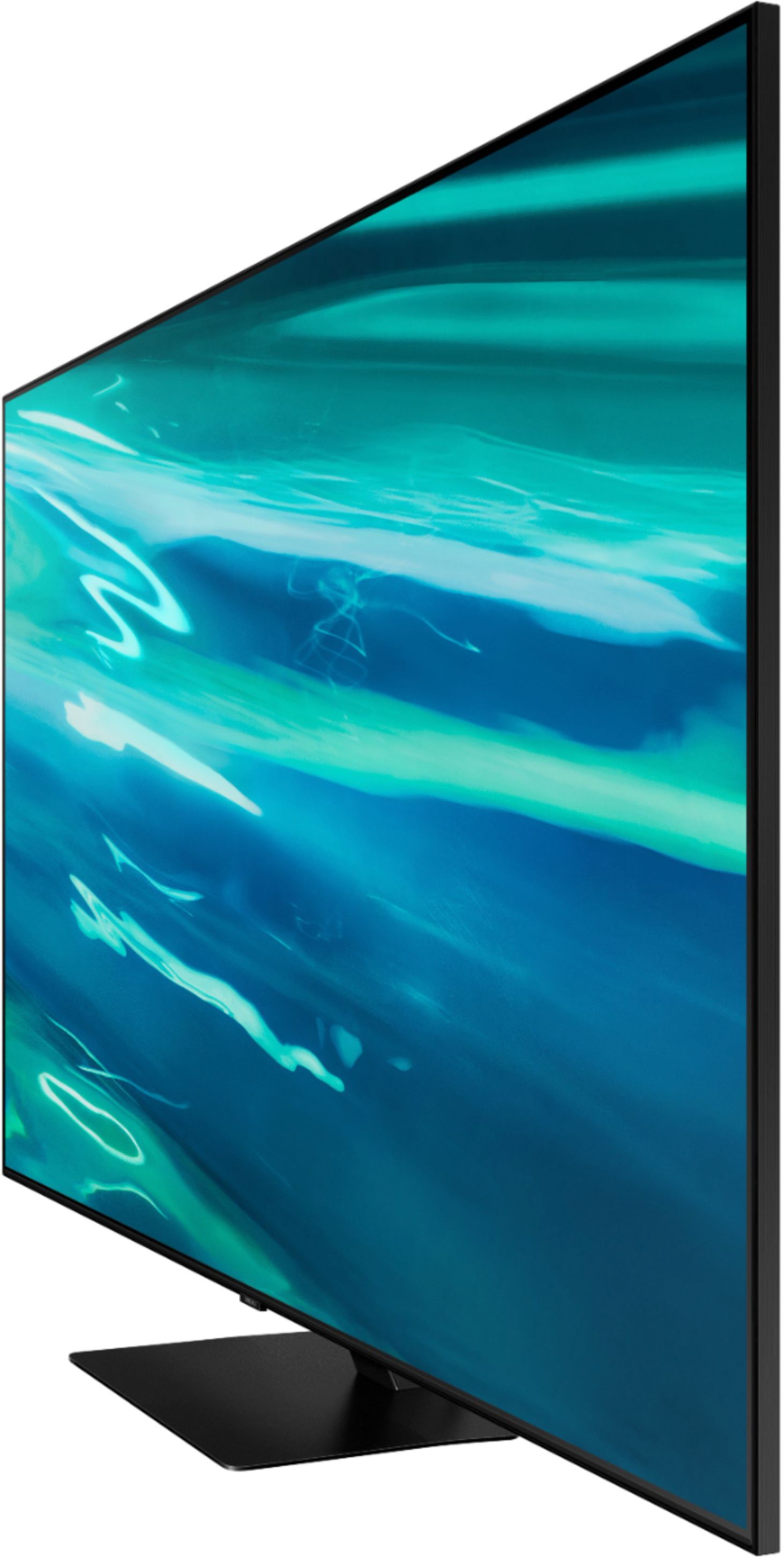
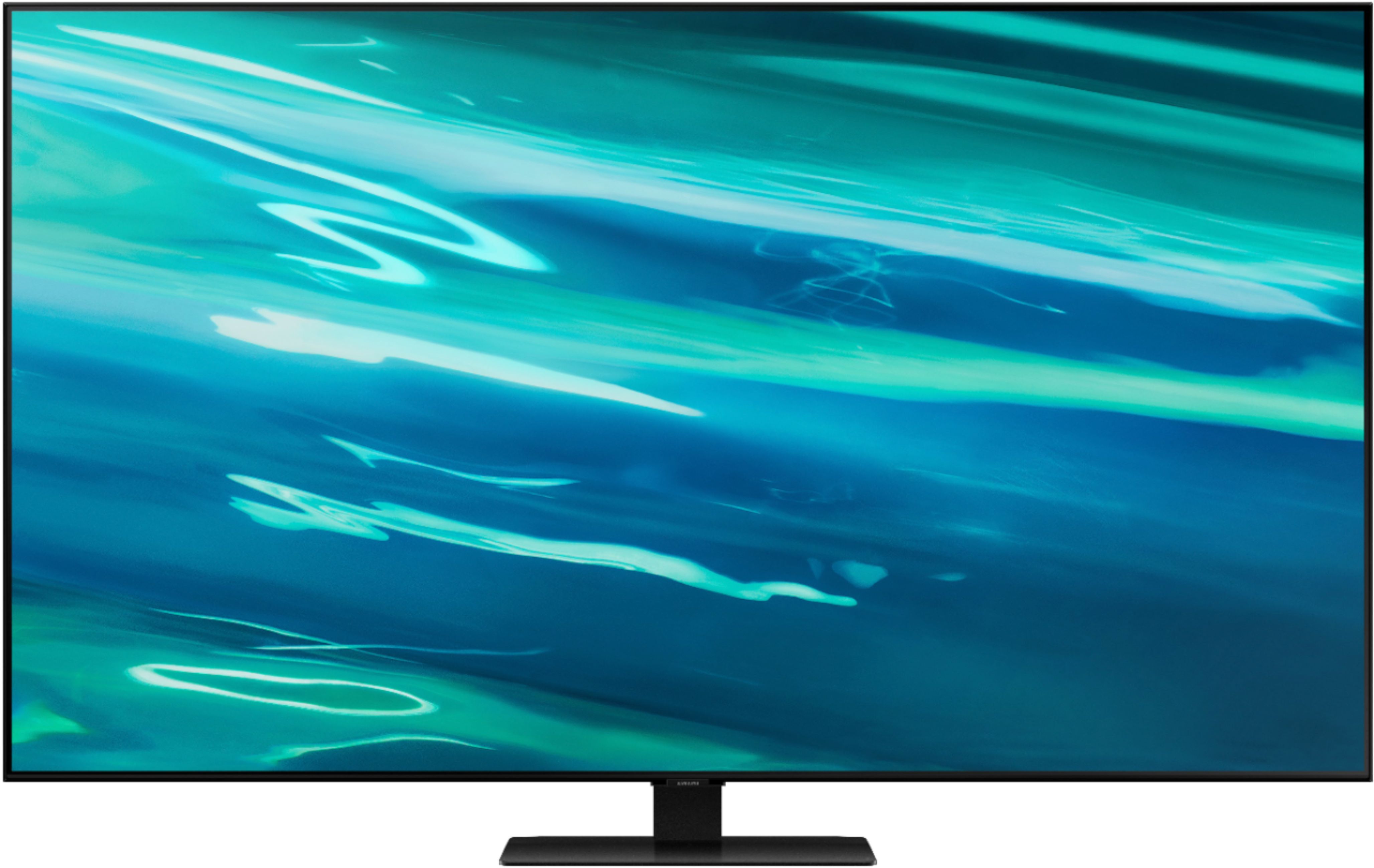
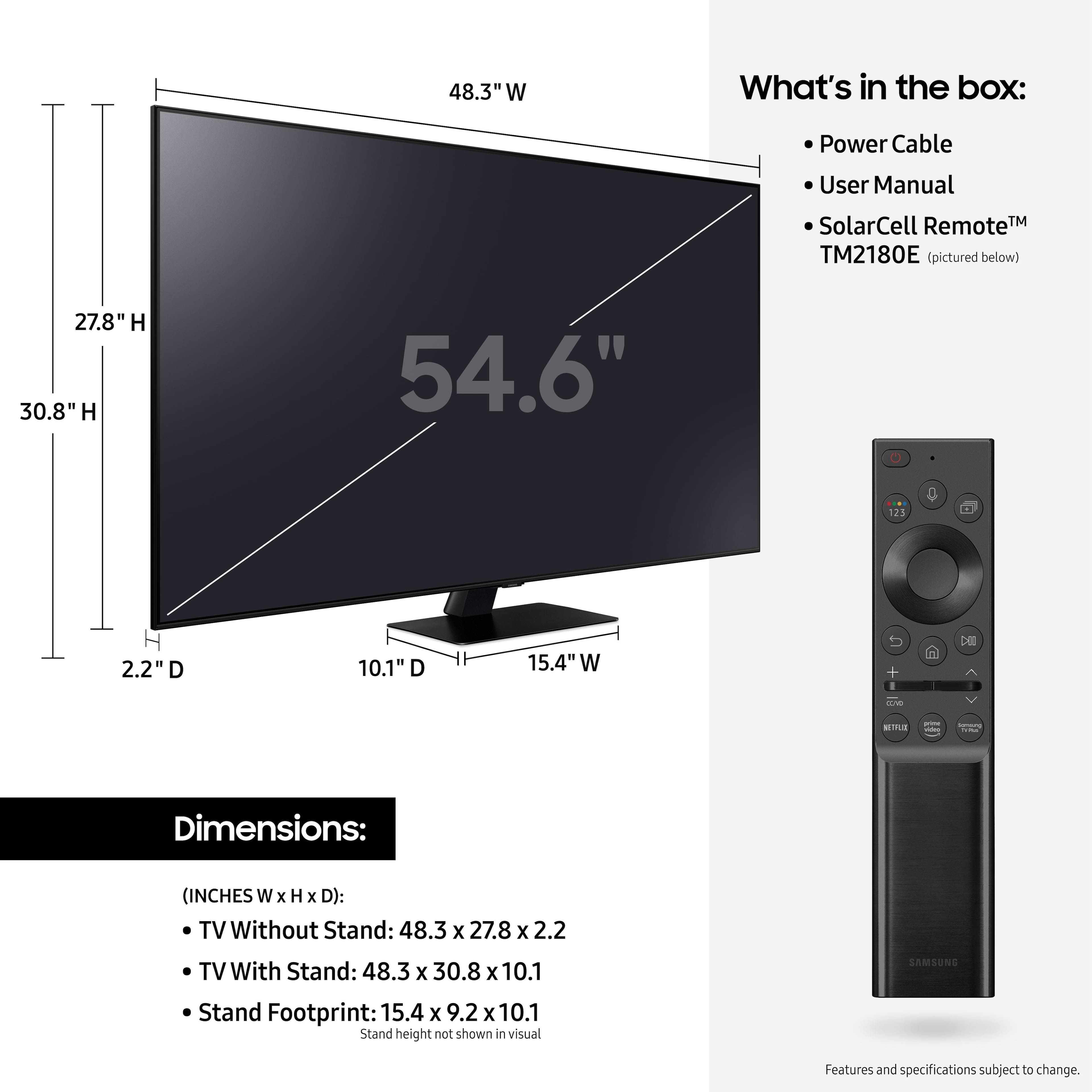
A:AnswerHi Carol, the full dimensions of the 55" Q80A are: (INCHES W x H x D):
- TV without stand: (48.3 x 27.8 x 2.2)
- TV with stand: (48.3 x 30.8 x 10.1)
^Val
A:AnswerHi David53, Thanks for asking! Samsung offers hundreds of apps in our App Store that you can download, and we are continuously working with our partners to make apps available in our 2021 lineup, and fuboTV should be launching soon. Keep an eye on the App Store of your TV to see the latest apps that are available. ^Val