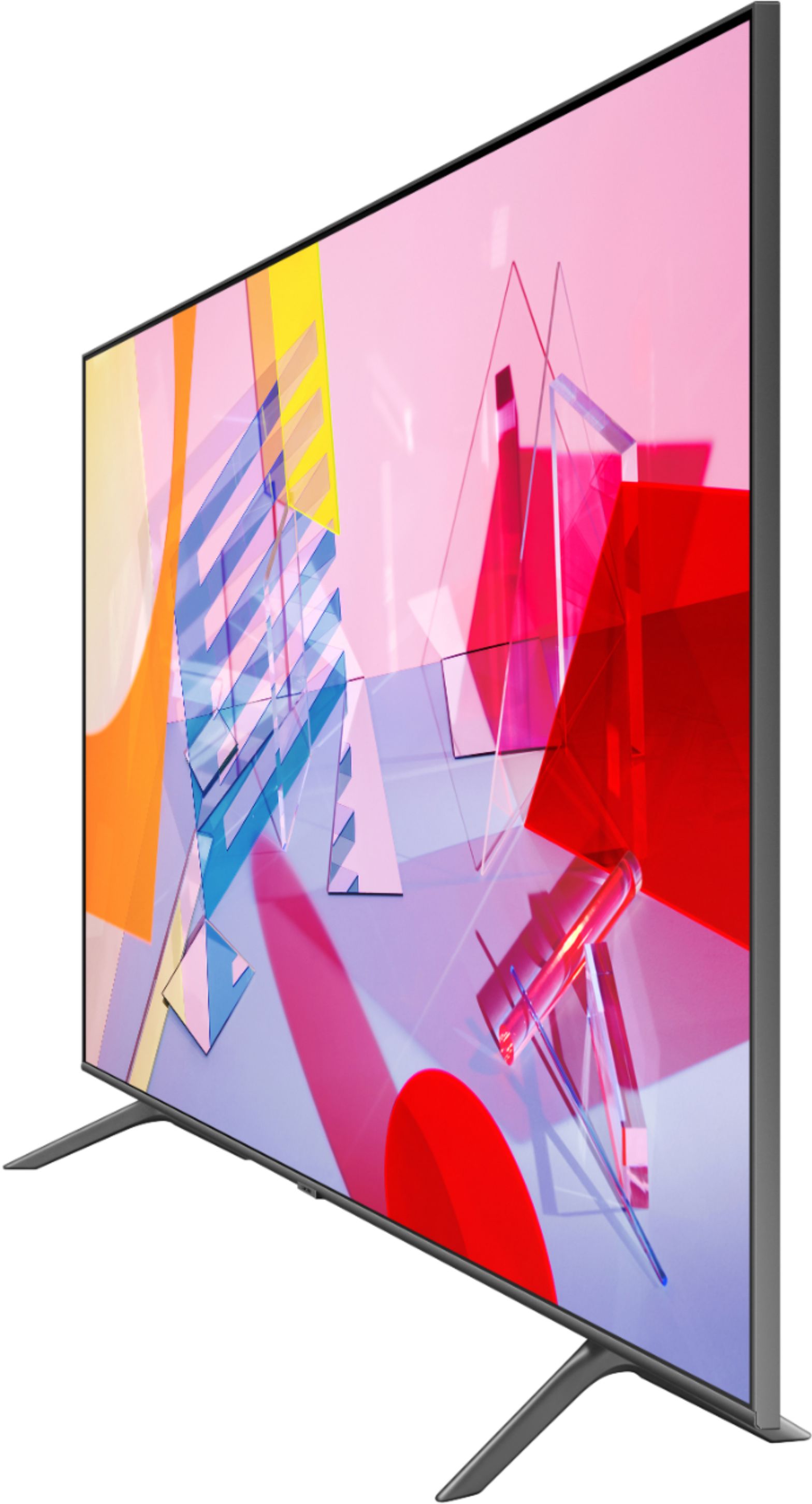
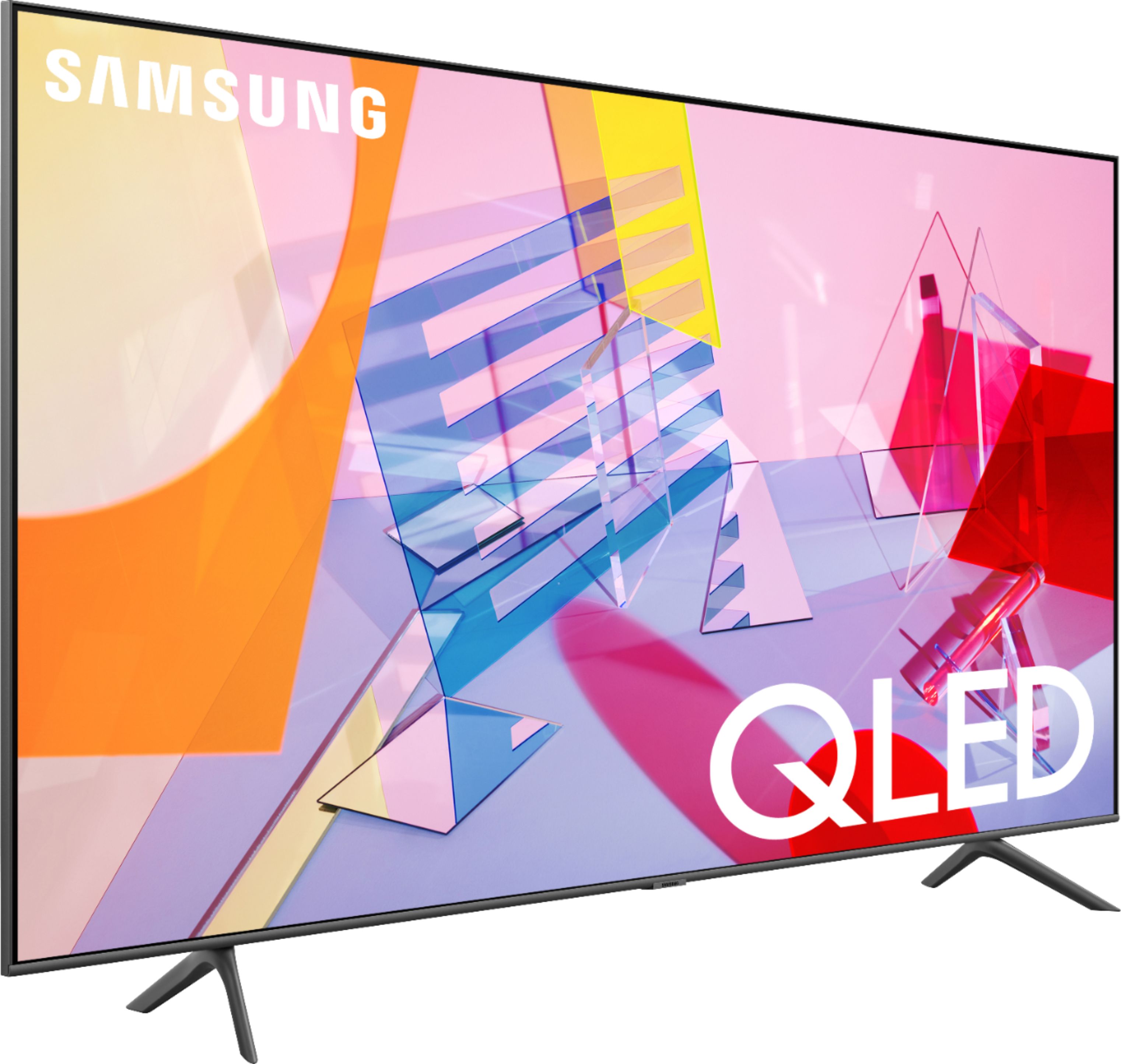
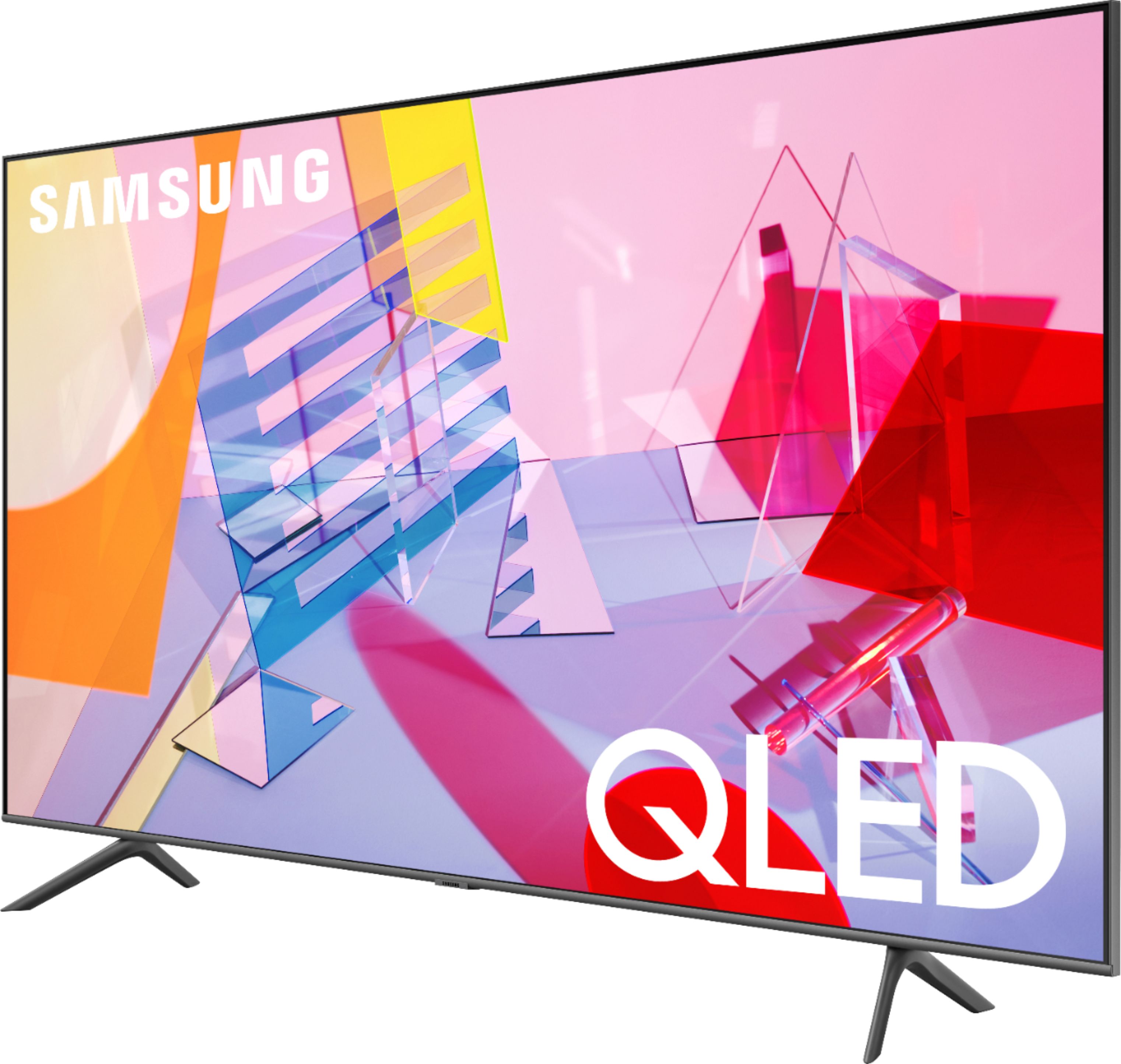
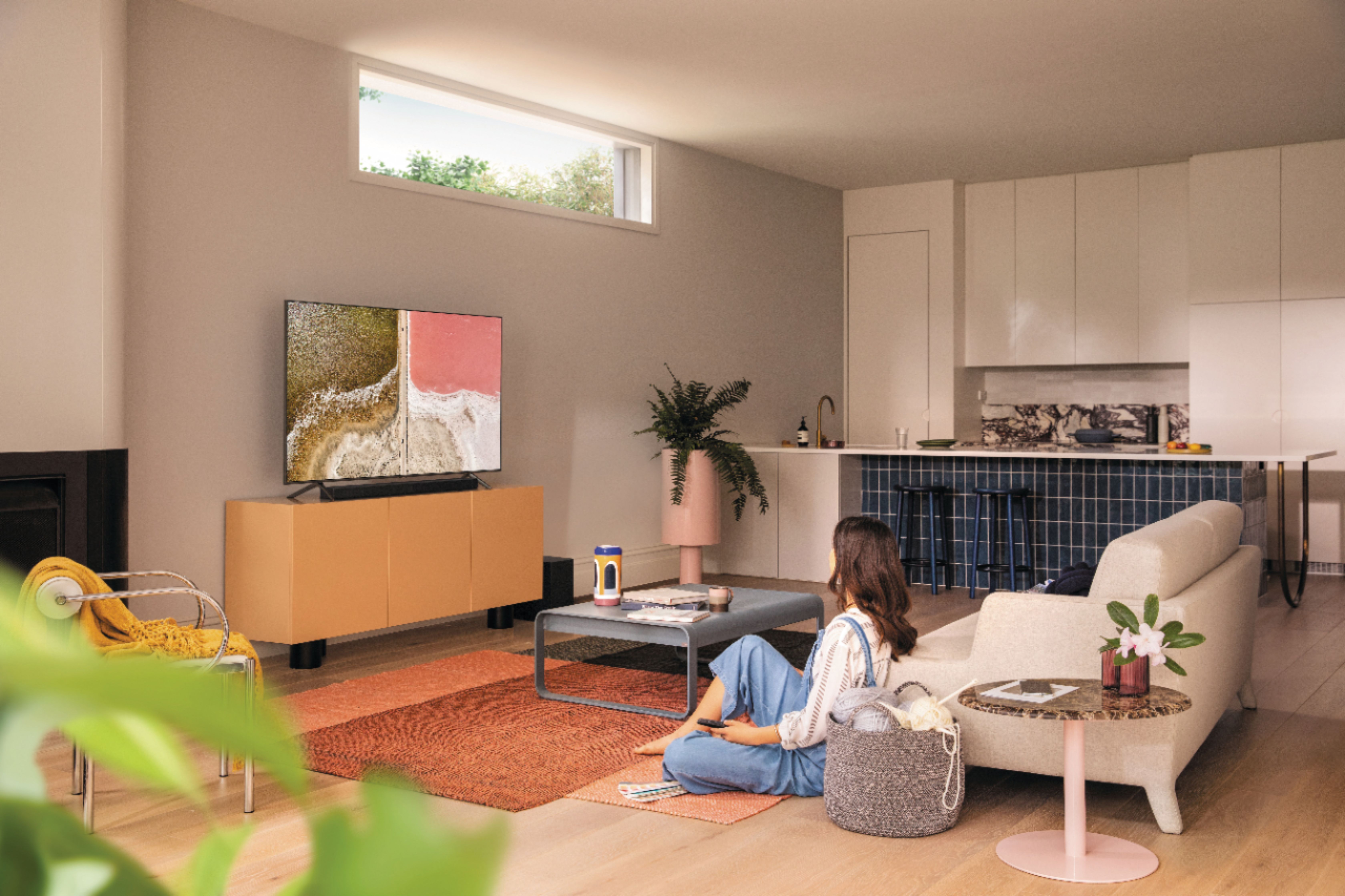
A:AnswerHi! The 58Q60T includes 4 different Picture Modes so you can select the Picture Mode that provides the best viewing experience. • Dynamic makes the picture brighter and clearer in bright viewing environments. • Standard is the default mode suitable for general viewing environments. • Natural reduces eye strain for a comfortable viewing experience. • Movie is suitable for watching TV or movies in a dark room. You can also individually adjust the brightness and contrast to achieve the picture quality you desire. For the full capabilities of the TVs brightness and contrast, ensure Eco Mode is disabled through the menu. ^Tim
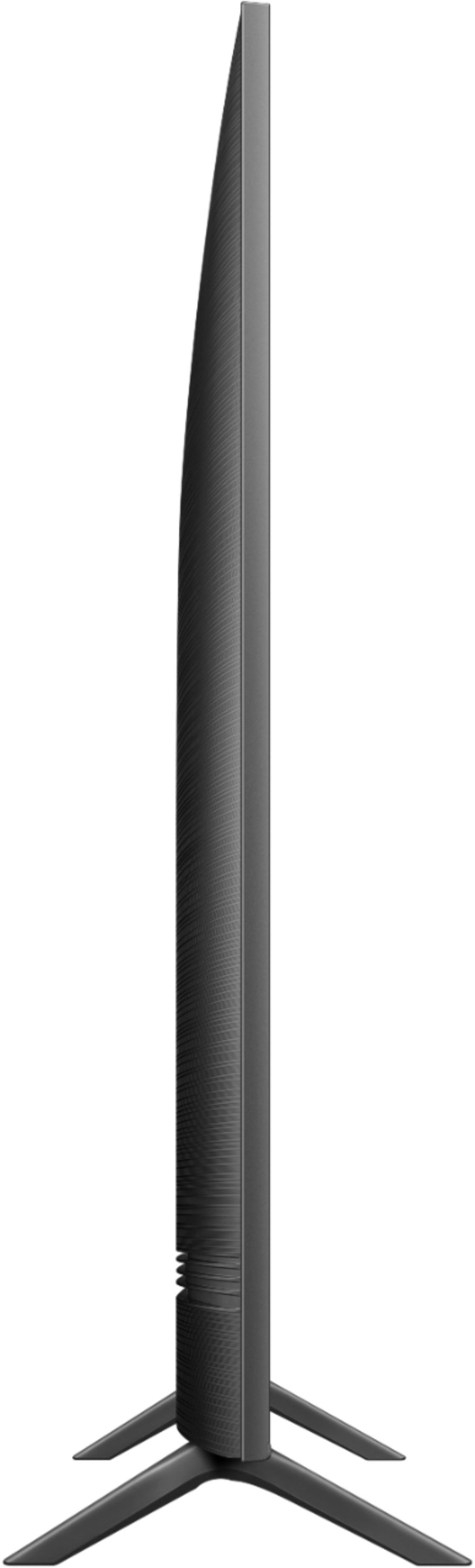
A:AnswerCOCO54, here are the full dimensions for the 58Q60T, showing the Depth with the stand will be 9.6". DIMENSIONS (INCHES W x H x D): • TV WITH STAND: 50.8 x 32.5 x 9.6 ^Gina
A:AnswerHi! Yes, the 58Q60T features the ability to connect to Bluetooth compatible headphones. You can enable "Multi Output Audio" in the accessibility settings to allow both headphones and TV speakers to work at the same time. ^Tim
A:AnswerHi ACE, the Motion Rate of the 58" Q60T is 120. The Motion Rate is a metric that combines the panel's native refresh rate, image processing, and backlighting technology. ^Val
A:AnswerHi VegasMark, for the fastest internet you'll want to plug in an ethernet cable. Most modems aren't close enough to do this however, so people generally use WiFi to connect to the internet and different content platforms. I hope this helps, ^Scott
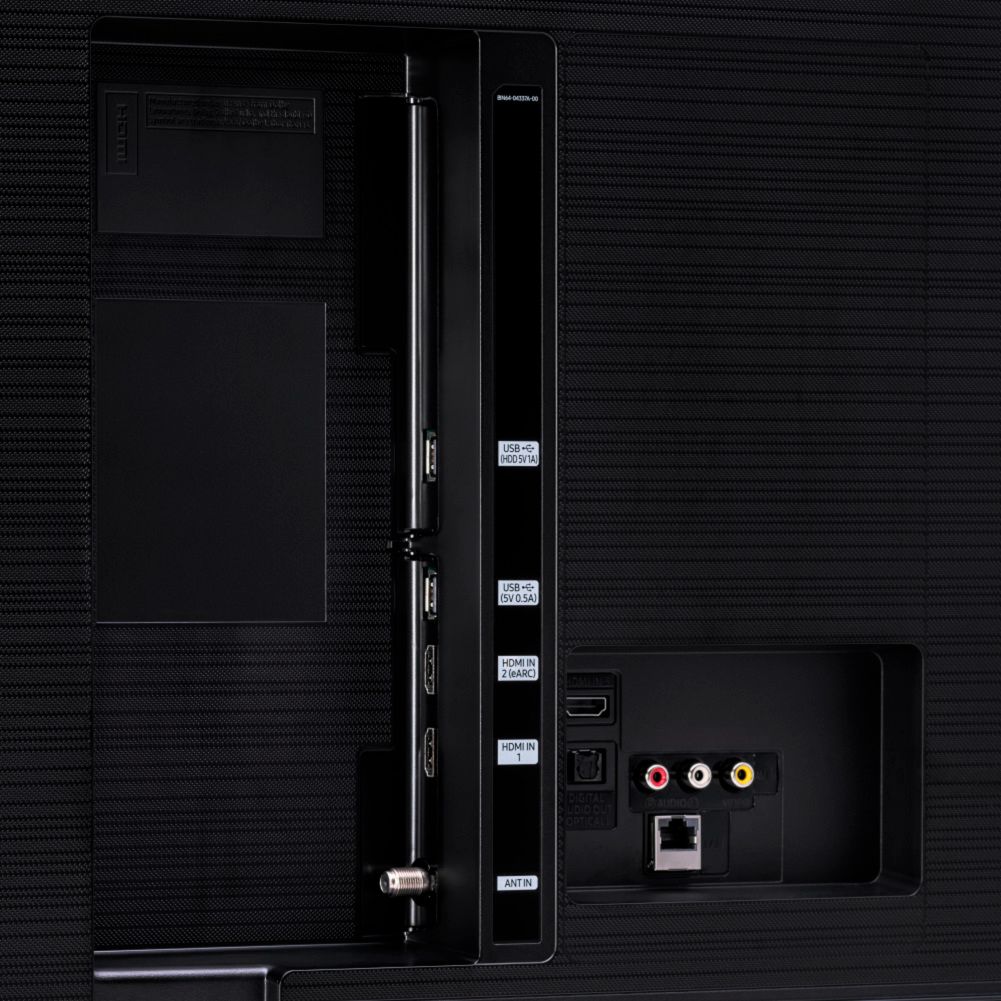
A:AnswerHi vegasking! Yes, the Q60T features a coaxial connection allowing you to connect devices such as a cable service or over the air antenna. ^Tim
A:AnswerHi Ozzy, The measurements of the Samsung - 58" Class Q60T Series LED 4K UHD Smart Tizen TV are Product Height With Stand
32.5 inches
Product WidthInfo
50.8 inches
Product Depth With Stand
9.6 inches
Product Height Without Stand
29.4 inches
Product Depth Without Stand
2.3 inches. Hope this helps! ^Scott
A:AnswerHi - you can utilize any Bluetooth headphones you would like to connect to the Q60T. Check out some Bluetooth headphones options at Best Buy: https://www.bestbuy.com/site/searchpage.jsp?_dyncharset=UTF-8&id=pcat17071&iht=y&keys=keys&ks=960&list=n&qp=features_facet%3DFeatures~Bluetooth&sc=Global&st=bluetooth%20headphones&type=page&usc=All%20Categories ^Gina
A:AnswerHi Angie, Hi there! The TU7000 introduces our Crystal Display which gives you crystal-clear colors that are fine-tuned to deliver a naturally crisp and vivid picture, and our Crystal UHD Processor, which brings stunning clarity to everything you already watch and powerfully upscales 4K to ensure that you always get life-like 4K resolution no matter the source. When stepping up to the TU8000, you will have all the benefits of Crystal UHD, and will also gain Ambient Mode and built-in Voice Assistants (Amazon Alexa, Bixby, Google Assistant) with a Voice button on your OneRemote. The TU8000 also offers one Composive (AV) input, and an additional HDMI and USB port. ^Scott
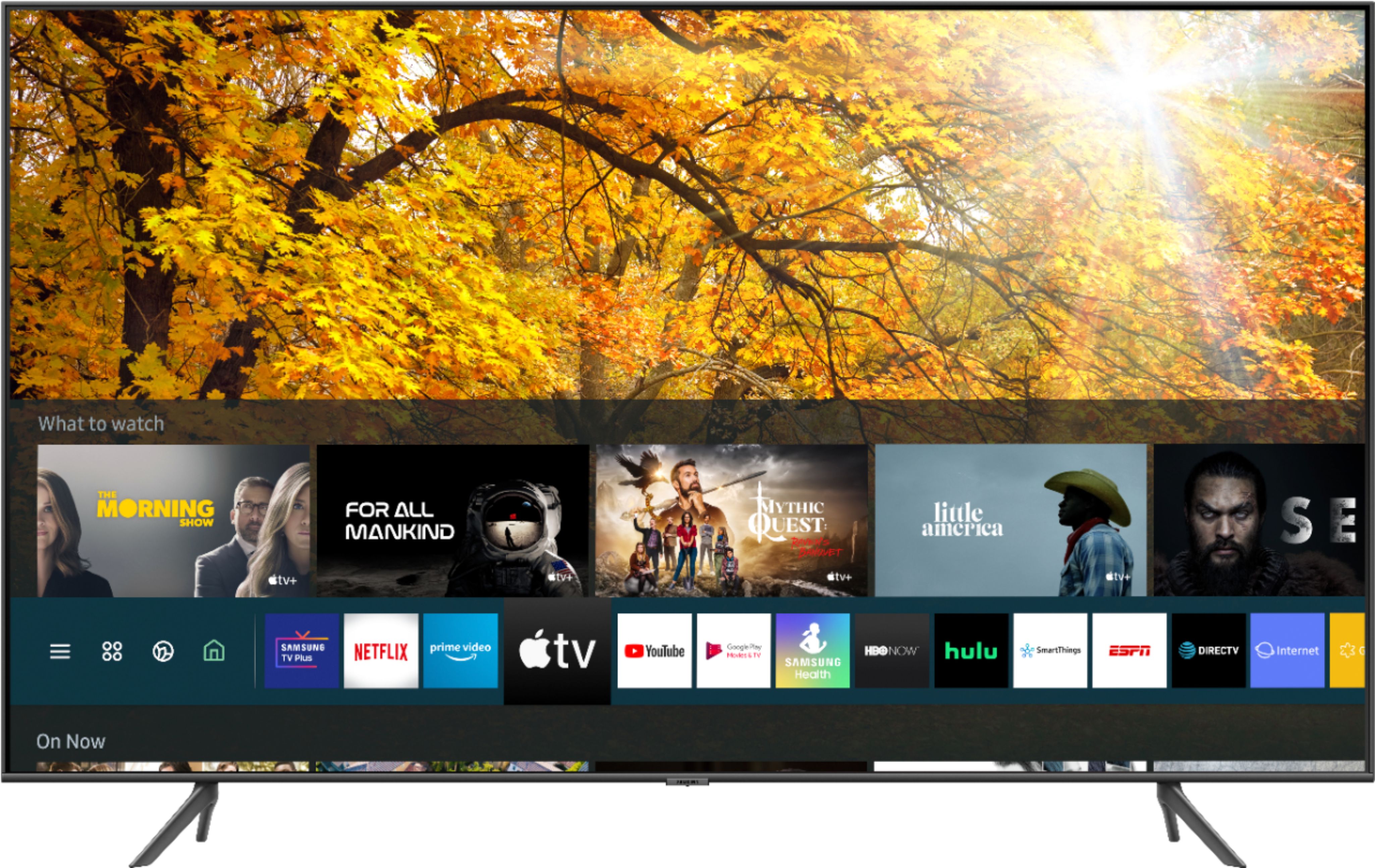
A:AnswerMsaver, you can choose and download from hundreds of apps in your TV's built-in App Store, such as Apple TV+, Disney+, Google Play Movies & TV, HBO Max, Hulu, Netflix, Prime Video, SHOWTIME, Sling TV, YouTube, YouTube TV and many more! ^Gina
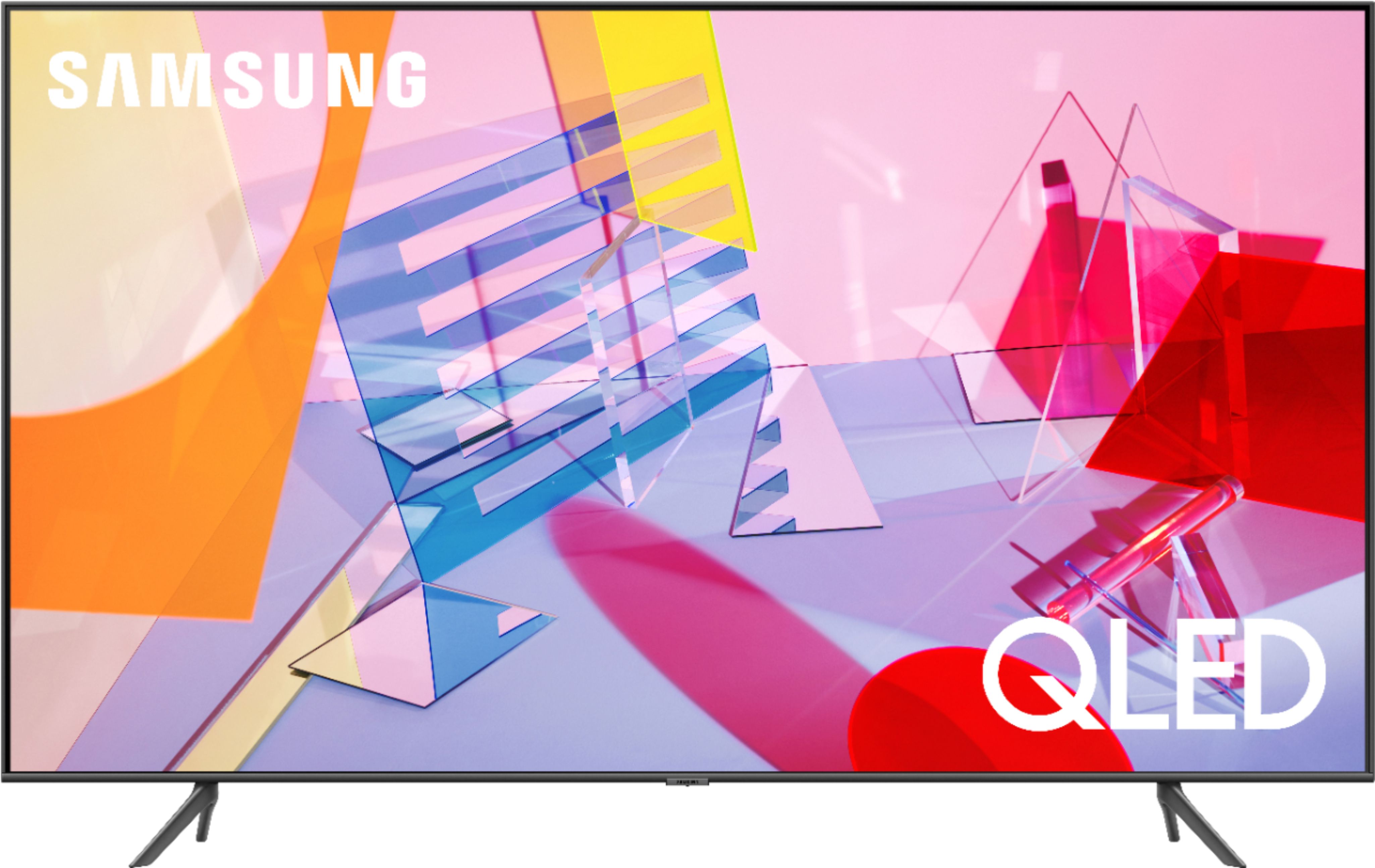
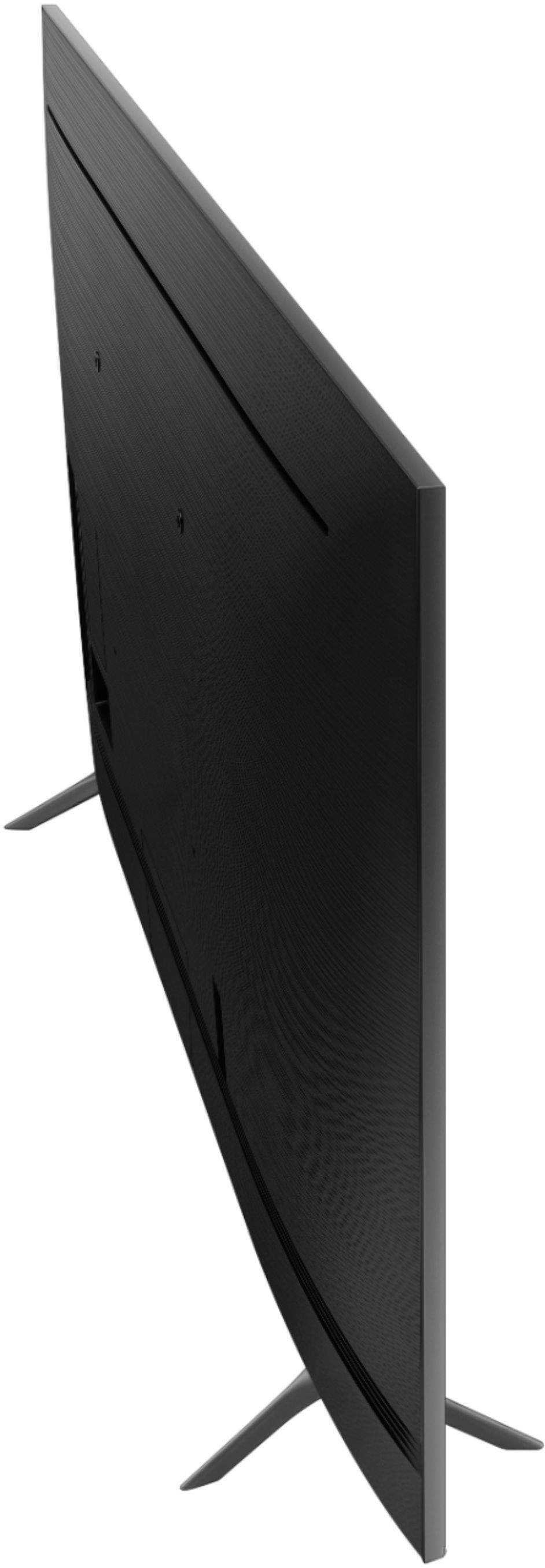
A:AnswerHi Chrissy, the 58" Q60T has 3 HDMI ports, 2 USB ports, 1 Composite In (AV) port, 1 Ethernet/LAN port, 1 Digital Audio Out (Optical) port, 1 RF In port for cable/satellite, and supports both Wi-Fi and Bluetooth. ^Val
A:AnswerHi there! Samsung TVs are VESA Compliant and work with any wall mount or stand that is also VESA Compliant and designed for the TV's size. For your 58" TV, you will need a VESA bolt pattern of 400 mm x 400 mm. ^Val

A:AnswerHi there, The speakers are located on the bottom of the TV but the sound is projected outwards. There is a feature in the menu that will let you Amplify Sound for better overall listening as well. ^Jeremy