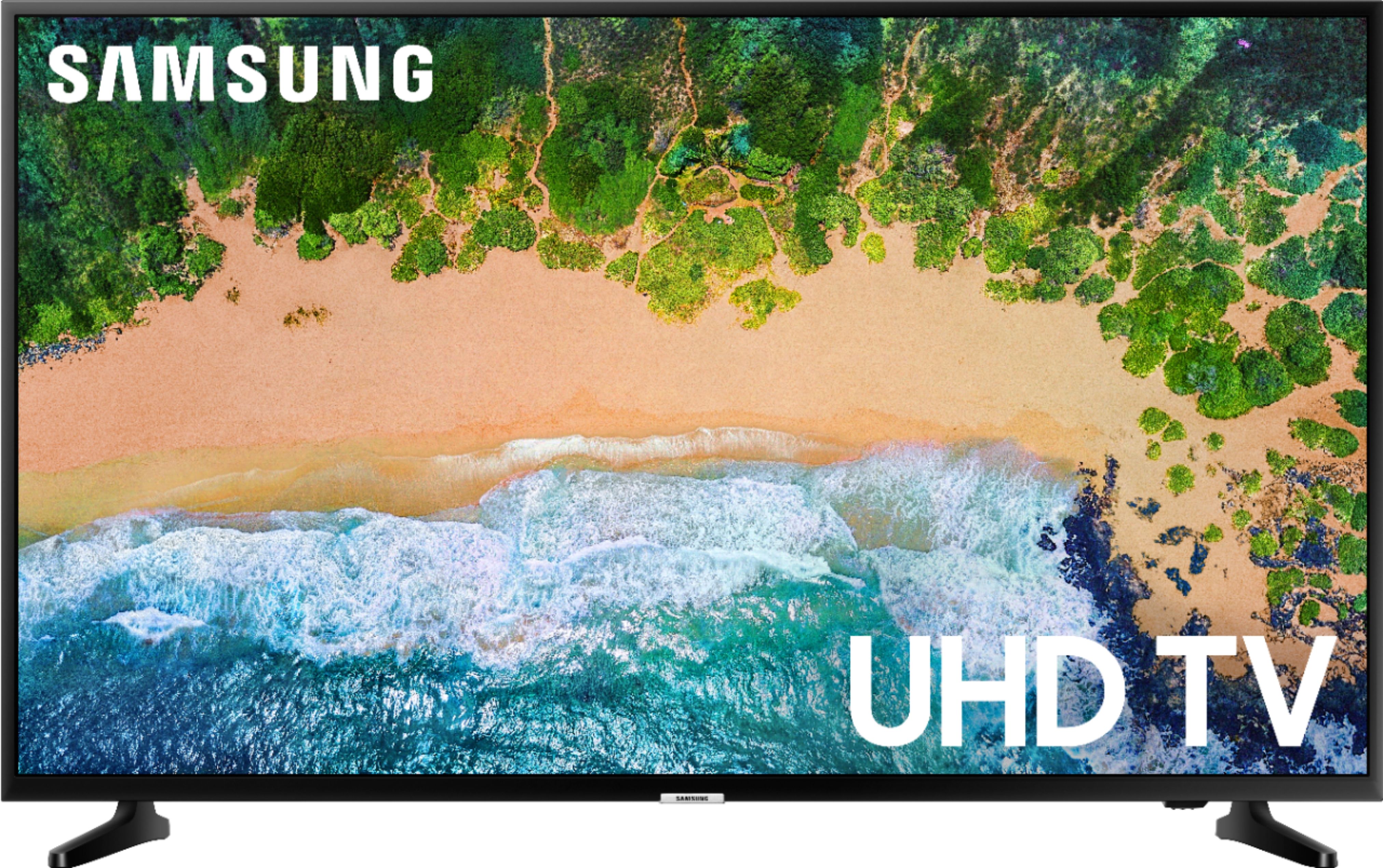
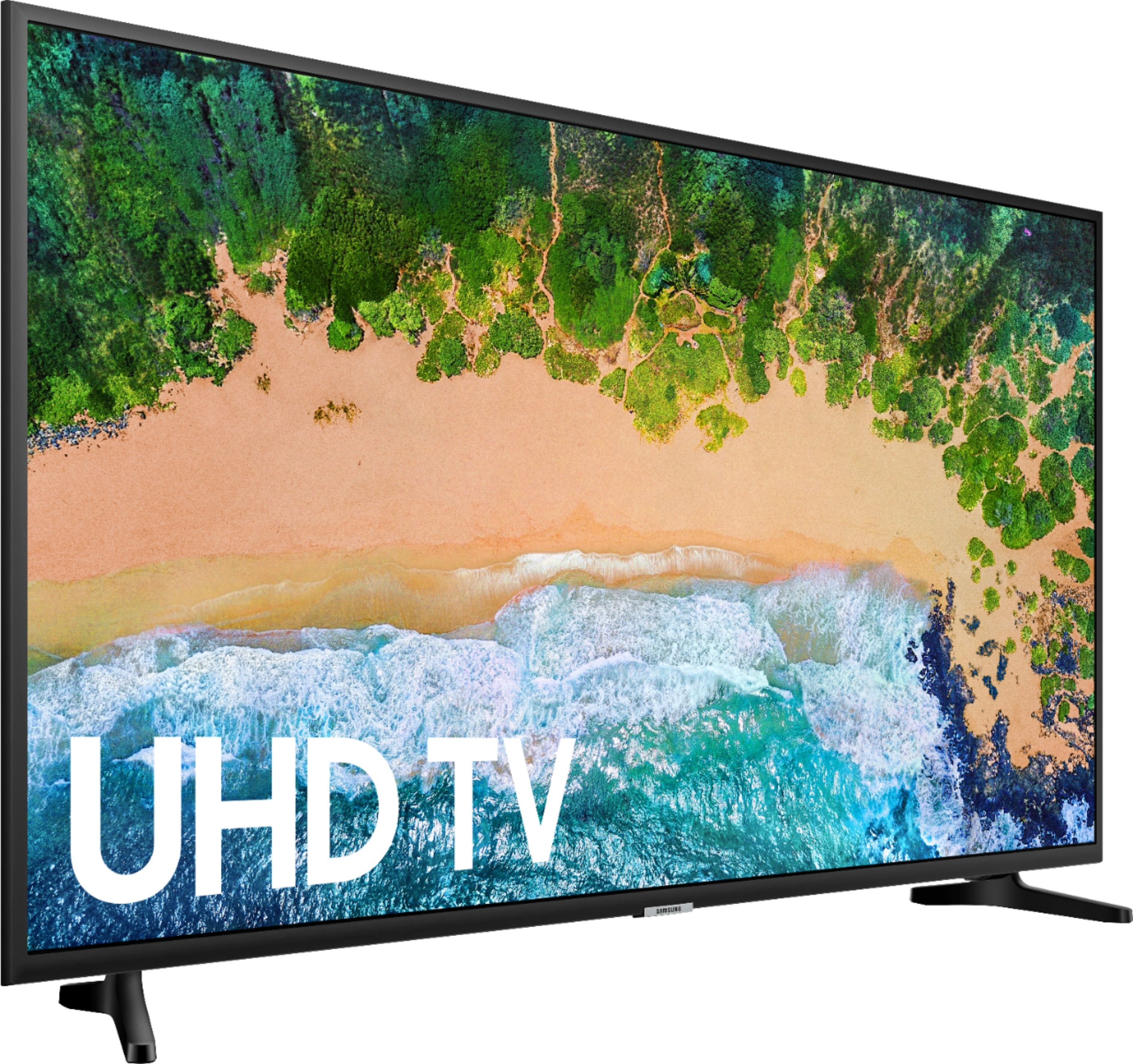
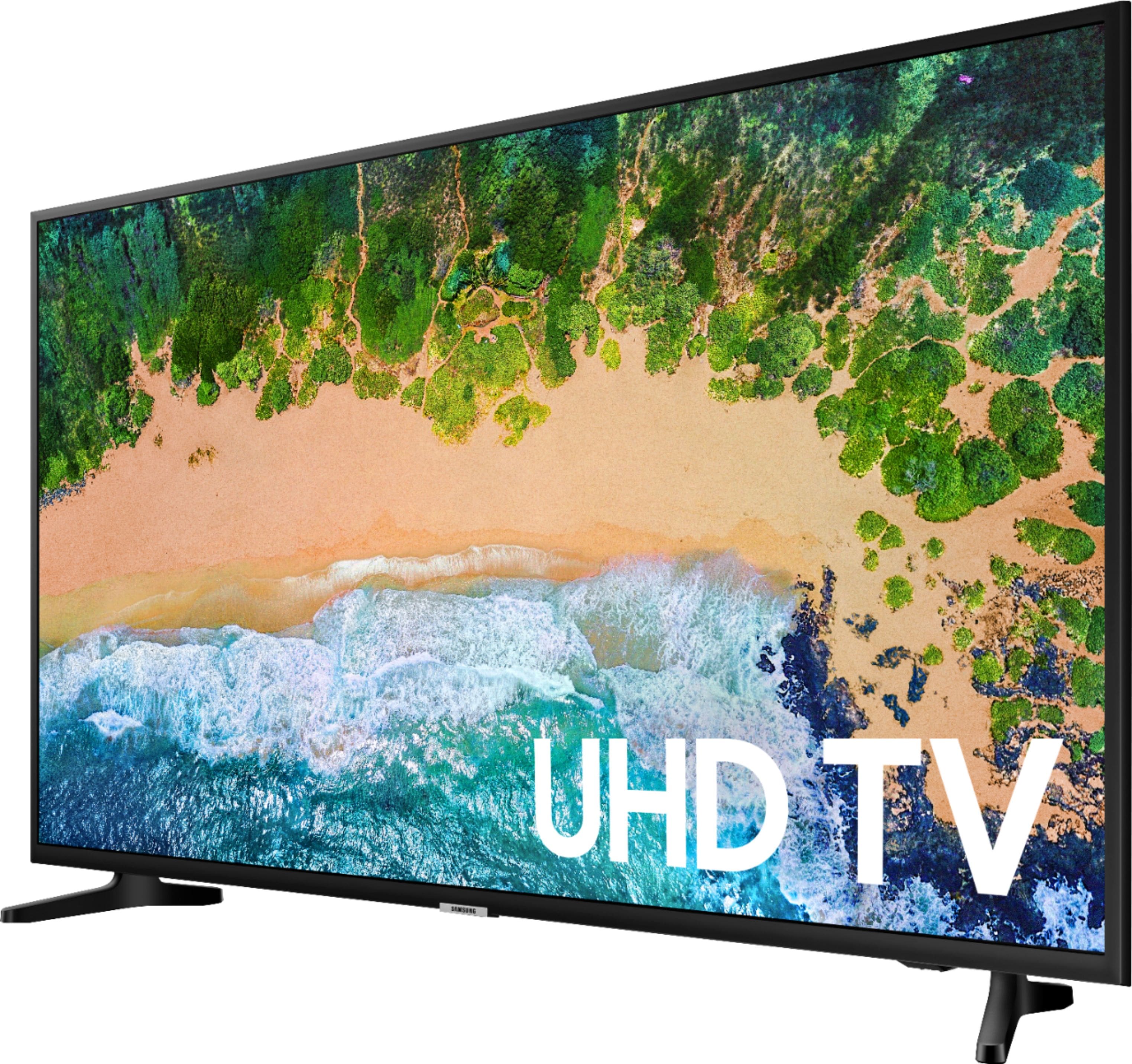
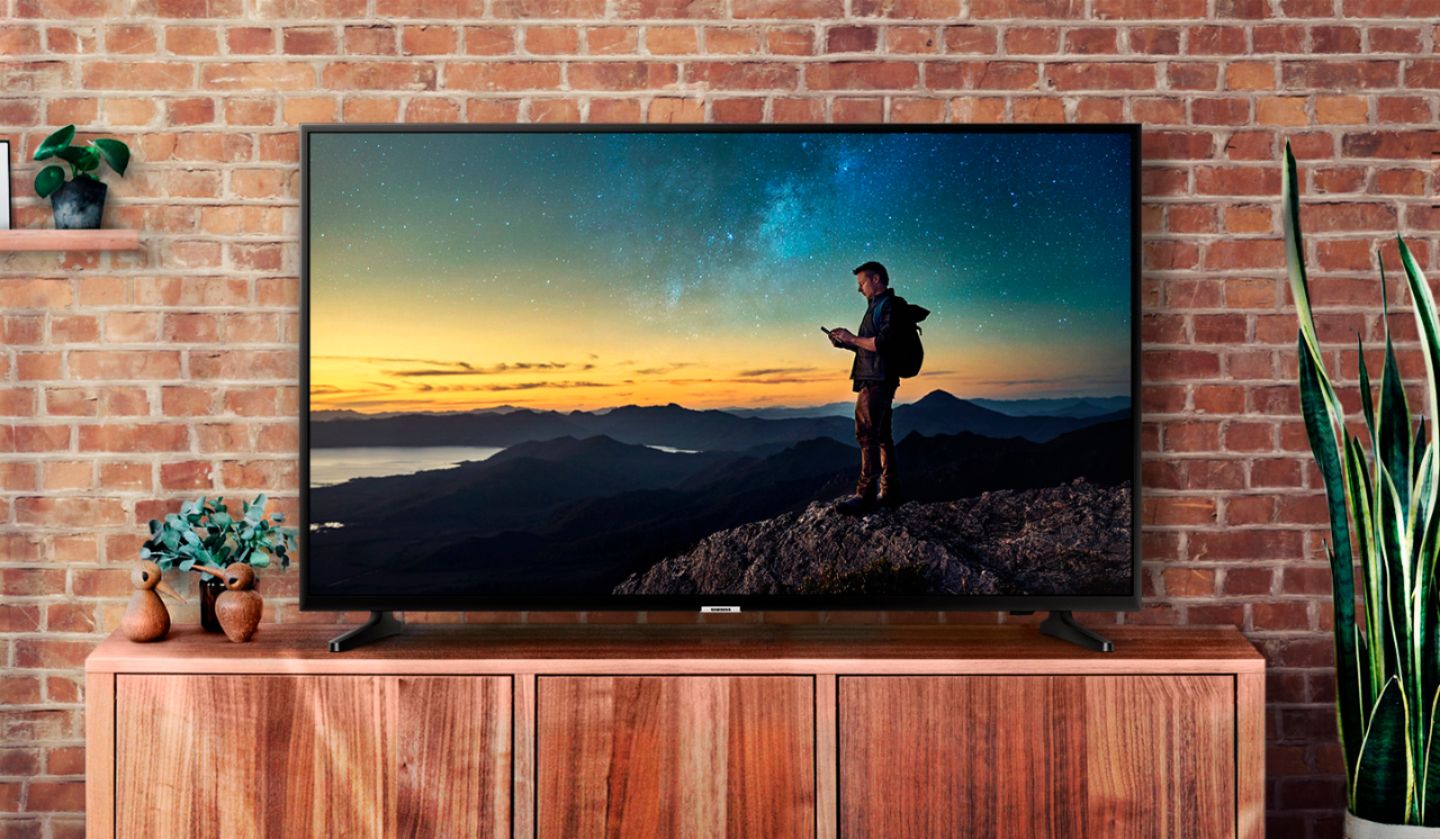
A:AnswerThe space on the bottom of the TV where the legs hook into the TV is 39 inches, but the front half of the feet that are in contact with the surface of the table (or whatever on which you’re placing the TV) splay outward, so you need to have a bare minimum of 47 inches long on which to place the TV; 48 would be better and give you about an inch of “wiggle room.” A 39- or 40-inch-long surface WILL NOT BE LONG ENOUGH to hold this TV. The table in the photo here is 48-1/2 inches long and it just fits.
A:AnswerGo to settings/ Then Go to export settings /look for HDMI UHD color options / And enable HDR under the HDMI port settings that you want. It should open the port to 2.2
A:AnswerIt doesn't. Unbelievably, it doesn't. I just set mine up yesterday and was attempting to connect my Samsung soundbar to it via blue tooth. Finally figured out that it just doesn't have it. You have to connect with the optical input.
A:AnswerThere is a large selection of apps available for this TV accessible through the TV menus. The ones you mention are all available as I have them installed on mine.
A:AnswerHDR is High Dynamic Range. The TV is equipped with it so if the media being watch was made in HDR, and it's being broadcast in HDR, you will have a more precise picture the way it was intended when created.
A:AnswerNo. The Samsung NU6900 Hulu app does not include Hulu with Live TV. It does have the Hulu app, but it is an older version that does not include Live TV.
Samsung has a list online of 2018 Smart TV’s that do come with Hulu with Live TV. The NU7100 is on the list, which is similar to the NU6900.
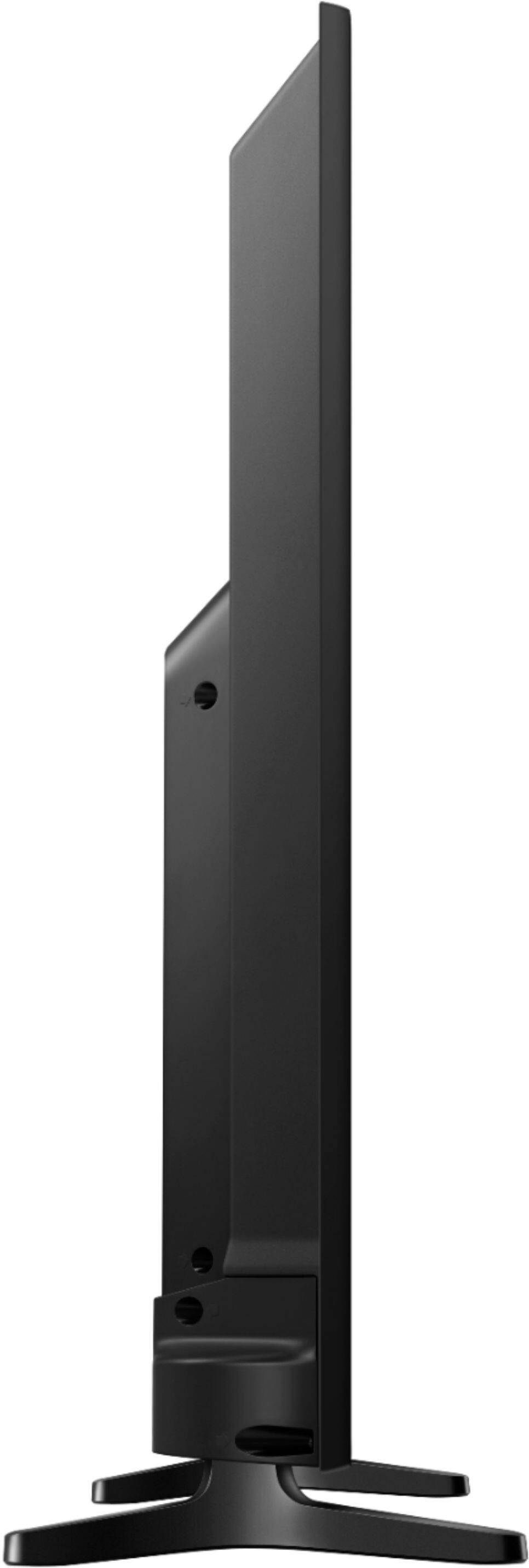
A:AnswerThe Dimensions of the TV are
Product Height With Stand
34.9 inches
Product Width
57.4 inches
Product Depth With Stand
12.5 inches
Product Height Without Stand
33 inches
Product Depth Without Stand
2.4 inches
Product Weight With Stand
55.8 pounds
Product Weight Without Stand
55.1 pounds
A:AnswerI just purchased this TV two weeks ago. It came with every app I needed. Prime, Hulu, Apple TV, Apple Music, Vudu, tv plus, Netflix, YouTube. I removed some from the main screen and added Disney +, and also available under add apps is Spectrum TV, sling , Obe Fitness , AMC, PBS kids, ESPN, discovery Go, CBS all access, animal planet Go, Xite, watch TNT, UFC, Watch TBS, plex, nBC and Fox Nation. Not even sure what mist of these are. I just kept the ones I needed and put the others on the add apps page.
Hope this helps.