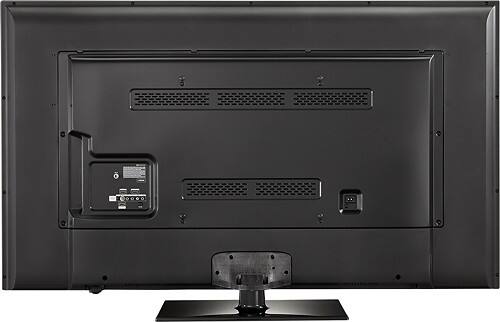
A:Answer Ex-link is a standard that allows you to control the TV set using an RS-232 connection.
From an old PC connected through the RS-232 port to this connection or from a new PC using a USB to RS-232 cable, you can control all aspects of your TV.
You can turn it on or off, increase or decrease volume, tint, color, hue, bass, treble, etc. You may switch from video source (HDMI, tuner, A/V, RGB, etc). You can also control your PIP (Picture in picture) aspects (where available), like size, position, video input, etc.
The idea of this RS-232 port is to be able to control the set in environments where you don't have a visual of it, like in showrooms, airports, conference rooms, halls, stores, restaurants, etc.
This is a very sofisticated way of controlling the TV set and is particularly useful where you have several of them that need to be controlled "in sync". The port returns an acknowledge when the command is interpreted correctly and an error when it doesn't.
The port operates at 19,200 bps, 8 data bits, 1 stop bit, no parity and no flow control. All commands start with a 0x08 and a 0x22 hex bytes; then you have 4 bytes of data load and finally a CS (Check Sum) byte.
The TV will respond with a 3 byte code, where 0x03,0x0C,0xF1 means "SUCCESFUL" and the last byte 0xF0 when in an error.
For further information please go to this link: https://proforums.harman.com/amx/discussion/6740/samsung-lcd-tv-rs232-protocols