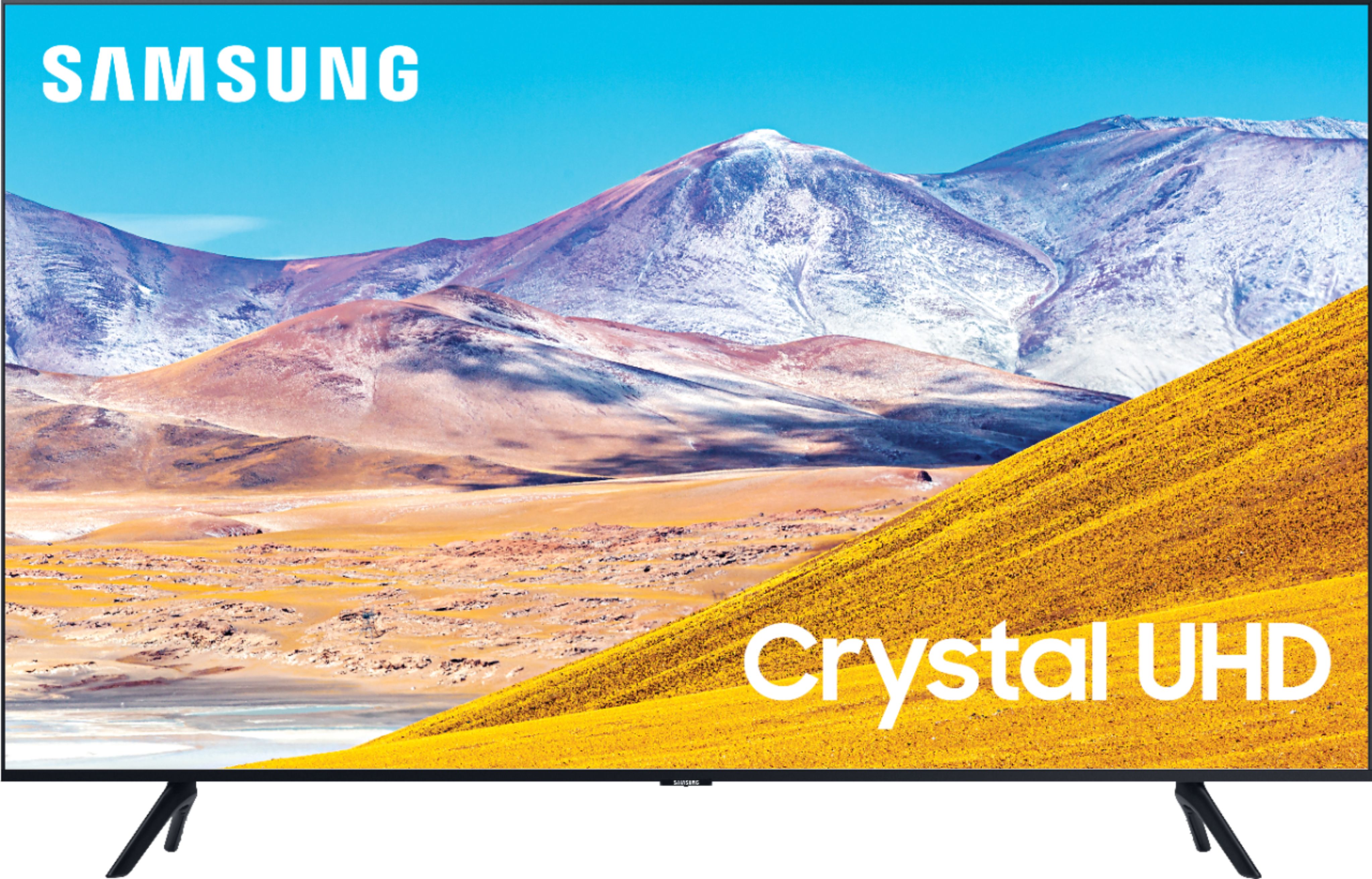
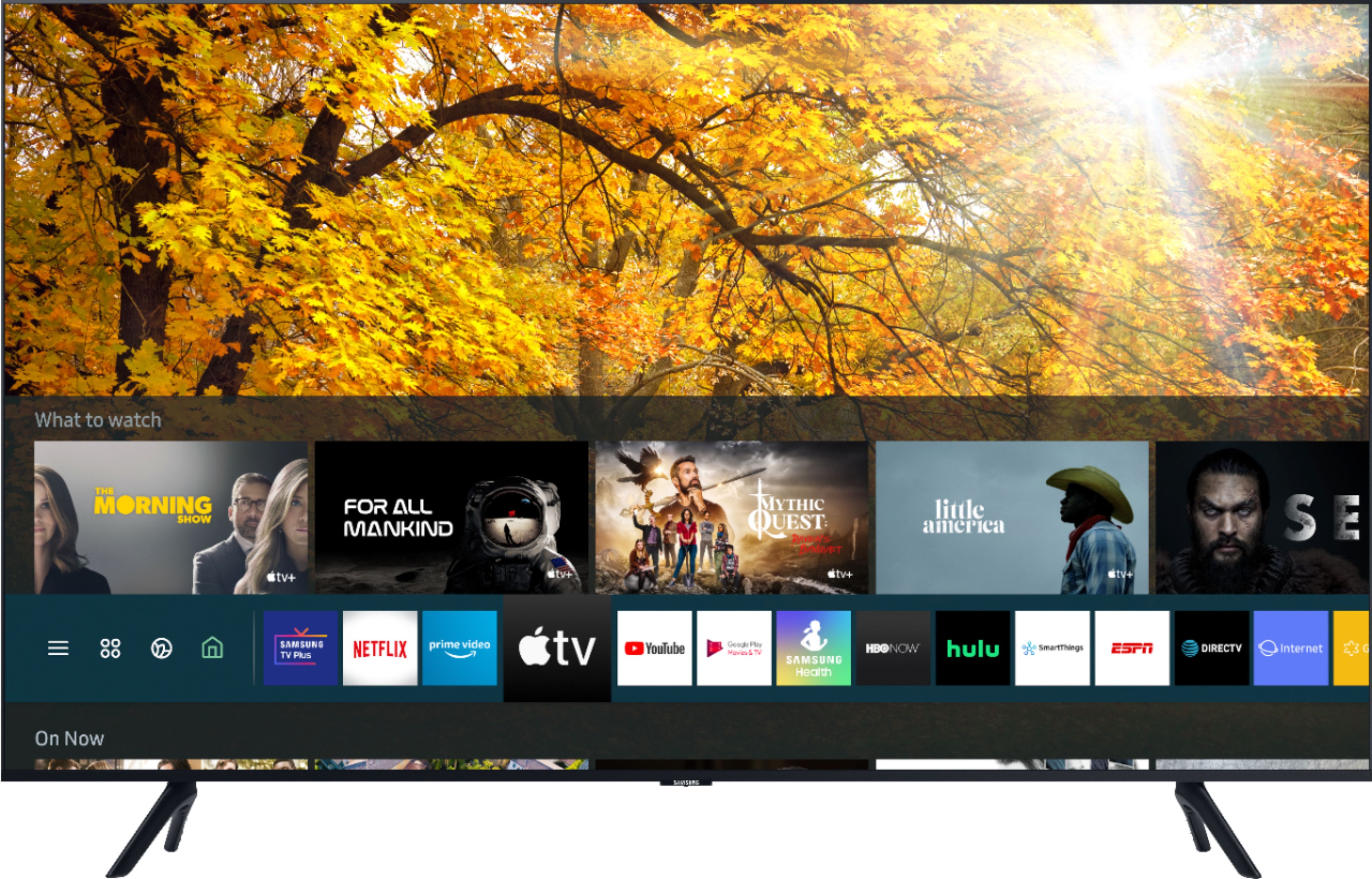
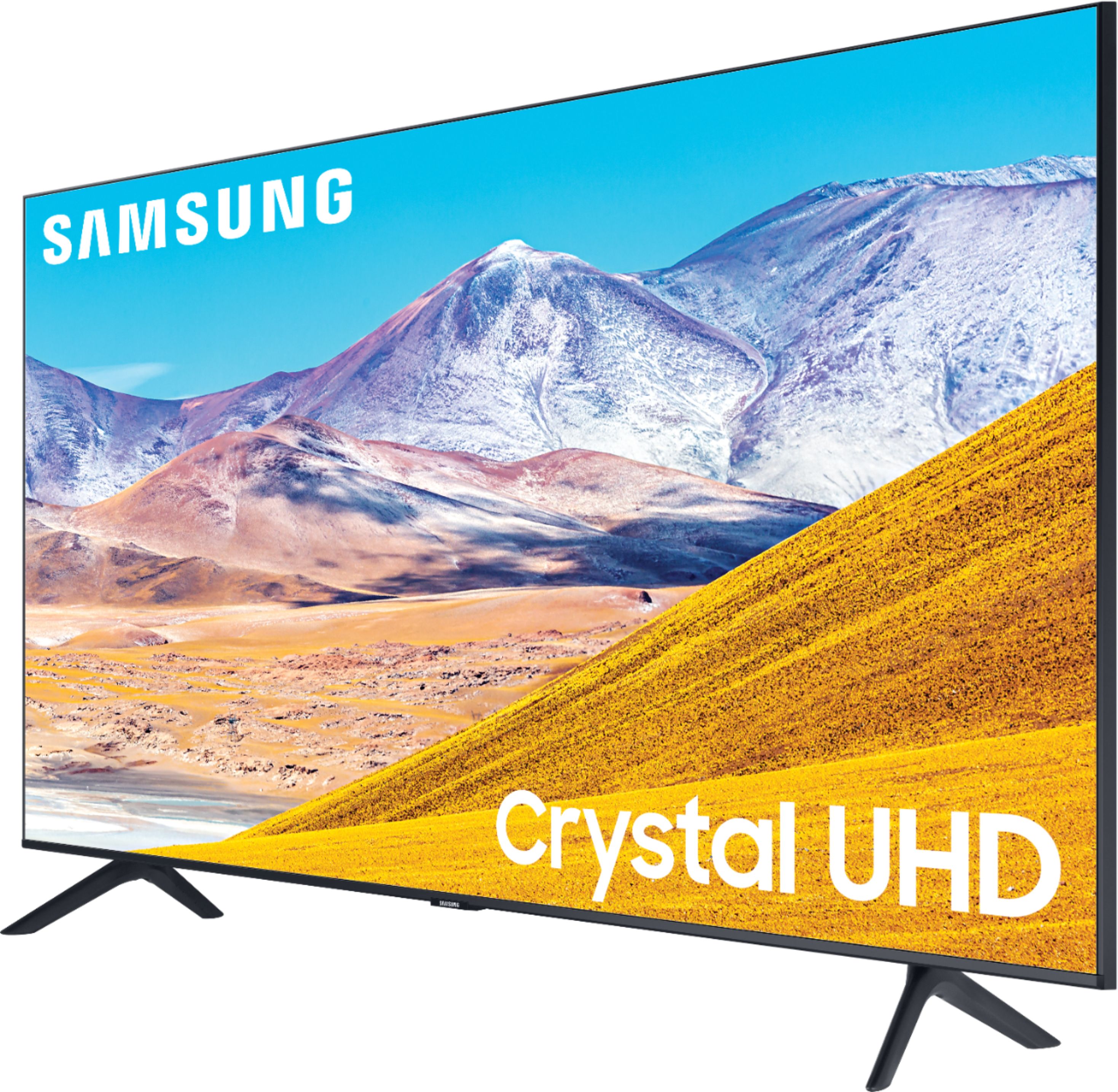
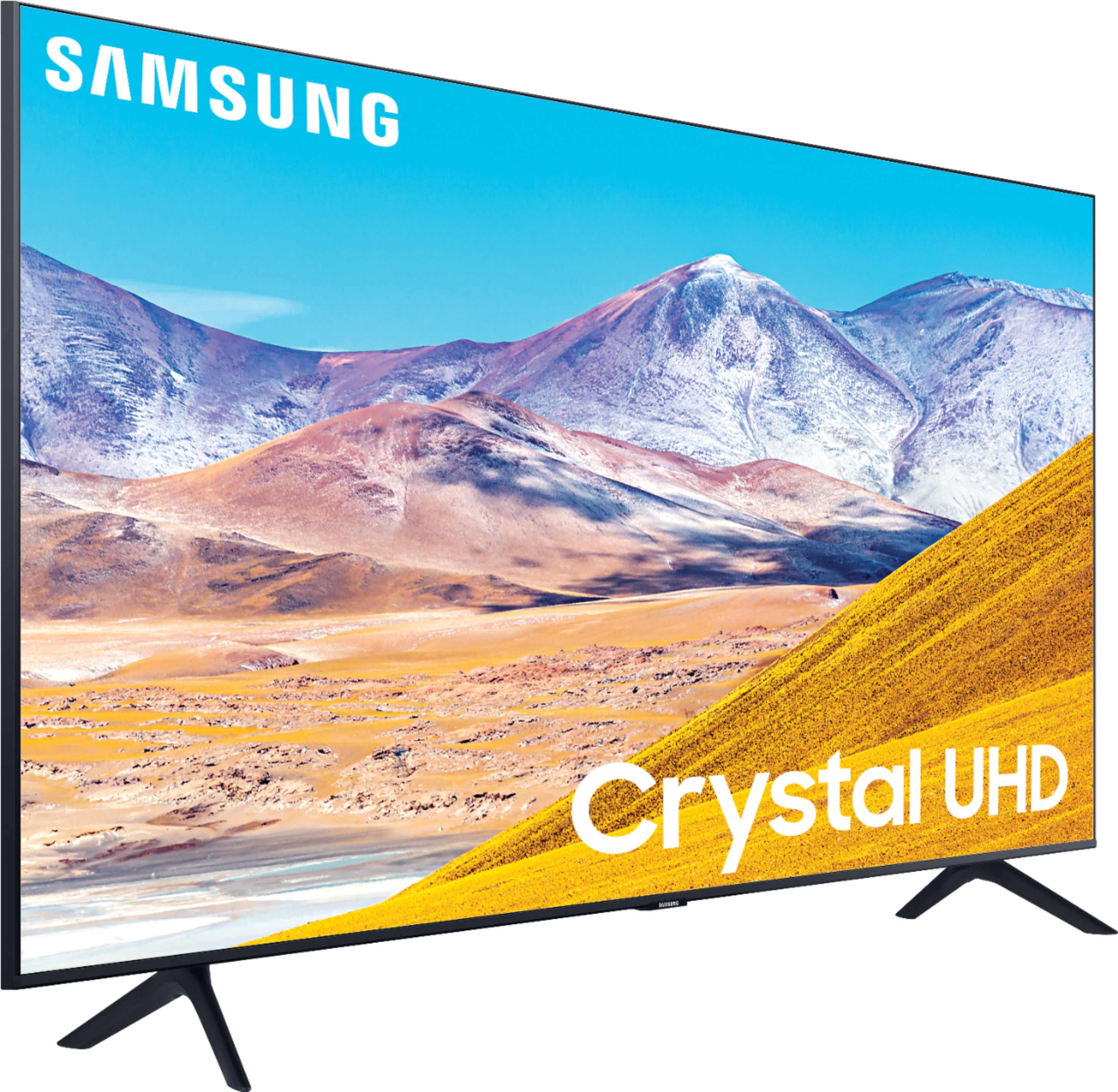
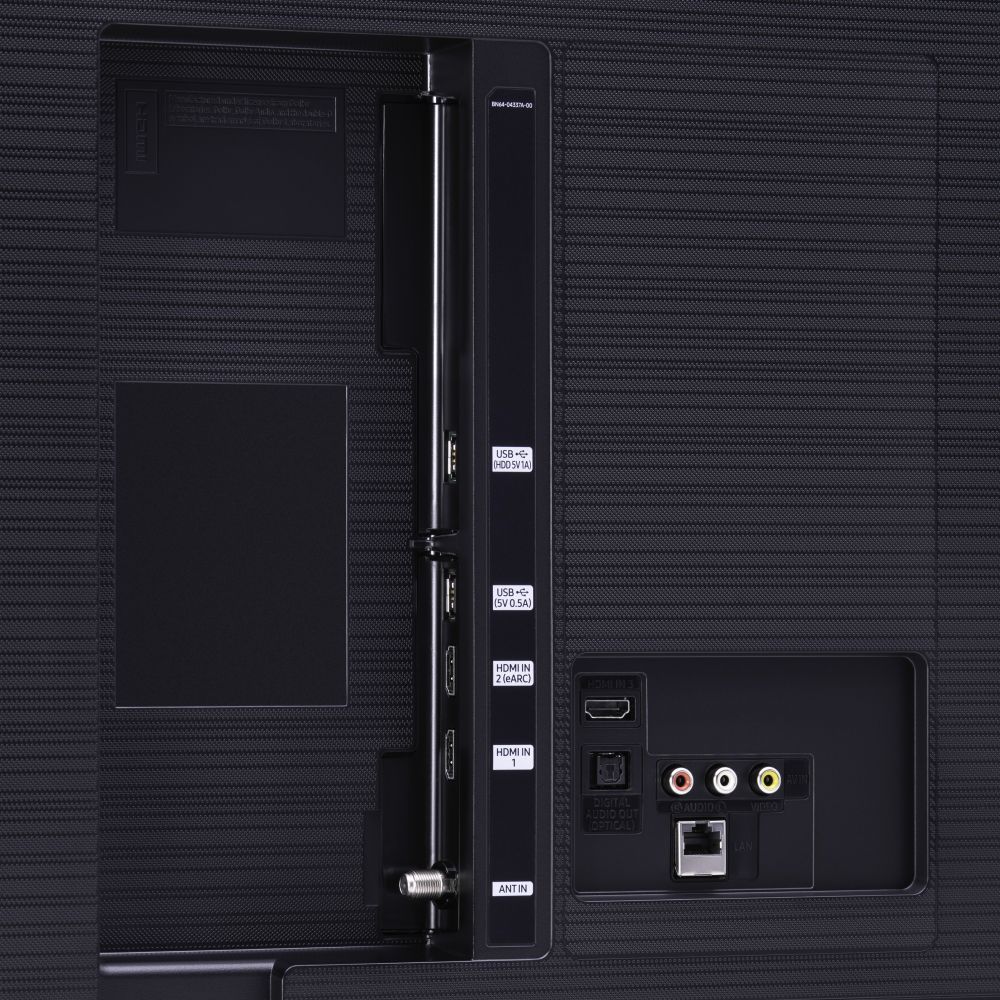
A:AnswerHi Gram! The TU8000 is a 2020 model. AppleTV+ will come preinstalled on your TV's App Launcher upon setup; you can download the Disney+ app from your TV's built-in App Store. ^Gina
A:AnswerHowdy - Yes, you can still use your Comcast Remote for all cable related functions. The TU8000 comes with a Smart Voice Remote, as well. You can use it, and it will be what you use for all the Samsung Smart Functions. ^Cris
A:AnswerHello Ed- High Dynamic Range lets you enjoy a wide spectrum of colors and visual details, even in dark scenes. The TU8000 series is supports the HDR10, HDR10+, and HLG HDR formats and meets the CTA HDR-Compatible definition. ^Cris
A:AnswerI’ve seen both terms used for the 2 different remotes. My thought is that the only difference is the Smart remote has App specific buttons while the standard does not meaning you will have to open the menu & navigate to the App with a Standard remote.
A:AnswerVetteguy, the 65TU8000 is available now on Bestbuy.com! Check it out here: https://www.bestbuy.com/site/samsung-65-class-8-series-4k-uhd-tv-smart-led-with-hdr/6401718.p?skuId=6401718 ^Gina
A:AnswerMy DirecTV remote works with this TV. We didn’t have to do anything to set it up, our prior TV was a Samsung and it just connected. However I do prefer the TV remote once I worked out all the how-tos.