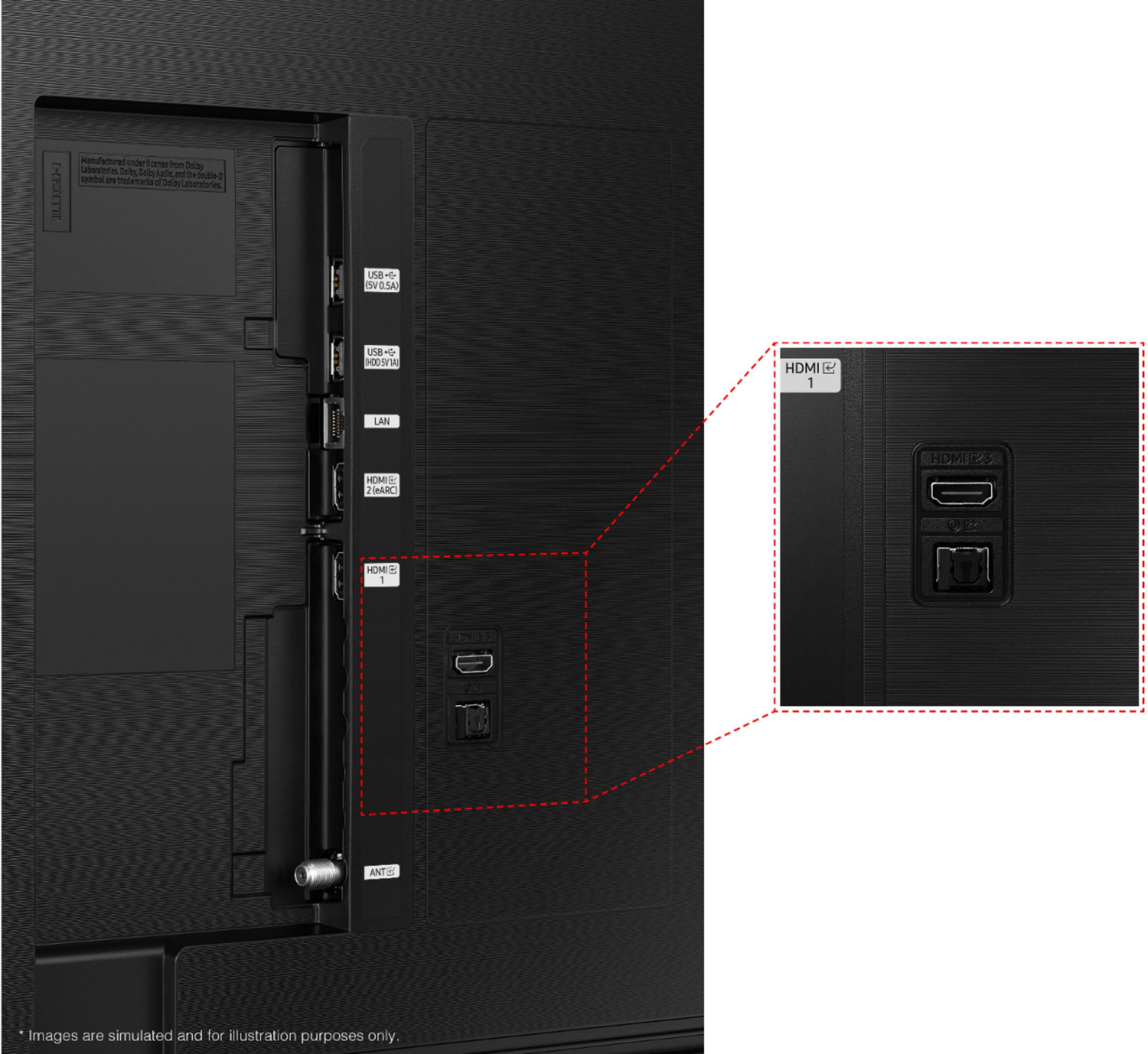
A:AnswerI purchased a DVD/VCR combo some years ago and it has a usb connection. I don't know if you have that sort of set-up or not - but if it doesn't have a USB - I would suggest upgrading. However, I am thinking there are still VCR's being made?
A:AnswerHi EJ353,
Please call Samsung Customer Support so we can better assist you at 1-800-SAMSUNG, 8 AM - 12 AM EST, seven days a week.
~Samsung Advisor
A:AnswerHi Steve,
To better understand your question, please give us a call at 1-800-SAMSUNG, 8 AM - 12 AM EST, seven days a week. Our LiveChat agents are also available by clicking on the ‘Support’ link on our website.
~ Samsung Advisor
A:AnswerHi,
Multi-Output Audio allows you to turn on both the TV speaker and Bluetooth headphones at the same time. When this function is active, you can set the volume of the Bluetooth headphone higher than the volume of the TV speaker. Go to: Settings > General > Accessibility > Multi-Output Audio.
~Samsung Advisor
A:AnswerI struggled with this trying to use wireless ear buds or headphones to hear dialogue without blasting sound for other viewers. There is a setting in the sound menu for Expert or Advanced Settings that leads you to option for dual audio output. Click that and activating the digital audio out port does not cut off the TV speakers. You just control volume on headphones and TV with separate remotes.
A:AnswerHI Westiemommy,
Yes, a user manual is included. You can also download the User Manual and Remote Guide directly from Samsung’s website under ‘Support’ (top right corner) > Manuals & Software > TVs & Home Theater. From there, you can select the AU8000 under Crystal UHD TVs > A Model Lineup.
~Samsung Advisor
A:AnswerHi stan,
The Samsung AU8000 TV offers Ambient Mode, which has customizable themes, colors, and photo options. Instead of seeing a blank background when your TV is turned off, you can enhance your screen with landscape images, artwork, and unique scenes. Your photos can also be turned into backgrounds with the My Album feature. Ambient Mode can be accessed directly on your 2021 TV or with the SmartThings app on your phone or tablet.
However, it is not recommended that you hang your TV vertically.
~Samsung Advisor
A:AnswerYes, for example I had to get a Roku to use my Beach Body app. Some things are on there but for others you’ll need a fire stick or Roku type addition
A:AnswerHi John,
You can use both TV and Bluetooth device audio simultaneously using the Multi-Output Audio feature. When this function is active, you can set the volume of the Bluetooth headphones higher than the volume of the TV speaker. First, make sure your Bluetooth headphones are paired. Press HOME on your TU7000 remote. Then go to Settings > General > Accessibility > Multi-output Audio.
~Samsung Advisor