A:AnswerIn most cases, you can use your existing HDMI cables. Most reasonable cables (not from a $ store) will likely work. Sure, they'll try to sell you a $30 cable, but I'm using $10 ones that are > 5 yrs. old, between my UltraHD BluRay and the new 4K TV, and it works fine. With 'digital'...it either works, or doesn't. Easy to try it and see. No damage possible.
A:AnswerIt may be possible depending on the quality of the HDMI converter, but in my experience it’s best to keep signals in their respective domains. Going from RCA to HDMI could actually reduce quality further, but it couldn’t hurt to try I suppose.
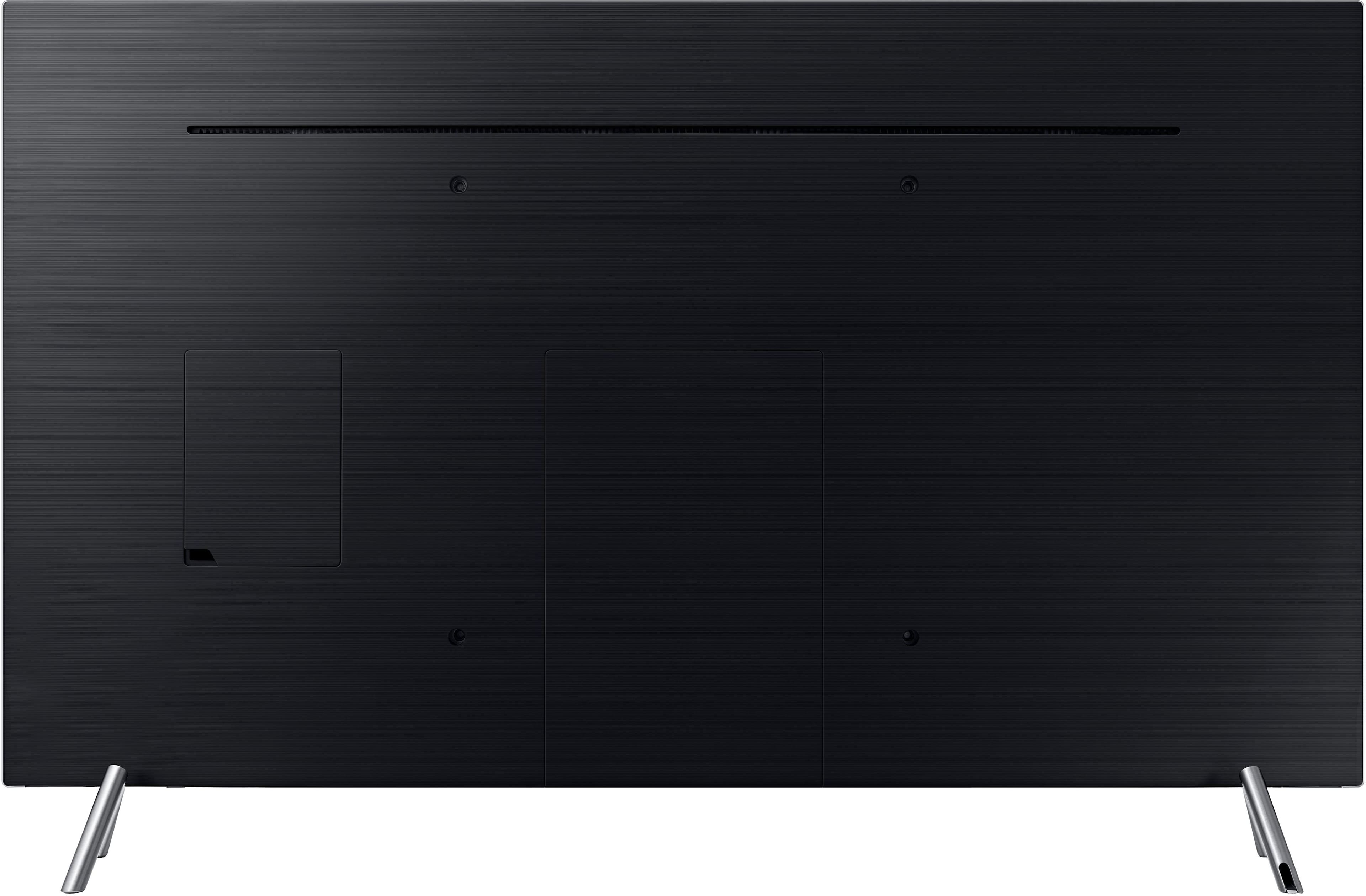
A:Answeron the back of the tv there is a port called exlink not sure what its for but its on there next to the Ethernet port, you might want to double check but I'm 90% sure that's what the label said.
A:AnswerNot sure why you ask such a question. Since the TV is large, you might need a longer cable between the TV and your receiver. Otherwise, hookup is the same...you're using HDMI or optical, just like you did with your 1080 TV. BTW....this TV has a 'remote box' to connect the HDMI inputs, they are Not on the back of the TV, so you can place that 'box' anywhere behind or under, whatever is convenient for you.