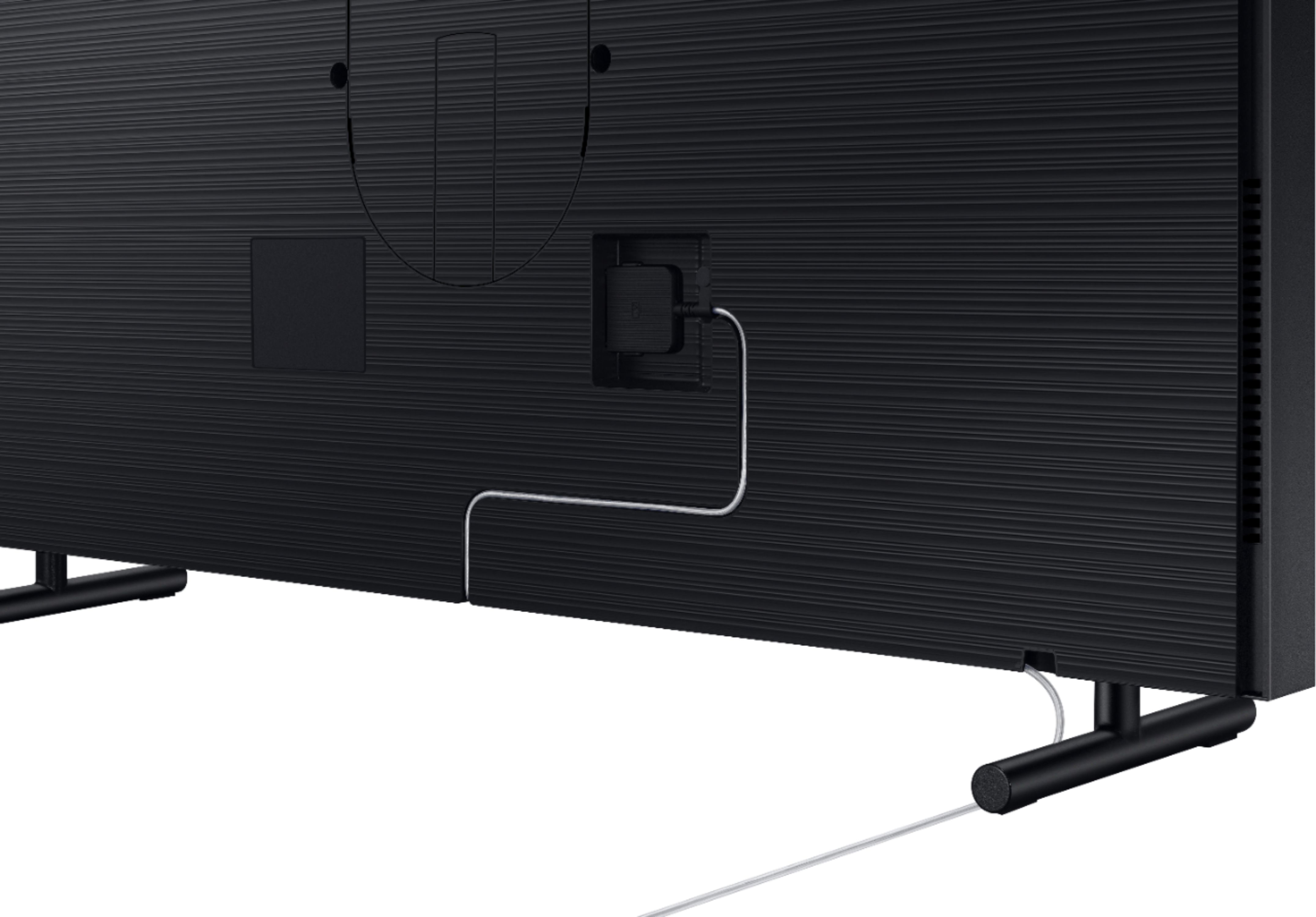
A:AnswerThe one connect box is the central junction for all other electronics such as external speakers, DVD player, Apple TV or Roku, etc.
The TV will detect your speakers once you plug it into the one connect box.
If you are looking to connect the speakers via Bluetooth, I believe the TV has that capability but recommend downloading the user manual from Samsung prior to purchasing the TV. Good Luck.
A:AnswerYes, this is the newest model. The biggest difference is that this model uses Samsung's QLED technology. The biggest benefits would be better color reproduction, thanks to quantum dots and the new quantum processor. Its also much quicker to navigate menus in my experience, and you will get an even better HDR experience.
A:AnswerGiven a previous question asked if it has universal mounting holes which the answer was affirmative, then it should allow for any modern mounts and do what you'd like.
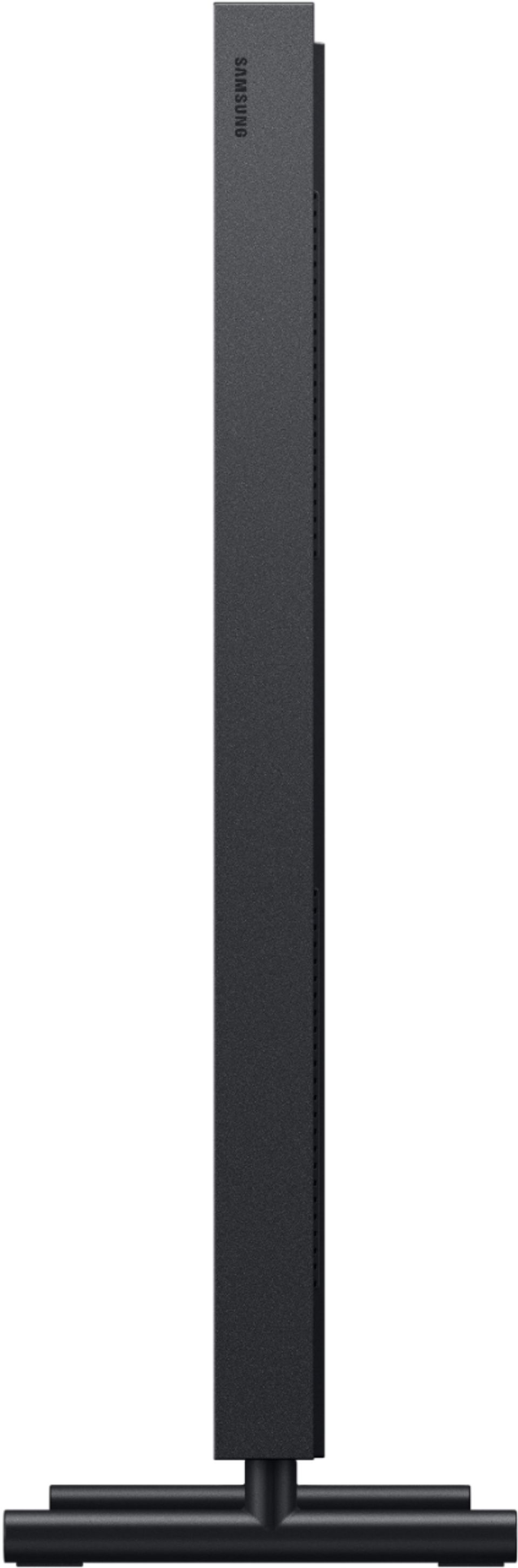
BUT it will not be flush against the wall. Most 3 axis mounts will likely create a minimum of 2"-4" gap.
In my opinion at that point there's little reason to get the frame TV and instead just get a regular 65" for much cheaper.
A:AnswerIt will connect to any Bluetooth speaker without wires. That is the setup I have. However, I have found out that the TV will not automatically connect back to the speaker when it turns back on. The TV defaults back to internal speakers.
A:Answer- According to the document, it is 2019 version.
- I don't know, since I've never connected it with either of them.
- Comment: It is not Android TV though, and I just found out after played with it for awhile.
Other connections are also bad, like: Wi-Fi drops very frequently. Voice command function accidentally answers without command.
Only one good feature of this TV is the Frame.
JB
A:AnswerYes, of course you can. You can upload them via an App called "SmartThings" from either Apple or Android. In my own experience, SmartThings runs smoother in Apple (iPhone).
JB
A:AnswerIf I understand your question, YES, you can be in the room and have the TV display art automatically. Your presence in the room won’t make the art “go away” or turn off. The sensor is designed to turn on the artwork when someone walks into the room — thereby saving power when nobody is home/in that room. When everybody goes to bed at night, the TV turns off completely. Perfect!
A:AnswerThe settings will allow you to adjust the darkness (as bright as you want even in dark, or if you want it to reflect the lighting conditions and go completely dark if the room is dark.
A:AnswerI don’t think that is a good idea. The box is similar to a Bluetooth player in size and has multiple connections such as hdmi and USB port. It should probably be nearby on an advance cabinet, as I have mine. Hope this helps.
A:AnswerI have not noticed the ability to generate a mirror image on the screen in Art mode. I will say that Art mode with the subscription was well worth the investment for me and my family.
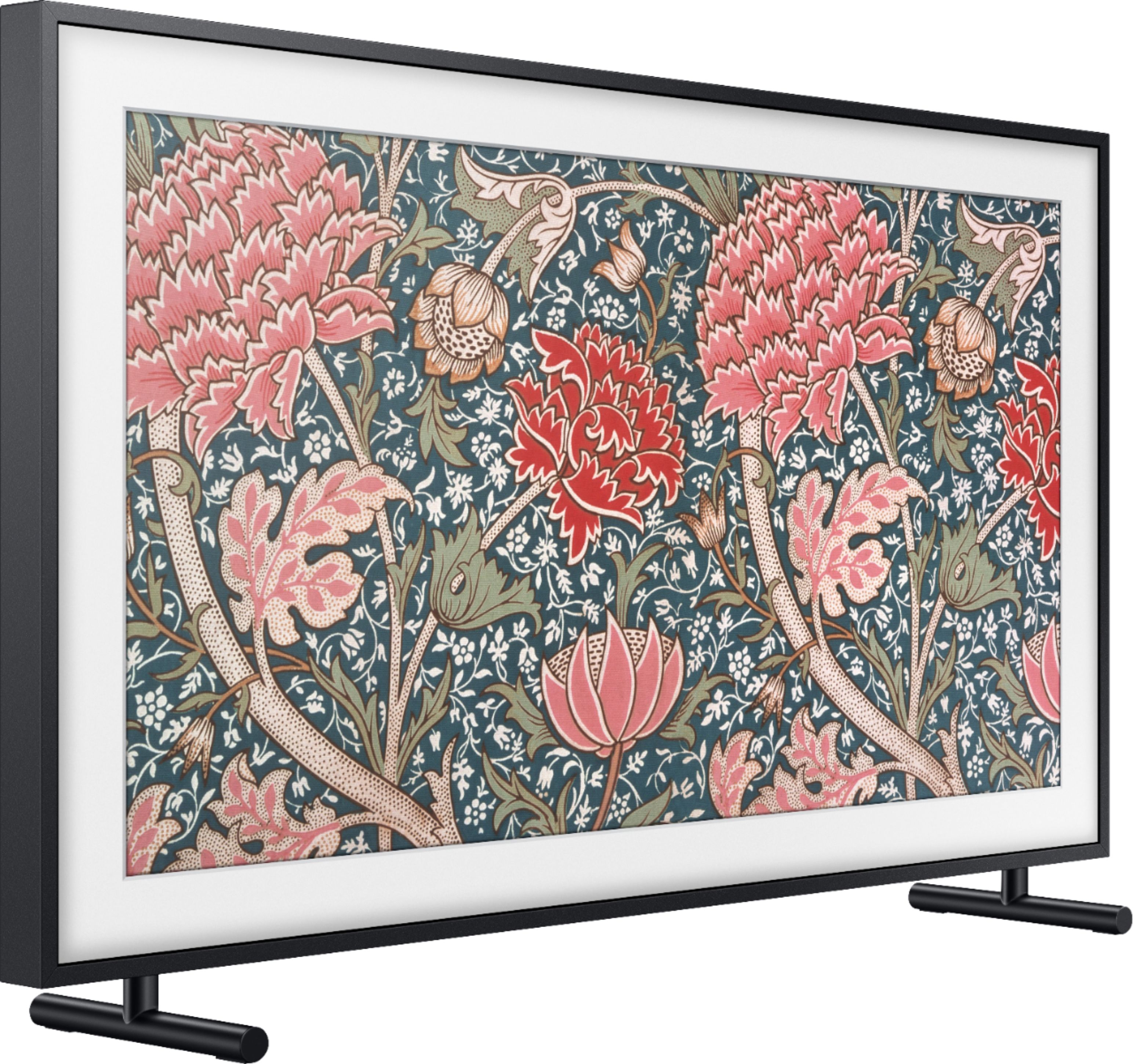
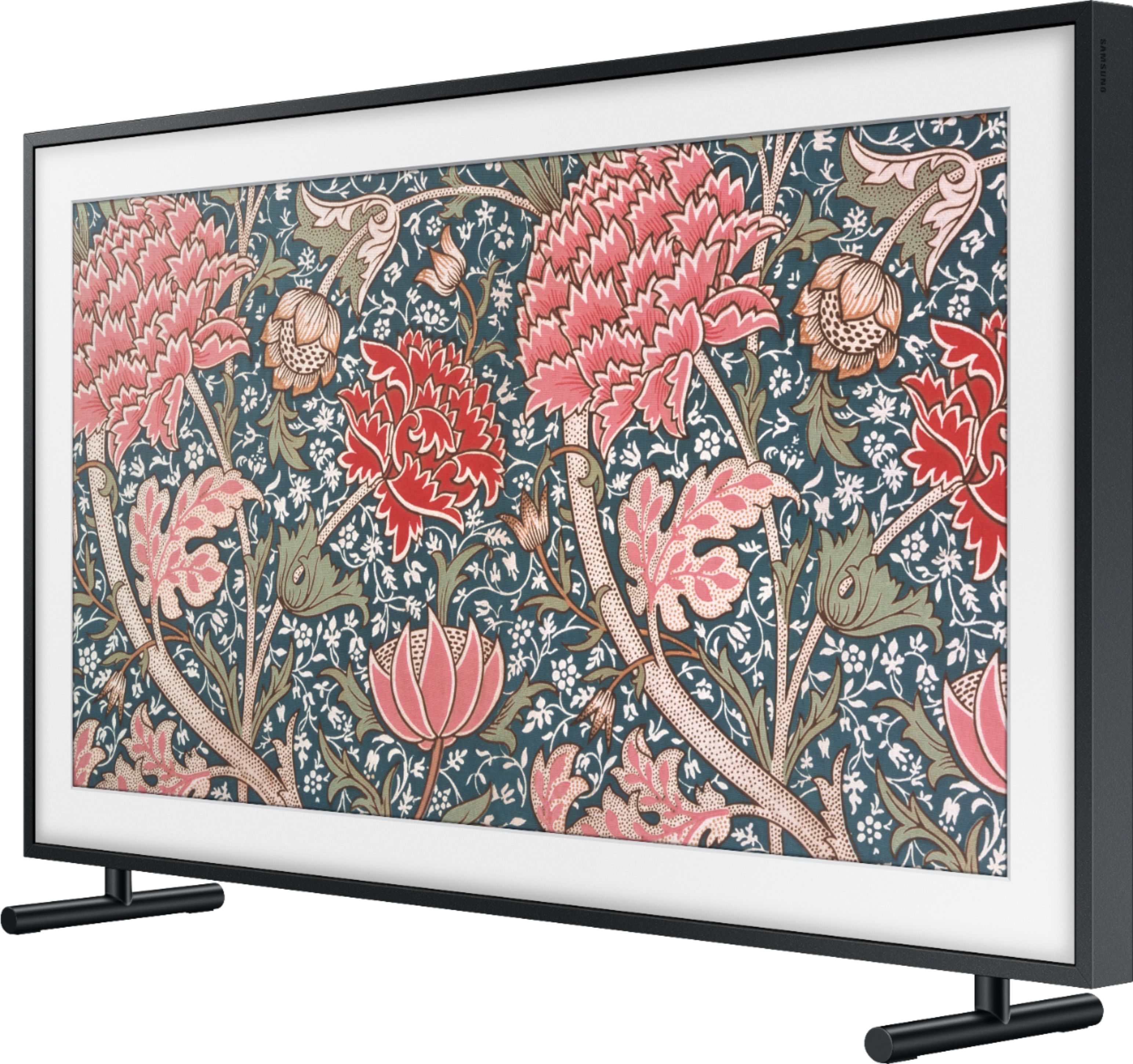
A:AnswerYes. It includes the one connect box. Specifically, it comes with the TV, default frame, mounting hardware, one connect box, and necessary cables. It comes with everything you need to get it set up.