A:AnswerNo, it includes no hdmi cables, you'll need to supply the type you want to use. I was surprised at least one wasn't provided, but I didn't need any.
A:AnswerThose dimensions should be listed on the ad online for all tv’s. Check your Best Buy ad for whatever tv you wish. If you scroll all the way down dimensions will be listed.
A:AnswerIf it does I am not aware of that option.
button on remote goes up and down and seems to adjust all speakers in the unit, not difference that I can hear. I used to have a surround system, but it is non compatible with this TV. So there may be some preferences that could do what you are looking for. I have been researching sound bars etc to see if I even need one.
Lots to learn about this TV, only had it month, but the picture is great.
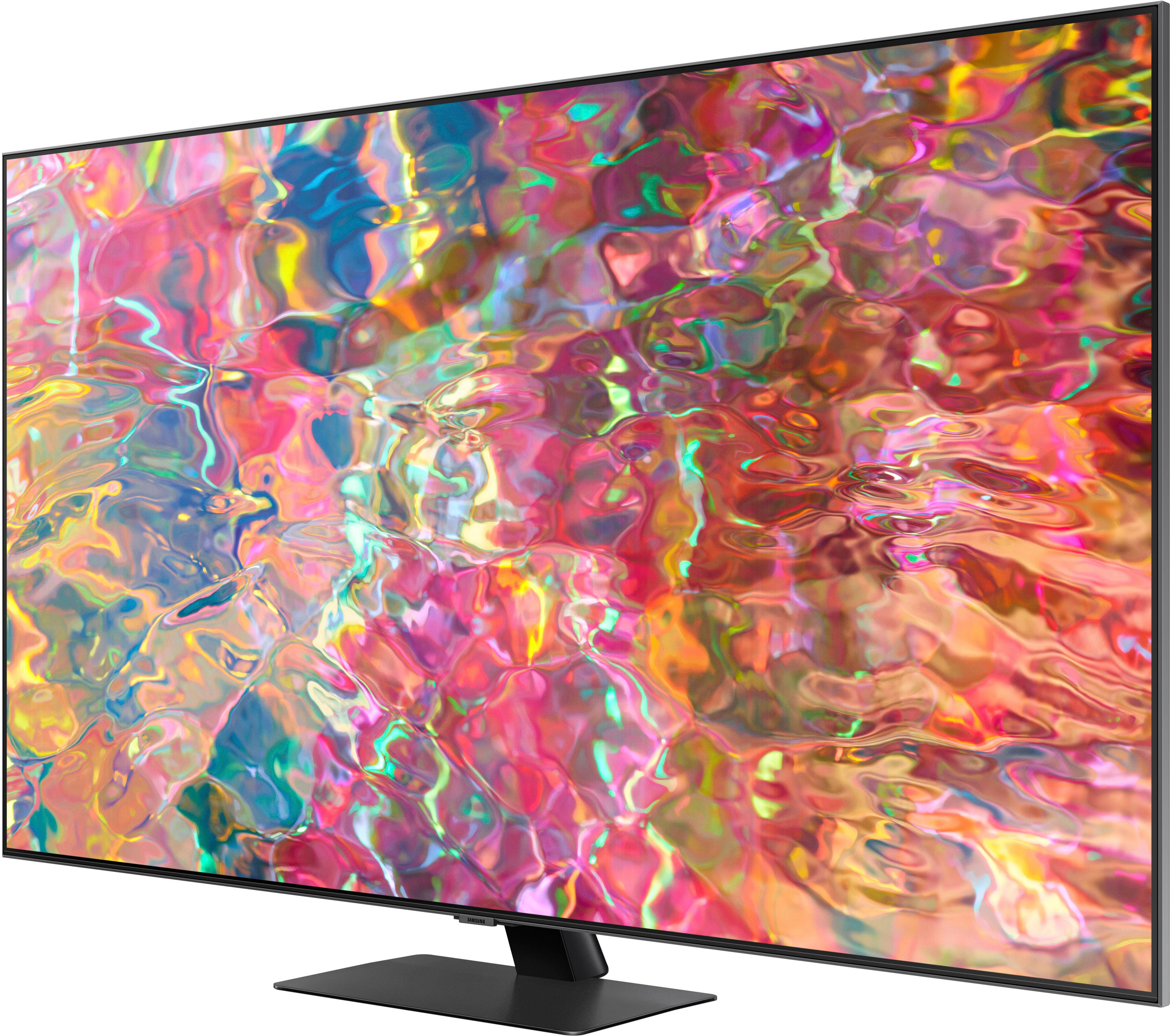
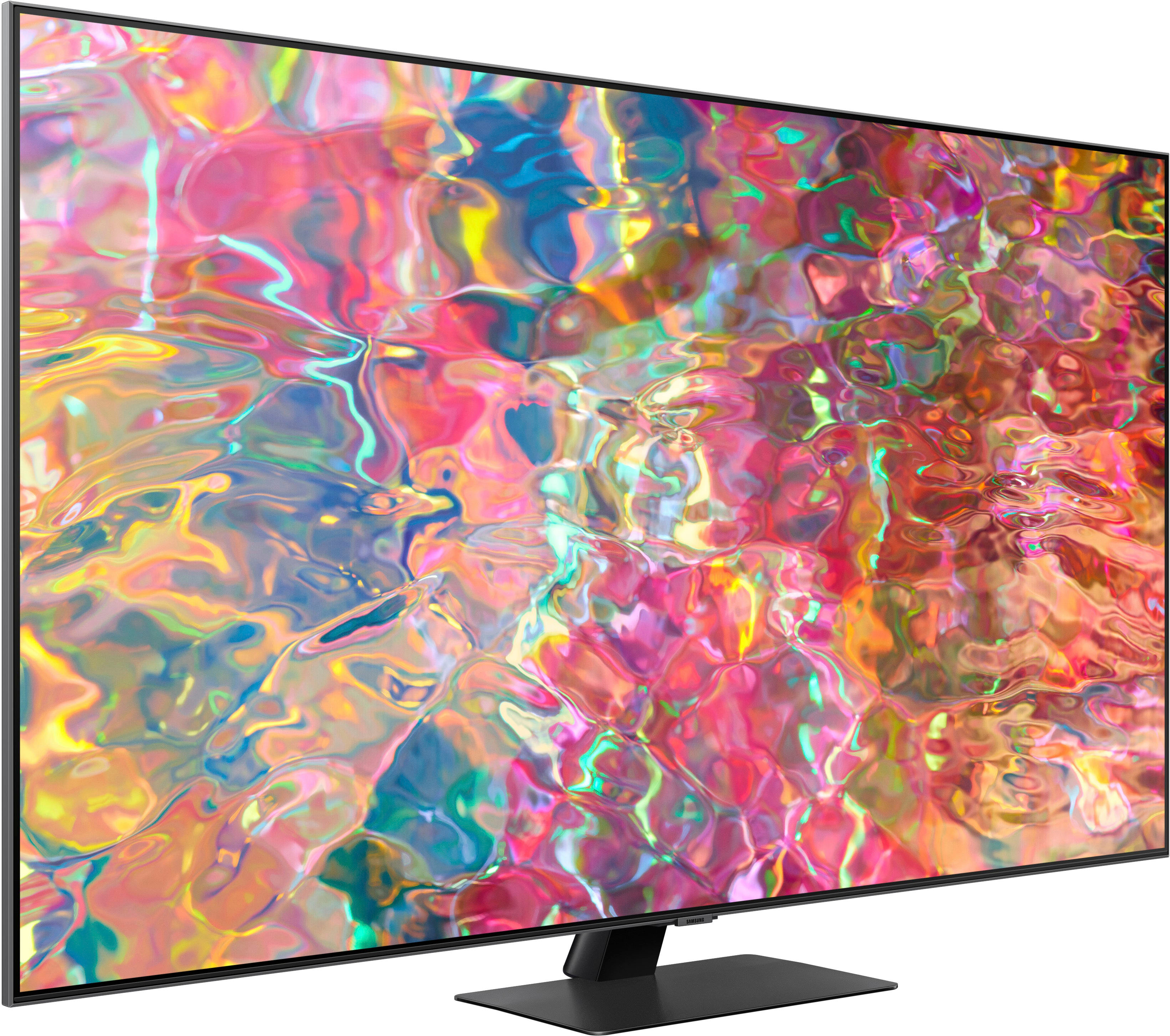
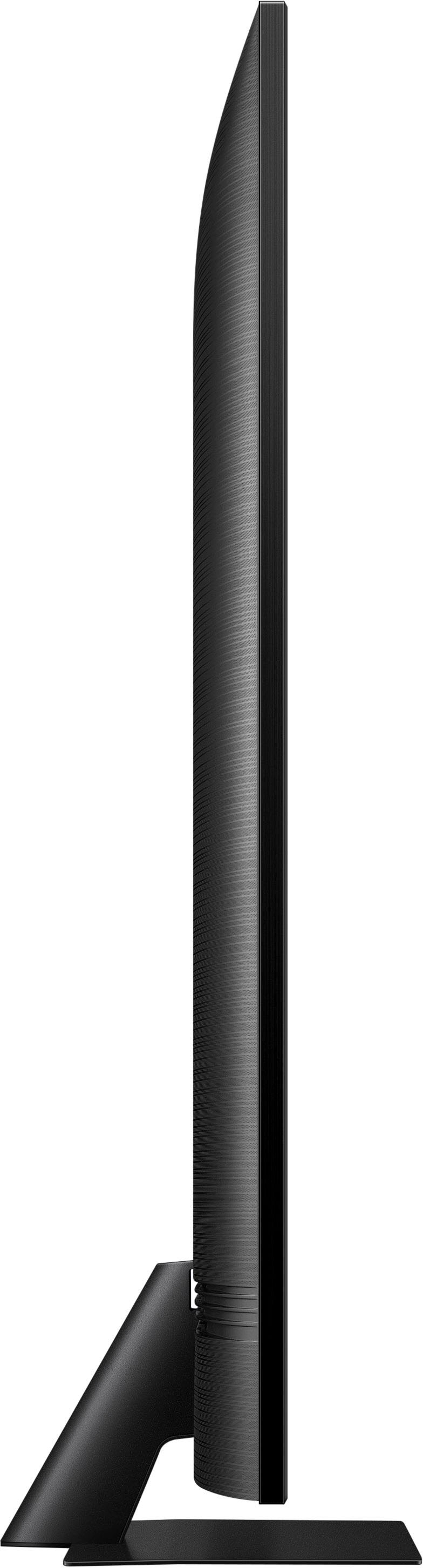
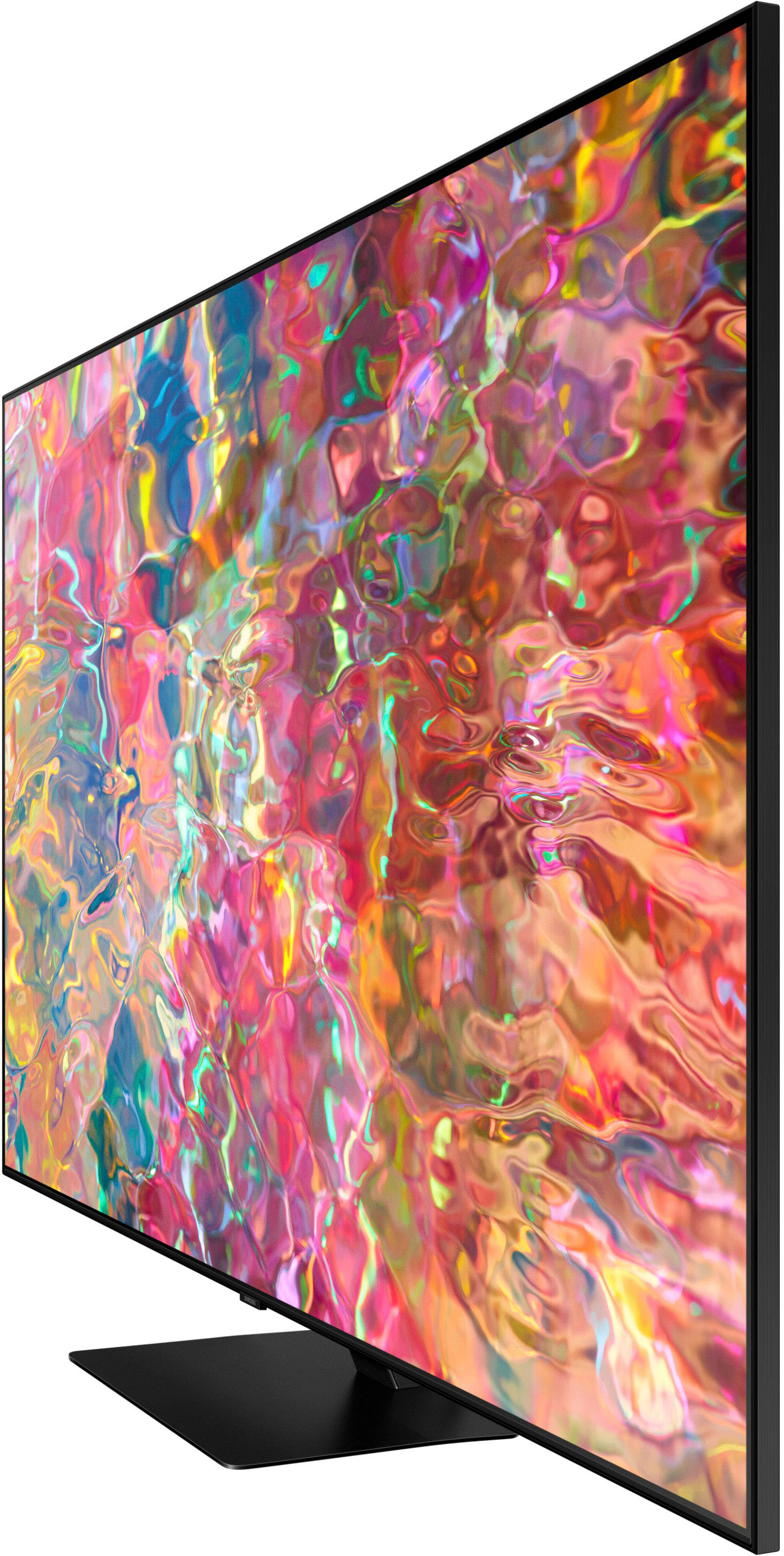
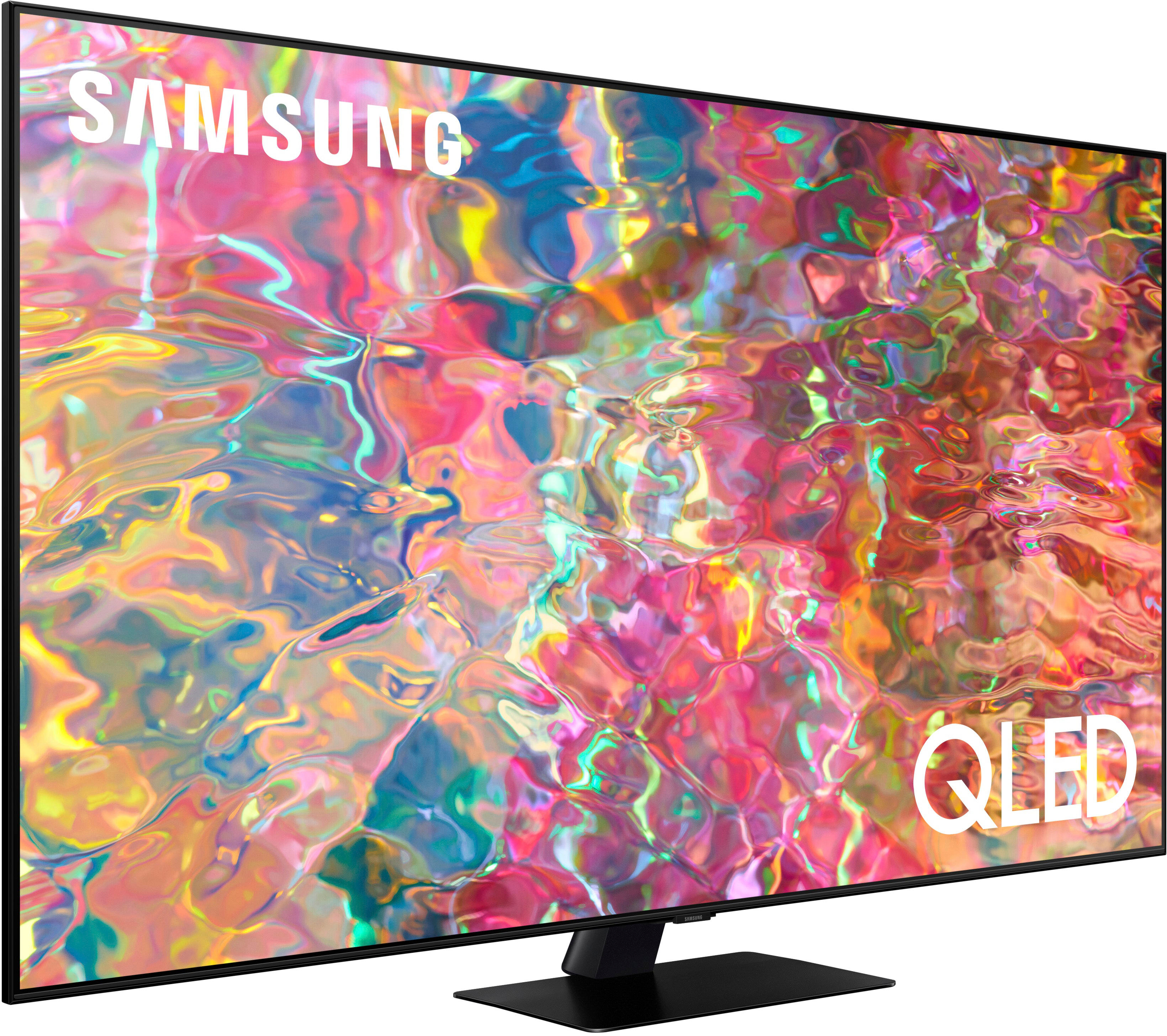
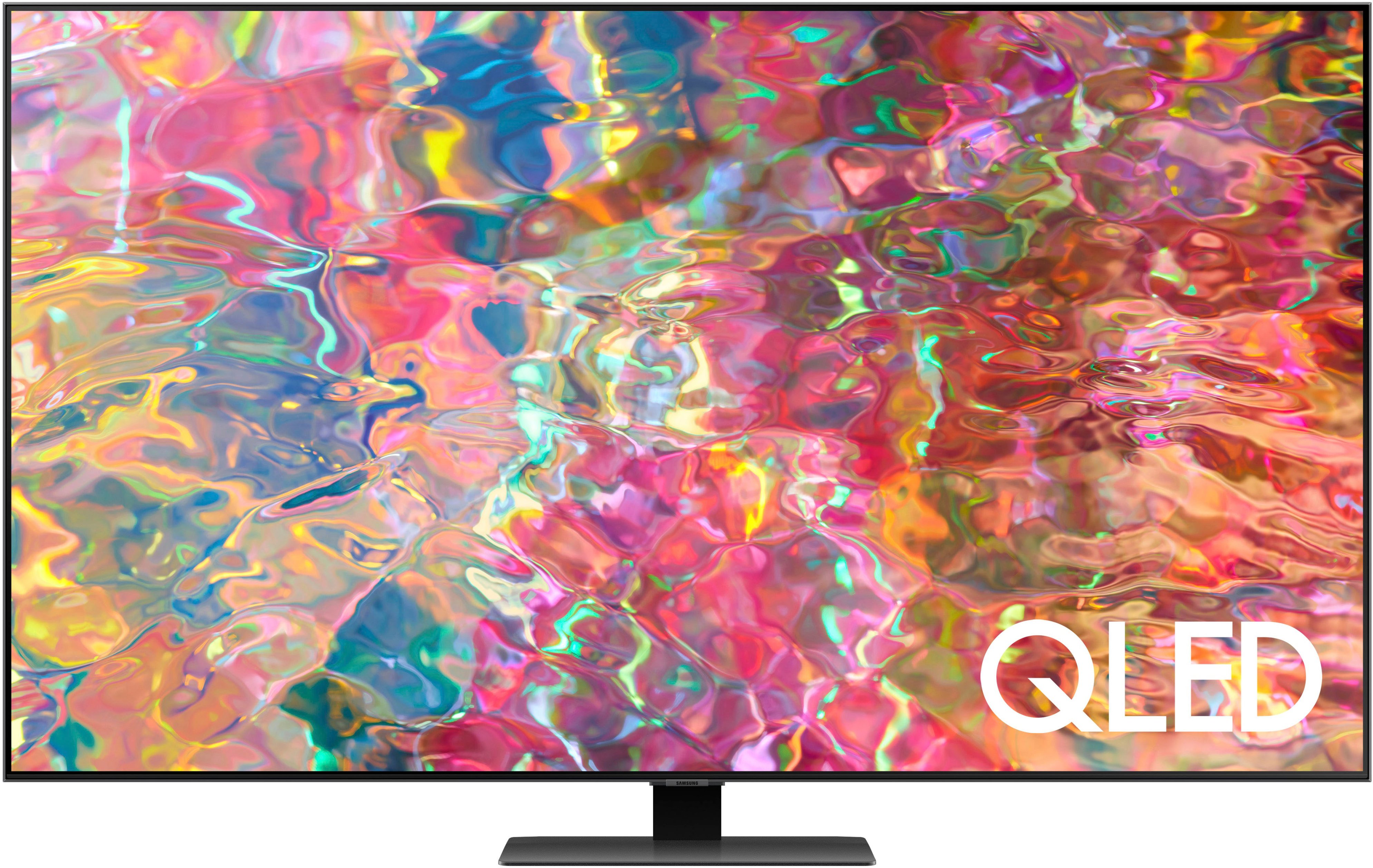
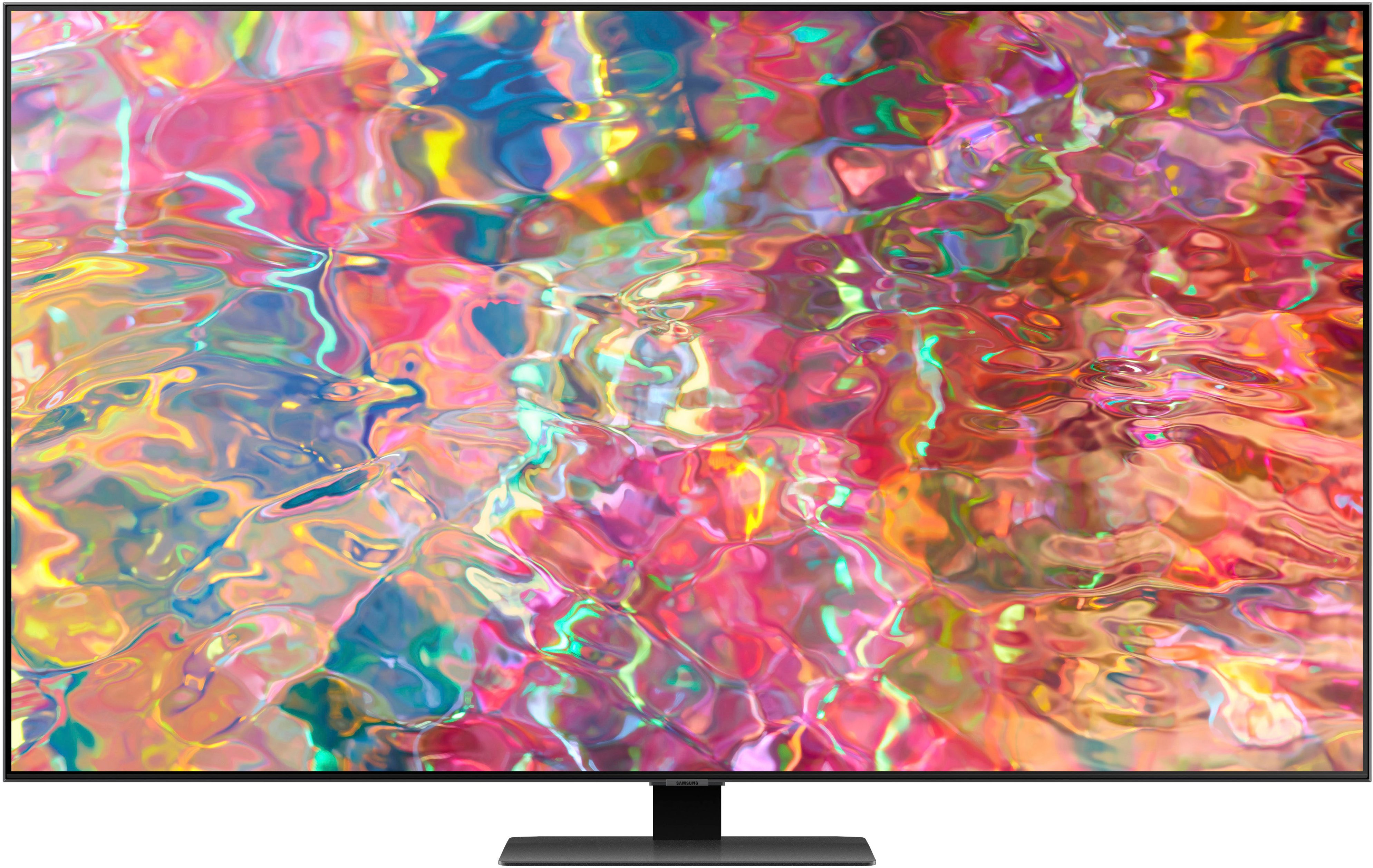
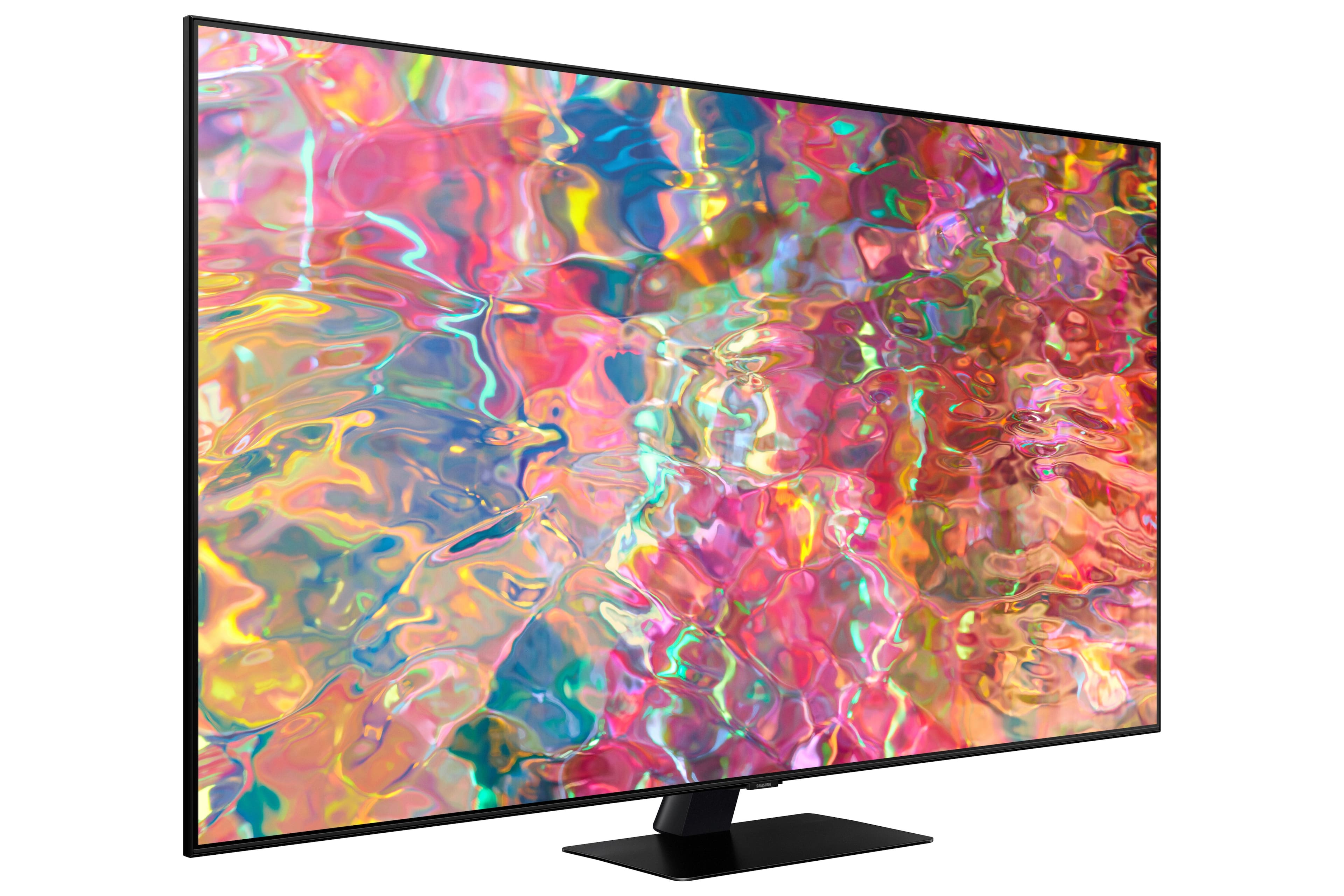
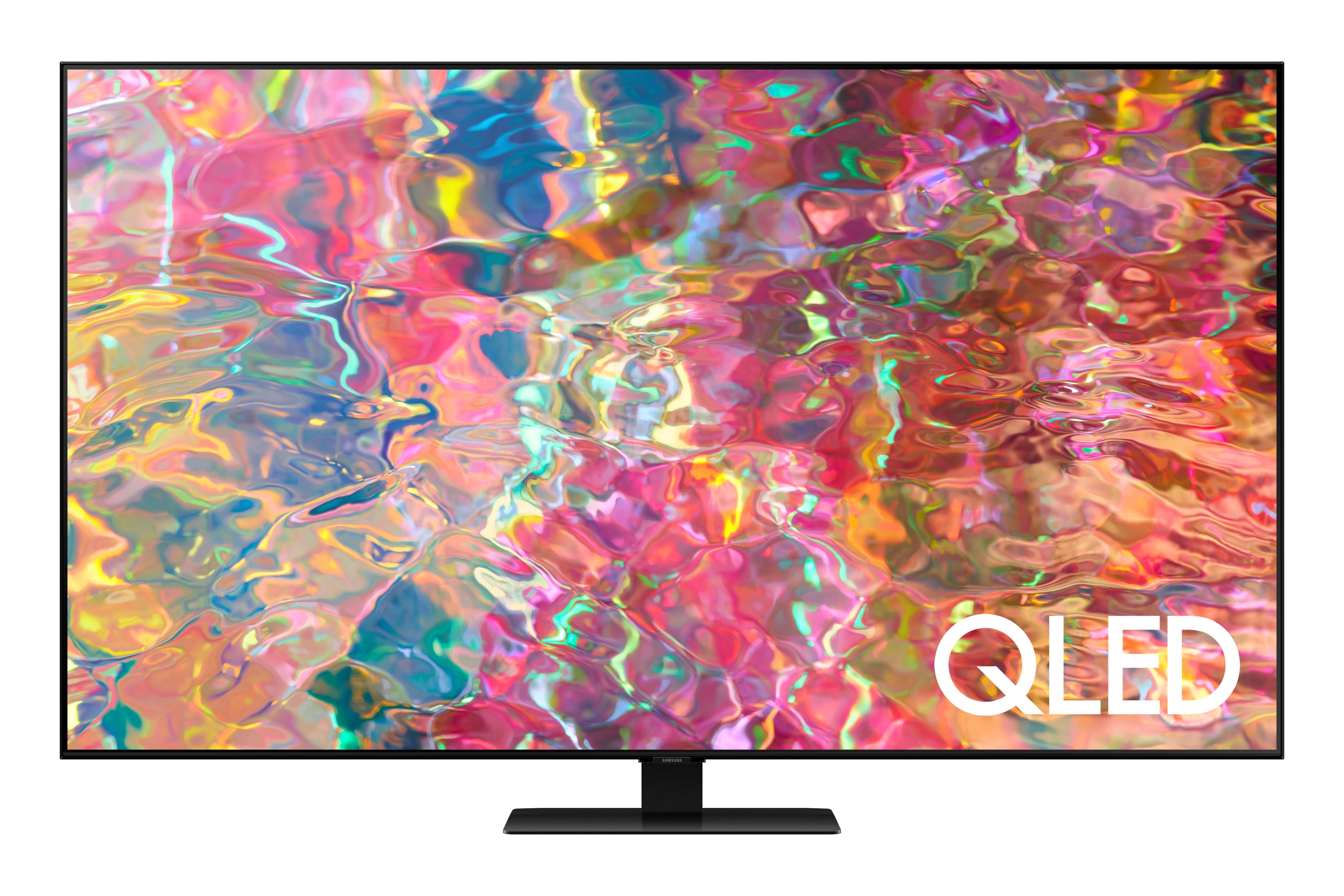
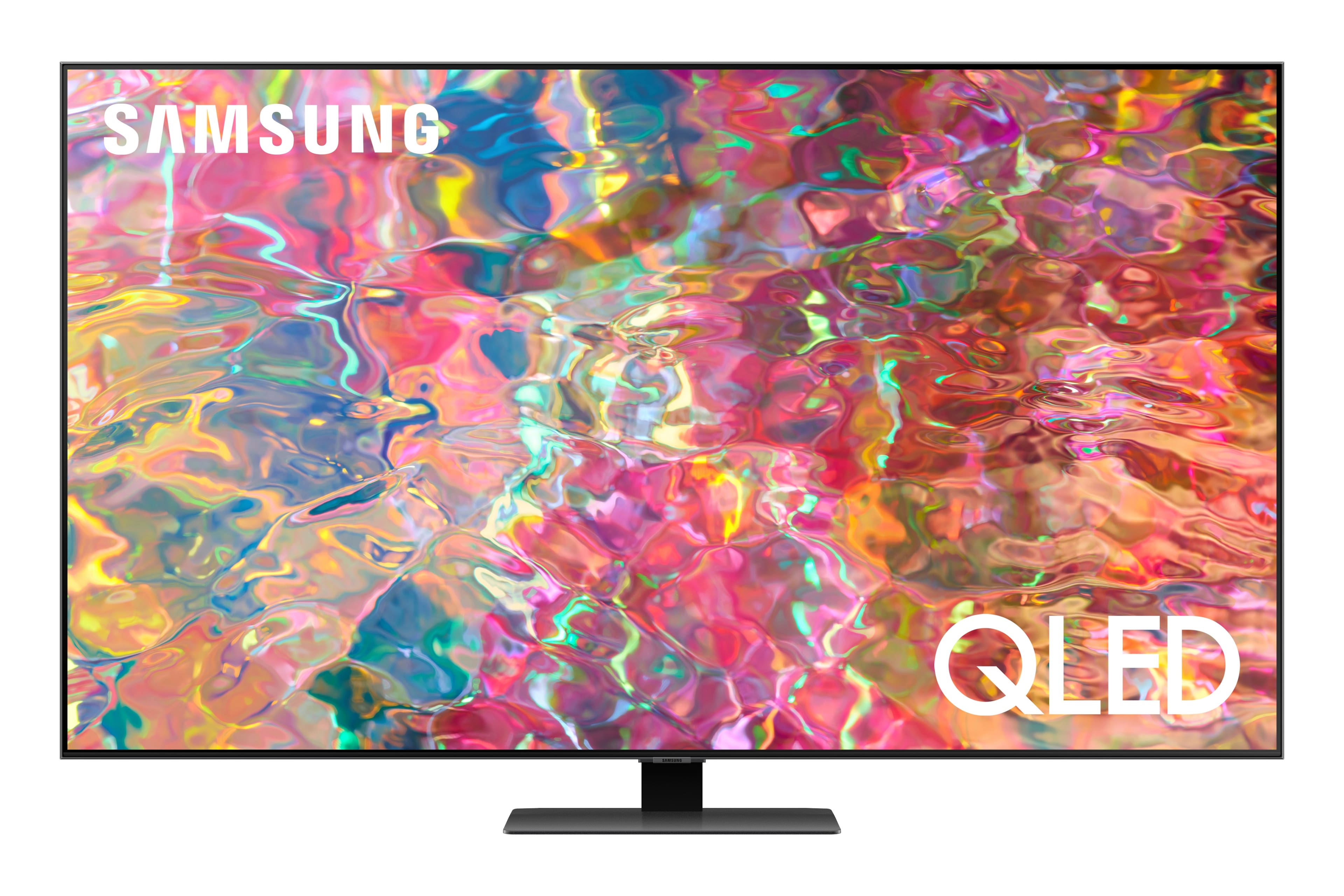
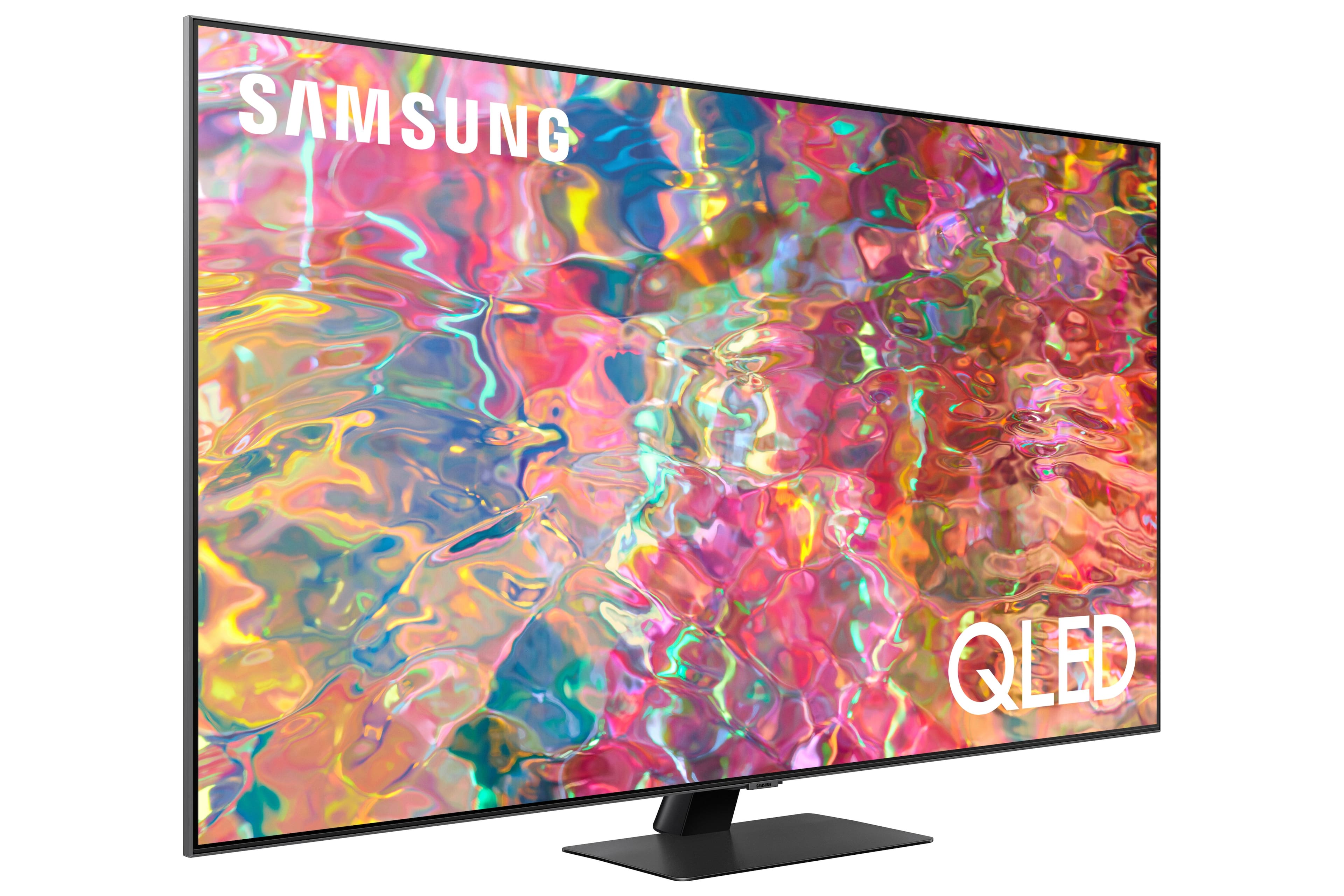
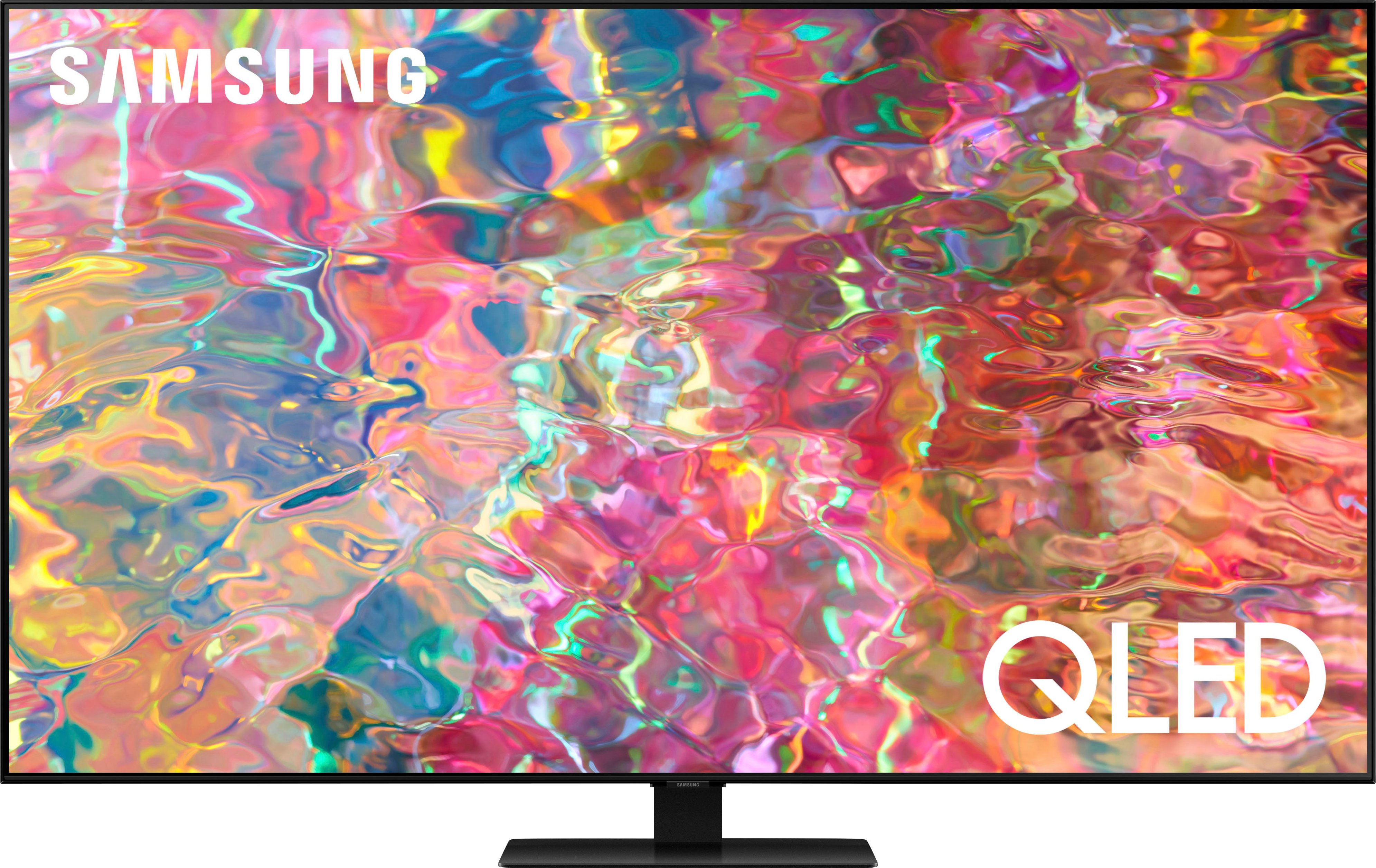
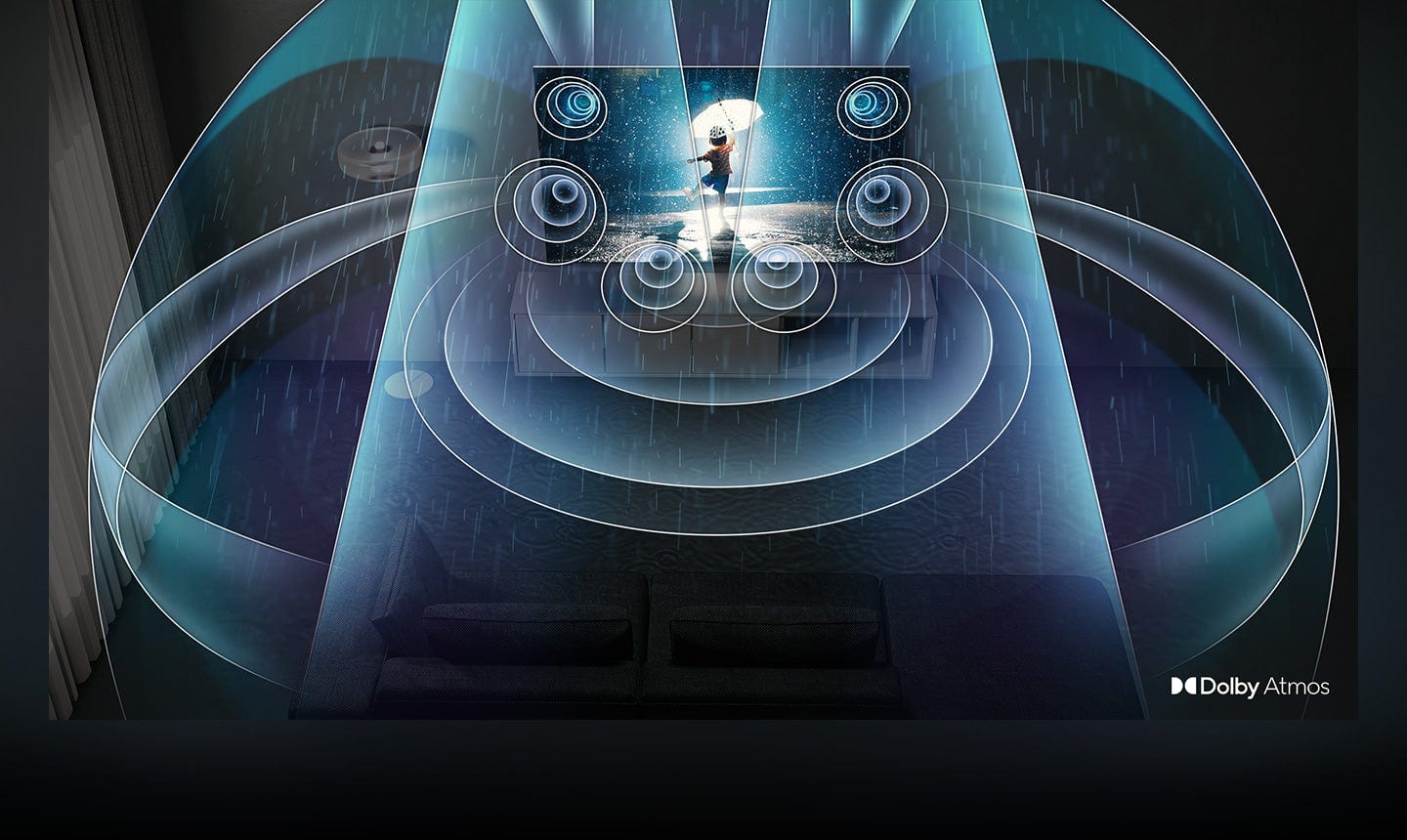
A:AnswerDk51 - The 2022 Q80B features Quantum HDR 12X and Direct Full Array Backlighting, giving you an extensive range of contrast with deep blacks and pure whites, as well as Freesync Premium Pro for an enhanced gaming experience. The Q80B also features Object Tracking Sound, which adjusts audio to follow on-screen movement, and Dolby Atmos that envelops you in cinematic surround sound—all from strategically placed speakers behind the screen. For gamers, our Q80B also features motion enhancements up to 4K@120Hz with Motion Xcelerator Turbo+, as well as our redesigned Game Bar 2.0 which gives you the option to adjust picture and sound settings without having to exit your game.
~ Samsung Specialist
A:AnswerHi frustrated - We've got just the solution for you! With Multi-output Audio, you can turn on both the TV speaker and Bluetooth headphones at the same time. When this function is active, you can set the volume of the Bluetooth headphone higher than the volume of the TV speaker. Go to: Settings > All Settings > General & Privacy > Accessibility > Multi-output Audio.
~ Samsung Specialist
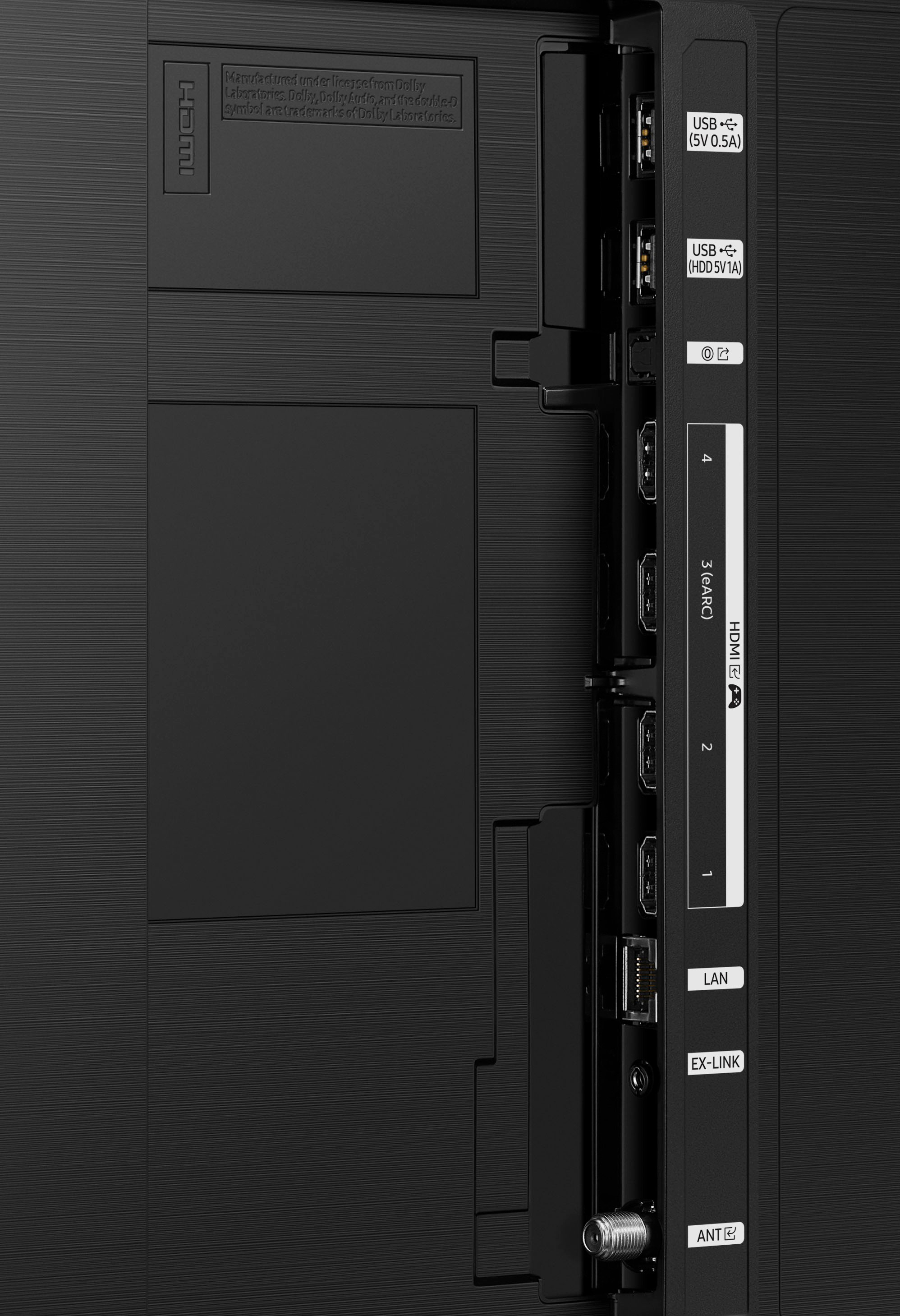
A:Answerlesley - You can download the Q80B TV's User Manual, e-Manual, Remote Control Leaflet, and Quick Setup Guide on Samsung's website by clicking Support > Manuals & Software > TVs & Home Theater > TVs. From there, you can select the Q80B TV under 4K QLED TVs > B Model Lineup and download the guides you would like. The e-Manual is also embedded into the TV itself under Settings > Support > Open e-Manual.
~ Samsung Specialist
A:AnswerTiltz - The Q80B has a built-in ATSC/ClearQAM tuner; when stepping up to the QN90B, you’ll gain a built-in ATSC 3.0/ClearQAM tuner for receiving digital broadcasts.
~ Samsung Specialist
A:AnswerUnfortunately, we just bought a TV that is manufactured in 2022, but it does not have dual audio..i.e. two blutooth headphones at the same time. Samsung not fully truthful here. TU690T 43”