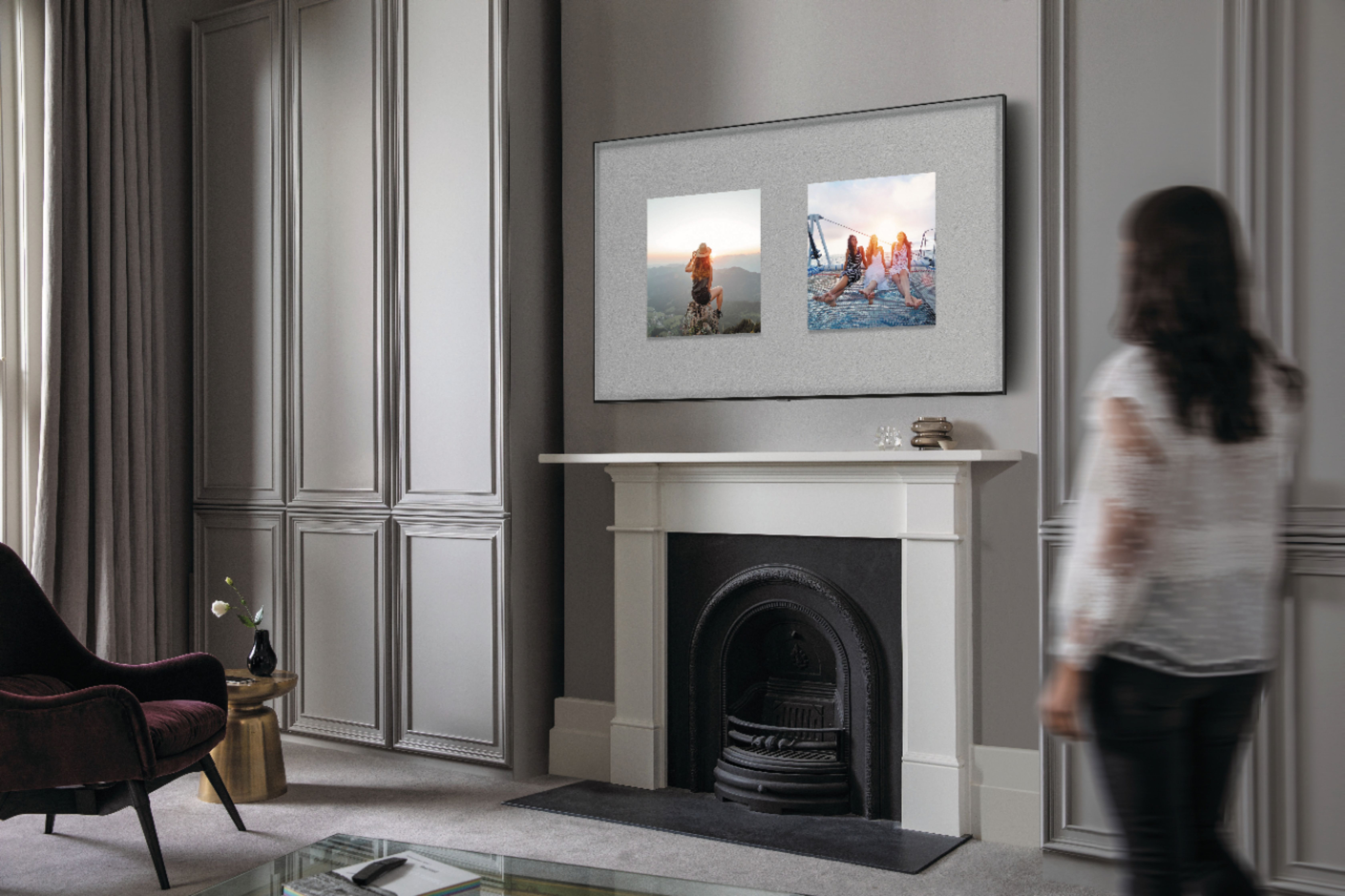
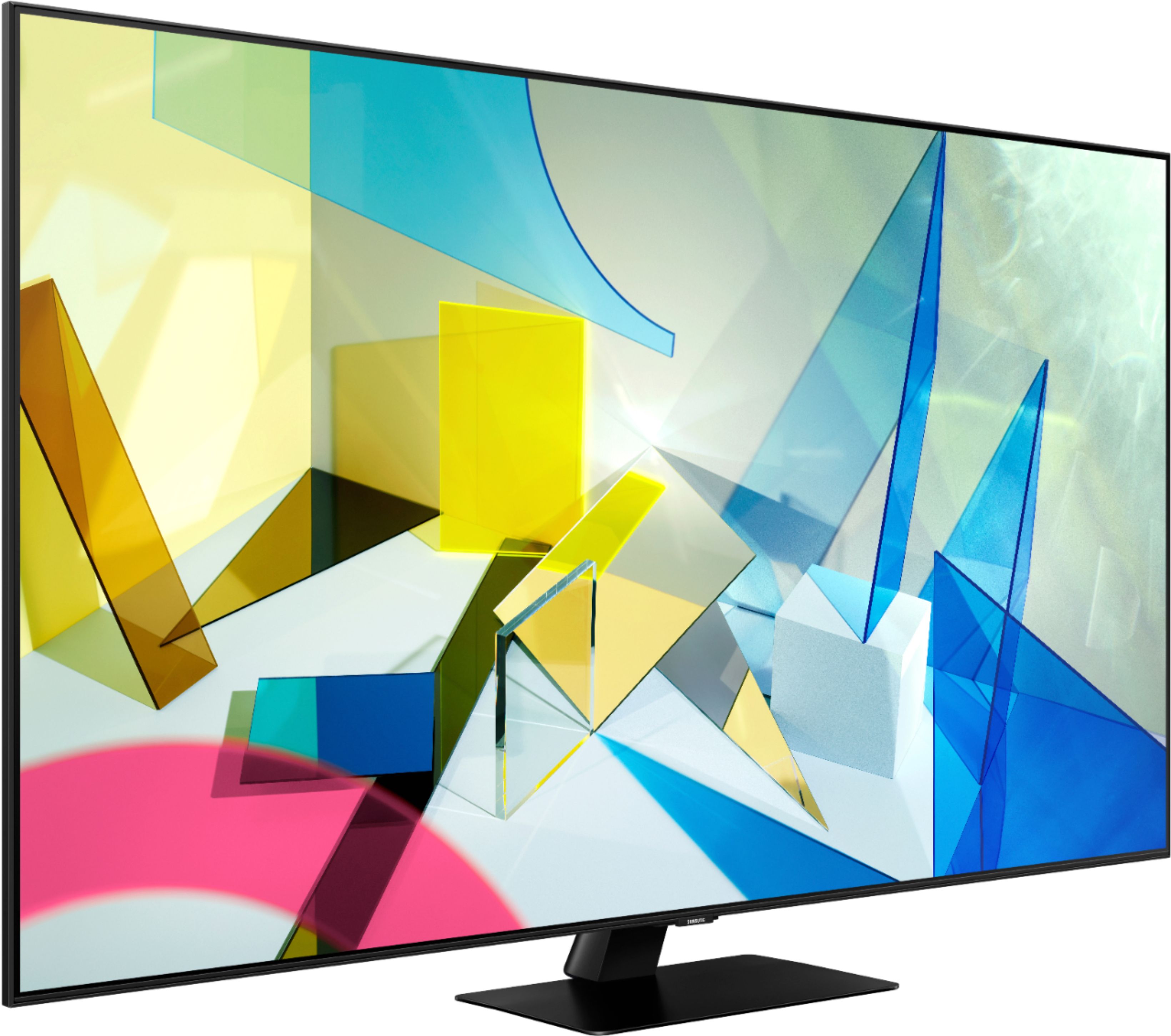
A:Answer Hi Richard! The Q80T supports Samsung's Multi View feature allowing you to view two different types of content side by side. For example, you can view media from different sources, such as an app, Blu-ray player, or game console, on the main left screen, while also mirroring your phone to the smaller screen. Multi View provides you with endless possibilities for splitting screens and viewing several types of content at the same time.
^Tim