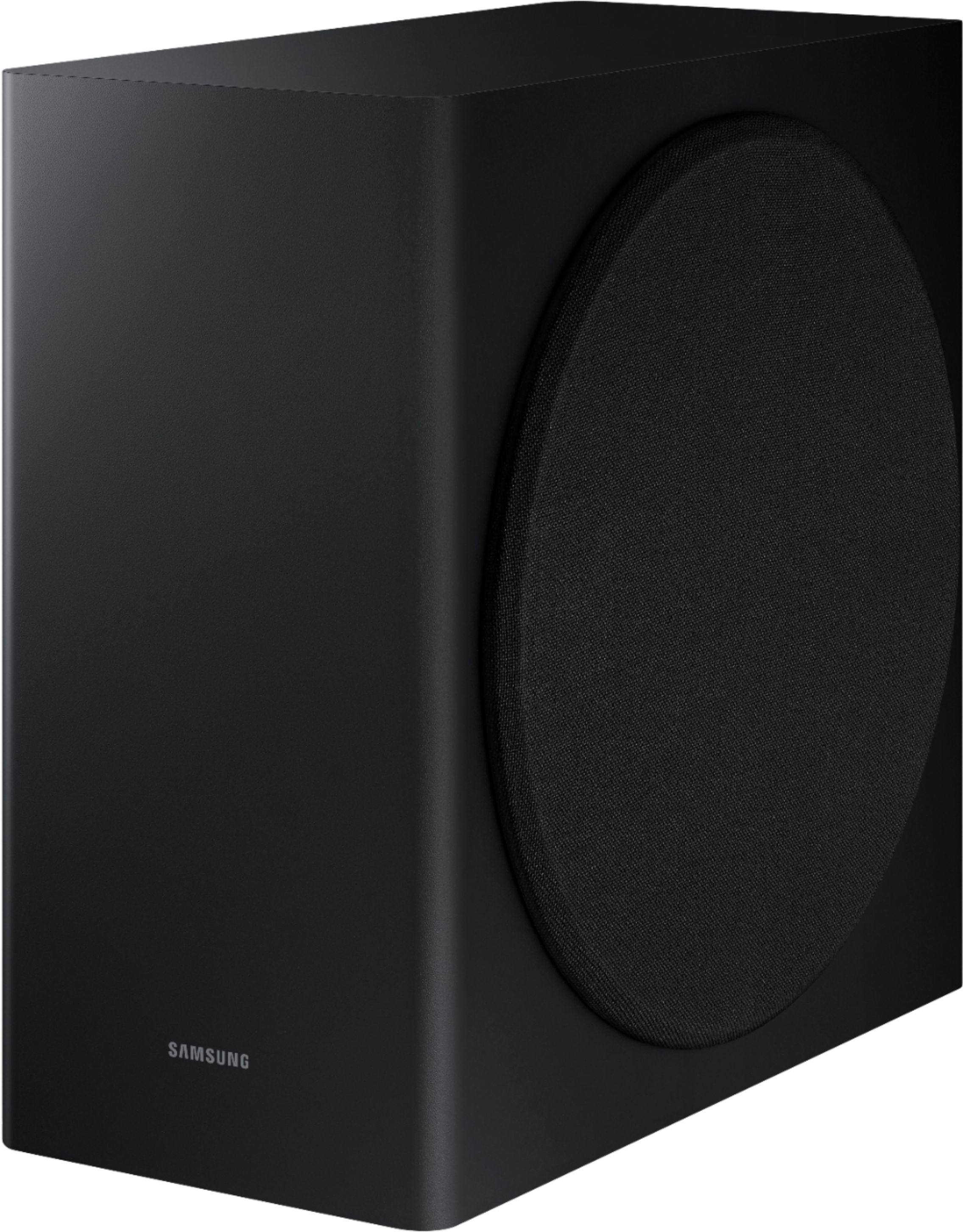
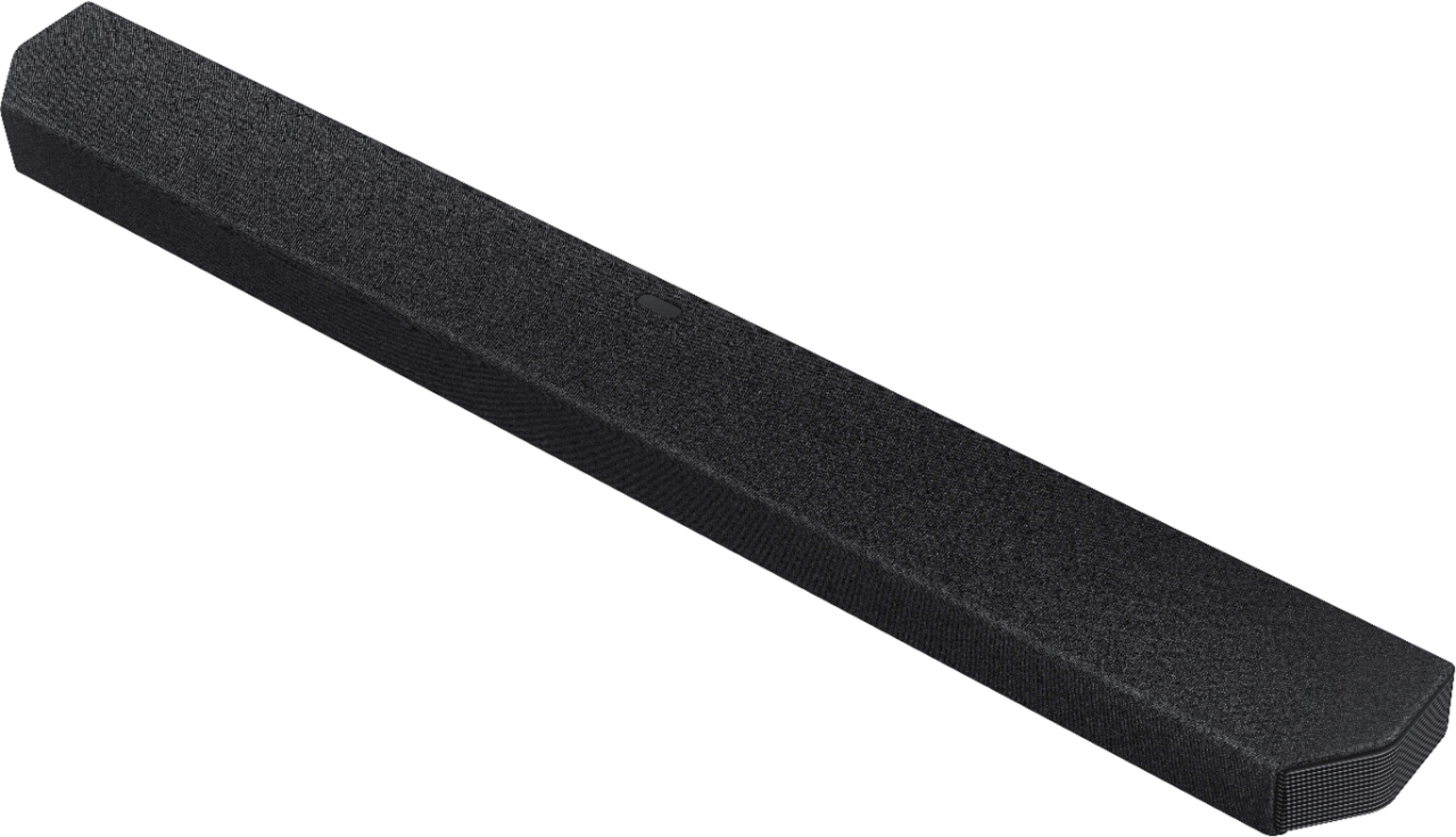
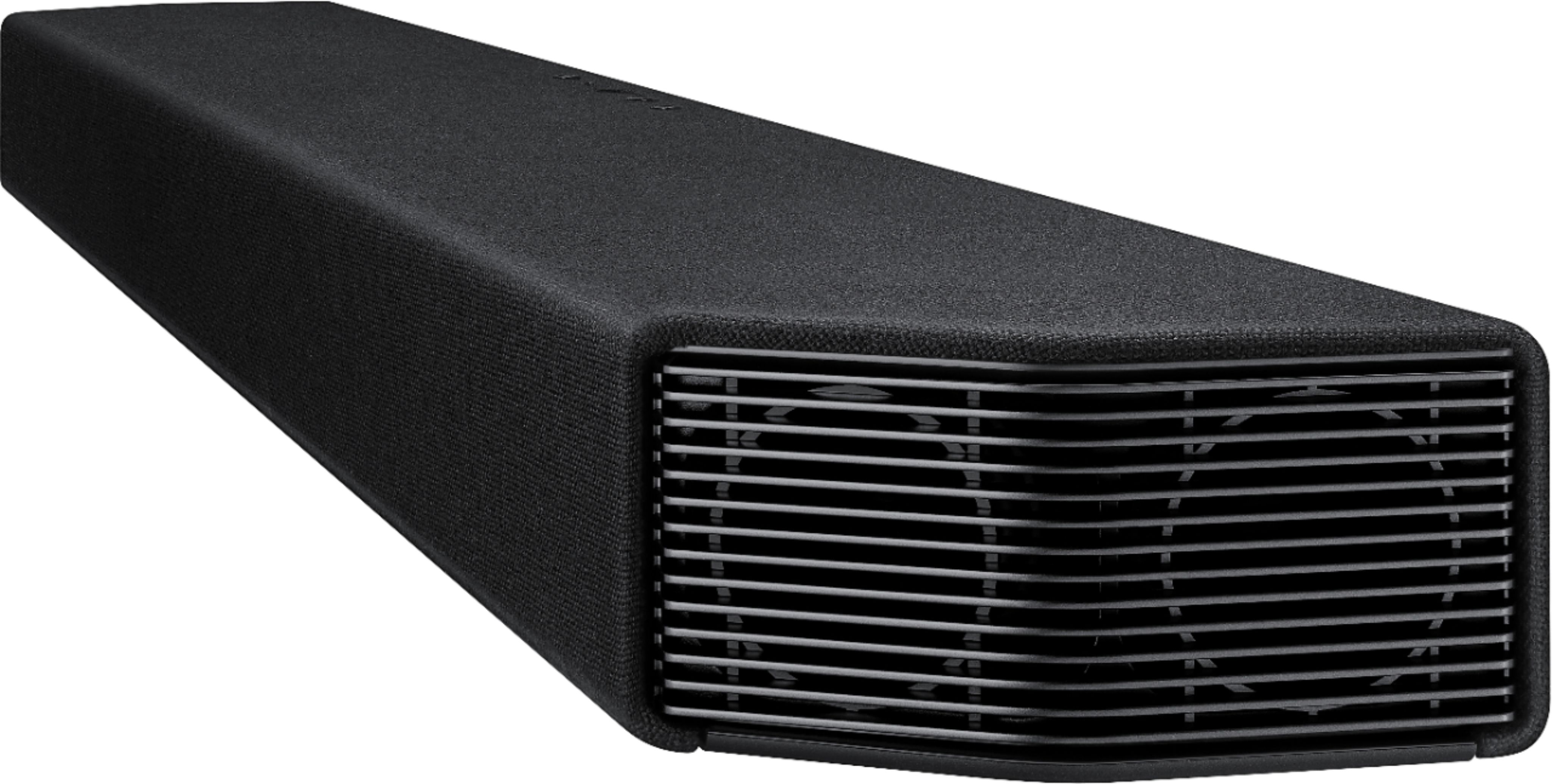
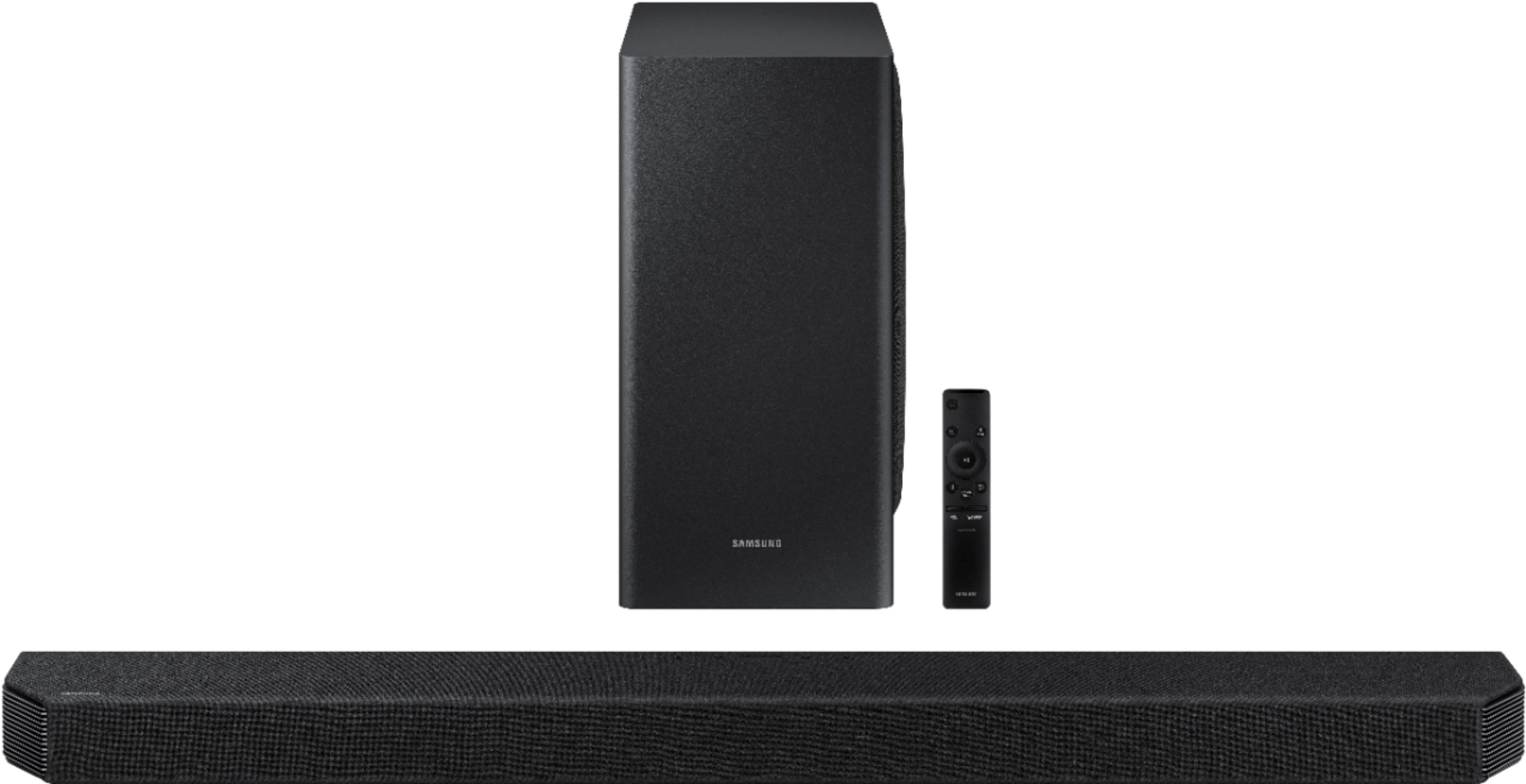
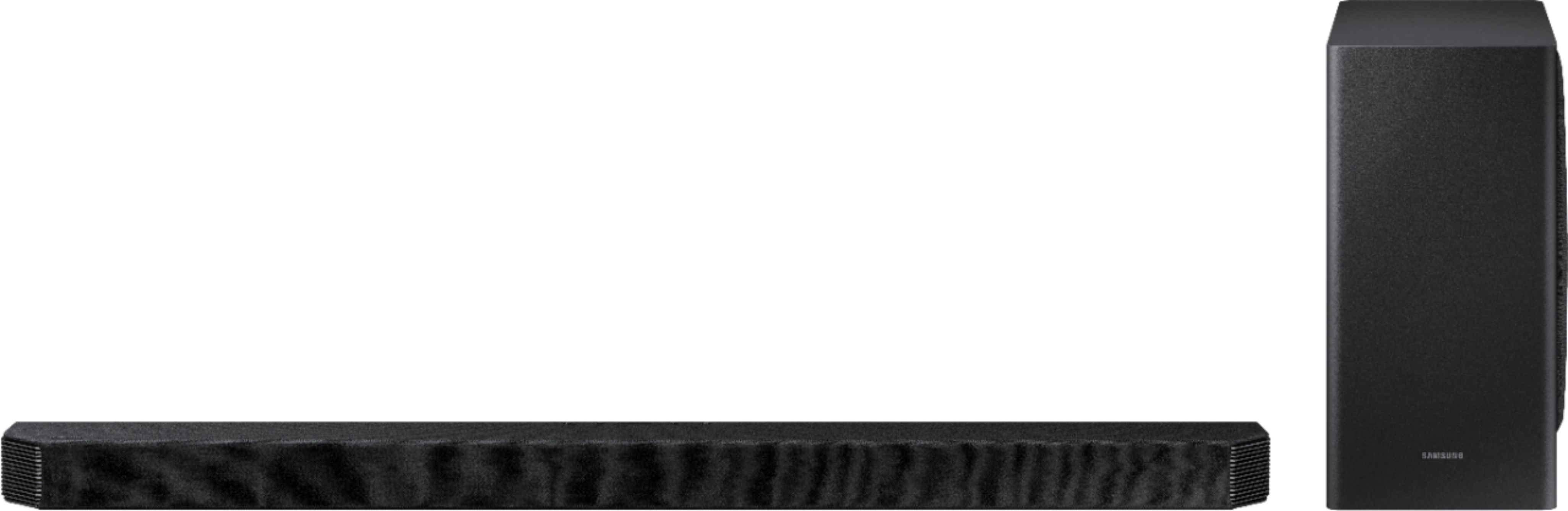
A:AnswerHi ij2cool! The SWA-9000S Rear Speakers are absolutely compatible with the HW-Q900T Soundbar. If you have further questions, please contact us at 1-800-SAMSUNG. ^Gina
A:AnswerHi RGA! The HW-Q900T will work great in any room; along with Dolby Atmos/DTS:X, the side-firing and upward-firing speakers sound will reflect off the different surfaces in your rooms, providing you with a great, immersive sound experience. ^Gina
A:AnswerHello Dave,
No, Alexa operations such as power on or off, USB content playback, switch input, and changing the sound mode aren't supported. ^Cristian
A:AnswerHello GDf1,
Yes, the HW-Q900T comes built in with Alexa. Using Alexa, you can play music, listen to news, see weather forecasts, and control home appliances.
To use Amazon Alexa, an Amazon account is required to connect the Soundbar over the network.
1. Install the SmartThings app on your mobile device and then launch it.
2. Enter the Alexa account by following the instructions on the app and then log in the service.
"Alexa" OR 3 Sec
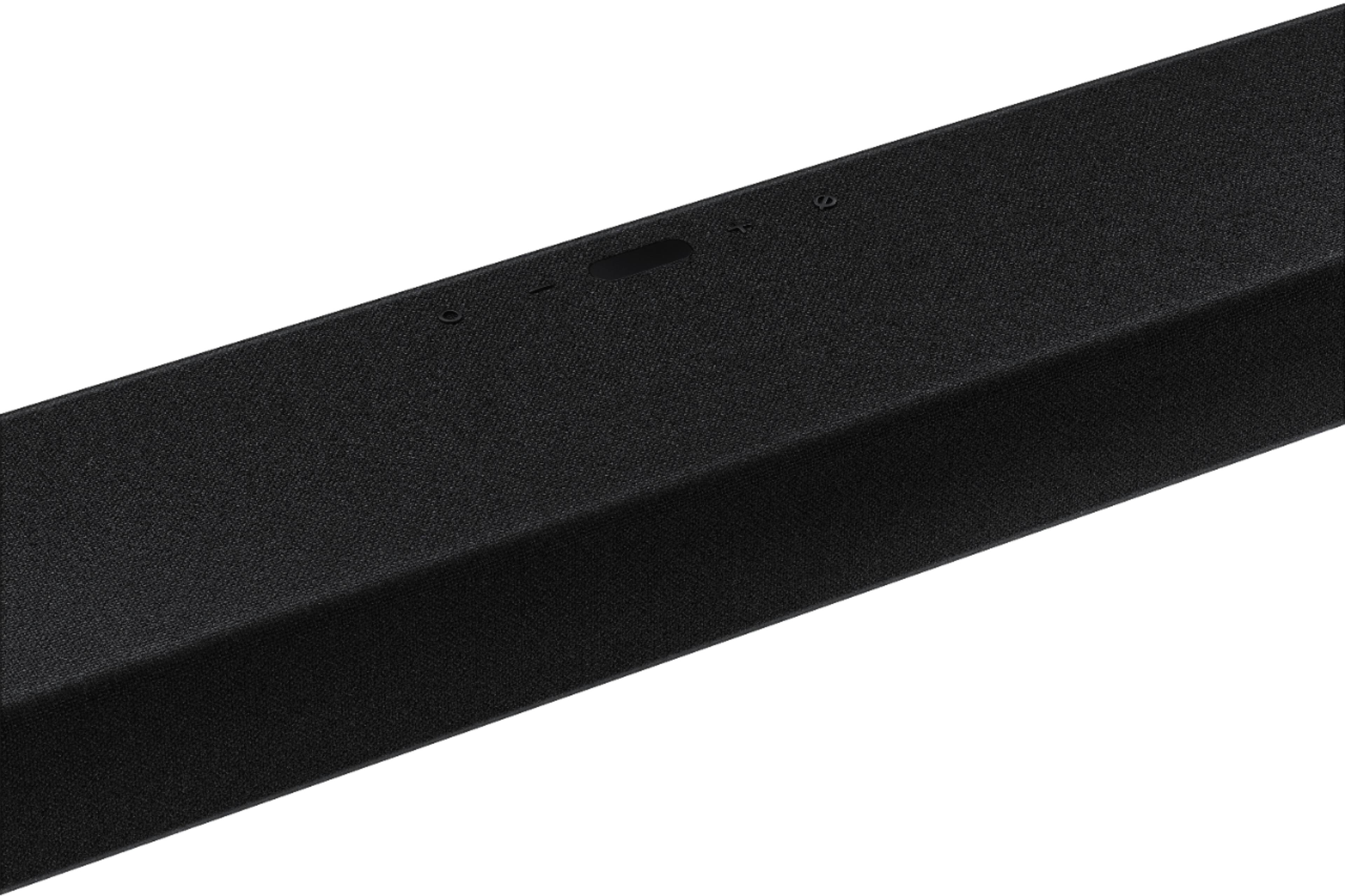
Top of the Soundbar
3. Call Alexa or press the (Multi Function) button on the Soundbar for 3 seconds to use the Alexa
service.
• Press the (Multi Function) button for 3 seconds to call Alexa. Say with the button pressed to
enable voice recognition.
^Cristian
A:AnswerI contacted Samsung they said
Model:SWA-9000S/ZA wireless rear speakers are comparable but others were not. Also the soundbar has blue tooth so I don't know if you can use that to connect your speakers. Hope this helps
A:AnswerI wouldn't think you would need a different cable than the one supplied by the manufacturer. I use the one that came in the box and it is hooked to the tv e'arc and I hear dobly atmos and surround sound with the rear speaker kit, sold seperately
A:AnswerHi BocceBoy - So that we can better assist you in connecting your HW-Q900T to your devices, please reach out to Samsung Support at:
― Phone: 1-800-SAMSUNG / Available 8AM - 12AM EST, 7 days a week
― LiveChat or Email: https://www.samsung.com/us/support/#contact_us_for_support
We look forward to hearing from you. ^Gina
A:AnswerHi there - There are two adjustments that can be made to maximize bass from your HW-Q900T Soundbar and subwoofer:
1) Using the WOOFER button on the remote, you can adjust the volume of the subwoofer between -6 to +6 by toggling the button up or down. To set the subwoofer volume level to 0, press the button in.
2) Adjust the bass control by pressing the SOUND CONTROL button (gear icon) on the remote control, then select BASS to increase the level. You can adjust the volume between -6 to +6 by using the Up/Down buttons.
If you need further assistance in settings adjustments, please contact us at 1-800-SAMSUNG. ^Gina
A:AnswerI have a Q900T soundbar and purchased the Samsung rear speaker kit SWA-9100S. The rear speaker volume was not that great so I decided to upgrade it’s sound level exponentially using a stronger amplifier. First thing is to purchase the Samsung rear speaker kit that is compatible with your model (not sure which kit is compatible with the Q9500T) + Pyle PCA2 home theatre amplifier for under $40+ RCA to stereo adaptor under $7. Secondly, You will connect the Samsung Amp to the Pyle PcA2 Amp via the RCA to stereo adaptor. Last but not least, connect the Samsung rear speakers to the Pyle PCA 2 using the speaker wires. Using this setup, it will increase your Samsung rear speaker volume tremendously! What’s great is that all of these items can be purchased at Best Buy.
Check out the video:
https://youtu.be/NEeoFVZw8JM
A:AnswerHi Flash! The HW-Q900T is absolutely compatible with the 75" Q800T TV. The HW-Q900T features 7.1.2 channels with Dolby Atmos and DTS:X, bringing you 3D true surround sound. If you desire a more immersive, powerful surround sound experience, we recommend checking out the HW-Q950T Soundbar featuring 9.1.4 channels, with 20 speakers in total immersing you in sound. See it here at Best Buy: https://www.bestbuy.com/site/samsung-hw-q950t-9-1-4ch-soundbar-with-dolby-atmos-dtsx-and-alexa-built-in-2020-black/6420988.p?skuId=6420988 ^Gina