A:AnswerHi Scottz! The TU6985 features the ability to connect to an available internet network via WiFi, or by using an Ethernet cable connected to the TVs LAN port. Once connected, you can access a wide range of available streaming applications and other internet enabled Smart Features.
^Tim
A:AnswerHi MovieJill! All 2021 Samsung soundbars support Bluetooth wireless sound technology allowing you to wirelessly connect them to the TU6985. Check out the following link for a list of Samsung Soundbars, compatible with the TU6985, available from Best Buy: https://www.bestbuy.com/site/samsung-audio/samsung-sound-bars/pcmcat1496260127778.c?id=pcmcat1496260127778
^Tim
A:AnswerHi! The NU6900 is a multiple year old model, no longer available for purchase from Best Buy. The TU6985 was released in 2021, featuring improved processing with the Crystal Processor 4K and additional smart features with improved app support.
^Tim
A:AnswerHi mickeyfinn! You can use the following adapter sold at Best Buy to convert composite or RCA to HDMI for compatibility with new TVs like the TU6985. Check it out here: https://www.bestbuy.com/site/insignia-rca-to-hdmi-converter-black/6134312.p?skuId=6134312
^Tim
A:AnswerHi Kami! The TU6985 features a native refresh rate of 60Hz with Samsung's 120 Motion Rate technology to further enhance the motion experience.
^Tim
A:AnswerHi Jim! Yes, the TU6985 features Remote Access allowing you to wirelessly connect to a compatible PC or laptop. You can also mirror your screen using miracast technology, or log in to Office 365 to directly access files through the TV.
^Tim
A:AnswerHi HelpMe! HI Chuck! Thank you for considering this TV. Because HDMI 2.1 is a complicated spec, we hope that focusing on TV features will be more helpful to you when deciding on the best model for your usage scenario. The 70” TU6985 has 2 HDMI ports, both of which support Auto Low Latency Mode (ALLM) and Dynamic Metadata (HDR10+). “HDMI In 2” port further supports eARC. If you are looking for a TV capable of 4K@120fps (FRL), please consider the Q70A Series, which supports “FRL on HDMI In 4”
^Tim
A:AnswerHi professoraj47! The 70" TU6985 does not feature any touch screen capabilities allowing you to use your finger on the screen to control the TV. You can use the included remote control to operate all functions of the TV.
^Tim
A:AnswerHi royhobbs! Yes, the TU6985 features Remote Access allowing you to wirelessly connect to a compatible PC or laptop. You can also mirror your screen using miracast technology, or log in to Office 365 to directly access files through the TV.
^Tim
A:AnswerHi Kaprice612! Yes, the Tu6985 features Airplay 2 technology built in allowing you to wirelessly connect to your Apple Airplay compatible devices.
^Tim
A:AnswerHi Shells! The TU6985 model does not have voice assistants built-in. However, they do work with Alexa and Google Assistant. You can connect them to your existing Alexa and Google Assistant devices to ask them to turn on your TV, change channels, control volume, and more. Alternatively you can explore the AU8000 TV from Samsung featuring built in voice control from Bixby, Google Assistant, or Amazon Alexa.
^Tim
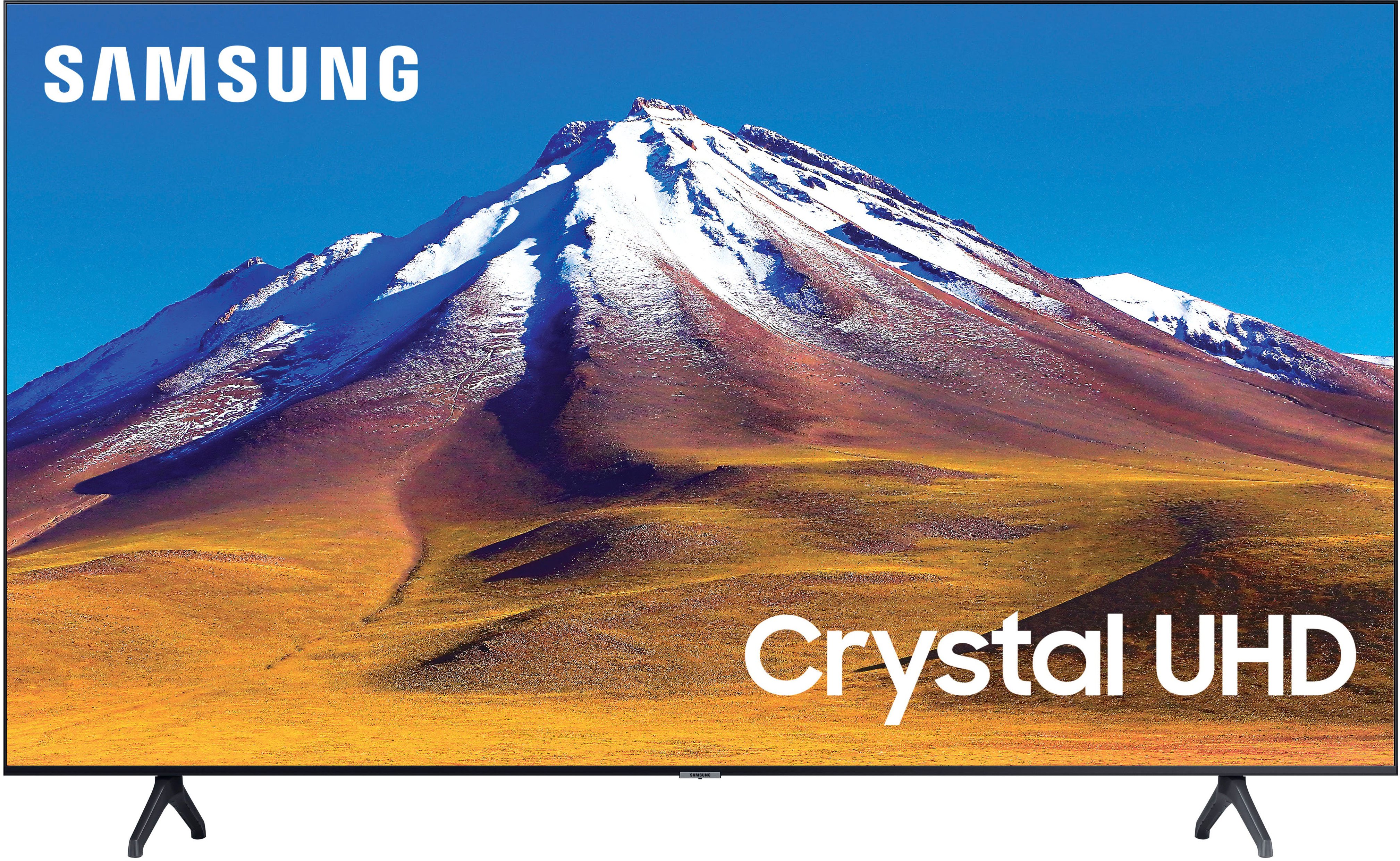
A:AnswerHi Handyandy! If your Blu Ray player supports HDMI it will be compatible with the TU6985. Simply connect the device to one of the two available HDMI ports and the TV will recognize the device.
^Tim

A:AnswerHi RedAlert62!
I’m sorry to see that you are having difficulties with the sound from your HDMI device.
So that we can better troubleshoot towards a solution, please reach out to Samsung Support at: 1-800-SAMSUNG (ask for TVs), available 8AM - 12AM EST, 7 days a week, or Chat with us on Samsung.com: https://www.samsung.com/us/support/contact/
^Tim

A:AnswerHi Robert! Yes, the TU6985 is compatible with the Showtime app. This app can be searched for and downloaded through the built in App Store.
^Tim