Deals Worth GiftingShop now

Main Content

Questions & Answers

Your price for this item is $129.99
Clearance
The comparable value price is $649.99
Page Showing 121-140 of 349 questions
  • QuestionDimensions of the box? Have to haul upright correct?

    Asked by Ed.

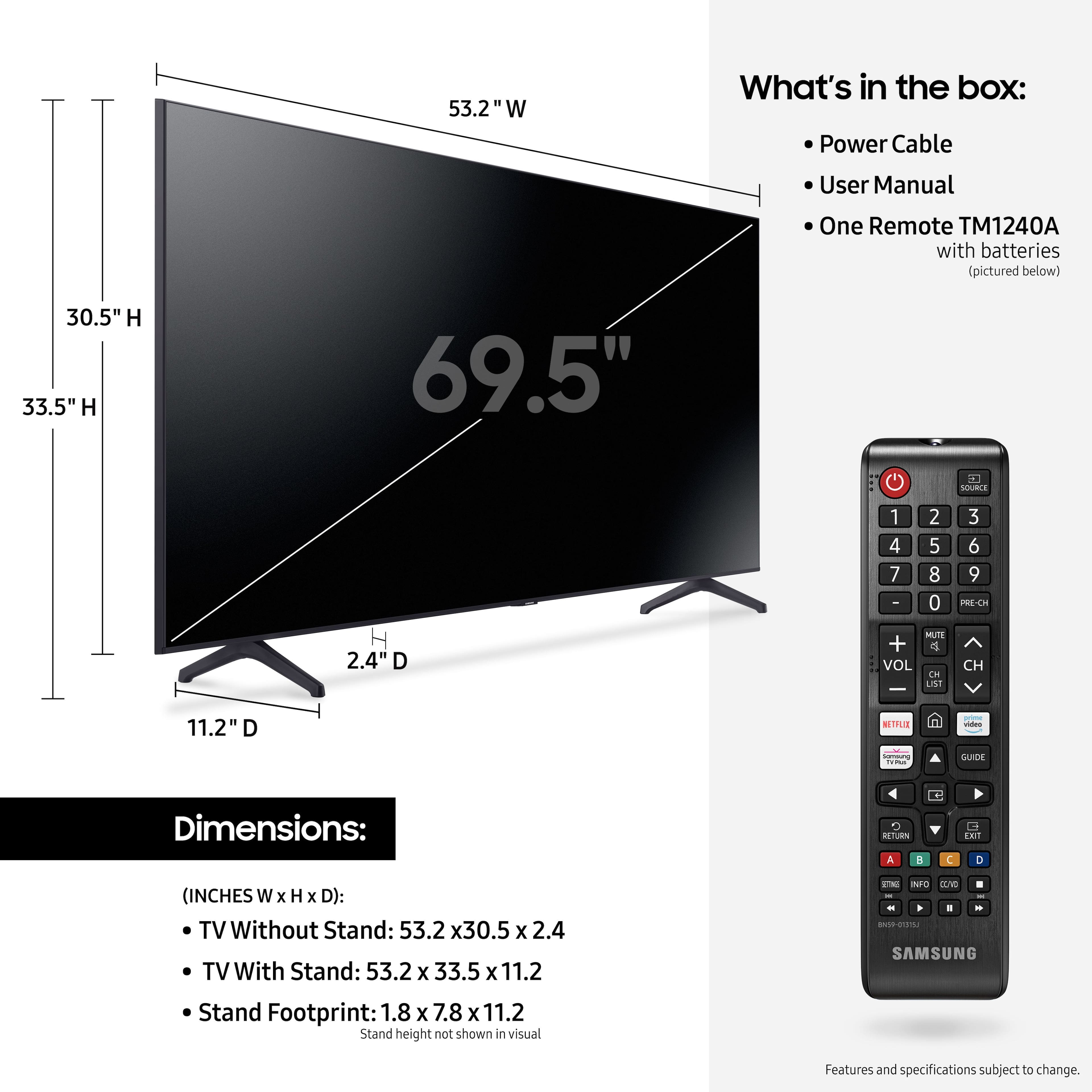
    • Answer Hi Ed! Here are the dimensions of the 70" TU6985 in the box for shipping: (W x H x D): 59.4 x 35.5 x 6.8" ^Tim

      Answered by Samsung

  • QuestionWill this tv Screen show good if you you are watching on patio

    Asked by Doug.

    • Answer Hi Doug! For optimal glare control, we recommend positioning the TV to minimize incident light falling on the screen or consulting a professional installer. Starting with our QN85A model, Samsung TVs feature Anti-Reflection Technology reducing ambient light reflections on the TV screen. ^Tim

      Answered by Samsung

  • QuestionDoes it need a sound bar?

    Asked by Timothy.

    • Answer Hi Timothy! The TU6985 features built in speakers eliminating the need for a soundbar. Should you choose to further enhance the audio experience, this model features HDMI ARC, digital optical audio, and Bluetooth wireless audio technology for compatibility with a wide range of eternal audio devices. Check out the 2021 Samsung soundbar lineup at the following link from Best Buy: https://www.bestbuy.com/site/samsung-audio/samsung-sound-bars/pcmcat1496260127778.c?id=pcmcat1496260127778 ^Tim

      Answered by Samsung

  • QuestionWhat year has it been manufactured?

    Asked by Jay.

    • Answer Hi Jay! The 70" TU6985 is part of Samsung's 2021 TV lineup. ^Tim

      Answered by Samsung

  • QuestionI’ve hooked up a sound bar through the hdmi arc and I have a delay in the sound between the tv and the bar . Is there something I need to do to the tv to adjust this or should I be using the optical instead My sound bar has both

    Asked by Matt.

    • Answer Hi Matt! Please make sure you are on the latest firmware version. It could possibly be a source issue, but if you are hearing an audio delay across all sources/channels, you can access the Audio Delay settings to increase the audio delay. Go to: Settings > Sound > Expert Settings > Digital Output Audio Delay. ^Tim

      Answered by Samsung

  • QuestionDoes this TV come with a wall mount?

    Asked by Danose.

    • Answer Hi Danose! The TU6985 does not include a wall mount in the box. Check out the following link from Best Buy for a list of available wall mounts: https://www.bestbuy.com/site/tv-stands-mounts-furniture/tv-mounts/abcat0106004.c?id=abcat0106004 ^Tim

      Answered by Samsung

  • QuestionHow many screens does it show in picture in picture?

    Asked by GA60ICTOWn.

    • Answer Hi! The 70" TU6985 does not feature Multi View (Picture in Picture) compatibility. This feature is available starting with the Samsung Q60A 2021 QLED TV. ^Tim

      Answered by Samsung

  • Questiondoes this tv have Chromecast built in?

    Asked by frankg.

    • Answer Hi frankg! The 70" TU6985 does not feature a Chromecast built in, however it is compatible with screen mirroring from both Android and Apple devices through the built in Miracast and Airplay 2 technologies. Select apps will also allow you to cast direct to the TV without the need for an additional device or screen mirror connection. ^Tim

      Answered by Samsung

  • QuestionGood Afternoon, Do I need to purchase a 4k cable if the tv is not mounted?

    Asked by cinc.

    • Answer Hi cinc! If you are connecting the TV to external devices via HDMI, we recommend using 4K rated cables for the best quality and user experience with your new Samsung TV. If you are not connecting external devices, you will not need to purchase any additional cables. ^Tim

      Answered by Samsung

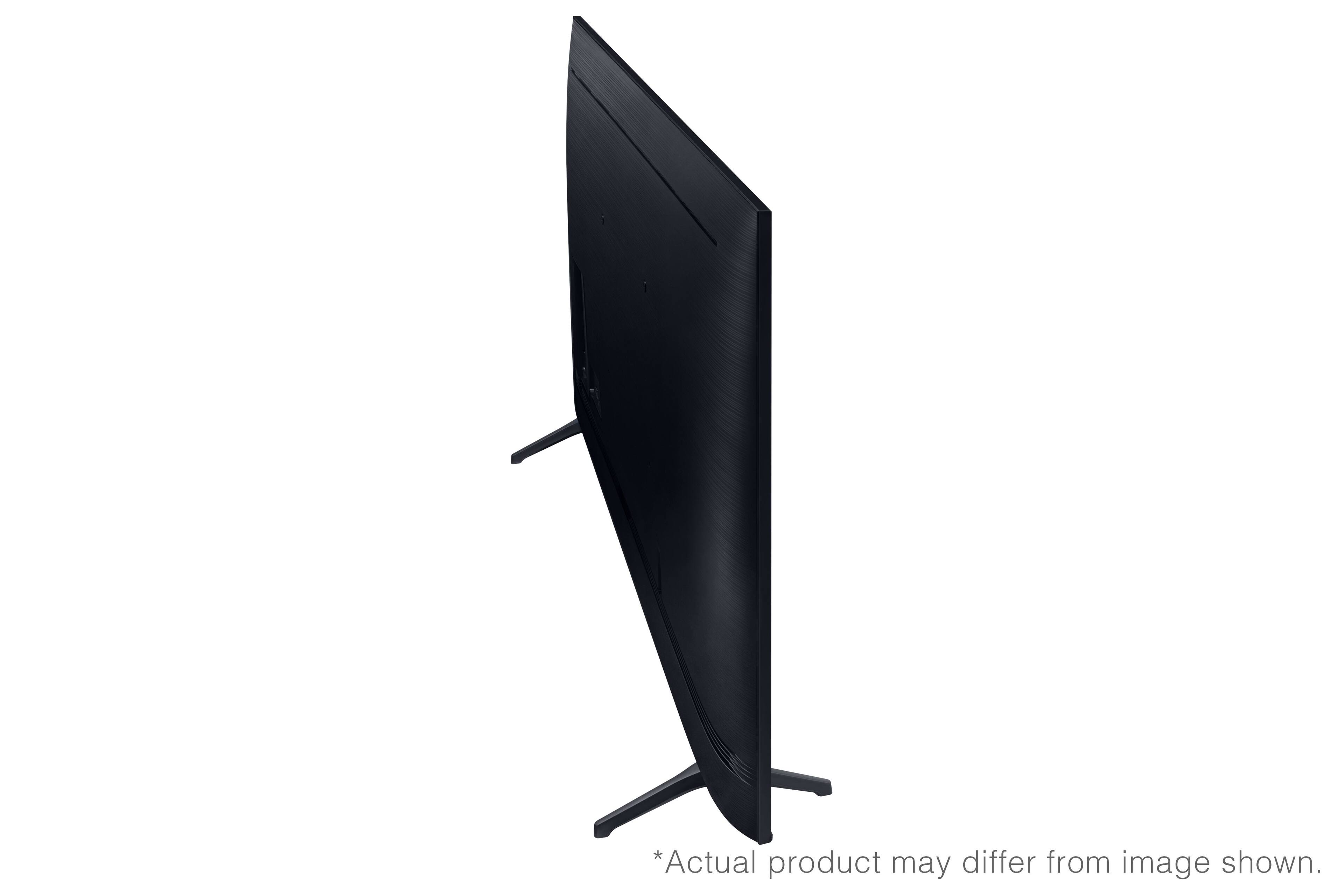
  • QuestionCan someone post a picture of the back of the tv please?

    Asked by Quality.

    • Answer I can't take a picture of the back because I returned mine. This TV only has 2 HDMI ports which was not enough for my needs. Hope that helps.

      Answered by Brokerjoker

  • QuestionShould screws have come with the tv? I’m trying to mount the tv to my old stand but the screws don’t fit. What’s the size for the screws?

    Asked by New2Samsung.

    • Answer Hi New2Samsung! Samsung TVs do not include screws for wall mounting. Most wall mounts will come with all the screws you need to get it successfully installed, and you should be able to contact the manufacturer of the mount to obtain additional screws if needed. The 70" TU6985 requires 4 M8 screws with 20-22mm length and 1.25mm pitch ^Tim

      Answered by Samsung

  • QuestionDoes this TV have HDMI ARC or eARC capabilities ?

    Asked by Ethan.

    • Answer Hi Ethan! Yes, eARC is supported on HDMI port 2. ^Tim

      Answered by Samsung

  • Questiondose this 70" class TU6985 4K come with bluetooth

    Asked by rican.

    • Answer Hi rican! Yes, the TU6985 supports Bluetooth allowing you to connect to Bluetooth compatible devices such as speakers, headphones, or keyboards. ^Tim

      Answered by Samsung

  • QuestionWhere are the legs in the box?

    Asked by Jacket.

    • Answer The legs are wrapped in plastic not far from the paperwork.if it's not there you may want to call the store and let them know it's missing.

      Answered by Chris

  • Questionwhat year was the tv released

    Asked by mango8520.

    • Answer Hi mango8520! The TU6985 was released in 2021. ^Tim

      Answered by Samsung

  • QuestionIs there a one connect box available with this model? If so, what model would I use? Thanks

    Asked by Johnny.

    • Answer Hi Johnny! The TU6985 is not compatible with a One Connect Box. One Connect box support starts with our 2021 Neo QLED model QN800A. ^Tim

      Answered by Samsung

  • QuestionDoes the TV come with a protective film on the screen?

    Asked by Chris.

    • Answer Hi Chris! If there is a protective film on your screen, it will be indicated with a large blue triangle in the upper left corner. The triangle will have an illustration showing how to remove the protective film. If you do not have a blue triangle in the upper left corner, then that means there is no protective film on the screen, so please do not try to peel off anything. You will damage what is actually the screen. If you need further help, please contact Samsung TV Support at 1-800-SAMSUNG (ask for TVs), available 8AM - 12AM EST, 7 days a week, or Chat with us on Samsung.com: https://www.samsung.com/us/support/contact/ ^Tim
      Answered by Samsung

  • QuestionHi! I know this isn’t a Roku tv but is this tv capable of using the Roku app on my iPhone once I download Roku onto this tv? I’m technology illiterate, I’m sorry!

    Asked by Cfrancis21.

    • Answer Hi Cfrancis21! The TU6985 gives you the ability to download the Roku Channel app through the App Store to access select free content; however this TV uses a Tizen operating system which will not allow you to utilize the Roku App to control the TV. The Tizen platform has a built-in App Store which allows you to choose from and download hundreds of apps such as discovery+, HBO Max, Disney+, and many more. We are continuously adding more premium content and new services to our Smart TV platform. It also comes with Samsung TV Plus which offers hundreds of free channels of news, sports, movies, and much more. ^Tim

      Answered by Samsung

  • Questionwhat tv stand should i get for our samsung 70 inch TU6985 TV

    Asked by bigdog.

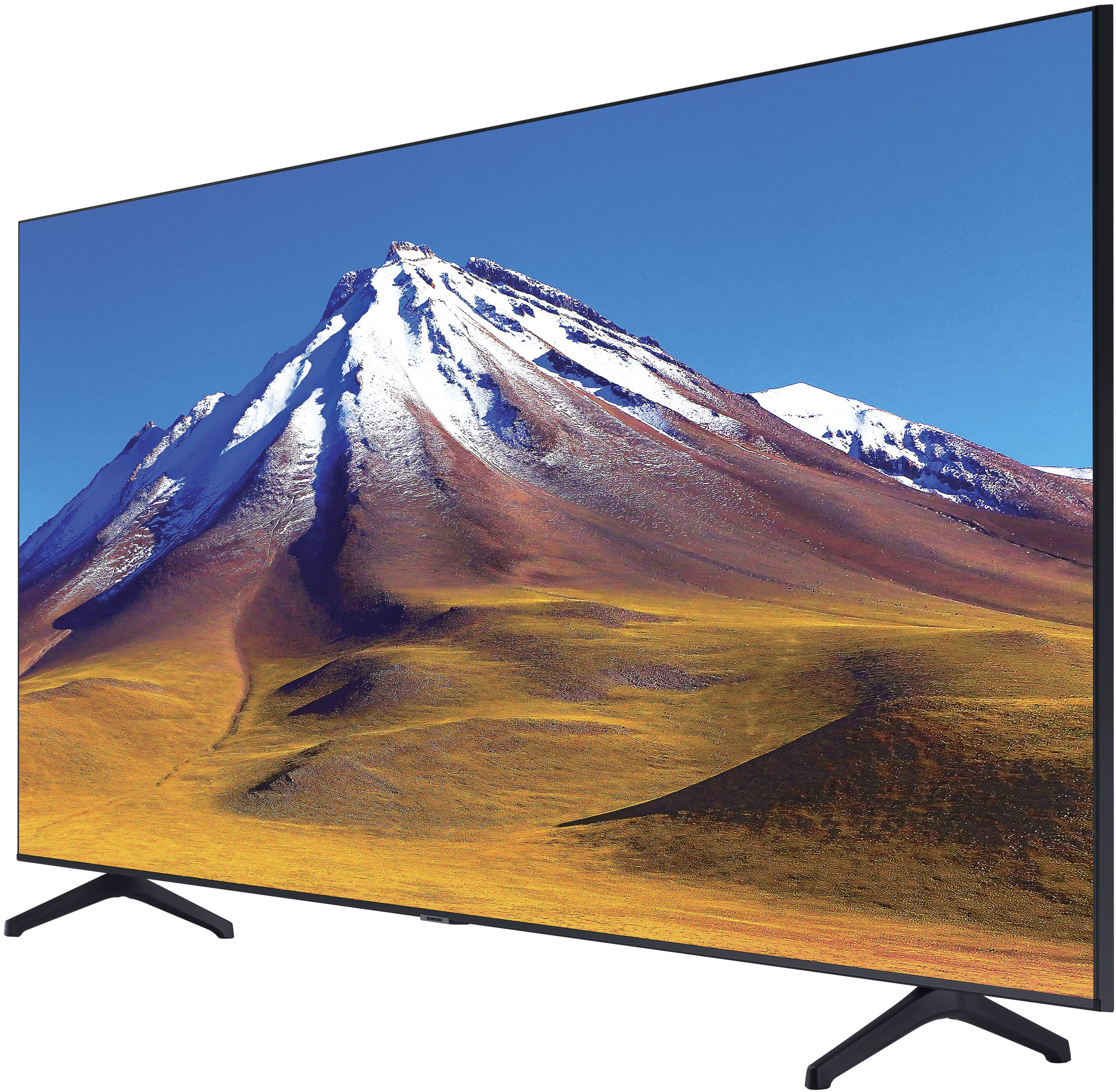
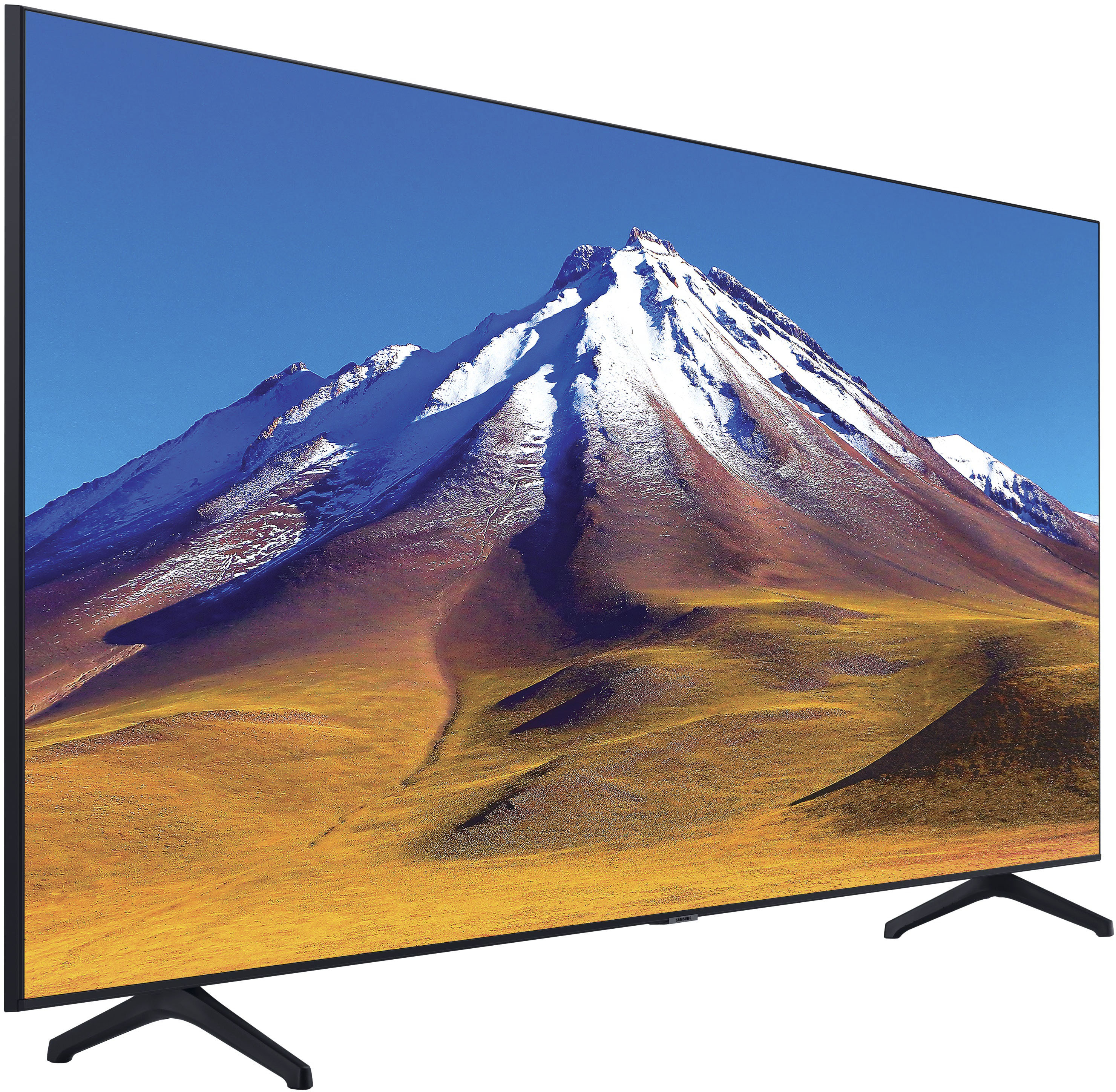
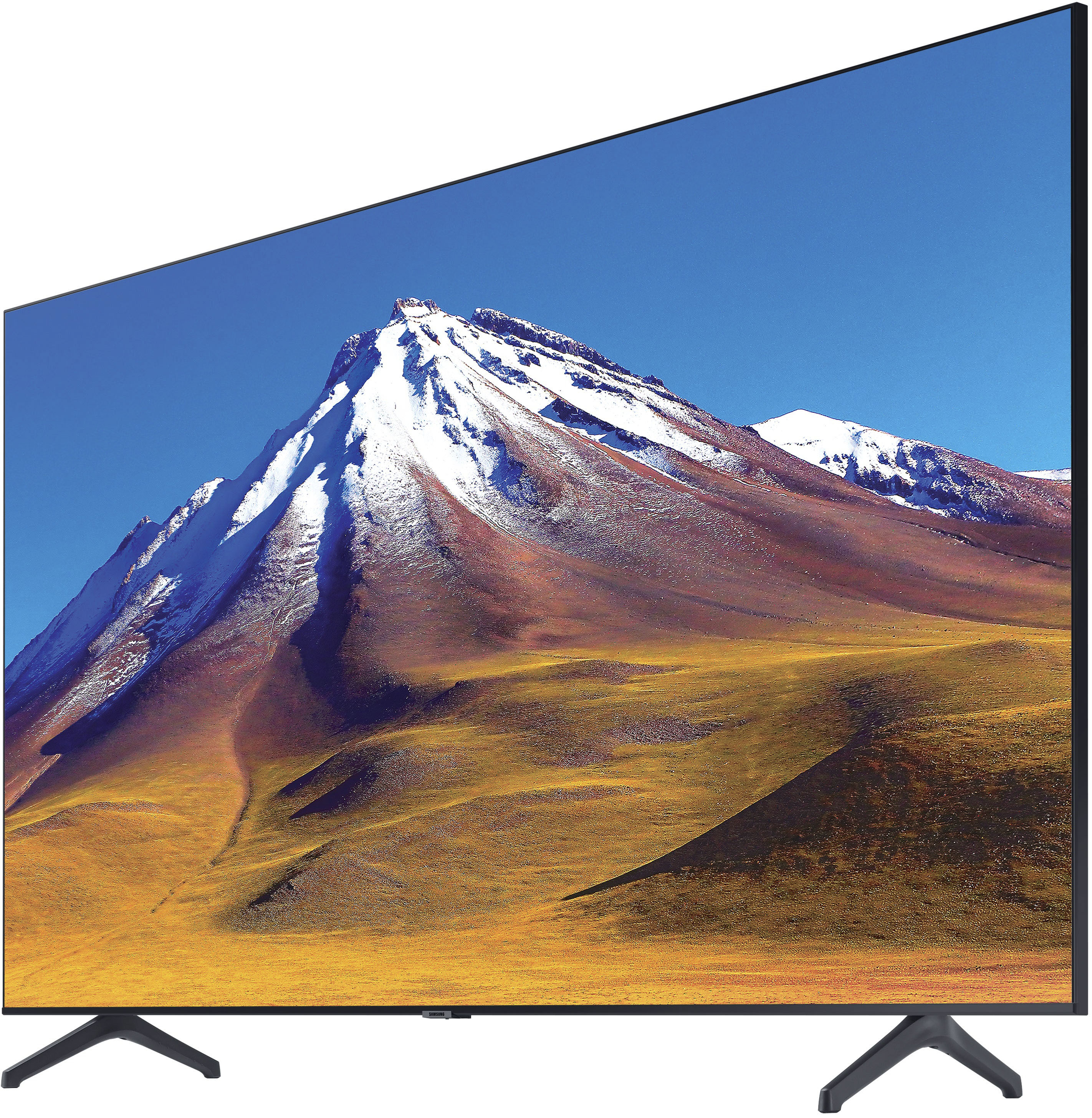
    • Answer Hi bigdog! The legs for the TU6985 are spaced 49.7" apart. When purchasing a new TV stand, make sure you have enough width to fit both legs with extra space on each side to avoid potential damage from the TV falling over. ^Tim

      Answered by Samsung

  • QuestionCan you pair this TV with an iPhone?

    Asked by CupofTea.

    • Answer Yes you can . It’s very easy.

      Answered by Perfect