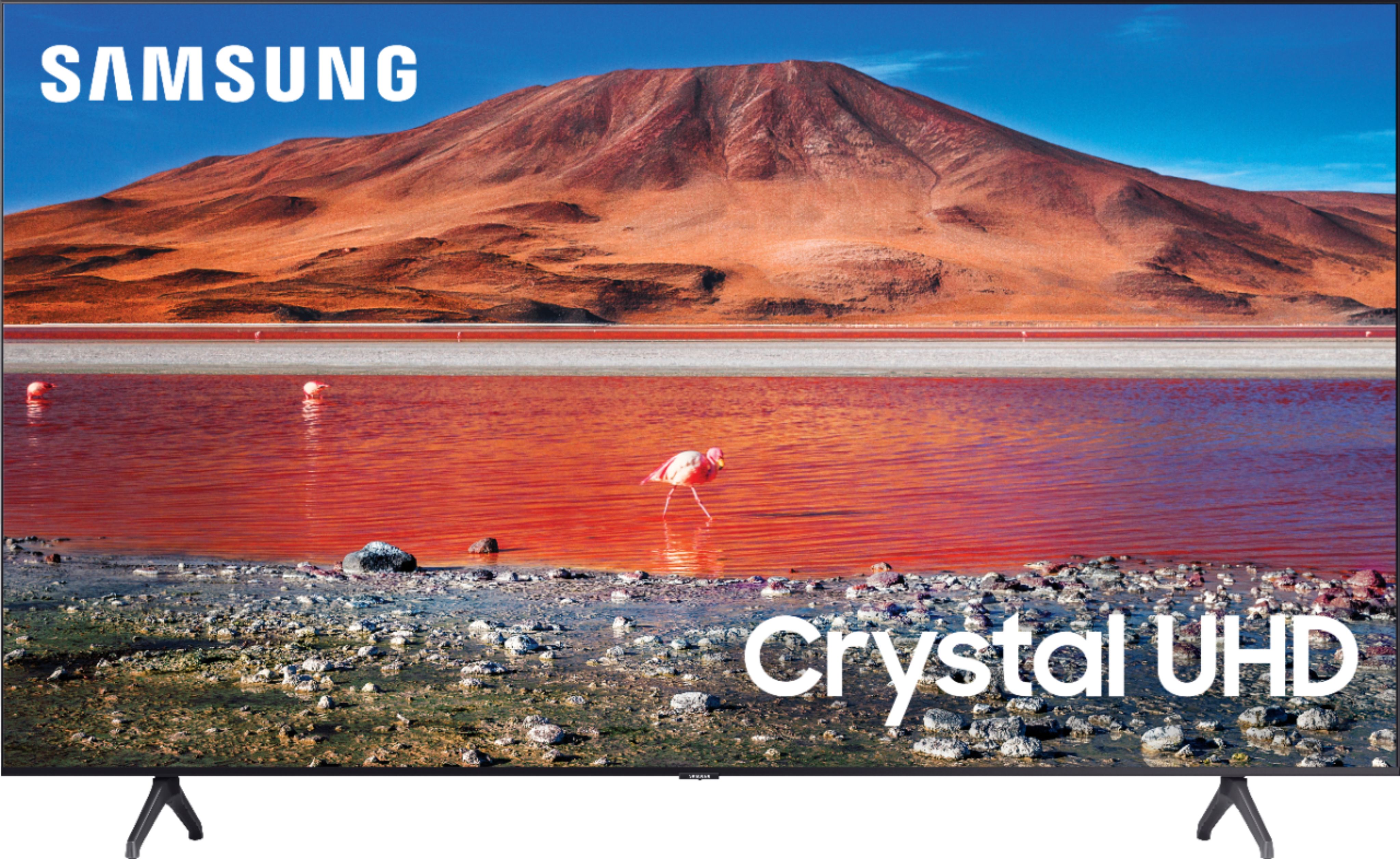
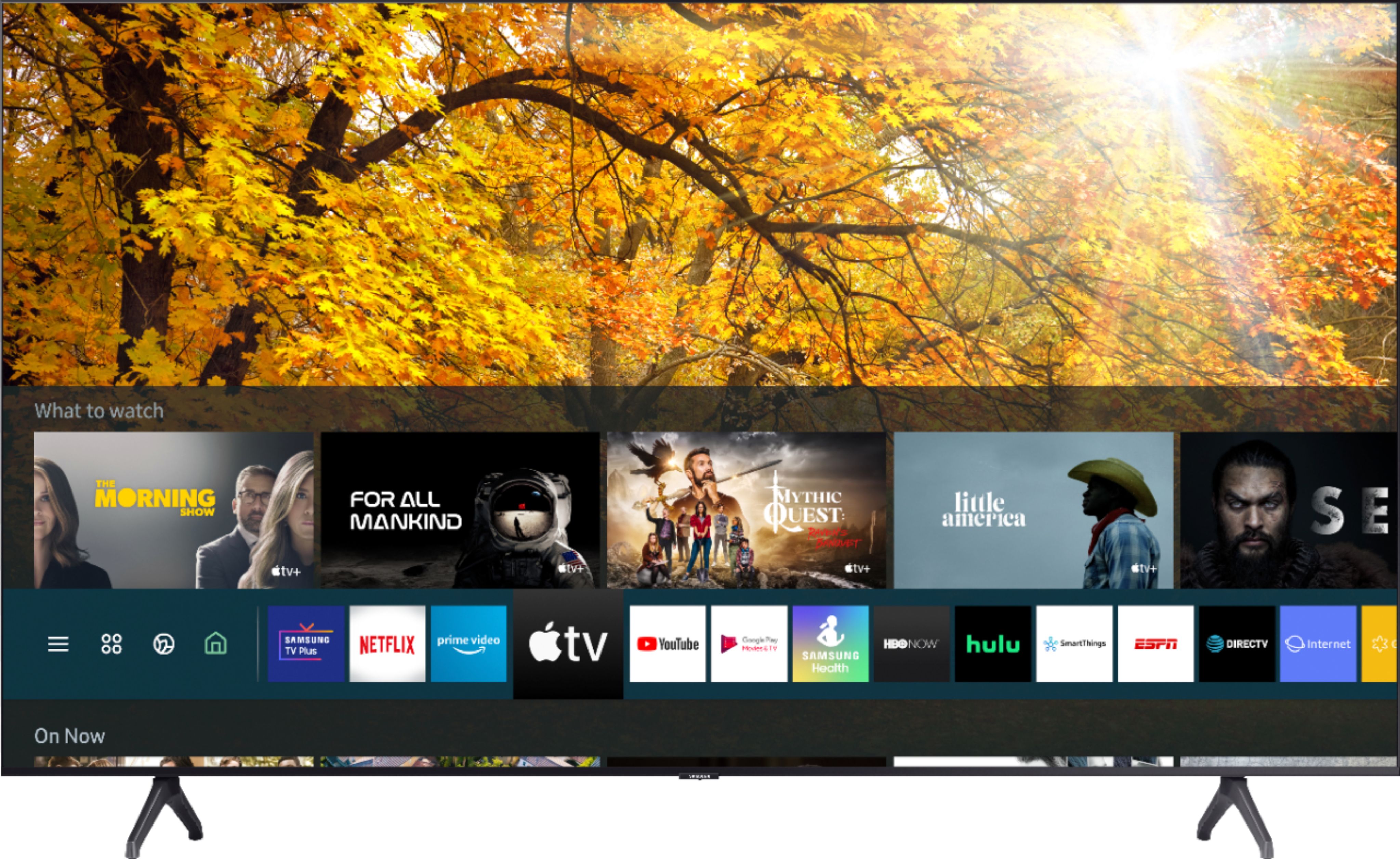
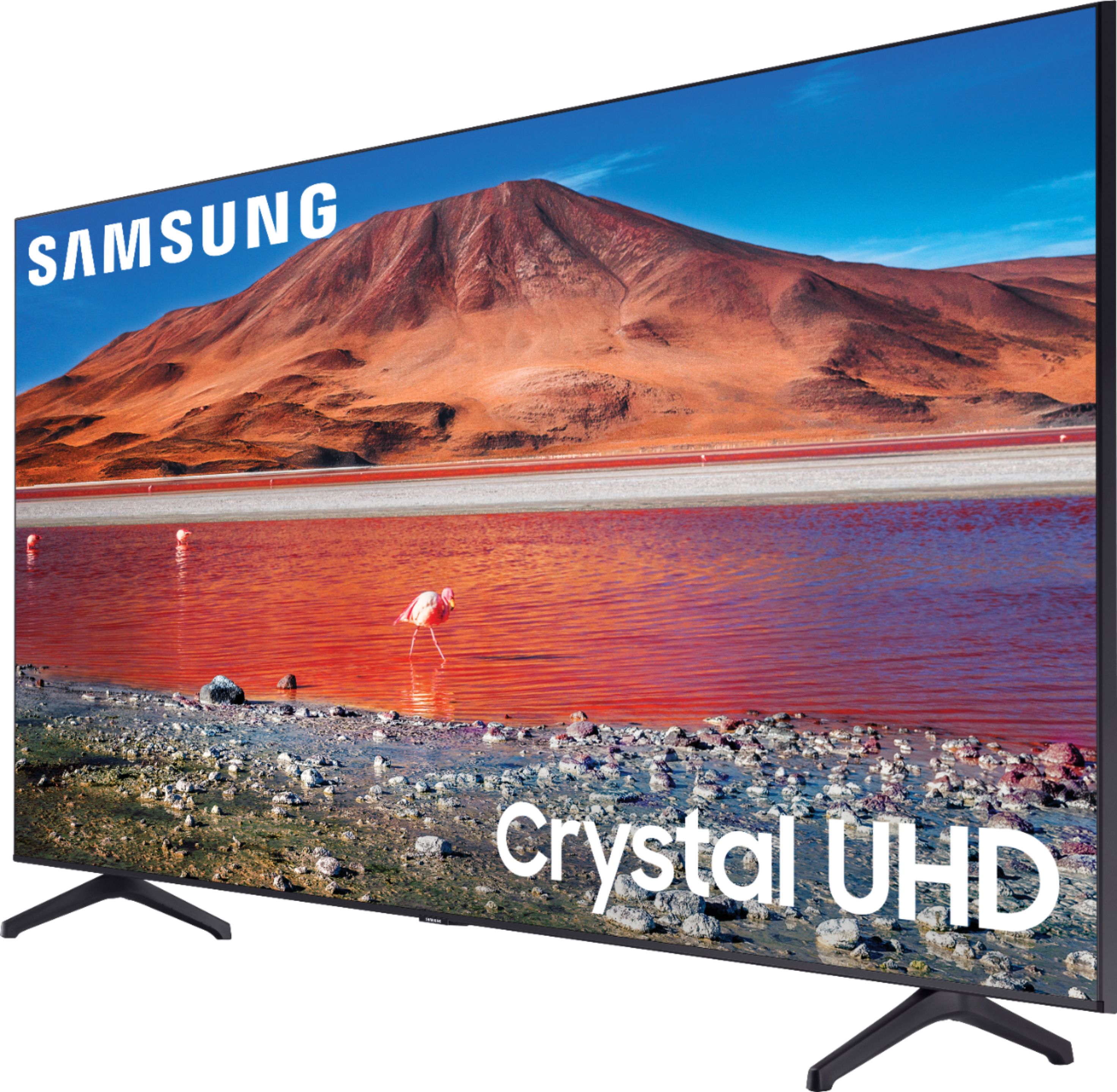
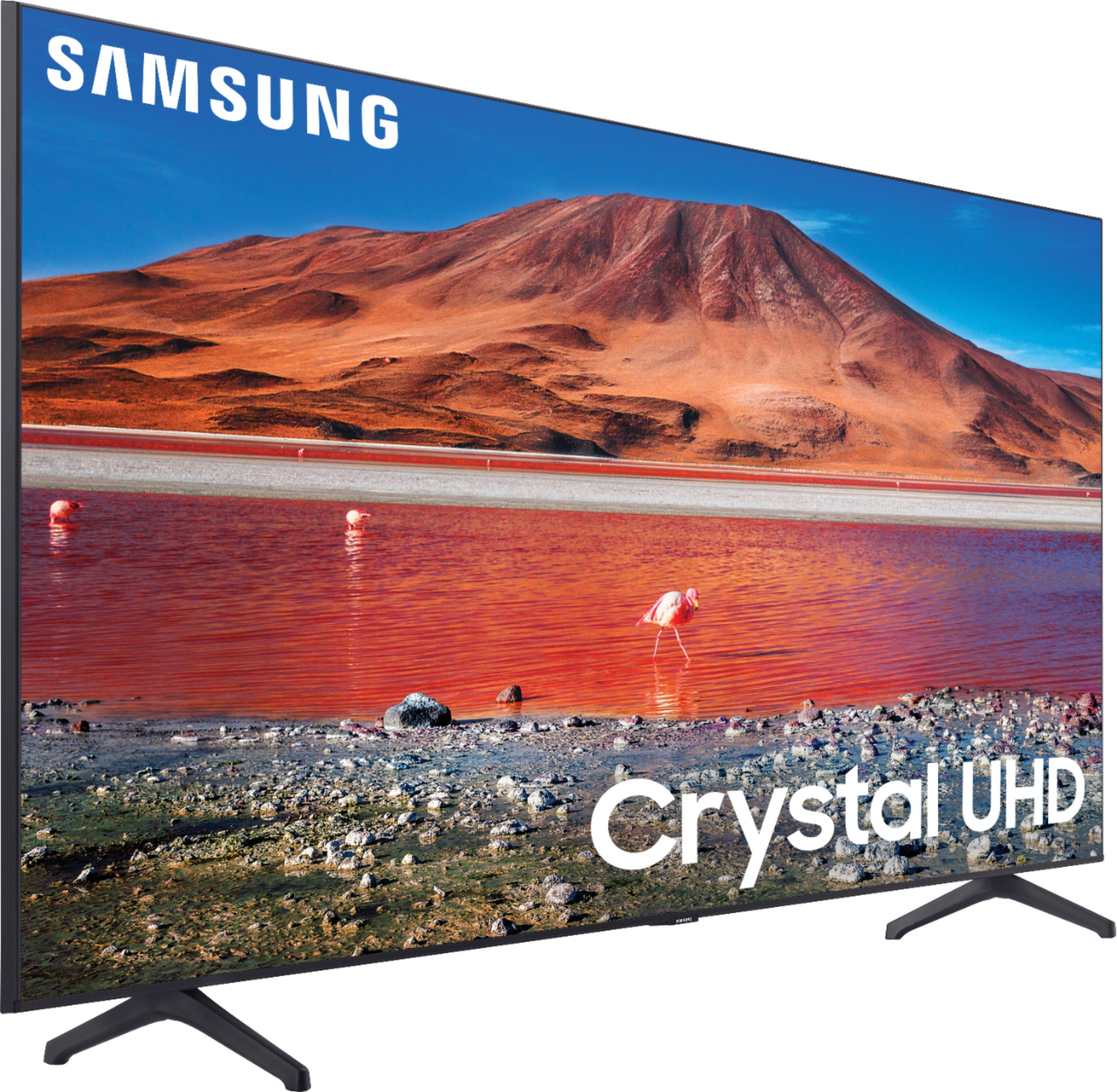
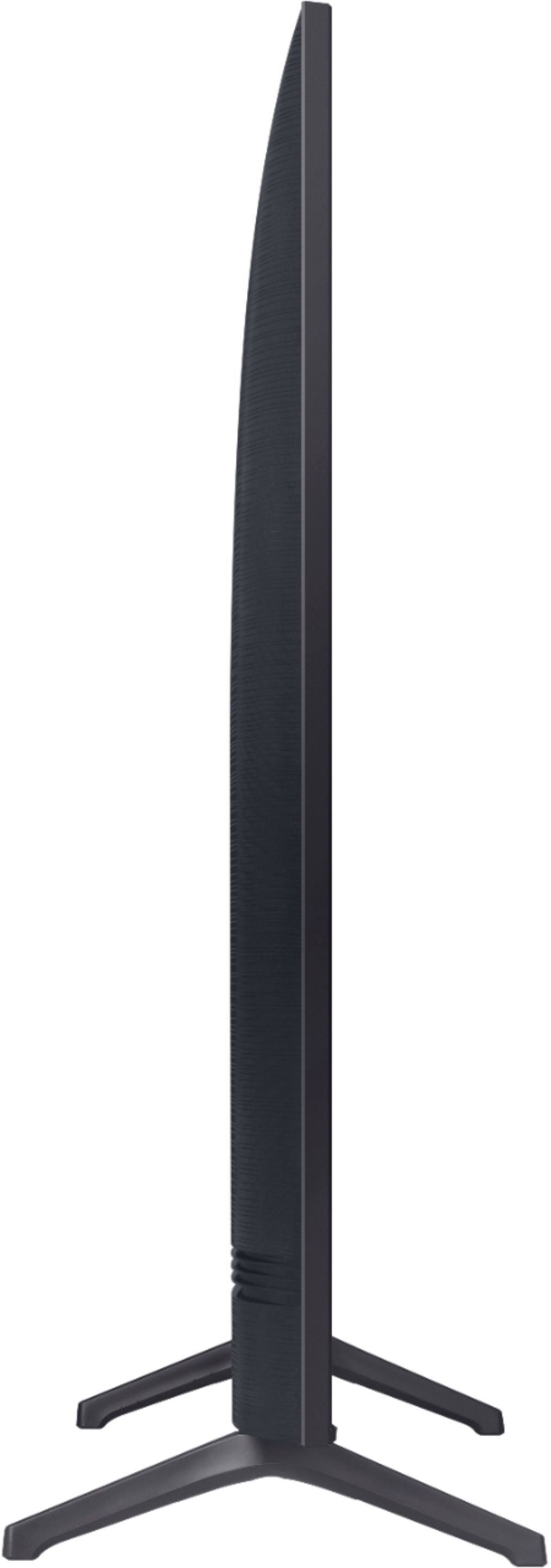
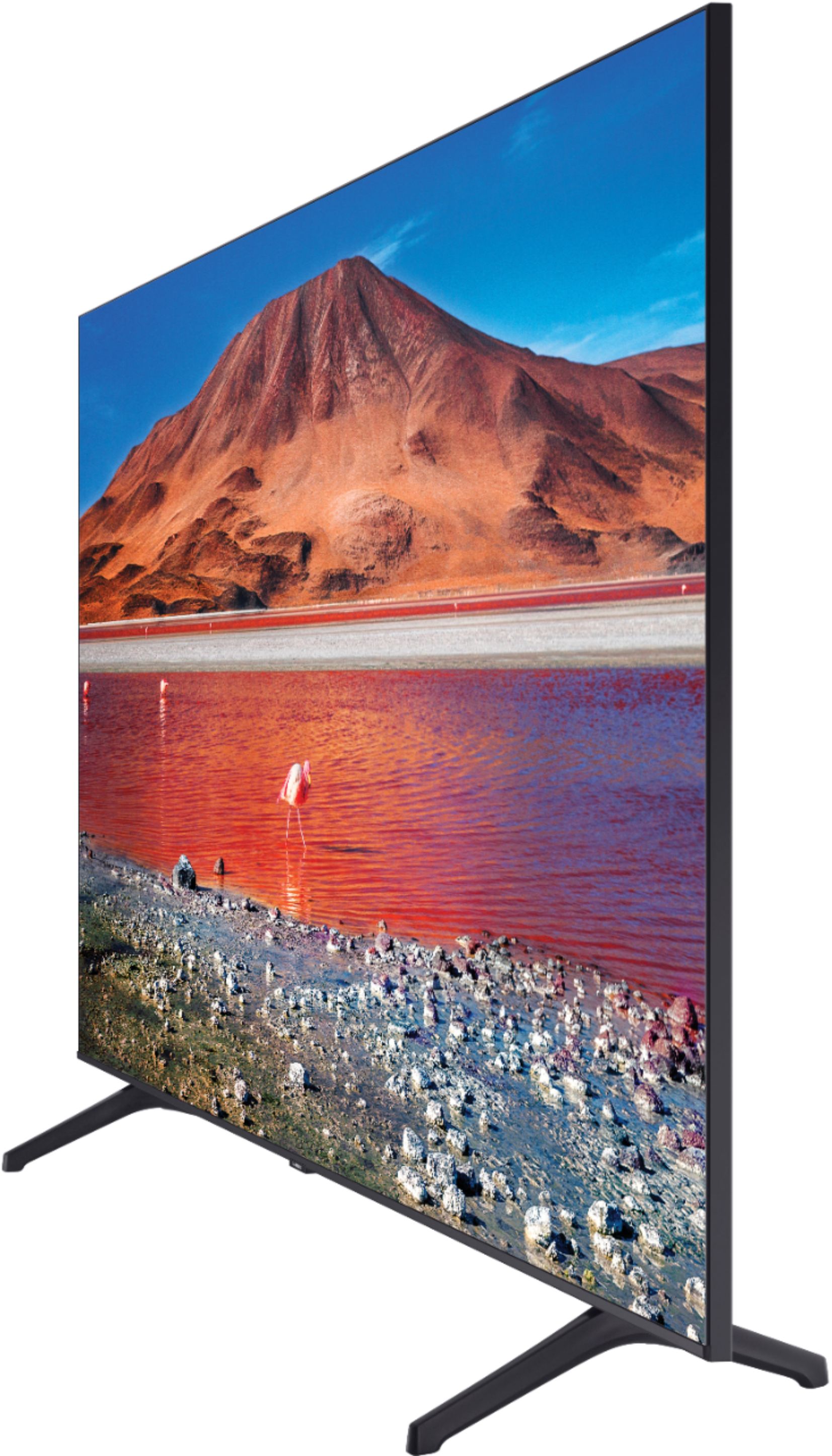
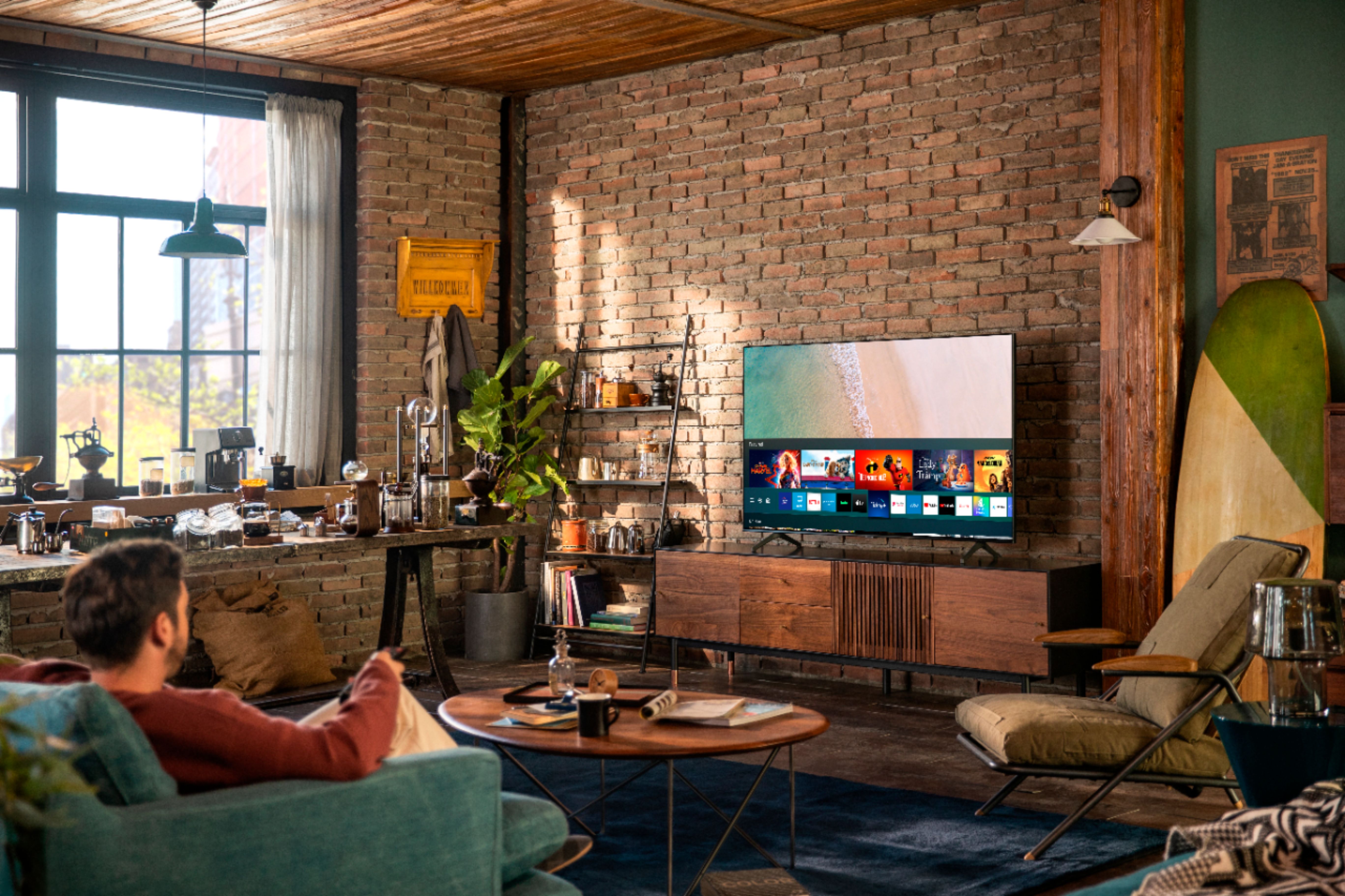
A:AnswerFred, The Samsung - 75" Class - 7 Series - 4K UHD TV - Smart - LED - with HDR uses the Tizen operating system to ensure fast and stable operation at all times. ^Celina
A:AnswerHi Will! Multi View is a feature found in Mobile View on the Q60T and above. Check out the 75Q60T at Best Buy: https://www.bestbuy.com/site/samsung-75-class-q60t-series-4k-uhd-tv-smart-led-with-hdr/6401711.p?skuId=6401711 ^Gina
A:AnswerHi LoboMSP! The TU7000 remote uses IR technology which uses line of sight to control the TV. If both TVs are in line of sight of the remote, it will control both sets at the same time. Check out the TU8000 at the following link from Best Buy. The TU8000 remote operates via Bluetooth and is paired only to one TV at a time. https://www.bestbuy.com/site/samsung-75-class-8-series-led-4k-uhd-smart-tizen-tv/6401717.p?skuId=6401717 ^Tim
A:AnswerHi Bella! Yes, through the built in app store you can access a wide variety of additional applications, including the Facebook Watch app. Navigate to the app store and use the search feature to find the application for download. ^Tim
A:AnswerHi Sully, we do not recommend utilizing the TU7000 outside, as it is not rated for outdoor use. For a 75"+ TV, always have 2 or more mounting the TV to a wall. ^Gina
A:AnswerHi Glad18! For further information regarding installation services, please contact or visit your local Best Buy or visit https://www.bestbuy.com/site/services/tv-home-theater-services/pcmcat138100050024.c?id=pcmcat138100050024 ^Gina
A:AnswerHi jj - while we are not sure exactly which games you may be looking for, Hulu Live streaming will be found in the Hulu app on your TV. You may want to contact Hulu or visit their site for more information! ^Gina
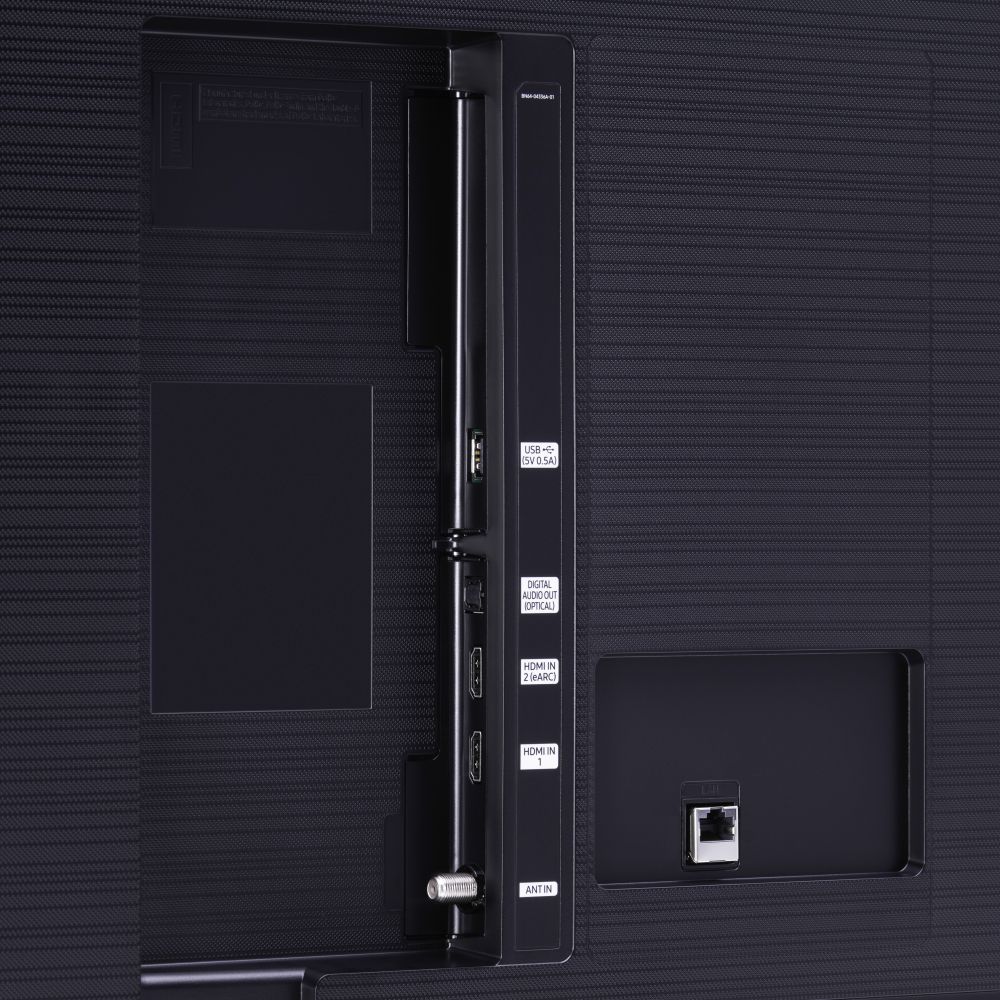
A:AnswerHi Coti! If you are connecting external devices to the TV you will need to purchase the HDMI, or other compatible cables. The TV does not require additional cables to utilize the smart features and streaming applications when connected to a Wi-Fi network. ^Tim