A:AnswerHi there! While there is no specific "Backlight" setting, you can adjust the brightness and contrast, or choose from 4 different Picture Modes to ensure you are getting the best viewing experience - Home > Settings > Picture > Picture Mode:• Dynamic makes the picture brighter and clearer in bright viewing environments. • Standard is the default mode suitable for general viewing environments. • Natural reduces eye strain for a comfortable viewing experience. • Movie is suitable for watching TV or movies in a dark room. ^Gina
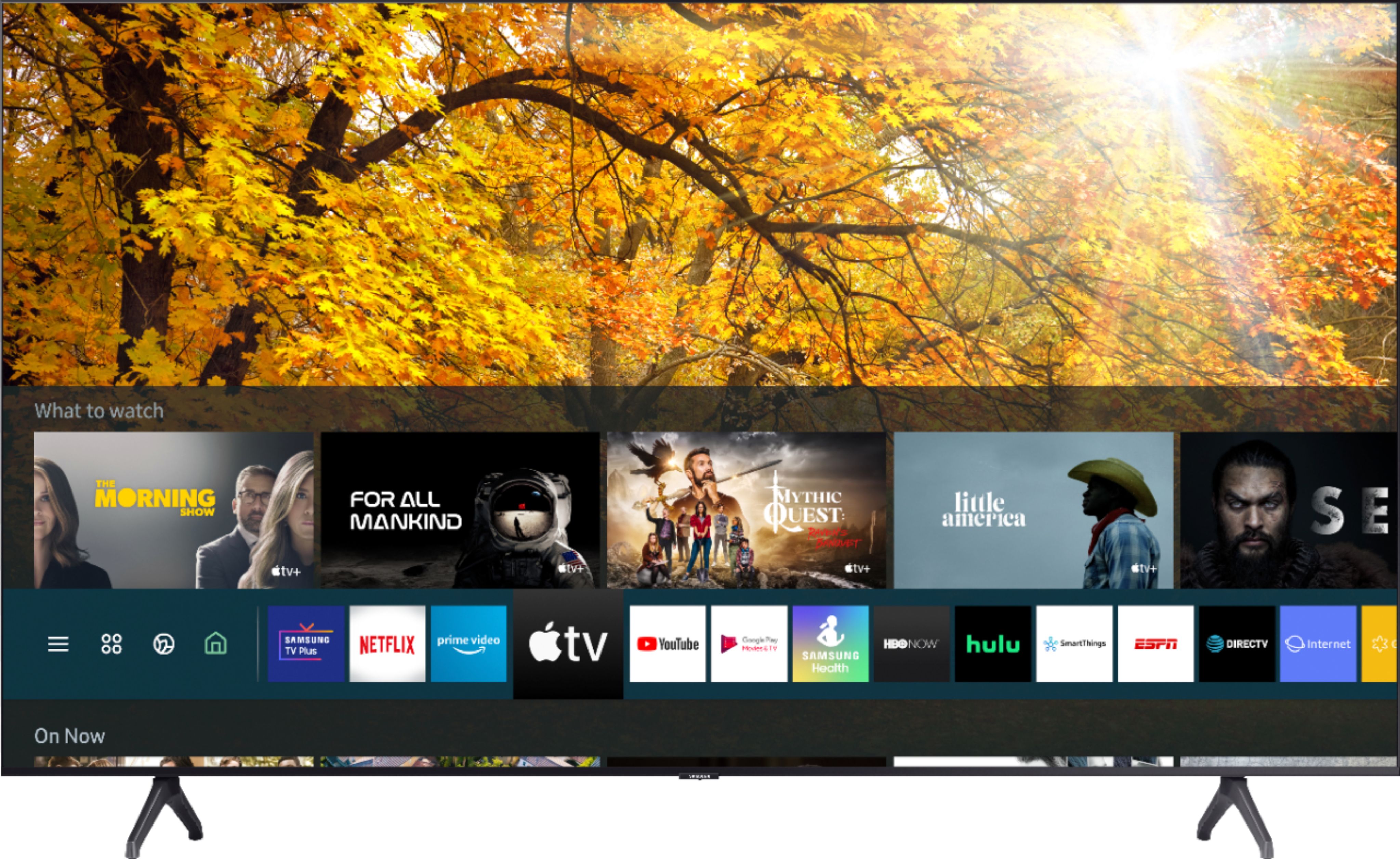
A:AnswerHi, Tizen refers to the Samsung TV’s operating system. This TV comes with Samsung TV Plus which offers hundreds of free channels of news, sports, movies, and much more. I'm not sure what a weblows TV is. ^Val
A:AnswerHi! Without the TV having native support for the video conference application, you will need to utilize a PC or mobile device to run the application with a webcam connected to that device. Most webcams will have the ability to attach to a monitor or in this case, the TV. Check out a list of webcams from Best Buy at the following link: https://www.bestbuy.com/site/computer-accessories/webcams/abcat0515046.c?id=abcat0515046
^Tim
A:AnswerHi Andres! Yes, the TU7000 features built in Airplay 2 technology allowing you to mirror your Apple devices to the TV with a wireless connection. ^Tim
A:AnswerHi Bill, Great question. You can use our Multi-Output Audio feature to output to two audio sources at one time, but they must be the Bluetooth device and the TV speakers. ^Scott