A:AnswerAngel - The Samsung TU7000 has Dynamic, Standard, Natural and Movie Mode for viewing. Each is a personal preference based on lighting in your room and what you are watching. Hope this helps. ^Cris
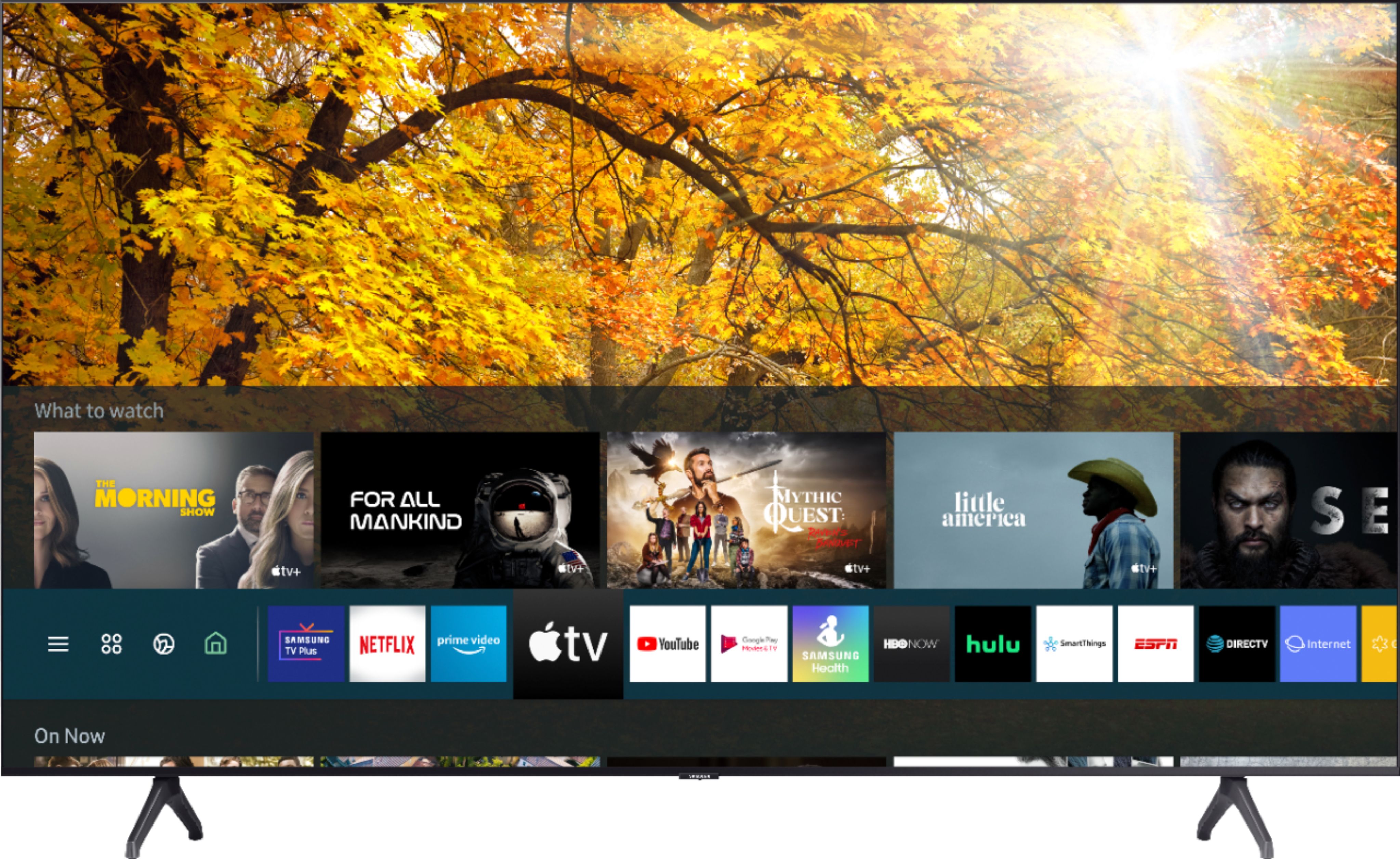
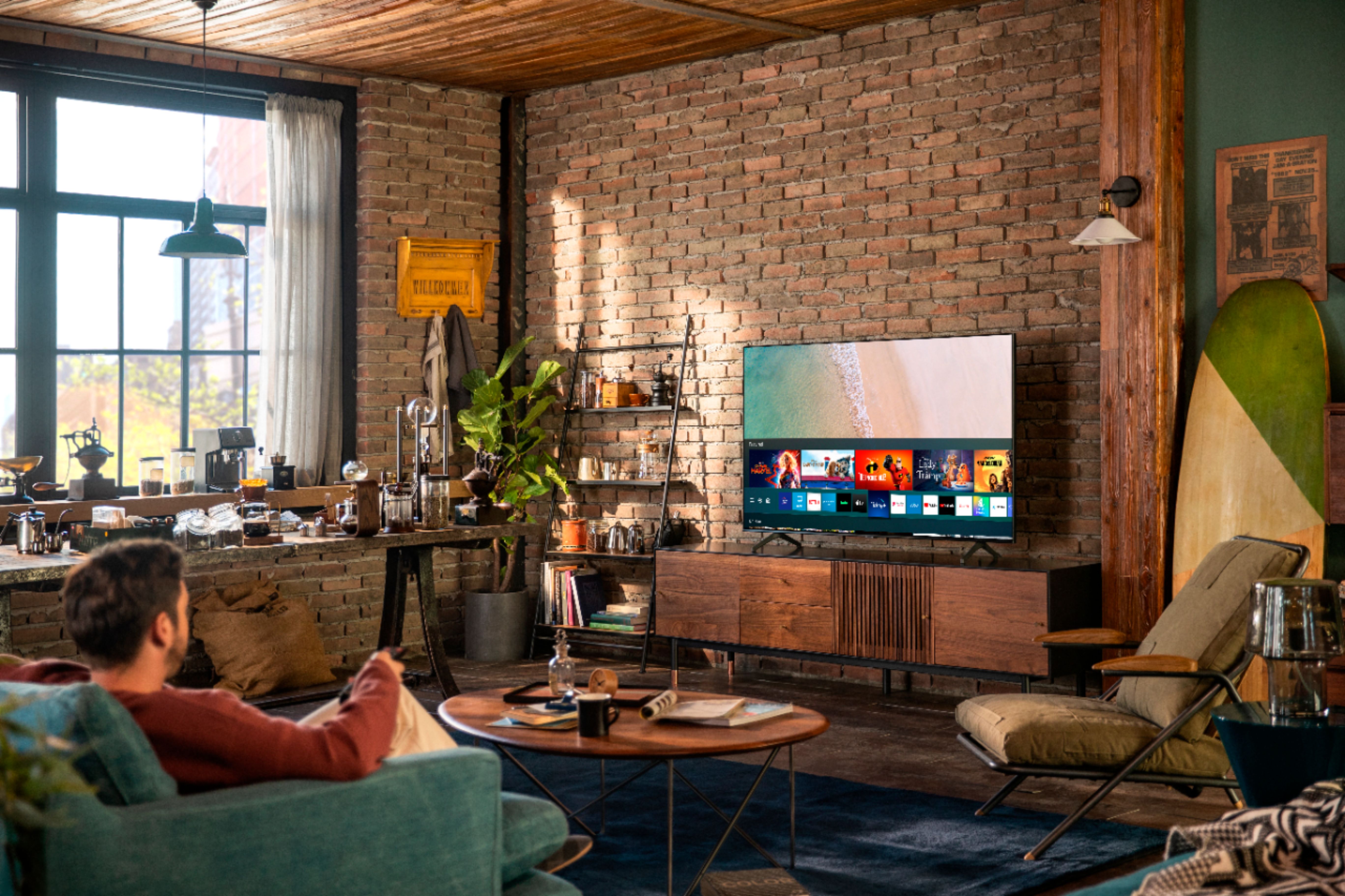
A:Answerbingbong72, you can utilize an Amazon Fire TV Stick by connecting it to your TU7000 via HDMI. You can also choose and download from hundreds of apps from your TV's built-in App Store. ^Gina
A:AnswerMike, you can mount the 75TU7000 with any wall mount with a VESA Standard of 400mm x 400mm. Check out some compatible wall mounts at Best Buy: https://www.bestbuy.com/site/searchpage.jsp?_dyncharset=UTF-8&id=pcat17071&iht=y&keys=keys&ks=960&list=n&qp=tvmountsize_facet%3DTV%20Size%20Compatibility~65%22%20or%20More&sc=Global&st=wall%20mount&type=page&usc=All%20Categories ^Gina
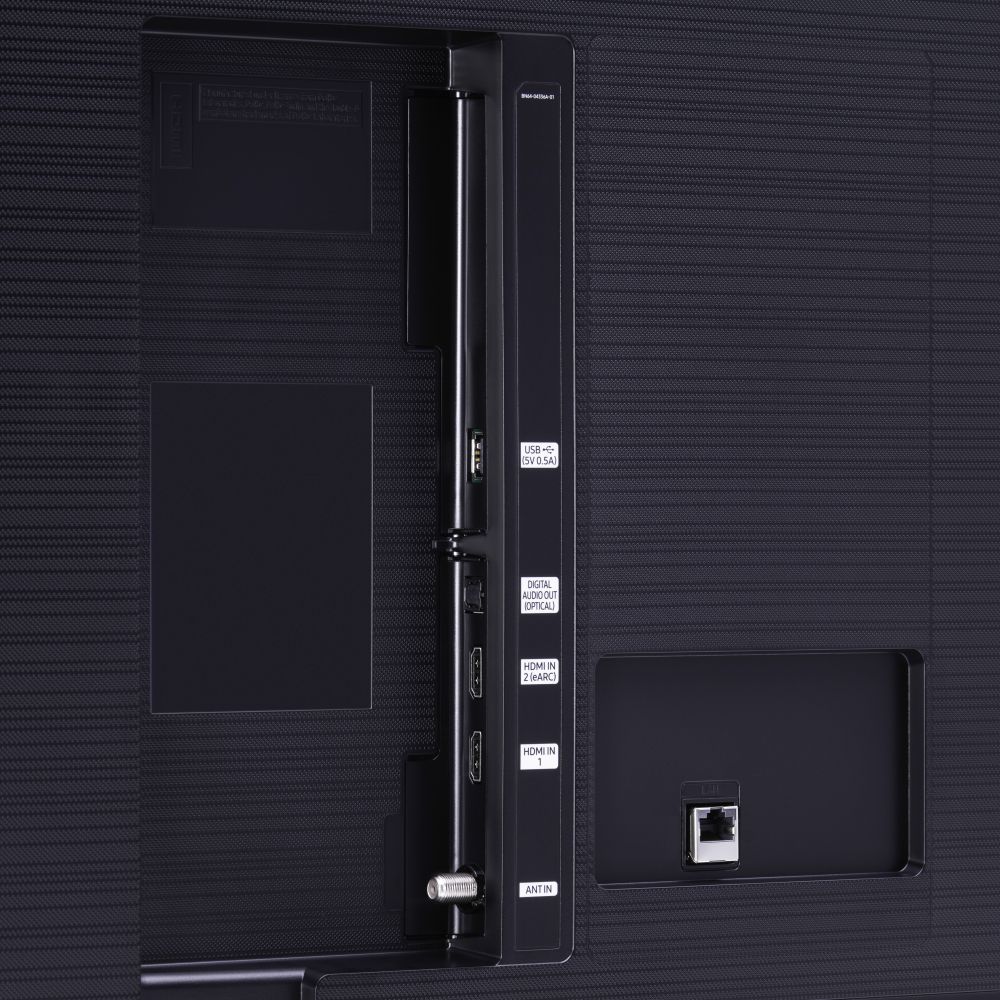
A:AnswerBrian, the HDMI ports on the TU7000 are HDMI 2.0. The TU7000 features Game Enhancer, meaning your TV automatically adjusts settings to help games run smoothly. ^Gina
A:AnswerHello Tom - The 75TU7000 most definately offers Disney+ as one of our Apps. We have carried that app since it launched. It is available for download from the Samsung Apps page. ^Cris
A:AnswerHi TJ! You can mount the 75TU7000 with any wall mount with a VESA Standard of 400mm x 400mm. Check out some compatible wall mounts at Best Buy: https://www.bestbuy.com/site/searchpage.jsp?_dyncharset=UTF-8&id=pcat17071&iht=y&keys=keys&ks=960&list=n&qp=tvmountsize_facet%3DTV%20Size%20Compatibility~65%22%20or%20More&sc=Global&st=wall%20mount&type=page&usc=All%20Categories ^Gina
A:AnswerIf you link your Samsung account to your Alexa account they will work together. If that's what you mean by supporting Alexa then the answer is yes.