A:AnswerHigh end laptop or not it will work. I recommend you use you HDMI 2.0 cable. If you laptops best connectivity port is display port then work with what you. Suggesting you can HDMI to display cable.
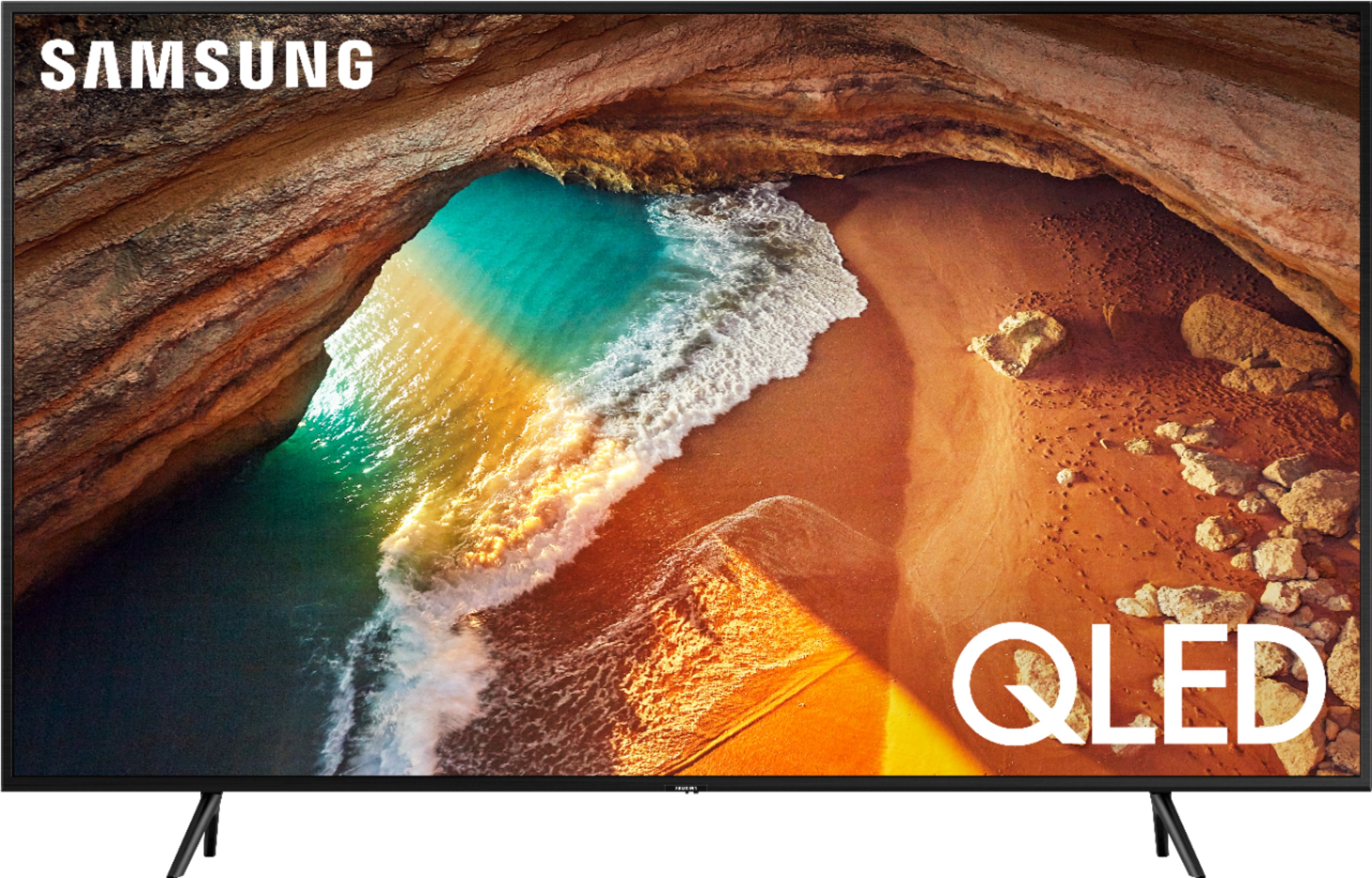
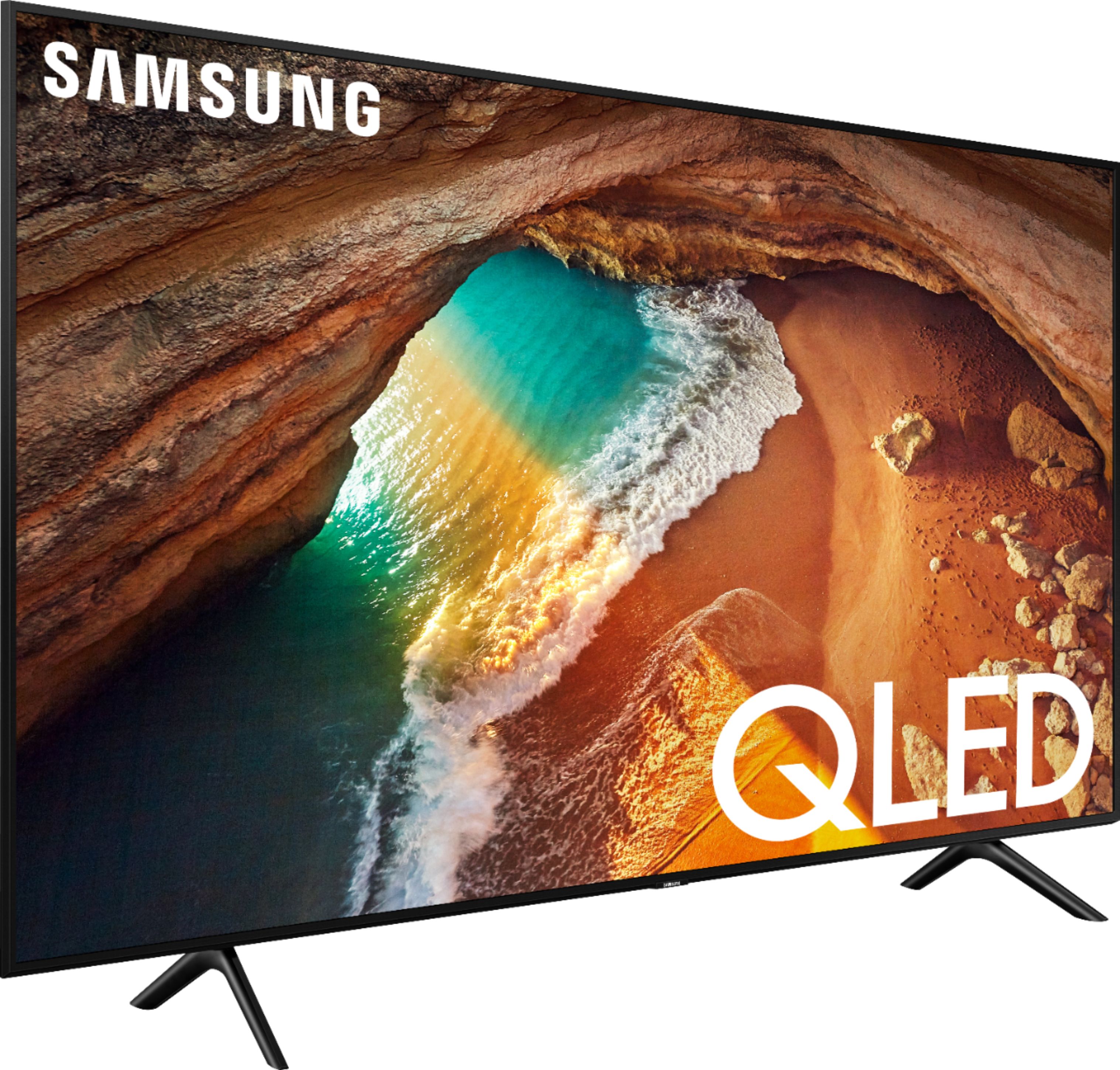
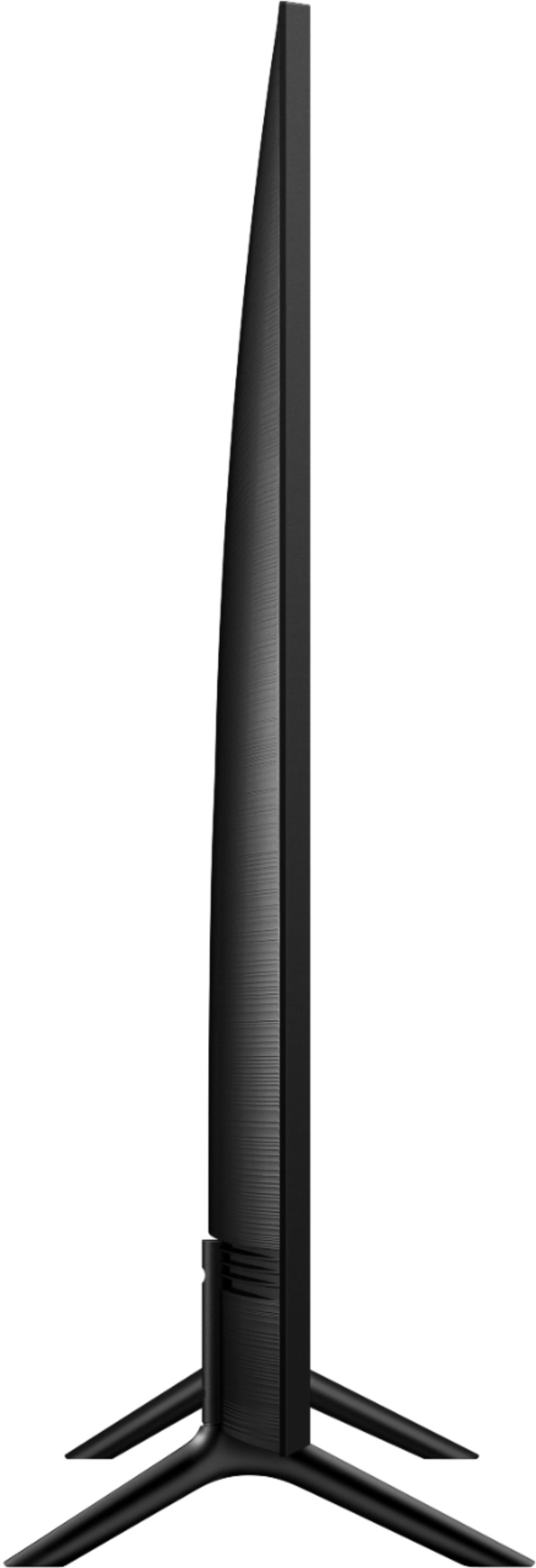
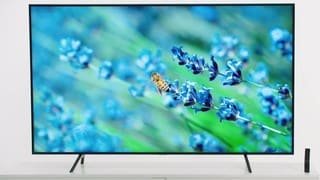
A:AnswerNo you can't, because you won't be able to screw on the legs, it's made to put them on that way. You got to be able to distribute the weight, otherwise the tv won't be able to stand up, just too heavy.
A:AnswerQ60 has faster and faster and better processor.. and is about 10 pounds more? The color pops, a visible difference. Other has a crystal processor. Both ate still great sets.. but even on the comparison chart.
Q series are the benchmark. Others compare too.
A:Answeri connect my computer to tv using hdmi, if your computer does not have hdmi, check out
https://www.amazon.com/GANA-Converter-Adapter-Computer-Projector/dp/B01N53IESF/ref=sr_1_15?crid=16M5E4N64WIT3&dchild=1&keywords=vga+to+hdmi&qid=1592478805&sprefix=vga%2Caps%2C180&sr=8-15
link to set up computer sound
https://www.youtube.com/watch?v=BrhX3t-HR8Y