


Black Friday is hereShop new DoorbustersShop now

Skip to content
Gift Ideas
26 Cypress St
Williston, VT 05495
Opens at 9 am
Find Another Store
Main Content

Questions & Answers

Your price for this item is $909.99
Clearance
The comparable value price is $1,299.99
Page Showing 1-20 of 28 questions
  • QuestionWhat is the refresh rate of this Samsung TV?

    • Answer This Samsung TV has a 120Hz refresh rate.
    This question and answer was generated by AI based on customer and product data.

  • QuestionHow many speakers does this Samsung TV have?

    • Answer This Samsung TV has two built-in speakers.
    This question and answer was generated by AI based on customer and product data.
  • QuestionDoes this Samsung TV support HDR?

    • Answer Yes, this Samsung TV supports HDR.
    This question and answer was generated by AI based on customer and product data.
  • QuestionWhat type of display does this Samsung TV have?

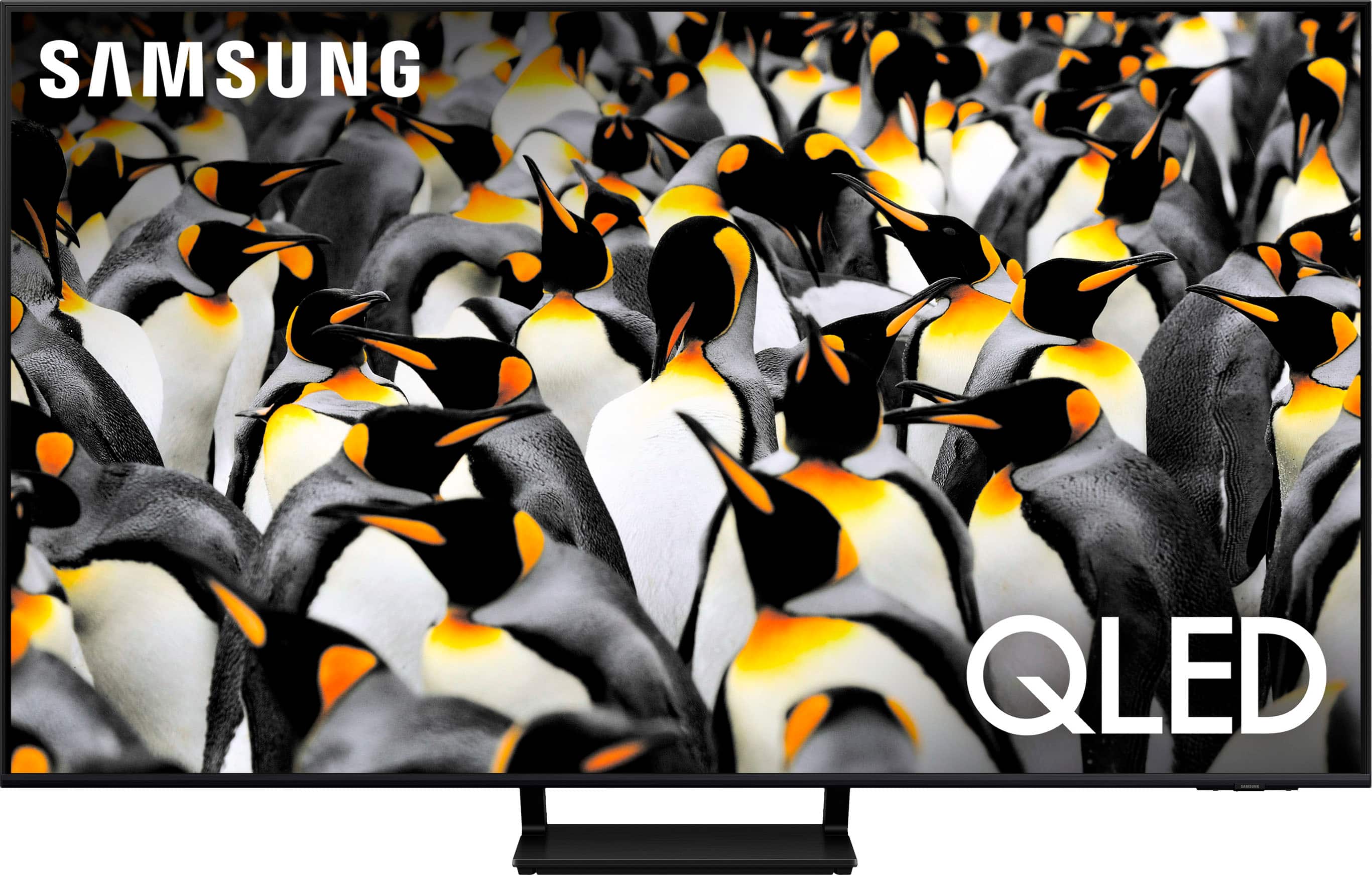
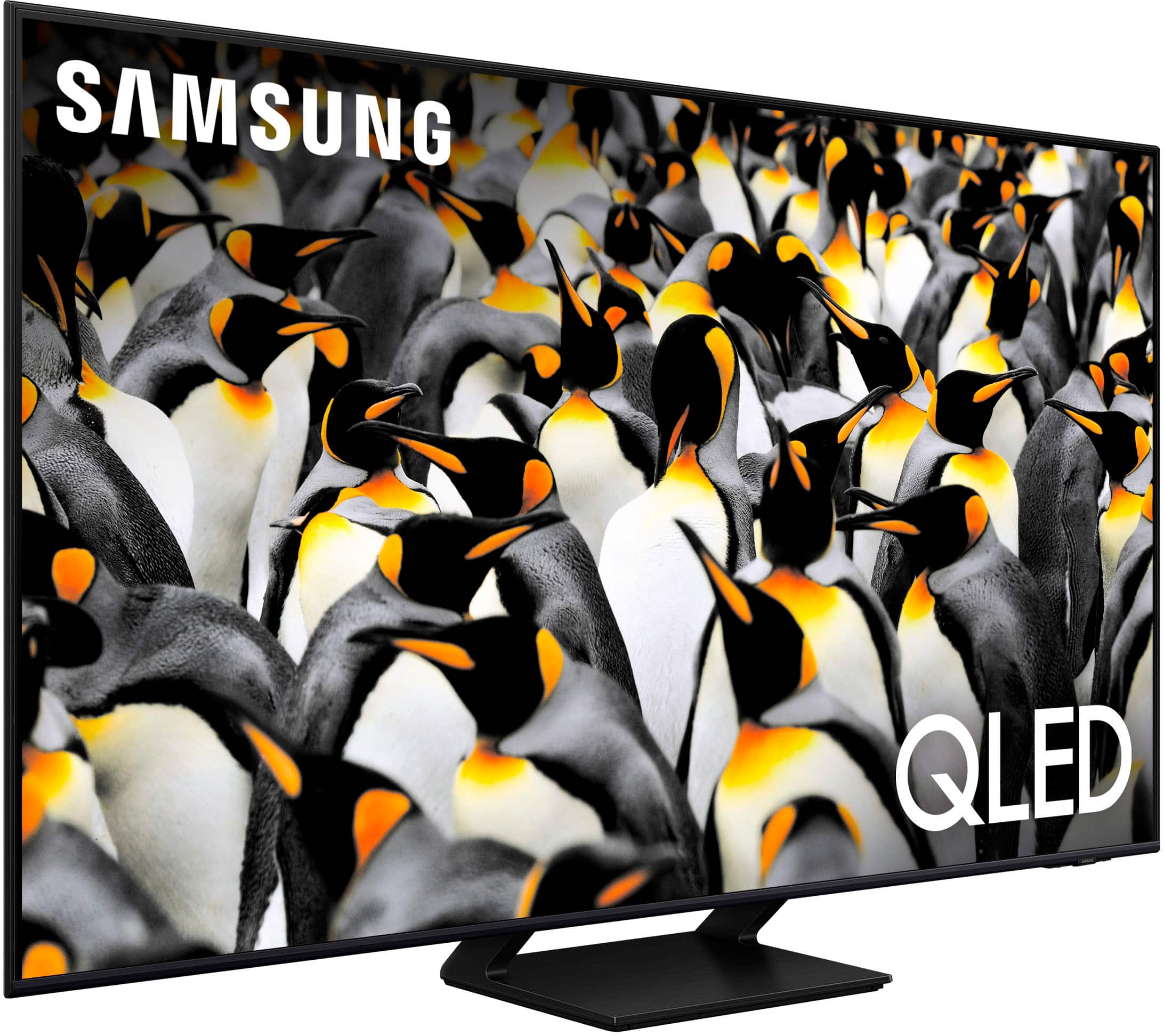
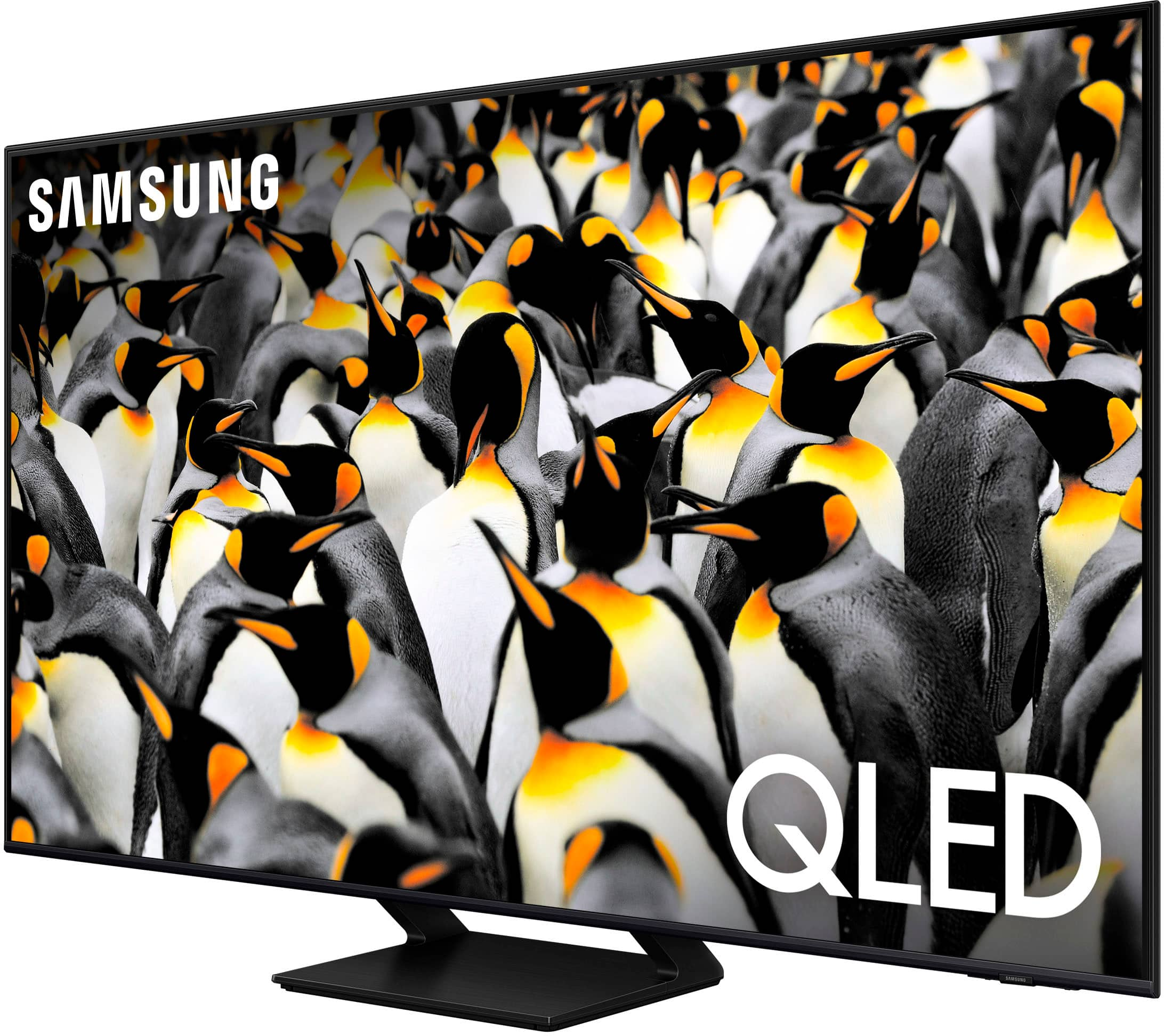
    • Answer This Samsung TV has a QLED display.
    This question and answer was generated by AI based on customer and product data.
  • QuestionDoes this Samsung TV include a stand?

    • Answer Yes, the stand is included with this Samsung TV.
    This question and answer was generated by AI based on customer and product data.

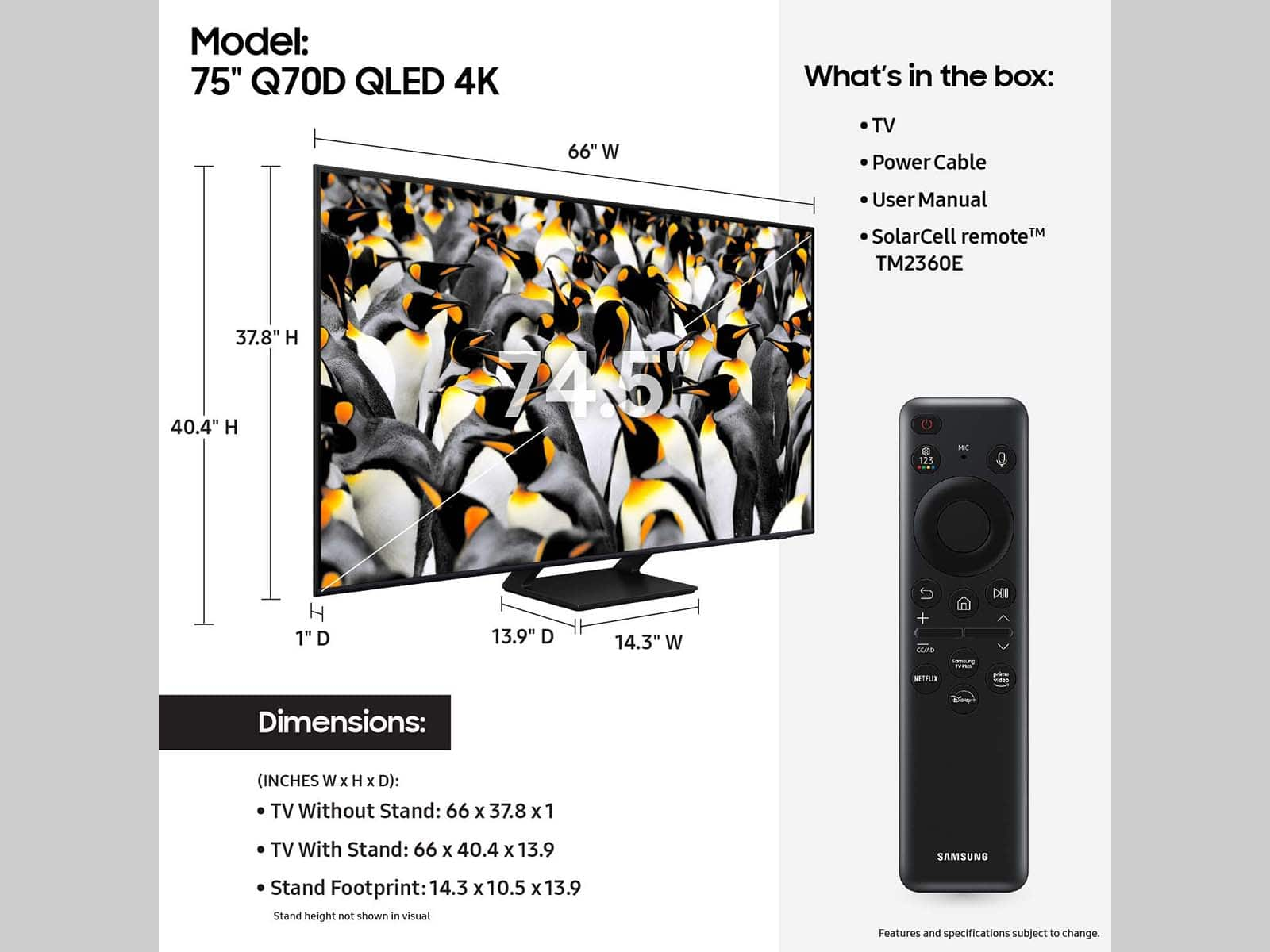
  • QuestionWhat is the screen size of this Samsung TV?

    • Answer The screen size of this TV is 74.5 inches.
    This question and answer was generated by AI based on customer and product data.
  • QuestionFor TVs larger than 32 inches, how many people are recommended for unboxing?

    • Answer For TVs larger than 32 inches, it is always recommended to use two people for unboxing.
    This question and answer was generated by AI based on customer and product data.

  • QuestionWhat’s the difference between q70d and q60d?

    Asked by Mike.

    • Answer Mike - The Q60D features our Quantum Processor 4K Lite which optimizes content & transforms everything you watch into 4K. When stepping up to the Q70D, you gain the advantage of our Quantum Processor 4K with Machine Learning AI, further increasing the clarity and smoothness of your 4K picture with an ultra-fast processor that adapts to every scene, no matter what the source. You also gain the advantage of Motion Xcelerator 120Hz (sometimes called Motion Xcelerator Turbo), providing you with seamless action and sensational 4K visuals at speeds up to 120Hz. Built with gamers in mind, it also offers FreeSync Premium Pro, Game Motion Plus and HDMI 2.1. ~ Samsung Specialist

      Answered by Samsung

  • QuestionWhat does the 'C' versus 'D' mean in the name?

    Asked by Lorenzo.

    • Answer Lorenzo - C Models indicate 2023 Samsung TV; D Models indicate 2024. ~ Samsung Specialist

      Answered by Samsung

  • QuestionHow to order another remote. Lost mine

    Asked by Remote.

    • Answer Puedes ir a la tienda y ellos te facilitan uno nuevo

      Answered by DayanaQ

  • QuestionDoes this model have a ATSC3.0 tuner?

    Asked by Mike.

    • Answer The Q70D has a built-in ATSC 1.0/ClearQAM tuner; when stepping up to our Neo QLED 8K Series, you’ll gain a built-in ATSC 3.0 tuner for receiving digital broadcasts. ~ Samsung Specialist

      Answered by Samsung

  • QuestionDoes this tv have split screen

    Asked by Dave.

    • Answer Dave - Multi View provides you with the option to view different two different types of content side-by-side. For example, you can view media from different sources, such as an app, Blu-ray player, or game console, on the main left screen, while also mirroring your phone to the smaller screen. Multi View provides you with different possibilities for splitting screens and viewing several types of content at the same time. On the left screen: You can play Samsung TV Plus, TV apps, HDMI devices, Antenna or Cable, or USB devices. On the right screen: You can screen mirror, use AirPlay, cast from an app, or cast from an IoT camera. 2 HDMI inputs cannot be viewed at the same time. ~ Samsung Specialist

      Answered by Samsung

  • QuestionFor 75 In tv what is the horozontal dimension?

    Asked by Anonymous.

    • Answer You can find these measurements on this model’s product page – just click Show Full Specs and scroll down to Dimensions: https://www.bestbuy.com/site/samsung-75-class-q70d-series-qled-4k-smart-tizen-tv-2024/6576586.p?skuId=6576586 ~ Samsung Specialist

      Answered by Samsung

  • QuestionIs this Edge Lit or Full Array? Best Buy says this model is Edge Lit but the Samsung website says it is Full Array?

    Asked by Aggie1295.

    • Answer Tom - Please give us the opportunity to better assist with this by reaching Samsung Support at: 1-800-SAMSUNG, 8AM - 12AM EST, 7 days a week, or Chat with us on Samsung.com: https://www.samsung.com/us/support/contact/ ~ Samsung Specialist

      Answered by Samsung

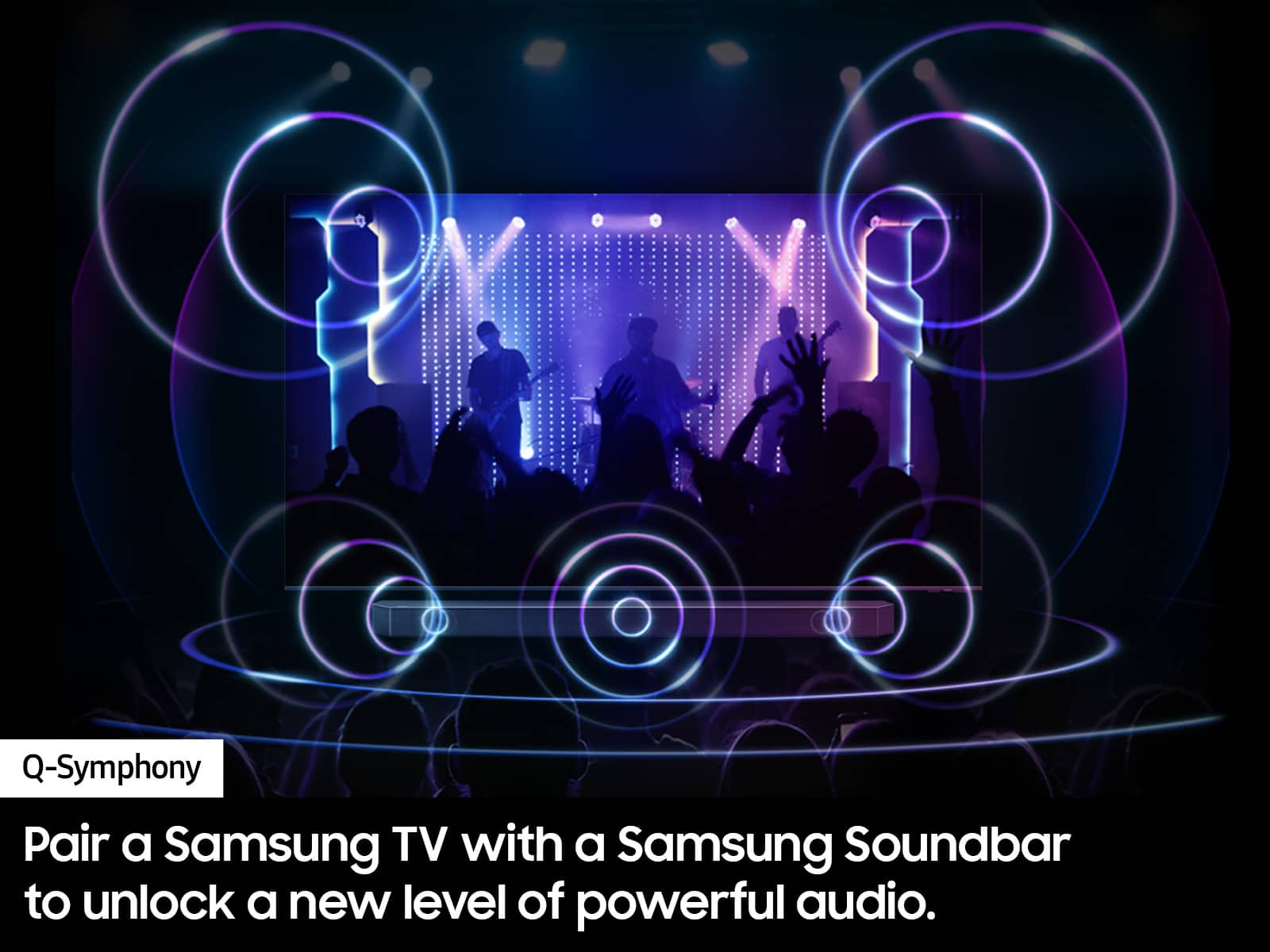
  • QuestionIs this TV compatible with the Samsung HW-Q930D/ZA9.1.4 soundbar

    Asked by Herb99.

    • Answer Herb99 - Yes, this TV is compatible. ~ Samsung Specialist

      Answered by Samsung

  • QuestionCan you use ear phones with thi set?

    Asked by Rick.

    • Answer Rick - You can connect headphones via a wired (HDMI, Optical) or wireless (Bluetooth, Wi-Fi) connection. ~ Samsung Specialist

      Answered by Samsung

  • QuestionDoes this tv have dual audio output to Bluetooth hearing aids and surround sound?

    Asked by Raymond.

    • Answer Hi Raymond, Yes, the Q70D has Dual Bluetooth Audio. ~Samsung Advisor

      Answered by Samsung

  • QuestionWhat streaming apps can be accessed on this tv? Can you get YouTube TV?

    Asked by Bart.

    • Answer This is a smart tv so I do believe you should be able to get YouTube TV and any other streaming app you would like.

      Answered by AAAA

  • QuestionAre the speakers in the television high quality?

    Asked by Rg.

    • Answer They are above average but not home stereo quality. I have Polk audio surround already but the TV alone is better than my last Sony

      Answered by Happy

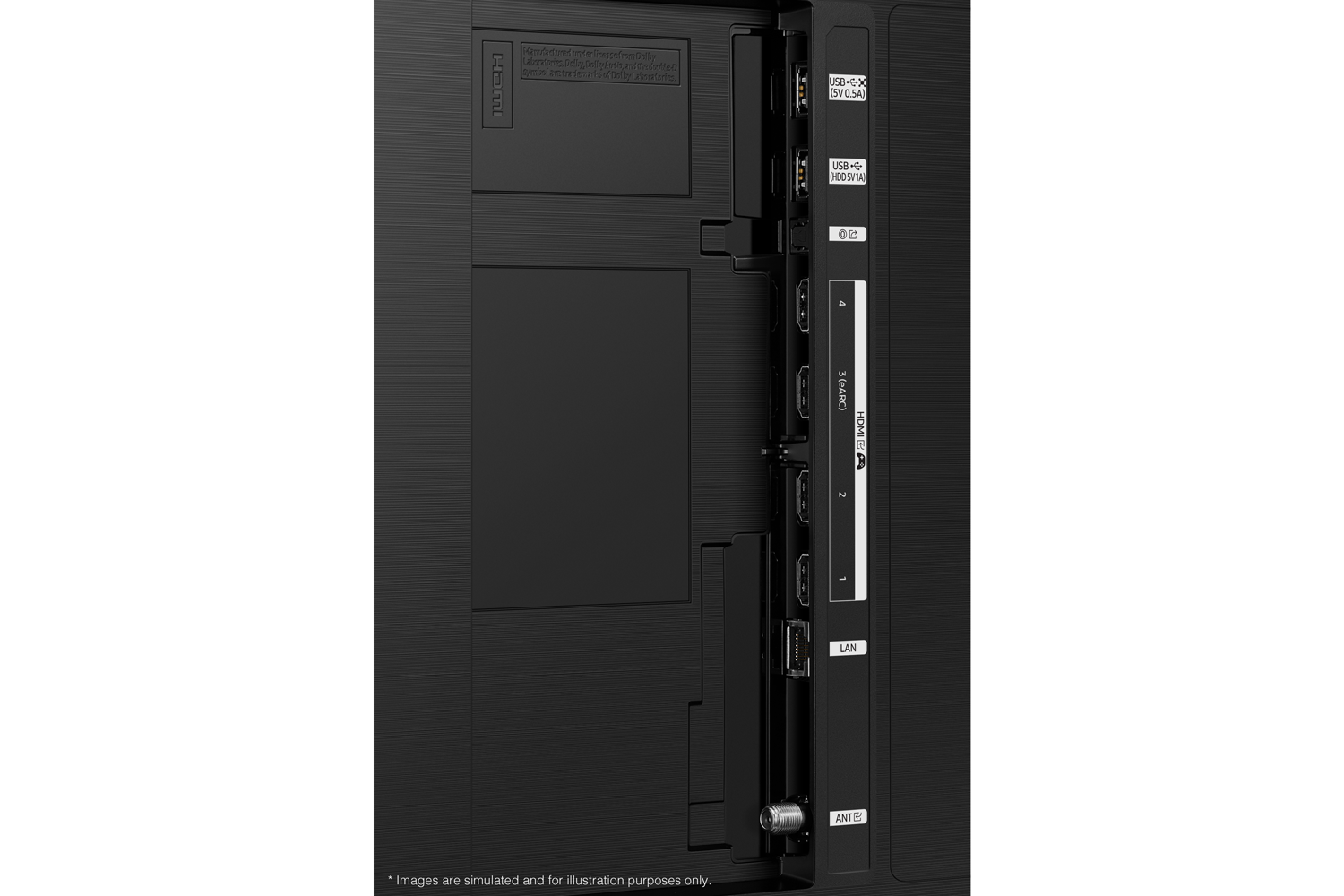
  • QuestionWhich hdmi should I plug my cable box in?

    Asked by HDMI.

    • Answer I used 1. Any should work. It will show up on the menus of connected devices

      Answered by Happy




