Questions & Answers
- Model:
- MZ-76E1T0B/AM
- |
- SKU:
- 6178649
Highly rated by customers for: Speed, Performance, Ease of use
Page Showing 161-180 of 225 questions
Q: QuestionIs this SSD compatible with my I-Mac 27in (mid 2011) 2.7 GHz Intel Core i5 ?
Asked by JohnR.
- A:Answer Yes it is. Go to Youtube for an installation tutorial.
Answered by Eturnl
Q: QuestionIs this compatible with a hp gaming ryson 5 laptop
Asked by Nickm.
- A:Answer It’s a 2.5 drive so that should be compatible with all laptops
Answered by Rick
Q: QuestionIs this compatible with toshiba satellie S55-A5236?
Asked by dillipanny.
- A:Answer The Satellite S55-A5236 takes a SATA drive, which is what the 860 EVO is that you're looking at. It's one of the drives recommended by Mr. Memory. I believe it comes blank; so, depending on how you set it up, the drive may need to be formatted. That said, Windows installation media, Toshiba recovery media, and most modern disk imaging software can format the drive for you. But just something to bear in mind, just in case.
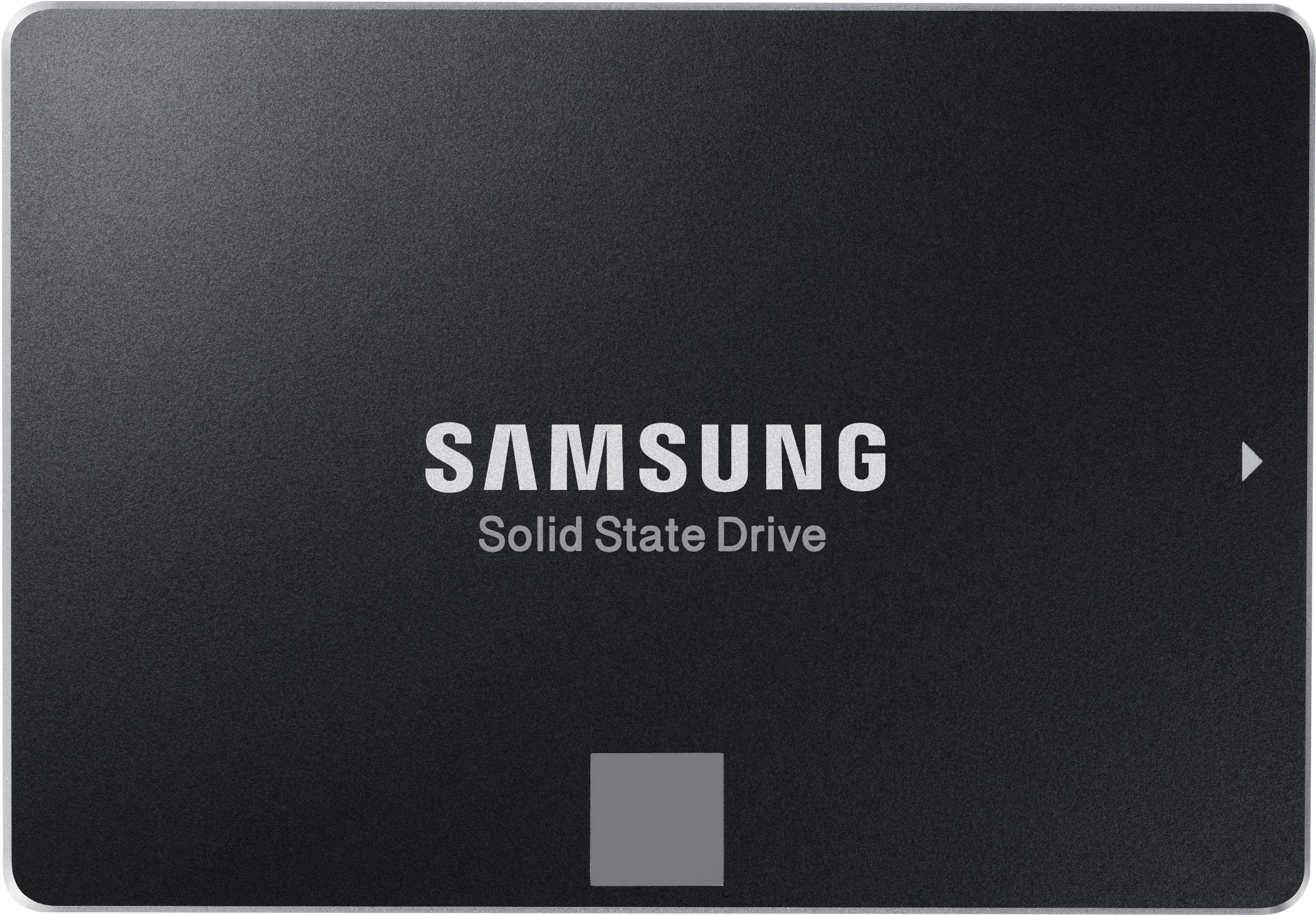
Answered by santuccie
Q: QuestionIt Is compatible with Macbook Pro AND Macbook amor latest models?
Asked by Rafael.
- A:Answer The latest MacBook Pros use a drive that is soldered to the logic board. They are not user replaceable.
Answered by ezbutton
Q: QuestionDoes this come with a hard drive transfer cable and software?
Asked by Kyle.
- A:Answer No, it doesn't come with a USB to SATA transfer cable nor does it come with SATA cables or power cables. Depending on the cloning software that you use, you may not need a USB to SATA transfer cable. The Samsung cloning software as well as the Samsung Magician software is not included with the SSD but can be downloaded from the Samsung web site. NOTE: Some cloning software packages will not work if you source drive is formatted as a dynamic disk.
Answered by SPop
Q: QuestionIs this compatible with a Toshiba Satellite C55-B? Thanks!
Asked by radiodave.
- A:Answer Yes it should. It is nothing more than a SSD drive which can replace the mechanical drive that comes with your laptop. I replaced all stock drives in my laptops with these.
Answered by ARW1775
Q: QuestionIs this Ssd compatible with Acer predator Helios 300 laptop?Thanks.
Asked by Sonu.
- A:Answer This should work with any laptop that uses a 2.5 inch drive.
Answered by JGodina
Q: QuestionIs the Samsung 860 EVO 1TB Internal SATA SSD compatible with my Microsoft Surface Laptop (1st Gen)? The 1st Gen Microsoft Surface Laptop has 128 GB internal SSD.
Asked by JoeH.
- A:Answer might not fit
Answered by Win7forever
Q: QuestionIs this compatible with an acer spin 3 (acer sp315-52-757c)
Asked by Emily.
- A:Answer Yes it will fit all standard USB the technology is integrated within the usb device
Answered by Qeu4
Q: QuestionWill this item be on sale on black Friday
Asked by Messier87.
- A:Answer maybe
Answered by jjmIII
Q: QuestionIs this compatible with a Macmini 6.2 late 2012 Core i7 2.6 ?
Asked by Artisansusan.
- A:Answer Yes it is. Here is a how to video on YouTube. https://youtu.be/JnBtXrofOLc
Answered by Jacob
Q: Questionis Samsung 860 EVO 1TB SATA III SSD compatible with a vaio pc vgc-rb60gb desktop?
Asked by joequestion.
- A:Answer Looking at the specs for your vaio vgrc-rb60g the original operating system was Microsoft XP. The limitation for address space access on an internal drive with that system is 2 TB. The Samsung 860 EVO is a SATA drive, and the original HDD in your system is SATA, so it should be compatible and you could use the original SATA cables if you are replacing the HDD. You will probably need to get a mounting bracket and a SATA cable if you're adding it to the system instead of replacing the existing HDD (the SSD drive doesn't include them, Best Buy should have them in stock). Generally the HDD mounting bracket is larger than the SSD and so it requires a different bracket. Hope this helps.
Answered by Filer
Q: QuestionWill it work for the Acer Nitro 5?
Asked by John.
- A:Answer Yes, it fit nicely in the laptop I was working in for a customer. Looking at the specs on the Acer Nitro 5, it will work.
Answered by Tanked0278
Q: QuestionWill this work in the extra hdd spot in the Acer Nitro 5 (AN515-54)? trying to get more than 256GB in my laptop i just bought.
Asked by LaptopNoob.
- A:Answer YES IT WILL, ALL YOU WILL NEED IS THE CABLES AND IF ITS SET UP FOR IT ON THE MOBO, OTHER WISE IT WILL HAVE TO BE EXTERNAL ONES
Answered by tony97a
Q: QuestionI have a late 2011 education version 21.5 inch a iMac and was wondering if this is compatible and if it needs any extra parts (mount, etc...
Asked by WqiteTPoison.
- A:Answer In short...no. The education-only "Late 2011" iMac used a 3.5" SSD and cannot use this with an adapter. Additionally, though, you need to remove the display and disassemble basically the entire computer to get to the SSD. There are kits with all the tools you need available, but it's a pretty intensive job if you're not familiar with it. I definitely recommend watching a few videos online before you invest in a drive and/or tools to make sure you feel confident to take it on.
Answered by BiggieMotown
Q: QuestionIs it compatible with aurora r5? Can I use it as an additional ssd or would I need to replace the current one?
Asked by Anonymous.
- A:Answer Yes, it would work great in the Aurora R5. Yes you can use it as an additional drive.
Answered by DanJF
Q: QuestionWill This work with my ASUS v272 all in one touch screen pc?
Asked by bigdog.
- A:Answer Yes, this will work perfectly well in your ASUS AIO. I strongly recommend the Samsung SSD EVO line. I have installed hundreds and have a fairly perfect track record with them.
Answered by timbopro
Q: QuestionIs this drive compatible with my HP Envy 700-74? If not, what is?
Asked by helen.
- A:Answer Yes. The SSD will replace your 3.5 inch Physical HD with this Solid State drive. Both have the same mounting screws and SATA connections. You will need to back-up your existing drive data to the new SSD using a back-up program such as Acronis (which is what I use) then physically exchange the drives. You will notice an extremely fast boot-up and overall performance boost because SSD's do not require a seek time like the standard Hard Disk Drive's do. My previous boot time to a login screen on my laptop was between 45 seconds to 1 minute. With the new SSD it's about 10 seconds to a login screen. Backing up your original drive via a USB to SATA drive adapter cord may take 8 hours or more for 1 TB drive's. But the wait is worth the new performance speed. Great, for when you are on a phone call and laptop was turned off, to get back in business quick. (Some expensive production programs may require re-authorization to use seeing the SSD as new hardware, but I've never had a problem as long as I had a license to use them.) Current OS is Windows 10 Build 1903.
Answered by Nagilum
Top Rated
- $249.99$249.99The price was $379.99
- $99.99$99.99The price was $129.99
- $329.99$329.99The price was $469.99
- $1,399.99$1,399.99The price was $2,699.99
- $1,299.00$1,299.00The price was $2,799.00