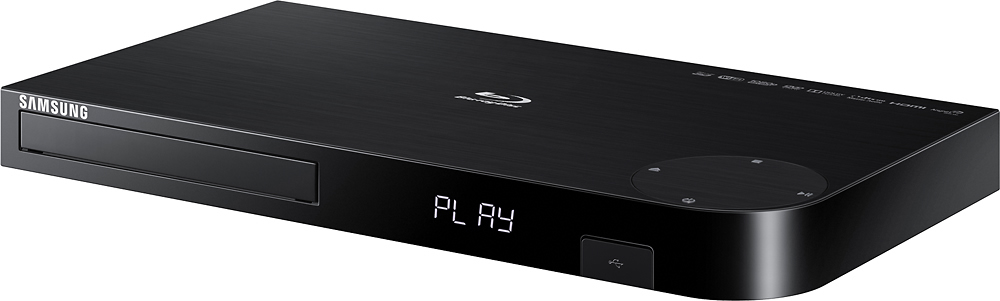
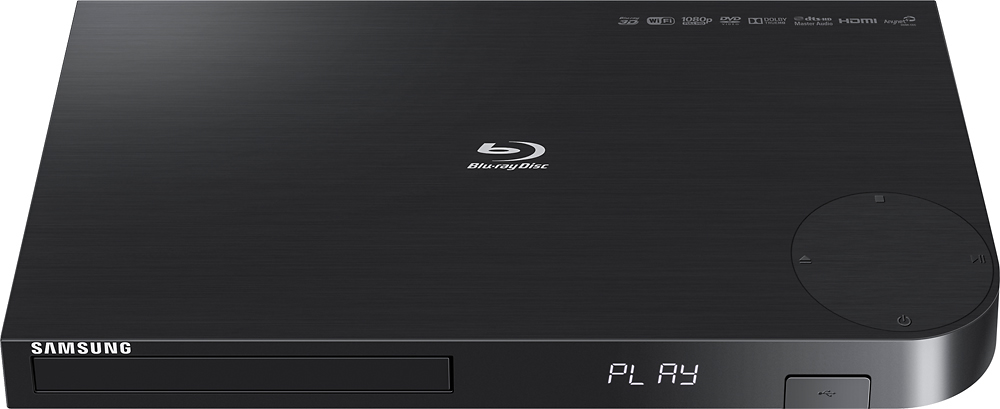
A:AnswerYou have to connect the DVD to the tv by cable. The wifi is only for streaming online video. Depending on your set up you may be able to drill two holes in your wal one behind tv and one by DVD player. You can then fish the cable up the wall and will not be visible.
A:AnswerYou can browse the Internet BUT this device DOES NOT support the playing of FLV (flash videos aka Adobe Flash Player) videos. Which of course is the video standard used on just about everything that has video content that you find on the web. As such you will be severely limited when it comes to playing the videos you find on line.
A:AnswerI'm not sure, but this model is more like the Samsung BD-H6500 in appearance(rounded corners). I actually had to return the 1st one because it would not read the blu-ray disc. The replacement has been fine.
A:AnswerI would just say that its a glitch in the DVD player because mine has never done that and I love the way it sets up and works so smoothly...exchange it and see if it does it on the next one, if it does, it might have something to do with your tv and not your DVD player
A:AnswerIt should automatically play Blu-ray. Make sure the region on the discs match the region on your player. Note if you change the region you can only change it 4 times, then it locks you out.
A:Answerit works with our smart t.v.,s.i do not have a series six..so far I am happy with it..just played one dvd..do not have any Blu-ray or 3 d..it was $100.00