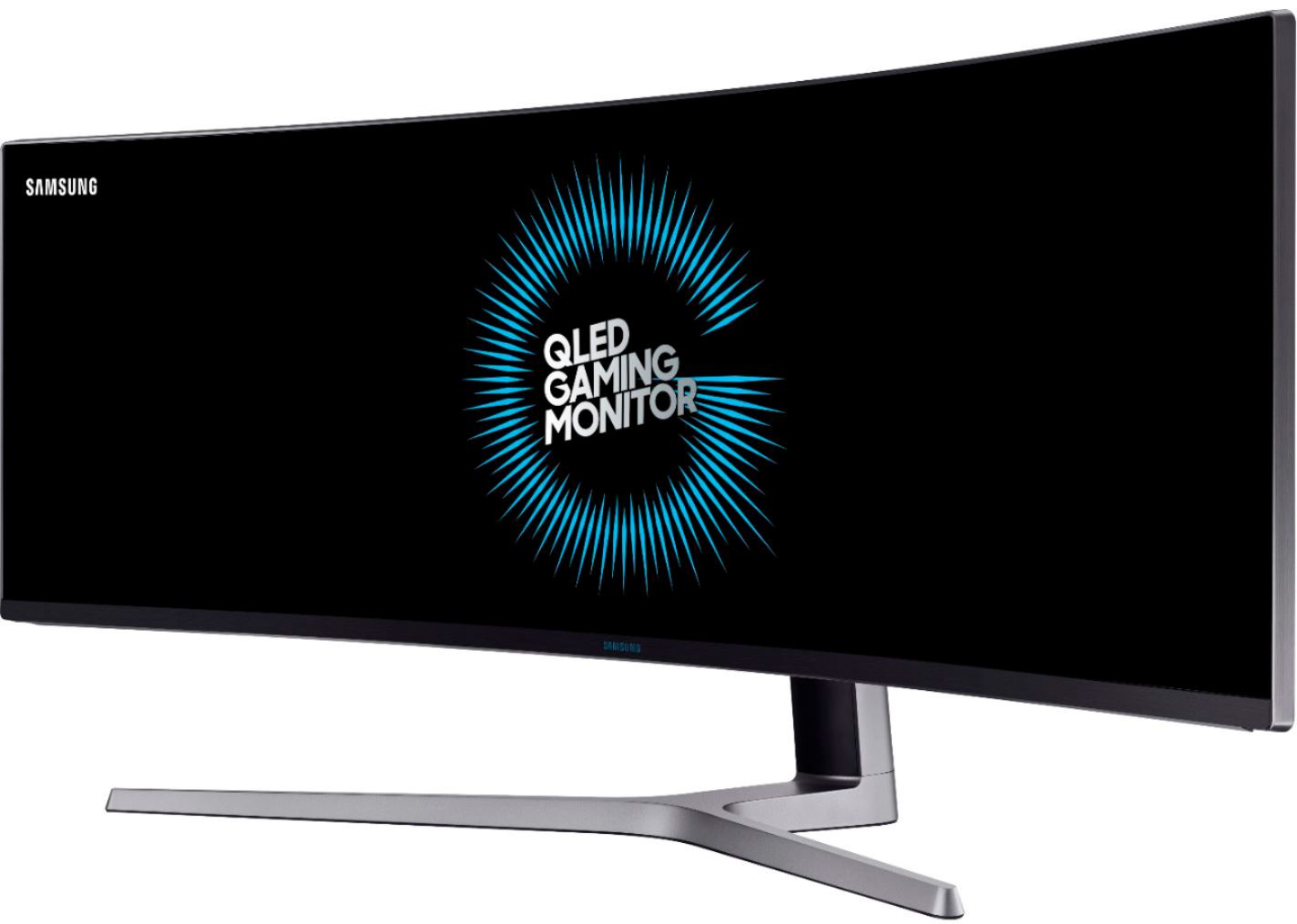
A:AnswerWhen I looked at this the only ones up to the task were over $200. It's either too big or too heavy. The mounts on the market just do not support this unit.
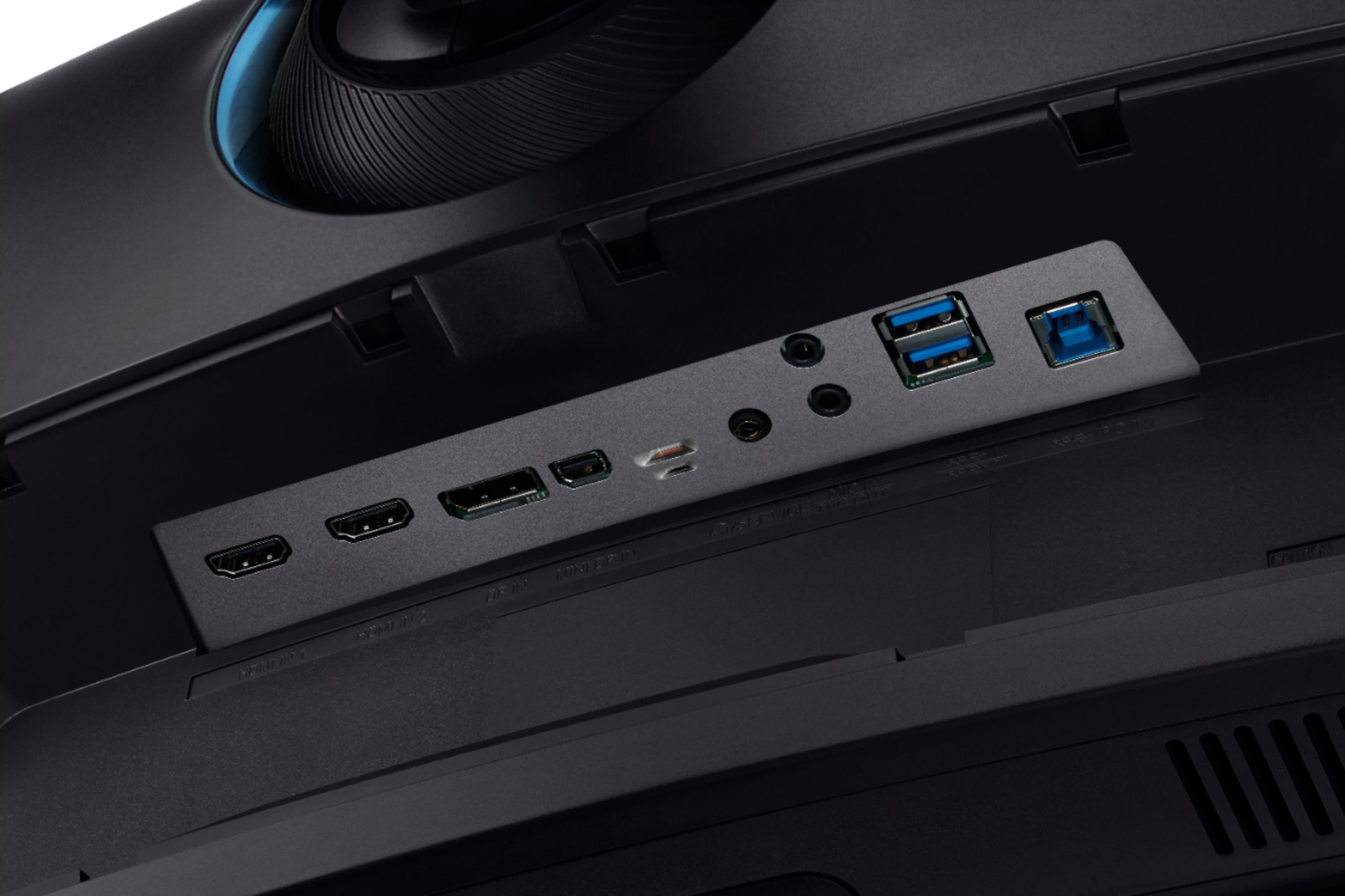
A:AnswerDepending your HP's year and model#, you can connect via 1 of the 2 of the HDMI ports. I would suggest referring to your HP Owner's Manual to see what compatible ports are available .
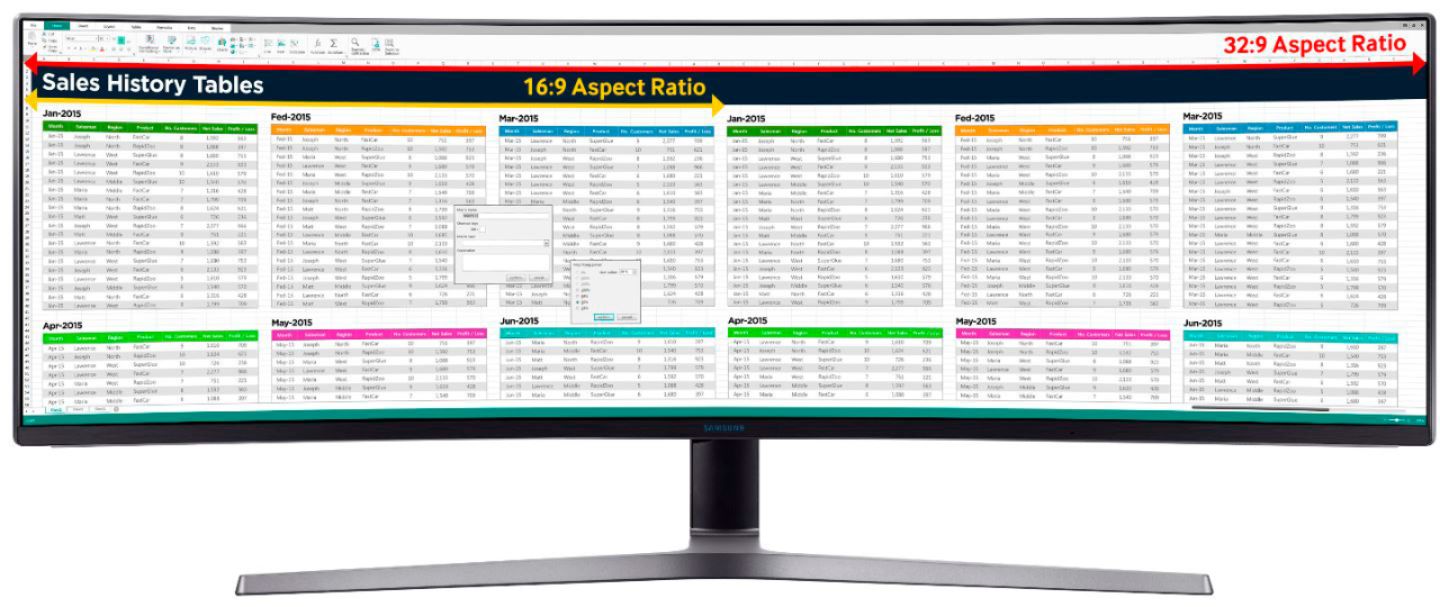
A:Answeryes it does. I have it setup for the same pc with using both HDMI ports. it gives it a perfect split right in the middle of the monitor and each screen shows up as its own monitor in device settings.
A:AnswerFPS is not a good measure for a monitor since that is game/computer system related. I do not believe I would game much on this monitor since it is a bit fuzzy. On the computer, I do play World of Warcraft but that doesn't need a great picture. On the other hand, it does play it well and looks great for being just an HD monitor (not a QHD which would be better for a console system IMO).
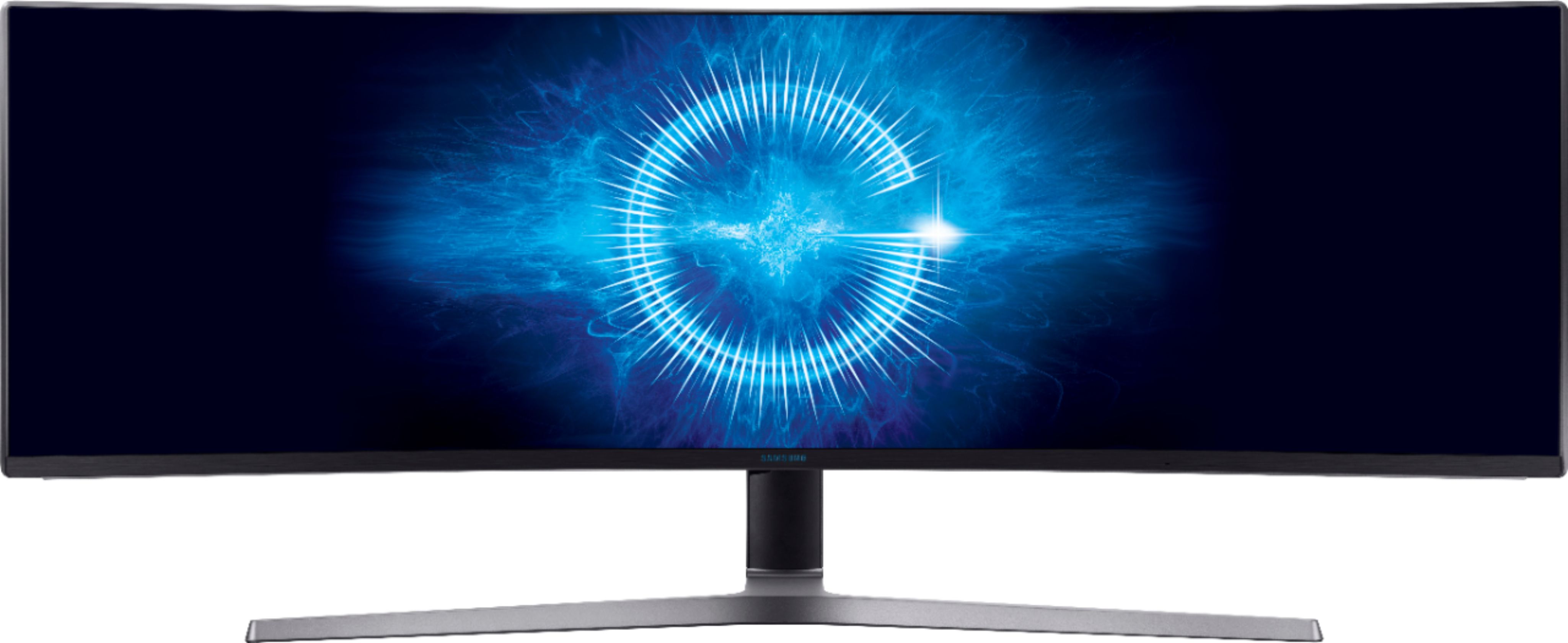
A:AnswerYes it IS compatible with an PS4 via an HDMI cable which this monitor has 2 HDMI ports. Yes, the PBP(picture by picture) mode WILL work with 2 separate input devices simultaneously via the 2 HDMI ports.