Questions & Answers
- Model:
- LC32G77TQSNXZA
- |
- SKU:
- 6425568
Highly rated by customers for: Curved screen, Price, Curve
Page Showing 1-8 of 8 questions
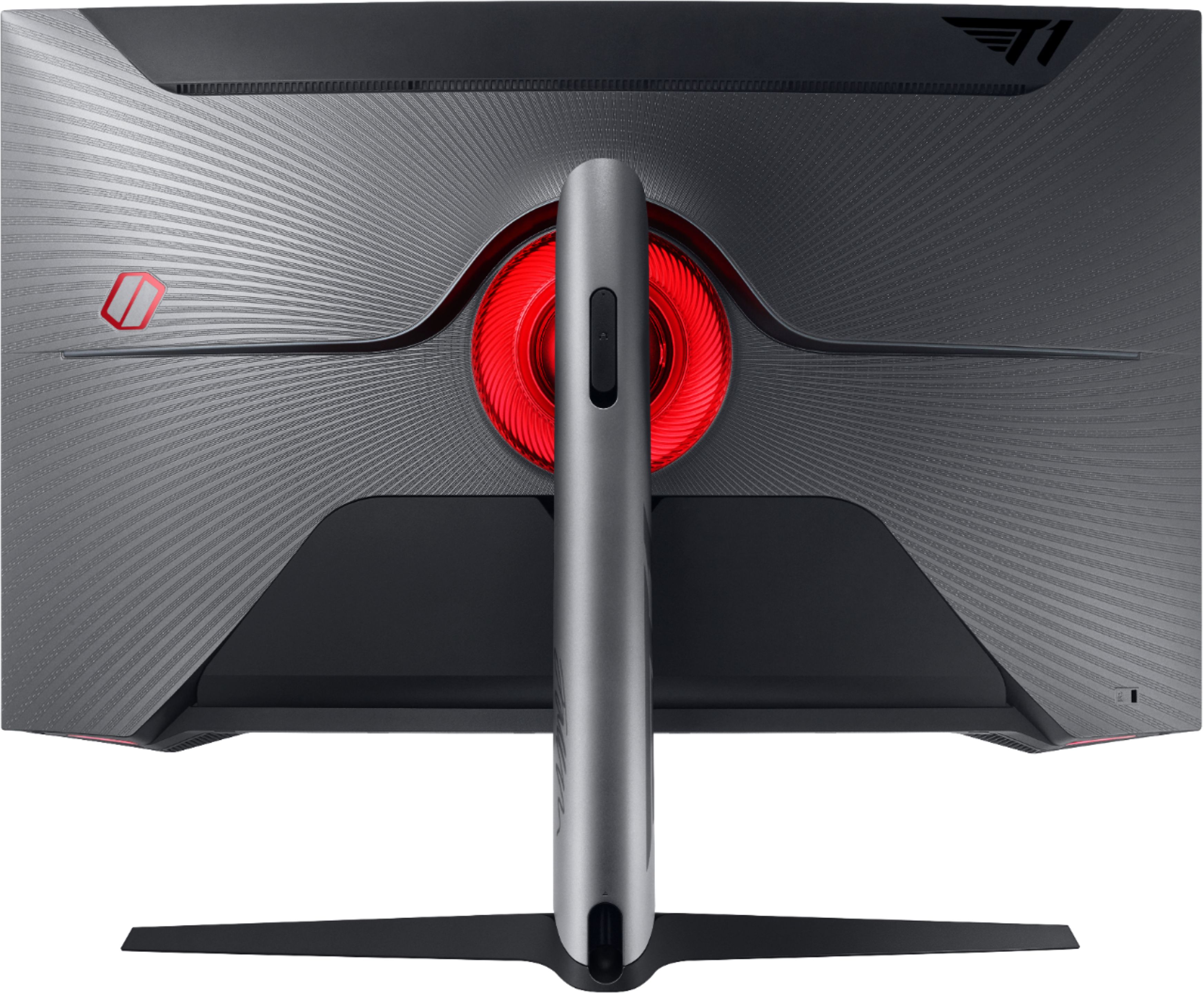
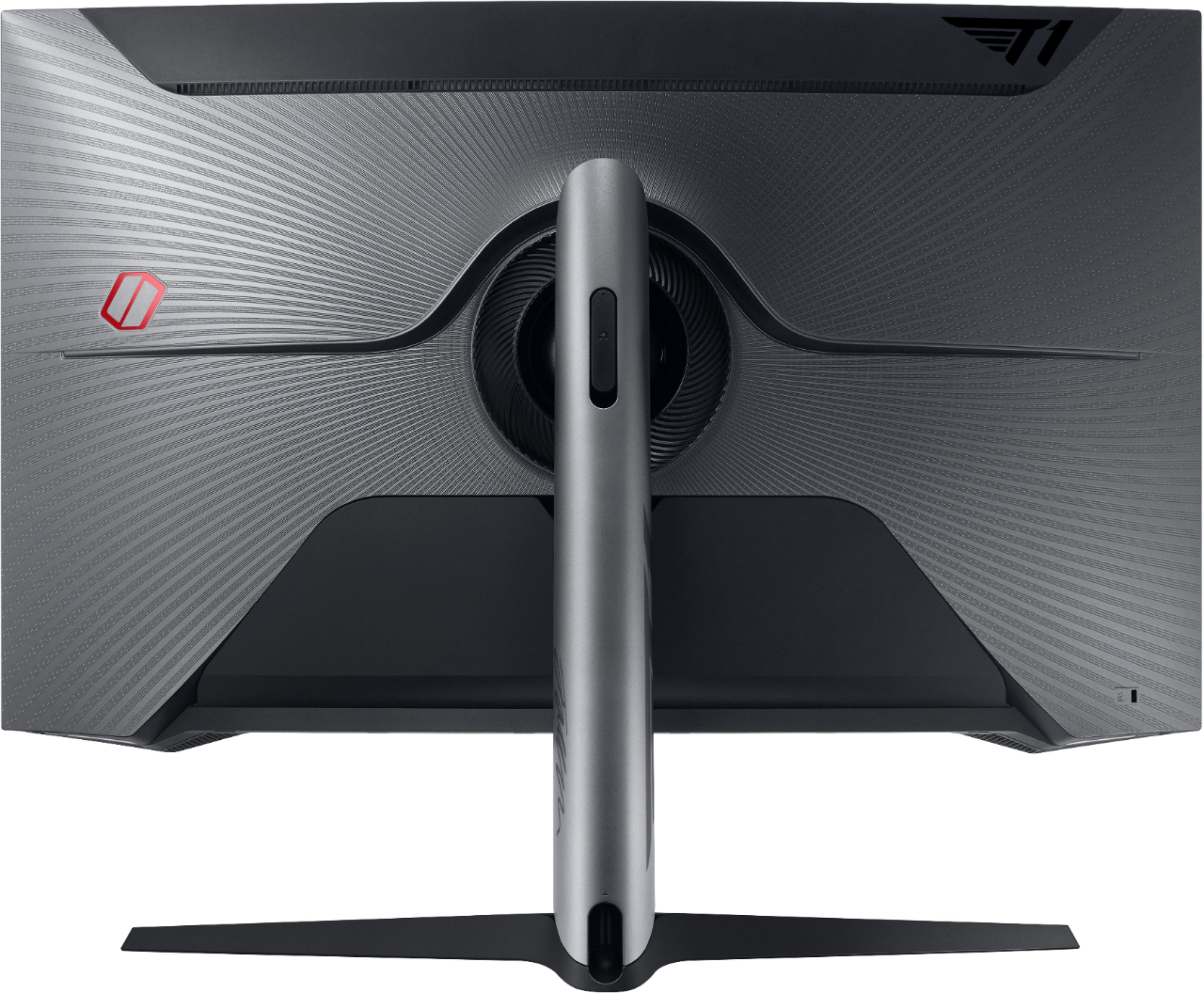
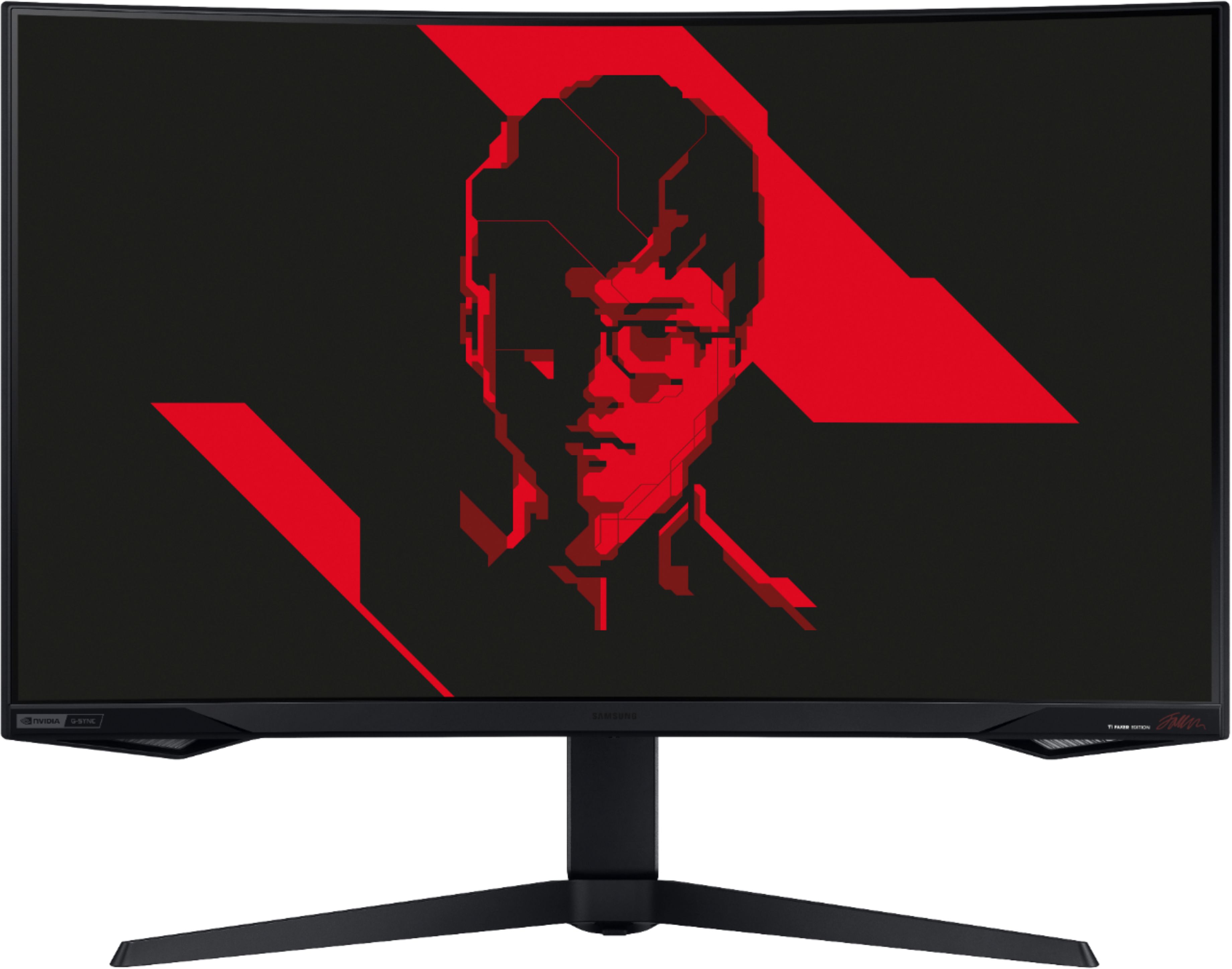
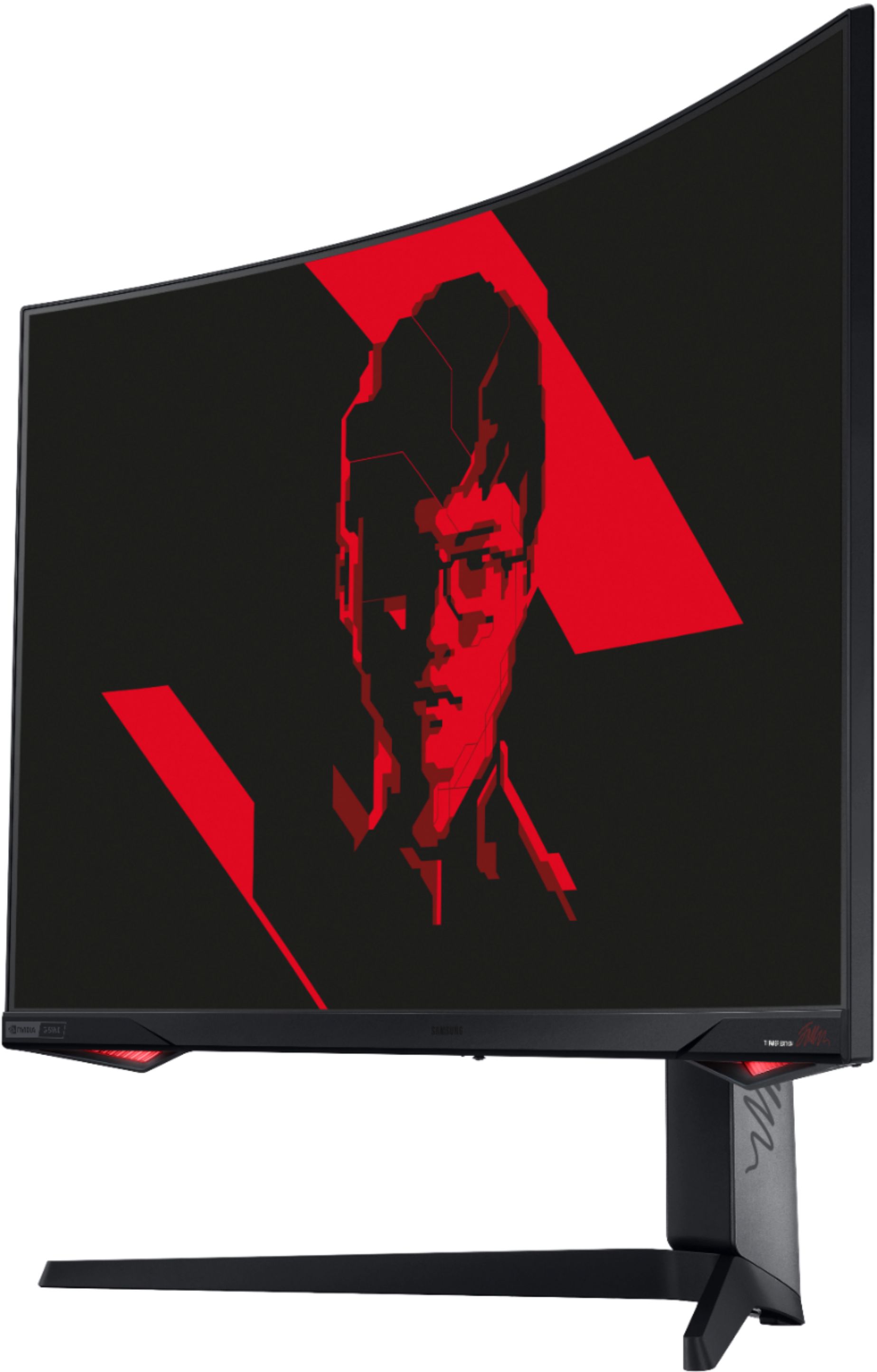
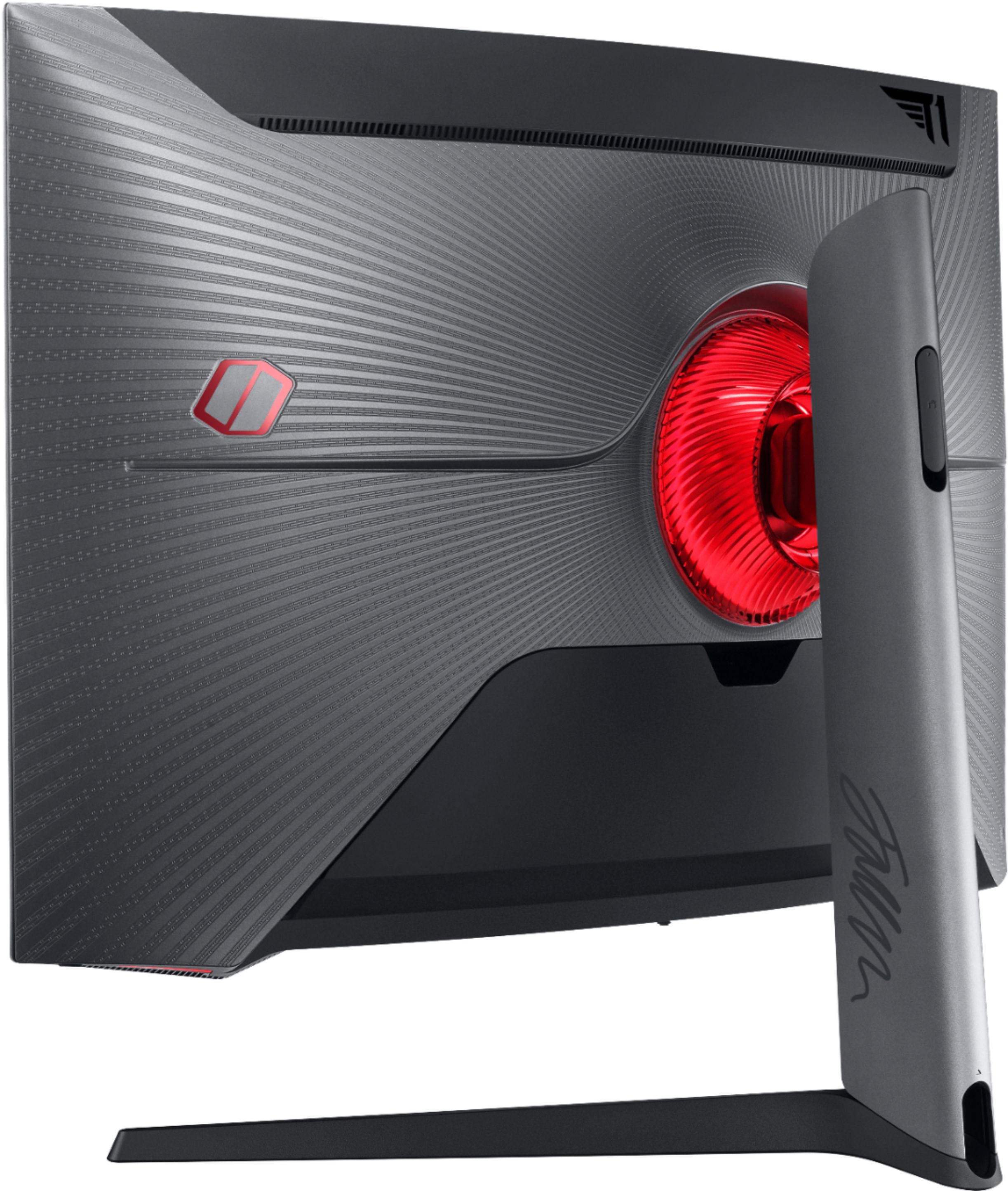
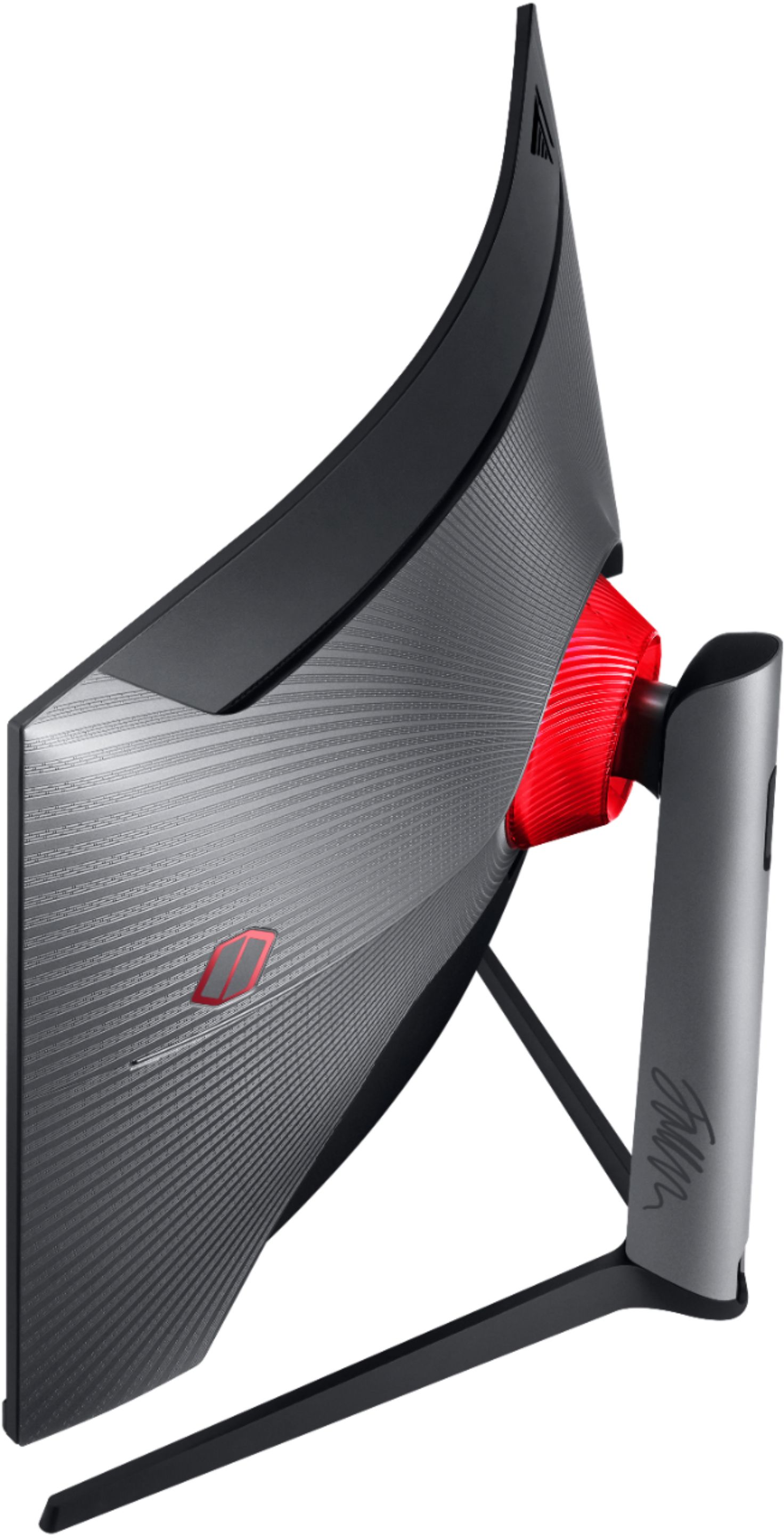
Q: QuestionIs the light behind the monitor RGB? Or is it static red?
Asked by Justineraaa.
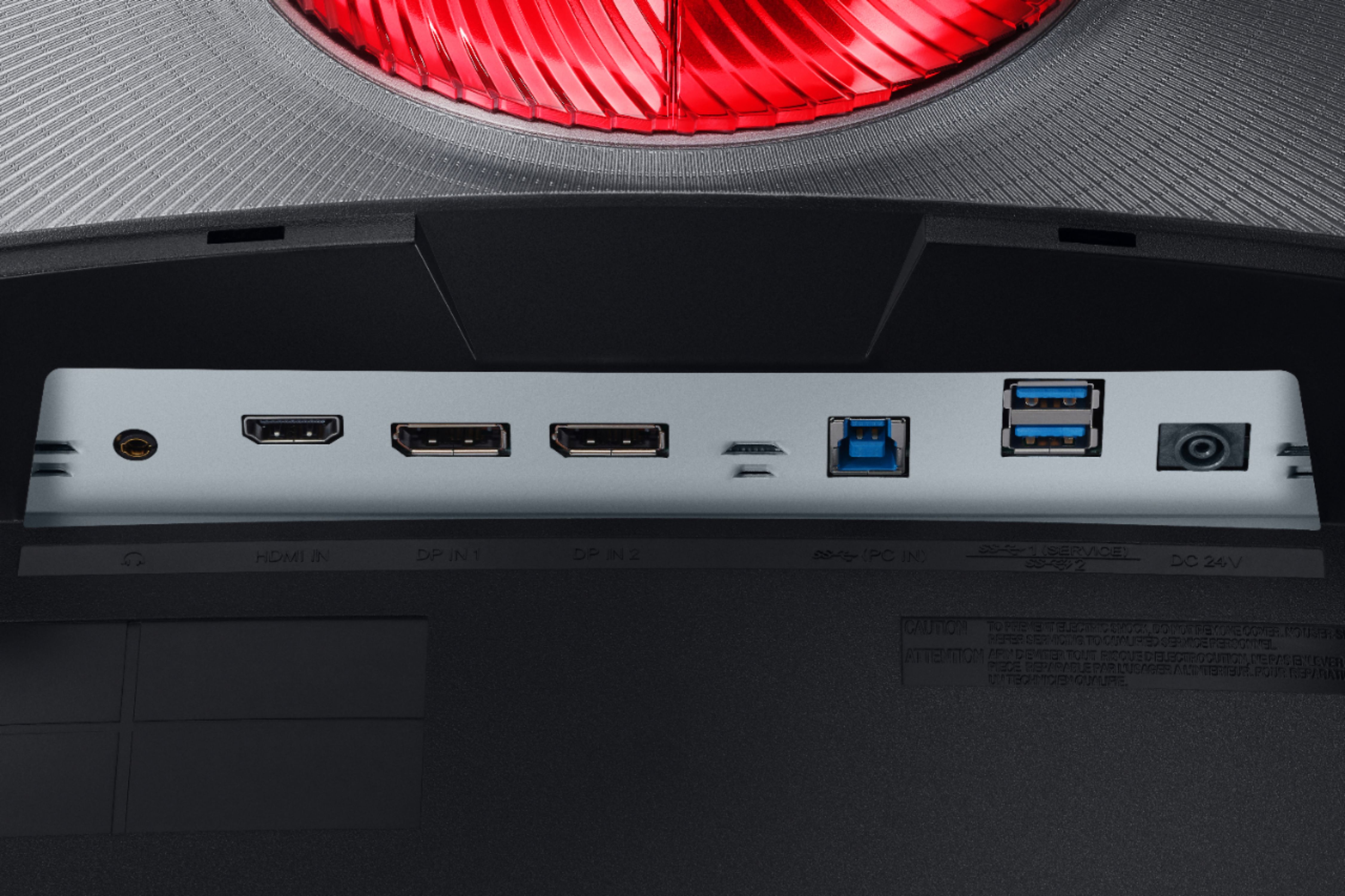
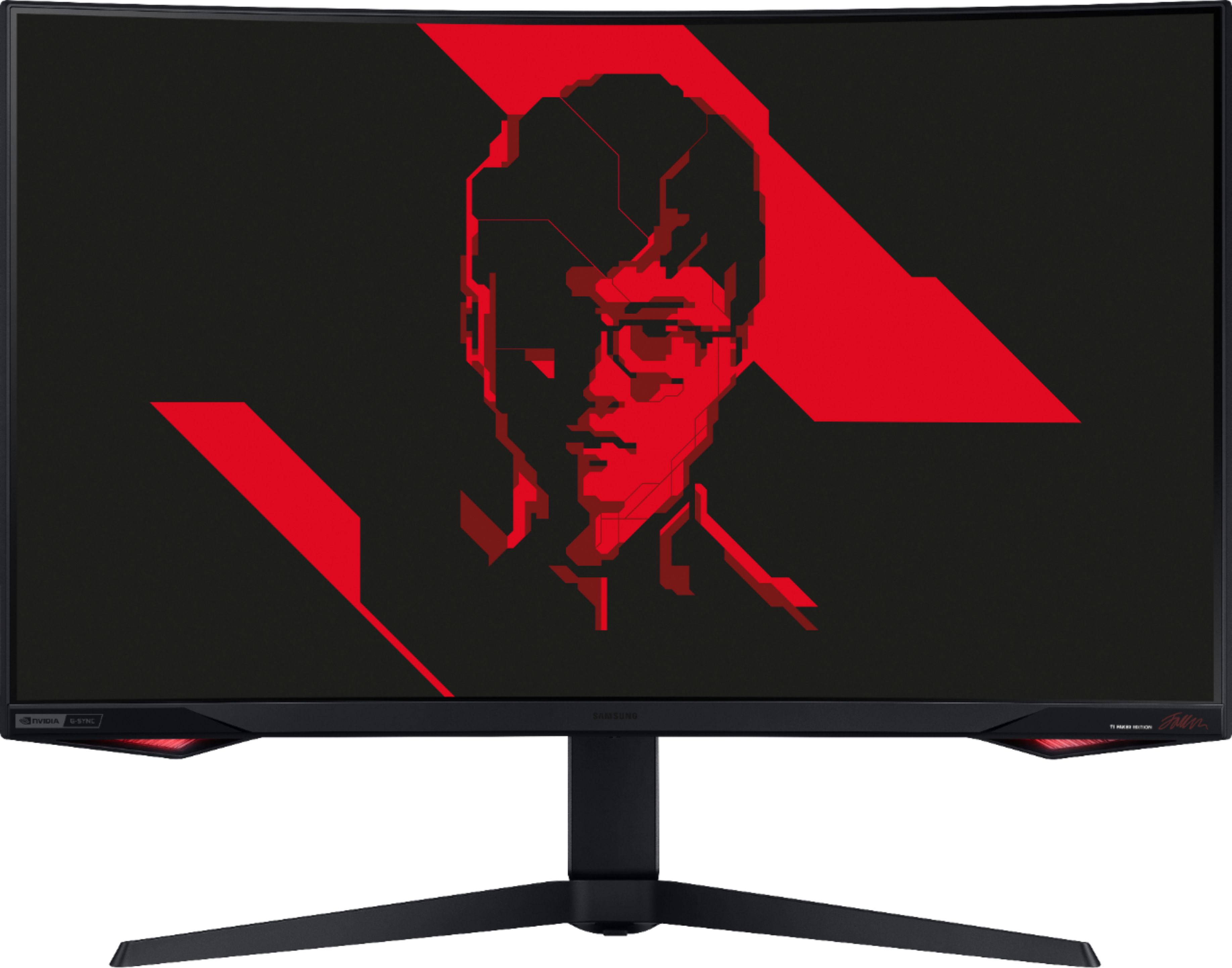
- A:Answer Red is the default color but you can change it to any color in setting under the core lighting tab!
Answered by Desi
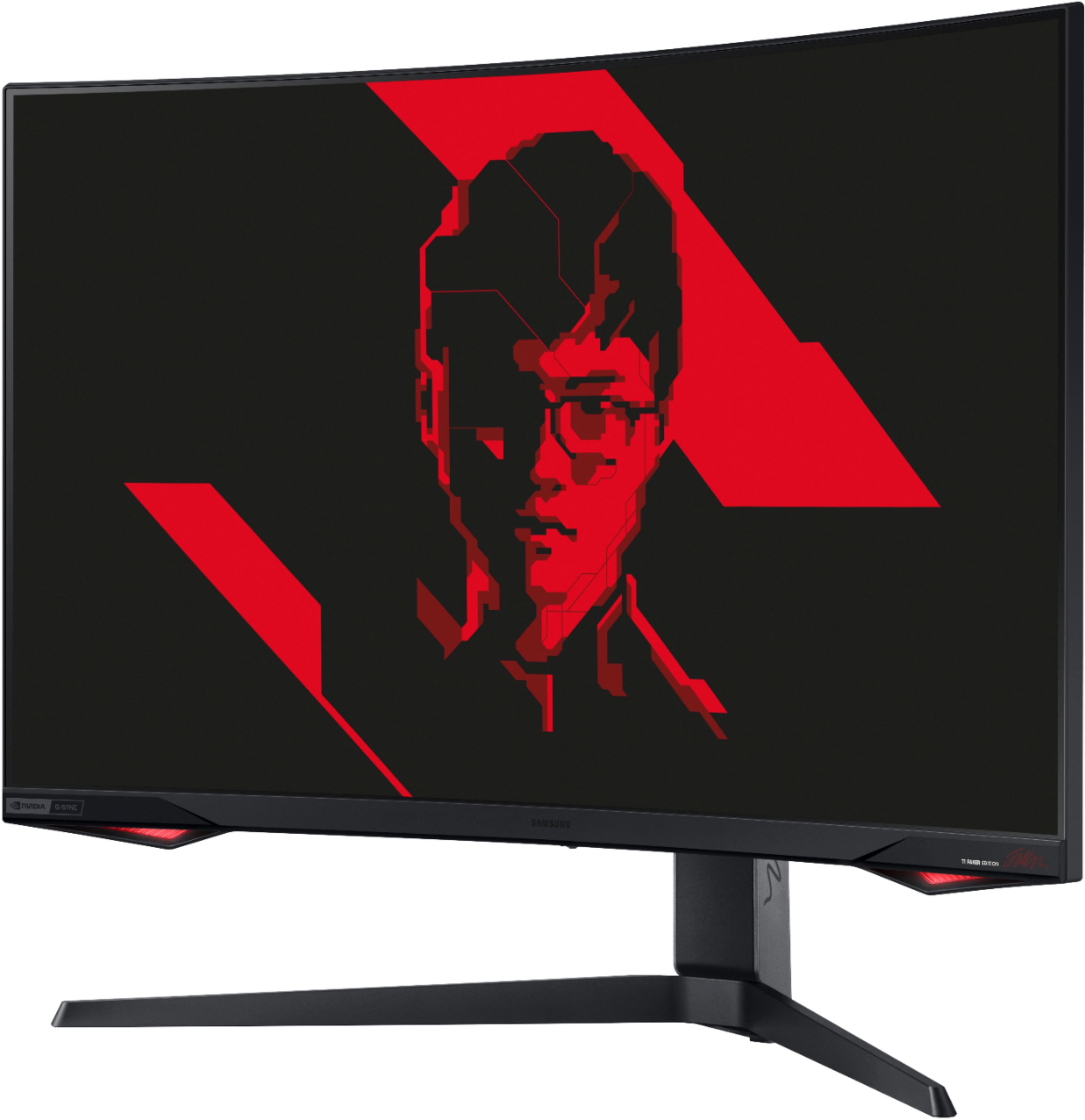
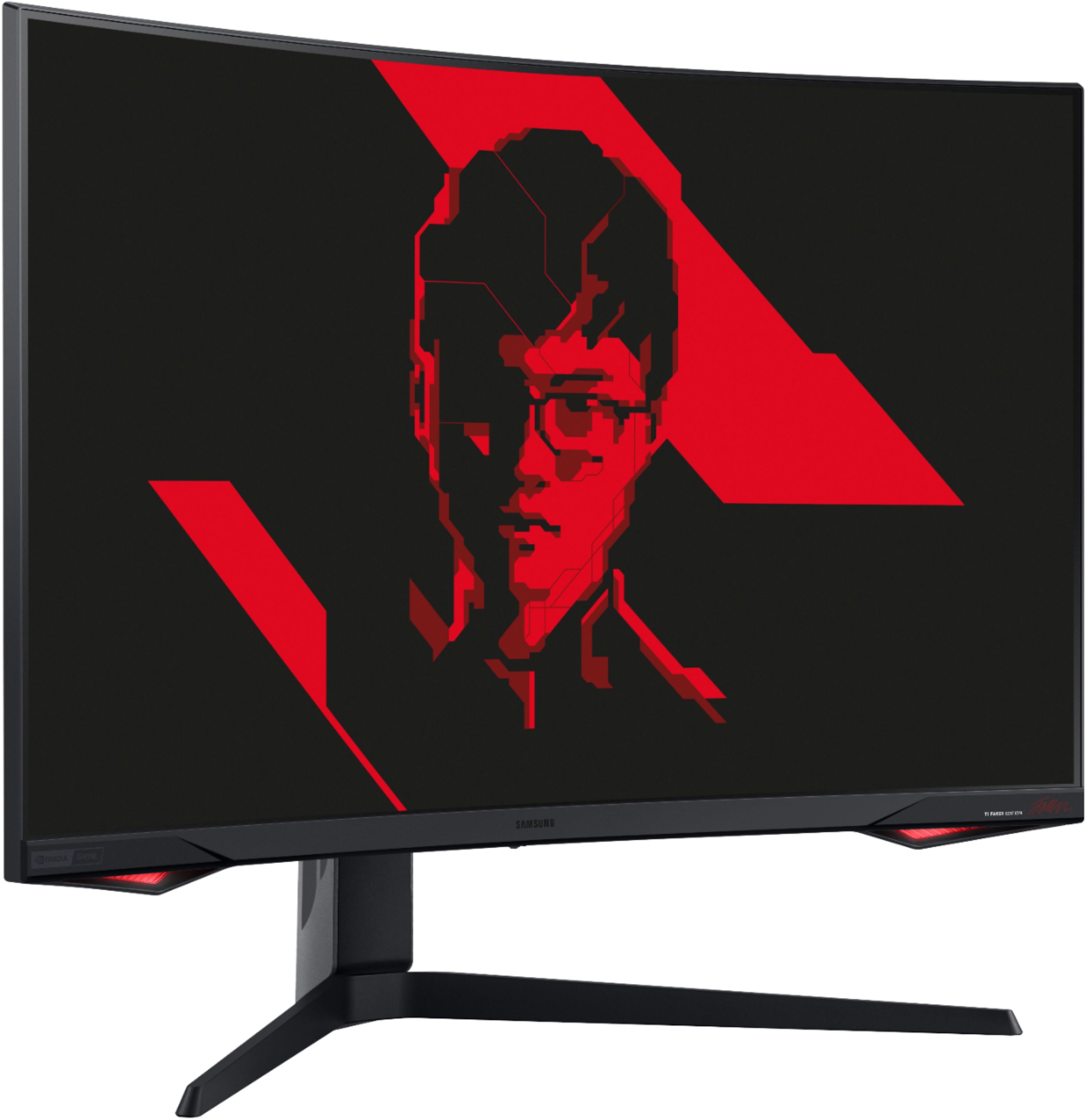
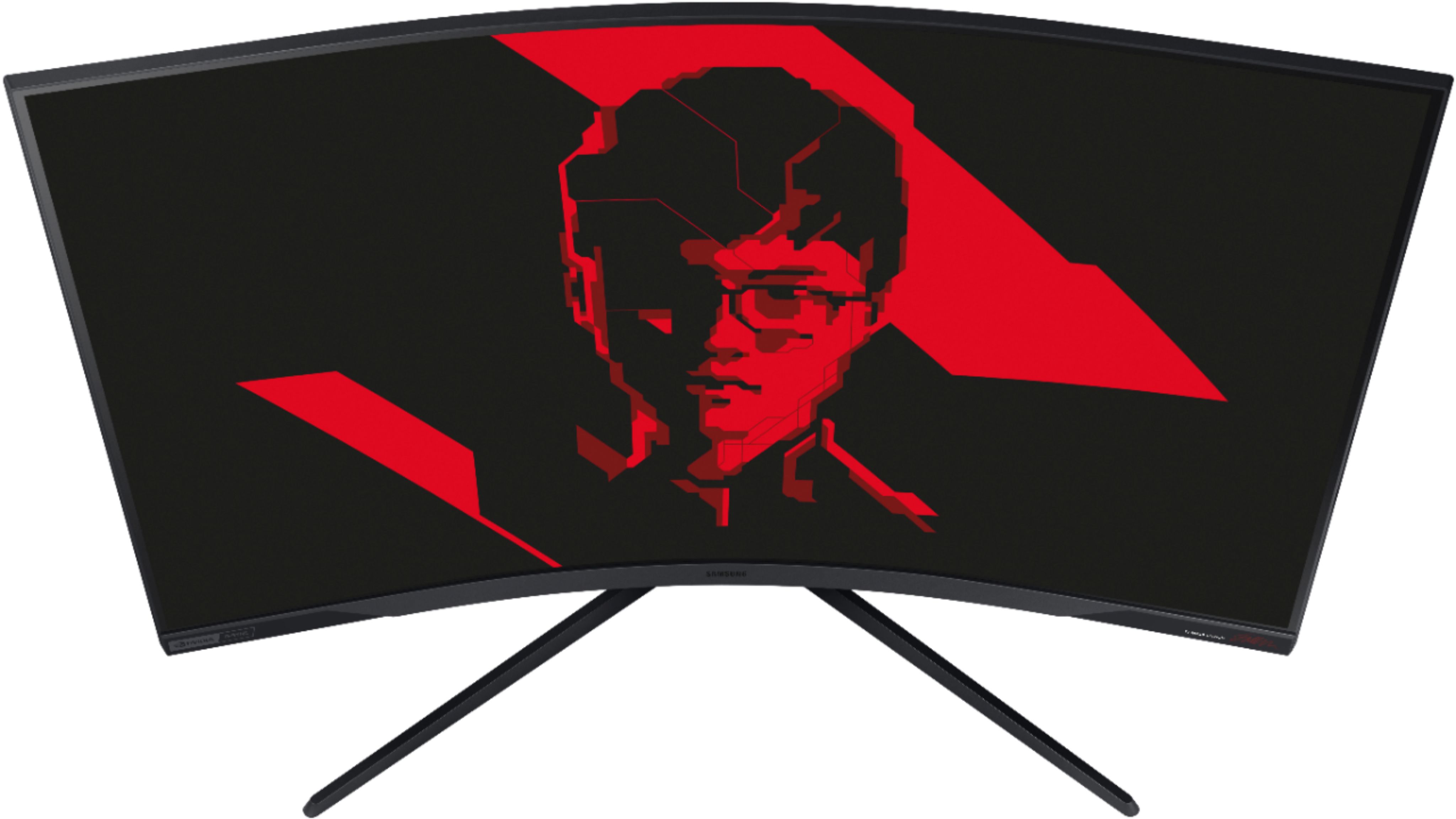
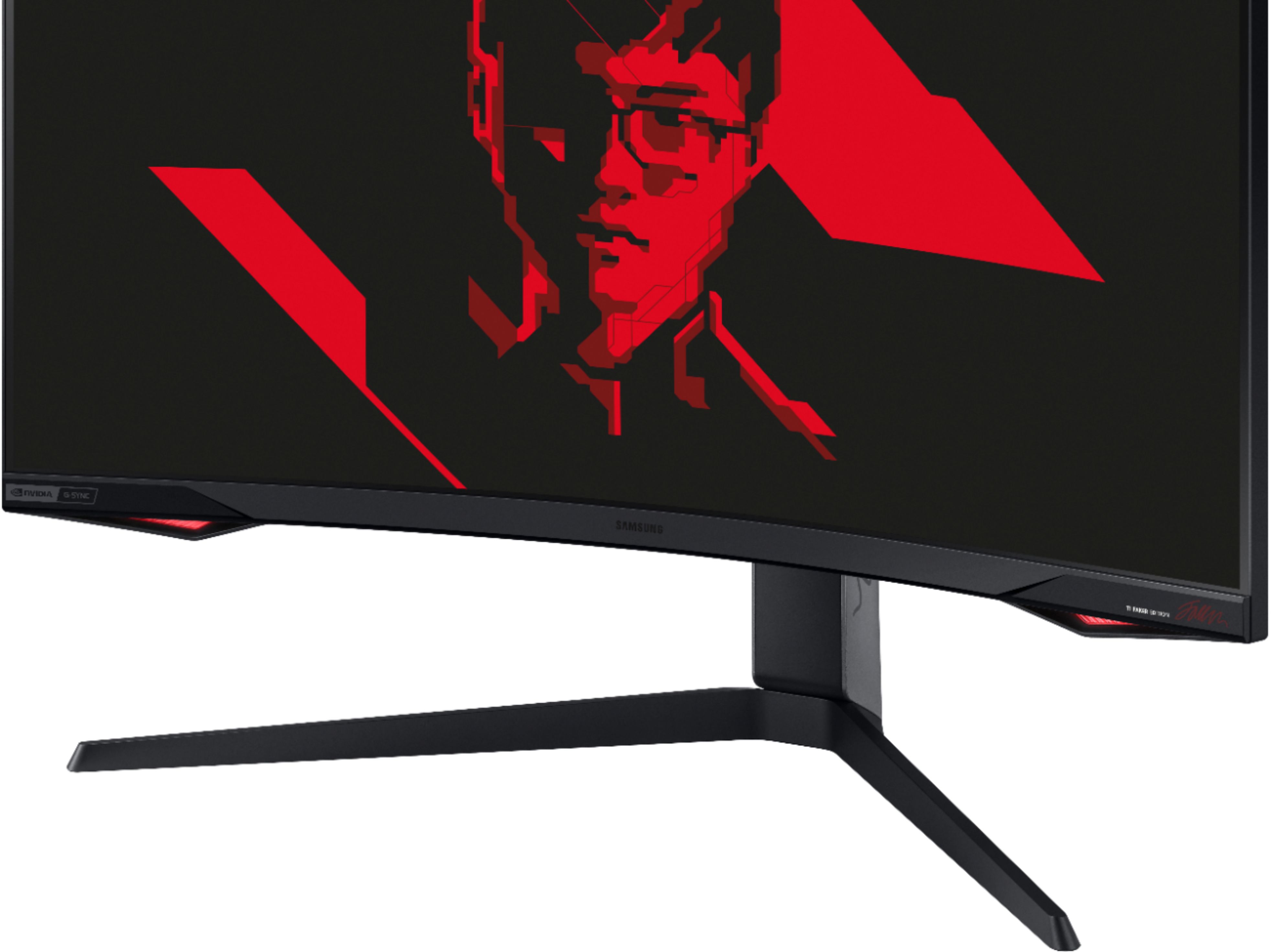
Q: QuestionWhat is the difference between this Samsung model and the odyssey G7? Also does this model have the same problem as the G7, when g-sync is on it starts flickering?
Asked by Nate.
- A:Answer It depends on what you get, I bought 2 regular G7's both had no flickering issues. For this one I had it preordered. I just received this product from Samsung's official website and there is no difference besides the red UI and the body of the monitor. It has the same performance as the regular G7.
Answered by Justineraaa
Q: QuestionI have 2 of these G77 Series 32' Monitors, but cannot locate where to change the back circle and below colors. Is there a software I have to download or specific setting I can change the backlights for the monitor?
Asked by xtydiriumx.
- A:Answer Go under the menu using the physical button on the bottom. Then select system and look for Core Lighting. That is where you setup whether it is on or off and the colors.
Answered by Zomg
Q: QuestionCan it run 240hz at 1440p or is that only at 1080p?
Asked by Anonymous.
- A:Answer YES to 240Hz at 1440p (2K Resolution). Note: Conditions Apply. The amount of FPS (Frames Per Second) you will be able to obtain rely heavily upon what software and PC hardware you are using. Your graphics card will also need to support Display Port 1.4 video cable transfer speeds and quality of the cable does matter. This monitor does comes with a quality Display Port 1.4 video cable, which is 5 feet in length. It is possible for instance, to play League of Legends, at around 200-239 FPS at 1440p resolution, but you will have significant FPS decline in games with much higher graphic intensity.
Answered by TechWizard99
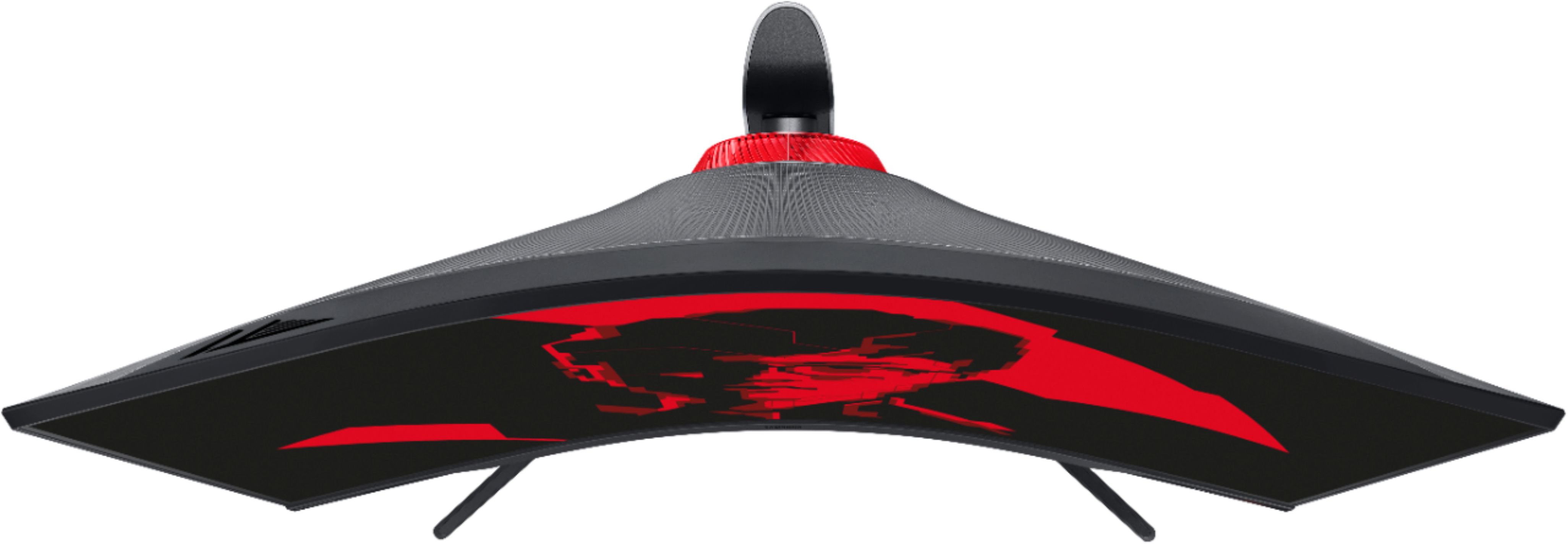
Q: QuestionI have a 27" 1440p 60hz monitor. I'm stuck between the 27" or 32". Is the pixel density change noticeable enough to care on the 32" and is the curve easier to deal with or should I stick with 27"?
Asked by Amanda.
- A:Answer I would definetly recommend the 32" over the 27". 1440p with the curvature is near perfection on this monitor.
Answered by Jake
Q: QuestionIs this variant of the g7 also able to go into portrait mode like the regular version?
Asked by bigfoot.
Q: QuestionWhat is the best thunderbolt 4 to hdmi 2.1 adapter for this monitor? If the adapter does NOT support 240 hz, is that a problem?
Asked by Radasca.
- A:Answer I have mine and love it, but I would recommend using the DisplayPort cable that comes with the monitor, and find an thunderbolt to DisplayPort adapter until HDMI 2.1 becomes more mainstream.
Answered by Zomg
Page 1, Showing 1-8 of 8 questions
Most-viewed items
- $949.00$949.00The price was $1,099.00
- $329.99$329.99The price was $469.99
- $149.00$149.00The price was $399.00
- $159.99$159.99The price was $179.99
- $122.00$122.00The price was $129.99
- $449.99$449.99The price was $649.99
- $1,149.00$1,149.00The price was $1,299.00