Main Content

Questions & Answers

Your price for this item is $599.99
The comparable value price is $899.99
Page Showing 81-100 of 136 questions
  • QuestionWhat is processor generator and suffix of samsung galaxy book 4 Intel core 7

    Asked by Anonymous.

    • Answer It's an Intel Core 7 150U (not apart of the "i-series" don't get confused with that)

      Answered by CJMart9982

  • QuestionCan both USB-C ports be used for data transfer?

    Asked by Nahid.

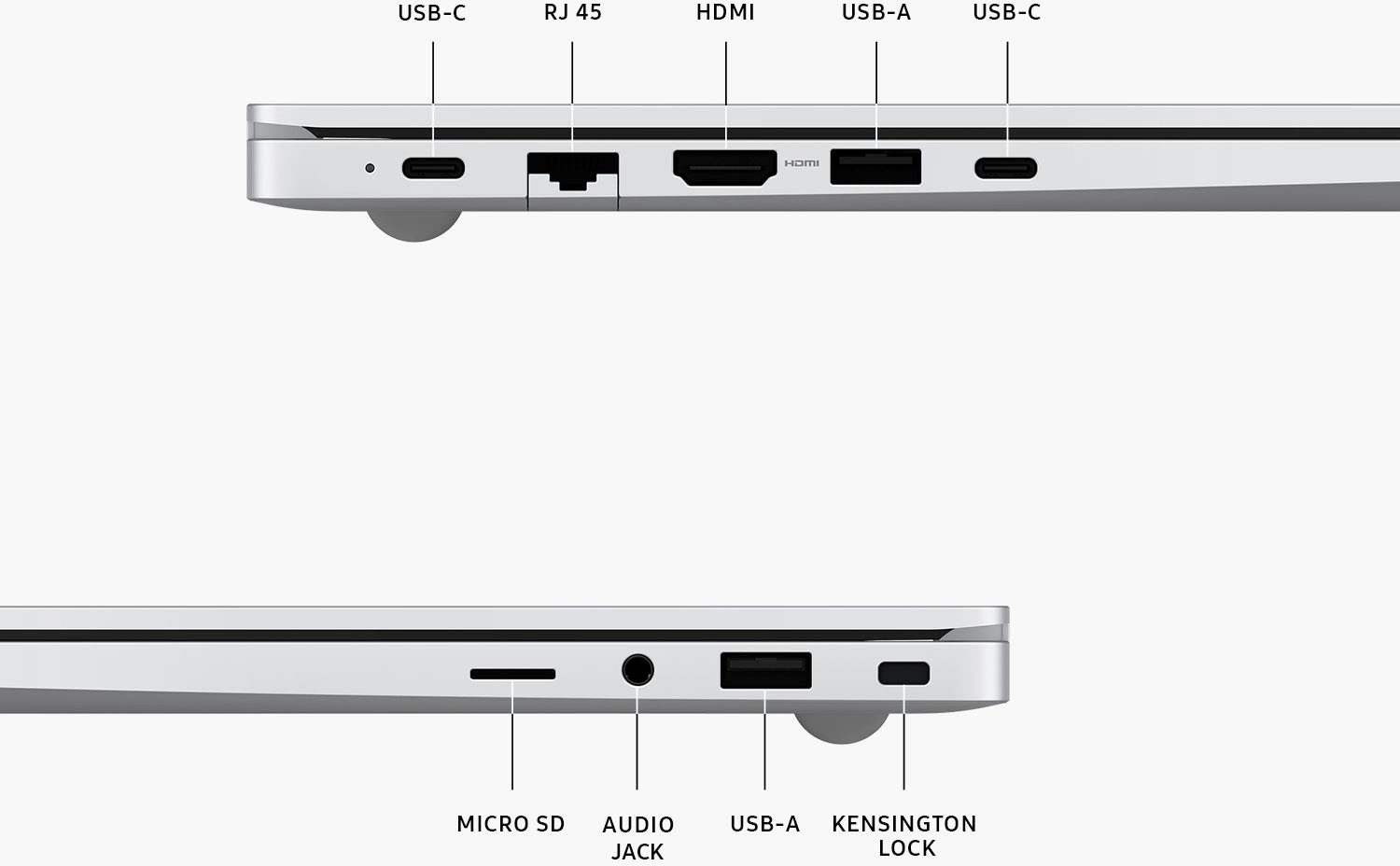
    • Answer Hello Nahid, thank you for finding the time out of your lively day to ask us your question about the Samsung Book4. Yes, the Galaxy Book4 does offer both USB-C ports that can be used for charging and data transfers. If you have any other questions for us, do not hesitate to reach out to Samsung Support. Thank you for being a treasured Samsung customer. - Debra
      Answered by Samsung

  • Questiondoes it come with an S pen

    Asked by noah.

    • Answer Thanks for reaching out with your question, Noah. We see that you are interested in the Galaxy Book4. This Book does not come with the S Pen. If you are looking for a Book in the 4 series with an S Pen, the Galaxy Book4 Pro 360 comes with an S Pen included. If you have any further questions, please do not hesitate to reach out to us at Support. -Kelvin

      Answered by Samsung

  • QuestionThere are 2 USB-C ports. Connecting a WD 18tb external hard drive to both, what kind of data transfer speed can I expect? How do I keep the laptop charged while doing the transfer?

    Asked by TimV.

    • Answer Can't answer what to expect on transfer speed, but I would recommend keeping it plugged into power during the transfer process. I have gotten 11 hours of normal usage of just battery power.

      Answered by AlanB

  • QuestionIs the screen enabled for touch capability?

    Asked by RE2024.

    • Answer We appreciate you reaching out. That's a great question! The Galaxy Book4 is the only Book in the Book4 series without touchscreen capability. If you have any other questions, be sure to reach out to us at Support and we'll be more than happy to answer. -Kelvin

      Answered by Samsung

  • QuestionWill it work abroad? For example in UK (United Kingdom) where different power supply

    Asked by NY.

    • Answer Not sure, but you may be able to find out by reviewing Samsung's technical specifications for this laptop.

      Answered by AlanB

  • QuestionSomeone mentioned that the speakers are on the bottom of the laptop. Does this seem to be an issue when watching/listening to video?

    Asked by JWG1331.

    • Answer I have not had any, but the speakers are on the bottom, that is correct.

      Answered by MarkC

  • QuestionIs the computer touch screen and does it fold completely back like a 2-in-one?

    Asked by Cass.

    • Answer Thanks for reaching out to us, Cass. We always look forward to assisting our customers. The Galaxy Book4 is not a touchscreen nor does it have fold-back capability. If you are interested in a touchscreen version, be sure to check out our other Book4 series computers. If you have any further questions or concerns, please be sure to reach out to us at Support. -Kelvin

      Answered by Samsung

  • QuestionHow much does this laptop weigh?

    Asked by Carol.

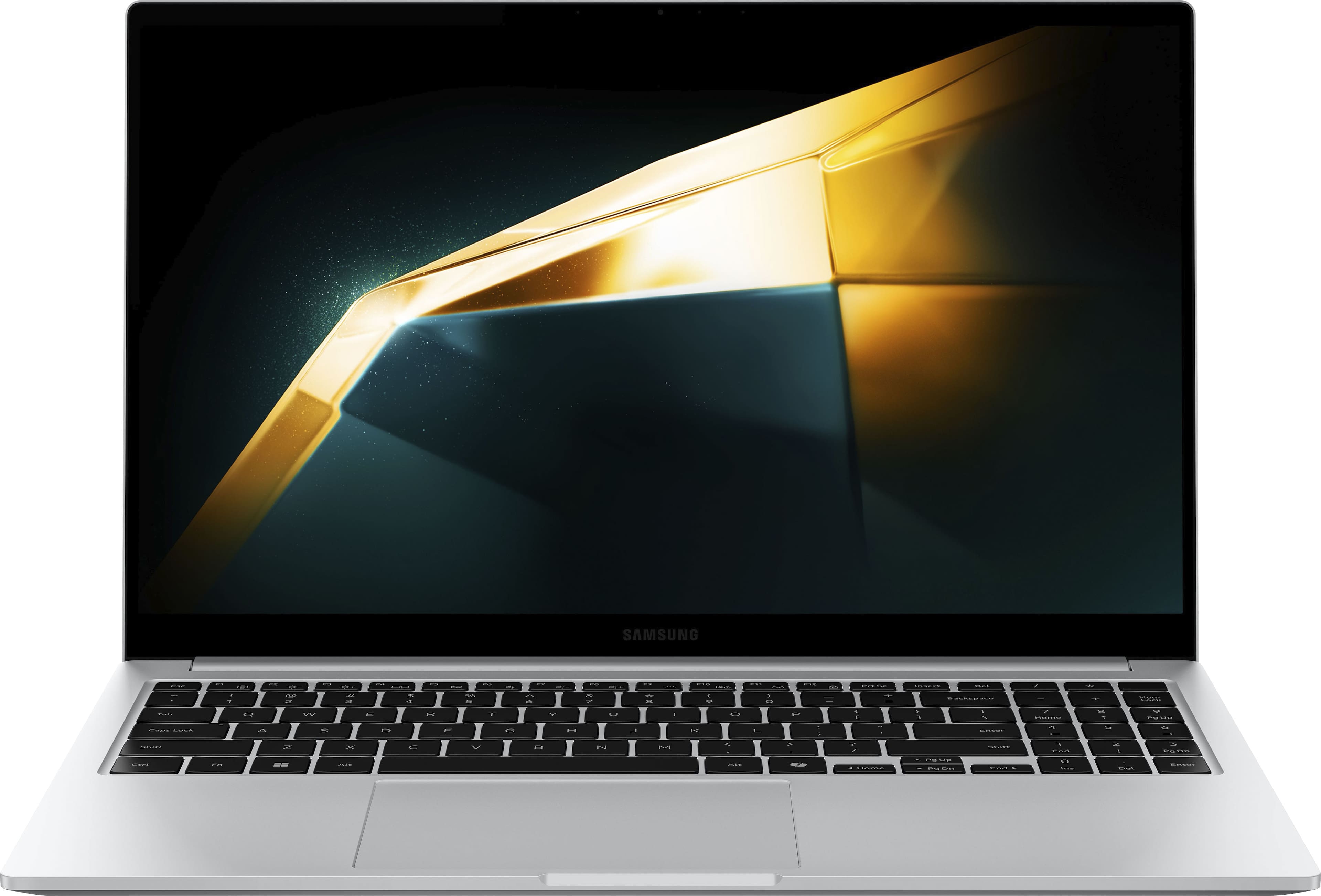
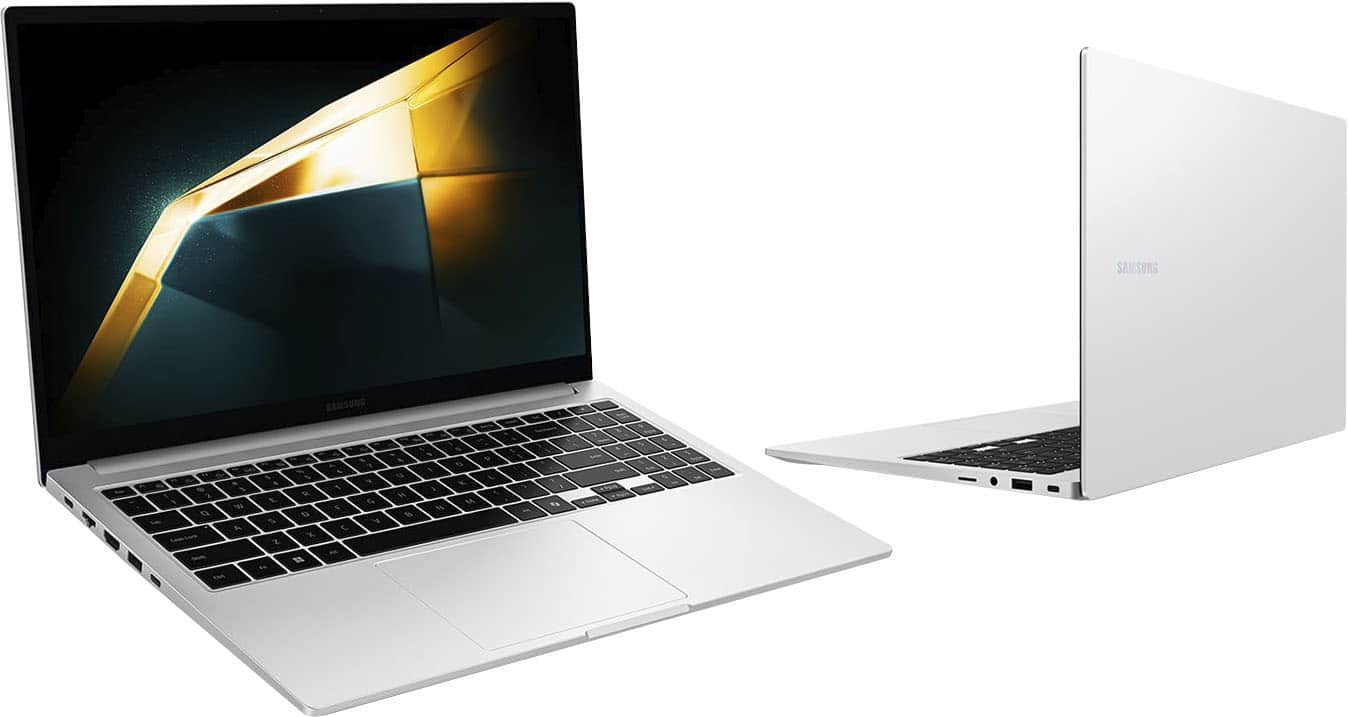
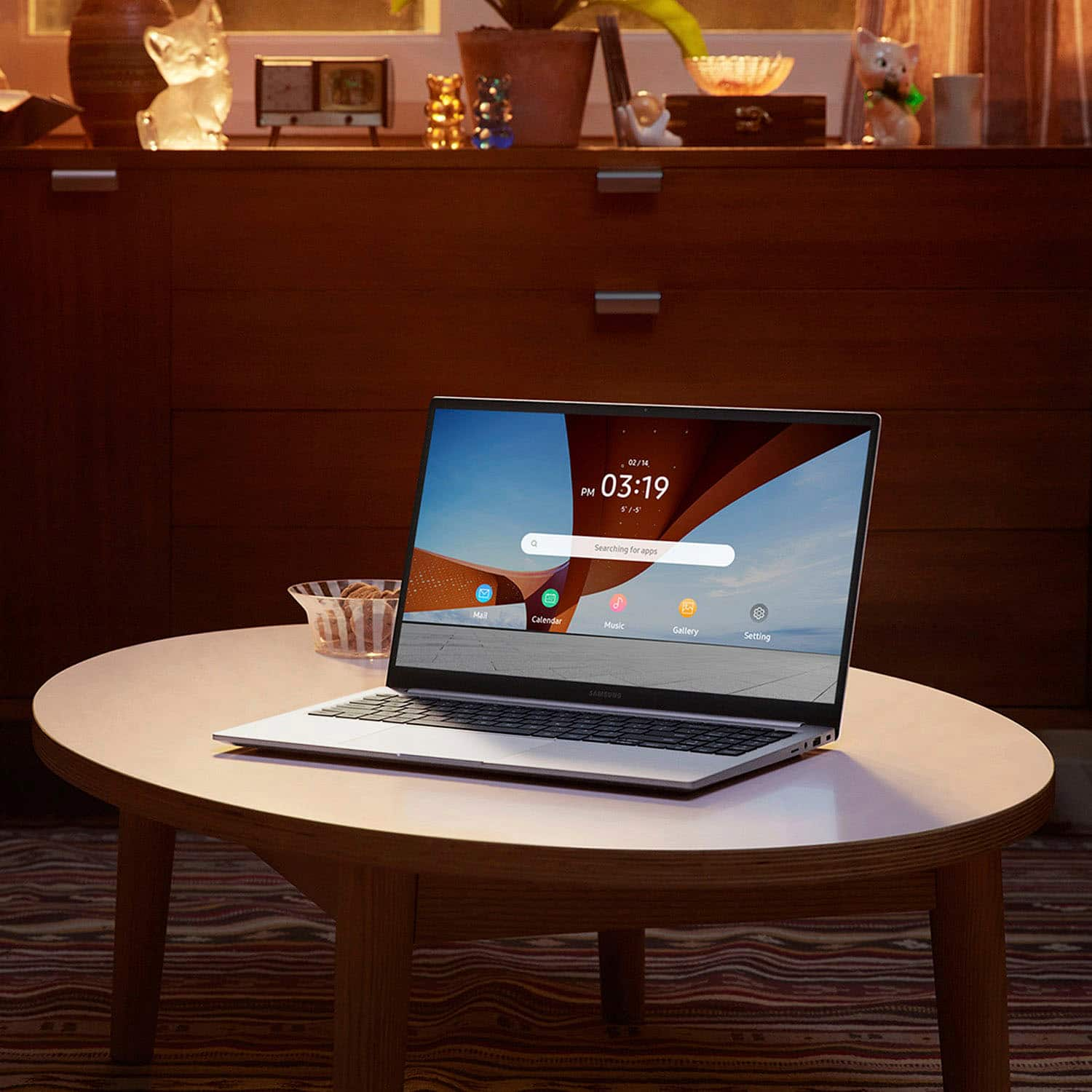
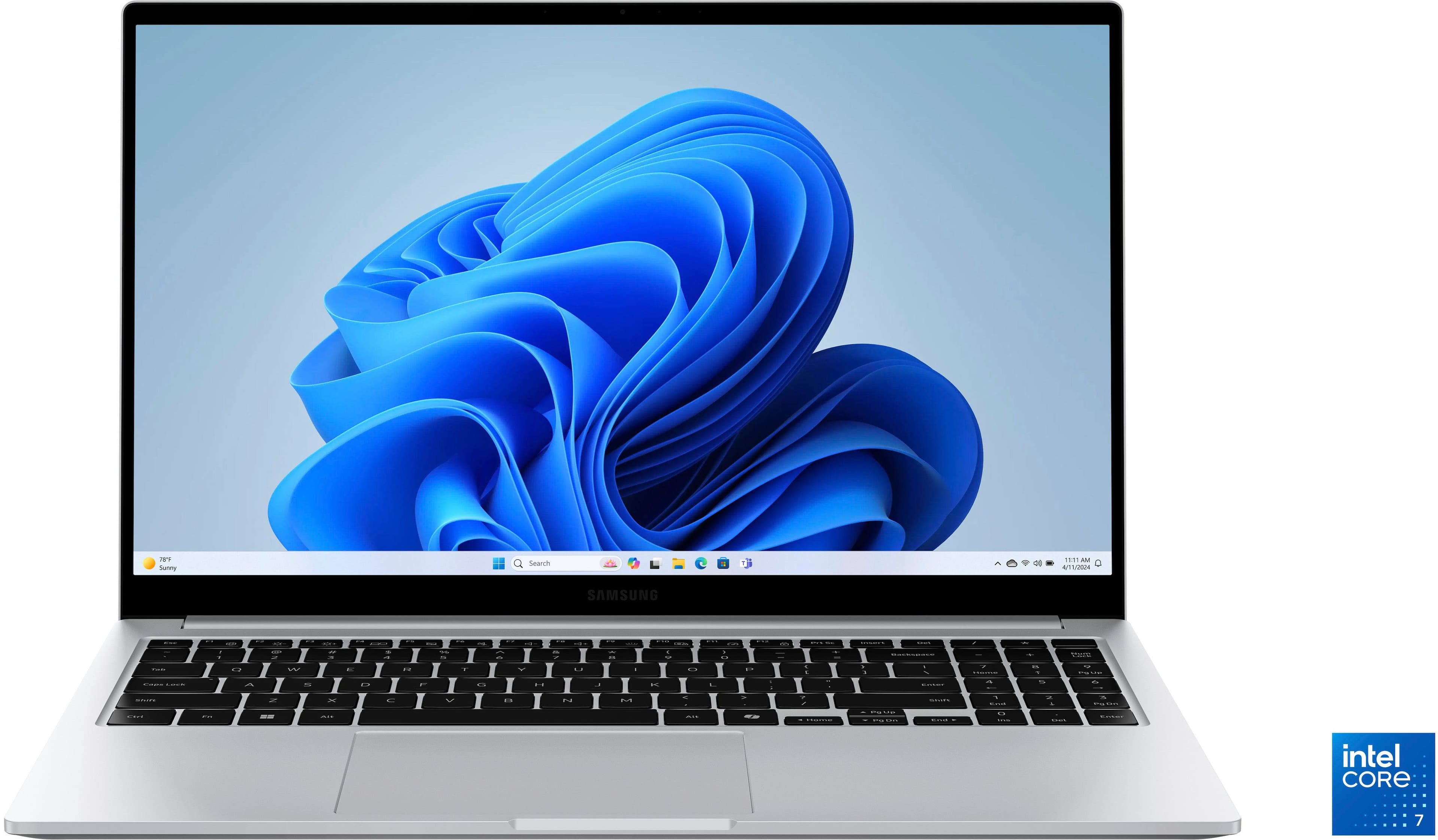
    • Answer We appreciate you reaching out with your inquiry, Carol. The Galaxy Book4 is encased in a full metal body that weighs just 1.55kg, so it's sleek, compact, and ready to go. With a large 15.6" Full HD display, you can enjoy a crisp and vibrant picture onscreen while you unwind with your favorite clips and flicks. For any further questions or concerns, please be sure to reach out to us at Support. -Kelvin

      Answered by Samsung

  • QuestionCan I use a trac ball mouse with this device?

    Asked by Anonymous.

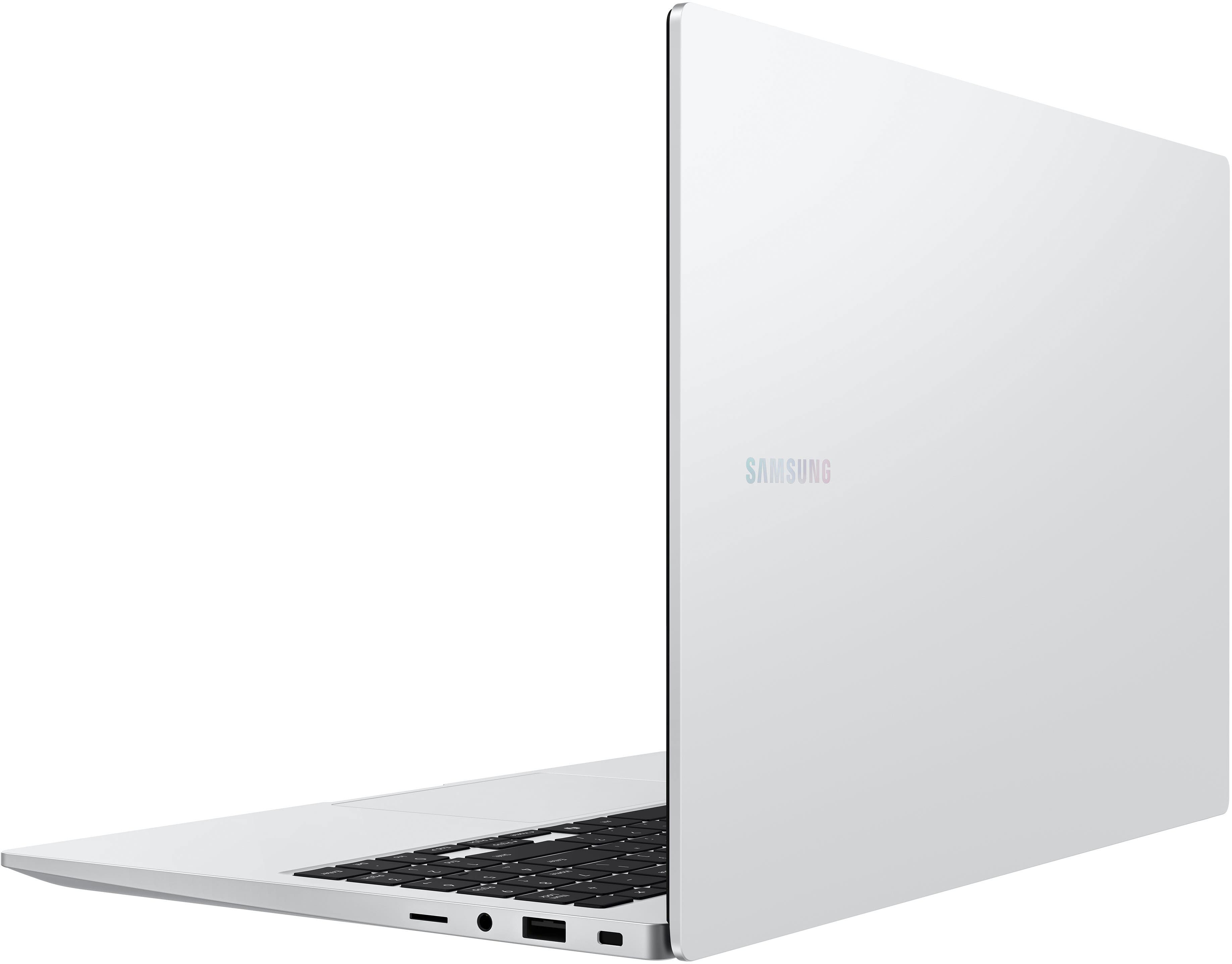
    • Answer Thanks for reaching out to us! We see that you reached out to inquire about the Galaxy Book4. With the Book4 you can connect a wired or wireless mouse. You can plug in external devices via HDMI, two USB-A and two USB-C ports, a microSD slot, and even an RJ45 port for high-speed LAN connections. If you have any other questions, please be sure to reach out to us at Support. -Kelvin

      Answered by Samsung

  • QuestionDoes it come with MS Office subscription ?

    Asked by keshav.

    • Answer There is no mention of that anywhere on the page, so I assume the answer is "No." However, if not preloaded, you can download a free 30-day trial of the Microsoft Suite. At the end of the 30-days, you can either opt for one of the subscriptions available, or buy a version of your choice. Also, one Suite application at a time can be used, free, with the Edge browser. Furthermore, in case you are unaware, non-MS spreadsheet programs (as well as Publishing, Writing, etc.) are available from other manufacturers, for free. Some people even prefer these, as they can have better integration between the different programs in the Suite.

      Answered by luislast

  • QuestionIs dual monitor available?

    Asked by JJ.

    • Answer Thank you for contacting us, JJ. We always appreciate the opportunity to assist our valued customers. We noticed your interest in the Galaxy Book4. This impressive device is equipped with a Second Screen feature, allowing you to set up and utilize a tablet as a monitor wirelessly. This means you can use the latest Galaxy Tab S9+ or another compatible Galaxy device as a dual monitor setup that is conveniently portable. Whether you're on the go or working from home, this feature provides flexibility and enhances your productivity. Should you have any further inquiries or require assistance, please don't hesitate to contact us at Support. -Kelvin

      Answered by Samsung

  • QuestionCan AI be removed?

    Asked by Mred10.

    • Answer No, the Copilot cannot be removed :(

      Answered by error404XP

  • QuestionCan you pinch and zoom with touchpad?

    Asked by Jimm.

    • Answer Hey Jimm! Thank you for reaching out to us with your question about the Galaxy Book4. The Galaxy Book4 does support pinch and zoom gestures with the touchpad. You can customize the touchpad to fit your preferences by adjusting tapping sensitivities, scrolling directions, and gestures. Whether you prefer a light touch or a firmer one, the touchpad can be tailored to your liking. Additionally, the scrolling direction can be set according to your preference, and various gestures can be assigned to different functions, making your experience more personalized. If you have any more questions about the Galaxy Book4 or need further assistance with anything else, feel free to contact us at Support. We are here to help and ensure that you have the best experience with your device. -Kelvin

      Answered by Samsung

  • QuestionWhat is the country of manufacture?

    Asked by djRicky.

  • QuestionIf I have an existing thunderbolt hub that has two 1440p monitors, can this laptop output to both monitors and also get charged via the usb-c cable?

    Asked by trevortypes.

    • Answer I’m using an external monitor connected through a USB‑C cable, and it works without any issues. As long as your Thunderbolt/USB‑C hub supports dual display output and power delivery, the laptop can handle both monitors and charge through the same USB‑C connection.

      Answered by Roca

  • QuestionIs this laptop Touch Screen? Thanks!

    Asked by Emilia.

    • Answer Hey Emilia, thank you for finding the unobstructed time out of your day to ask us your question about the Samsung Galaxy Book4. The Galaxy Book4 is not a touchscreen, however, the Galaxy Book4 360, Galaxy Book4 Pro, Galaxy Book4 Pro 360, and Galaxy Book4 Ultra are all touchscreen devices. If you have any other questions for us or if you would like any further assistance, please do not hesitate to reach out to Samsung Support at your leisure. Thank you for being a trustworthy Samsung customer. - Debra

      Answered by Samsung