A:Answer Hi Karena0315,
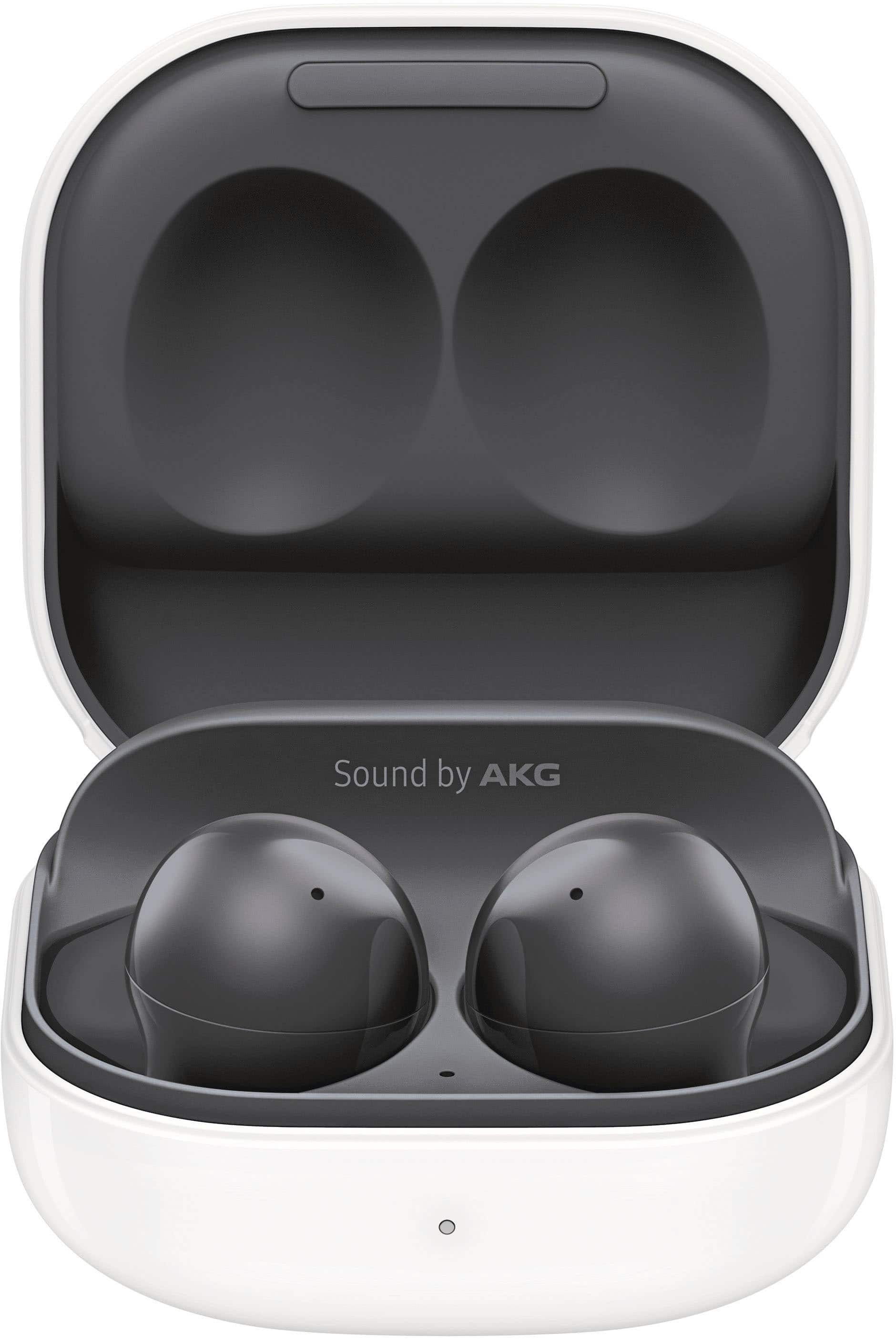
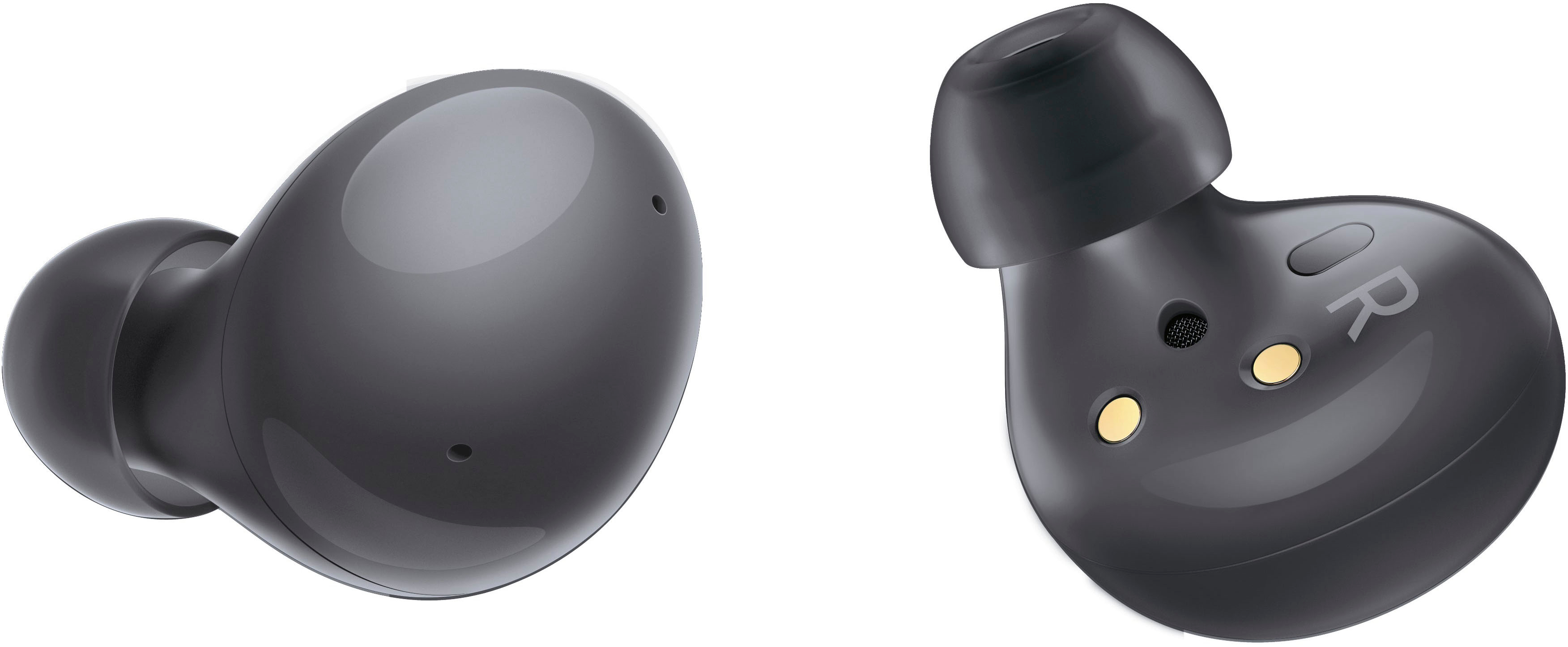
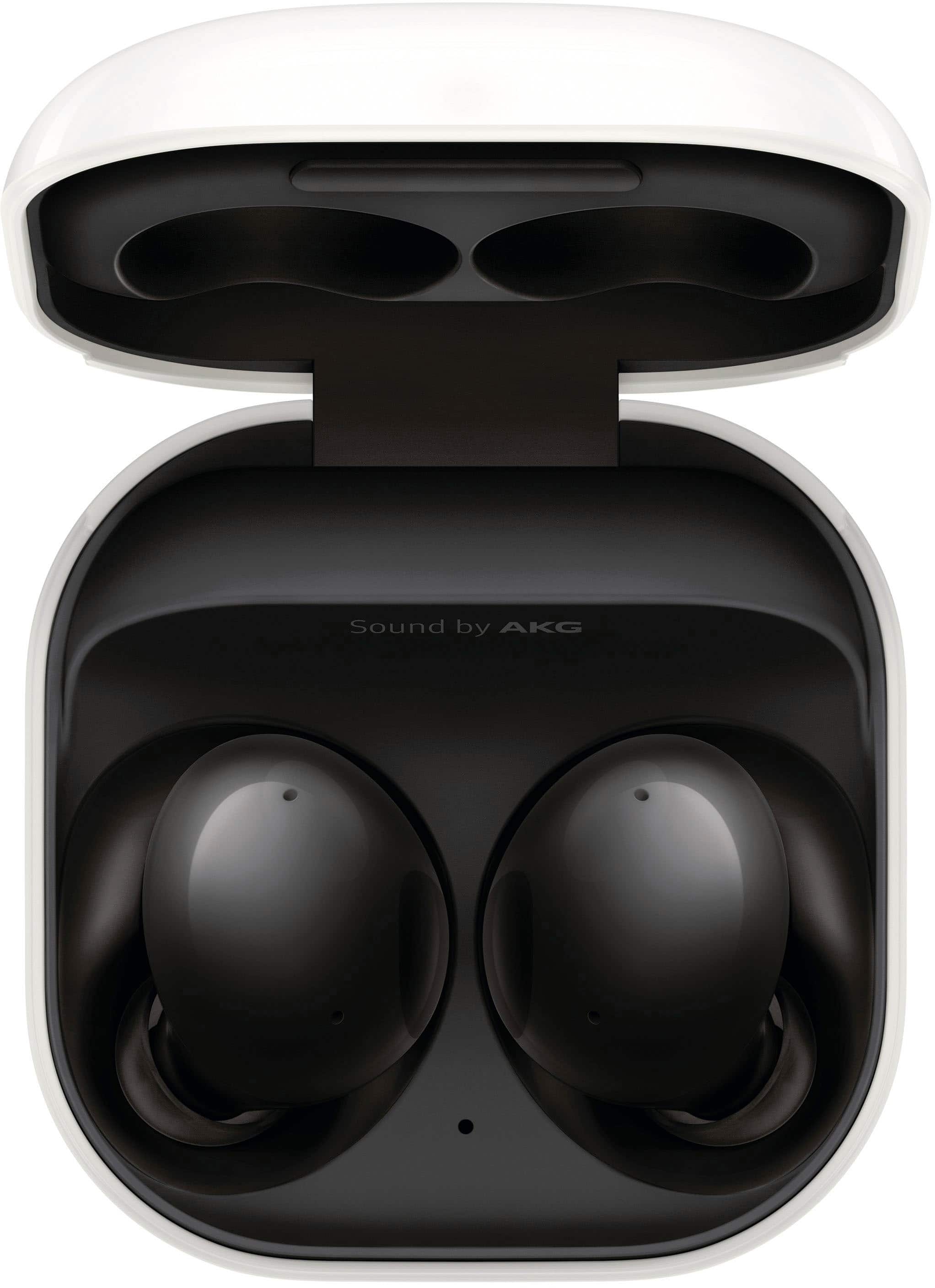
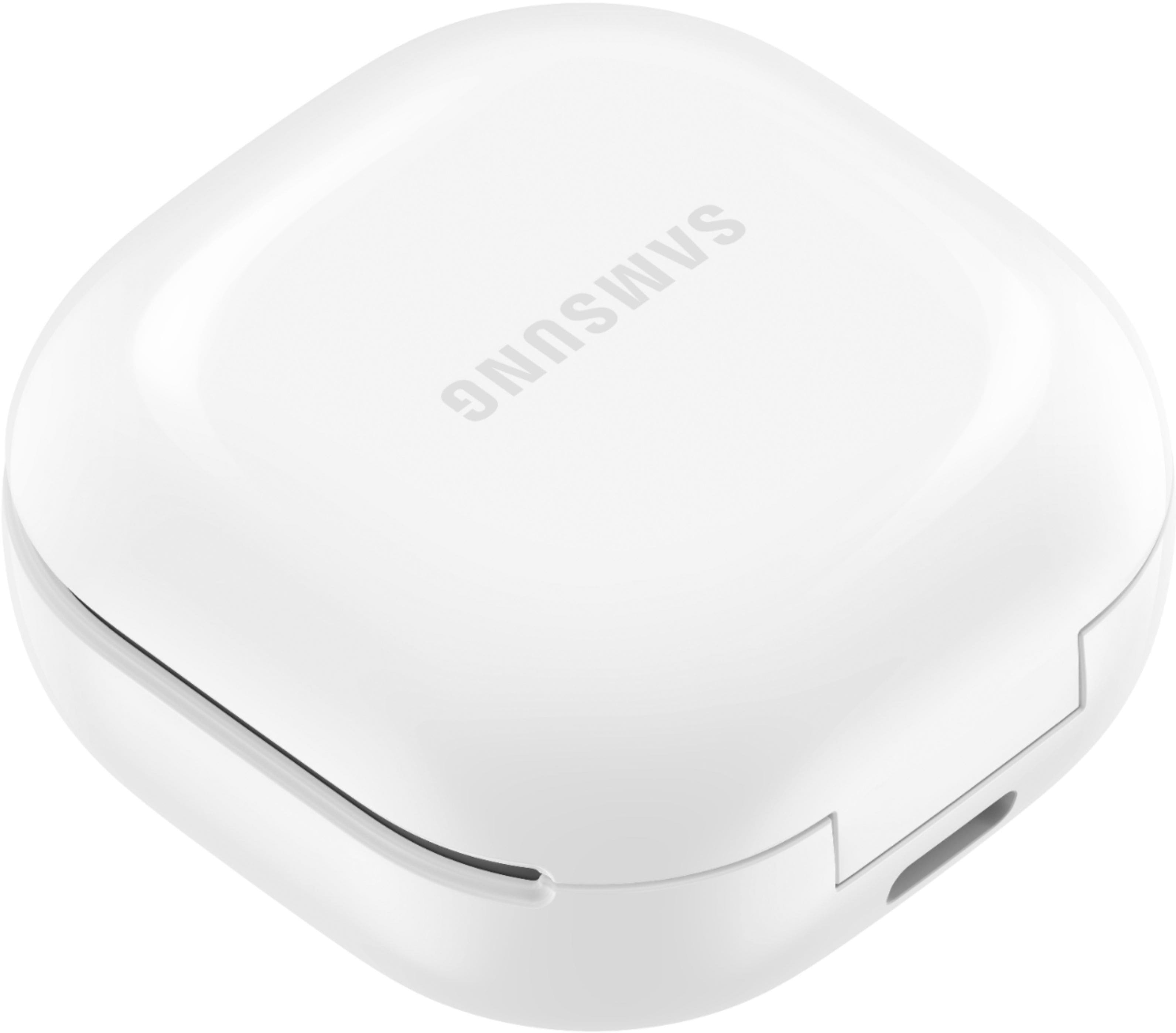
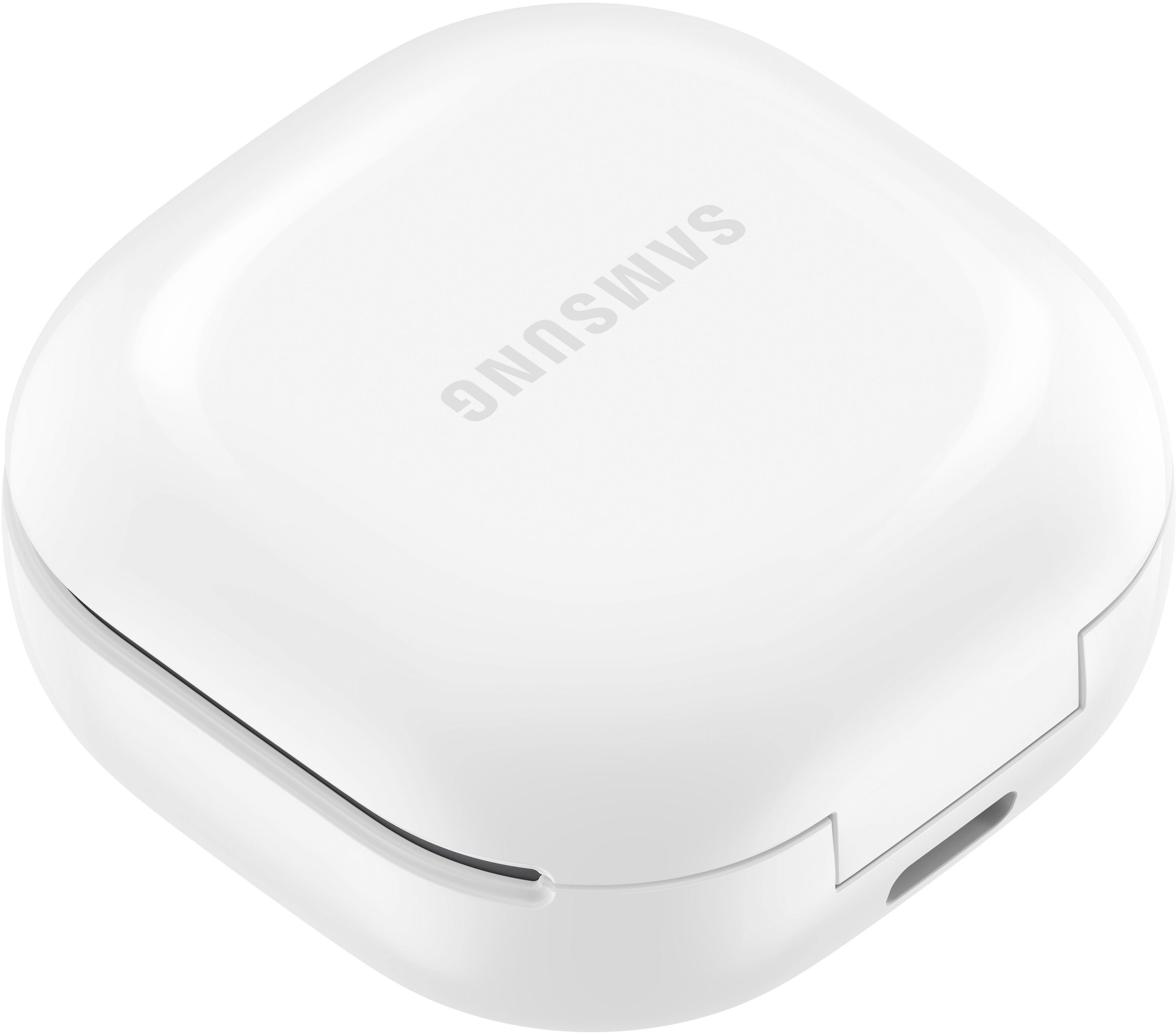
Thank you for reaching out to us. We appreciate your interest regarding if the Galaxy Buds2 can be connected to a TV. In line with this, yes, the device can be connected when watching the TV, so you can enjoy, listen and control the volume without interrupting anyone nearby.
Here is a link under the "Pair your earbuds to your TV" for some steps:
https://www.samsung.com/us/support/answer/ANS00086702/
Should you need more assistance, you may reach us via the following for immediate support:
1. Samsung Community: https://us.community.samsung.com/t5/Samsung-Community/ct-p/us
2. Facebook Messenger: http://m.me/samsungsupport
3. Twitter: https://twitter.com/messages/compose?recepient_ id=18768513
Reference Number: 1144348525
Thank you for choosing Samsung. Have a great day!
^Chrystel