A:AnswerHello Lisa, our series 6 TV's are not bluetooth enabled. You can pair these to some of our sound bars for a different solution. Thank you so much for your question. ^Samsung Brand Ambassador
A:AnswerThe biggest improvement is the call quality. The previous version, people you are talking to can't understand you.
The second biggest improvement is the extended battery life, up to 11 hours from 6 in the previous version.
A:AnswerHello CNtomorrow, thank you for reaching out! The customizable fit tunes out unwanted noises, while Ambient Aware lets you filter-in important sounds from the outside world, like flight announcements, oncoming traffic or your order number. Features including Ambient Aware are enabled through the Galaxy Wearable app on Android, available through Google Play Store, and the Galaxy Buds+ app on iOS devices, available through the App Store. ^Elizabeth
A:AnswerYes. The "Hey, Google!" wake words aren't supported but you can pull up the Google Assistant with a long press on either earbud (or however you have the controls setup). I have a long press on the right earbud setup to cue my phone's assistant (Google Assistant on my Note 10+, Siri on my iPhone 11 Pro Max) while doing the same on the left earbud cycles ambient listening.
A:AnswerGood day Mamas55, thank you for taking the time to ask us your question about the Samsung Galaxy Buds2. Yes, the original Samsung Galaxy Buds2 charging case supports wireless charging. It works with most Qi-compatible wireless charging pads, docks, and even Wireless PowerShare on Samsung phones. If you have any other questions, let us know by reaching out to Support. Thank you for being a faithful Samsung customer. - Debra
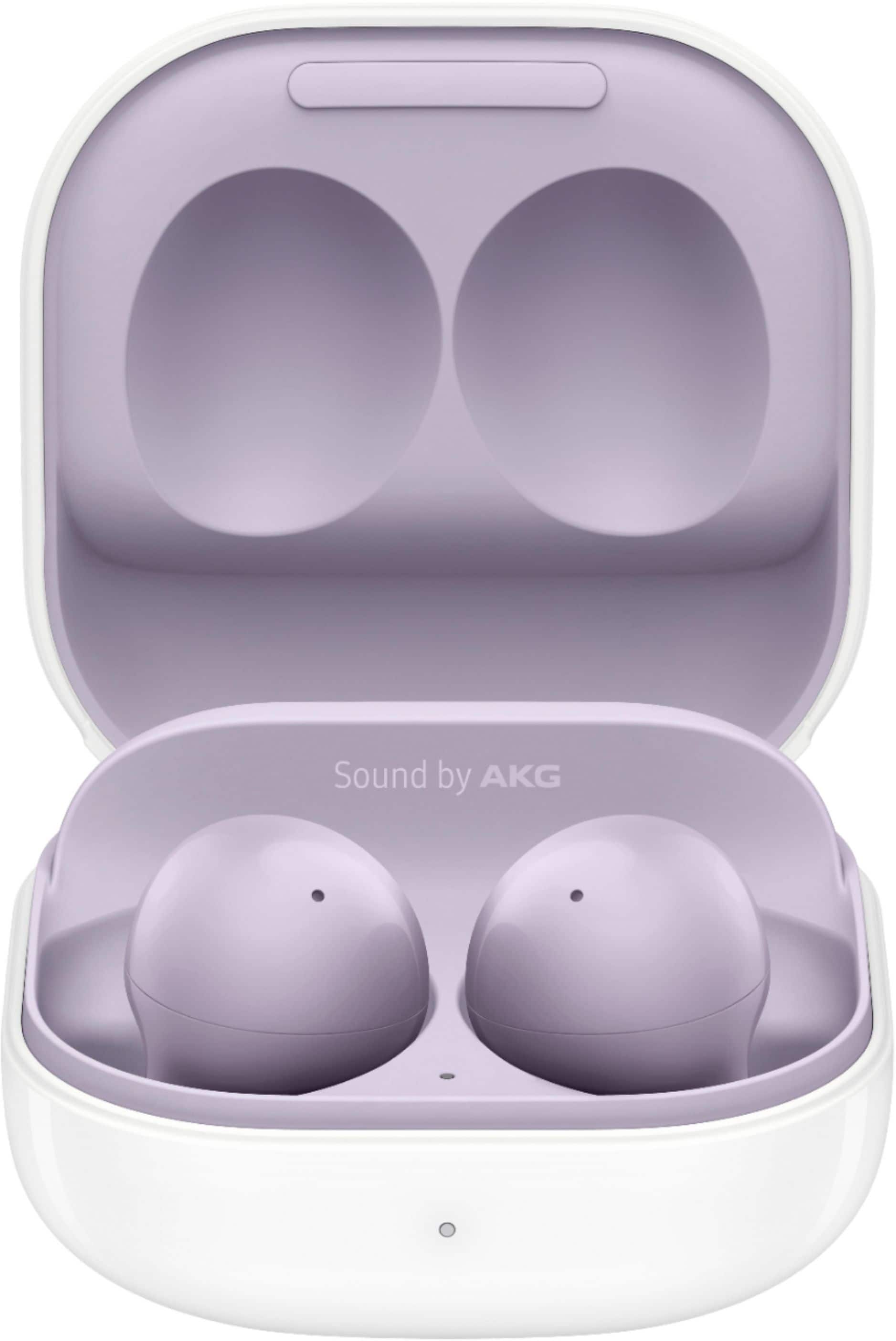
A:AnswerHey Tom, thank you for finding the time out of your day to ask us your question about the Samsung Galaxy Buds2. You'll find the charging case with the earbuds, a USB-C to USB-C cable, and spare ear tips in small, medium, and large sizes inside your Galaxy Buds2 box. If you have additional questions, feel free to reach out to Support. Thank you for choosing Samsung! - Debra
A:AnswerThanks for taking the time to reach out with your inquiry on the Galaxy Buds2. To locate your Galaxy Buds2 or Buds2 Pro, follow these steps on your phone or tablet:
1. Open the Galaxy Wearable app.
2. Tap on "Find My Earbuds." This will open the SmartThings Find feature.
3. The most recent location of your earbuds will be displayed.
4. To help find them, tap on “Ring,” then tap “Start” to make the earbuds emit a beeping sound.
You can also tap “More” and select “Navigate” to open Google Maps for directions to your earbuds using GPS. Alternatively, you can use the SmartThings Find website. Please note that if the earbuds are out of Bluetooth range (approximately 32 feet) or if the battery is dead, the app will show them as disconnected and won't be able to locate them. Additionally, if there are any foreign substances or debris blocking the IR sensor, the earbuds may not beep. This feature cannot be used to locate a missing charging case. For any other questions, please be sure to reach out to us at Support. -Kelvin
A:AnswerYou can literally walk around with your phone while the head bud while lost will chirp at you. Haha. I dropped mine at my door once and as soon as the case hit the patio boom both buds shot out like bottle rockets. I started the locate function and all the things outside started to wake up and it eas still semi dark at 5am. Haha. I eventually found em.
A:AnswerSound good for the money.there descent as far as loud goes.use on my motorcycle with helmet that has high wind noise and hear them at 70+ mph speeds pretty good.id say 7 out of ten.prob not top of line but good buy for money.
A:AnswerHi there Nikki, thank you for your question about the Samsung Galaxy Buds2. As long as your cellular device has Bluetooth capabilities you will be able to connect the buds to your device and use them. You can also use them with your Galaxy Tab and use the Samsung Wearables App to adjust the settings to best align to your preferences. Thank you for being a Samsung customer. -Elizabeth