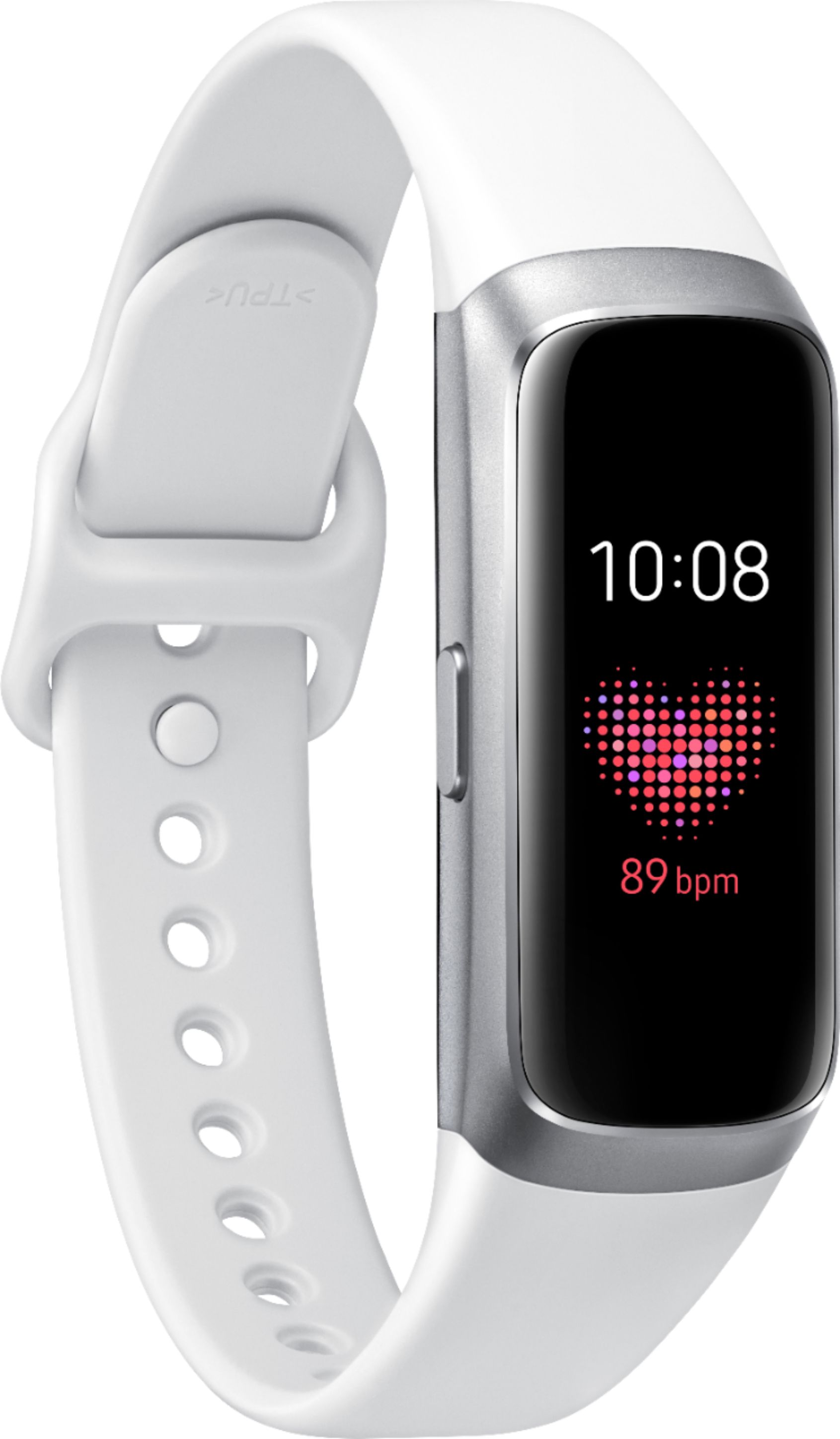
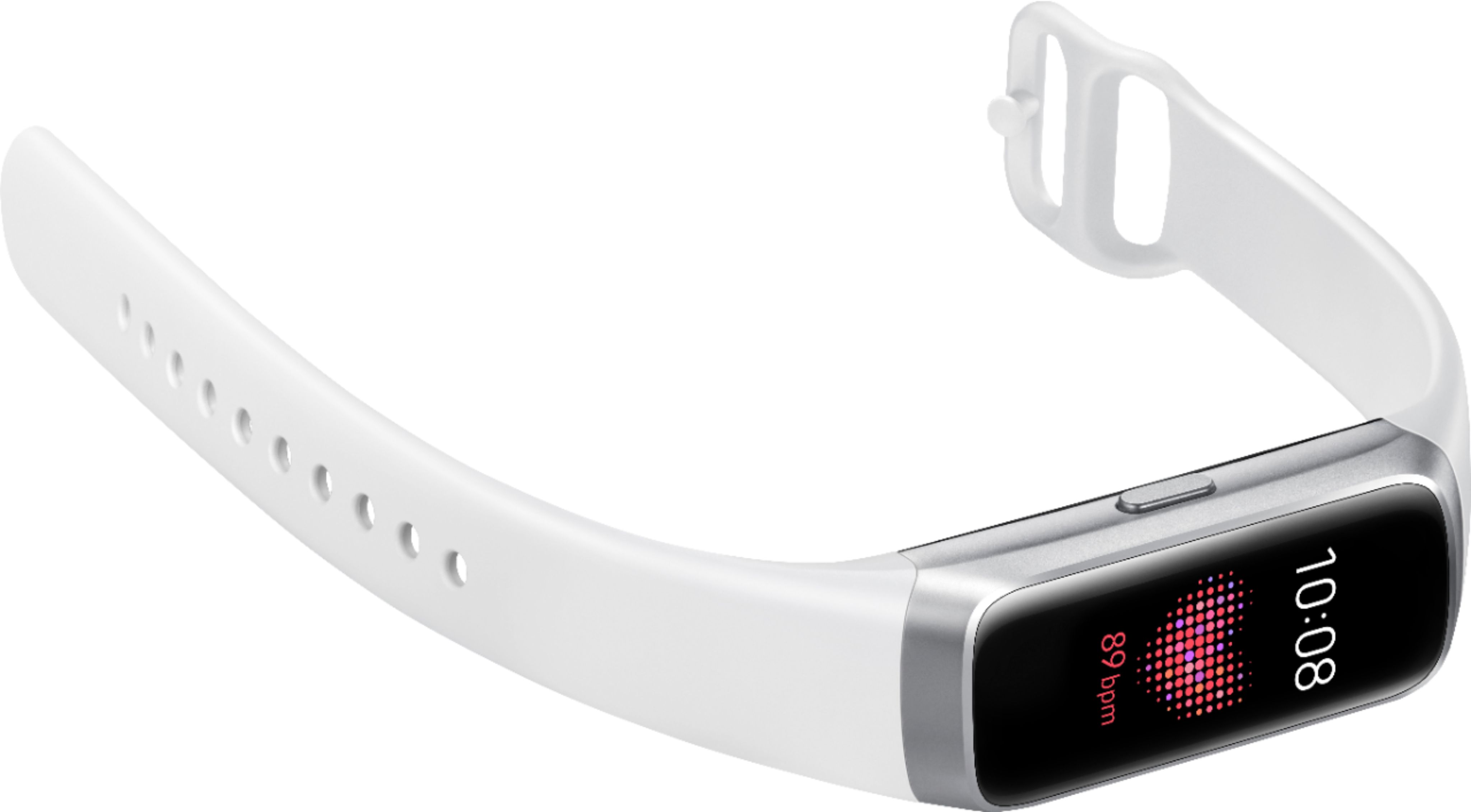
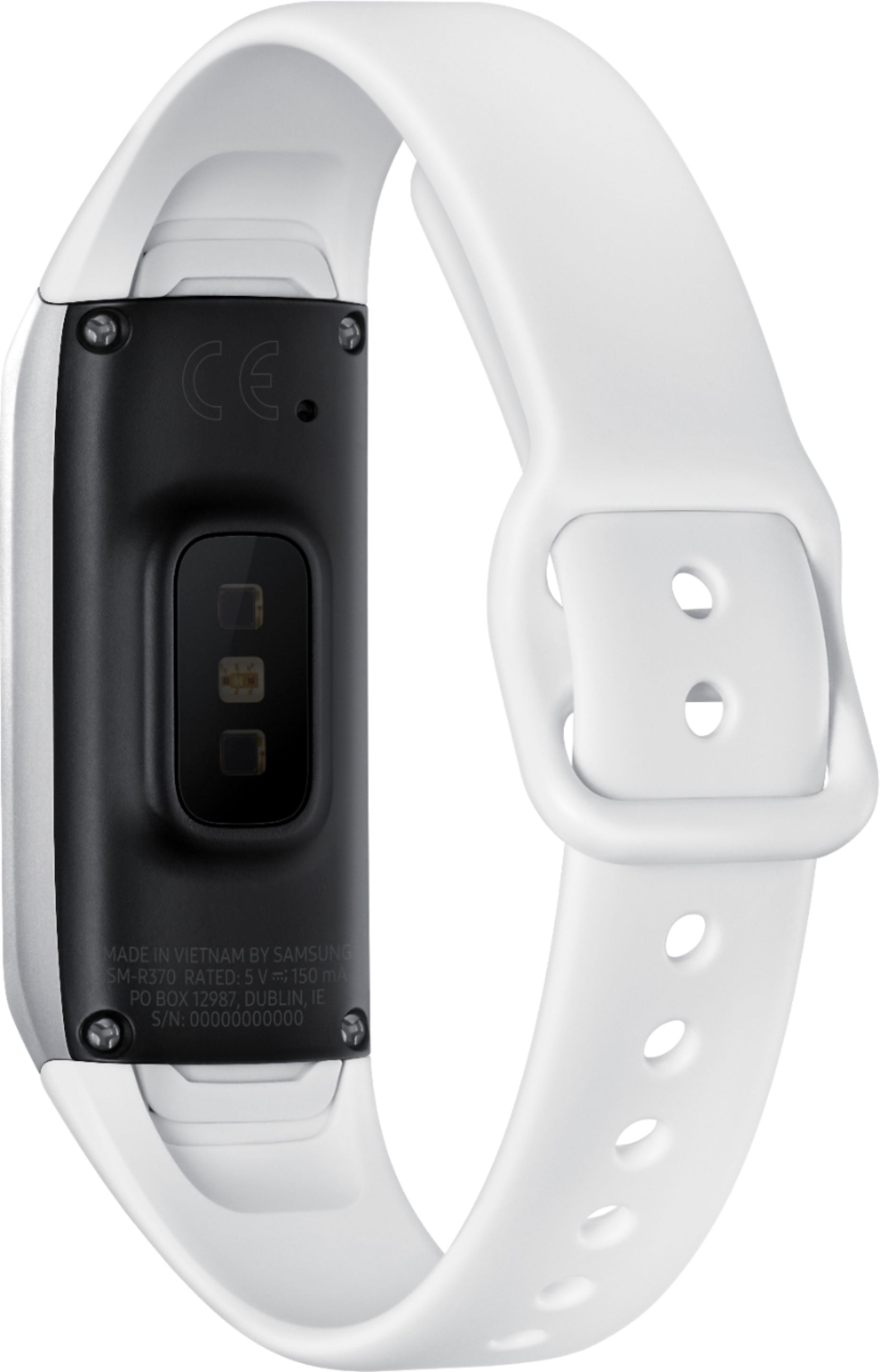
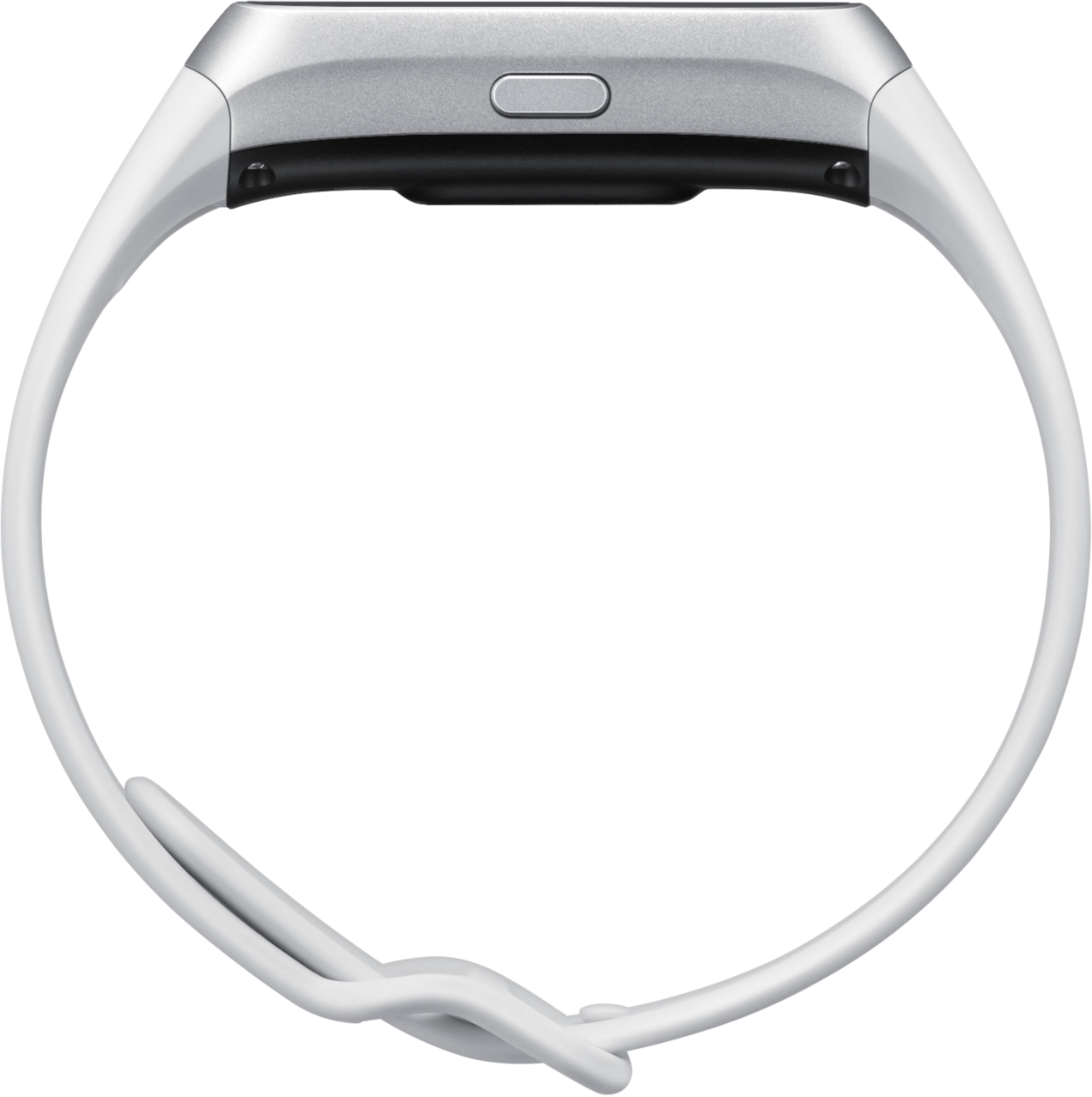
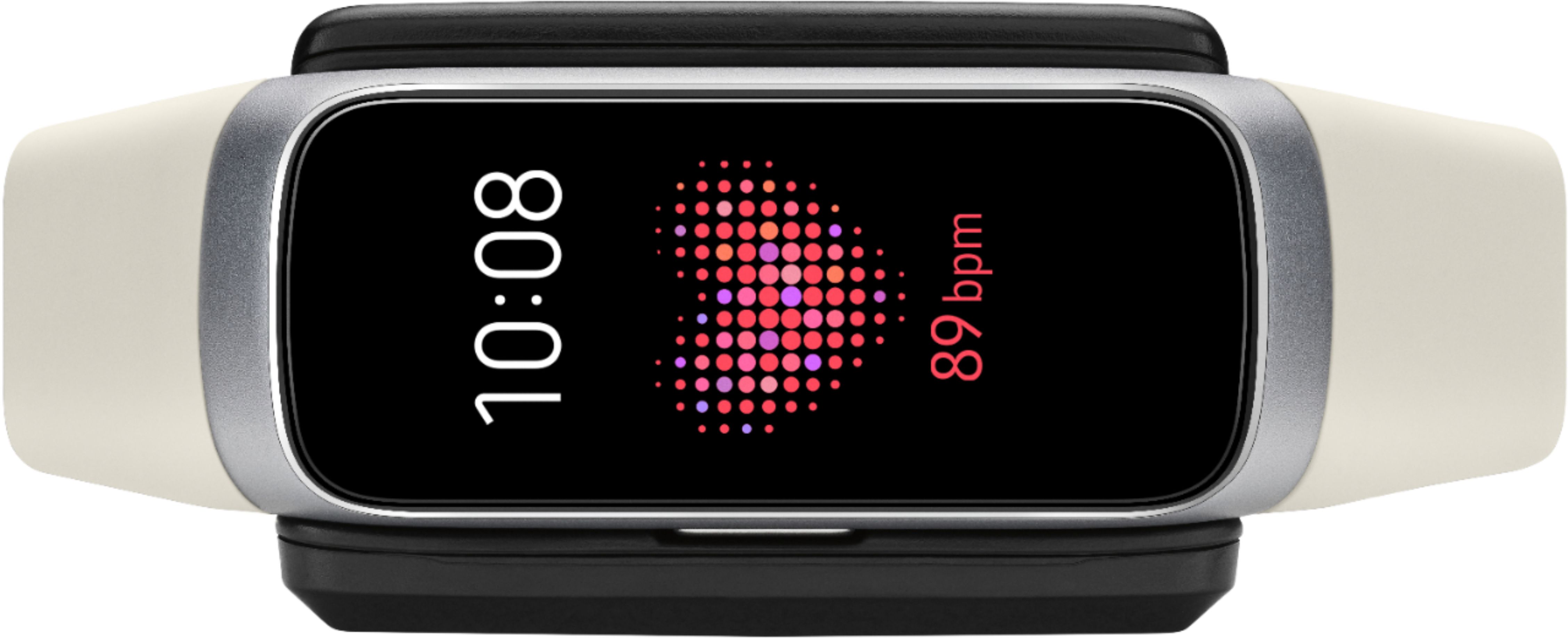
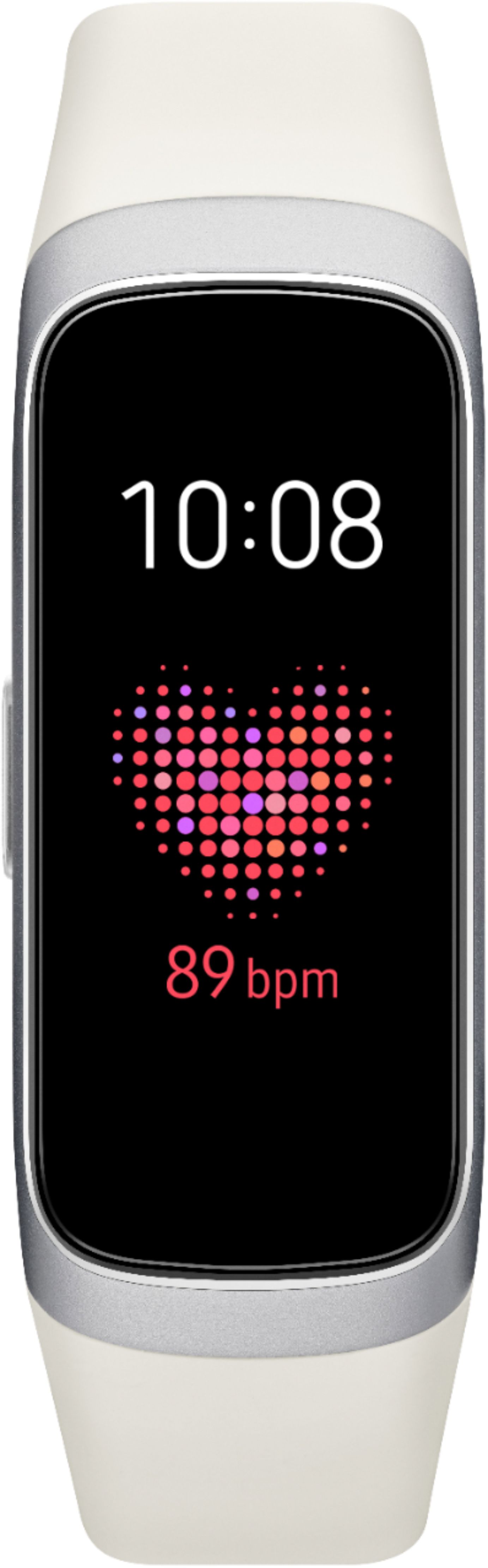
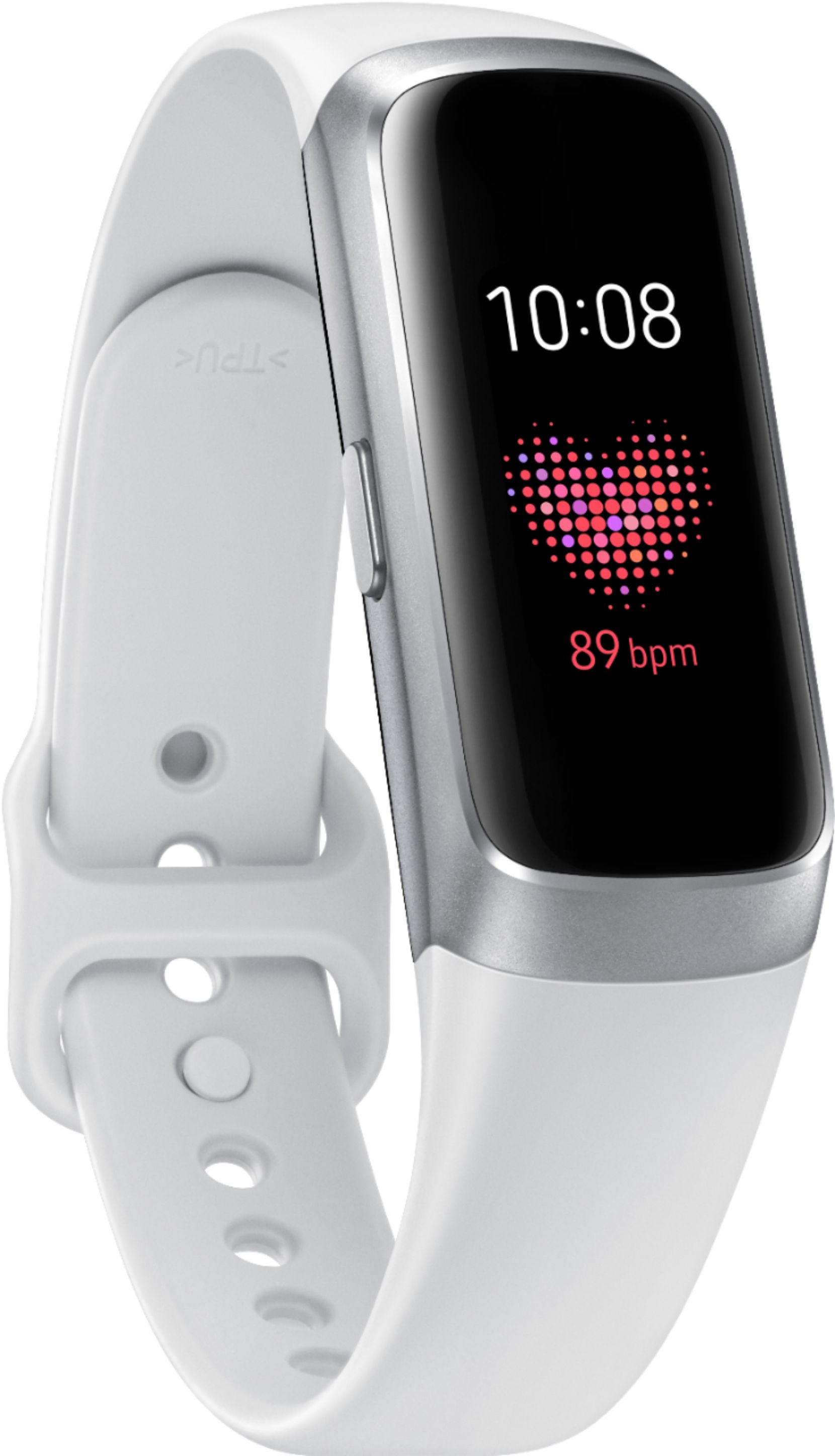
A:AnswerYes. It shows steps. You pick the screen you like best to show steps.
As for days between charges, it depends on how you have tracking settings. If you want to constantly check your heart rate (pulse), then you may not make it thru a whole day. If heart rate tracker is set up less, then you can get a full day out of it, then charge overnight. But if you control when you take it manually, then it can last for at least 3 days minimum without a charge.
A:AnswerHello Sarah, thanks for asking! When your phone is connected to your watch through Bluetooth, alarms you have set on the phone will be heard on both. When you are not connected to your phone or just want an alarm on your watch, you can add, edit, or delete alarms on your watch. To manage alarms for the watch, use the Galaxy Wearable app. ^Elizabeth

A:AnswerHello Tara, great question! This watch is compatible with Samsung Smartphones (Android OS 5.0 and above, RAM 1.5 GB and above). Your Galaxy Smartphone and this watch are designed to work together. As long as you're connected, you’ll be notified of incoming calls or texts right on the watch. Plus, send quick, preset replies, and keep an eye on schedules, the forecast and more. ^Elizabeth