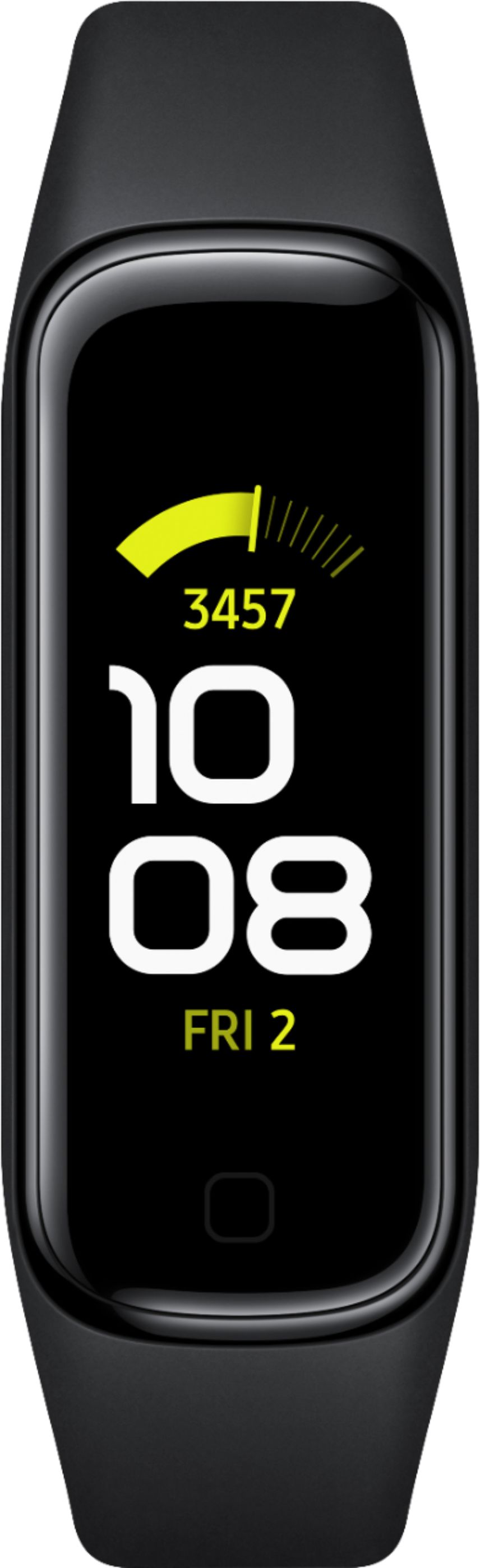
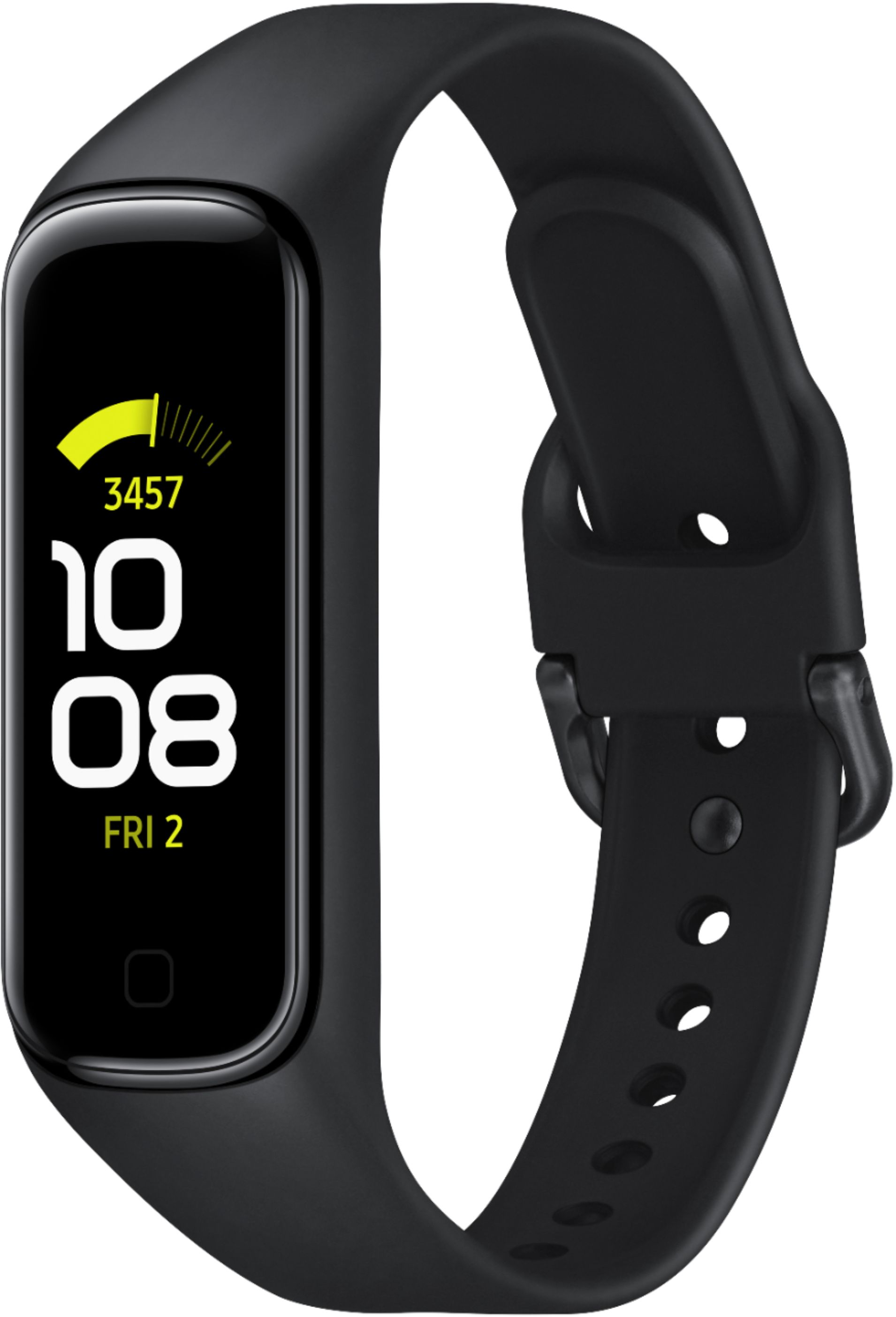
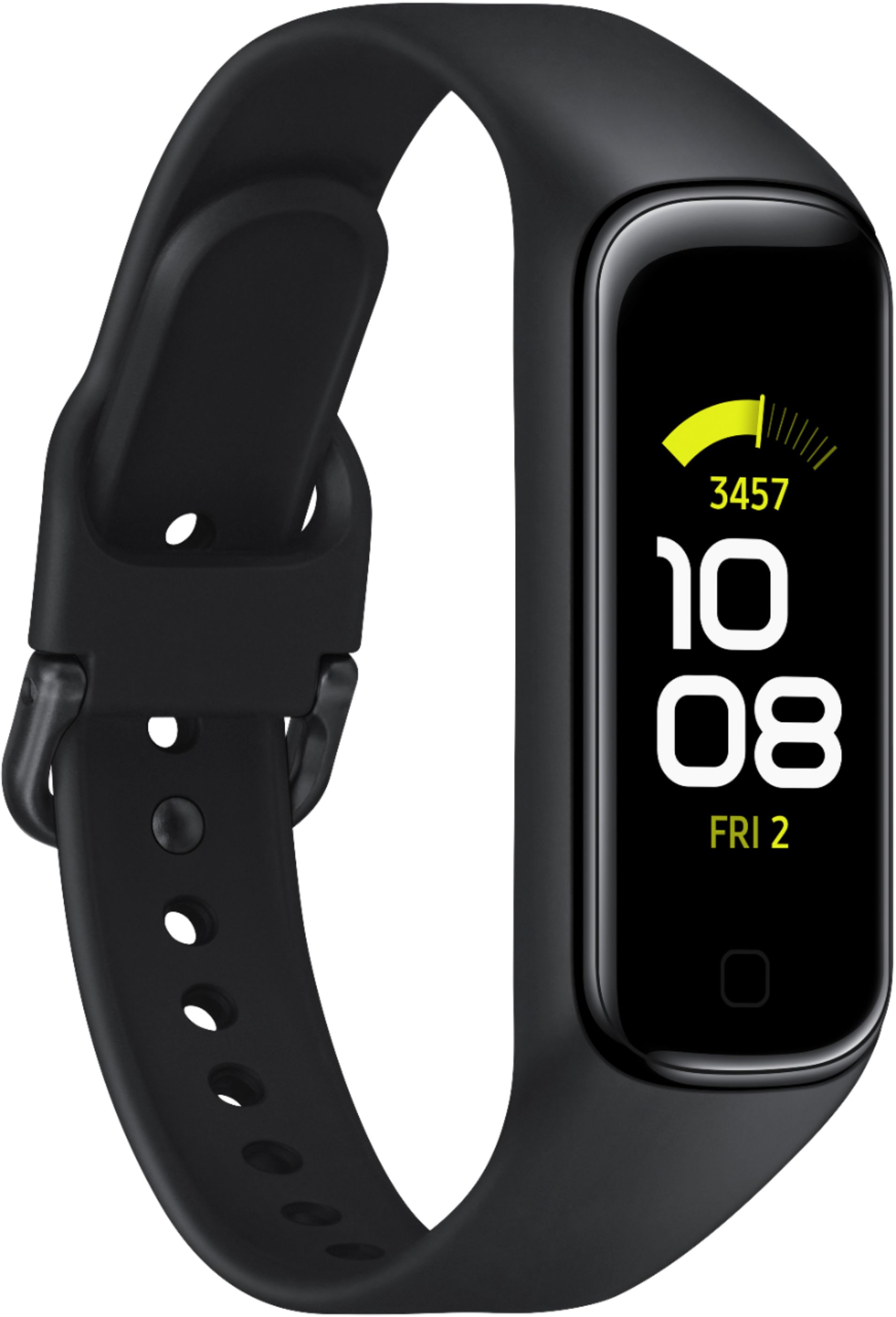
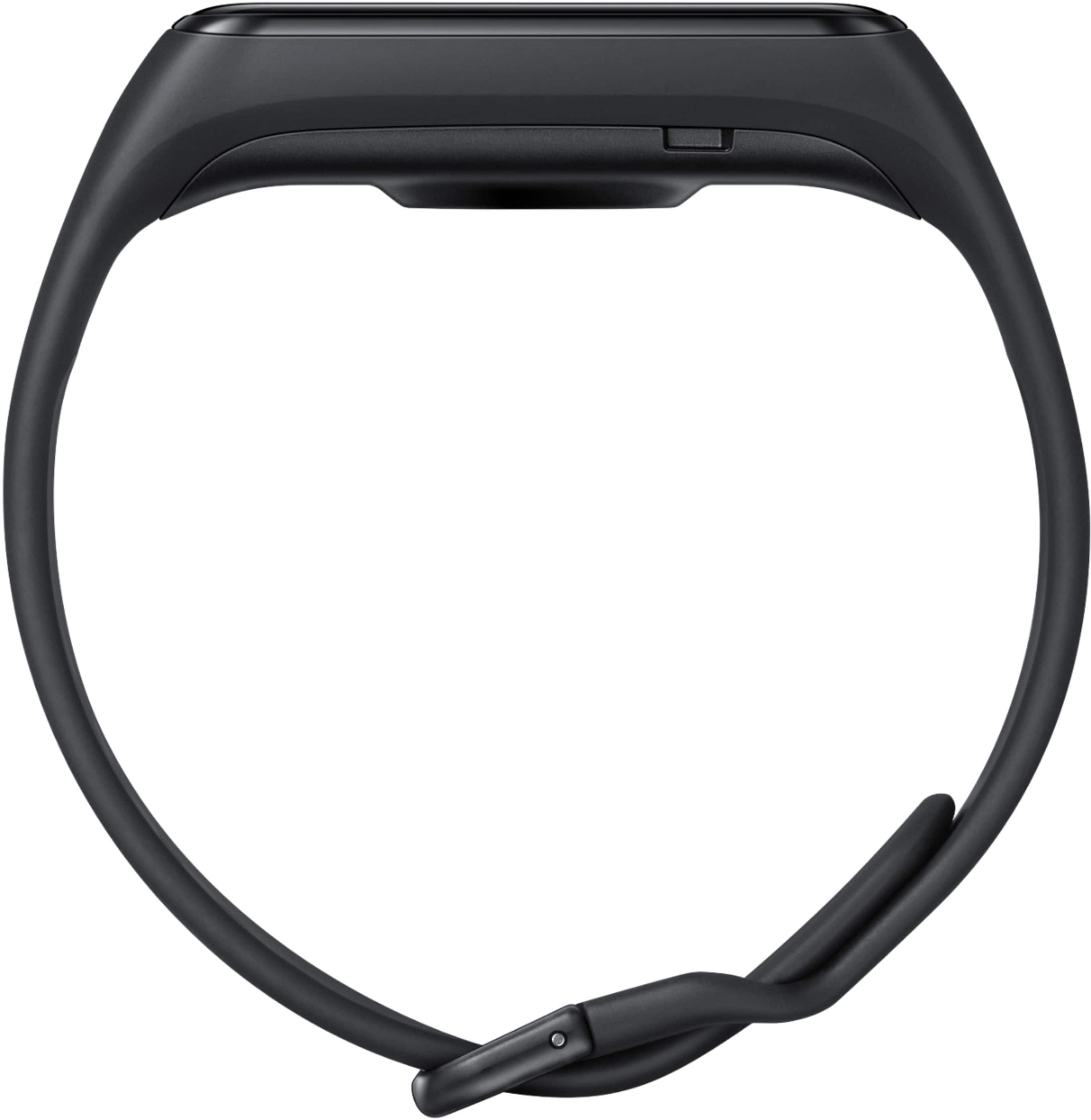
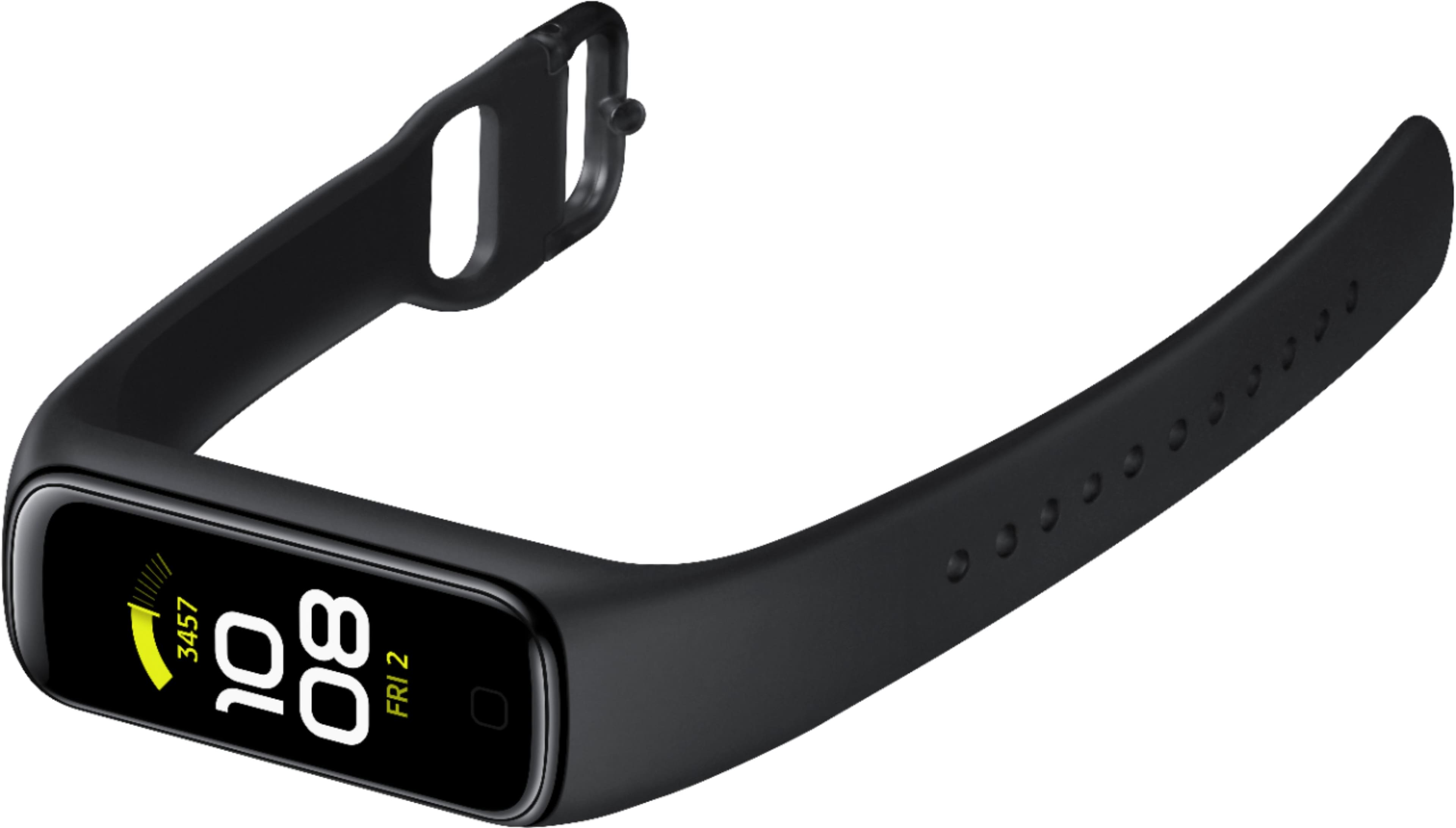
A:Answer It is not backlit in the sense of an older LCD watch, no. The watch features an AMOLED display - this is a high-contrast display which can be set very bright.
You can bump up the brightness on the Fit2. By doing a vertical top-to-bottom swipe motion across the display, you'll see a settings screen appear, and the first control is brightness. Tap that and push it up to "10". Tap underneath the display to close it. Just remember that the higher your brightness, the shorter your battery life will be - although this watch has such amazing battery life to begin with (I'm figuring I'm going to get 10 days from my current calculation) you may not even notice a reduction!
In the Galaxy Wearable app - the companion app to the Fit2 - you can also change the brightness setting. Look for "Display", tap on it, then slide the Brightness control. You can also set the screen timeout on this same page also, but keep in mind that only applies when you've activated the display by tapping on it. When you hold your wrist up to view the time, the display is only on for 4 seconds, no matter what the timeout.