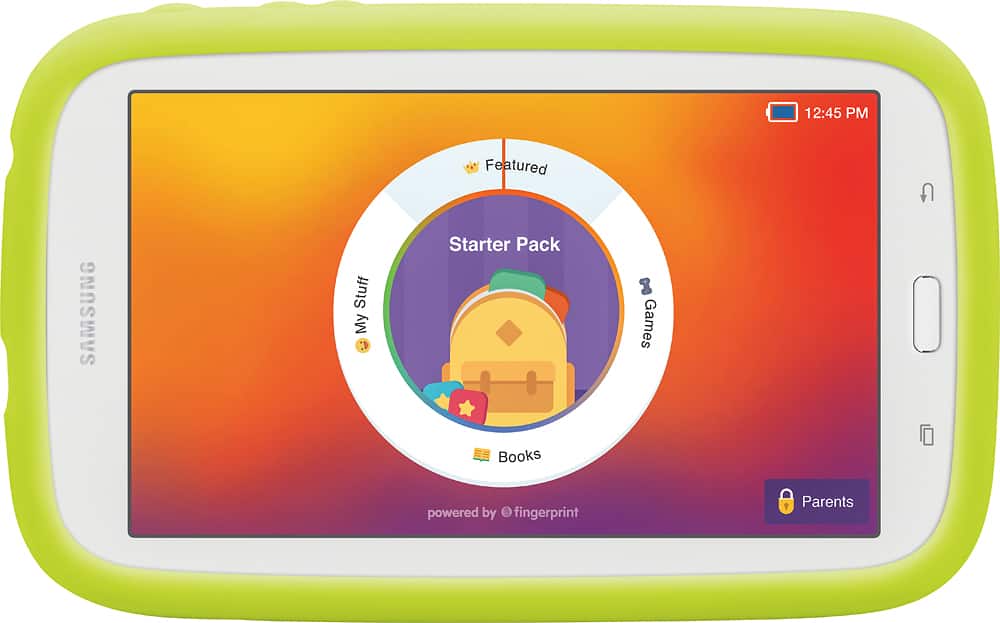
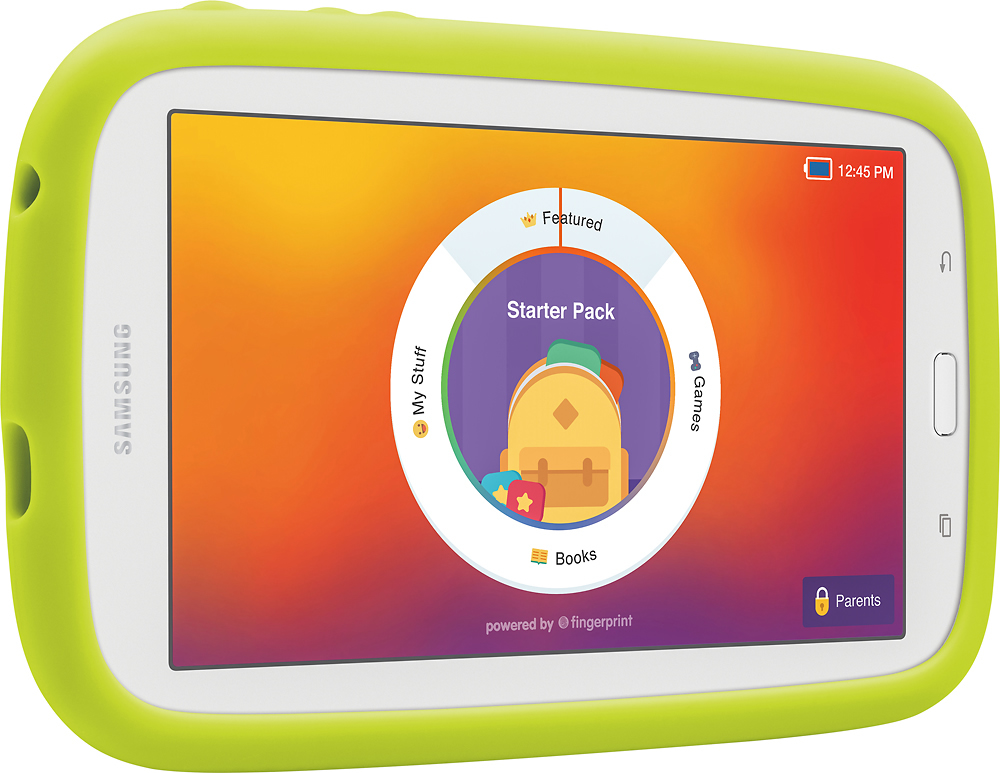
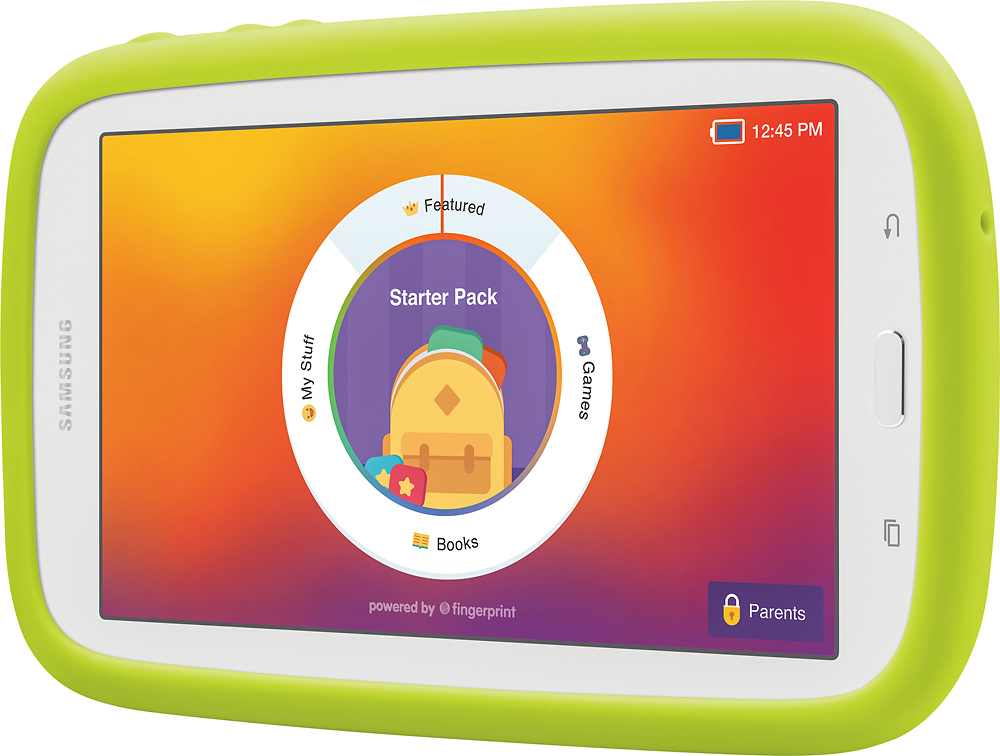
A:AnswerClick the windows button (next to the home button) and you will see all of the open apps. Just slide them closed one by one or click on the close all button
A:AnswerUnfortunately. The ads are on the app. Not the tablet. Any app you download will have ads unless there is an option for an ad free pay version.
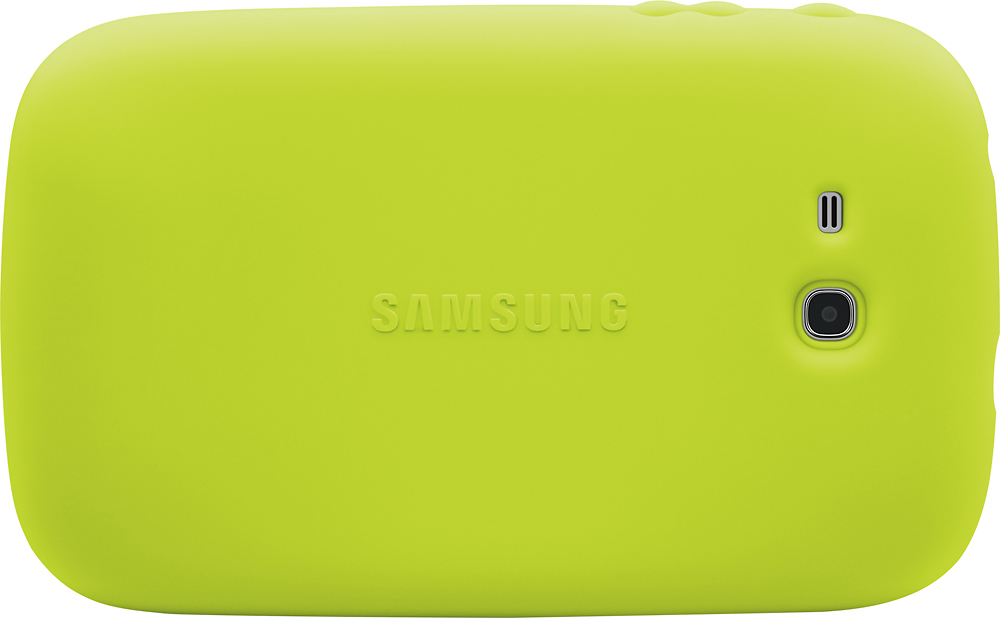
A:AnswerIt is only one camera the rear one. It doesn't bring the front camera. So if you are trying to have your child video chat with a family member it won't be able to do it because that reason. (Only rear camera no front face camera).
A:AnswerThere is a parents button you hit. This will prompt you to enter a passcode (that you've already set). From there you can manage the app and exit if you'd like.