A:AnswerYes it can be removed. If you are locked out and can't remember the password you'll have to reset the tablet:
"Start by switching off your tablet by holding the Power key for a short while. Now press and hold together: Volume Up + Home button + Power button. Release held keys when an Android Icon appears on the screen. Then select "wipe data / factory reset" using Volume buttons to navigate and Power button to confirm."
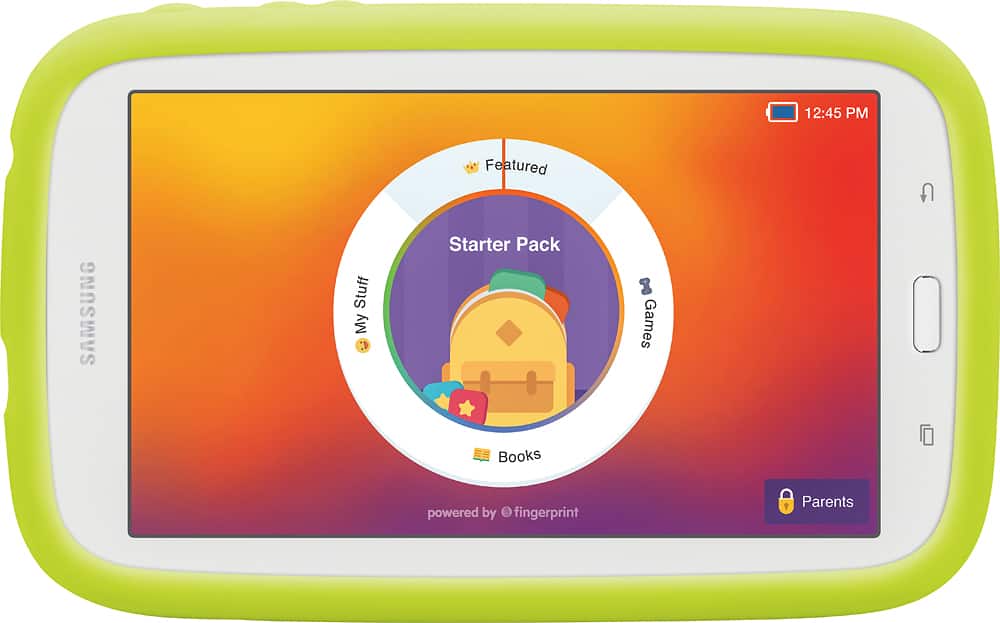
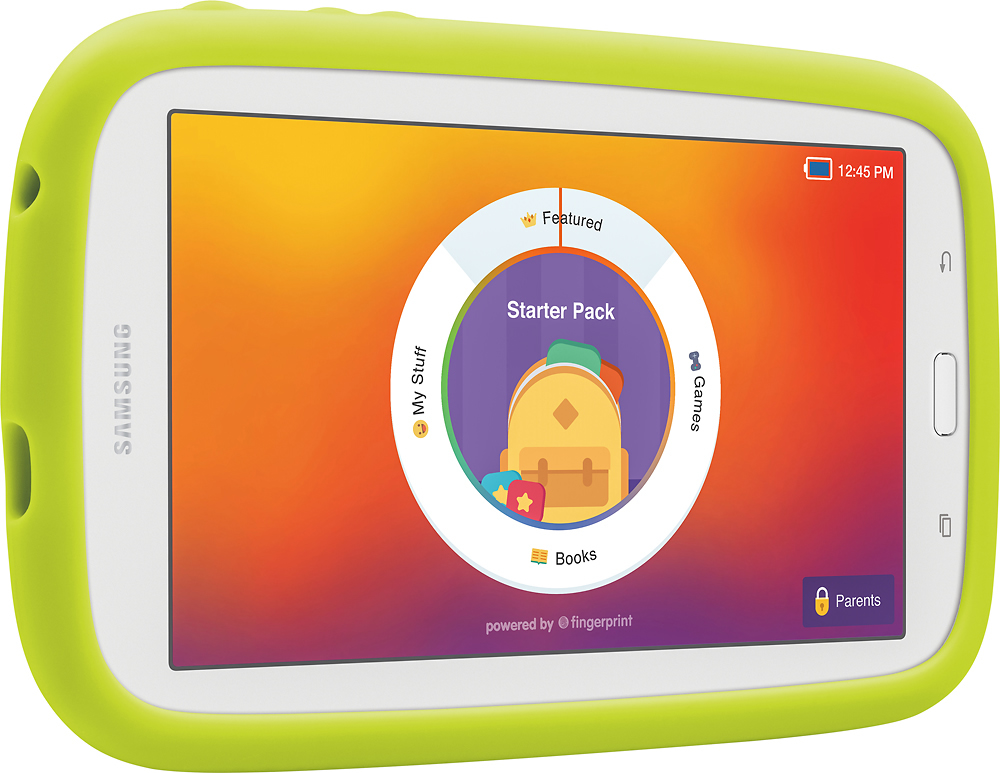
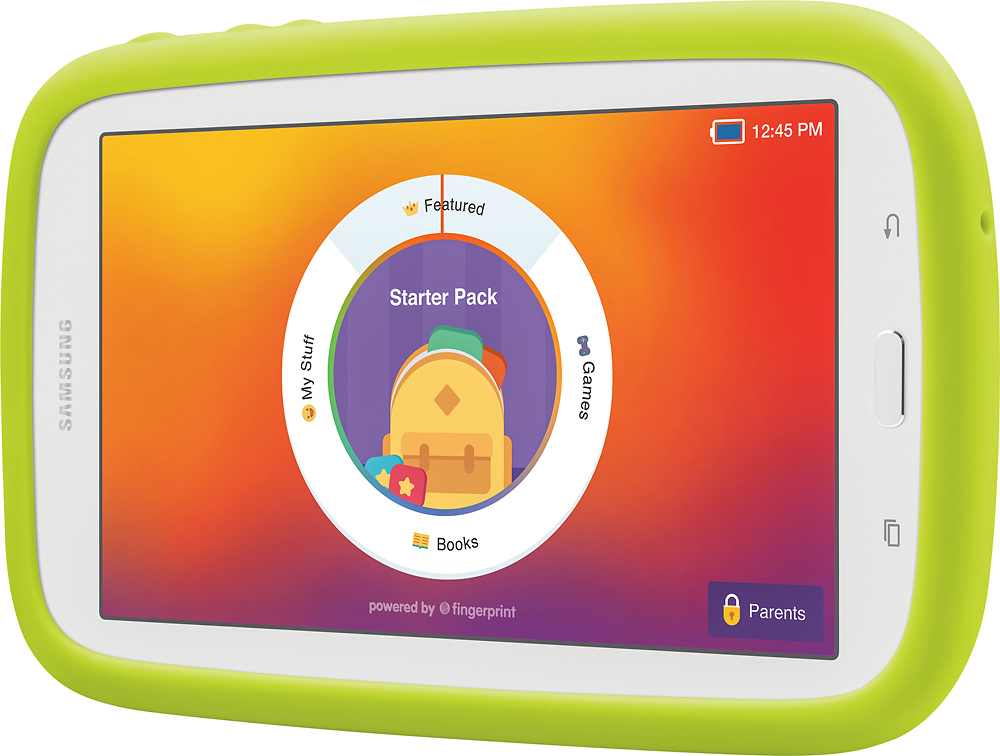
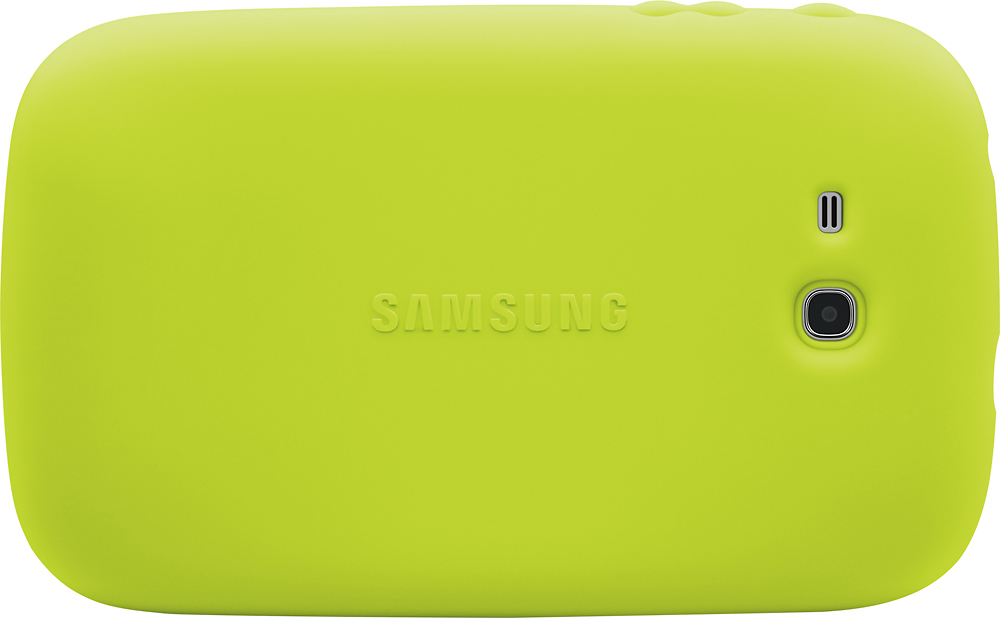
A:AnswerThe only thing included is a rubber "gripper" that fits around the edge, so if it gets dropped, there is a little protection.
No case, no screen protector, no stylus.
A:AnswerTypically not. JUst go to the standard screen option. Its just like a regular android tablet, then there isn't any restrictions on what she is able to do
A:AnswerI connected my iPhone 7 plus by using Google Hangouts on my phone and my child's tablet so he can call or we can talk via video but the tablet does not have a forward-facing camera so that was a downside for me.