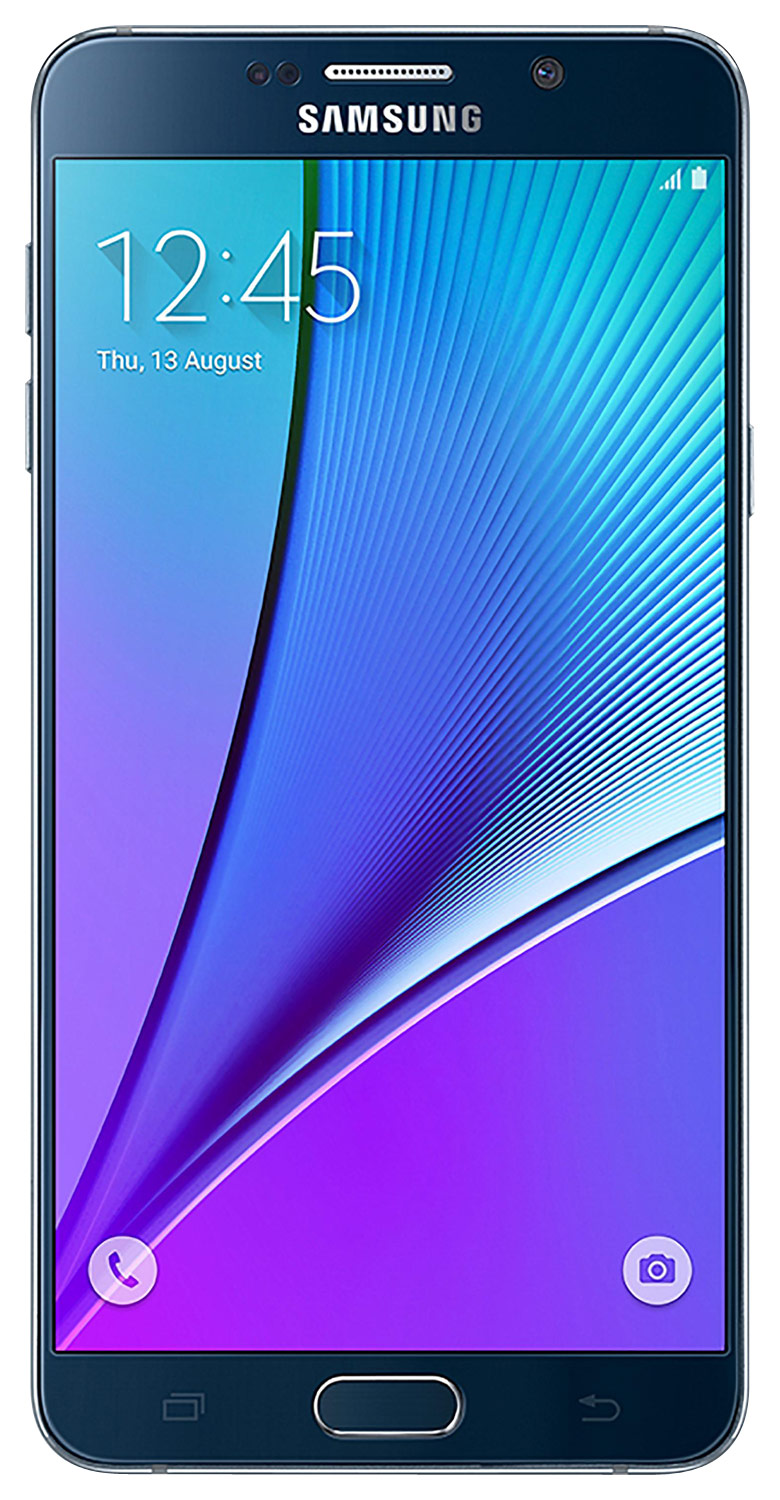
A:Answer Go to the Settings menu, click "Search", and after entering "notifications", you'll be taken to the Notifications menu where you can adjust the manner in which you are notified for incoming emails.
I personally use Microsoft Outlook for Android add my email client, and when setting up each email account there is an easily accessible settings menu which allows to turn off all sounds and vibration notifications for incoming and outgoing emails. Because I use 3 separate email accounts, have the ability to customize the sound notifications had made life much quieter... Being notified for every email one receives can get quite annoying.
If you have upgraded to Android M lately, you'll find that accessing and making these customizations much easier than in previous iterations of Android.