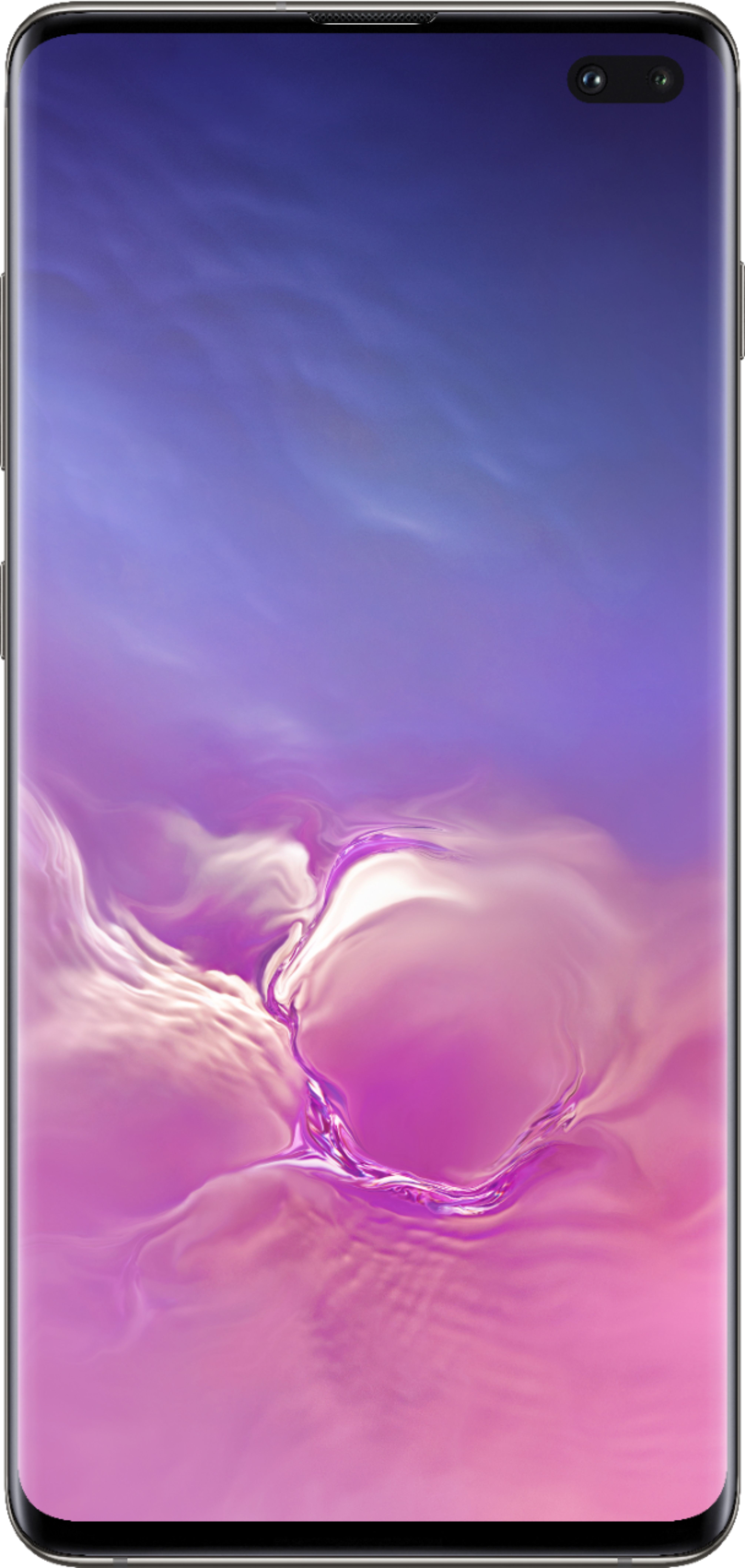
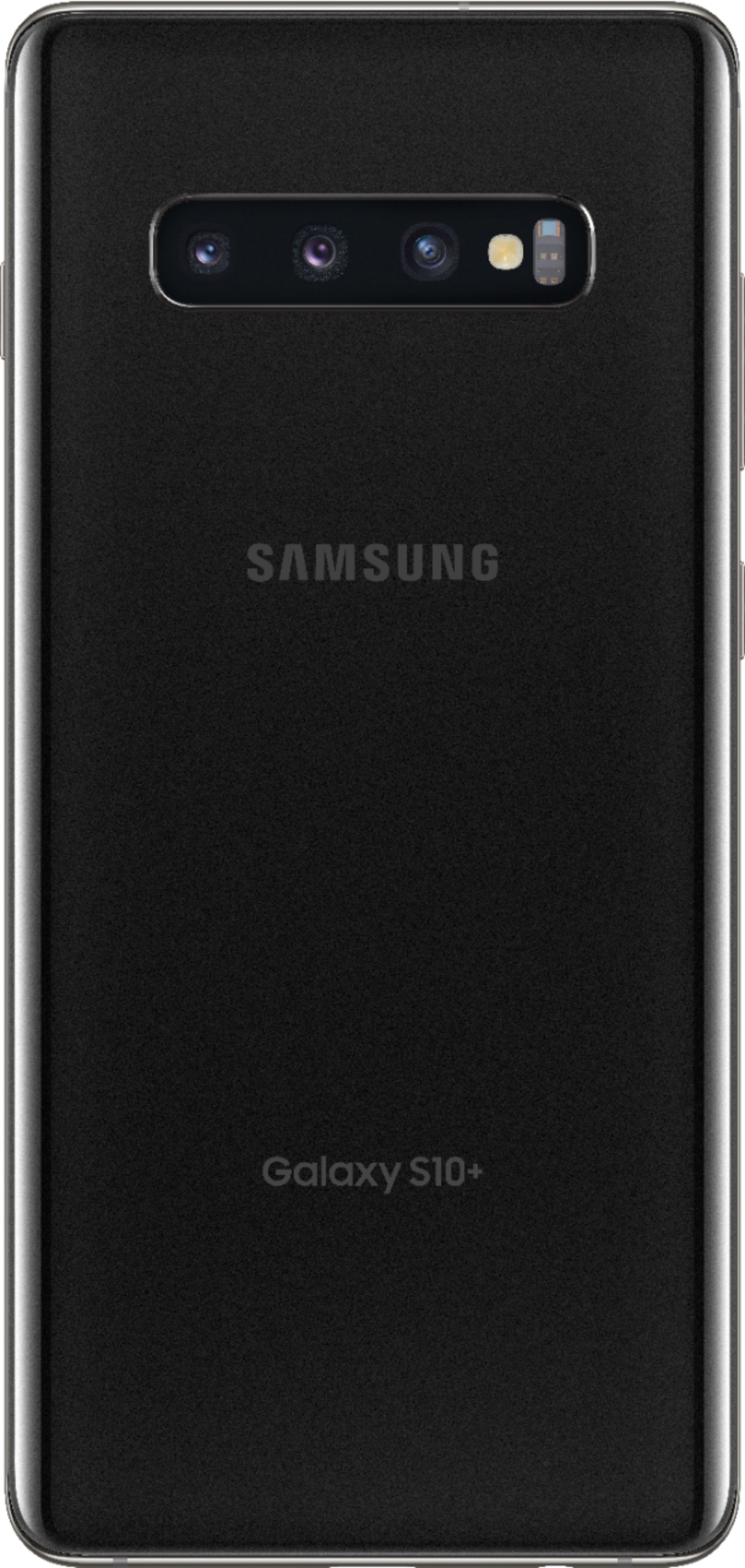
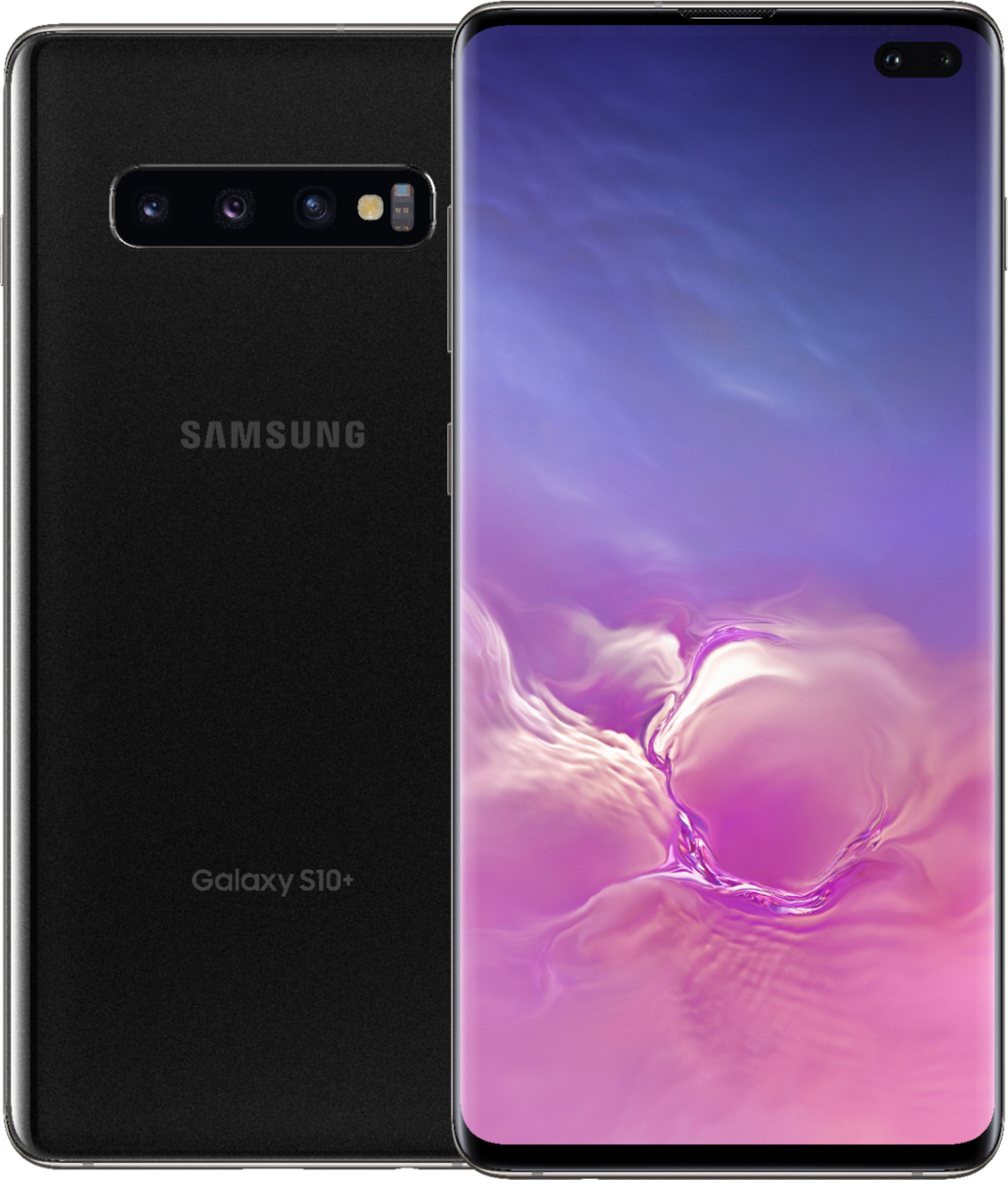
A:Answer I had an online chat with BestBuy today. The pre-order qualifies for the Galaxy Buds but you actually go about ordering the buds after you receive the phone using the "Shop Samsung" app. Here are the steps I was given:
1. From 2/21/19–3/7/19, pre-order a Samsung Galaxy S10 or S10+ on a device installment plan, lease or outright purchase at full retail price.
2. Download the Shop Samsung app on your Samsung Galaxy S10 or S10+ from the Google Play store.
3. Open the Shop Samsung app, tap the Menu Icon on top left > select My Inbox > Samsung Galaxy Buds Offer.
4. Tap Allow when prompted to allow Shop Samsung to make and manage phone calls and access your contacts.
5. Tap Register Now for the Samsung Galaxy Buds Offer.
6. Tap OK when prompted to sign in to your Samsung Account to redeem the offer.
7. If you are not signed in to your Samsung Account on your device, you will be prompted to sign in. Otherwise, you will be automatically signed in to your Samsung Account on the Shop Samsung app.
8. Fill out the required information, and if prompted, upload receipt/proof of pre-order by 11:59:59 p.m. ET on 4/4/19. .