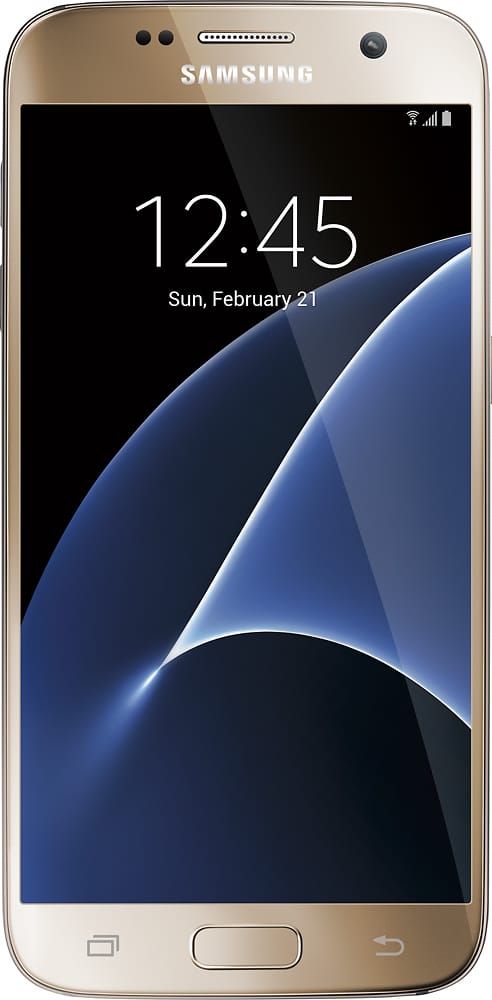
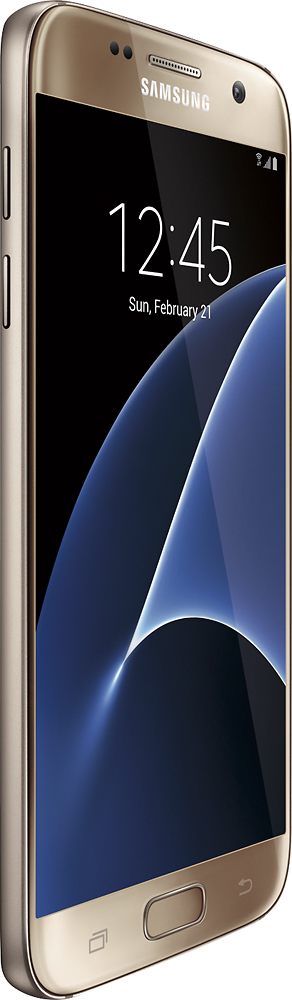
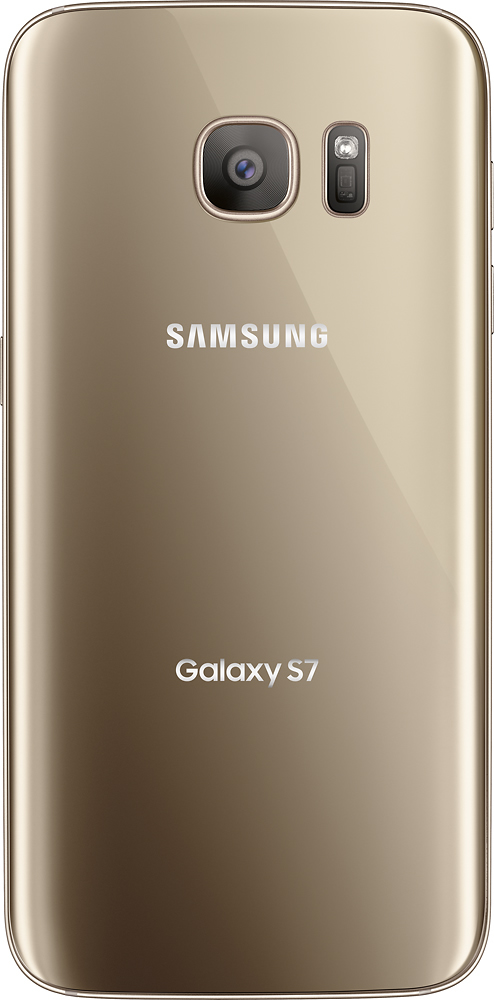
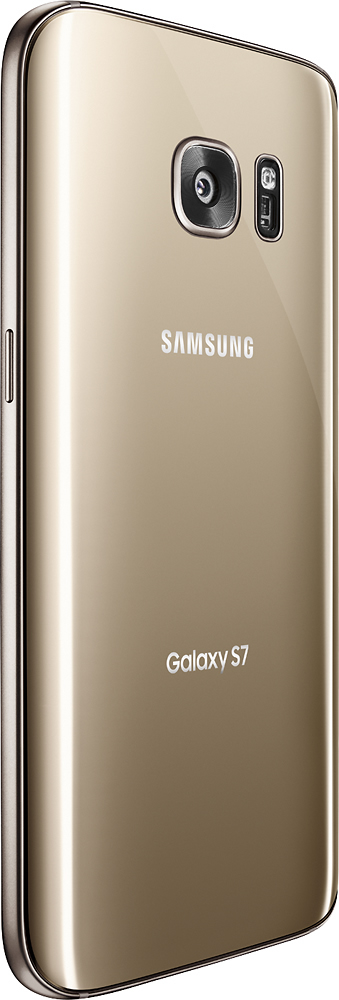
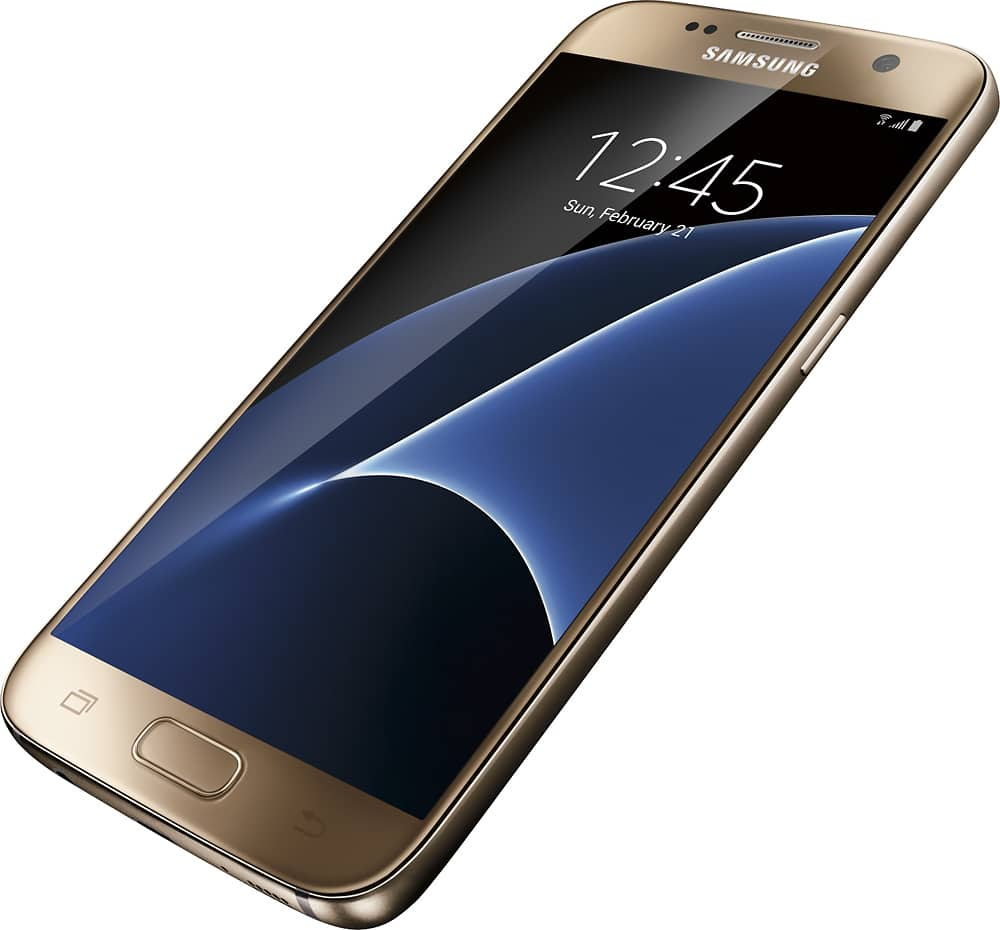
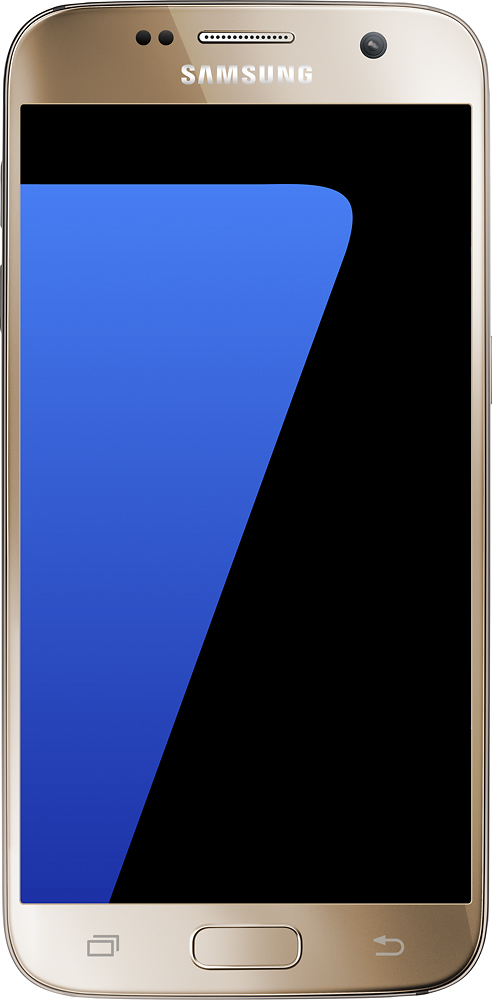
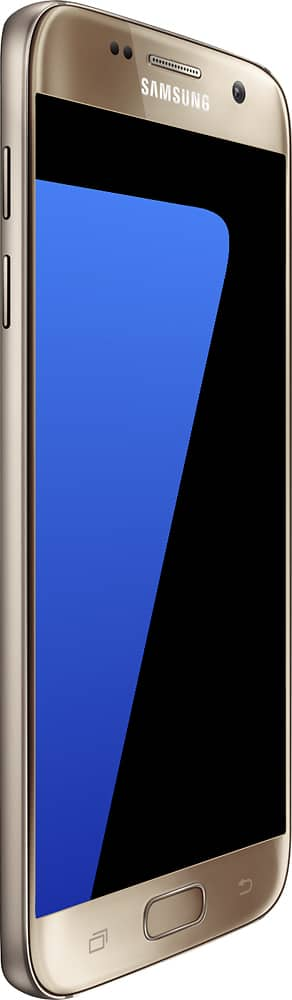
A:Answer This was an upgrade from a Galaxy Core Prime used on T-Mobile. The sim card I had in the old cell was a micro size, so I had to press out the nano size from the micro carrier. It was easy and really doesn't involve cutting. I just placed the micro card writing side up on a table with my finger lightly pressing down on the center and used a pair of tweezers to pull up the outside carrier trim and the nano part came right out. Only allow the tweezers to touch the ring around the nano part and not any of the circuitry. I had to use the tweezers because I have big fat fingers. Don't let T-Mobile tell you that you have to get a new sim if the one you has has the micro carrier. Inserting the nano card into the S7's carrier was a bit tricky until I realized that it lightly snapped into it. from the top. It looks and works just like the micro sim carrier. You could save the micro sim carrier if you ever need it again for a newer phone that requires it and just snap the nano card into it. My S7 has been working fine for all of the two weeks I've had it. One thing that you may miss on the unlocked S7 is that the Hot Spot app on a T-Mobile locked phone is pre-loaded by T-Mobile and you'll have to get a different Hot Spot app from the app store to use the Hot Spot capabilities on your new unlocked S7.
As for working in Korea, I have no idea, but I expect that it should as it supports the majority of CDMA and GSM frequencies.