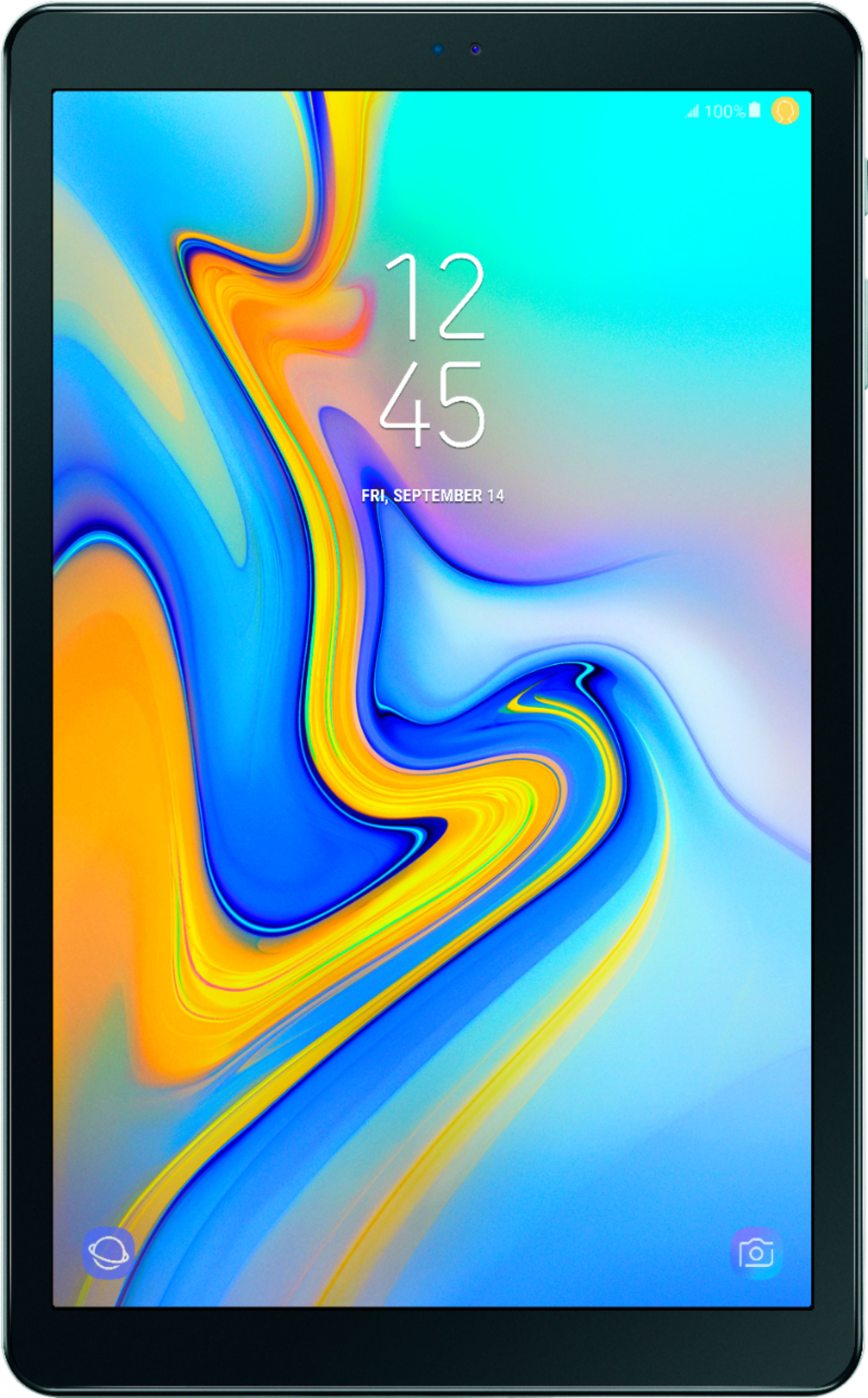
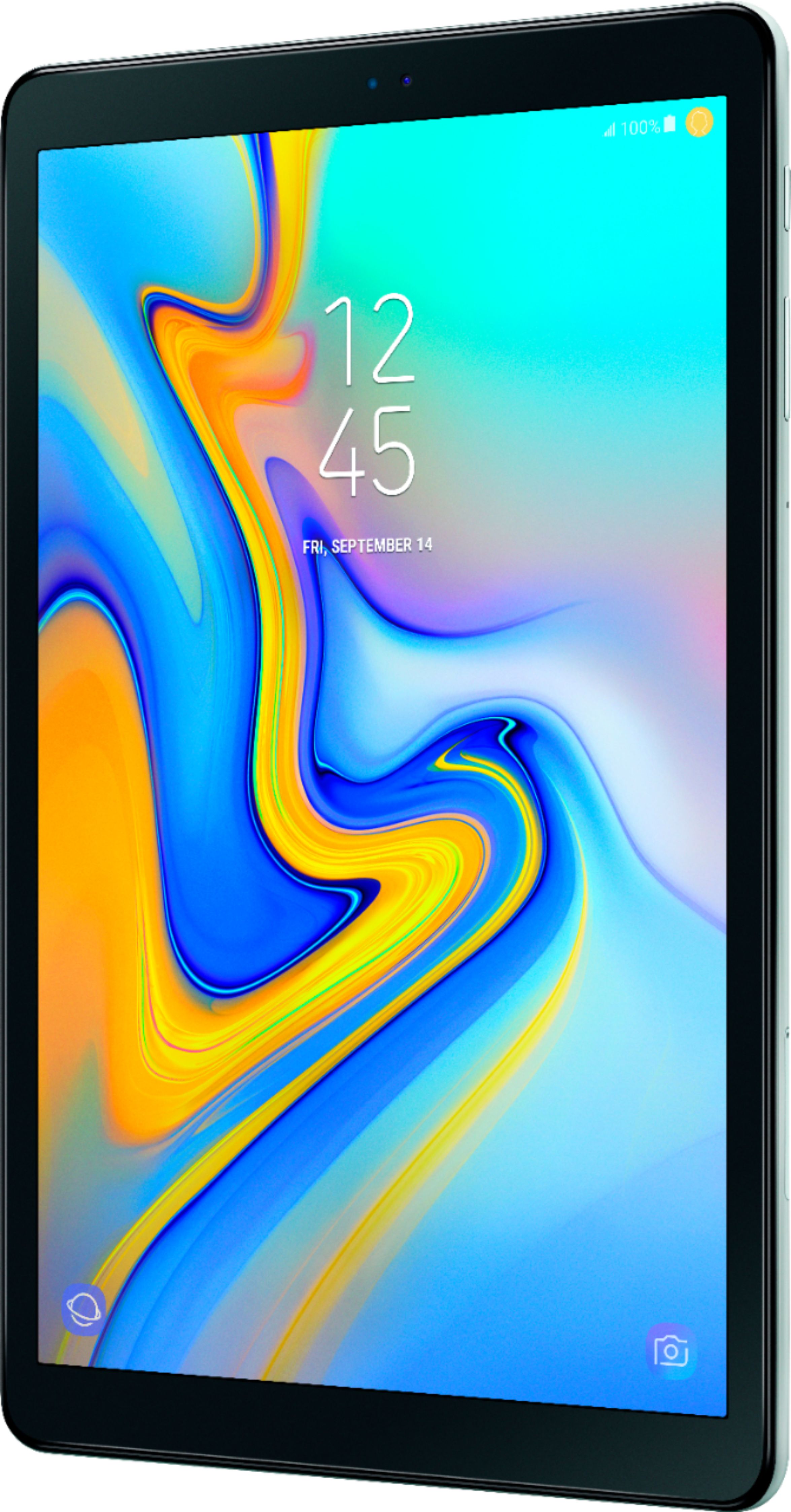
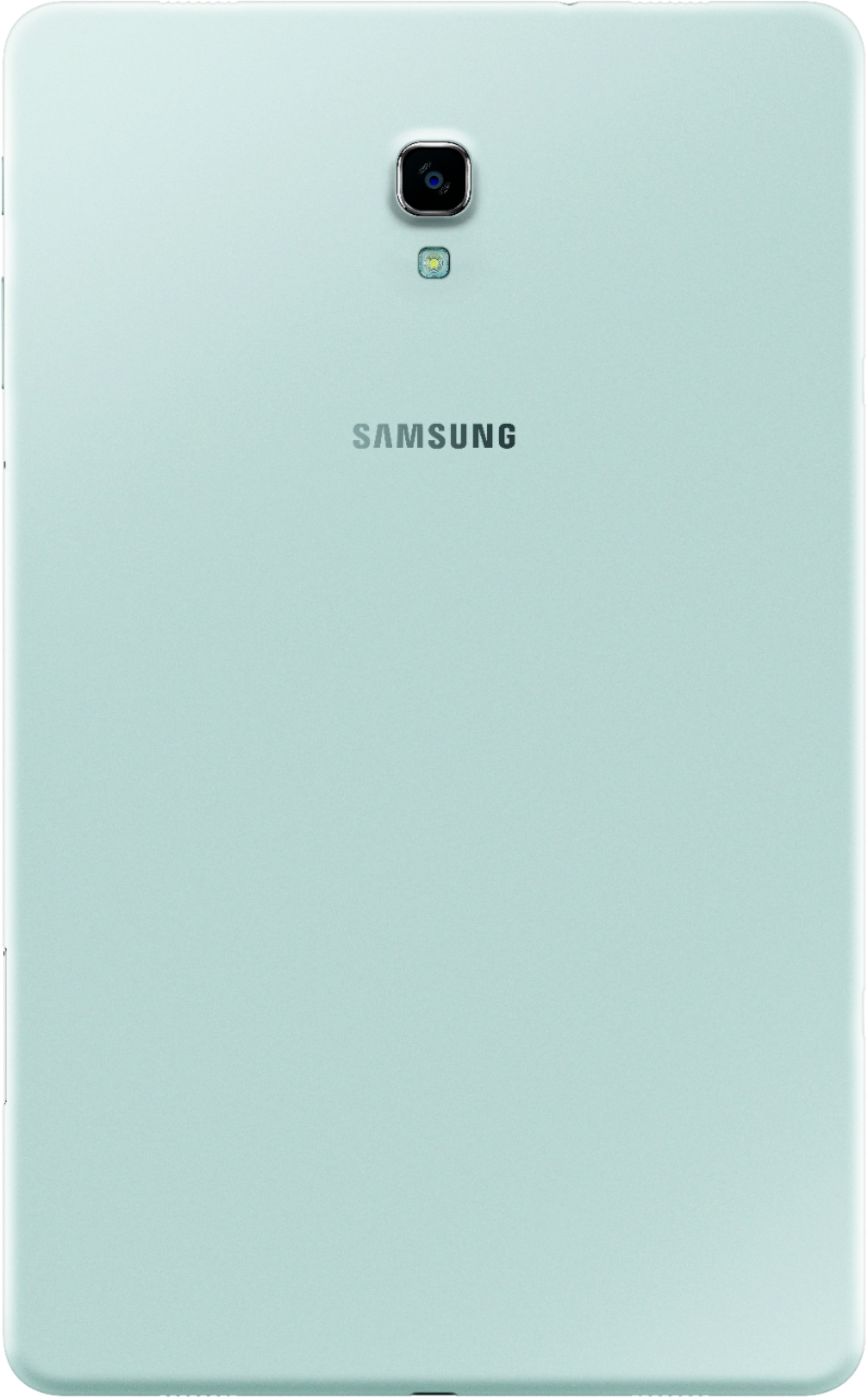
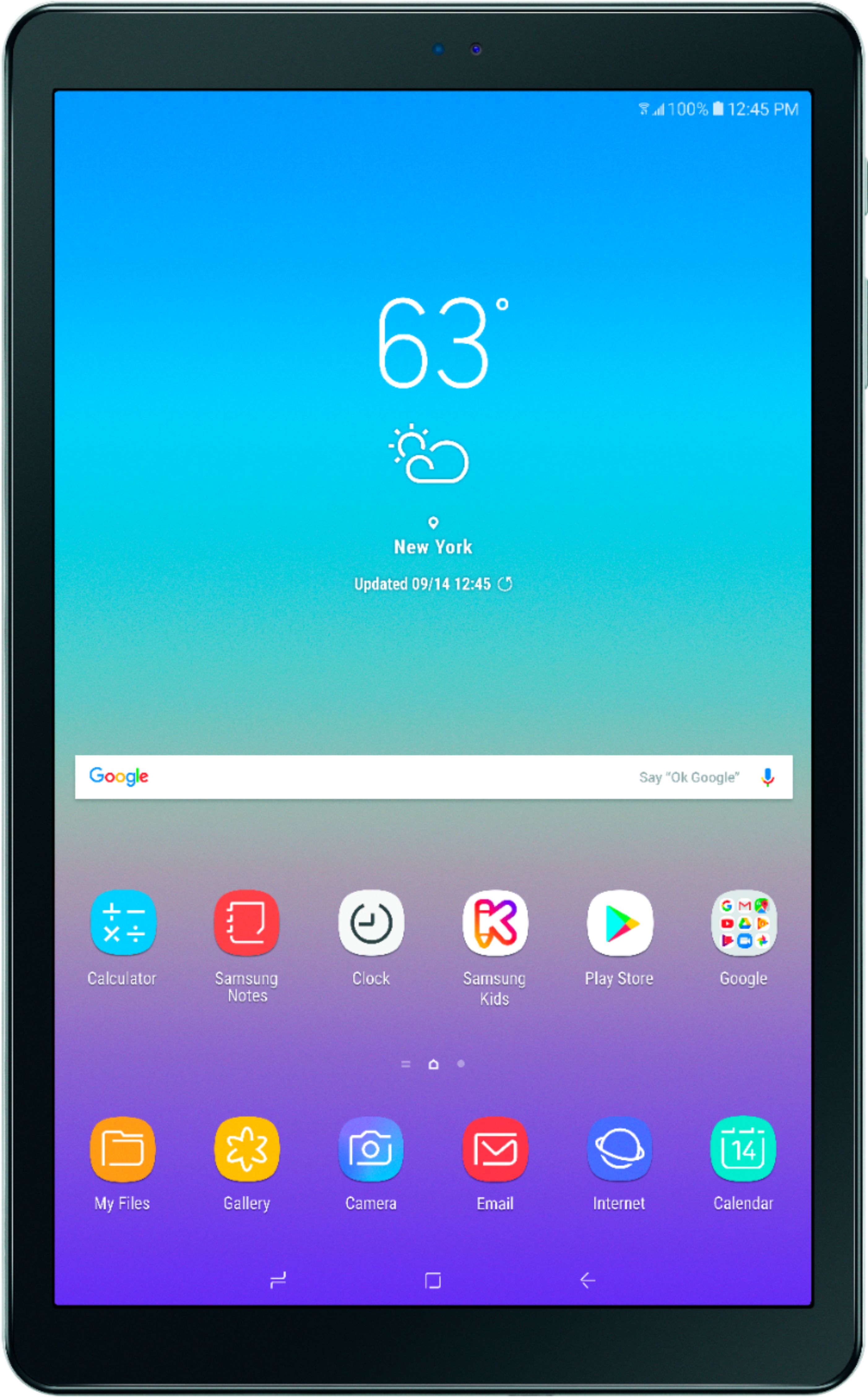
A:AnswerHello. With the Galaxy Tab A, you should be able to take photos with the device because it has a front and a rear camera. Then you should be able to upload your photos to Facebook. Thanks for choosing Samsung. ^Monique
A:AnswerAlthough my model had plenty of issues, sound was not one of them. The Dolby Atmos worked well with the four speakers -- but note that it's disabled (as are the speakers) when using any kind of headphones. The model has several way to modify sound (with or without headphones), including a rudimentary equalizer. I used a pair of Sony MDR-1AM2 headphones -- and enjoyed excellent sound quality. My guess is that any brand of ear buds won't reproduce the quality sound as well as real headphones will.
A:AnswerBecause it is bigger than 10.1 inches Microsoft office not free, you have to buy 365. Or try Office Suite from play store it's free and works with ms office.
A:AnswerI have not had any problem with the Wi-Fi connection, even streaming movies in the hospital waiting room for a relative. Have not experienced any buffering at all.
A:AnswerA superior way to transfer files from one device to another is Smart Switch, an application from Samsung. While not all apps and files can be transferred, Smart Switch will provide a level of peace of mind. A link to Smart Switch is included for your benefit. https://www.samsung.com/us/smart-switch/?redir=smart%20switch ^Thomas
A:AnswerYou can use any aftermarket BLUETOOTH keyboard or mouse. Logitech makes good ones. You can use a fine point stylus as a pen but not a Wacom pen (electronic) like in high end Samsung tablets.