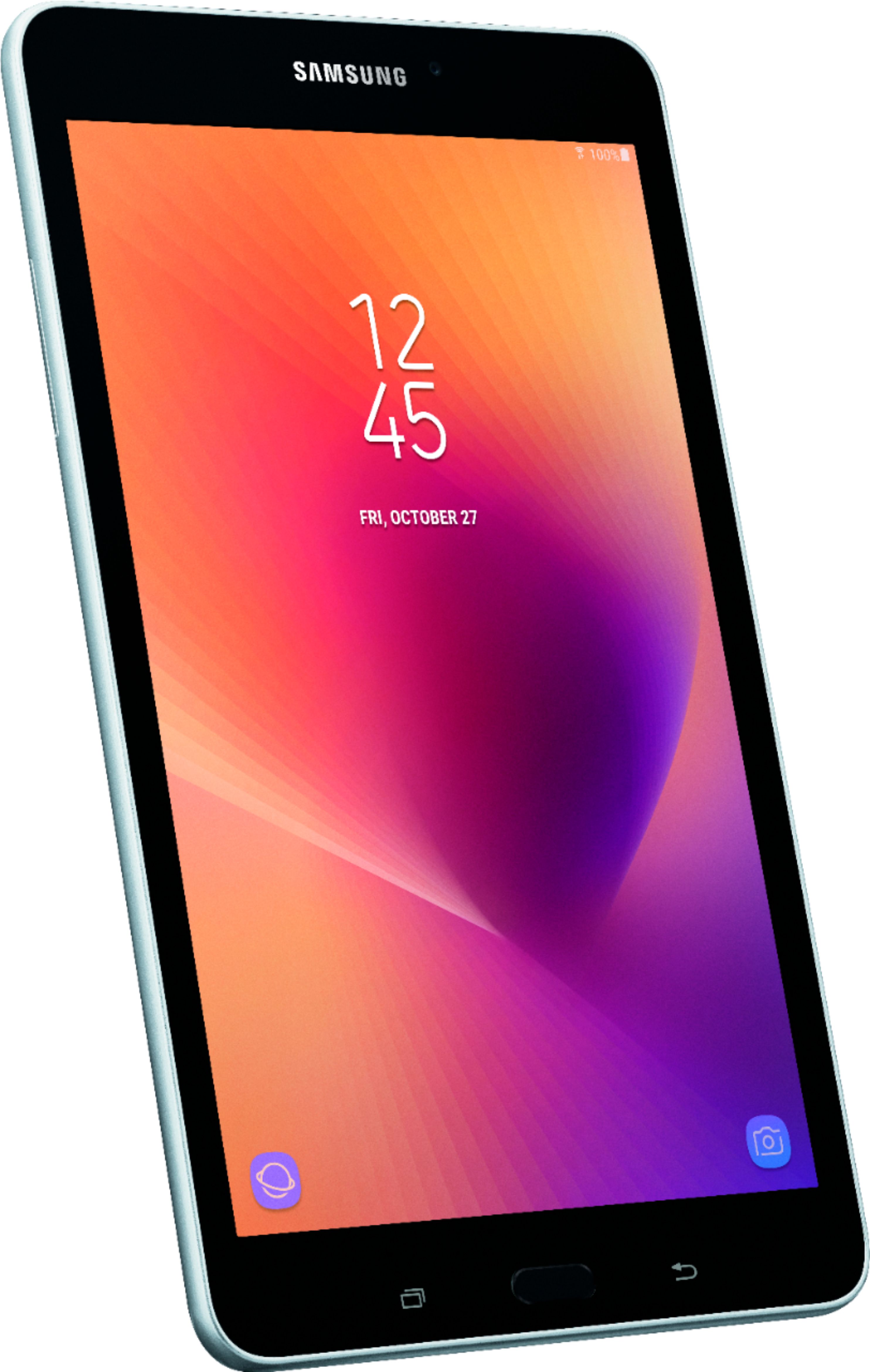
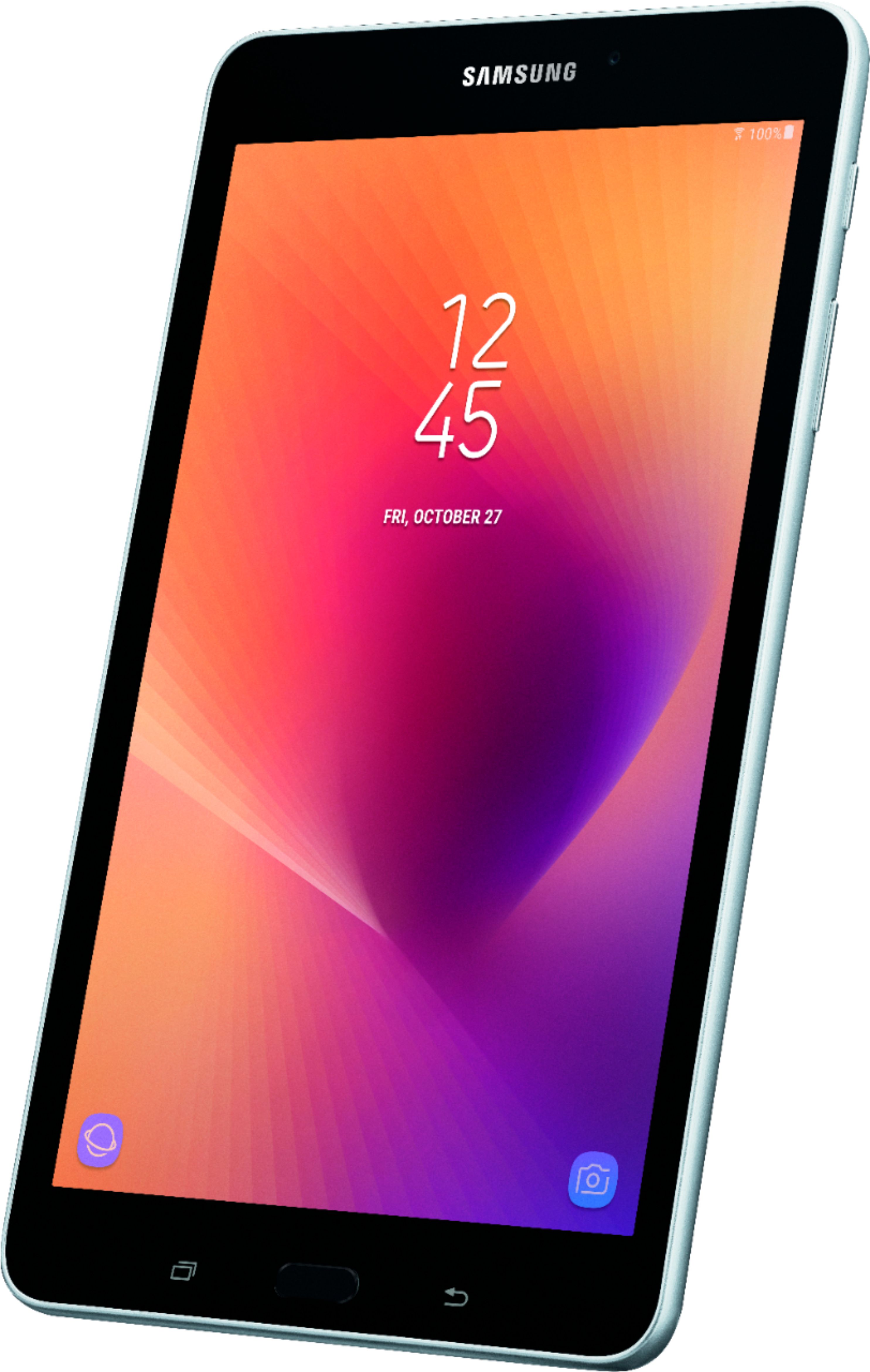
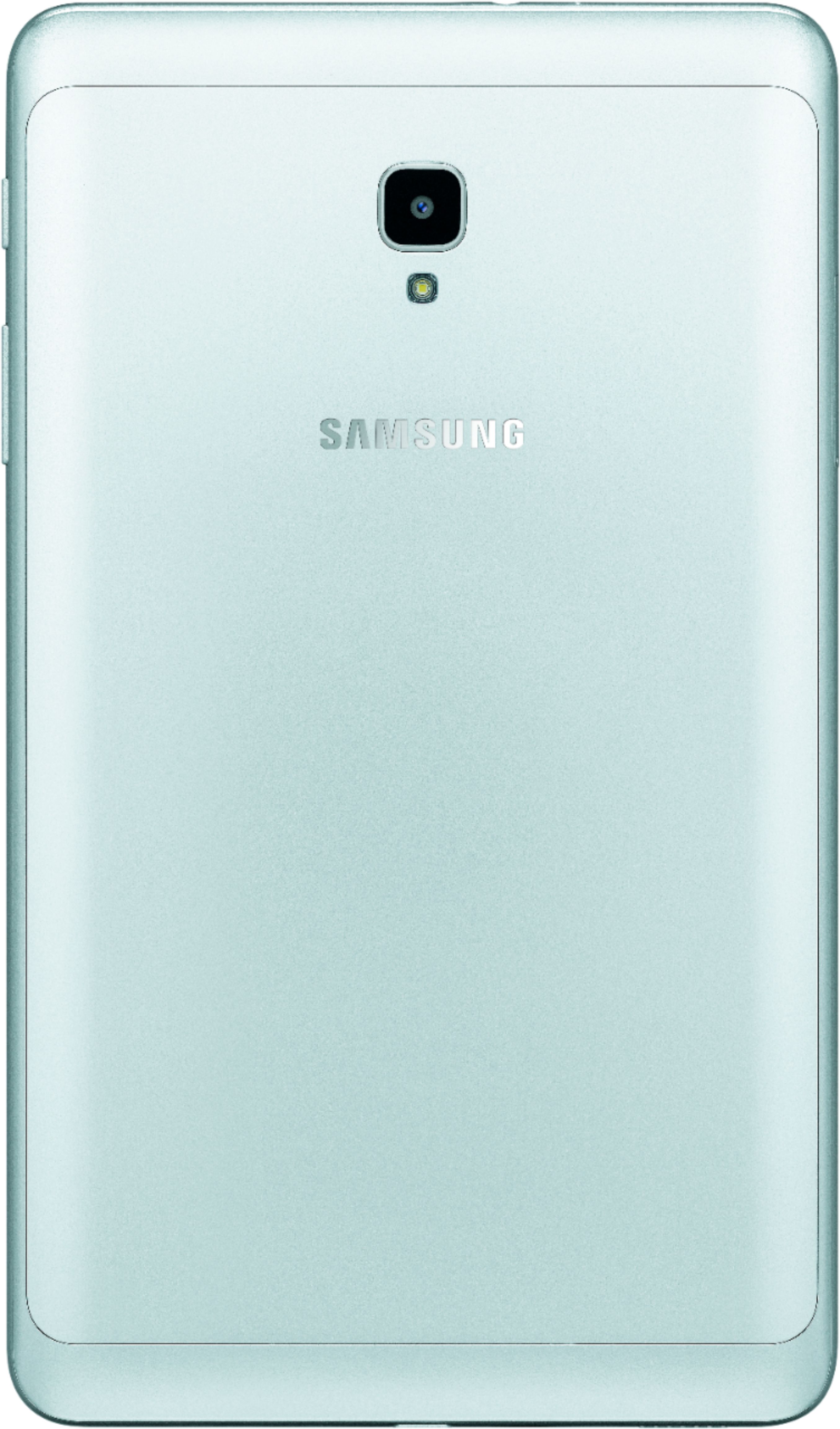
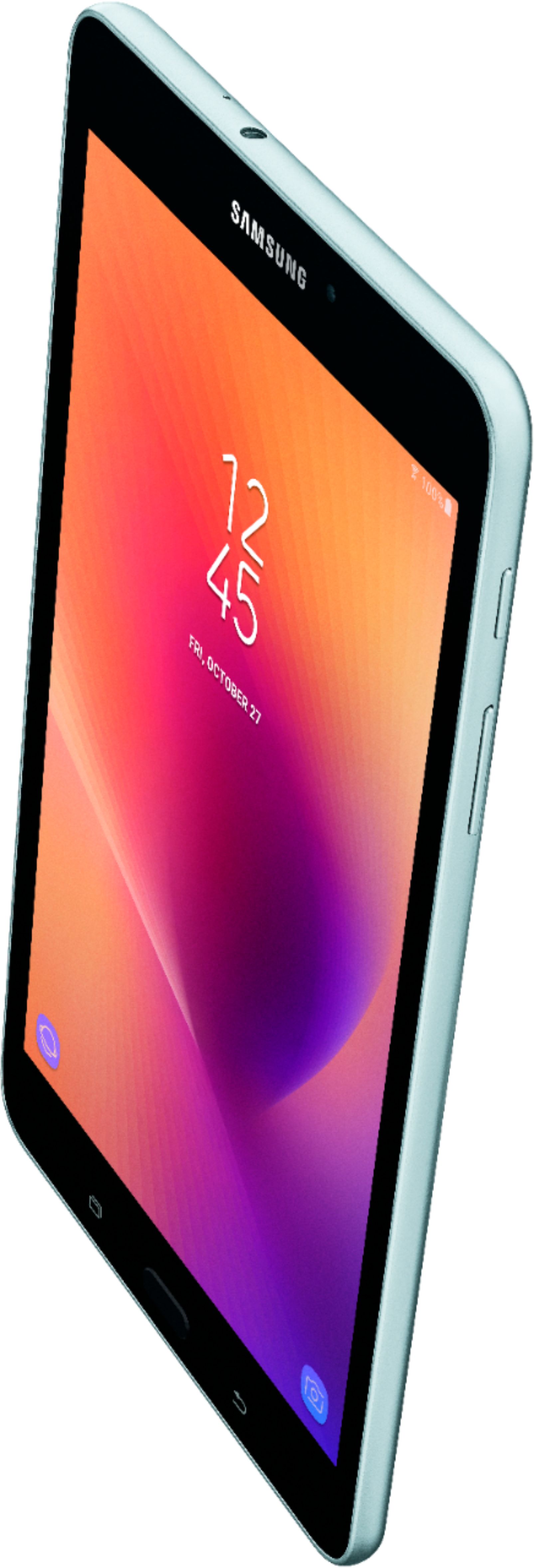
A:AnswerI have the Tab 3 as well and LOVED it, but it was just time for a new one. Mine was so slow and bogged down. I bought the Galaxy Tab A and simply LOVE IT! I highly recommend it, but make sure you get the 32 Gig version. I think you can install Samsung's smart switch on both to transfer information.
A:AnswerYes,yes you can using a down loaded Nav app I was able to drive to work this morning and get a turn by turn voice and map showing location.
I also loaded a speed-o app which showed correct speed ( according to my car ) had no phone in the car so I should have been internet free.
About a 30 mile trip each morning through the Bucolic countryside of the upper Midwest my app didn't show the roads closed for construction but it was a free app I'm sure there is a better app for a few bucks out there hope that helps
A:AnswerYes. Tap on any text field, such as a search box, e-mail body, or a browser address bar to bring up the keyboard.
Tap the gear in the bottom left of the keyboard, beside the Sym button.
Tap Smart Typing
Tap Predictive Text
Tap Auto Replace to see on/off switch.
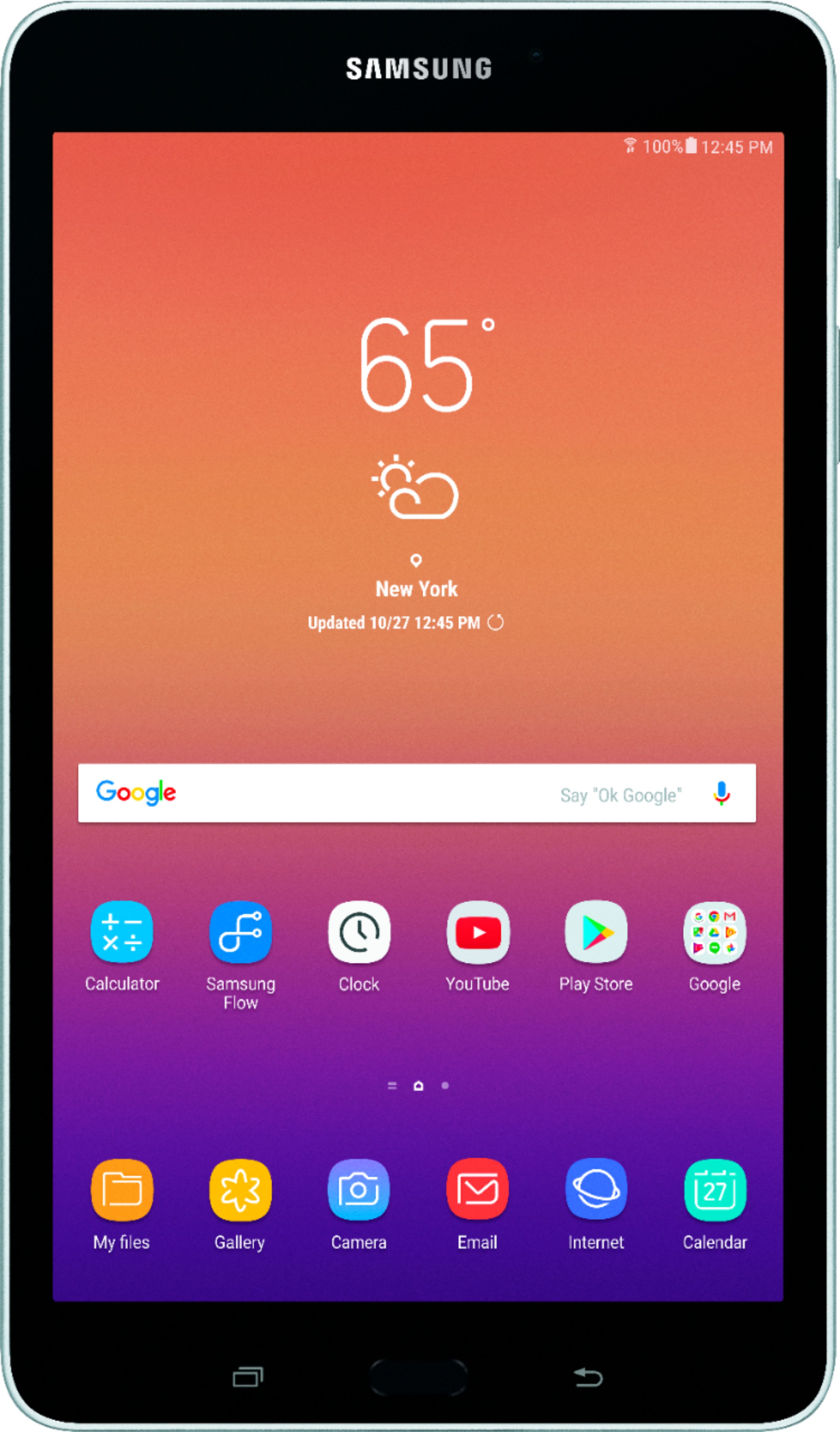
A:AnswerThere are two versions of this 8" tablet, one that was released in 2015 is the SM-T350 model. This was officially released in 2017 so this is the latest version, with the model number starting in SM-T380.