
Questions & Answers
- Model:
- SM-X230NZAIXAR
- |
- SKU:
- 6665037
Highly rated by customers for: Overall Performance
$209.99
Save $40
Comp. Value: $249.99
Page Showing 1-19 of 19 questions
Q: QuestionIf I wanted to add a SIM card to this tablet, is the tablet compatible with Verizon? Or is it locked to one specific carrier? Thanks.
Asked by Perry.
- A:Answer Salutations Perry, thank you for taking the time to ask us your question about the Samsung Galaxy Tab A11+. No, the advertised Galaxy Tab A11+ is the Wi-Fi/Bluetooth Only version of this device. It does not have a SIM card tray available so it is not able to be added to a wireless carrier's network. LTE versions are able to be added to your carrier's data plan. Hope that helps! If you would like further assistance, please feel free to reach out to Support. Thanks for being a staunch Samsung customer. - Debra
Answered by Samsung
Q: QuestionHi can I add a Sim card to this Tablet?
Asked by Rosa.
- A:Answer Yes but it does not come with it.
Answered by KarlaB
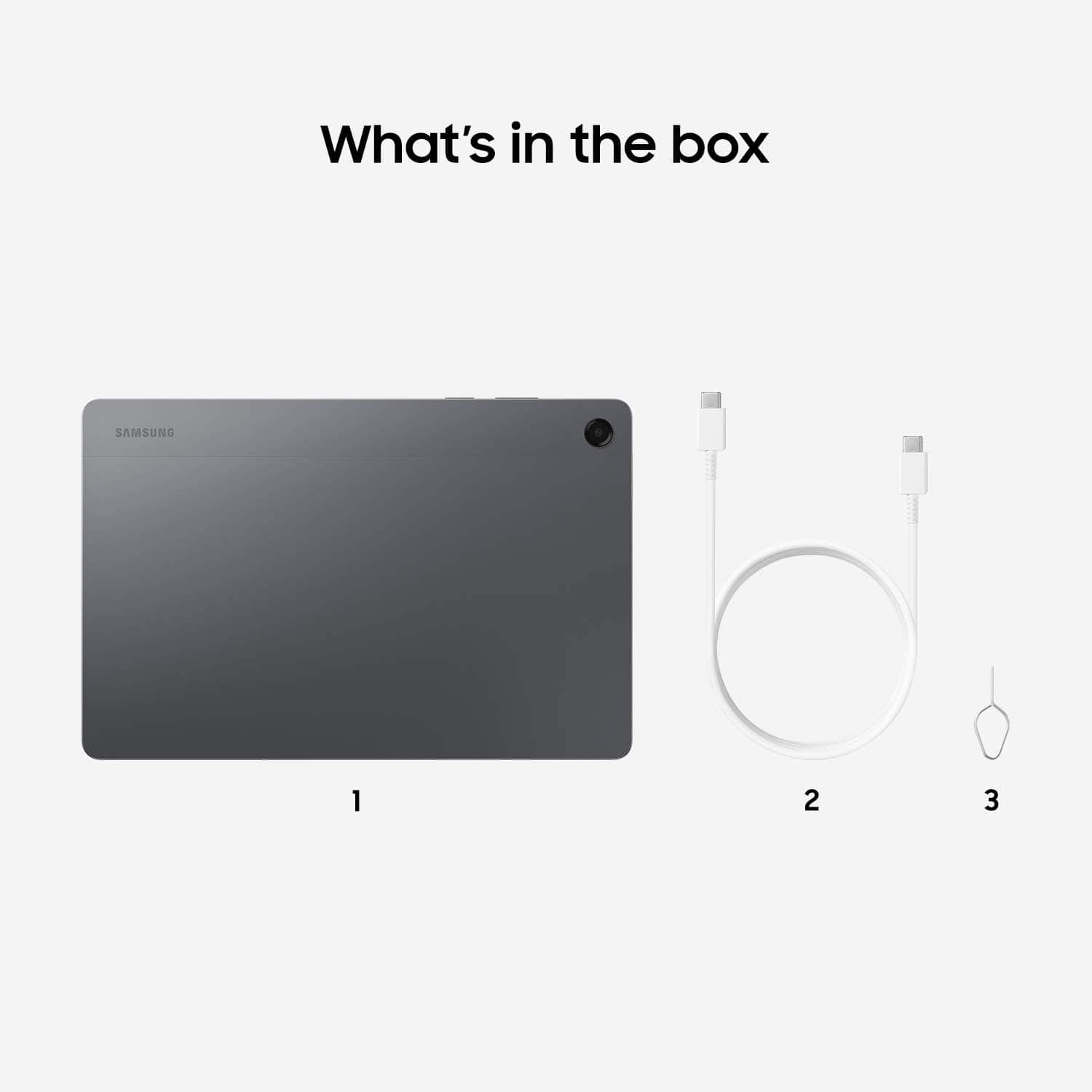
Q: QuestionDoes it come with a charger (wire and block)
Asked by JJ.
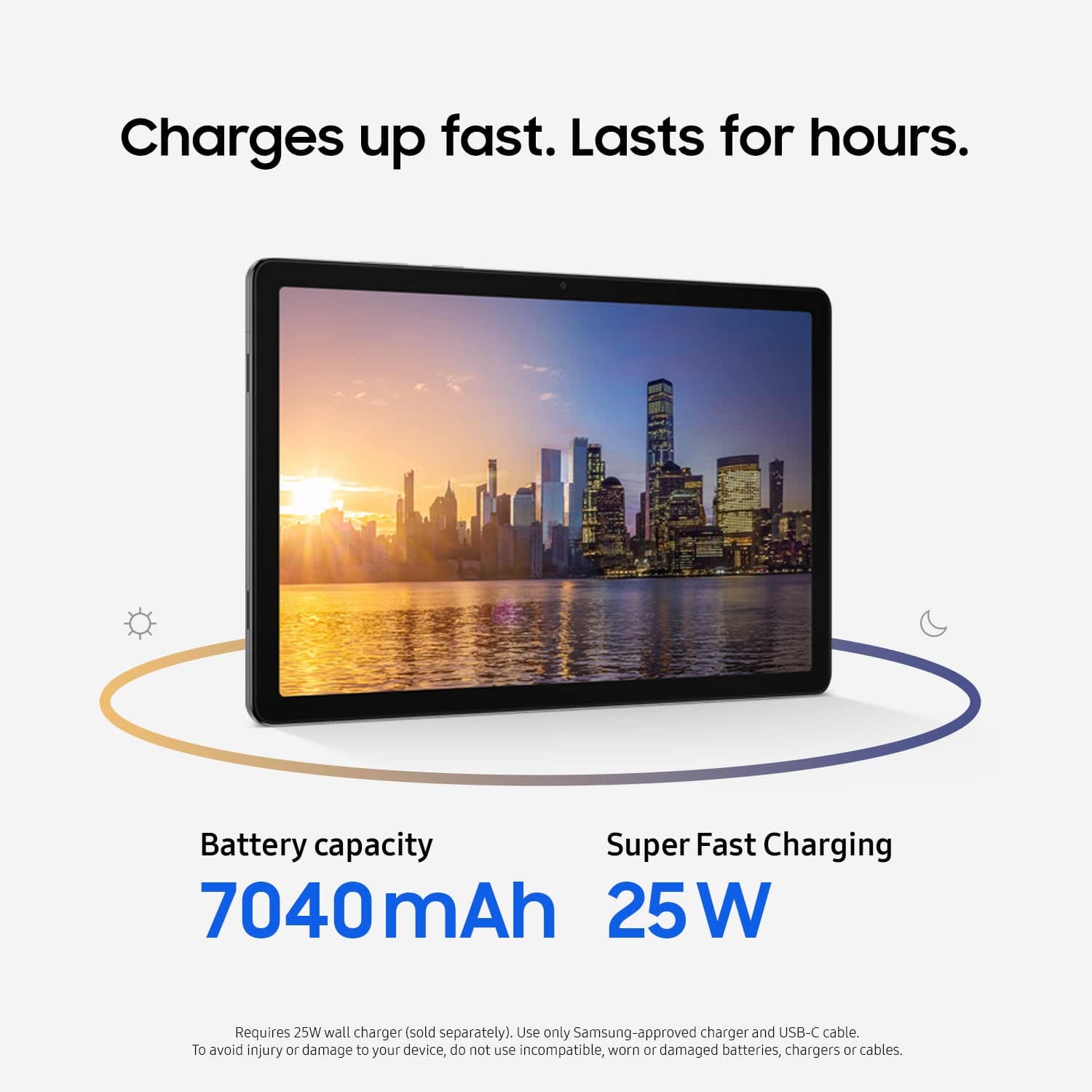
- A:Answer Just the wire
Answered by KarlaB
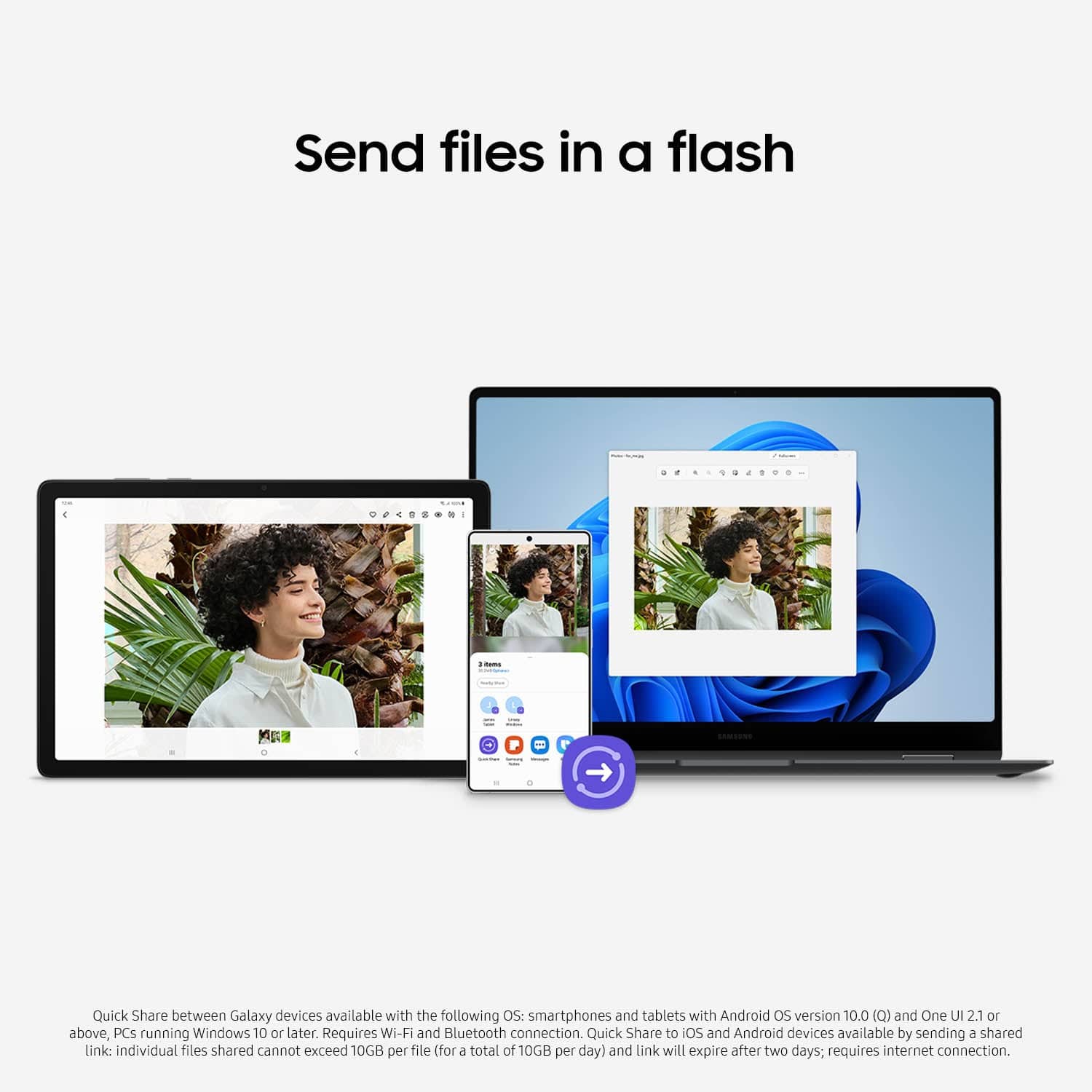
Q: QuestionIf I transfer my data from my S22 Samsung phone will it delete the data from my phone or just add those files to the A11+?
Asked by Bob.
- A:Answer Aloha Bob, thank you for taking the opportunity to ask us your question about the Samsung Galaxy Tab A11+. Transferring data via Samsung Smart Switch will not delete the data from your S22; it merely copies and adds the files to your new device. Your original data remains on the S22, allowing you to use both devices simultaneously during the transfer process. If you have any other questions for us, please feel free to reach out to Support. Thank you for being a faithful Samsung customer. - Debra
Answered by Samsung
Q: QuestionWill Smart Switch transfer the data from my iPad Air 2 to this Galaxy Tablet. If not how can I transfer the data from the iPad air 2 to this tablet. Thanks!
Asked by JoliesMom.
- A:Answer Good day JoliesMom, thank you for asking us your question about the Samsung Galaxy Tab A11+. Yes, Samsung Smart Switch can transfer data from an iPad Air 2 to a Galaxy Tablet like the advertised Galaxy Tab A11+. It supports transferring contacts, photos, videos, calendar events, and Wi-Fi settings, either via a Lightning-to-USB-C cable or wirelessly. If you have additional questions for us, please feel free to reach out to Support. Thank you for being a dedicated Samsung customer. - Debra
Answered by Samsung
Q: QuestionI have a Samsung Galaxy S25 Ultra. Will I be able to sync them and make and get calls if I add Sims card?
Asked by Grannydid.
- A:Answer Hello Grannydid, thank you for finding the time to ask us your question about the Samsung Galaxy Tab A11+. With the Call & text on other devices feature, you can make and receive calls on your tablet as long as it's signed into the same Samsung account as your phone. You can also send messages. However, the connected phone will need to have active service. Call & text on other devices currently does not work with Verizon and AT&T phones, and may not be available on all models from other carriers. Feel free to check out, "Make calls and send messages from your Galaxy tablet" if you would like to learn more about utilizing this feature. The advertised Galaxy Tab A11+ is the Wi-Fi/Bluetooth only version of this device so no SIM card can be added to this device. If you have any other questions for us, please feel free to reach out to Support if you would like any further assistance. Thank you for being a treasured Samsung customer. - Debra
Answered by Samsung
Q: QuestionWhat is the corresponding model number of this tablet which supports cellular 4g/5g connectivity and calls?
Asked by Jinz.
- A:Answer Good day Jinz, thank you for asking us your question about the Samsung Galaxy Tab A11+ One version of the Galaxy Tab A11+ LTE version is Model: SM-X238UZAAATT. If you have additional questions, please feel free to reach out to Support. Thank you for choosing Samsung! - Debra
Answered by Samsung
Q: QuestionWhat charging block works best with this tablet?
Asked by Anonymous.
- A:Answer Standard galaxy charging cable quick charge.
Answered by KarlaB
Q: QuestionWould this tablet work with Tmobile services?
Asked by Mari.
- A:Answer Good day Mari, thanks for asking us your question about the Samsung Galaxy Tab A11+. No, the advertised Galaxy Tab A11+ is the Wi-Fi/Bluetooth Only version of this tablet. It does not have cellular capabilities so it is unable to be added to your T-Mobile plan. If you have any other questions for us, please feel free to contact Support. Thank you for being a valued Samsung customer. - Debra
Answered by Samsung
Q: QuestionWill the info transfer easily from my galaxy tab A to this one
Asked by Anonymous.
- A:Answer Howdy, thank you for taking the opportunity to ask us your question about the Samsung Galaxy Tab A11+. Yes, your information transfers easily between Galaxy tablets using Samsung Smart Switch, allowing you to move photos, contacts, apps, and settings wirelessly or via USB cable. The app provides a seamless transition by enabling you to select content on your old device and transfer it directly to the new one, often replicating your home screen layout. If you have any other questions or if you would like further assistance, please do not hesitate to reach out to Support. Thank you for being a cherished Samsung customer. - Debra
Answered by Samsung
Q: QuestionDoes the phone have cellular compatibility?
Asked by Ray.
- A:Answer Well, I have the new Galaxy 25 phone and new Galaxy tab so yes, my were compatible.
Answered by BARB
Q: QuestionDoes a stylus pen work?
Asked by Stylus.
- A:Answer Salutations Stylus, thank you for asking us your question about the Samsung Galaxy Tab A11+. No, the Galaxy Tab A11+ is not compatible with the Galaxy S Pen. A generic capacitive stylus pen may be a viable option for you instead. If you have any other questions for us or if you would like further assistance, please feel free to reach out to Support. Thank you for being a faithful Samsung customer. - Debra
Answered by Samsung
Q: QuestionCan I connect earphones or ear buds 3.5 to this?
Asked by Sunny.
- A:Answer Yes absolutely. I waited and bought the ear buds/phones that were compatible with the Galaxy tablet and phone because I knew the quality would be much better.
Answered by BARB
Q: QuestionCan I put a key board on it?
Asked by Wamic.
- A:Answer Yes, definitely, but a keypad also pops up on the tablet when you need it.
Answered by BARB
Q: QuestionDoes this come with a keyboard? Nothing is stated in the description.
Asked by Bestgrandpa.
- A:Answer Howdy Walkerjrc, thanks for asking us your question about the Samsung Galaxy Tab A11+. Here's what's included in the box when you purchase this device: Tablet, Data Cable, Quick Start Guide, Ejection Pin. If you have any other questions, please do not hesitate to reach out to Support. Thank you for being a valued Samsung customer. - Debra
Answered by Samsung
Q: QuestionCan I transfer my A9 Plus data to the a11 plus easily
Asked by Kyle.
- A:Answer Hi there Kyle, thank you for asking us your question about the Samsung Galaxy Tab A11+. Yes, you can easily transfer data from your Tab A9+ to a new Tab A11+ by using the pre-installed Samsung Smart Switch app. It allows for a fast, wireless, or wired transfer of apps, photos, contacts, and settings. Simply open Smart Switch on both devices, select "Send" on your Tab A9+ and "Receive" on your Tab A11+, and choose the data to migrate. If you have any other questions for us, please feel free to reach out to Support. Thank you for being an integral part of the Samsung community! - Debra
Answered by Samsung
Page 1, Showing 1-19 of 19 questions