Questions & Answers
- Model:
- SM-X210NZAEXAR
- |
- SKU:
- 11058710
Q: Questiondoes this tab have the option of using cellular network card and if we can use 5g network on it ?
Asked by kartik.
- A:Answer No, you cannot use this with any form of cellular capabilities.
Answered by AliciaR
Q: QuestionCan I add music from my library on my computer to the tablet, does it have a music player?
Asked by Elma.
- A:Answer Salutations Elma, thanks for taking the opportunity to ask us your question about the Samsung Galaxy Tab A9+. That's a great question! Yes, you can! Check out, "Transfer content with Samsung Smart Switch" and "Content that can be transferred with Smart Switch" when you have some free time to learn more about using Smart Switch. Let us know if you have any other questions for us or if you would like any further assistance by reaching out to Samsung Support. Thanks again for choosing Samsung! - Debra
Answered by Samsung

Q: QuestionCan you take pictures using this iPad?
Asked by AliG.
This question was asked about the related product: Samsung - Galaxy Tab A9+ 11" 128GB - Wi-Fi - Silver
- A:Answer Yes it has a camera and if you link it with your samsung phone you can view the pictures on your phone's gallery as well as the tablet's
Answered by Trooper
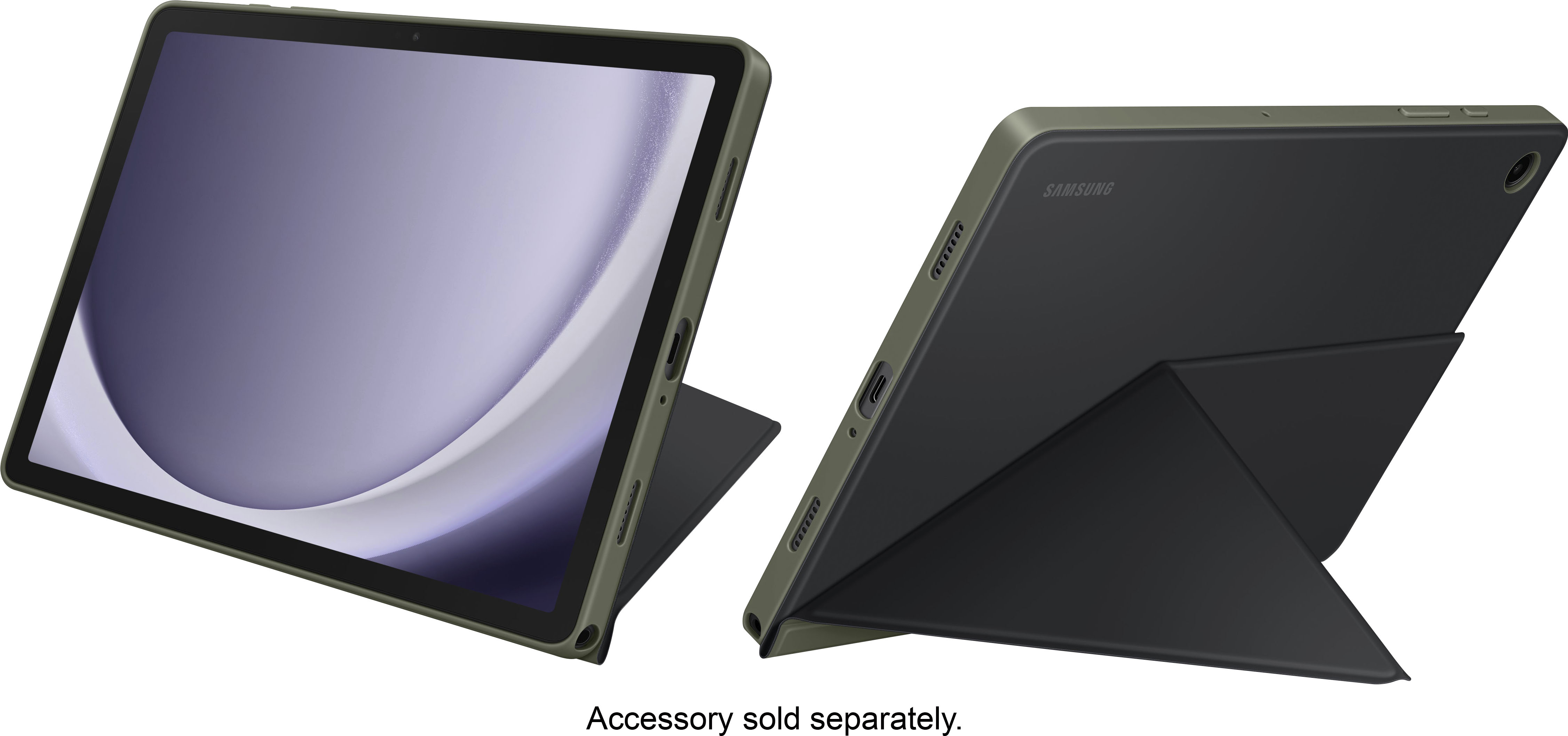
Q: QuestionDoes the Tablet come with a cover?
Asked by Anonymous.
This question was asked about the related product: Samsung - Galaxy Tab A9+ 11" 128GB - Wi-Fi - Silver
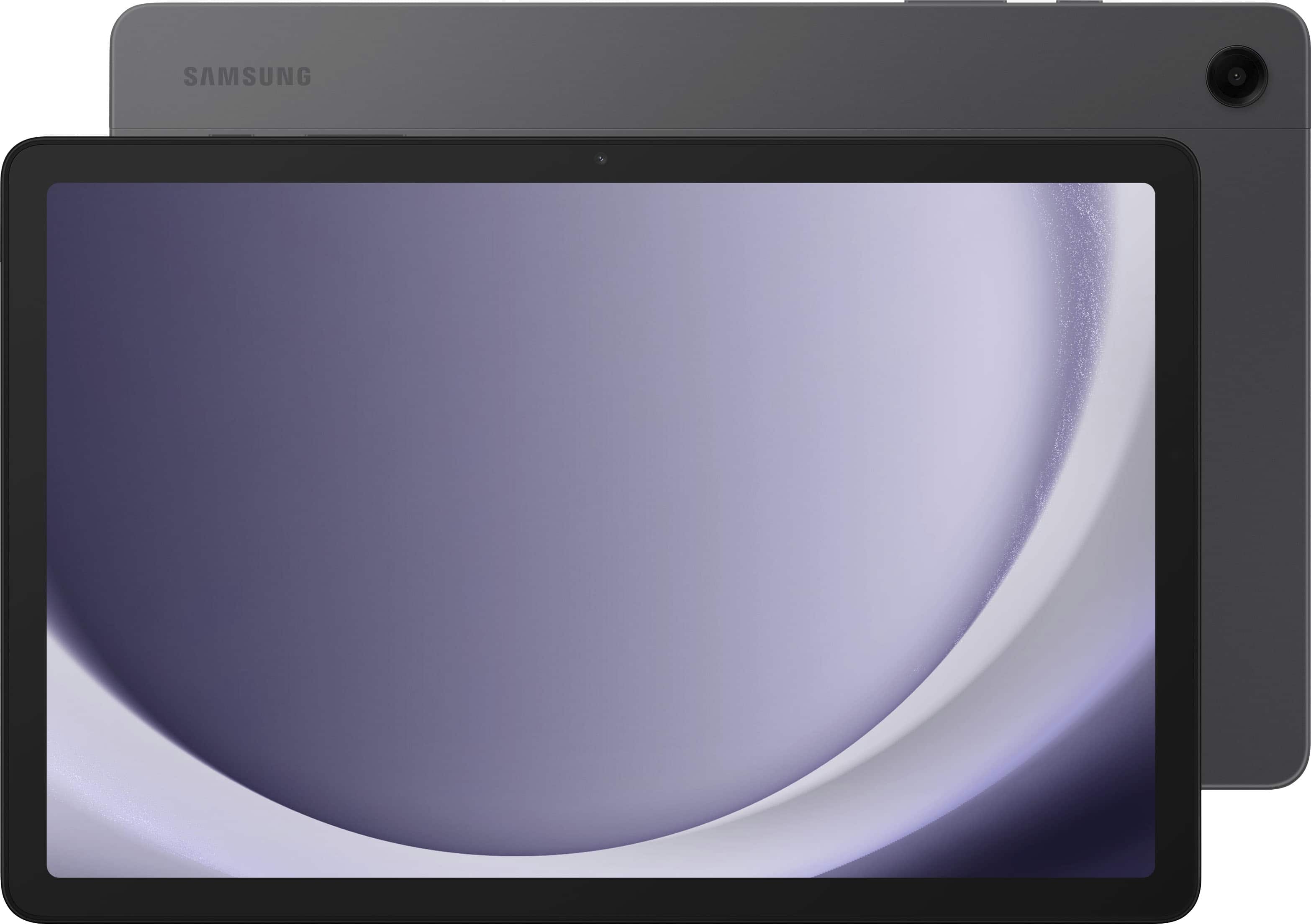
- A:Answer Hello, thank you for finding the available time out of your lively day to ask us your question about the Samsung Galaxy Tab A9+. The Galaxy Tab A9+ box includes the Galaxy Tab A9+, Data Cable, Quick Start Guide, and Ejection Pin. Additional accessories like screen protectors and book covers are available for an additional purchase, if you would like. If you have any other questions for us, let us know by reaching out to Samsung Support. Thanks again for being a loyal Samsung customer. - Debra
Answered by Samsung

Q: QuestionWill this tablet support a 2 TB SD card.
Asked by Cam.
- A:Answer No. Checked Samsung website, the tablet support up to 1 TB SD card. https://www.samsung.com/levant/tablets/galaxy-tab-a/galaxy-tab-a9-lte-mystic-navy-128gb-sm-x115ndbemea/#:~:text=Galaxy%20Tab%20A9%20and%20Tab%20A9%2B%20come%20with%20up%20to,microSD%20card%20%E2%80%94%20up%20to%201TB.
Answered by Sonny
Q: QuestionIs this compatible with verizon
Asked by Anonymous.
- A:Answer Salutations, thanks for taking the opportunity to ask us your question about the Samsung Galaxy Tab A9+. The advertised Galaxy Tab A9+ is a Wi-Fi enabled tablet. This tablet utilizes Wi-Fi and/or Bluetooth connectivity in order to be considered fully functional. You are looking for an LTE version of tablet if you were wanting to add it to Verizon's wireless network. If you have additional questions for us, feel free to contact Samsung Support at your leisure. Thank you for being a dedicated Samsung customer. - Debra
Answered by Samsung

Q: QuestionWhat version of android comes installed ?
Asked by abednego.
- A:Answer Android 13 is the current pre-installed version.
Answered by Paul
Q: QuestionDo I get apps for this tablet on the Google Play Store, like a Samsung Phone?
Asked by JacksonOldTimer.
- A:Answer Salutations PK, thanks for taking the opportunity to ask us your question about the Samsung Galaxy Tab A9+. Yes, that's exactly right, PK! Just visit the Google Play store to download your favorite apps on this tablet! Let us know i you have any other questions for us by reaching out to Samsung Support at your leisure. Thank you for being a dedicated Samsung customer. - Debra
Answered by Samsung

Q: QuestionHow can you connect the tablet with my cell phone T-Mobile?
Asked by Mamadiva.
- A:Answer Hi Mamadiva, thanks for taking the time out of your hectic day to ask us your question about the Samsung Galaxy Tab A9+. The advertised Galaxy Tab A9+ is a Wi-Fi enabled tablet that can be easily paired via Bluetooth with your smartphone. However, if you are asking if you can add this tablet to your T-Mobile wireless plan, this would not be possible. This tablet lacks the cellular connectivity needed in order to be added to a carrier's data network. If you think of any other questions for us, feel free to contact Samsung Support at your earliest convenience. Thank you for being a cherished Samsung customer. - Debra
Answered by Samsung

Q: QuestionDoes the Galaxy Tab A9 have an earphone jack plug?
Asked by SinTexas.
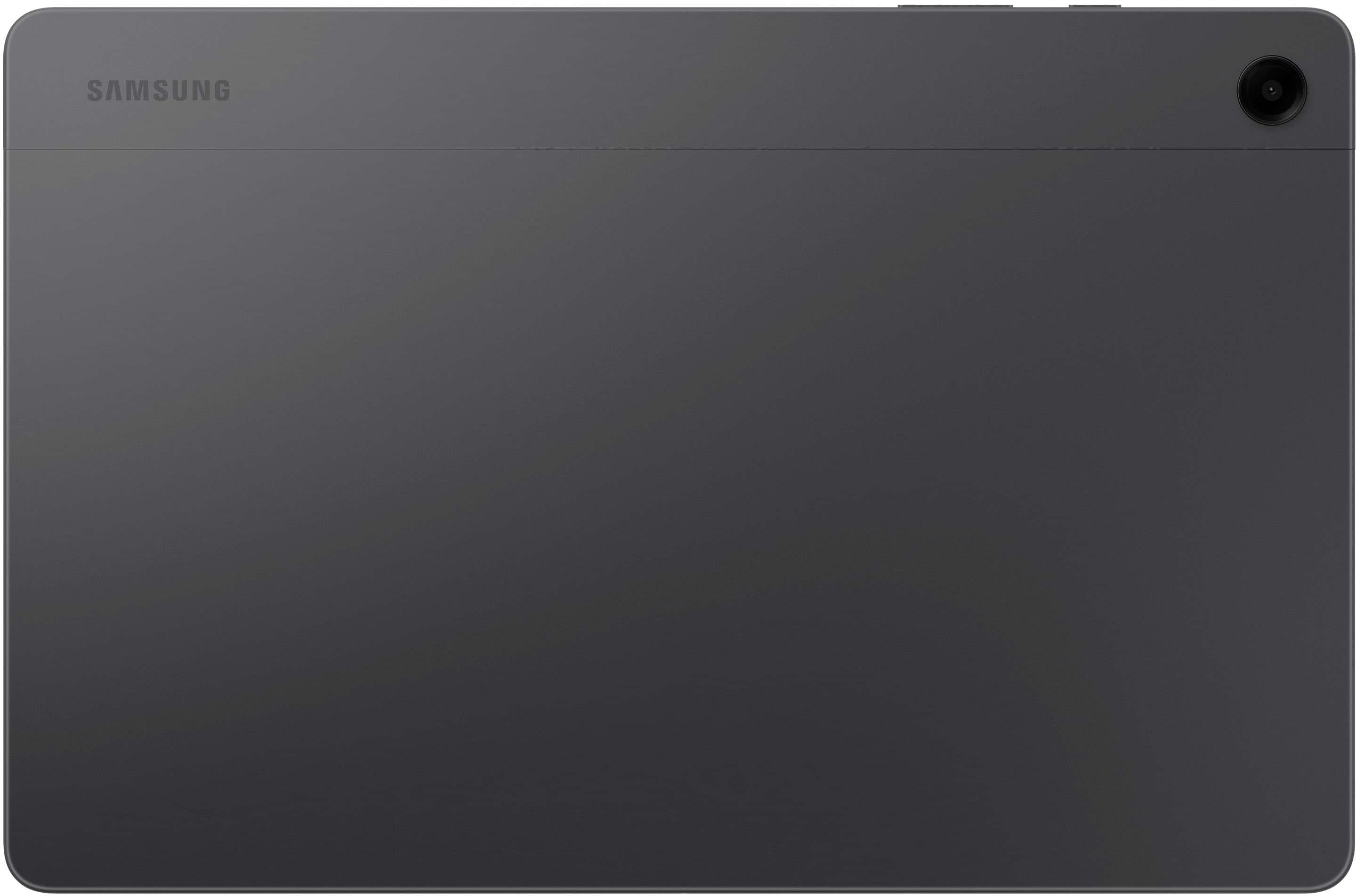
- A:Answer The A9+ does have a headphone jack. Not sure about the A9.
Answered by Anonymous
Q: QuestionIs it compatible with cricket wireless
Asked by Blair.
- A:Answer Hello Blair, thank you for asking us your question about the Samsung Galaxy Tab A9+. The advertised Galaxy Tab A9+ is the Wi-Fi/ Bluetooth Only version of this tablet. It does not support SIM cards so will not be available to add to your wireless carrier's network. If you have any other questions for us or if you would like any further assistance, please let us know by reaching out to Support. Thank you for being a faithful Samsung customer. - Debra
Answered by Samsung
Q: QuestionWill it upgrade to Android 17?
Asked by Niko.
- A:Answer Salutations Niko, thanks for taking the time out of your busy schedule to ask us your question about the Samsung Galaxy Tab A9+. The advertised Galaxy Tab A9+ is expected to receive three major Android OS updates (upgrading from Android 13 to Android 16) and 4 years of security updates. If you have any other questions for us, please feel free to reach out to Support. Thank you for being a devoted Samsung customer. - Debra
Answered by Samsung
Q: QuestionCan you set a time for the tablet to go into sleep mode? Can you turn off purchasing so you can control what they buy?
Asked by Parentalcontrols.
- A:Answer Greetings Parentalcontrols, thank you for finding the unobstructed time to ask us your question about the Samsung Galaxy Tab A9+. Yes, the advertised Galaxy Tab A9+ allows you to set automatic sleep times (15 seconds to 30 minutes) under Settings > Display > Screen timeout. You can also prevent unauthorized purchases by requiring authentication (password/PIN) in the Google Play Store settings. Go to Settings > Modes and Routines > Sleep to set a specific daily schedule for the tablet to enter power-saving sleep mode. If you have any other questions for us, please feel free to contact Support. Thanks for choosing Samsung! - Debra
Answered by Samsung
Q: QuestionWe re looking at getting this tablet to use on a trip to Ireland. We want to be able to use google maps while we are over there. Will this tablet have goggle maps and will it work while we are in Ireland?
Asked by MikebMN.
- A:Answer Hi there MikebMN, thanks for taking the time to ask us your question about the Samsung Galaxy Tab A9+. Yes, the advertised Wi-Fi/Bluetooth version of the Samsung Galaxy Tab A9+ will be able to use Google Maps in Ireland. It is fully capable of navigation as it has a built-in GPS chip that does not require cellular data to determine your location. We recommend, before leaving for Ireland or while on reliable Wi-Fi, download offline maps of the areas you plan to visit in the Google Maps app. This allows for full navigation, search, and map viewing without needing a continuous internet connection. If you have any other questions, please let us know by contacting Support. Thank you for being a loyal Samsung customer. - Debra
Answered by Samsung
Q: QuestionAre all streaming services available on this tablet, like Britbox, AppleTv, HBOMax, ESPN, etc.? My old iPad is outdated, and I need a more affordable option for watching my shows/films, recipes. Thanks.
Asked by LesMomEdu8r.
- A:Answer Hi there LesMomEdu8r, thanks for reaching out with your question about the Samsung Galaxy Tab A9+. Yes, all compatible apps for the advertised Galaxy Tab A9+ can be downloaded from the Google Play Store. Feel free to contact Support if you have any other questions. Thanks for choosing Samsung! - Debra
Answered by Samsung
Q: QuestionDoes it support square card reader
Asked by Gump.
This question was asked about the related product: Samsung - Galaxy Tab A9+ 11" 128GB - Wi-Fi - Silver
- A:Answer No
Answered by ConcreteNinja
Q: QuestionCan the kids use this to get on i-ready and reflex for school
Asked by V.
- A:Answer Hey V, thank you for asking us your question about the Samsung Galaxy Tab A9+. . The Galaxy Tab A9+ runs on Android which allows access to these platforms via web browsers like Chrome (using the desktop site view) or through dedicated apps found in the Google Play Store. If you have additional questions for us or if you would like further assistance, please do not hesitate to reach out to Support. Thanks for choosing Samsung! - Debra
Answered by Samsung
Q: QuestionHelp! my tablet started randomly talking when I took it out of the case and now it won’t do anything. Won’t turn on, off, reset or charge. what should I do?
Asked by Anonymous.
- A:Answer Salutations, thank you for asking us your question about the Samsung Galaxy Tab A9+. Your phone or tablet may not turn on if you are not charging it properly. But on the other hand, it may not turn off if it's completely frozen. If it’s not responding when you are pressing the Power button, check out "Samsung phone or tablet will not power on or off" to help resolve what you have described to be experiencing with your tablet. If you have any questions for us afterward or if you would like further assistance, please feel free to reach out to Support. Thank you for being a valued Samsung customer. - Debra
Answered by Samsung
Q: QuestionHow much memory does the 128 have?
Asked by AG2026.
This question was asked about the related product: Samsung - Galaxy Tab A9+ 11" 128GB - Wi-Fi - Silver
- A:Answer Hello there AG2026, thank you for reaching out with your question about the Samsung Galaxy Tab A9+. The advertised Galaxy Tab A9+ with 128GB of total storage has an 8GB RAM. If you have additional questions, please feel free to reach out to Support. Thank you for being a valued Samsung customer. - Debra
Answered by Samsung
Q: QuestionCan I do my taxes on this tablet?
Asked by Anonymous.
- A:Answer Hey there, thanks for asking us your question about the Samsung Galaxy Tab A9+. Possibly. You can download all of your compatible apps from the Google Play Store. If you have any other questions for us, please feel free to reach out to Support. Thanks for being a faithful Samsung customer. - Debra

Answered by Samsung