Appliances Presidents’ Day SaleEnds 2/25. Limited quantities. No rainchecks.Shop now

Skip to contentGo to Product SearchGo to Footer
Main Content

Questions & Answers

Model:
SM-X210NZSAXAR
SKU:
10917276
$195.99
Save $24
Comp. Value: $219.99
Page Showing 241-247 of 247 questions
  • QuestionWhat charger does this use?

    Asked by Justme.

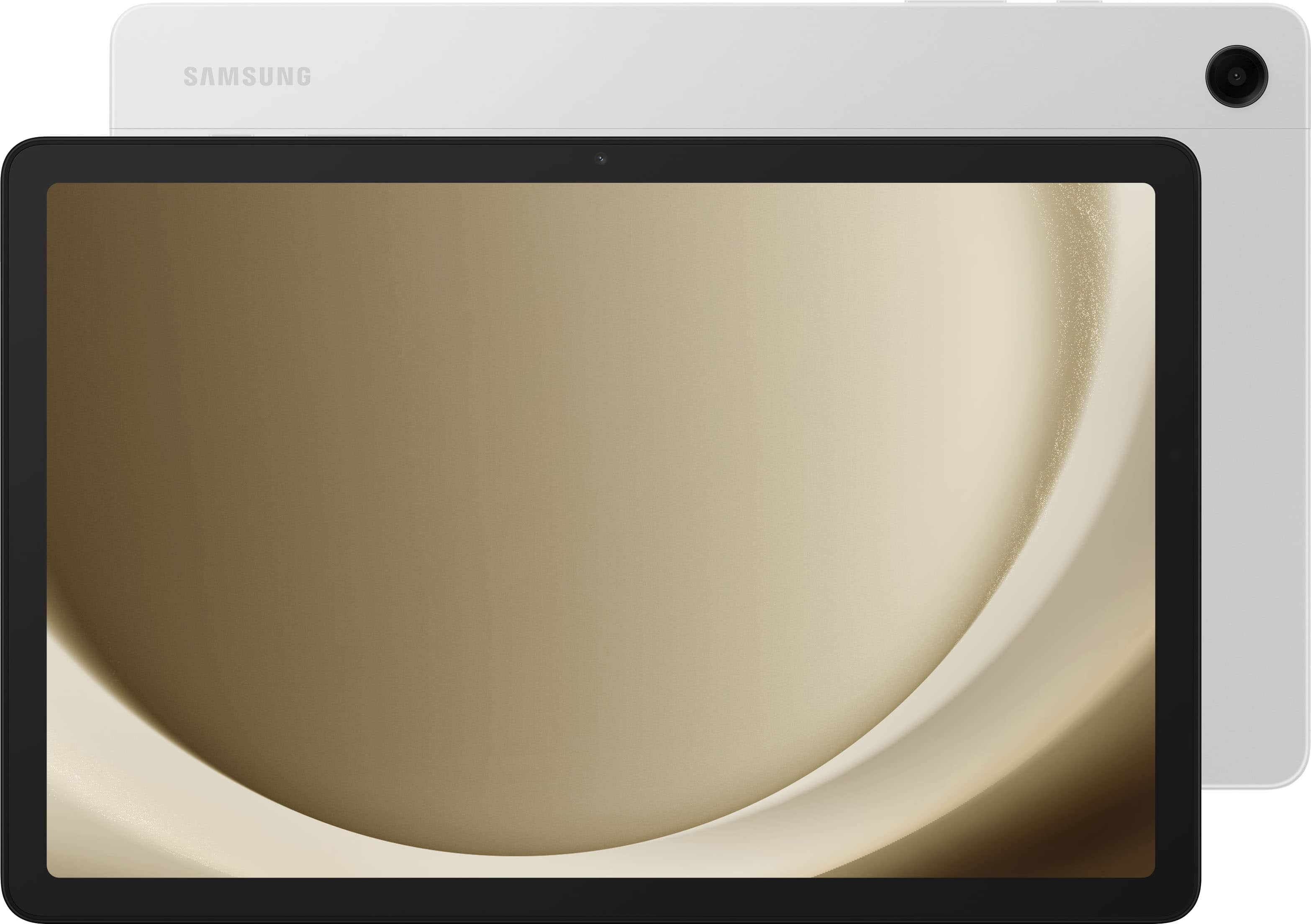
    • Answer Salutations Justme, thanks for taking the time out of your busy schedule to ask us your question about the Samsung Galaxy Tab A9+. You can charge your Galaxy device using any Samsung travel adapter, but charging speeds may vary depending on the charger. You should only use original Samsung travel adapters and USB cables with your phone or tablet. For more information, take a moment to review "Wall chargers and charging your Galaxy phone or tablet." If you have any other questions for us, do not hesitate to contact Samsung Support. Thank you for being a faithful Samsung customer. - Debra

      Answered by Samsung

  • QuestionCan you move apps to mini SD card to not use up all the space?

    Asked by Great.

    • Answer The question was can apps be stored on the SD card, and the answer from Samsung did not answer that question.

      Answered by Anonymous

  • QuestionCan this tablet act as an extended screen for a PC running Windows 10 or 11?

    Asked by JohnK.

    • Answer NO! Not, without a separate app. You used to be able to, but the options have been removed. One option was "second display" but that is not on this model. The other was a "secret" option in "Smart View" but that has also been removed. Note that I use a program called "SuperDisplay" to get this functionality, but that costs money, and is not nearly as good as what Samsung tablets used to be able to do out of the box. I hope that an update fixes this in the future, but I am not going to hold my breath.

      Answered by Harrkev

  • QuestionIs WPA3 security supported on the Tab A9+ despite it having WiFi 5 (802.11ac)?

    Asked by PeterN.

    • Answer No it is not an i have no pictures to show

      Answered by Nothing

  • Questionis this had USB 3.2?

    Asked by mercyfan.

    • Answer I knew it usb-c but is it eletrically usb-2 or usb-3 or usb-3.1 or usb-3.2

      Answered by Mercyfan

  • QuestionDoes this tablet support the second screen option?

    Asked by Mj.

    • Answer By Default no. Samsung disabled the included second screen option and hid it from working. You can use third party apps like superdisplay yes this makes no since but this way samsung can make you buy the S tab vs the a.

      Answered by VOIPNEERD

  • QuestionCan you use two sets of headphones with this at the same time?

    Asked by rent.

    • Answer Yes—you can stream audio to two Bluetooth headsets at once on the Galaxy Tab A9+ by using Samsung’s Dual Audio feature. Here’s how: Open Settings and tap Connections > Bluetooth, then pair both headphone sets one after the other. Swipe down from the top to open the Quick Settings panel and tap Media. You’ll see both paired devices listed—just check each one to start simultaneous playback. You can even adjust each headset’s volume independently.

      Answered by Duckyfresh81