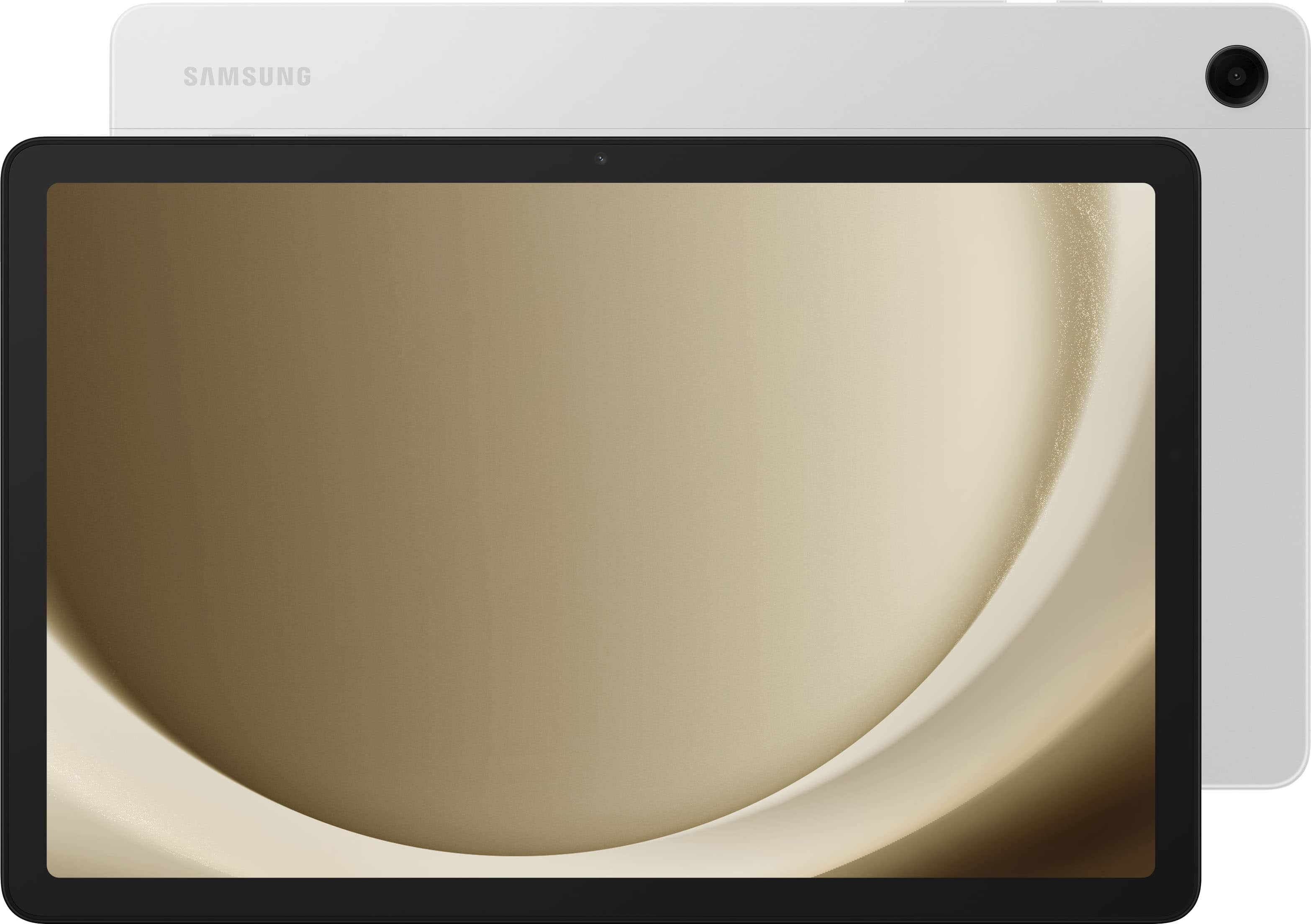
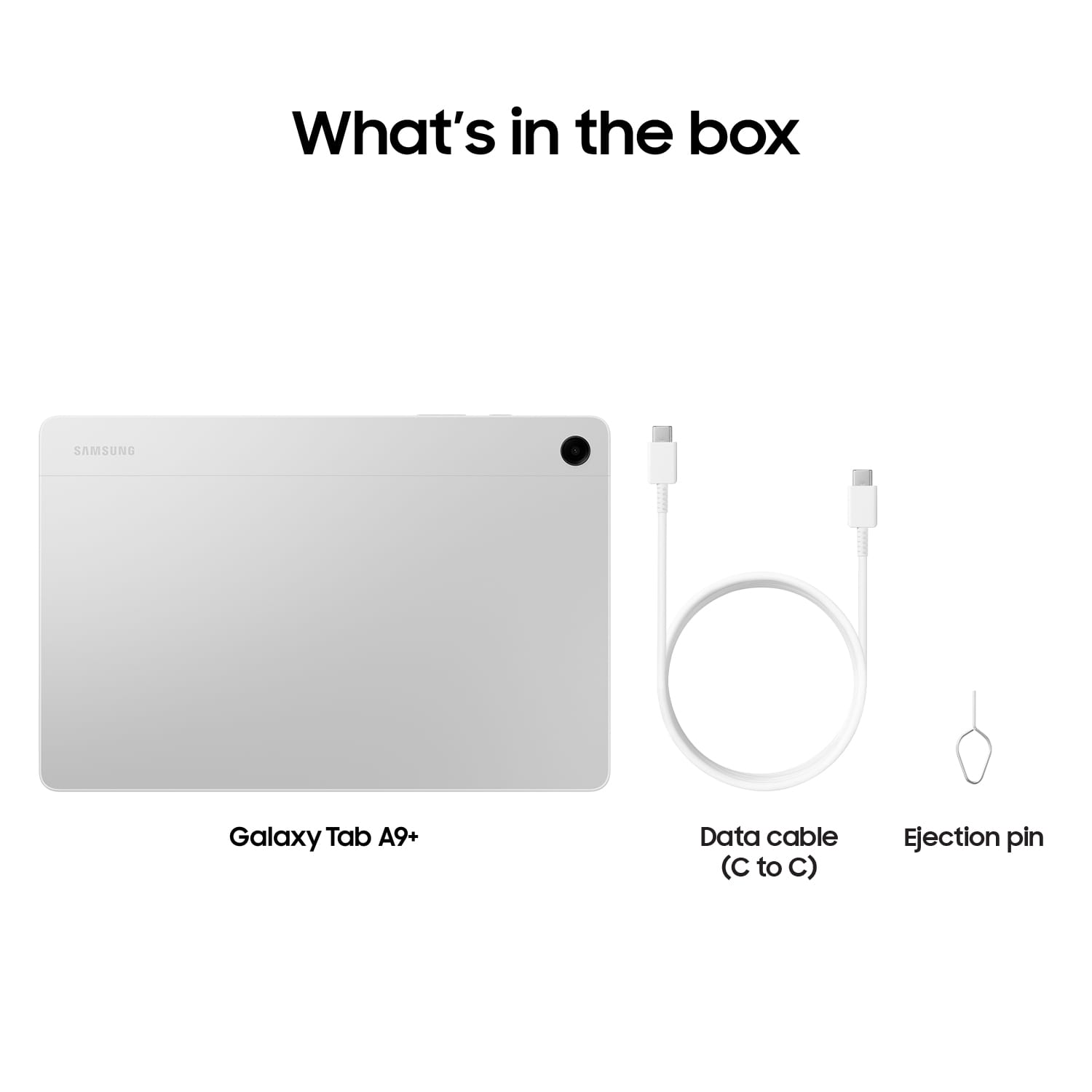
A:AnswerHi there, thanks for taking the time out of your day to ask us your question about the Samsung Galaxy Tab A9+. The Tab A9+ offers a 3.5mm Stereo ear jack. Let us know if you have any other questions for us by contacting us at your leisure. Thank you for being a faithful Samsung customer. - Debra

A:AnswerWe appreciate you taking the time to reach out to us with your question, Peachz. The Galaxy Tab A9+ comes with a refresh rate of up to 90Hz makes every experience feel smooth it’s great for videos, games, or fun times for the kids. To answer your question, of course! Open Settings, then tap Display and then tap the switch next to Touch sensitivity. If you have any other questions or concerns, please do not hesitate to reach out to us at Support. -Kelvin
A:AnswerWe appreciate you reaching out to us, Jim. We see that you are interested in the processor for the Tab A9+. This tablet comes with a Qualcomm Snapdragon 695 processor. If you have any further questions, don't hesitate to reach out to us at Support. -Kelvin
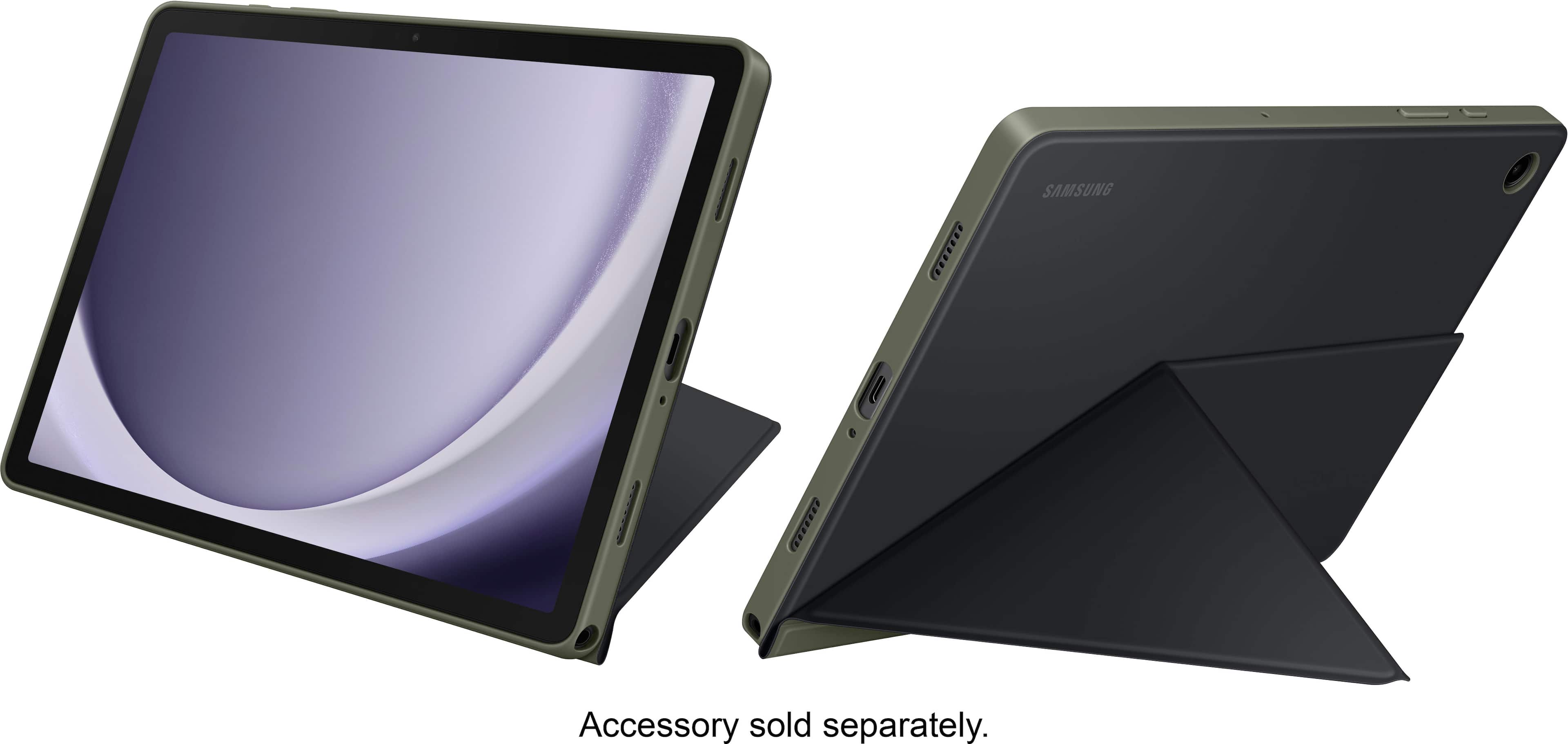
A:AnswerYes, Samsung sells their own stylus for their tablets or you could try other brands, just make sure the stylus you are using can work with other branded tablets and it is not too rough on the screen as it does not come with a protective cover
A:AnswerGood day Mark1, thank you for reaching out about your Samsung Galaxy Tab A9+. Press and hold Side button to turn the device on. To turn the device off, press and hold Side button and Volume down button at the same time, and tap Power off. Confirm when prompted. To restart your device, press and hold Side button and Volume down button at the same time, and tap Restart. Confirm when prompted. Hope that helps! If you would like further assistance, please feel free to contact Support. Thank you for being a faithful Samsung customer. - Debra